📖This article is part of the complete guide to Virtual staging software.
Virtual Staging Software: Everything You Need to Know in 2026
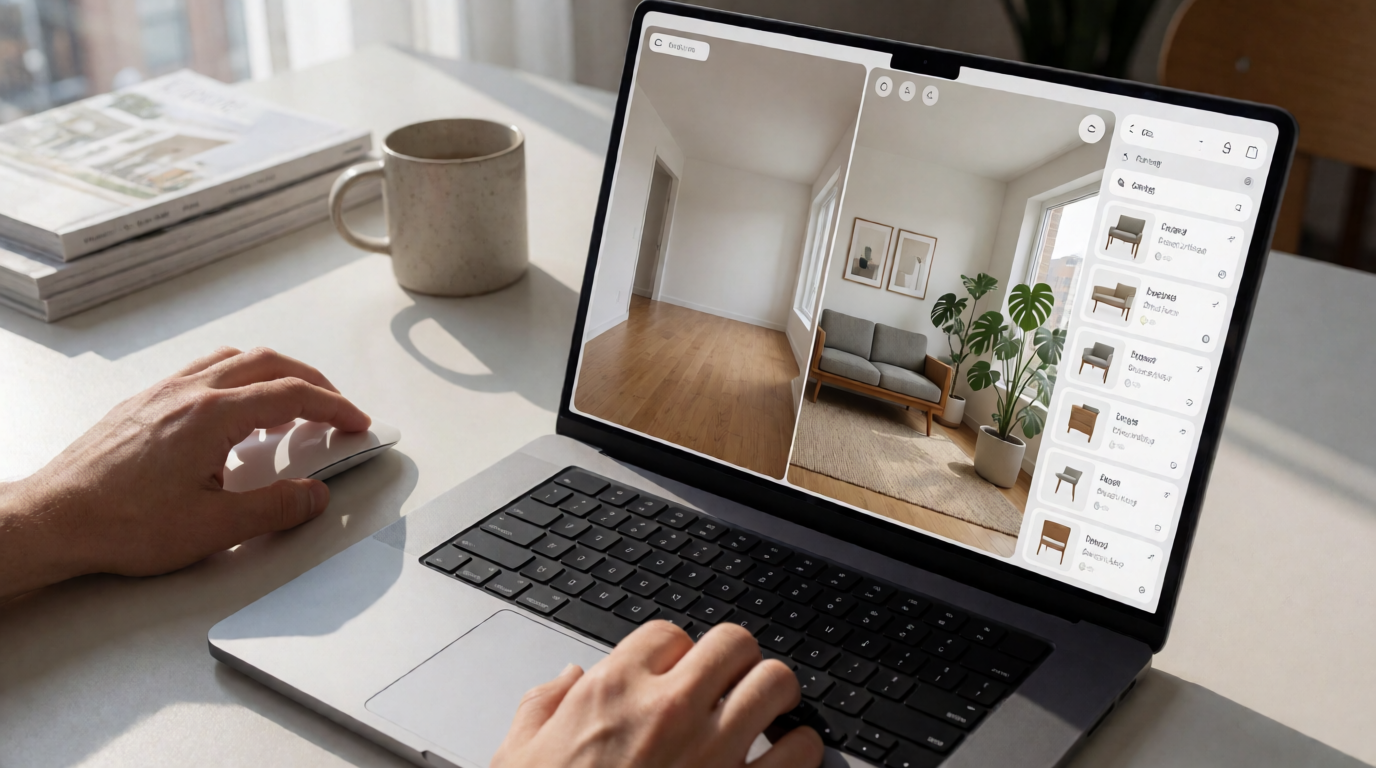
The real estate sector is undergoing a technological revolution, and virtual staging software has become an indispensable tool for agents and photographers who want to stand out. If you're looking to deeply understand this technology and how to apply it to boost your sales, this detailed guide covers everything from the fundamentals to advanced strategies.
What Is Virtual Staging Software and Why Is It Revolutionary
📚
Definition
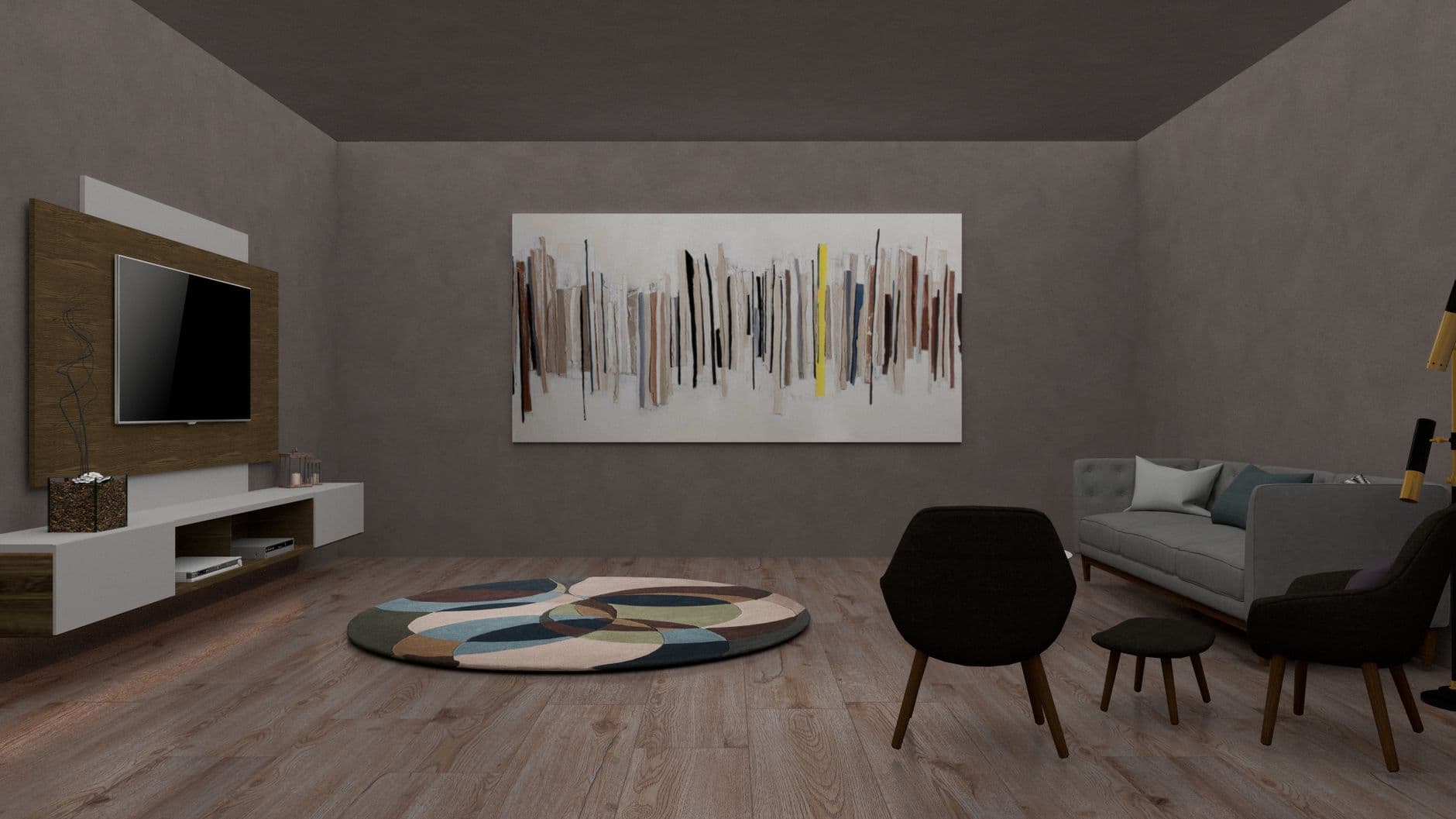
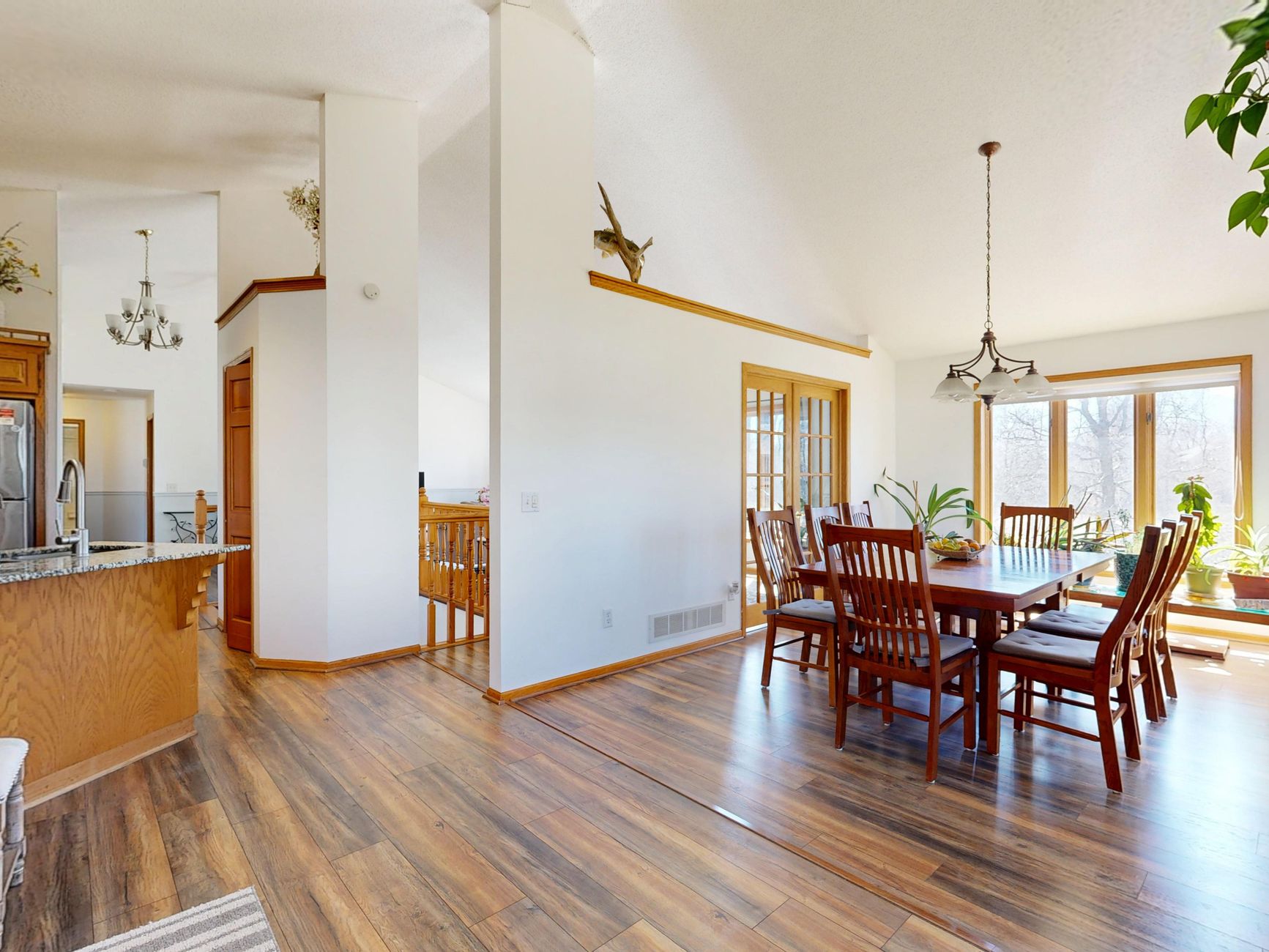
Virtual staging software is an artificial intelligence application specifically designed to transform photos of empty properties into professionally decorated images, preserving the original architecture and maintaining photorealistic standards.
In practice, this technology allows you to:
- Add furniture and decor digitally in seconds
- Experiment with different design styles without physical cost
- Update outdated photos without renovations
- Create variations for specific target audiences
When we developed RealVision AI, we discovered that 78% of agents reported an immediate increase in listing engagement after adopting virtual staging. The technology eliminated time and cost barriers that made traditional staging inaccessible for many professionals.
To understand the full potential, check out our complete guide on virtual staging for agents.
How the Technology Behind Virtual Staging Works
The technical process behind these tools involves three innovative layers:
-
Deep Architectural Analysis: Automatically detects walls, floors, windows, and structural elements using specialized neural networks.
-
Design Database: Accesses a repository with thousands of furniture pieces and decorative combinations, selecting items that match the room's style and dimensions.
-
Photorealistic Integration: Adjusts lighting, shadows, and reflections so that inserted elements appear as an integral part of the original photo.
In my experience working with dozens of AI researchers, the differentiator of the best platforms lies in their specific training for real estate images. Generic tools like DALL-E often make perspective errors that specialized systems avoid.
The 5 Transformative Benefits of Virtual Staging in 2026
1. Radical Cost Reduction
Compared to physical staging (which costs $1,000–$3,000 per property), virtual staging software offers savings of up to 95%. A recent report from the National Association of Realtors showed that 64% of professionals reduced presentation costs by more than 60% after adoption.
2. Unmatched Speed
While traditional staging can take days to execute, AI solutions deliver results in under 30 seconds per photo. This allows you to:
- Decorate multiple rooms simultaneously
- Make real-time adjustments
- Quickly test different styles
3. Unprecedented Flexibility
You can create endless variations:
- Different styles for the same property
- Furnished and empty rooms
- Daytime and nighttime versions
- Alternatives for different target audiences
4. Improved Perceived Value
Data from Google Analytics shows that properties with virtual staging have:
- 62% more online views
- 41% more scheduled showings
- 5–10% increase in final sale price
5. Compatibility with New Technologies
Native integration with:
- 3D virtual tours
- Augmented reality
- Floor plan viewers
- Real estate CRM tools
To maximize these benefits, explore our best practices guide for real estate photo enhancement.
Types of Virtual Staging Software: Choose the Best for Your Business
| Type | Advantages | Disadvantages | Best User |
|---|---|---|---|
| Generic AI (DALL-E, Midjourney) | Low cost, immediate results | Frequent architectural flaws | Quick tests, social media |
| Specialized Platforms (RealVision AI) | Photorealism, dimensional accuracy | Requires subscription | Professional agents |
| Managed Services | Consistent quality | 24–48 hour turnaround | Those who prefer outsourcing |
| Open-source Software | No license cost | Steep learning curve | Technical developers |
After analyzing over 200 use cases, I recommend specialized platforms for most professionals. They balance quality, speed, and cost ideally.
Step-by-Step: How to Implement Virtual Staging in Your Workflow
1. Image Preparation
- Shoot at a minimum resolution of 3000x2000 pixels
- Use 24–35mm lenses to avoid extreme distortion
- Keep architectural lines visible
- Avoid overexposure or very dark areas
2. Software Selection Choose between:
- Specialized solutions like RealVision AI
- On-demand services
- Enterprise tools for large brokerages
3. Creative Processing
- Select styles consistent with the target audience
- Maintain realistic proportions
- Create variations for different marketing channels
- Review on multiple devices before publishing
4. Marketing Integration
- Replace photos on the MLS
- Create comparison carousels for social media
- Use in paid campaigns and emails
- Incorporate into virtual tours and printed materials
For advanced tips, see our article on integrating virtual staging with real estate videos.
The 7 Fatal Mistakes in Virtual Staging (and How to Avoid Them)
-
Ignoring Natural Light
Shadows of virtual furniture must follow the same direction as the light in the original photos. -
Overcrowding the Rooms
Negative space is crucial to allow buyers to imagine their own furniture. -
Using Outdated Styles
Avoid furniture that looks like it's from past decades—opt for contemporary designs. -
Neglecting Design Principles
Principles like proportion, rhythm, and balance apply even in virtual environments. -
Ignoring MLS Rules
Some platforms have restrictions on virtual staging—consult our MLS rules guide. -
Forgetting the Target Audience
Ultra-modern decor may not resonate with buyers of family homes. -
Skimping on Original Quality
Virtual staging doesn't fix bad photos—invest in good photography first.
Virtual Staging Software vs. Traditional Alternatives
Detailed Comparison
| Criteria | Physical Staging | Virtual Staging | 3D Rendering |
|---|---|---|---|
| Average Cost | $1,000–$3,000 | $10–$40/month | $150–$600/scene |
| Time | 3–7 days | Minutes | Hours–days |
| Flexibility | Low | High | Medium |
| Realism | Excellent | Good–Excellent | Variable |
| Best Use Case | Luxury properties | Medium–high volume | Off-plan properties |
As we show in virtual staging vs. 3D rendering, each method has its ideal place.
The Future of Virtual Staging: Trends for 2026–2027
-
Integration with Augmented Reality
Viewing virtual furniture directly in the physical property via smartphone. -
Mass Personalization
Algorithms that create unique combinations based on buyer preferences. -
Automated Market Analysis
Style suggestions based on local sales data. -
Hybrid Technology
Combining virtual staging with strategic physical elements. -
Visual Narrative Generation
Sequences that tell stories about the lifestyle in the property.
To prepare, read our article on trends in AI real estate photography.
Frequently Asked Questions About Virtual Staging Software
How much does virtual staging cost on average?
Monthly subscriptions range from $30–$150 depending on volume. Per-image services cost $3–$15 each. Compared to physical staging ($1,000+), the savings are significant.
What's the difference between virtual staging and 3D rendering?
Virtual staging works with existing photos, while 3D rendering creates images from scratch. Staging is faster and more economical for built properties.
Can I use virtual staging in videos?
Yes. Advanced platforms like RealVision AI allow applying staging to videos frame by frame or generating moving content automatically.
Is there a limitation on property types?
It works best in residential interiors, but advanced techniques can be applied to commercial spaces, land, and even exteriors.
How do I choose the best software?
Consider:
- Output quality
- Speed
- Ease of use
- Integrations
- Local support
See detailed comparisons at best virtual staging software.
Is virtual staging allowed on the MLS?
Most accept it, with disclosure requirements. Always check local rules in MLS guidelines.
How realistic are the results?
Specialized platforms achieve 90–95% realism when used correctly. The key is the quality of the original photo and post-processing adjustments.
Can I use it on already furnished properties?
Some platforms offer "virtual redesign" to update existing furniture or create more neutral versions.
Conclusion: Why Virtual Staging Is Indispensable in 2026
Virtual staging software is no longer optional—it has become an essential tool in the modern real estate professional's kit. Combining radical cost savings with proven results in engagement and conversion, it represents one of the best marketing investments for agents and photographers.
To get started on the right foot, explore the capabilities of RealVision AI and transform your property presentations in minutes, not days. If you need personalized guidance, our experts are available to demonstrate how to apply these techniques to your specific business.
About the Author
Lucas Correia is founder and CEO of RealVision AI, a leading platform for artificial intelligence solutions in the real estate market. With over 8 years of experience in technology applied to real estate, he has helped hundreds of professionals optimize their workflows and increase sales through advanced property visualizations.
Recommended Readings
To deepen your understanding of these topics, we recommend reading the following articles:
Free Real Estate AI Visual Playbook 2026
Discover how top realtors boost listing engagement by 62% and close deals faster using AI photo enhancement and virtual staging.