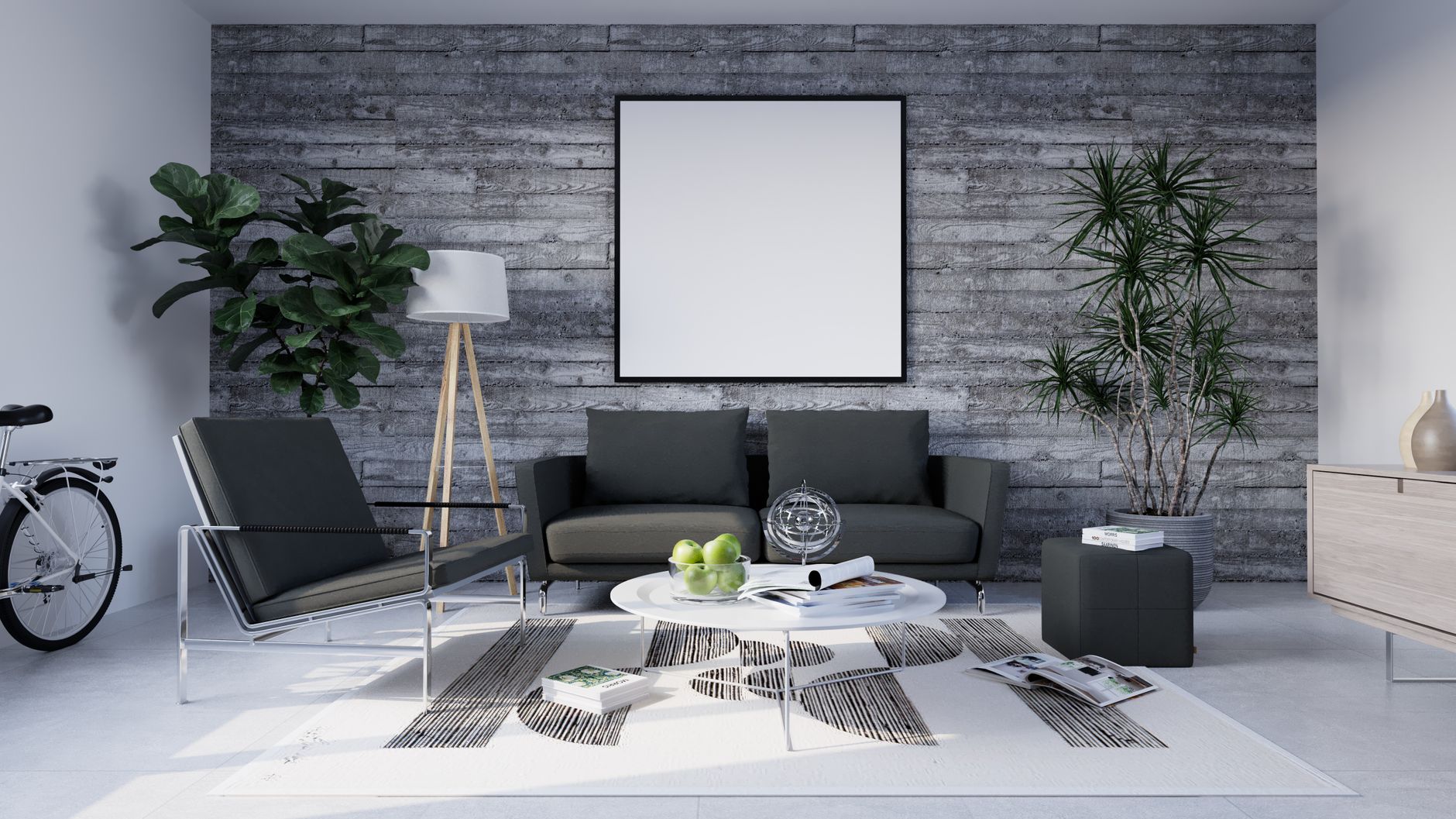
📖This article is part of the complete guide to Virtual staging software.
Why Virtual Staging Became the Standard in 2026
In my experience working with hundreds of real estate agents over the past few years, I've seen the digital first impression go from an advantage to an absolute requirement. 2026 brought a market where 97% of buyers use the internet to search for properties, and 89% consider photos the most important factor in their selection, according to the National Association of Realtors (NAR). Properties with digitally enhanced images receive 62% more inquiries and sell in half the time.
Traditional real estate photography has clear limits: a photographer captures the structure but can't control the weather, the lawn's condition, or the lack of furniture in a vacant property. Virtual staging and artificial intelligence step in as the ultimate solution—not as a replacement for the photographer, but as their most powerful technological extension. For those just starting out, I recommend first exploring what virtual furniture staging is and how it fits into the current workflow.
What Exactly is Virtual Staging and How Does It Work?
📚
Definition
Virtual staging is the digital process of adding furniture, decor, and visual elements to photographs of empty or vacant properties using specialized software, creating photorealistic images that help buyers visualize the full potential of each space.
The technology behind it has evolved dramatically. Early programs required advanced Photoshop skills and hours of work. Today, computer vision algorithms and generative AI models automatically analyze the perspective, lighting, and dimensions of each room. When you upload a photo to a modern platform like Real Vision AI, the system detects vanishing points to calculate the correct perspective, identifies light sources, analyzes the color palette, and classifies the architectural style of the space. With this information, it inserts virtual furniture that respects the scale, lighting, and overall aesthetic.
A key point: virtual staging isn't limited to empty rooms. It allows you to redecorate furnished spaces, change entire styles, or transform a multi-purpose room into a functional bedroom. To understand when to apply it based on property type, check out the guide on when to use virtual staging software.

What Are the Benefits of AI-Powered Virtual Staging?
The value of virtual staging stops being theoretical when we look at the numbers. A University of Kansas study found that properties with virtual staging receive offers 3% to 5% higher than similar properties without staging. When we integrate advanced AI, the benefits multiply:
1. Reduced Operating Costs
Monthly rental fees for physical staging furniture can reach $2,000 to $5,000 per property. Virtual staging cuts these costs to pennies per image, allowing even lower-value properties to get premium presentations. A detailed analysis of whether virtual staging is worth it breaks down the numbers.
2. Unprecedented Speed
Where physical staging takes days or weeks, and manual editing requires 24 to 48 hours per session, AI platforms like Real Vision AI generate results in 12 seconds. This is crucial in competitive markets where every day on the market reduces the final sale price.
3. Unlimited Scalability
A real estate agency with 50 active listings can process all its photos in under an hour. Manual tools don't scale to this volume without proportionally increasing team size and costs.
4. Superior Architectural Accuracy
AI models trained specifically for real estate understand the difference between a structural beam and a decorative element. According to a 2025 Gartner report, companies using specialized vertical AI achieve 40% more accuracy than generic solutions. The results preserve architectural integrity while enhancing visual appeal.
One fact I always share: according to a Redfin study, properties with professional photos receive 47% more views on real estate portals. Combining quality real estate photography with AI creates a compound effect. For more information, read our article on the benefits of real estate photo enhancement.
How to Use Virtual Staging Software Step by Step?
Implementing virtual staging into your workflow is surprisingly simple. Based on our experience with hundreds of agents and photographers, I've developed this proven five-step method:
Step 1: Image Preparation
The quality of the final result depends directly on the original image. Use photos with a minimum resolution of 300 DPI (ideally 4K or higher), good natural lighting, and wide angles. Photos taken with a modern smartphone work well, but avoid blurry images or those with excessive distortion.
Step 2: Selecting the Service and Editing Mode
With Real Vision AI, you upload your images to the dashboard and select the operating mode. For general enhancement, "Auto Enhancement" mode automatically balances lighting, color, and sharpness. For vacant properties, "Virtual Staging" mode offers furniture libraries by style. If you need to remove unwanted objects, use the AI cleaning feature.
Step 3: Style Configuration and Target Demographics
The most common mistake is choosing styles that don't match the potential buyer's profile. A luxury property in a corporate neighborhood benefits from sophisticated contemporary styles; a suburban family home responds better to warm, cozy styles. Customize the color palette to complement existing finishes.
Step 4: Human Review and Refinement
No AI tool is perfect; human review remains essential. Examine each image at full size, verifying that furniture proportions are correct, shadows correspond to real light sources, and there are no strange visual artifacts.
Step 5: Export and MLS Compliance
Real Vision AI exports images optimized for each MLS's specific requirements. Make sure to include the virtual staging disclaimer when applicable and keep a copy of the original images. For a deeper understanding of the automated process, check out our staging software comparison.
What Types of Virtual Staging Exist and Which One to Choose?
The market has matured to offer several distinct categories:
| Aspect | Manual Staging (Photoshop) | Generic AI | Real Vision AI |
|---|---|---|---|
| Time per image | 1-3 hours | 30 seconds | 12 seconds |
| Cost per image | $15-$50 | $1-$5 | Pennies |
| Architectural accuracy | High (depends on editor) | Variable, risk of errors | High (specialized model) |
| Available styles | Unlimited | Limited | 15+ professional styles |
| Learning curve | High (years) | Low | Minimal |
| Consistency across images | Variable | Good | Excellent |
My personal recommendation after working with dozens of clients is clear: AI platforms specialized in real estate, trained on datasets of actual properties, consistently outperform generic tools. The ranking of best virtual staging software evaluates these differences in depth.
How to Integrate Virtual Staging into Your Real Estate Business?
Technology adoption fails when it's not integrated correctly. Based on the successful implementation of Real Vision AI in hundreds of agencies, I identify three critical phases:
Phase 1: Internal Testing and Validation (Week 1-2)
Select 5 representative properties from your portfolio and process their images. Compare the results side-by-side with what you would normally publish. Measure processing time, cost per image, and feedback from colleagues and clients.
Select 5 representative properties from your portfolio and process their images. Compare the results side-by-side with what you would normally publish. Measure processing time, cost per image, and feedback from colleagues and clients.
Phase 2: Workflow Integration (Week 3-4)
Establish a standard protocol: who uploads the images, which editing modes are applied first, how results are reviewed, and where files are archived. Many clients create style templates by property type.
Establish a standard protocol: who uploads the images, which editing modes are applied first, how results are reviewed, and where files are archived. Many clients create style templates by property type.
Phase 3: Scaling and Continuous Optimization
With the workflow established, experiment with advanced features like day-to-night conversion or intelligent object removal. Monitor your listing performance metrics by comparing the two weeks before and after implementation.
With the workflow established, experiment with advanced features like day-to-night conversion or intelligent object removal. Monitor your listing performance metrics by comparing the two weeks before and after implementation.
A professional tip: don't try all the features at once. Start with auto-enhancement and basic staging. Then incorporate advanced editing techniques.
What is the ROI of Virtual Staging?
The key question: is it economically justified? The data says yes, and emphatically so.
Comparative Costs in the 2026 Market
| Service | Traditional Cost | AI Alternative | Savings |
|---|---|---|---|
| Physical staging | $2,000-$5,000/month per property | Included in plan | 100% |
| Professional manual editing | $5-$15 per photo | Pennies per photo | 90-95% |
| Twilight photography session | $250-$500 per session | Included in plan | 100% |
| Professional real estate photographer | $150-$350 per session | Complementary | 50-70% |
A 2025 NAR study revealed that homes with virtual staging sold 73% faster than vacant properties. This speed reduces maintenance and mortgage costs and influences the final price. In my experience, properties with virtual staging receive higher initial offers and fewer aggressive downward negotiations.
For a numerical breakdown by scenario, check out our virtual staging software pricing guide.

Common Mistakes When Using Virtual Staging (and How to Avoid Them)
1. Incorrectly Scaled Furniture
The most frequent mistake is inserting sofas or beds with incorrect proportions. A sofa that's too large makes the room look small; one that's too small feels cold. Always verify the scale relative to doors and windows.
2. Ignoring Light Sources
Lighting must correspond to real sources. If a window is in the back left, shadows should project in the opposite direction. Modern platforms handle this automatically, but human review is essential.
3. Inappropriate Decoration Styles
A studio in a modern industrial building shouldn't feature colonial furniture. The style should complement the architecture and anticipate the target buyer's expectations.
4. Omitting the Staging Disclaimer
Many MLS require a visible note about virtual staging. Omitting it violates rules and erodes buyer trust.
5. Processing All Photos the Same Way
Each property has different needs. A vacant one might require staging in every room; another with furniture might only benefit from lighting enhancement. Selective object removal is an underrated but valuable feature.
Real Cases: Examples of Successful Virtual Staging
Case 1: Agency in Houston, Texas
An agency with 30 vacant properties applied virtual staging to all of them using Real Vision AI. Result: the average time on the market dropped from 45 days to 18 days, and the final sale price was on average 4% higher. Savings on physical furniture rental exceeded $80,000 in six months.
An agency with 30 vacant properties applied virtual staging to all of them using Real Vision AI. Result: the average time on the market dropped from 45 days to 18 days, and the final sale price was on average 4% higher. Savings on physical furniture rental exceeded $80,000 in six months.
Case 2: Independent Photographer in Florida
A photographer offering traditional manual editing services adopted AI. He went from editing 5 properties per week to 30, maintaining the same quality. His income tripled, and he could offer more competitive prices. According to McKinsey, photographers who integrate AI can increase their productivity up to 4x.
A photographer offering traditional manual editing services adopted AI. He went from editing 5 properties per week to 30, maintaining the same quality. His income tripled, and he could offer more competitive prices. According to McKinsey, photographers who integrate AI can increase their productivity up to 4x.
Case 3: New Home Builder
For the pre-sale of a 50-home project, the builder used virtual staging on all model units. Virtual tours generated 70% more qualified leads, and 60% of the units sold before construction was completed. Using staging for new construction is particularly effective.
For the pre-sale of a 50-home project, the builder used virtual staging on all model units. Virtual tours generated 70% more qualified leads, and 60% of the units sold before construction was completed. Using staging for new construction is particularly effective.
How to Choose the Right Virtual Staging Software?
Not all software is created equal. Key factors:
Work Volume: Professional photographers need unlimited processing and white-label options. Occasional agents prefer flexible plans with credits. Real Vision AI offers both.
Aesthetic Quality: Examine portfolios, paying attention to photorealism and lighting integration. Generic tools often produce artificial results in shadows and reflections.
Style Library: A robust platform should offer at least 10-15 styles, from minimalist to luxurious. Our detailed comparison evaluates this aspect.
Companies like Zillow and Realtor.com increasingly recognize the importance of high-quality images. Digital marketing for real estate is a field where professional visual content makes all the difference.
Frequently Asked Questions
Is virtual staging legal on MLS portals?
Yes, most MLS allow it as long as a visible disclaimer is included. Regulations vary slightly by region; check your local MLS rules. Some states like Texas and Florida have additional requirements.
How long does it take to virtually stage an entire property?
With modern AI tools like Real Vision AI, a property with 20-30 photos can be processed in under 10 minutes. The time is split between uploading, selecting styles, and reviewing. The manual approach takes several hours.
Can I use virtual staging on an already furnished property?
Absolutely. You can redecorate existing spaces, change a room's style, or transform an office space into an additional bedroom. This is especially valuable when existing furniture is outdated.
Does virtual staging work for luxury properties?
Yes, but it requires precision with materials like marble and velvet. Advanced platforms offer high-end styles with photorealistic finishes. For ultra-premium properties, we recommend combining AI with professional review.
What's the difference between virtual staging and traditional HDR photos?
HDR merges multiple exposures to improve tonal range. Virtual staging adds digital content that doesn't exist in the original photo. They are complementary: HDR enhances the base capture, virtual staging transforms the content.
Can I undo changes after applying virtual staging?
Yes, professional platforms preserve original files and offer editable layers. Always save the original images for transparency.
Do I need technical skills?
No. Modern platforms are designed for professionals with no editing experience. Real Vision AI offers an intuitive interface; the learning curve is minimal.
How does virtual staging affect time on market?
The data is compelling: properties with professional staging spend significantly less time on the market. A Redfin analysis showed that homes with professional photos sell 3 to 6 weeks faster.
Conclusion: Your Virtual Staging Strategy in 2026
The 2026 real estate industry doesn't forgive visual mediocrity. With 97% of buyers starting their search online, the first 24 hours determine a listing's success. Virtual staging with artificial intelligence has become a standard, not just a competitive advantage.
I've seen firsthand how agents who adopt these tools transform their metrics: more inquiries, more showings, fewer days on the market, and higher prices. The minimal investment is recouped multiple times over with the first property sold faster.
💡
Key Takeaway
AI-powered virtual staging reduces costs, saves time, and elevates the perceived value of properties. Implementing this technology is the most profitable decision a real estate professional can make in 2026.
Next Steps
- Experiment with photos of past properties and compare results
- Measure the performance metrics of your previous listings
- Scale by integrating virtual staging into the standard protocol for every new listing
Ready to transform your listings? Try Real Vision AI at blog.realvisionaire.com and experience the power of real estate photography enhanced by artificial intelligence.
For a broader perspective on how visuals integrate into complete real estate marketing strategies, check out our complete virtual staging guide.
Recommended Readings
To deepen your understanding of these topics, we recommend reading the following articles:
Free Real Estate AI Visual Playbook 2026
Discover how top realtors boost listing engagement by 62% and close deals faster using AI photo enhancement and virtual staging.