How AI Real Estate Photography Works: A Step-by-Step Guide
AI real estate photography is transforming the way properties are marketed, making it faster and more cost-effective than traditional methods. In 2026, leveraging AI for property visuals isn’t just a luxury—it’s a necessity for staying competitive. This guide dives into the mechanics of AI real estate photography, its benefits, and how you can implement it effectively.
📚
Definition
AI real estate photography uses artificial intelligence algorithms to enhance, stage, and optimize property images automatically, delivering market-ready visuals in seconds.
The Mechanics Behind AI Real Estate Photography
At its core, AI real estate photography relies on advanced computer vision and machine learning models. These models are trained on millions of property images to recognize and enhance key features such as lighting, composition, and object placement. Here’s how it works step by step:
- Image Upload: High-quality photos of the property are uploaded to the AI platform.
- Analysis: The AI scans the image to identify areas for improvement—poor lighting, cluttered spaces, or dull skies.
- Enhancement: Using trained algorithms, the AI automatically adjusts brightness, removes unwanted objects, and replaces skies or lighting conditions.
- Virtual Staging: The software adds furniture and decor to empty rooms, creating a finished look.
- Output: The final, polished image is ready for use in listings, social media, or marketing campaigns.
According to a McKinsey report, businesses using AI-powered visual tools see a 23% increase in property listing engagement compared to traditional methods. This efficiency is why AI photography is becoming the go-to solution for real estate professionals.
Why AI Real Estate Photography Matters
The real estate market in 2026 is more competitive than ever, with buyers and renters making decisions based on online visuals. Here’s why AI-driven photography is essential:
- Speed: Traditional photo editing can take hours or days. AI delivers finished images in under 12 seconds.
- Consistency: AI ensures uniformity across all property photos, maintaining a professional brand image.
- Cost Savings: Virtual staging eliminates the need for physical furniture rentals, reducing expenses by up to 70%.
- Increased Engagement: Enhanced visuals lead to higher click-through rates and faster sales.
A Gartner study found that listings with professionally optimized images sell 32% faster than those without. These numbers make AI photography not just an innovation but a necessity.
How to Implement AI Real Estate Photography
Ready to integrate AI photography into your workflow? Follow these steps:
- Choose the Right Platform: Select a trusted AI solution like RealVisionAI Blog - AI Real Estate Photography & Virtual Staging, which specializes in real estate visuals.
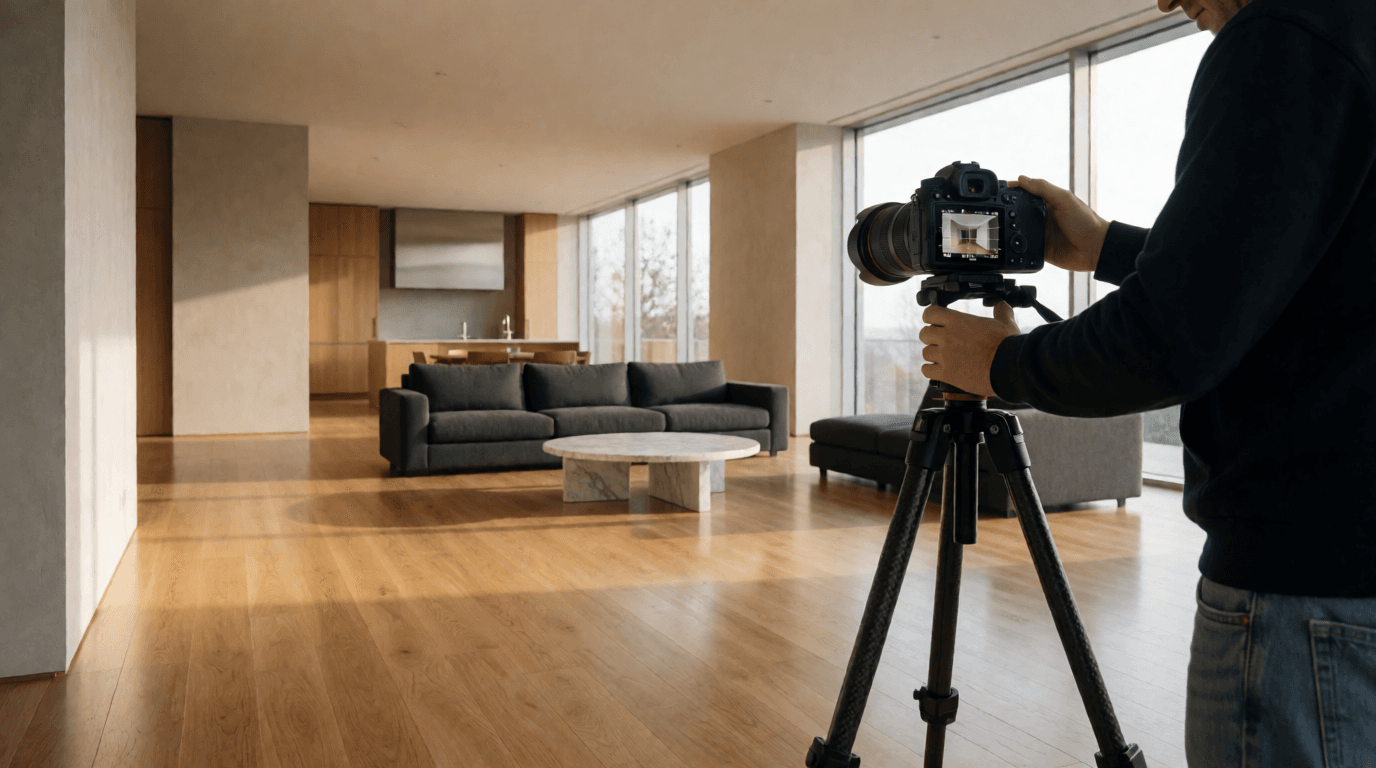
- Capture High-Quality Images: Use a DSLR or smartphone with good lighting to ensure the AI has the best raw material.
- Upload to the Platform: Drag and drop your images into the software. The AI will handle the rest.
- Customize Outputs: Adjust settings for specific styles, such as modern or traditional staging.
- Download and Use: Export the finished images directly to your preferred channels.
💡
Key Takeaway
AI real estate photography eliminates the manual effort of editing and staging, allowing you to focus on closing deals.
Traditional vs. AI Photography: A Comparison
| Feature | Traditional Photography | AI Photography |
|---|---|---|
| Time per Image | Hours | Seconds |
| Cost | High (manual labor, furniture rentals) | Low (automated, no rentals needed) |
| Consistency | Varies by photographer | Uniform across all images |
| Customization | Limited by physical constraints | Highly customizable with virtual staging |
Common Misconceptions About AI Real Estate Photography
- "AI Photos Look Fake": Modern AI tools produce hyper-realistic images indistinguishable from professional photography.
- "It’s Too Expensive": AI solutions like RealVisionAI Blog - AI Real Estate Photography & Virtual Staging offer affordable pricing, often lower than hiring a professional photographer.
- "It’s Only for Large Agencies": Small-scale agents and individual property managers can also benefit from AI tools.
Frequently Asked Questions
How Accurate Is AI Real Estate Photography?
AI photography is highly accurate, thanks to advanced computer vision models trained on millions of property images. Errors are rare and easily corrected.
Can AI Replace Professional Photographers?
AI complements photographers by automating repetitive tasks like editing and staging, freeing them to focus on creative composition.
Is AI Photography GDPR-Compliant?
Most platforms, including RealVisionAI Blog - AI Real Estate Photography & Virtual Staging, adhere to strict data privacy regulations to ensure compliance.
What Types of Properties Can AI Photography Handle?
AI photography works for residential homes, apartments, commercial spaces, and even outdoor properties like gardens and patios.
How Much Does AI Real Estate Photography Cost?
Prices vary, but platforms like RealVisionAI Blog - AI Real Estate Photography & Virtual Staging offer scalable plans starting at $49/month.
Final Thoughts on AI Real Estate Photography
AI real estate photography is revolutionizing property marketing by combining speed, affordability, and professionalism. Whether you’re a seasoned agent or managing a single property, integrating AI visuals can significantly boost your listings’ appeal.
Ready to elevate your property marketing? Explore RealVisionAI Blog - AI Real Estate Photography & Virtual Staging’s tools today at realvisionaire.com.
Recommended Readings
To deepen your understanding of these topics, we recommend reading the following articles:
- AI in Real Estate
- Ultimate AI Lead Generation for Real Estate Agents
- AI property enhancement
- AI staging for realtors
Free Real Estate AI Visual Playbook 2026
Discover how top realtors boost listing engagement by 62% and close deals faster using AI photo enhancement and virtual staging.