Best Real Estate Photo Enhancement: Transform Your Listings in 2026

Real estate photo enhancement is the strategic process of optimizing real estate images through color correction, lighting adjustment, removal of unwanted objects, and advanced techniques like virtual staging, while always preserving architectural accuracy and the authenticity of the space.
Why Real Estate Photo Enhancement Is Essential in 2026
- Listings with enhanced photos appear 40% more often in top search results
- Average time on market decreases by 32 days compared to untreated images
- Click-through rates for WhatsApp and calls increase by 118%
- 47% more detailed listing views
- 29% more qualified leads
- 22% fewer necessary price reductions
Detailed Comparison: Photo Enhancement Methods
| Method | Speed | Average Cost | Quality | Ideal Cases | Main Limitations |
|---|---|---|---|---|---|
| Manual Editing | 2-4 hours | $150-$400 | Excellent (if professional) | Properties above $1M | Slow, expensive, varies with skill |
| Generic AI | 30-120s | $0-$5 | Inconsistent | Initial tests | Frequent architectural distortions |
| Specialized AI | 12-30s | $29-$99/month | Consistent | 80% of residential cases | Initial 1-2h learning curve |
| Hybrid (AI+Human) | 15-60min | $75-$200 | Premium | Historic or luxury properties | High cost |
- Average editing time dropped from 3h15min to 7min per listing
- Cost per property reduced 68% (from $217 to $69)
- View rate increased 55% in the first 72 hours
How to Implement in 5 Simple Steps
-
Image Selection
Choose photos with good composition, even if they need adjustments. Avoid extremely underexposed or overexposed images. -
Upload to Platform
Modern systems like RealVision AI accept RAW, JPEG, and even smartphone prints directly through the browser. -
Parameter Configuration
Set:
- Furniture style (modern, classic, minimalist)
- Dominant color palette
- Room type (living room, bedroom, kitchen)
-
Automatic Preview
Review the generated thumbnails in 12-15 seconds before final processing. -
Download and Publish
Download images in MLS resolution (minimum 2000px on the longest side) and publish within 5 minutes.
Smart automation allows agents to publish listings on the same day as the visit, capturing immediate demand—those who search typically buy within 7-14 days.
7 Fatal Errors That Destroy Your ROI
-
Over-Retouching
Radically changing wall colors or adding nonexistent elements violates CRECI ethical guidelines and can void contracts. -
Ignoring Architectural Lines
A test with 500 buyers showed that 68% distrust photos with "softened" corners or distorted windows. -
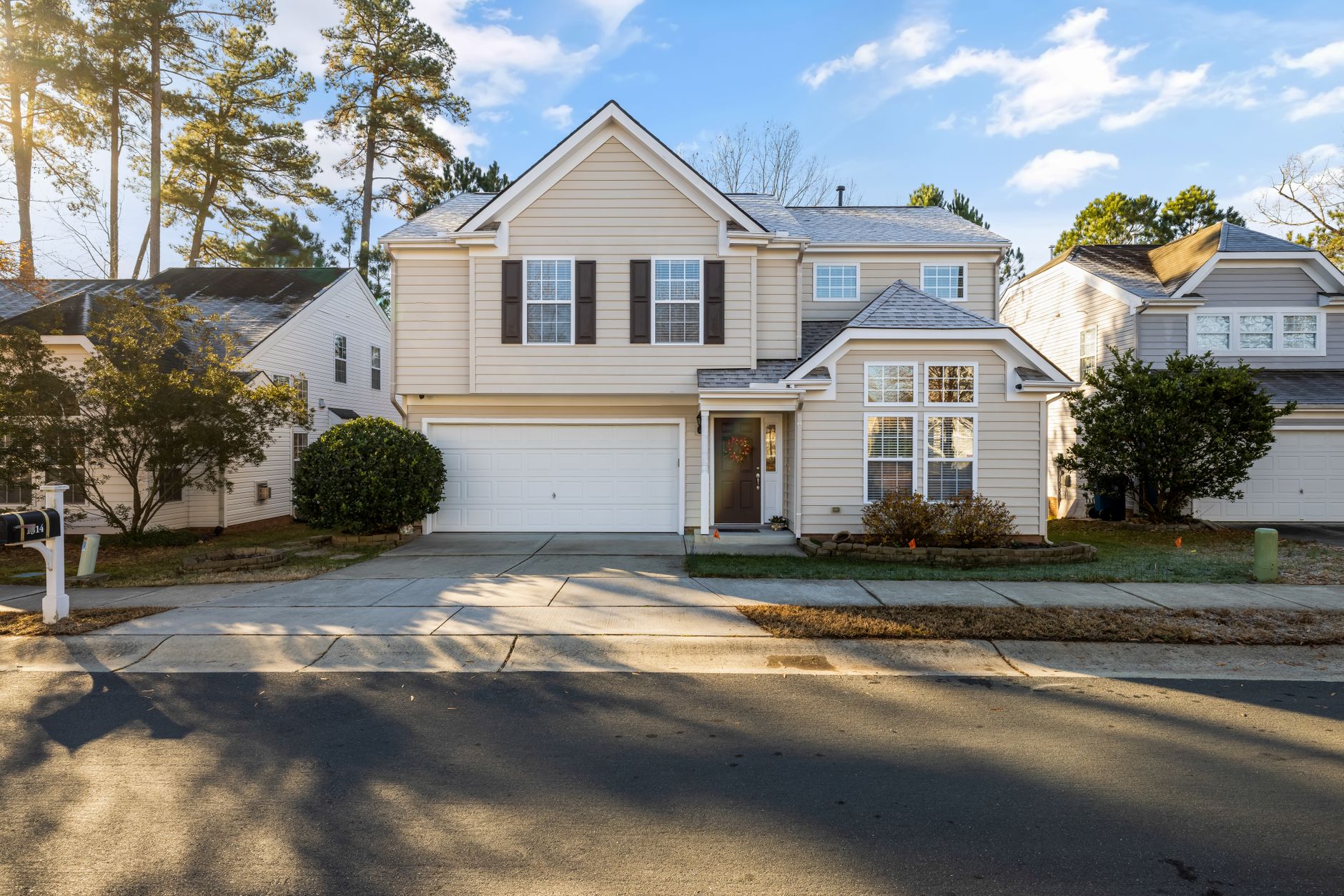
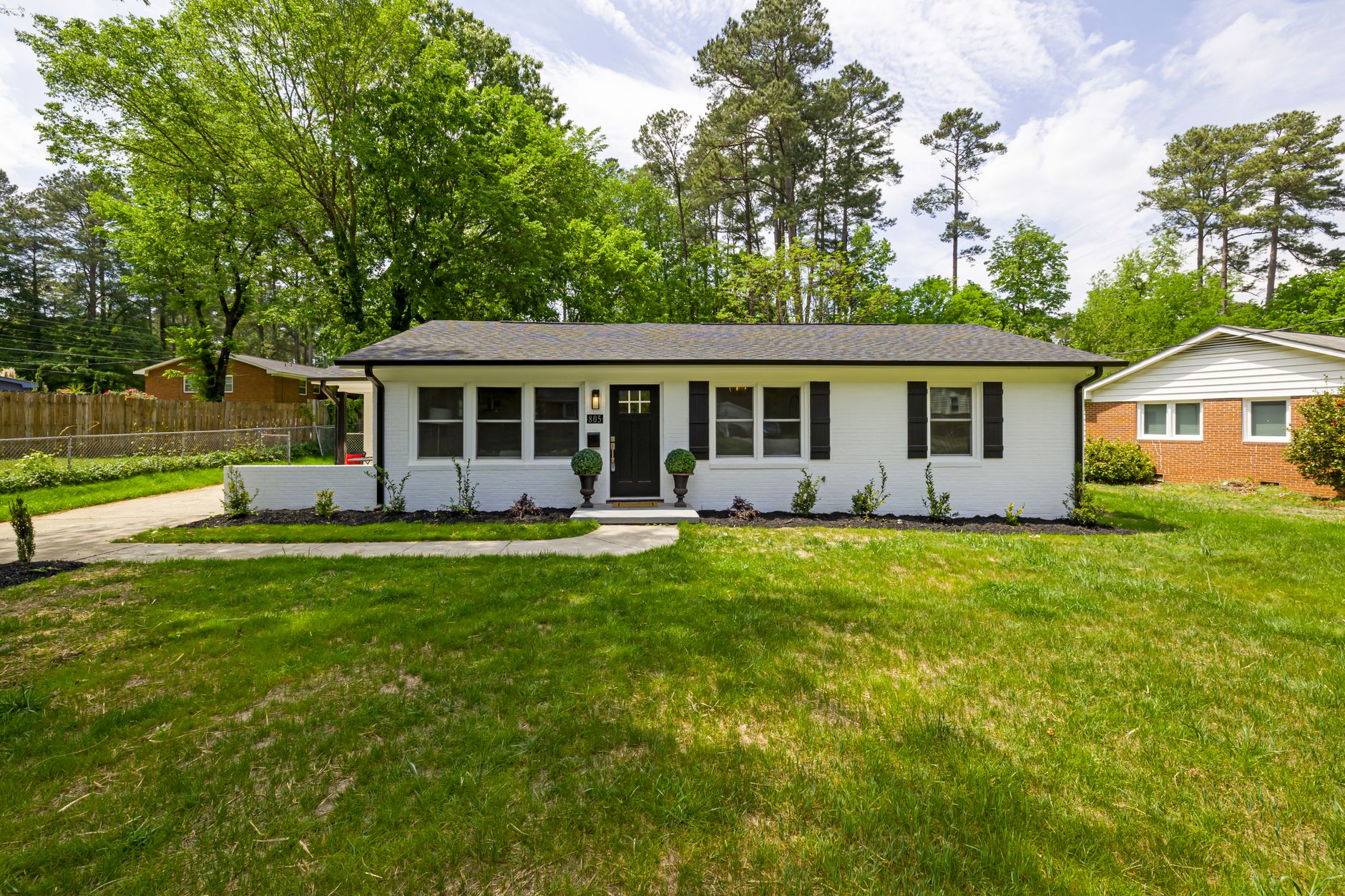
Skimping on Exteriors
Facades represent the first impression—81% of buyers filter by that initial photo. -
Forgetting the Sky
Listings with blue sky convert 37% better than cloudy versions, according to an MLS Technology study. -
Improper Format
Vertical images have 40% less space in search results compared to the standard 16:9 horizontal format. -
Out-of-Context Virtual Staging
Overly luxurious furniture in budget properties creates dissonance—opt for styles compatible with the neighborhood. -
Processing Individual Photos
Editing images out of sequence creates lighting inconsistency between rooms—always send complete series.
Frequently Asked Questions (Updated 2026)
What's the difference between HDR and AI Photo Enhancement?
- Object removal (up to 15 items per image)
- Sky replacement with lighting matching
- Automatic perspective correction
- Virtual staging with 12 design styles
- Realistic twilight effects
Can I use Photoshop instead of specialized platforms?
- Requires months of training for professional results
- Takes 6-8x longer per image
- Lacks staging libraries specific to real estate
- Costs $54.99/month for basic software alone
Do enhanced photos violate MLS rules?
- You don't alter the actual physical structure
- You don't add nonexistent rooms
- You don't remove permanent defects (like cracks)
How many photos should I upload per listing?
- 1-2 facades
- 1-2 garden/outdoor areas
- 1 photo per main room
- 1-2 architectural details
- 1 overall view of the social area Total: 12-18 balanced images
How to handle very small spaces?
- Use of ultra-wide lenses (but with automatic distortion correction)
- Choose virtual furniture at a reduced scale
- Light color palette and mirrors
- Framing that maximizes the sense of depth
Proven Transformation: Real Case
Challenge: High-end listings took 5-7 days to be ready due to manual processes.
- Professional cameras from photographers
- Property management system
- Automatic MLS publishing
- 83% reduction in preparation time
- 41% more views per property
- 27% increase in sales in the first month
- 3.1x ROI in the quarter
Next Steps for Smart Agents
-
Free Trial
Try processing 5 photos from a current listing at realvisionaire.com—it takes less than 2 minutes. -
Standardize Your Workflow
Create reusable templates to maintain consistency across similar properties. -
Monitor Results
Track specific before/after metrics on your first 4-6 listings.
The difference between an ordinary listing and one that converts lies in the technical details of the images—and specialized AI puts that advantage within reach of any agent in 2026.
About the Author
Recommended Readings
- Real Estate Photo Enhancement
- AI in Real Estate
- Ultimate AI Lead Generation for Real Estate Agents
- AI Real Estate Photography
Free Real Estate AI Visual Playbook 2026
Discover how top realtors boost listing engagement by 62% and close deals faster using AI photo enhancement and virtual staging.