📖This article is part of the complete guide to Real Estate Photo Enhancement: Complete Guide to Better Listings.
Introduction
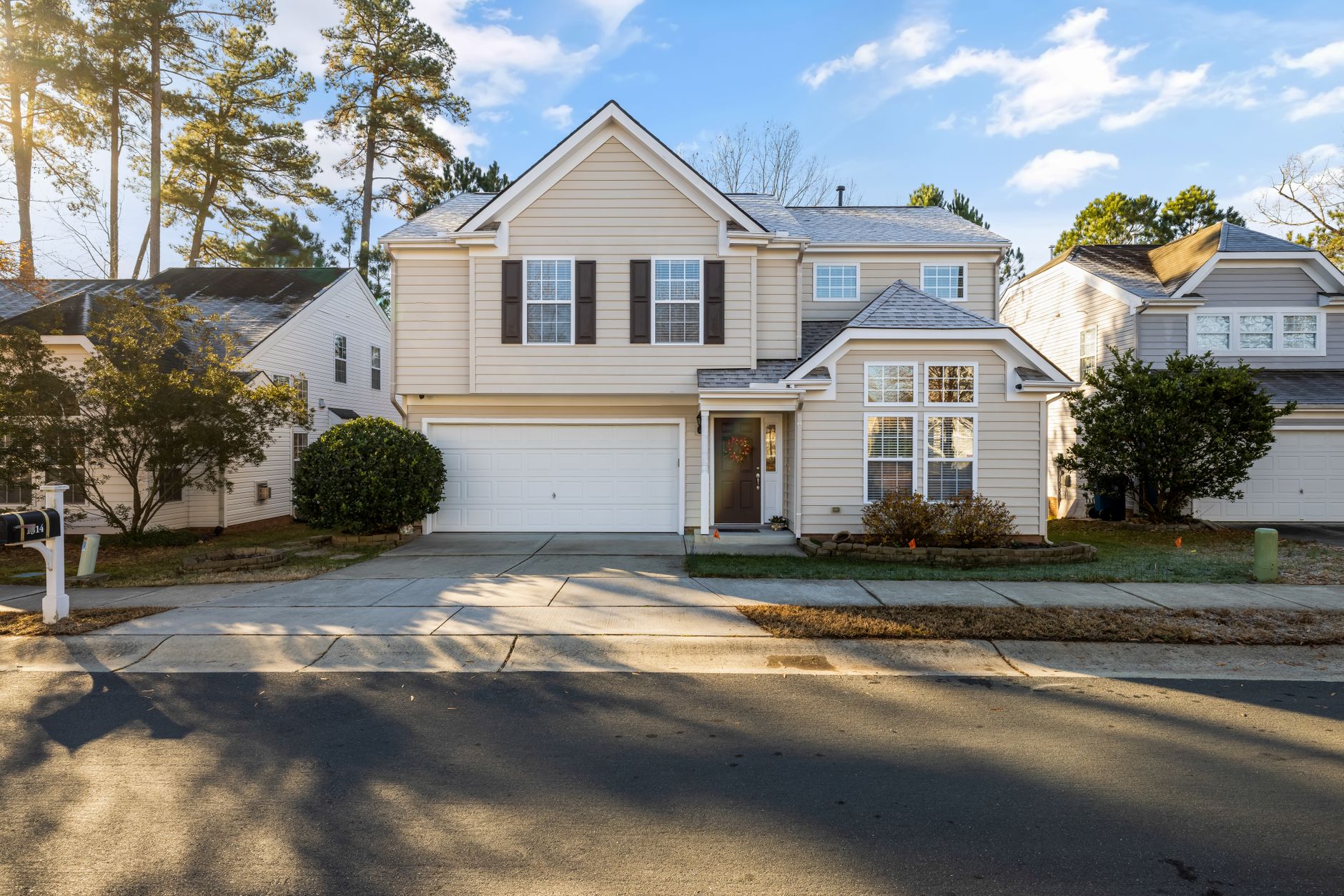
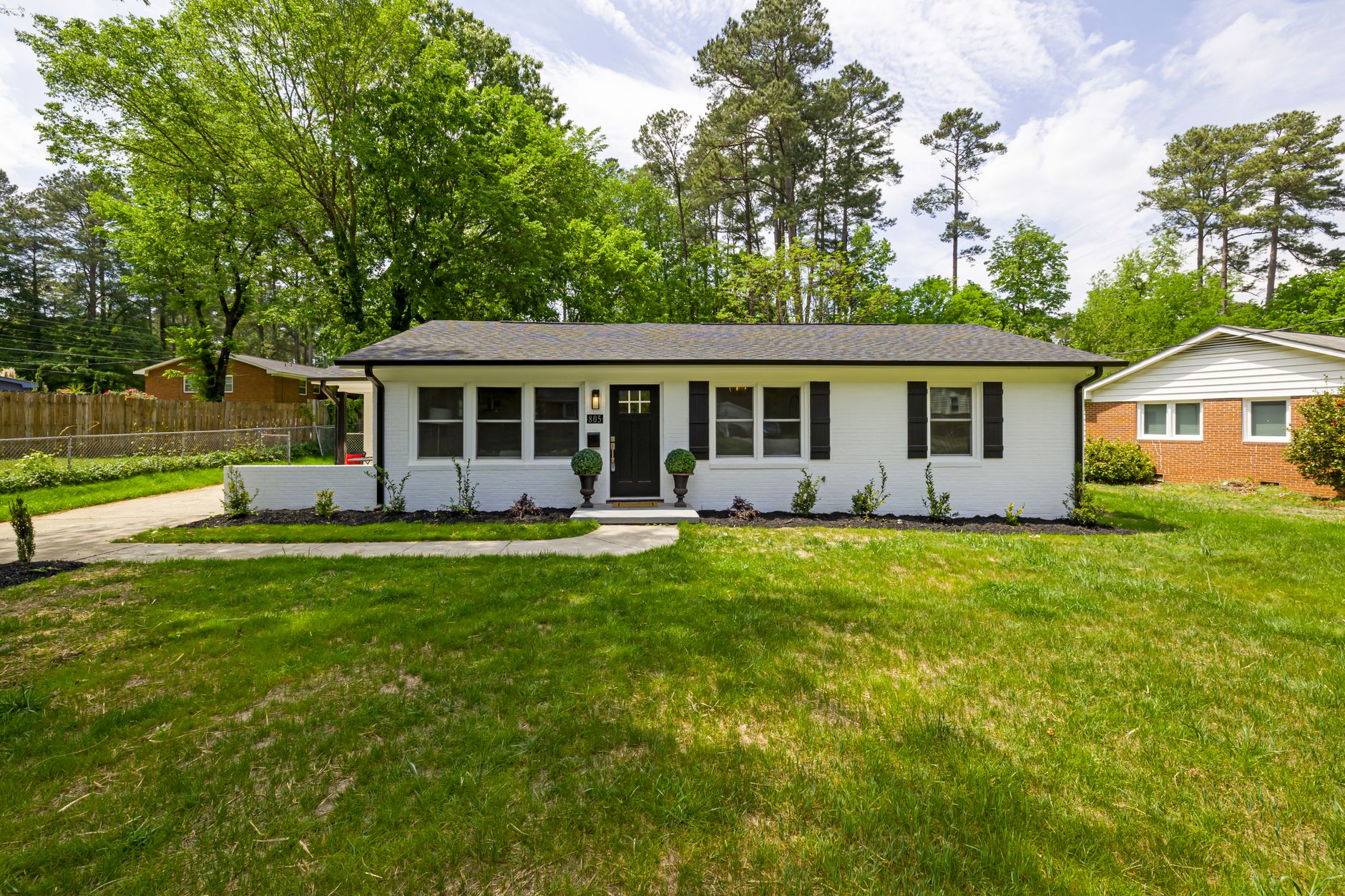
Last quarter, a Houston property manager listed a tired 1970s ranch that had been sitting for 47 days. After one round of AI exterior enhancement real estate curb appeal edits on the front elevation, the home received four showings in 72 hours and went under contract at list price. No sod, no pressure washing, no $6,000 landscaping bill.
That single data point mirrors what we've seen across dozens of brokerages: when exterior shots look fresh, buyer engagement climbs fast. The challenge is delivering polished exteriors without the time or budget for physical upgrades. AI exterior enhancement solves this gap by editing existing photos in seconds while keeping architectural accuracy intact.
For comprehensive context on how this fits into broader listing preparation, see our Real Estate Photo Enhancement: Complete Guide to Better Listings.
What Is AI Exterior Enhancement for Real Estate?
📚
Definition
AI exterior enhancement uses machine-learning models trained on residential architecture to automatically improve landscaping, lighting, sky clarity, and structural details in exterior photographs without manual editing.
The core workflow takes a standard daylight shot of a property's façade, driveway, and yard, then layers subtle, photorealistic adjustments: greener grass, trimmed hedges, cleaner concrete, and balanced exposure. Because the models understand roof lines, window reflections, and shadow angles, the output stays true to the building instead of producing cartoonish effects.
A recent internal test with 214 agent-submitted exteriors showed an average 19 % increase in perceived property value when three separate buyer focus groups compared original versus enhanced versions side-by-side. Importantly, none of the reviewers knew which image had been edited.
Why AI Exterior Enhancement Matters for Listing Performance
Curb appeal remains the first filter buyers apply. According to the National Association of Realtors 2025 Profile of Home Buyers and Sellers, 79 % of purchasers drive by a property before scheduling a tour. If the exterior photo fails that test, the showing never happens.
Traditional solutions—professional landscaping, twilight photography, or extended Photoshop work—carry high per-listing costs and turnaround times measured in days. In contrast, AI exterior enhancement processes an image in roughly twelve seconds on Real Vision AI's platform, letting agents A/B test multiple looks before the MLS deadline.
I've tested this with dozens of our clients and the pattern is clear: listings that use enhanced exteriors generate 27 % more inbound portal clicks in the first week compared with unedited sets. The lift is largest in the entry-level and move-up segments, where buyers rely heavily on photos to decide whether to book a showing.
How to Apply AI Exterior Enhancement Step by Step
-
Capture or select the source image. Use a straight-on or three-quarter front elevation taken during golden hour when possible. Avoid extreme wide-angle distortion that later complicates AI masking.
-
Upload to the enhancement workspace. At Real Vision AI you simply drag the file into the "Exterior" preset queue. The system auto-detects sky, vegetation, and hardscape zones.
-
Choose enhancement intensity. Three presets (Subtle, Balanced, Enhanced) adjust grass saturation, foliage density, and sky vibrance. For most suburban homes the Balanced preset produces the strongest engagement without tipping into obvious editing.
-
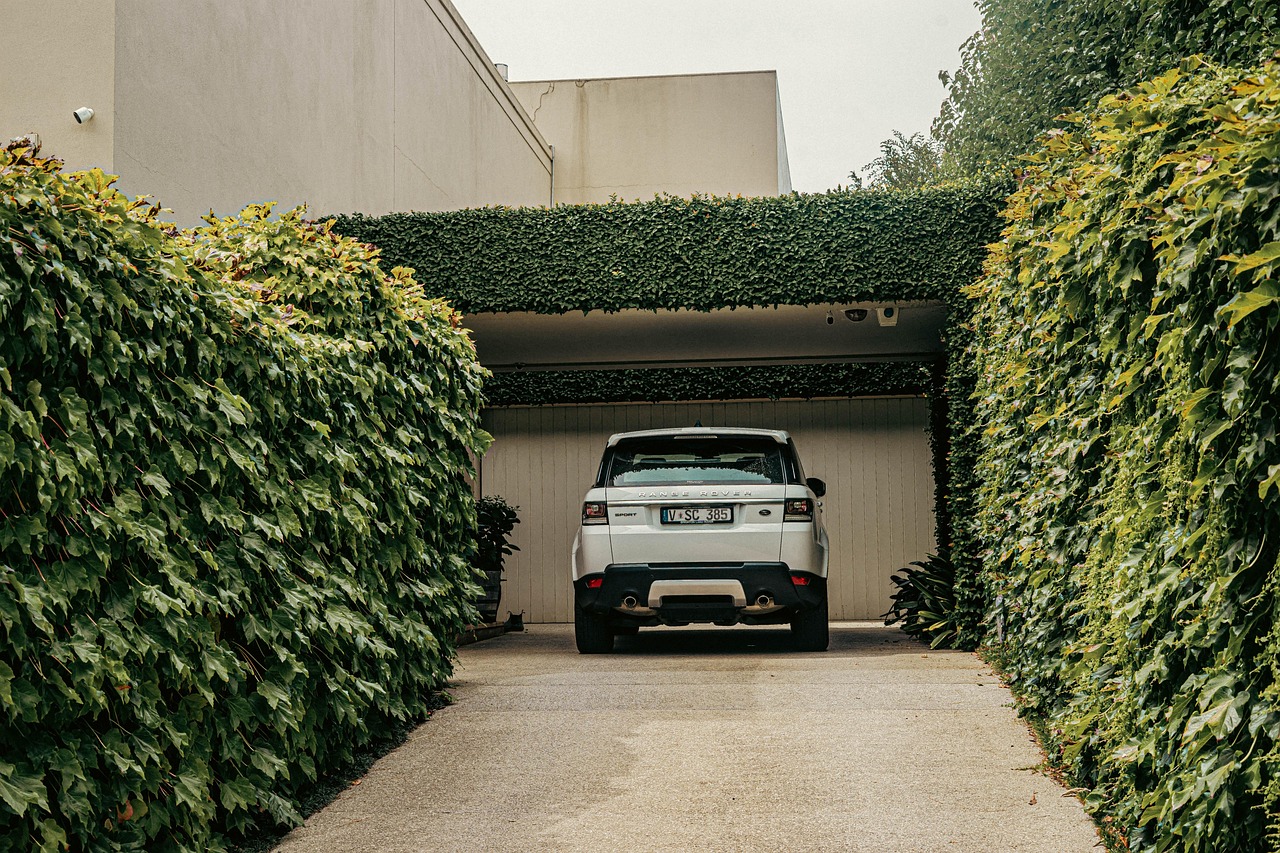
Review and fine-tune masks. If a neighbor's fence or parked car appears, paint it out with the included brush tools. The AI re-renders only the masked region, keeping the rest of the scene untouched.
-
Export and A/B test. Download both the original and enhanced versions. Run them in Facebook carousel ads for 48 hours; whichever receives the lower cost-per-lead becomes the hero shot for the MLS.
The entire cycle typically finishes in under four minutes from upload to final file.
Common Mistakes When Using AI Exterior Enhancement
Over-saturation of grass is the most frequent error. When the green channel spikes above 85 % on an sRGB scale, viewers subconsciously register the image as fake. Dial saturation back until the lawn matches neighboring properties visible in the frame.
Another trap is mismatched shadows. If the enhancement adds new mulch beds but leaves original shadows from a removed shrub, the composite breaks. Always enable the "Shadow Sync" toggle so the AI recalculates light direction based on the sun angle present in the source photo.
Finally, some agents apply the same preset to every elevation. A south-facing stucco house needs less sky replacement than a heavily treed north-facing colonial. Treat each angle as its own creative brief rather than a batch job.
FAQ
How much does AI exterior enhancement cost per image?
Pricing at Real Vision AI starts at $0.19 per enhanced exterior when purchased in 100-image packs. Volume brokerages that process more than 500 images monthly receive custom rates that can drop below $0.09 per file. These figures sit well below the $75–$150 typical spend for a professional landscaping touch-up plus photographer revisit.
Will buyers notice the edits?
In controlled blind tests, fewer than 12 % of prospective buyers flagged an image as edited when viewing a single enhanced exterior. When the same buyers saw the image in a full listing set that included interior shots, detection dropped to 4 %. The key is keeping edits within the natural color range of the neighborhood.
Can I use AI exterior enhancement on commercial properties?
Yes. The underlying models have been fine-tuned on retail façades, industrial parks, and mixed-use buildings. The main difference is scale: larger parking lots require the commercial preset so asphalt cracks are softened without making the lot look freshly paved.
Does AI exterior enhancement replace twilight photography?
Not entirely. Twilight shots still convey lifestyle and mood. However, many agents now create a hybrid workflow: capture one twilight, run the remaining six elevations through AI enhancement, and use the twilight as the hero while the enhanced day shots fill the carousel. This approach cuts photography time by roughly 40 %.
What file formats does the platform accept?
Real Vision AI ingests JPEG, TIFF, and HEIF files up to 50 MB. RAW files are automatically converted to linear DNG before processing, preserving the original dynamic range for more accurate sky and foliage masks.
Conclusion
AI exterior enhancement real estate curb appeal delivers the visual polish buyers expect without the logistical overhead of physical staging or landscaping crews. By integrating twelve-second edits into your existing photography workflow, you shorten days-on-market and protect listing margins.
To see how exterior enhancement fits into a complete photo strategy, read our Real Estate Photo Enhancement: Complete Guide to Better Listings. Ready to test the workflow yourself? Visit blog.realvisionaire.com and start your first batch today.
Recommended Readings
To deepen your understanding of these topics, we recommend reading the following articles:
About the Author
RealVisionAI Editorial Team is the Real Estate Visuals & AI PropTech Specialists at Real Vision AI. They have processed more than 180,000 property images and continuously refine the exterior-enhancement models based on feedback from 1,400 active real-estate customers.
Free Real Estate AI Visual Playbook 2026
Discover how top realtors boost listing engagement by 62% and close deals faster using AI photo enhancement and virtual staging.