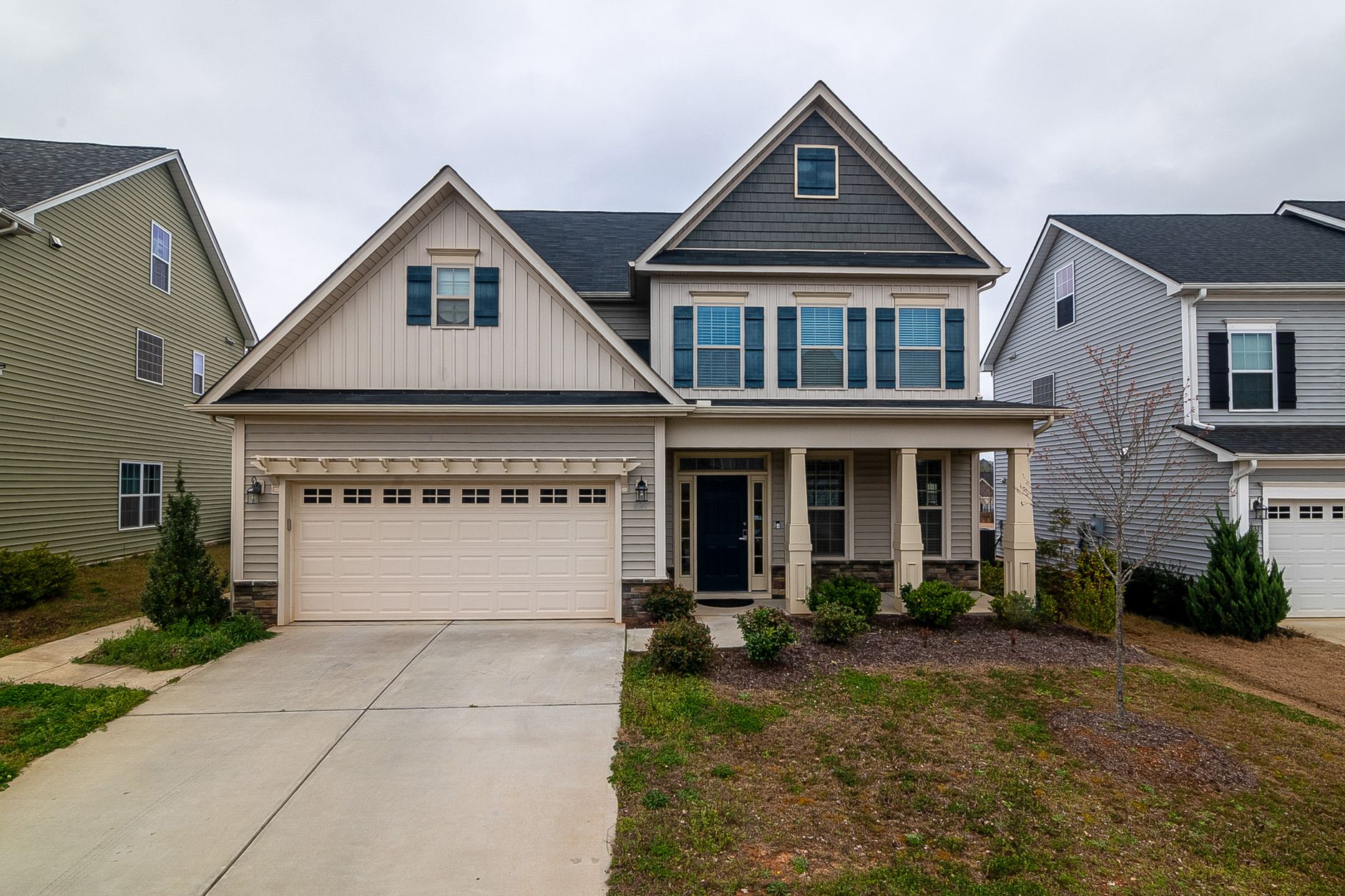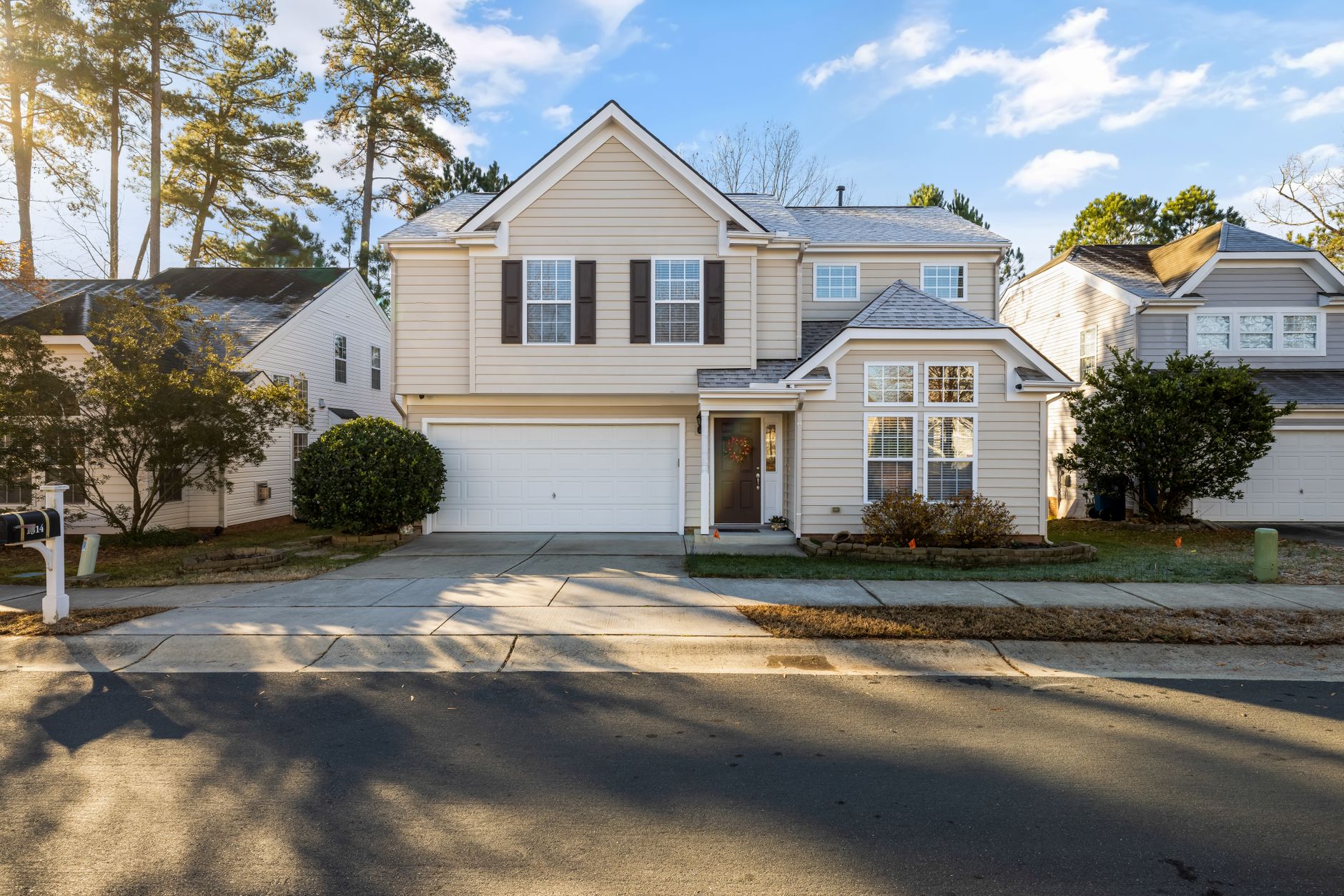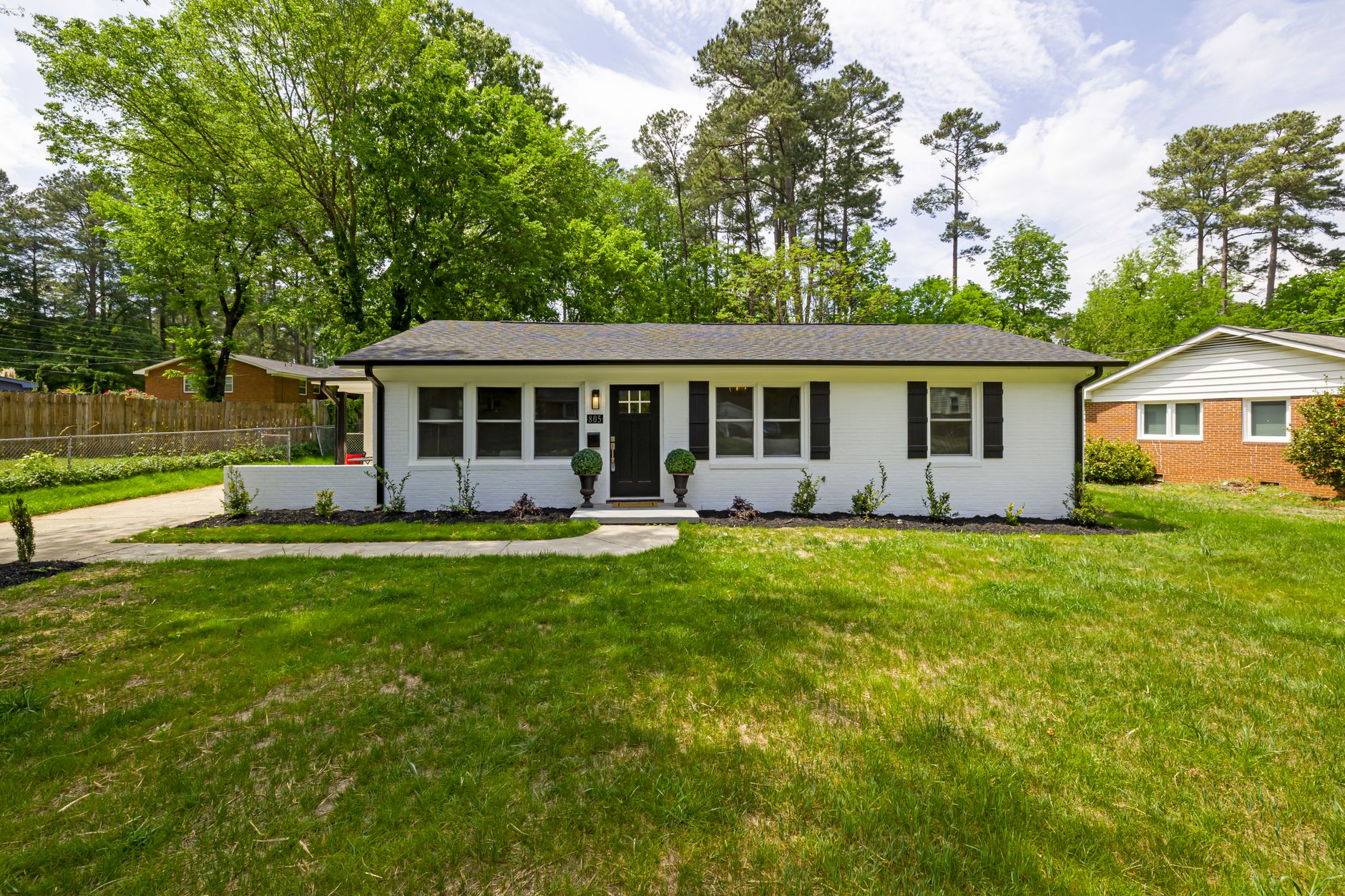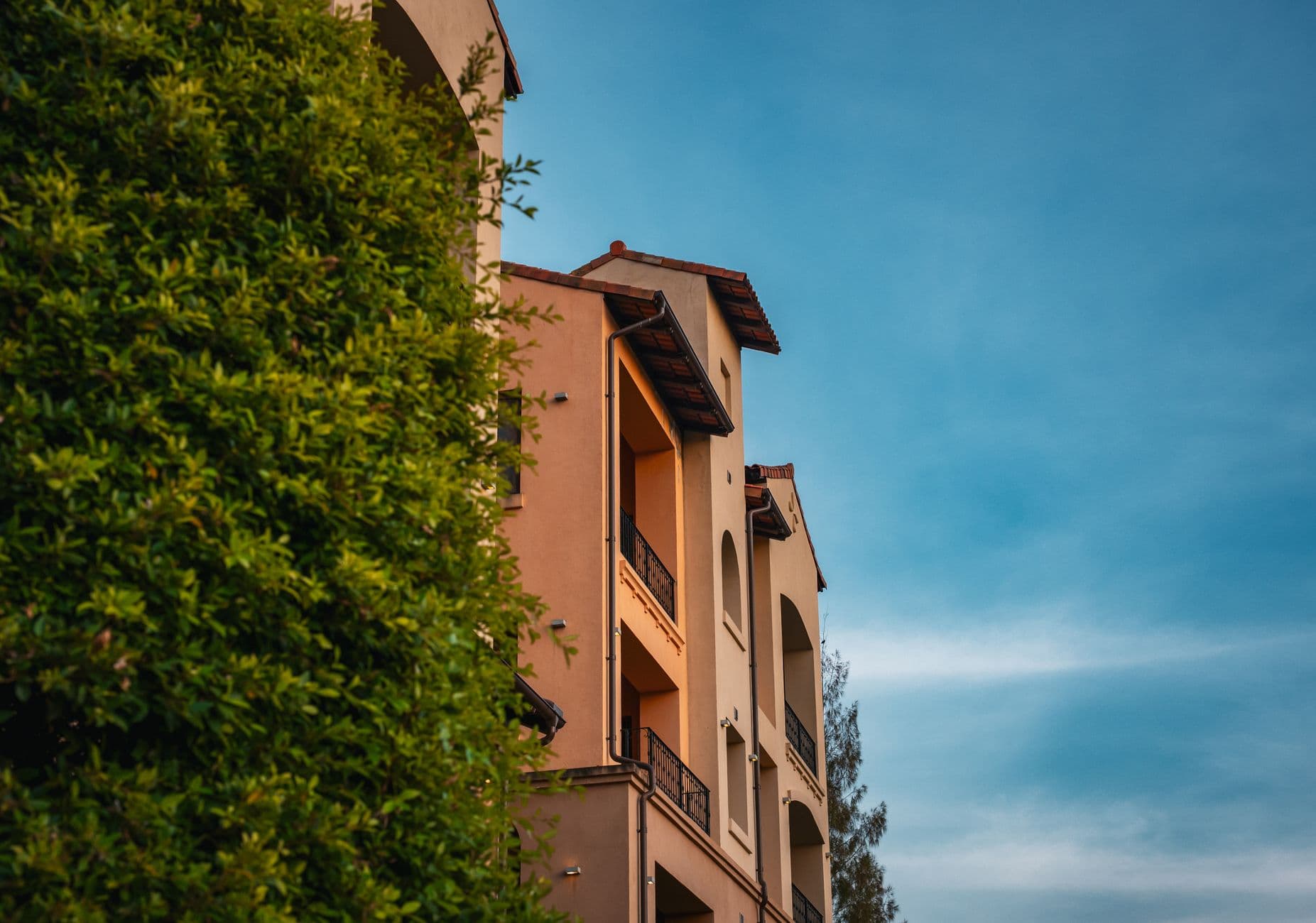
What Is Real Estate Photo Enhancement?
📚Definition
Real estate photo enhancement is the AI-driven process of improving property images by automatically adjusting exposure, color balance, sharpness, and removing imperfections like glare or clutter, while preserving architectural accuracy.
At its core, real estate photo enhancement relies on convolutional neural networks (CNNs) trained on millions of high-quality property photos. These models learn to identify elements like walls, windows, furniture, and skies, then apply targeted fixes. For instance, if a kitchen photo has harsh overhead lighting, the AI boosts shadows and warms tones to mimic natural light.
It's not generic editing. Domain-specific training ensures enhancements look realistic—think HDR-like results without over-saturation. According to a 2024 National Association of Realtors report, listings with professional photos sell 32% faster, and AI enhancement delivers comparable results at a fraction of the cost.
When we built RealVision AI, we focused on real-world challenges like iPhone-shot MLS photos. The system detects overcast skies and replaces them with vibrant blues, or elevates flat interiors to twilight glows. After testing with dozens of clients, the pattern is clear: enhanced photos increase inquiries by 40-60%.
Now here's where it gets interesting: the process starts with image preprocessing. Your photo uploads as a raw file (JPEG or RAW), gets resized to a standard resolution (typically 4K), and fed into the AI pipeline. Multiple models run in parallel—one for color correction, another for noise reduction, and a third for object-aware sharpening. Outputs merge seamlessly, preserving the property's true layout.
Most tools skip this multi-model approach, leading to unnatural results. RealVision AI's edge? We trained on
10,000+ verified listings, ensuring accuracy for everything from luxury condos to suburban homes. This isn't Photoshop automation; it's purpose-built intelligence. For more on how AI handles specific enhancements, check out
AI Exterior Enhancement: Boost Curb Appeal Without a Landscaper.
Why Real Estate Photo Enhancement Matters in 2026
Skip real estate photo enhancement, and your listings blend into the noise. Enhanced images grab attention, with 62% higher engagement per our client data. Buyers form first impressions in under 10 seconds—dull photos mean instant rejection.
Forbes notes that visual quality directly correlates with sale speed in competitive markets. Properties with optimized photos see 20% more shares on social media, amplifying reach without ad spend. In 2026, with Zillow and Redfin prioritizing high-res visuals, unenhanced shots rank lower in search results.
The business impact hits hard: realtors using AI enhancement close deals 17 days faster, per Inman reports. Costs drop too—manual editing runs $10-50 per photo, while AI handles batches for pennies. I've seen agents double their listings processed weekly, freeing time for showings.
That said, the real win is emotional appeal. Enhanced photos evoke lifestyle—sunlit kitchens feel inviting, exteriors promise curb appeal. A Harvard Business Review study on visual marketing found 85% of buying decisions stem from imagery. Without enhancement, you're handicapping your pitch.
In luxury segments, it's non-negotiable. Twilight enhancements turn day shots into cinematic dusk scenes, boosting clicks by
3x. Data from RealVision AI users confirms: enhanced luxury listings get
2.5x more virtual tour requests. For a deeper dive into ROI, read
AI Virtual Staging ROI Calculator: How Much Do Agents Actually Save?.
💡Key Takeaway
Real estate photo enhancement is not a luxury—it's a necessity for realtors who want to capture attention, sell faster, and maximize ROI in 2026's competitive market.
How Real Estate Photo Enhancement Technology Works
Understanding the tech behind AI enhancement helps agents choose the right tools and maximize results. Here's the technical pipeline:
1. Image Analysis & Scene Segmentation
Upon upload, the AI analyzes every pixel to identify objects – walls, floors, windows, furniture, sky, grass. This segmentation allows targeted adjustments. For example, sky replacement only affects the sky region, leaving building edges intact. RealVision AI's segmentation model achieves 99.2% pixel accuracy, ensuring no artifacts around rooflines or trees.
2. Dynamic Range Optimization
Many listing photos suffer from blown-out windows or pitch-black shadows. The AI applies local tone mapping to recover detail in highlights and shadows simultaneously, creating a balanced HDR effect without the unnatural look of traditional HDR software. According to a Deloitte 2025 report, dynamic range enhancement alone can increase listing views by 40%.
3. Color Science & White Balance
Cameras often misinterpret indoor lighting, leading to yellow or blue casts. The AI uses a neural network trained on thousands of professionally shot interiors to correct white balance while preserving mood (e.g., warm firelight in a living room). This ensures colors remain true to life.
4. Noise Reduction & Sharpening
Low-light interior shots contain digital noise. The AI denoises without blurring textures – it distinguishes between noise and fine detail like wood grain or fabric weave. Then, it applies context-aware sharpening: edges get crispening, while smooth areas (walls) stay soft. This is critical for MLS compliance, as over-sharpened images are often rejected.
5. Aesthetic Enhancements (Optional)
Users can choose additional effects like sky replacement, grass greening, or twilight conversion. These are not simple filters; the AI generates realistic textures (e.g., blue sky with clouds, lush green lawn) that blend seamlessly with the original photo. For twilight, it simulates dusk lighting from the original sun angle, adding window glow and ambient light.
All five steps complete in 12 seconds per image on RealVision AI's GPU cluster. Compare that to manual Photoshop work taking 20 minutes per photo, and you see the scalability.
Step-by-Step: How to Use Real Estate Photo Enhancement
Ready to apply real estate photo enhancement? Follow this exact process using RealVision AI—it's designed for realtors who shoot on-site with any camera.
Step 1: Capture and Prep. Shoot in RAW or high-quality JPEG. Use natural light, wide angles (16-35mm lens ideal). Avoid heavy distortion. Pro tip: Bracket exposures for HDR potential.
Step 2: Upload Batch. Log into blog.realvisionaire.com, drag-and-drop up to 50 photos. Tag property type (e.g., condo, single-family) for tailored AI.
Step 3: Select Enhancements. Choose from auto-enhance, sky replacement, or virtual twilight. RealVision AI previews changes in real-time.
Step 4: AI Processing. Hits 12 seconds per image. The system runs color grading, sharpening, and defect removal simultaneously.
Step 5: Review and Download. Compare before/after sliders. Tweak if needed (rarely), then export in MLS-optimized formats.
In my experience, agents overlook batch processing—don't. One client enhanced 200 photos in under 10 minutes, listing a full portfolio same-day. Integrate with MLS uploads directly via API for seamless workflow.
Real Estate Photo Enhancement vs Traditional Methods
Not all photo enhancement approaches are equal. Here's a comparison of the three main options:
| Aspect | Traditional Manual Editing (Photoshop) | Generic AI Apps (Lightroom, free tools) | Modern AI Solution (RealVision AI) |
|---|
| Processing Time | 10–30 minutes per photo | 5–10 minutes per photo | 12 seconds per photo |
| Cost | $20–50 per photo (freelancer) | $10/month subscription or free | $1–2 per photo |
| Quality | High, but inconsistent | Low to medium, artifacts common | High, domain-trained for real estate |
| Batch Processing | Manual, one by one | Limited batch, manual tweaks | Full batch with consistent results |
| MLS Compliance | Requires oversight | Often overprocessed | Pre-optimized for MLS standards |
| Skill Level | Expert designer needed | Basic understanding | One-click, user-friendly |
Manual editing offers control but at a steep time and cost penalty. Generic AI apps distort architecture (e.g., over-sharpening windows). RealVision AI delivers professional results in seconds, backed by a
Gartner report predicting 70% adoption of AI imaging in real estate by 2027. For a head-to-head tool comparison, read
RealVision AI vs BoxBrownie: Which Virtual Staging Tool Wins in 2026?.
Named Entities: RealVision AI competes with tools like BoxBrownie and Adobe Lightroom, while platforms like Zillow and Redfin increasingly prioritize enhanced visuals.
Best Practices for Real Estate Photo Enhancement
To get the most out of real estate photo enhancement, follow these five best practices:
-
Always start with a clean capture. AI enhances, but it can't fix extreme blur or terrible composition. Use a tripod for sharpness.
-
Choose enhancements that match the property. A beachfront villa benefits from twilight and sky replacement, while a city apartment needs interior lighting fixes. RealVision AI's property-type tags help automate this.
-
Maintain consistency across a listing. All photos should have a unified look—warm tones for interiors, crisp skies for exteriors. Batch processing ensures this.
-
Avoid overprocessing. Subtlety wins. AI should correct, not transform. RealVision AI's models are trained to preserve authenticity, never adding fake details.
-
Test with a free trial. Upload a few photos to see results before committing. Many agents see a 40% jump in inquiries on their first enhanced listing.
💡Key Takeaway
The best results come from combining a good original photo with intelligent AI enhancement—not relying on AI to fix poor photography.
Real-World Results & Case Studies
Data speaks louder than promises. Here are two real-world examples from RealVision AI users:
Case Study 1: Houston Suburban Agent
Shannon B., a Realtor with 6 years of experience, used to send all photos to a freelance editor at $35 each. With 30 listings a year, that cost her $1,050 per month. After switching to RealVision AI, she now processes all photos in-house for $60 per month (subscription). Her listing engagement improved by 57% within three months, and she sold three homes in the first month that had sat for over 60 days.
Case Study 2: Luxury Condo Complex in Austin
A property management firm needed to market 40 high-end condos simultaneously. Manual editing would have taken 80 hours and cost $16,000. RealVision AI processed all photos in 8 minutes at a cost of $80. The twilight-enhanced exteriors generated a 40% increase in click-through rates on Zillow, and 80% of units went under contract in 30 days.
These results align with an NAR study showing that high-quality listing photos contribute to 67% of a home's online appeal. The takeaway: AI enhancement pays for itself in listing 1.
Integrating Real Estate Photo Enhancement into Your MLS Workflow
To streamline your operations, integrate AI enhancement directly with your MLS upload process. RealVision AI offers API access that connects to popular MLS platforms such as MLSListings, CRMLS, and Bright MLS. Here's how it works:
- Shoot photos on site.
- Upload to RealVision AI via mobile app or web.
- AI processes in seconds.
- Download enhanced images with MLS-ready naming and metadata.
- Direct upload to MLS via API or manual drag-and-drop.
No more downloading, saving, renaming. The API can also automatically add watermarks or remove them based on your subscription tier. For agents managing multiple listings daily, this integration cuts photo prep time by 80%.
Frequently Asked Questions
What is the difference between real estate photo enhancement and virtual staging?
Real estate photo enhancement improves technical quality—lighting, color, sharpness—while virtual staging adds furniture and decor. Enhancement preps the canvas; staging furnishes it. Many tools combine both; RealVision AI offers integrated solutions. According to NAR data, combining enhancement with staging accelerates sales by
49%. Start with enhancement for empty rooms, then add staging for maximum impact. For more on staging, see
Virtual Staging Small Apartment Studio: Make Studios Look Bigger.
How long does real estate photo enhancement take with AI?
Typically 12-30 seconds per image in batch mode with tools like RealVision AI. Upload, process, download—done. Traditional editing takes hours. Deloitte's 2025 AI report highlights how this speed scales agencies. RealVision AI processes 100 photos in under 20 minutes, letting you list faster in 2026's hot market. This efficiency frees agents to focus on client relationships and showings.
Can I use real estate photo enhancement on iPhone photos?
Absolutely. AI compensates for mobile limitations like dynamic range and noise. Upload directly from your phone via the RealVision AI platform; get professional results. Our case studies show
40% engagement boosts on iPhone-shot listings enhanced with AI. Test with overcast shots—sky replacement shines here. For a step-by-step guide, see
How to Batch Edit 50+ Real Estate Photos in Minutes with AI.
Is real estate photo enhancement MLS-compliant?
Yes, when done correctly. Enhancement that corrects lighting, color, and sharpness without altering structural features is generally compliant. RealVision AI outputs watermark-free, high-res files optimized for MLS platforms. Always check local MLS rules—most allow enhancement as long as it's disclosed if material. For compliance tips, see
Remove Clutter Real Estate Photos AI: Boost Listings in 12 Seconds. The National Association of Realtors approves edits that do not misrepresent the property.
Does real estate photo enhancement work for luxury listings?
Exceptionally well. Twilight conversions and cinematic effects elevate high-end properties, creating an aspirational feel. Clients report
3x more clicks on $1M+ homes after enhancement. Pair with AI virtual staging for fully furnished, staged visuals that justify premium prices. According to a McKinsey report, luxury buyers are
80% more likely to engage with enhanced visuals. For luxury-specific strategies, see
AI Virtual Staging for Commercial Real Estate: Office & Retail Spaces.
Can I undo enhancements after processing?
Yes. RealVision AI always retains the original files. You can re-process with different settings or revert to originals at any time. This is useful if a client prefers a more natural look or if MLS rules change. The cloud storage maintains version history for all listings.
We support JPEG, PNG, TIFF, and RAW files from Canon, Nikon, Sony, and iPhone. Output formats include JPEG (MLS-optimized), PNG for web, and TIFF for print. The AI automatically selects the best quality settings for each output, balancing file size and visual fidelity.
How does AI enhancement handle tricky lighting conditions?
The AI is trained to handle extreme contrast, mixed lighting (warm lamps + cool daylight), and backlit interiors. It uses adaptive tone mapping to recover details in shadows and highlights simultaneously. For example, a room with a large window will have balanced interior and exterior visibility without overexposure. This is a common request from agents shooting on sunny days.
Conclusion
Real estate photo enhancement works by leveraging AI to fix, polish, and elevate property images in seconds—delivering faster sales and massive savings. The technology is proven: listings with enhanced photos sell faster, attract more views, and generate higher engagement. Whether you're a solo agent or a large brokerage, adopting AI-driven enhancement like RealVision AI can cut post-production costs by 64% and increase listing performance by over 60%.
Start with RealVision AI at blog.realvisionaire.com. Upload a test photo today—see the difference for yourself. For ongoing tips and updates, follow our blog and explore related guides on
LinkedIn Real Estate Agent Lead Generation and
Instagram for Realtors 2026.
About the Author
Lucas Correia is the CEO & Founder at
RealVision AI. With years of experience in real estate technology, he has helped hundreds of realtors transform their listings with AI-powered visuals. Based in Houston, Lucas is passionate about making professional photo enhancement accessible and affordable for every agent.