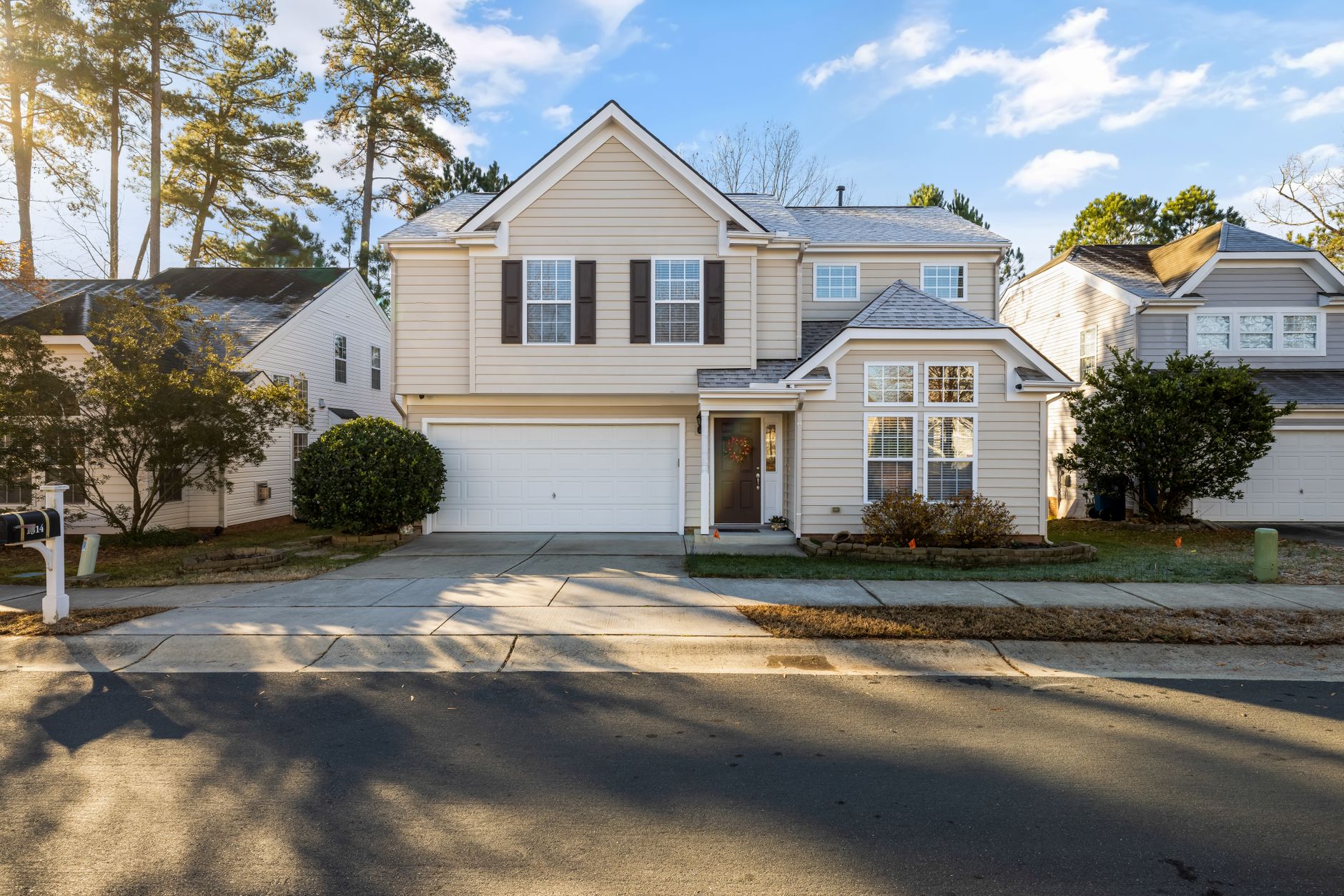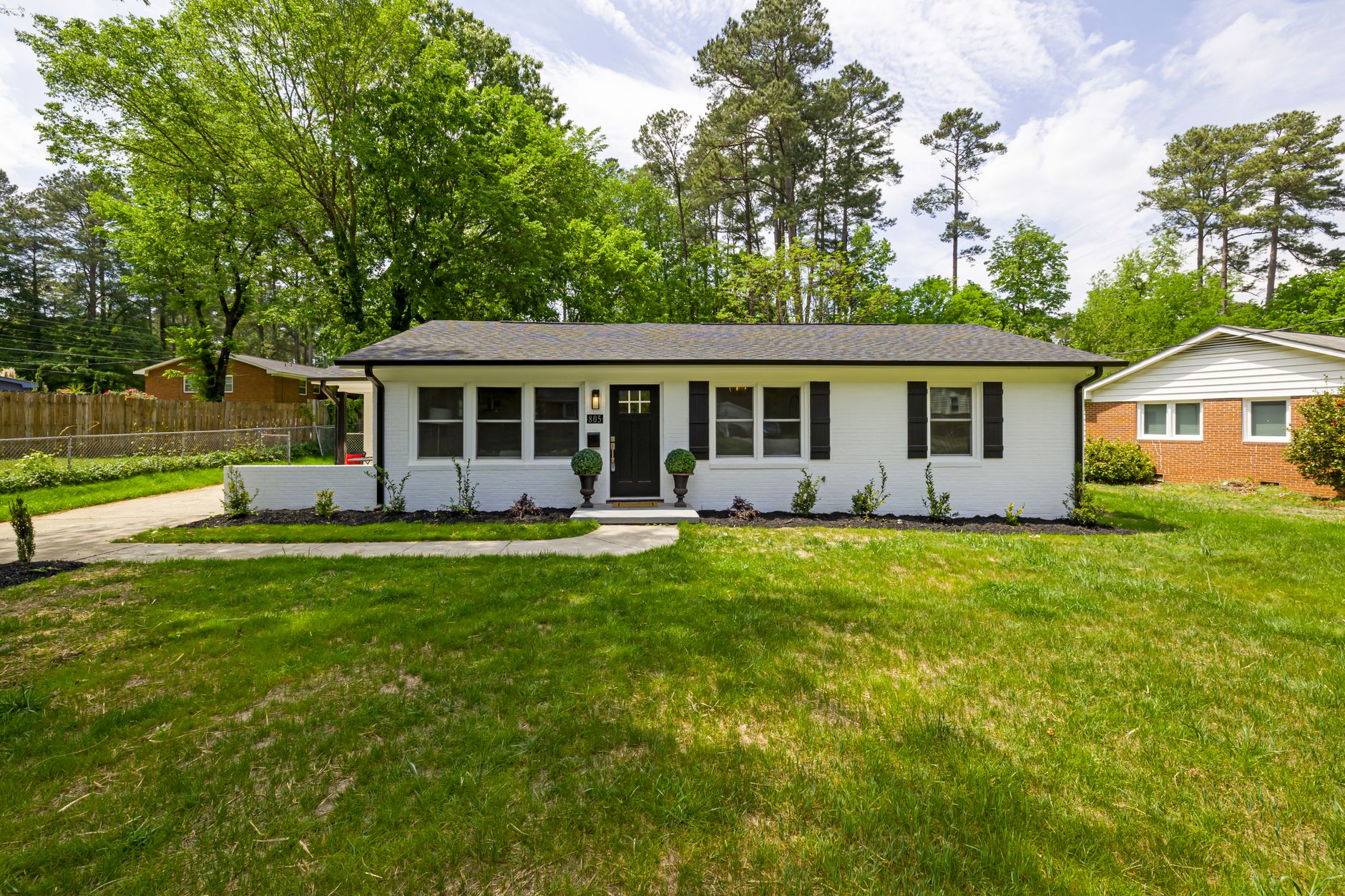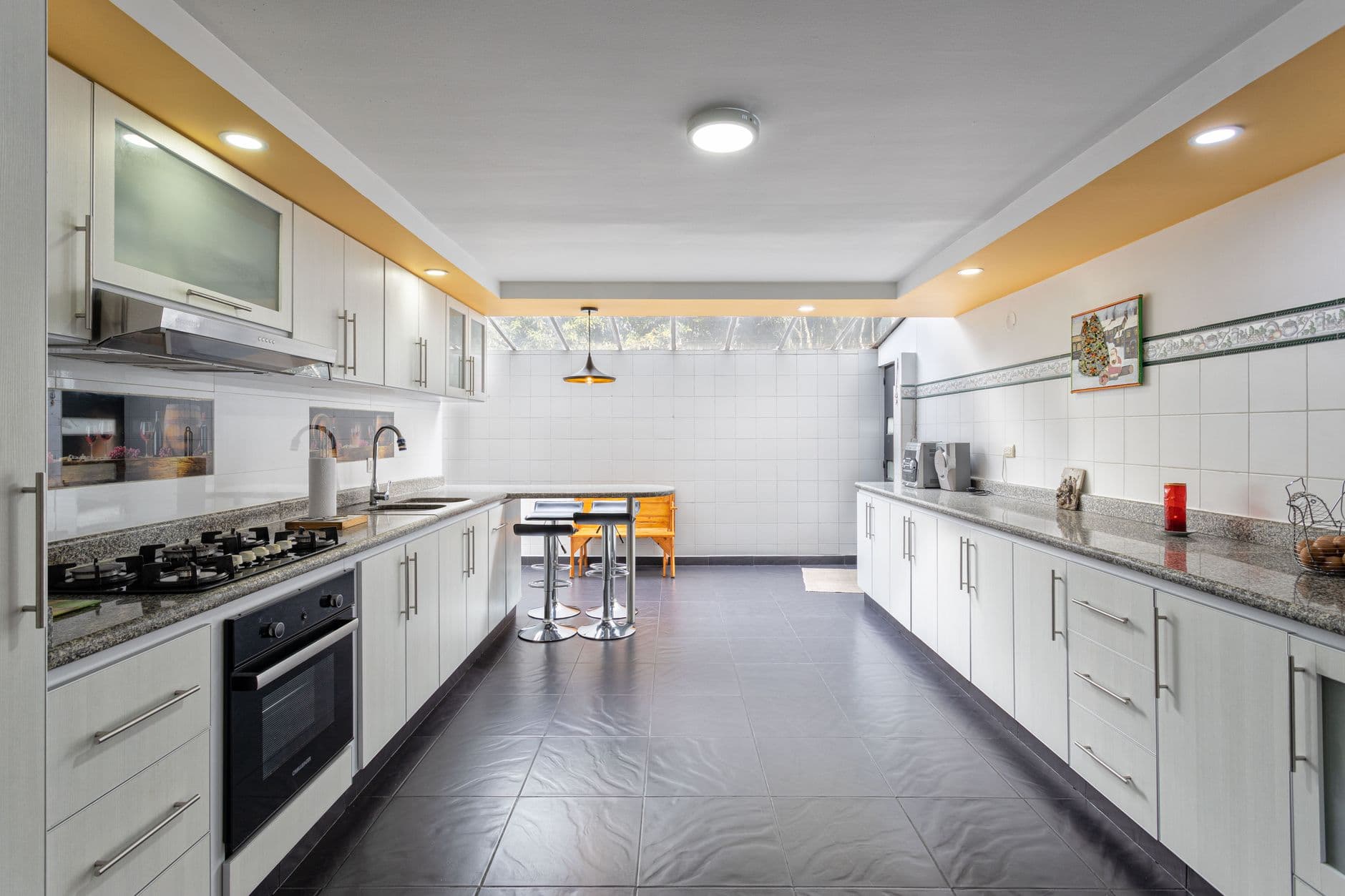
📖This article is part of the complete guide to Real Estate Photo Enhancement: Complete Guide to Better Listings.
Real Estate Photo Enhancement Pricing Table | RealVisionAI Blog - AI Real Estate Photography & Virtual Staging
In the competitive real estate industry of 2026, visual appeal is the most important factor in determining how quickly a property will sell and at what price. High-quality real estate photos capture buyers' attention in milliseconds, leading to higher click-through rates on listing portals, more tour requests, and faster closing times.
With modern AI-powered real estate photo enhancement and virtual staging technology, real estate agents and agencies no longer need to spend thousands of dollars on manual editing services or physical staging.
Why Property Visuals Matter More Than Ever
Over 95% of homebuyers start their search online. Before they read the property description, check the square footage, or look up school districts, they look at the property photos.
Key Market Statistic: Properties with professionally enhanced photos and virtual staging receive 62% more buyer inquiries and spend half the time on the market compared to listings using raw, unedited photos.
Common Issues with Unedited Listing Photos
- Overcast, Gray Skies: Dull exterior photos make properties look dark and uninviting.
- Brown, Dead Lawns: Patchy grass hurts curb appeal.
- Poor Interior Lighting: Underexposed rooms hide architectural details.
- Empty Rooms: Buyers struggle to visualize the scale of the space and furniture placement.
- Cluttered Interior Spaces: Personal items distract potential buyers.
How RealVisionAI Solves Real Estate Photo Challenges
RealVisionAI uses advanced computer vision and generative AI models to transform ordinary property photos into stunning, listing-ready visuals in seconds.
Key Features
1. Automatic Sky Replacement
Transform gray, overcast skies into vibrant blue-sky days or dramatic sunsets. AI sky replacement automatically detects roofs, trees, and windows to ensure natural lighting integration.
2. Lawn and Exterior Enhancement
Instantly turn brown lawns green, clean up dirty driveways, and boost overall curb appeal without altering the structural reality of the property.
3. AI Virtual Staging
Virtual staging allows agents to place stylish, photorealistic furniture in empty rooms. Choose from popular décor styles, including Modern Minimalist, Scandinavian, Coastal, and Luxury Contemporary.
4. Day-to-Dusk Conversion (Virtual Twilight)
Twilight exterior photos are proven to attract high-end buyers. RealVisionAI converts daytime photos into warm, lit twilight images with soft exterior lighting and bright window reflections.
5. Object and Clutter Removal
Remove unwanted objects, wires, moving boxes, or parked cars in garages with intelligent removal algorithms.
Step-by-Step Guide to Enhancing Your Listings
Implementing AI photo editing into your real estate workflow is simple and takes less than 2 minutes per photo:
- Upload RAW or Smartphone Photos: Drag and drop high-resolution property images (JPEG or PNG) into RealVisionAI.
- Select Enhancement Mode: Choose from Auto Enhancement, Sky Replacement, Lawn Greening, Virtual Twilight, or Virtual Staging.
- Customize Style Settings: Select furniture styles, lighting temperature, and staging options aligned with your target buyer profile.
- Export MLS-Compliant Images: Download high-resolution images fully compatible with MLS format and resolution requirements.
Cost Comparison: AI vs. Traditional Photo Services
| Service Type | Traditional Cost | Turnaround Time | RealVisionAI Cost | AI Turnaround Time |
|---|---|---|---|---|
| Physical Staging | $2,000 – $5,000 / month | 3 – 5 Days | Included in Plan | Under 60 Seconds |
| Manual Photo Editing | $5 – $15 / photo | 24 – 48 Hours | Cents per photo | Instant |
| Twilight Photography | $250 – $500 / session | Requires scheduling | Included in Plan | Instant |
Best Practices for MLS Compliance and Ethical AI Editing
While AI enhancement dramatically improves visual presentation, transparency is essential to maintain client trust and follow MLS guidelines:
- Do Not Alter Permanent Features: Never remove power lines, permanent structures, or conceal structural damage.
- Disclose Virtual Staging: Add a brief statement in MLS listings stating that rooms have been virtually staged for spatial visualization.
- Maintain Realistic Lighting: Ensure interior and exterior lighting color temperatures match the surrounding environment.
Frequently Asked Questions (FAQ)
Is virtual staging allowed on MLS portals?
Yes, most MLS platforms allow virtual staging, provided the listing includes a statement indicating that furniture has been digitally added for spatial visualization.
Can AI replace a professional real estate photographer?
AI visual tools enhance and refine photos taken by photographers or agents. Combining high-resolution images with AI enhancement delivers optimal results at a fraction of traditional post-processing costs.
What file formats does RealVisionAI support?
RealVisionAI supports JPEG, PNG, TIFF, and RAW formats, exporting images optimized for the web and formatted for MLS, Zillow, Realtor.com, and social media.
Recommended Reading
To deepen your knowledge on these topics, we recommend the following articles:
- Real Estate Photo Enhancement
- AI in Real Estate
- AI Lead Generation for Agents
- Virtual Staging by Property Type
Conclusion and Next Steps
High-impact visuals are no longer optional in real estate marketing—they are mandatory. By incorporating RealVisionAI into your listing pipeline, you save time, reduce marketing costs, and present properties at their full potential.
Ready to transform your listing photos? Try RealVisionAI today and discover the future of AI real estate photography.

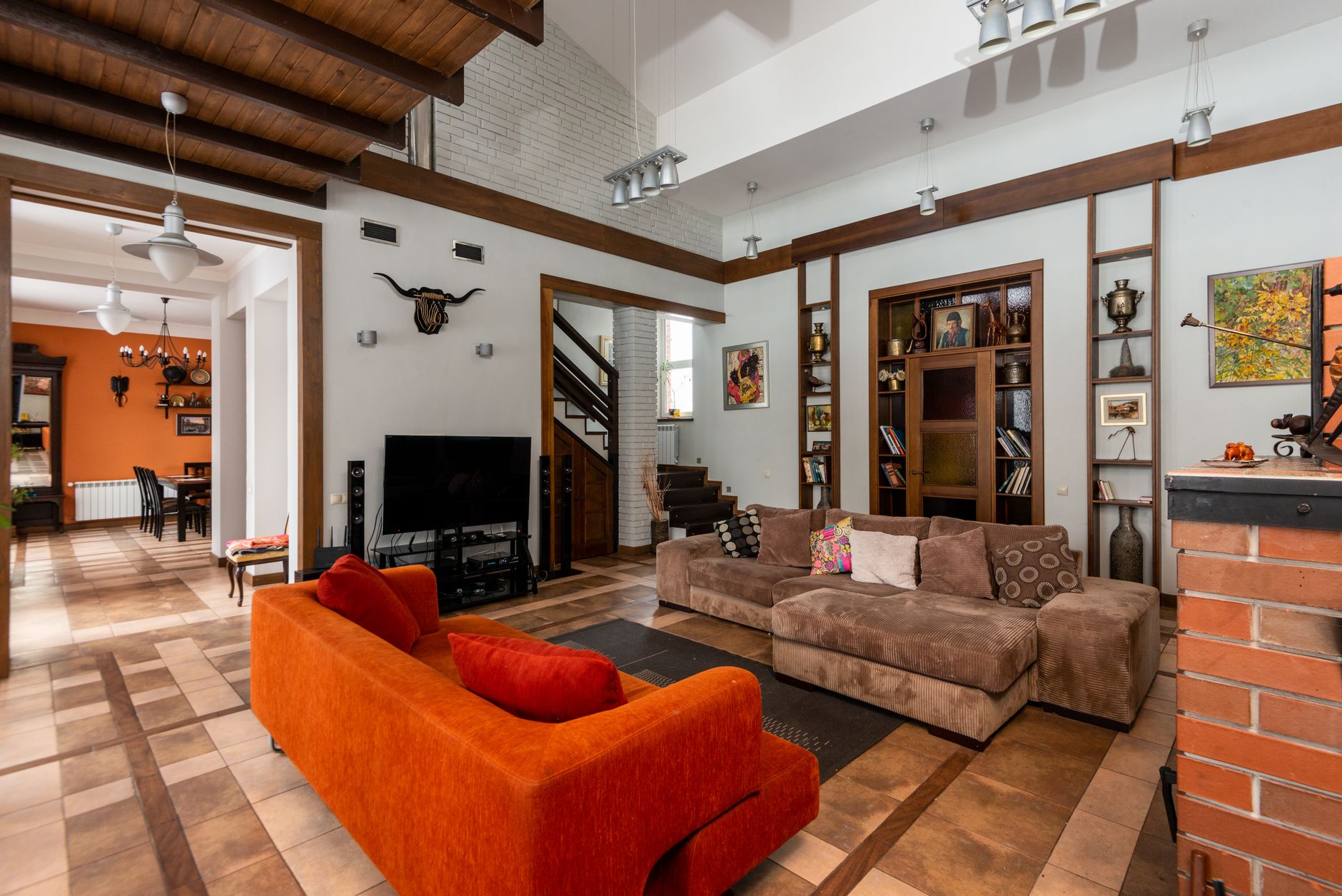
Free Real Estate AI Visual Playbook 2026
Discover how top realtors boost listing engagement by 62% and close deals faster using AI photo enhancement and virtual staging.