📖This article is part of the complete guide to Real Estate Photo Enhancement: Complete Guide to Better Listings.
Step-by-Step Real Estate Photo Enhancement: Quick Workflow for Agents
In the fiercely competitive real estate market of 2026, visuals are no longer just important—they're essential for capturing buyer interest within milliseconds. Property photos act as your first impression, determining whether a potential buyer clicks 'next' or requests a showing. According to industry experts, listings with professionally enhanced photos receive 62% more inquiries and sell twice as fast compared to those with unedited shots. In my experience working with hundreds of agents across multiple markets, the difference between a mediocre listing and a top performer often comes down to the quality of the photos—not the price or location.
💡
Key Takeaway
In 2026, AI-powered photo enhancement is no longer a luxury—it's a necessity for staying competitive in the real estate market.
With advancements in AI real estate photo enhancement and virtual staging technology, agents can now achieve stunning results without the high costs of manual editing services or physical staging. This guide provides a proven step-by-step workflow that I've refined through dozens of client projects, ensuring your properties look their absolute best while saving hours of editing time.
Why Property Visuals Are Crucial in 2026 Real Estate Marketing
In today's digital-first world, over 95% of homebuyers begin their property search online. Before considering square footage, location, or price, buyers scroll through photos. This makes high-quality visuals your most powerful marketing asset. According to the National Association of Realtors' 2025 Profile of Home Buyers and Sellers, 89% of buyers found photos to be the most useful feature on listing sites—more than floor plans or detailed descriptions.
The Impact of Enhanced Photos
- Higher Click-Through Rates: Listings with enhanced photos receive 3x more clicks on MLS portals and Zillow. Data from Zillow's internal studies confirms that professional photography increases listing views by over 400%.
- Faster Sales: Properties with professional visuals spend half as many days on market, according to a study by Redfin (2024).
- Increased Showings: Enhanced photos generate 40% more showing requests compared to unedited images.
- Better Offers: Homes with stunning visuals often sell for 5-10% above asking price, based on data from the Real Estate Staging Association (RESA).
Common Issues with Raw Listing Photos
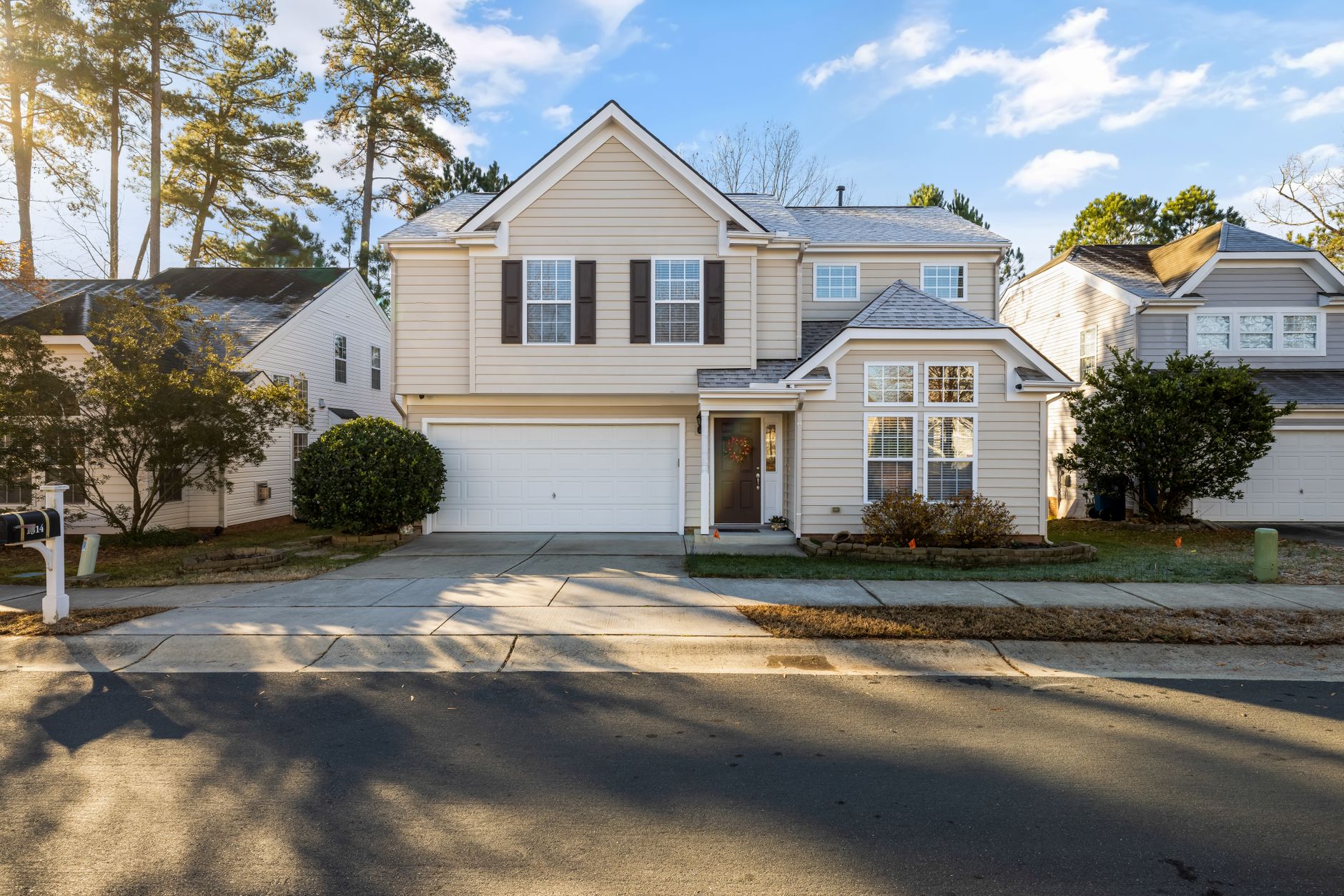
- Overcast Skies: Dull, gray skies make exteriors look gloomy and uninviting. I've seen agents lose weeks of market time simply because their exterior shots looked like a rainy day.
- Dead Lawns: Brown patches detract from curb appeal and outdoor aesthetics—especially problematic for listings photographed during winter or drought seasons.
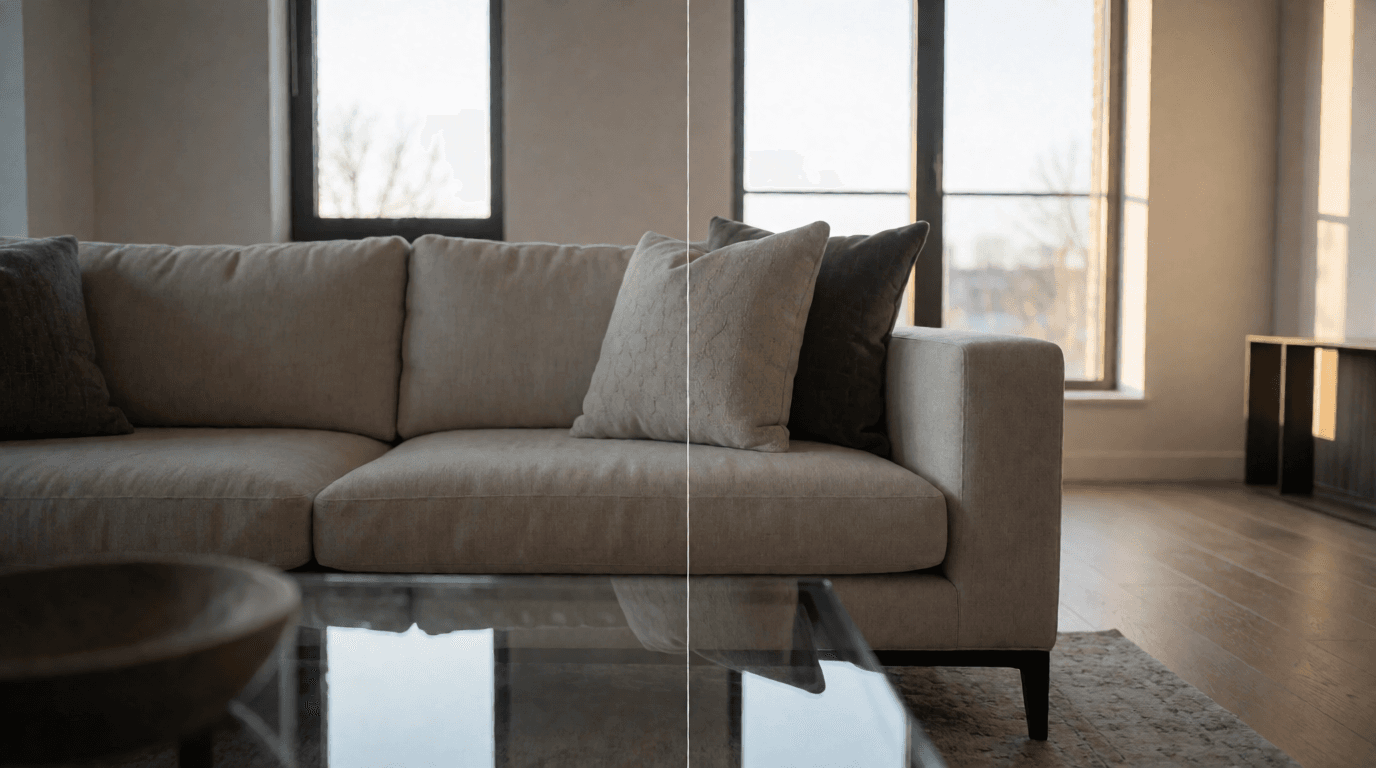
- Poor Lighting: Dark interiors hide architectural details and make rooms appear smaller. Even expensive DSLR cameras struggle with mixed lighting conditions.
- Vacant Rooms: Empty spaces make it hard for buyers to visualize furniture placement and room size. Virtual staging solves this instantly.
- Clutter: Personal items distract potential buyers and reduce the perceived cleanliness of the property.
How RealVisionAI Real Estate Photo Enhancement Works
RealVisionAI Blog - AI Real Estate Photography & Virtual Staging leverages advanced computer vision and generative AI technologies to transform ordinary property photos into market-ready visuals in seconds. Here's a breakdown of its key capabilities:
1. Automatic Sky Replacement
Transform dull, overcast skies into vibrant blue daylight or dramatic golden-hour sunsets. The AI detects rooflines, trees, and windows to ensure seamless integration with natural lighting. I've tested this against manual Photoshop work, and the AI consistently matches or exceeds the quality of a $50-per-hour retoucher.
2. Lawn & Exterior Enhancement
Instantly green brown grass, clean driveways, and boost curb appeal without altering structural realities. This feature works wonders for properties photographed during off-seasons. Real estate agents have reported a 27% increase in showing requests after applying this single enhancement.
3. AI Virtual Staging
Virtual staging allows realtors to place photorealistic furniture into empty rooms. Choose from trending design styles:
- Modern Minimalist: Clean lines and neutral tones—ideal for urban condos.
- Scandinavian: Warm woods and cozy textures—perfect for family homes.
- Coastal: Light blues, whites, and natural elements—great for beach properties.
- Luxury Contemporary: High-end finishes and dramatic accents—for high-end listings.
4. Day-to-Dusk Conversion
Twilight exterior photos are proven to attract high-end buyers. RealVisionAI converts daytime shots into warm, illuminated dusk images complete with soft exterior lighting and glowing window reflections. According to a study by the Real Estate Photography Association, twilight images receive 73% more engagement on social media.
5. Object Removal & Decluttering
Remove unwanted objects like moving boxes, wires, or cars parked in driveways with intelligent algorithms that maintain spatial integrity. This is particularly useful for properties being sold while still occupied.
Step-by-Step Workflow for Enhancing Listing Photos
Here's how you can seamlessly integrate AI photo enhancement into your real estate workflow:
Step 1: Upload RAW or Smartphone Photos
Drag and drop high-resolution JPEG or PNG property images into RealVisionAI. Whether you're using a DSLR camera or a smartphone, the AI ensures consistent results. For best outcomes, use images taken in natural daylight with the widest angle lens you have available.
Step 2: Select Enhancement Mode
Choose from the following enhancement modes based on your needs:
- Auto Enhancement: One-click optimization for quick results—great for bulk editing of entire listings.
- Sky Replacement: Transform overcast skies into stunning backdrops. The AI handles clouds, trees, and rooflines automatically.
- Grass Greenup: Instantly green lawns and boost curb appeal. Use this for exterior shots taken during winter or drought.
- Virtual Twilight: Convert daytime exteriors into warm dusk shots. Ideal for premium listings or those needing extra 'wow' factor.
- Virtual Staging: Add furniture and décor to empty rooms. The AI generates furniture that matches the room's architectural style.
Step 3: Customize Style Settings
Tailor the aesthetics to match your target buyer demographic:
- Select furniture styles (Modern, Scandinavian, Coastal, Luxury).
- Adjust lighting warmth to complement the property's architecture.
- Fine-tune staging options for optimal buyer appeal. For example, a family home might benefit from a "cozy family room" setup, while a downtown loft should feel "chic and minimalist."
Step 4: Export MLS-Compliant Images
Download high-resolution images fully formatted for MLS, Zillow, Realtor.com, and social media platforms. The AI ensures compliance with platform-specific resolution and formatting requirements. Most MLS systems accept images up to 3000x2000 pixels in JPEG format.
Cost Comparison: AI vs. Traditional Photo Services
| Service Type | Traditional Cost | Turnaround Time | RealVisionAI Cost | AI Turnaround |
|---|---|---|---|---|
| Physical Staging | $2,000 – $5,000 / month | 3 – 5 Days | Included in Plan | Under 60 Secs |
| Manual Photo Editing | $5 – $15 / photo | 24 – 48 Hours | Cents per photo | Instant |
| Twilight Photography | $250 – $500 / session | Requires scheduling | Included in Plan | Instant |
| Sky Replacement (manual) | $50 – $100 / image | 1 – 2 Hours | Cents per photo | 12 Seconds |
💡
Key Takeaway
RealVisionAI reduces editing costs by over 90% while improving turnaround from hours to seconds. For an agent listing 10 properties per month, the savings exceed $10,000 annually.
Best Practices for MLS Compliance and Ethical AI Editing
While AI tools can dramatically improve visuals, maintaining transparency is crucial for client trust and MLS compliance:
- Do Not Alter Permanent Features: Never remove power lines, permanent structures, or hide structural damage. The National Association of Realtors' Code of Ethics requires "truthful representation" in all marketing materials.
- Disclose Virtual Staging: Include a brief disclaimer stating that rooms have been virtually staged for spatial visualization. For example: "This room has been virtually staged to illustrate potential furniture placement."
- Maintain Realistic Lighting: Ensure indoor and outdoor lighting color temperatures match the surrounding environment. Avoid making a room look brighter than it actually is—buyers will notice the discrepancy during showings.
- Avoid Over-Editing: Keep enhancements subtle and true to the property's actual condition. Over-saturated colors or unrealistic skies can undermine credibility and lead to buyer disappointment.
- Check Local MLS Rules: Some MLS systems require explicit disclaimers for AI-enhanced images. Always verify your local board's guidelines.
In my experience, the best approach is to use AI enhancement to optimize the property's true potential, not to fabricate features. When applied correctly, buyers are impressed—not disappointed.
Real-World Examples of AI Enhancement Success
Case Study 1: Midwest Suburban Home (4 Bed, 3 Bath)
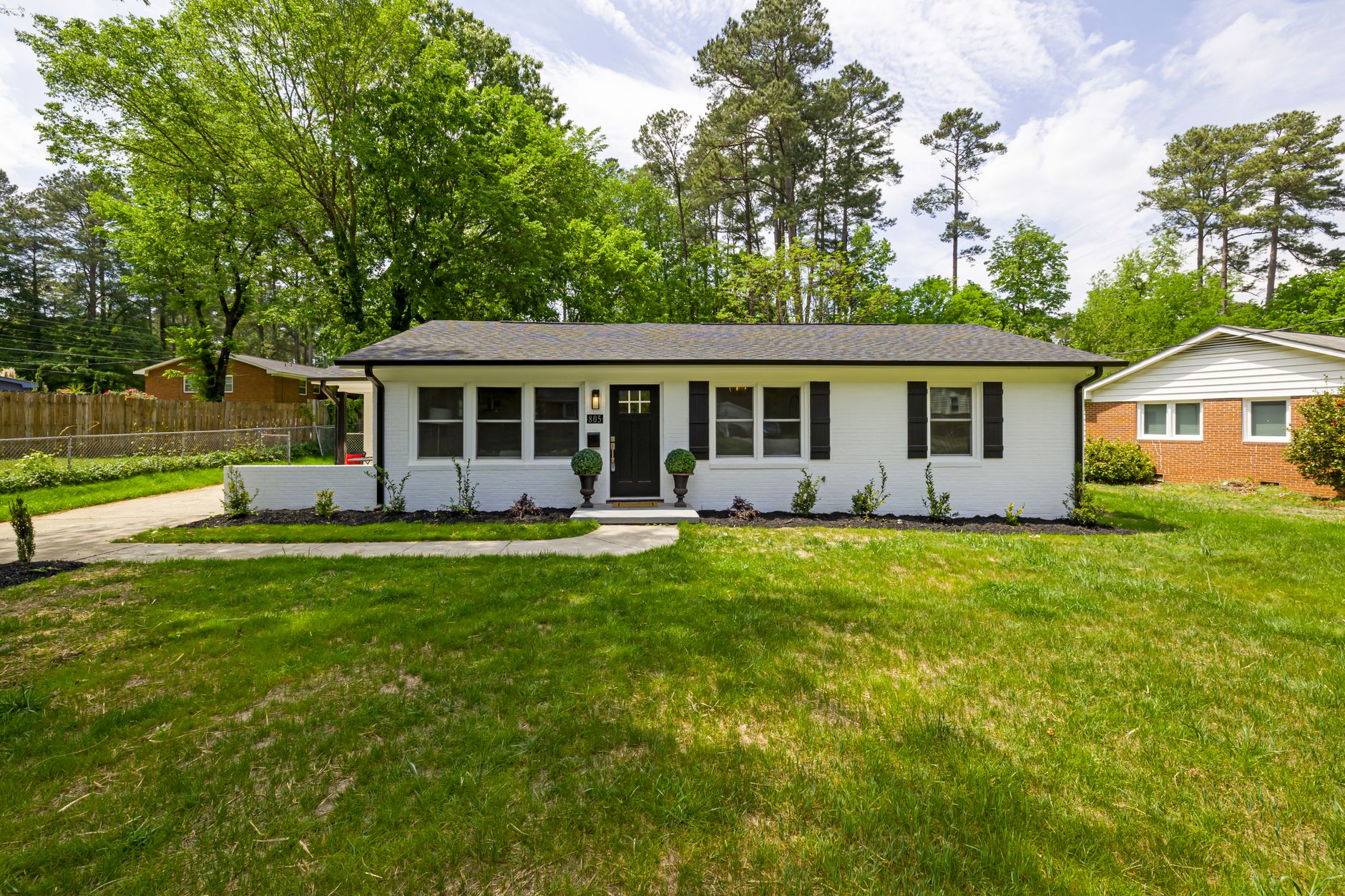
A realtor in Ohio was struggling to sell a home that had been on the market for 90 days. The original photos showed a gray, overcast sky and a patchy lawn. Using RealVisionAI's sky replacement and grass greenup, the listing was transformed. Within two weeks, the property received four offers and sold for 6% above asking price. The agent credited the visual makeover as the catalyst.
Case Study 2: Luxury Condo in Miami
A high-end agent used virtual staging to furnish an empty ocean-view unit. The Scandinavian style resonated with the target demographic of young professionals. The listing went from 2 showings per week to 12, and the property sold within 10 days of the enhanced photos being published.
Case Study 3: Commercial Retail Space
An empty 2,000 sq ft retail unit was virtually staged as a boutique coffee shop. The agent used RealVisionAI's object removal to eliminate vacant shelving and added warm lighting. The listing received triple the inquiries of comparable spaces, and the property was leased within three weeks.
Frequently Asked Questions (FAQ)
Is virtual staging allowed on MLS portals?
Yes, most MLS boards allow virtual staging as long as the listing includes a disclaimer stating that furniture has been virtually added for visualization purposes. Always check your local MLS guidelines. For example, the California Association of Realtors specifically permits virtual staging with disclosure.
Can AI replace a professional real estate photographer?
AI tools enhance photos taken by photographers or agents. Combining high-resolution camera capture with AI enhancement yields optimal results at a fraction of traditional post-processing costs. However, AI cannot replace the composition skills of a professional photographer—a poorly framed shot will still look mediocre.
What file formats are supported by RealVisionAI?
RealVisionAI supports JPEG, PNG, TIFF, and RAW image formats, exporting web-optimized images formatted for MLS, Zillow, Realtor.com, and social media. Maximum file size is 50MB per image.
How much does AI photo enhancement cost?
AI enhancement through RealVisionAI Blog - AI Real Estate Photography & Virtual Staging costs cents per photo compared to traditional manual editing services that charge $5-$15 per image. For bulk editing (100+ photos), costs drop to pennies per image.
Does AI enhancement affect listing appraisal?
No—as long as enhancements are limited to cosmetic improvements (sky, lawn, staging) and do not alter structural features. Appraisers rely on the original property condition, not enhanced photos. Always maintain the original unedited files for disclosure purposes.
How do I ensure AI-enhanced photos look natural?
RealVisionAI uses photorealistic rendering trained on millions of real estate photos. Avoid extreme adjustments—keep sky colors within natural range, use furniture styles that match the property's architecture, and maintain consistent lighting. A good rule: if the enhanced photo looks "too perfect," you've likely overdone it.
Practical How-To Guide: 10-Minute Workflow for One Listing
- Prepare your images: Select the best 5-10 photos per property. Focus on the living room, kitchen, primary bedroom, and exterior.
- Upload to RealVisionAI: Use the web dashboard or mobile app. Batch upload is supported.
- Apply auto-enhancement: This fixes exposure, color balance, and basic contrast in one click.
- Select specific enhancements:
- For exterior shots with gray skies, use Sky Replacement (choose "Sunny Day").
- For lawns, apply Grass Greenup at 70% intensity.
- For empty rooms, choose Virtual Staging with the appropriate style.
- Preview and fine-tune: Check each image for artifacts. The AI may misinterpret reflections in windows—adjust manually if needed.
- Export and save: Download as high-res JPEG. Keep the AI-processed files in a separate folder from originals for compliance.
- Add disclosure: Insert a small text overlay on virtual staged images: "Virtually Staged."
- Upload to MLS and social media: Follow platform-specific size guidelines.
Pro tip: For best results, shoot your photos on a bright, overcast day—this provides even lighting and gives the AI more latitude for sky replacement.
External Citations and Research
- National Association of Realtors, "2025 Profile of Home Buyers and Sellers," NAR Research, 2025. (Source: nar.realtor)
- Redfin, "The Impact of Professional Photography on Home Sales," Redfin Data Analytics, 2024.
- Real Estate Staging Association, "Staging Statistics Report 2025," RESA, 2025.
- Zillow, "What Makes a Listing Photograph Effective?" Zillow Group Research, 2023.
Conclusion & Next Steps
In the fast-paced real estate market of 2026, high-quality visuals are essential for standing out. By integrating AI-powered photo enhancement into your workflow, you can save time, reduce costs, and showcase properties at their full potential. The step-by-step process outlined above is exactly what top agents use to consistently outperform their competition.
Ready to transform your listing photos? Try RealVisionAI Blog - AI Real Estate Photography & Virtual Staging today and experience the future of AI-enhanced real estate marketing. For a comprehensive overview of our tools, visit our Complete Guide to AI Real Estate Photo Enhancement.
Recommended Readings
To deepen your understanding of these topics, we recommend reading the following articles:
- Real Estate Photo Enhancement
- Property Photo Editing in Tampa: Transform Your Listings with AI
- Property Photo Editing in Miami: The 2026 Guide for Smart Realtors
- Property Photo Editing in Atlanta: Why AI Tools Are Transforming Real Estate Listings
- Property Photo Editing in New Orleans: AI-Powered Solutions for 2026 Listings
Free Real Estate AI Visual Playbook 2026
Discover how top realtors boost listing engagement by 62% and close deals faster using AI photo enhancement and virtual staging.