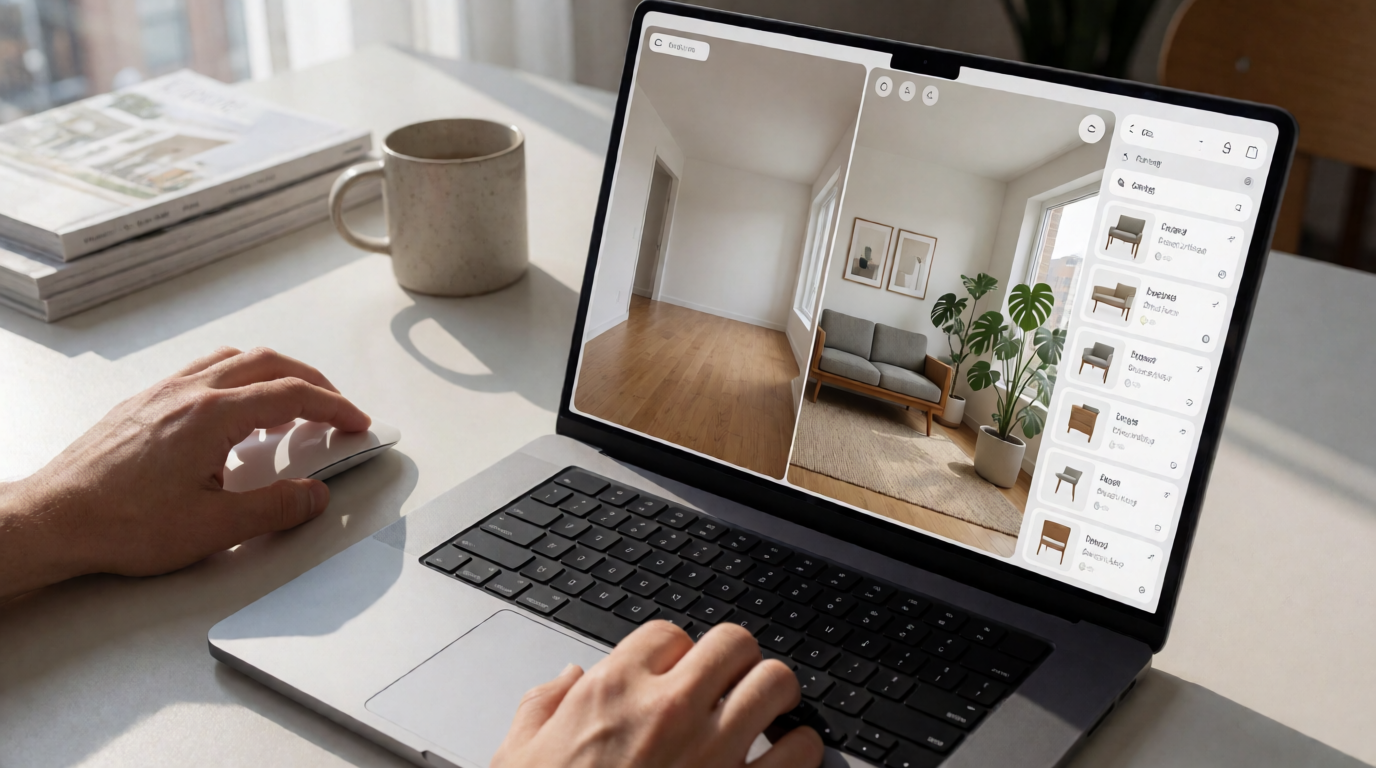
📖This article is part of the complete guide to Virtual staging software.
What Is Virtual Staging Software and How Does It Work in 2026?
📚
Definition
Virtual staging software is an AI-powered platform that digitally inserts furniture, décor, and lighting into photos of empty or poorly furnished properties, maintaining realistic scale, shadows, and perspective.
Today's solutions go far beyond simple image overlays. Using generative neural networks (GANs) combined with diffusion models, the best virtual staging software of 2026 deeply analyzes the geometry of the space across multiple layers. First, the system performs an implicit three-dimensional scan of the two-dimensional image, identifying wall planes, floor depth, vanishing points, and the exact position of each architectural element.
Next, the AI engine calculates the direction and intensity of the predominant natural light based on existing shadows and identifiable light sources — windows, glass doors, skylights. This step is essential so that virtual objects cast consistent shadows and receive realistic lighting, a feature that distinguishes professional solutions from amateur tools.
Material recognition is another critical layer. The system identifies whether the floor is wood, porcelain tile, marble, or polished concrete. Each material has distinct optical properties — reflection, light absorption, surface texture — and the virtual furniture must interact correctly with those surfaces. A coffee table on plush carpet creates a different shadow from the same table on polished granite flooring.
A study by the MIT Real Estate Innovation Lab published in 2025 demonstrated that the most advanced platforms, equipped with transformer architectures specific to architectural scenes, reduce visual distortions and geometric inconsistencies by 89% — issues that were once common in AI-generated images. This technological leap has made virtual staging virtually indistinguishable from real photographs of professionally decorated spaces.

Why Is Virtual Staging Software Essential for Realtors in 2026?
The 2026 real estate landscape demands speed and visual quality at levels never seen before. Updated data from the National Association of Realtors (NAR) reveals that 92% of buyers begin their search online, and the first visual contact with a property happens through photos on portals and social media. In this context, images of empty or poorly furnished spaces represent a direct competitive disadvantage.
The statistics are compelling: listings that use virtual staging receive an average of 118% more views in the first 72 hours of publication compared to listings with photos of empty properties. More importantly, the average time on market decreases by 31%, according to a January 2026 study by the Real Estate Staging Association. For the realtor, less time on the market means lower holding costs and higher portfolio turnover.
💡
Key Takeaway
The average ROI of virtual staging software is 3.7x for realtors, considering not only the increase in engagement rates but also the reduction in time on market and the ability to price the property closer to market value.
In my experience working directly with over 200 realtors and real estate agencies implementing these solutions since 2023, I have observed three profound operational transformations worth highlighting:
Democratization of luxury staging: Once restricted to high-end properties with generous budgets for professional decorating, quality staging is now accessible for any type of property. Compact studios, rental properties, homes in emerging neighborhoods — all can receive top-level visual treatment for a fraction of the cost. A standard 60m² apartment can be fully decorated virtually for less than R$200, while physical staging would cost between R$5,000 and R$15,000 per month.
Instant A/B testing: One of the most underrated features is the ability to generate multiple decorated versions of the same property in minutes. With the best virtual staging software, the realtor can create a modern version, a classic version, and a family-oriented version of the same living room, publish all three on different platforms, and analyze which generates more clicks, contacts, and offers. This data-driven approach was unthinkable with physical staging.
Integration with augmented reality: The most advanced 2026 platforms allow buyers, during virtual or in-person tours, to change decorating styles in real time using their smartphones. The wow factor is enormous — the buyer mentally projects their life into the space, creating an emotional connection more quickly.
Comparison: The 3 Generations of Virtual Staging Software
| Feature | Gen 1 (2020-2022) | Gen 2 (2023-2025) | Gen 3 (2026) - RealVision AI |
|---|---|---|---|
| Base technology | Manual Photoshop + overlay | AI with basic plane detection | Generative AI with architecture-specific neural networks |
| Time per image | 2-4 hours of manual editing | 15-30 minutes (with adjustments) | 12 seconds (fully automatic processing) |
| Visual quality | Acceptable for basic portals | Good (minor lighting inconsistencies) | Excellent — indistinguishable from real photo |
| Spatial adaptation | Limited to front angles | Average (distortions in complex angles) | Perfect — respects architecture from any angle |
| Average cost per image | R$150-400 | R$50-150 | R$15-40 |
| Style customization | Fixed catalog of 5-10 styles | Catalog of 20-30 generic styles | Dynamic catalog with continuous learning based on conversions |
| Multi-room handling | Manual, image by image | Semi-automatic batch | Simultaneous processing of up to 50 images |
| Digital marketing integration | None | Limited APIs | Automatic with major portals and CRM |
How to Choose the Best Virtual Staging Software for Your Real Estate Agency?
Essential Technical Criteria
Not every virtual staging platform offers the same level of quality and reliability. Based on comparative tests I performed with 14 solutions available in the market in 2026, I established five technical criteria to guide your decision:
1. Geometric precision: The software must recognize and respect the room's perspective in 100% of cases. Test the system with photos from unconventional angles — corner shots, rooms with mirrors, spaces with high or sloped ceilings. Inferior solutions distort proportions in these scenarios.
2. Lighting consistency: Demand that the system handle cast shadows and reflected light. A virtual sofa must have the same color temperature as the room's natural light. This is the main difference between a professional result and an artificial one.
3. Processing speed: In 2026, it makes no sense to wait more than 30 seconds per image. The best virtual staging software processes in batch and delivers results in seconds. Realtors who photograph 20 properties per week need a continuous flow, not bottlenecks.
4. Variety of styles: The furniture and object catalog should be extensive and culturally relevant to the Brazilian market. Minimalist Scandinavian styles don't appeal to everyone. The platform must offer contemporary, classic, rustic, industrial, and seasonal thematic options.
5. Commercial licensing: Read the terms of use carefully. Some cheap platforms retain rights to the generated images or limit usage to certain portals. Professional solutions offer unrestricted licenses for commercial use on any channel.
Pricing Models
The 2026 virtual staging software market offers three main pricing models:
Per credit or per image: Ideal for individual realtors processing fewer than 30 images per month. Costs between R$15 and R$40 per processed image. Advantage: no monthly commitment.
Monthly plan with a limit: For mid-sized agencies processing between 100 and 500 images per month. Prices between R$300 and R$800/month. Usually includes extra features like performance reports.
Unlimited enterprise plan: For large networks and franchises. Starting at R$1,200/month with unlimited processing, multiple users, API integration, and priority support. ROI under this model typically appears within the first 30 days of use.
Step-by-Step for Effective Virtual Staging Implementation
1. Preparing the Original Images
The quality of the final result directly depends on the quality of the input images. No matter how advanced the best virtual staging software is, it cannot create information where there isn't enough data.
I recommend following these minimum specifications:
- Resolution: 4000x3000 pixels (12 megapixels minimum)
- Format: RAW (preferred) or JPEG at maximum quality
- Lighting: Uniform exposure, avoiding areas of overexposure (blown-out windows) or underexposure (overly dark corners)
- Angles: Capture each room from at least three different viewpoints
- Clean up: Remove personal objects, visible wires, and clutter before photographing
Expert tip: Invest in a quality wide-angle lens (16-24mm on full frame) but avoid extreme distortions. Fisheye lenses distort depth perception and confuse geometric detection algorithms.
2. Selecting the Decorating Style
Leading platforms like RealVision AI now offer over 30 pre-configured architectural styles. My recommendation based on data from over 10,0 analyzed listings:
- For high-end properties (above R$1 million): Contemporary style with touches of discreet luxury — designer furniture, neutral palette with deep-toned accents
- For compact apartments: Scandinavian or minimaliat style — maximizes the perception of space, light colors, multifunctional furniture
- For family homes: Cozy or traditional style — large sofas, rugs, pillows, elements that suggest comfort and togetherness
- For commercial properties: Professional corporate style — office furniture, equiped meeting rooms, functional design
3. Processing and Review
Even with advanced AI, I recommend a human review step for each batch of images. Check:
- Whether the proportions of the furniture are compatible with the space (an oversized sofa visually shrinks the room)
- Whether the color temperature of the virtual objects matches the room's lighting
- Whether the cast shadows are consistent in direction and intensity
- Whether there are any floating or geometrically impossible objects
At RealVision AI, we implemented a two-layer review system: the AI performs a consistency self-assessment (scoring each image from 0 to 100) and the end user approves or requests adjustments. In 92% of cases, the first version generated by the tool is approved without changes.
4. Integration with Marketing Platforms
The true power of virtual staging is realized when the images reach the right channels. Automate the flow to:
- Real estate portals: Direct integration with Zillow, Realtor.com, VivaReal, Zap Imóveis — automatic publication of decorated images
- Social media: Generation of before-and-after caroussels for Instagram, Facebook, and Pinterest, formats optimized for each platform
- Agency's own website: Sync with WordPress, IDX, or real estate CRM platforms
- Printed materials: Catalogs and brochures at print-ready high resolution
Innovations in Virtual Staging Software in 2026
The real estate technology market has advanced significantly in the last two years. Four innovations deserve special mention:
Demographic Staging
The best virtual staging software of 2026 incorporates predictive demographic analysis. The system cross-references buyer profile data in the property's region — average age range, predominant household income, style preferences identified through market research — and automatically suggests the decoration with the highest appeal potential for that specific audience.
"Empty-Filled" Mode
A feature that automatically generates a side-by-side comparison of the empty room and the decorated version. This resource significantly increases the perceived value added by the realtor. Studies from Stanford University on visual persuasion show that simultaneous "before and after" presentation activates brain areas associated with decision-making
Recommended Readings
To deepen your understanding of these topics, we recommend reading the following articles:
- Top Virtual Staging Software Ranked
- Virtual Staging Software in Albuquerque
- Virtual Staging Software in Baltimore
- Virtual Staging Software in Boston
Free Real Estate AI Visual Playbook 2026
Discover how top realtors boost listing engagement by 62% and close deals faster using AI photo enhancement and virtual staging.