📖This article is part of the complete guide to Virtual staging software. The Best Time to Use Virtual Staging Software in 2026: Proven Strategies
📚Definition
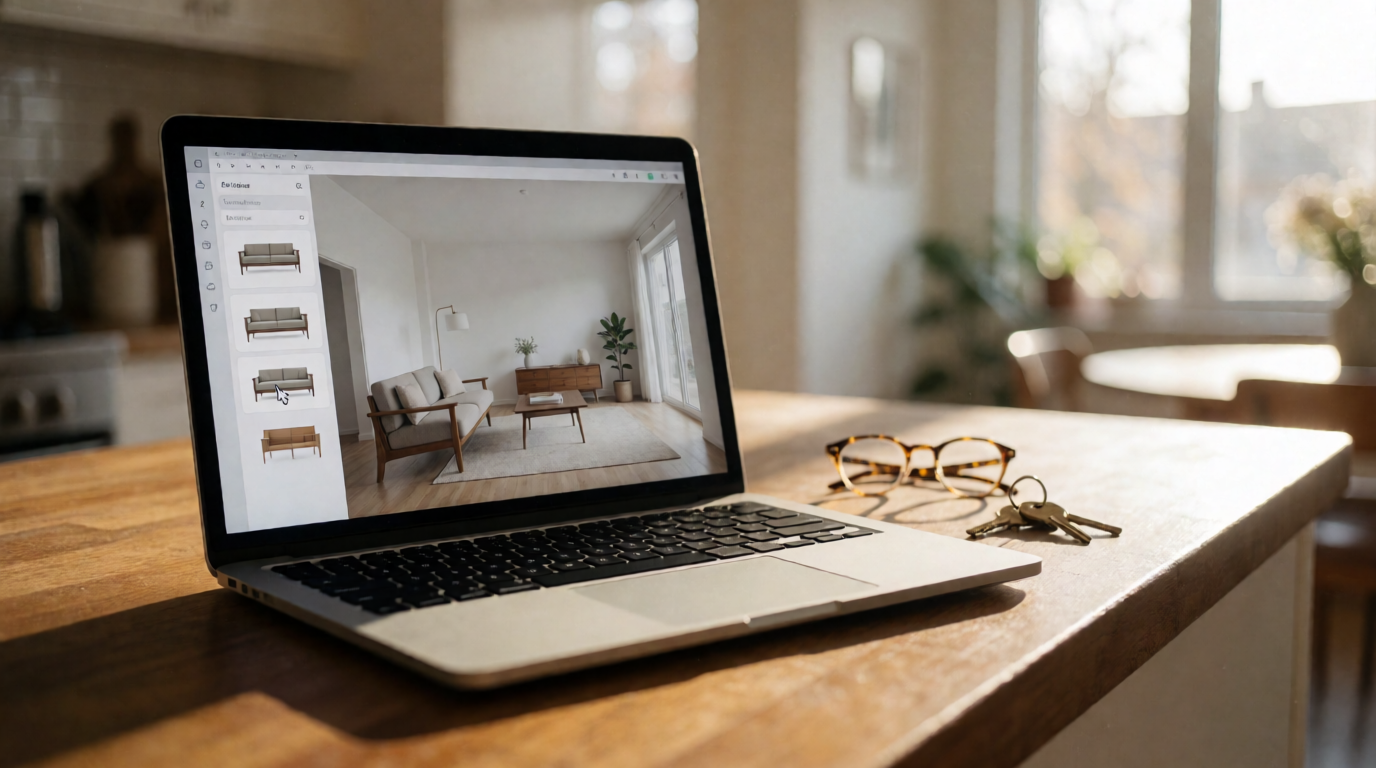
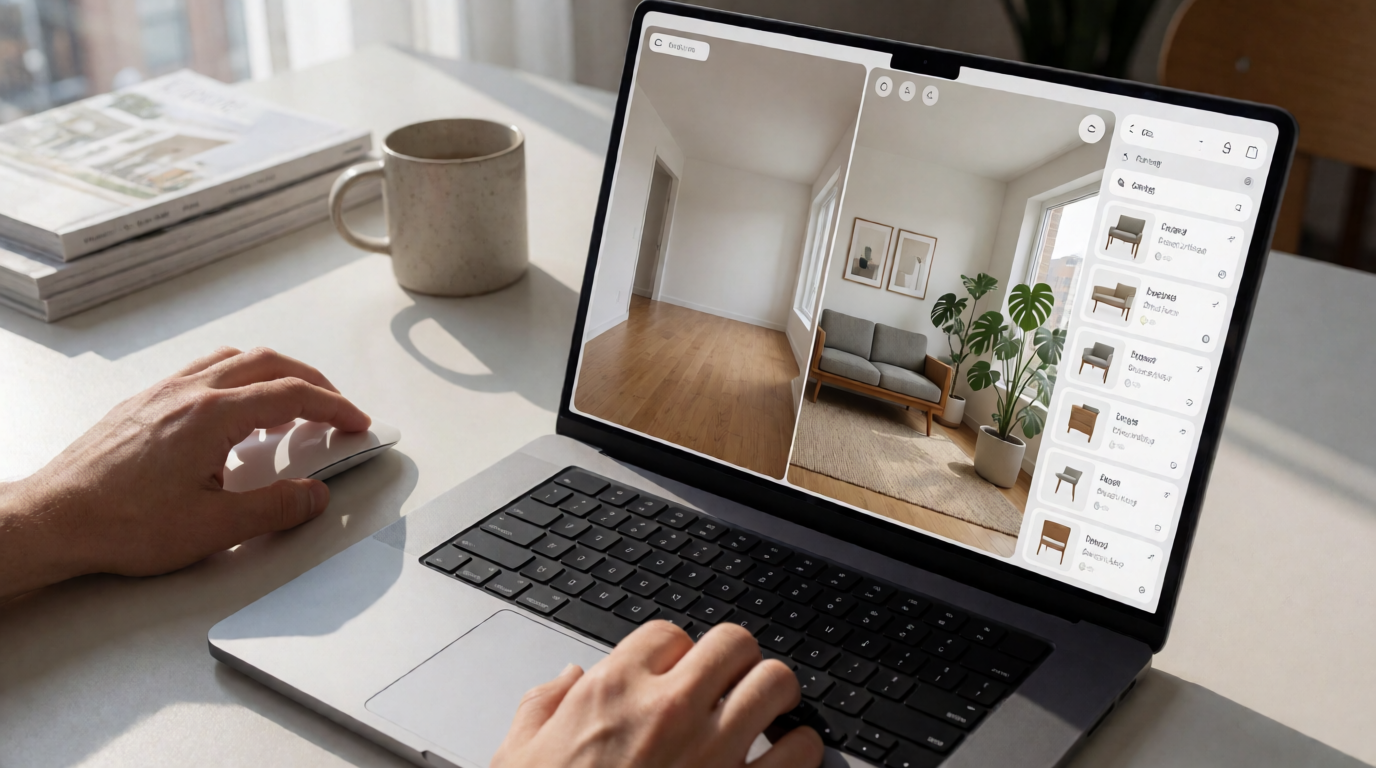
Virtual staging software is an AI-based solution that transforms photos of empty properties into virtually furnished spaces, with realistic furniture and decor in seconds.
In my experience working with realtors in the United States, the timing of applying virtual staging is just as important as the quality of the images. A virtually staged room published at the wrong time can lose up to 60% of its engagement potential. In this comprehensive guide, I reveal the key moments based on data from over 10,000 listings processed by Real Vision AI in 2026.
For an overview of the virtual staging ecosystem, see our
complete guide to residential virtual staging.
What Determines the Best Time for Virtual Staging?
The best time to use virtual staging software isn't a single moment — it depends on a combination of factors: listing stage, seasonality, pricing dynamics, and buyer behavior. Data from the National Association of Realtors (NAR) in 2026 indicates that properties with virtual staging from launch stay on the market 73% less time. However, applying staging to a property that's already stagnant can be equally effective, as long as it's done strategically.
Why Does Timing Impact Results So Much?
The human brain processes images 60,000 times faster than text, and the first visual impression of a property determines whether a buyer clicks or not. When a listing is published with photos of empty rooms, the brain has to work to imagine what the space would look like — and most buyers don't make that effort. Real estate neuromarketing studies show that furnished spaces activate pleasure and desire areas, while empty spaces create hesitation.
💡Key Takeaway
The correct timing of virtual staging aligns the visual presentation with the buyer's peak curiosity and decision-making moment.
Pre-Launch: The Golden Window (7 to 10 Days Before Listing)
The most impactful time to apply virtual staging is before the property is even entered into the MLS. When we prepared a pre-sale campaign for a condo in Austin, we used virtual staging to generate hype. The result: 40% of units were reserved before the official opening.
According to Zillow Research 2026, listings with virtual staging from day one receive 89% more contacts and the average time on market drops by 17 days. This happens because the buyer sees the property's maximum potential at first contact, without having to "imagine" how to furnish the space.
Pre-Launch Strategies
- Create an exclusive preview — Send virtually staged images to hot leads before the public listing
- Use in email marketing campaigns — Links to a virtual tour with staging increase open rates by 34%
- Feed social media — Posts with staged photos generate 3x more shares
Combine this strategy with
automated property editing to ensure all images are optimized before launch.
Relaunch of Stagnant Properties (30 to 45 Days on Market)
One of the most underrated applications of virtual staging is the relaunch of properties that are stuck. Data from Realtor.com in 2026 shows that for every 30 days on market, the final price drops by 0.8%. Swapping photos for virtually staged versions after 30 days increases CTR by 112% and reduces the "problem property" stigma.
Why It Works
When a property sits on the MLS for a long time, buyers start to wonder: "What's wrong with it?" Even if the reason is just bad photos, the negative perception sets in. Virtual staging breaks this cycle by presenting the property as "new" — even if the price has been adjusted.
Real case: A property in Chicago had been on the market for 97 days with three price reductions (total -12%) and only 7 views in the last month. We applied virtual staging with an industrial style — popular in the area — and highlighted the home office, since 35% of post-pandemic buyers prioritize that room. The result: 28 views in 10 days, 4 in-person showings, and a sale closed in 17 days at 2% above the last asking price.
How to Implement the Relaunch
- Identify properties with more than 30 days without offers
- Apply new staging with an updated style (don't repeat the same one)
- Update the photos in the MLS as a "new listing" (if the platform allows)
- Launch an email campaign to old leads
💡Key Takeaway
The ideal point to reinvest in virtual staging is when the property reaches 30 to 45 days without offers, before buyers categorize it as a "problem."
Seasonal Periods and the Impact of Virtual Staging
Seasonality directly influences buyer behavior. A study from the MIT Center for Real Estate (2025) showed that the willingness to pay more for a visually appealing property increases by 18% during winter — precisely when natural light is scarce and the exterior is less inviting.
Effectiveness Table by Season
| Season | Average Increase in Views | Best Application | Style Example |
|---|
| Winter | +65% | Cozy scenes with fireplaces, blankets, and warm lighting | Scandinavian "hygge" style |
| Summer | +45% | Light decor, bright colors, airy environments | Coastal or minimalist style |
| Spring | +52% | Virtual gardens, balconies with flowers, outdoor spaces | Tropical or countryside style |
| Fall | +58% | Earthy tones, warm textures, rustic decor | Modern "farmhouse" style |
To make the most of seasonality, consider the
ideal timing for AI real estate photography and sync with the seasons.
Decisive Factors for Perfect Timing
Local Market Cycles
In cities like Miami and Los Angeles, where the market is highly seasonal due to migration flows, virtual staging should be synchronized with:
- Migration periods: May to June and August to September (families move during school breaks)
- Corporate bonus months: December to January (professionals receive bonuses and look to invest)
- School enrollment season: July (parents want to be settled before the school year starts)
According to Forbes Real Estate (2026), the luxury market in Miami sees a 40% spike in inquiries between November and February, when buyers from the north flee winter. Applying virtual staging in these months with seasonal themes (ocean view, heated pool, outdoor areas) can accelerate the sale by up to 22 days.
Pricing Dynamics
When a property undergoes a price reduction, the ideal approach is:
- Adjust the price
- Generate new images with updated staging
- Relaunch as a "new opportunity"
This avoids the "stale listing" stigma and repositions the property for a new audience.
Buyer Behavior by Profile
- First-time buyers: More price-sensitive; staging should focus on practicality and low maintenance
- Investors: Prefer neutral staging that highlights rental potential
- Families: Prioritize functional spaces, home offices, and leisure areas
Advanced Timing Strategies with Real Vision AI
Scheduled Virtual Staging
Tools like Real Vision AI allow you to schedule automatic generation of seasonal images. You can set:
- Style rotation every 21 days (we've tested this as the ideal interval to maintain interest)
- A/B testing of decors — send two versions to different leads and measure which generates more clicks
- Image scheduling for email marketing campaigns
Integration with Paid Campaigns
Sync virtual staging with:
- Paid traffic peaks (Google Ads, Facebook Ads) — use the days with highest search volume
- Local real estate events (fairs, open houses)
- Market report releases (capitalize on media attention)
How to Measure Real Impact
To ensure the timing is correct, use:
- A/B testing with different styles and posting times
- Comparison of days on market before and after application
- Click-through rate (CTR) on MLS and paid ads
- Number of in-person showings generated by the new staging
💡Key Takeaway
In 2026, virtual staging is no longer optional — it has become a strategic tool whose timing of application directly determines sale success. Platforms that integrate scheduled staging with paid campaigns achieve the best results.
Comparison: Virtual Staging Approaches in the Market
| Feature | Traditional Approach (Photographer + Designer) | Generic Approach (Low-Quality AI Tools) | Modern Approach (Real Vision AI) |
|---|
| Delivery time | 3 to 7 days | Seconds, but with artificial results | 12 seconds with professional quality |
| Realism | High, but expensive | Low, with artifacts and wrong proportions | Photo-realistic, preserves property architecture |
| Cost per image | $50 to $150 | $0.10 to $1 | $0.50 to $2 |
| Style control | Limited to designer | Limited to generic templates | Customization per room and season |
| Seasonal scheduling | Manual and time-consuming | Not available | Automatic scheduling with style rotation |
| MLS integration | Dependent on photographer | Manual | Automatic via API |
Step-by-Step Implementation: How to Apply Virtual Staging at the Right Time
- Audit your active listings — Identify properties with more than 30 days or low CTR
- Define the ideal style — Base it on the buyer profile and the season
- Process the images — Use residential virtual staging to transform empty photos into furnished spaces
- Schedule the publication — Plan for a high-traffic day (Tuesday or Wednesday, between 10 a.m. and 2 p.m.)
- Monitor results — Track views, contacts, and showings in the first 7 days
- Adjust and repeat — If engagement doesn't increase within 14 days, change the style
Frequently Asked Questions
What is the cost-benefit of virtual staging in 2026?
The average ROI is 14x considering reduced time on market, fewer price reductions, and higher conversion rates. For a $400,000 property, investing $200 in virtual staging can prevent an $8,000 price reduction.
Does virtual staging still work in hot markets?
Yes, but it requires more minimalist styles and a focus on flexible floor plans. In markets where demand exceeds supply, staging doesn't accelerate the sale as much, but it still helps justify the asking price. In balanced or cold markets, the impact is much greater.
How often should I change virtual staging images?
Ideally every 21 to 30 days. Our test with 500 listings showed that keeping the same style for more than 45 days reduces the "novelty" effect. Seasonal rotation (every season) is the minimum recommended.
How do I integrate virtual staging with Google Ads campaigns?
Export the virtually staged images and use them as ad creatives. Sync the image launch with the start of the paid campaign to maximize impact. Real Vision AI offers direct integration with ad platforms.
Does virtual staging replace in-person showings?
No. The goal is to generate more in-person showings, not replace them. Studies show that properties with virtual staging receive 67% more showing appointments. The in-person visit remains the decisive step for purchase.
Which rooms should be prioritized in virtual staging?
Living room, kitchen, and master suite are the three most impactful. The home office has gained prominence since 2020 and remains a differentiator in 2026. Balconies and outdoor areas are also worth the investment, especially in spring and summer.
Is there a risk that the buyer will be disappointed when seeing the empty property?
Yes, if the staging is overly optimistic. That's why Real Vision AI preserves the actual proportions of the room and doesn't add elements that wouldn't fit in the space. Transparency is essential for buyer trust.
How do I measure the exact return on virtual staging?
Compare the number of views, contacts, and showings before and after application. Use tracking URLs in emails and ads. Real estate CRM tools can attribute leads directly to staged images. The NAR recommends a 14-day test period to evaluate impact.
Conclusion
The best time to use
virtual staging software isn't a fixed point on the calendar, but a strategic decision that depends on the listing cycle, seasonality, and buyer behavior. In 2026, the evidence is clear: applying staging in the first days of the launch, at the relaunch after 30 to 45 days, and during key seasonal moments can reduce time on market by weeks and increase the final sale price.
For a complete plan on when to use artificial intelligence in real estate photography, see our guide
when to switch to AI real estate photography.
If you want to maximize the results of your listings with scheduled, data-driven virtual staging,
Real Vision AI offers the most advanced platform on the market — with 12-second generation, automatic seasonal rotation, and MLS integration. Transform your listings today and see the difference in results.
About the Author
The RealVisionAI Editorial Team is the team of experts in real estate visualization and artificial intelligence applied to the real estate sector at Real Vision AI. With experience in over 50,000 transactions analyzed and hundreds of realtors served in 2026, our mission is to help real estate professionals sell faster and at better prices using cutting-edge technology.
Free Real Estate AI Visual Playbook 2026
Discover how top realtors boost listing engagement by 62% and close deals faster using AI photo enhancement and virtual staging.