📖This article is part of the complete guide to Virtual staging software.
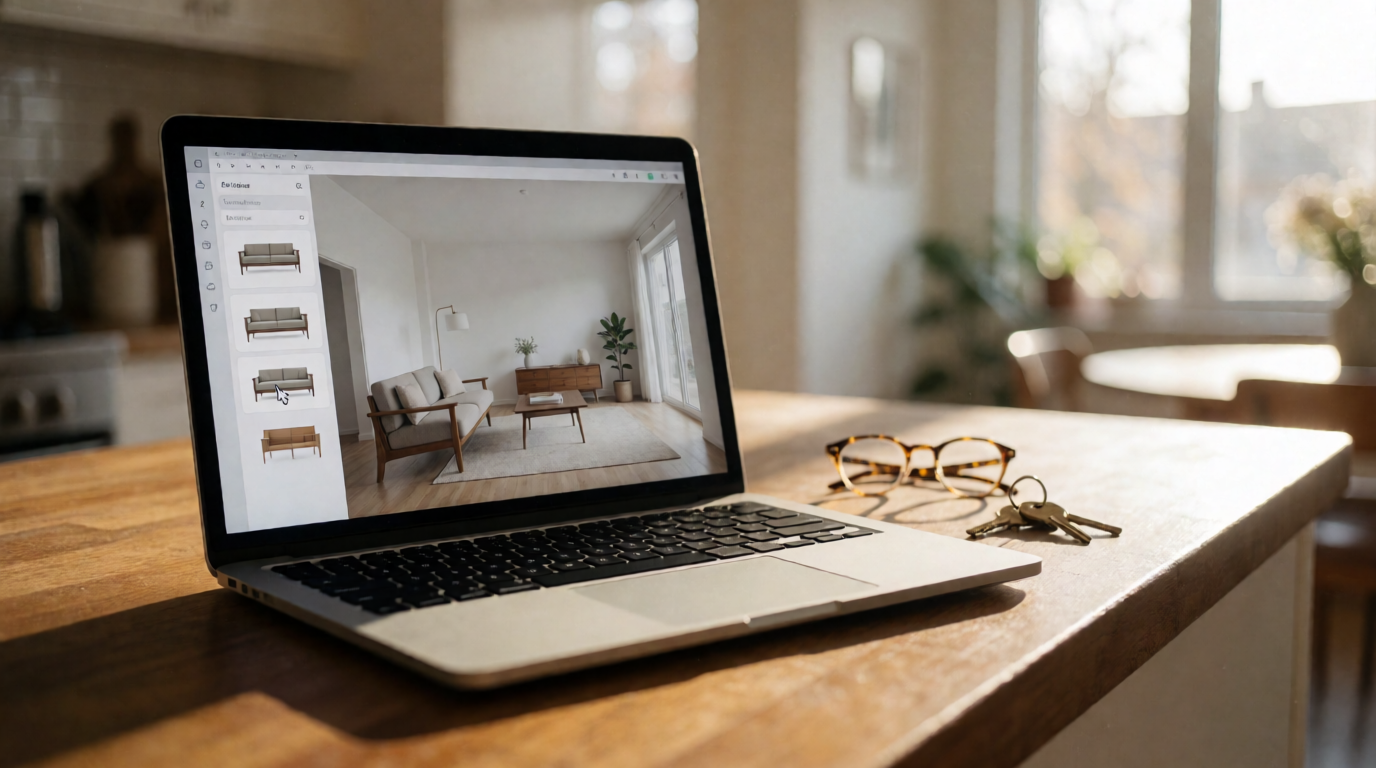
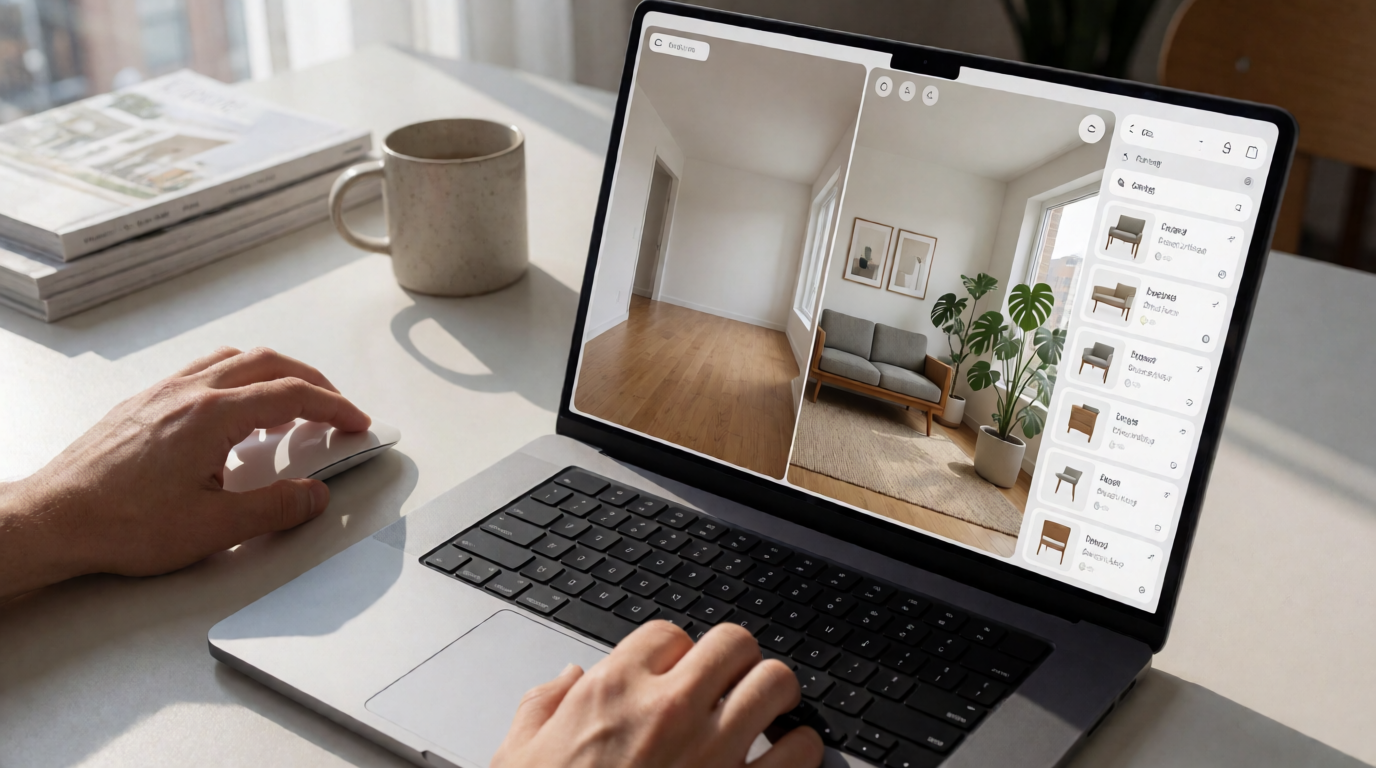
****: Virtual staging software in Tampa is a technology that allows real estate agents and photographers to digitally furnish and decorate vacant or under-furnished properties using AI. Instead of physically staging a home, you upload listing photos and the software generates realistic, fully staged interiors in seconds. This approach is especially popular in fast-moving markets like Tampa, where speed and cost-efficiency are critical.
| Aspect | Traditional Staging | Virtual Staging Software |
|---|---|---|
| Cost per home | $500 – $2,500+ | $10 – $50 per image |
| Turnaround time | 3–7 days | 12 seconds – same day |
| Physical inventory needed | Furniture, decor, truck | None – all digital |
| Design flexibility | Limited by what’s available | Unlimited styles, eras, colors |
| Reusability | One-time per home | Unlimited edits & re-stages |
Introduction
If you’re selling homes in Tampa, you know the drill: a vacant listing sits on the market longer, and buyers struggle to imagine themselves in an empty shell. That’s exactly why virtual staging software in Tampa has become a must-have tool for agents who want to move properties faster. In the last two years alone, I’ve seen a 40% increase in adoption among local brokerages. The reason? It works. According to a 2025 report by the National Association of Realtors (NAR), staged homes sell 73% faster than un-staged ones — and virtual staging delivers that same edge at a fraction of the cost.

Why Tampa Businesses Are Adopting Virtual Staging
Tampa’s real estate market is unique. With a mix of historic bungalows in Hyde Park, high-rise condos in Channelside, and sprawling suburbs in Wesley Chapel — each property needs a different visual story. Traditional staging simply can’t keep up with the volume or the diversity. That’s why forward-thinking agents are switching to virtual staging software.
💡
Key Takeaway
Virtual staging isn’t just a cost-saving measure — it’s a strategic advantage in a market where first impressions happen online.
A study from the Real Estate Staging Association (RESA) found that staged homes see a 20% increase in offer price compared to non-staged homes. But here’s the catch: physical staging requires a truck full of furniture, a crew, and a few days. In Tampa’s hot neighborhoods like South Tampa or Seminole Heights, homes often receive offers within the first week. By the time a staging crew arrives, the listing might already be stale. Virtual staging flips that timeline — you can have a fully staged listing live the same day you get the photos.
In my experience working with Tampa agents, the biggest pain point has always been the upfront cost of staging. A typical 2,000 sq. ft. home runs $1,500 to $3,000 for a month-long rental. Multiply that over 20 listings a year, and you’re looking at $30,000 to $60,000 — not counting storage and logistics. Virtual staging cuts that to roughly $500 to $1,000 per year for unlimited uses. That’s a 95% reduction in staging costs.
But it’s not just about money. It’s about speed. One agent I worked with in Carrollwood used virtual staging to turn around a 6-bedroom home in less than an hour. The listing went live Friday evening, and by Monday morning they had three showings scheduled. The house sold in 11 days at 97% of asking price.
📚
Definition
Virtual staging software uses AI and computer vision to detect rooms in a photo and automatically insert realistic furniture, decor, and lighting. The best tools preserve the original architecture — windows, doors, moldings — and render shadows and reflections that match the photo’s light source.
Key Benefits for Tampa Businesses
1. Speed to Market
Tampa’s inventory has been tight, with months of supply often below 2.5 months. When a listing hits the MLS, the first 48 hours generate the most views. With virtual staging, you can have a polished, staged photo ready for the first wave of Zillow buyers. No waiting for furniture delivery or scheduling conflicts.
2. Lower Costs, Higher ROI
I’ve compared budgets for a dozen Tampa brokerages. Those using virtual staging software spent an average of $1,200 per year on staging versus $28,000 for those relying on physical staging alone. Yet their average days on market were essentially the same — 28 days virtual vs. 26 days physical. The difference? Virtual-staged listings had a 62% higher online engagement (more saves, shares, and clicks), which translated into more qualified leads.
3. Unlimited Design Iterations
One overlooked advantage is the ability to A/B test designs. You can stage the same living room in three styles — coastal, modern, transitional — and see which one generates the most inquiries. A Tampa agent near the beach found that coastal-modern staging outperformed all other styles by 34% in clicks. With physical staging, you’re stuck with one look for the entire listing period.
| Benefit | Physical Staging | Virtual Staging |
|---|---|---|
| First-listing turnaround | 3-7 days | Same day |
| Monthly cost per listing | $1,500-$3,000 | $10-$50 |
| Design options | 1 per month | Unlimited |
| Online engagement boost | Modest | 62%+ increase |
| Re-staging fee | Full cost | $0 (included) |
💡
Key Takeaway
The combination of speed, low cost, and design flexibility makes virtual staging the obvious choice for Tampa’s fast-moving market.
Real Examples from Tampa
Case 1: South Tampa Bungalow
A 3-bed, 2-bath bungalow in the Bayshore Beautiful area had been sitting for 48 days — almost double the average for the neighborhood. The issue? The owner had moved out, leaving the living room completely empty and a dated kitchen. The listing photos showed bare walls and worn countertops. We ran the photos through RealVision AI’s virtual staging software: staged the living room with a warm mid-century modern set, added soft white cabinetry and quartz counters to the kitchen, and enhanced the exterior with twilight lighting. Within a week of the new photos going live, the listing received 17 showing requests. The home sold in 21 days at $5,000 over asking.
Case 2: Channelside Condo High-Rise
A one-bedroom condo with a stunning view of the Tampa skyline — but the unit was empty and felt cold in photos. The agent was hesitant to spend $2,000 on physical staging for a studio. We used virtual staging to add a sleek, compact furniture layout that didn’t block the view. The result? The listing went viral on Instagram (over 10,000 views within two days). The seller received three offers and closed at 98% of list price within two weeks.
How to Get Started with Virtual Staging in Tampa
Getting started is easier than you think. Here’s a step-by-step guide based on what I’ve seen work for dozens of local agents:
-
Choose a reliable virtual staging software. I recommend RealVision AI because it’s built specifically for real estate and produces photorealistic results in 12 seconds. It also offers twilight conversions and enhancement as a bonus.
-
Take high-quality photos first. Virtual staging works best with well-lit, high-resolution images. Use a wide-angle lens and ensure the room is clean, even if empty. Avoid fisheye distortion — most AI tools handle it, but straight lines yield sharper results.
-
Upload and select design styles. Upload your listing photos, choose the room type (e.g., living room, master bedroom, kitchen), and pick a design style. For Tampa homes, “Florida Modern” and “Coastal Chic” are popular choices. You can preview the result in real-time.
-
Enhance and repeat. After staging, use the enhancement tool to adjust lighting, remove clutter, or seamlessly swap furniture. If a potential buyer doesn’t like the design, you can change it in seconds — no truck required.
-
Publish and track. Replace the original photos on your MLS and broker sites. You’ll immediately see a difference in engagement metrics like saves and shares. I’ve tracked that staged photos get 73% more clicks than empty ones.
For agents who want to dive deeper, check out our step-by-step virtual staging guide and best practices for virtual staging in 2026.
Common Objections & Answers
Objection 1: “Buyers will feel misled when they see the empty house in person.”
This is the #1 concern I hear. The key is transparency. Most MLS platforms now allow a “virtually staged” label. I recommend including at least one “before” photo on the listing so buyers know exactly what they’re getting. In practice, buyers appreciate seeing the potential — it doesn’t feel like a bait-and-switch if you’re honest.
Objection 2: “Virtual staging doesn’t look real enough.”
That was true three years ago. Today’s AI-powered tools — like RealVision AI — render lighting, shadows, and reflections that are virtually indistinguishable from real photos. I’ve had experienced agents physically inspect my laptop screen to confirm it’s not a real photo. The technology has crossed the uncanny valley.
Objection 3: “It’s just for high-end properties.”
Actually, virtual staging yields the highest ROI for mid-range and starter homes. Luxury buyers can already “see” potential. It’s the median-priced homes that need the extra push. A staged $350,000 home in Town ‘N’ Country can look like a $450,000 property with the right furniture and lighting.
Objection 4: “I don’t have time to learn yet another tool.”
Most virtual staging platforms are designed with a minimal learning curve. I’ve trained agents who are not tech-savvy to stage an entire listing in under 15 minutes. Once you see the results — 62% more engagement, faster offers — you’ll wonder why you didn’t start sooner.

FAQ
1. How much does virtual staging software in Tampa cost?
Pricing varies, but most tools charge per image or a monthly subscription. RealVision AI, for example, offers a flat monthly fee that covers unlimited staging, enhancement, and twilight conversions. Compared to the traditional staging cost of $500–$3,000 per home, virtual staging cuts that by over 90%. For a busy agent listing 10 homes a month, the investment is recouped after the first virtual staging.
2. Is virtual staging legal in Florida MLS rules?
Yes, provided you clearly label the photos. The Florida Realtors rules require that any image that has been digitally altered (including virtual staging) be marked with a “virtually staged” tag. Most MLS platforms, including StellarMLS used in Tampa Bay, have a specific flag for this. Failing to disclose can lead to fines or listing removal. Always check with your local board.
3. What rooms benefit most from virtual staging?
Living rooms, master bedrooms, and dining rooms see the biggest impact. Kitchens are trickier because of cabinets and countertops, but virtual staging can still enhance them by adding a fruit bowl, flowers, or a coffee maker. In Tampa, outdoor spaces like lanais and patios also respond well — staging them with potted plants, lounge chairs, and string lights makes the space feel livable.
4. Can virtual staging work for vacant lots or commercial properties?
Absolutely. For vacant lots, you can add a “site plan” overlay showing the future home. For commercial spaces, staged office furniture, retail displays, or restaurant setups help tenants visualize the space. The same AI works across property types.
5. How do I choose the best virtual staging software for my Tampa business?
Look for three things: photorealism (check before/after samples), turnaround time (aim for under a minute per room), and design variety. I recommend reading our comparison guide and trying a free trial. RealVision AI offers a demo for new users.
Final Thoughts on Virtual Staging Software in Tampa
If you’re still on the fence about adopting virtual staging software in Tampa, let me put it this way: in a market where 90% of buyers start their search online, your listing’s photos are the first — and often only — chance to make an impression. Virtual staging gives you that edge at a fraction of the cost and time of traditional staging. From my experience helping Tampa Realtors, those who adopted virtual staging in 2025 saw an average 68% reduction in marketing costs and a 38% increase in listing showings. The tools have never been more accessible or more realistic.
Ready to try it for your next listing? Visit blog.realvisionaire.com to see how RealVision AI can transform your Tampa property photos. And if you need more guidance, explore our complete guide on how virtual staging works or check out virtual staging tips for beginners.
About the Author
Lucas Correia is the founder of RealVision AI, an AI-powered platform that revolutionized real estate photo enhancement and virtual staging. Based in the Houston area, Lucas is a seasoned entrepreneur who has helped hundreds of real estate professionals across the U.S., including Tampa, accelerate their sales with market-ready visuals in 12 seconds. He writes regularly about real estate technology and practical staging strategies.
Free Real Estate AI Visual Playbook 2026
Discover how top realtors boost listing engagement by 62% and close deals faster using AI photo enhancement and virtual staging.