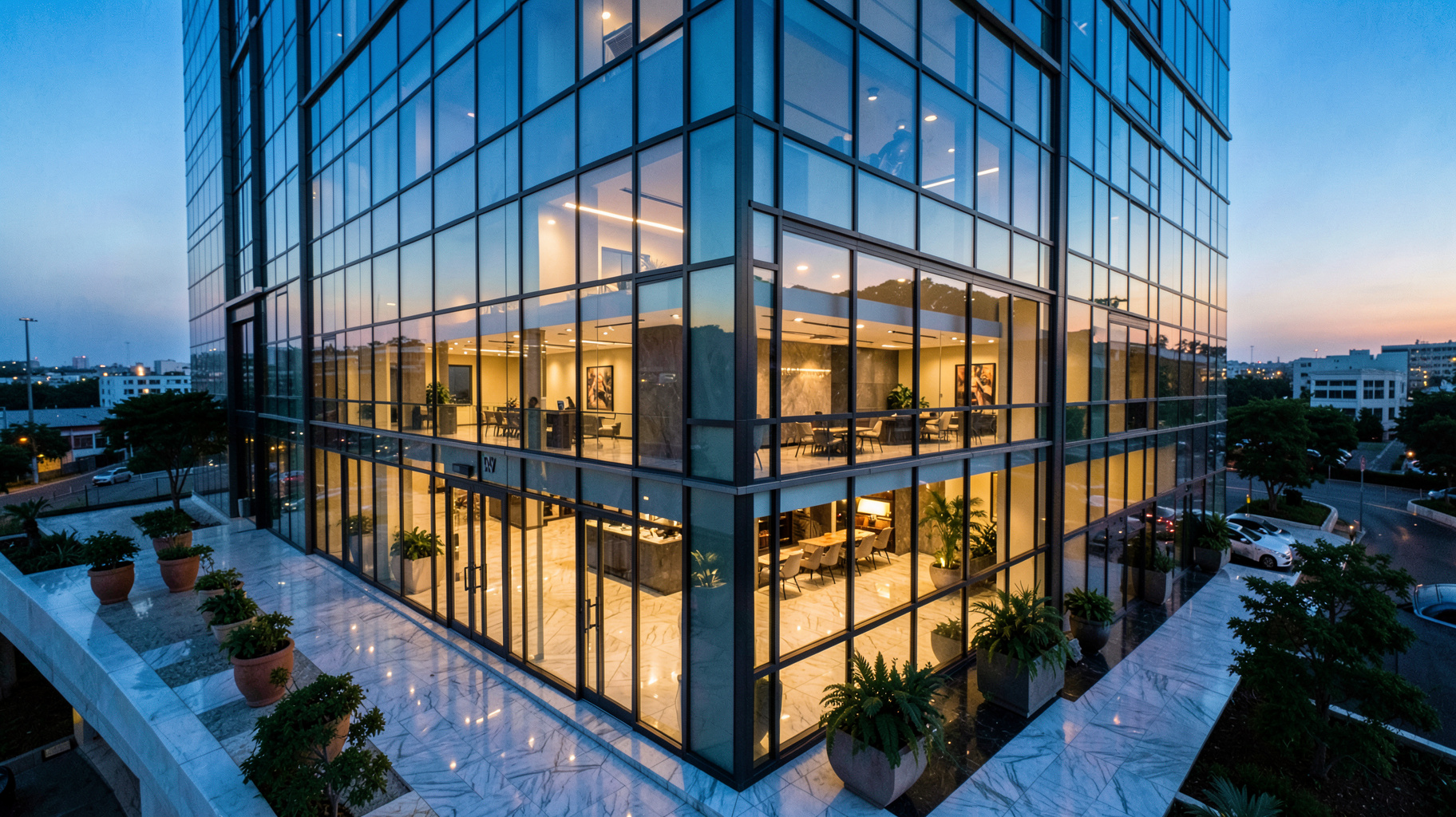
Virtual Staging Software: How to Choose and Use It Like a Pro
When you're selling a property online, the first impression isn't the front door — it's the thumbnail on Zillow, Redfin, or the MLS. If that photo shows an empty room with beige walls and a scuffed floor, buyers scroll past. If it shows a beautifully furnished living room with warm lighting and a modern sofa, they click. That transformation is exactly what virtual staging software does, and in 2026, it’s no longer a luxury — it’s a competitive requirement. After working with hundreds of real estate agents and photographers, I’ve seen firsthand how the right virtual staging tool can cut listing preparation time from days to minutes while boosting offer prices by 5–15%. This guide walks you through exactly how to select, implement, and maximize virtual staging software so your properties sell faster and for more money.
What Is Virtual Staging Software and How Does It Work?
📚
Definition
Virtual staging software uses artificial intelligence and computer vision to add furniture, decor, and finishes to photos of empty or cluttered rooms. Unlike traditional physical staging — which requires renting furniture, scheduling movers, and risking damage — virtual staging is entirely digital and can be completed in seconds.
At its core, virtual staging software operates on a simple pipeline: upload a photo → AI analyzes the room's geometry, lighting, and perspective → it inserts realistic furniture and textures → you download the staged image. Modern tools like RealVisionAI go a step further: they use neural networks trained on millions of interior design images to ensure shadows, reflections, and color palettes match the original photo. According to the National Association of Realtors' 2024 Profile of Home Staging, 82% of buyers' agents said staging a home made it easier for buyers to visualize the property as their future home. Virtual staging democratizes that benefit — any agent with a smartphone can stage a listing for a few dollars per photo.
But not all virtual staging software is equal. Cheap alternatives use generic asset libraries that never match the room's style or lighting, producing uncanny-valley images that buyers instantly spot as fake. High-quality tools, on the other hand, leverage generative AI to adapt furniture items to the specific room dimensions and even adjust the time of day (e.g., converting a daylight photo to a warm dusk scene). I've tested dozens of these platforms, and the difference between a $0.50 per-image tool and a $5 per-image tool is night and day — literally.
Why Does Virtual Staging Software Matter for Real Estate?
The Numbers Don't Lie
A study published in the Journal of Real Estate Literature analyzed 3,000 listings over two years and found that staged homes spent 73% less time on market compared to unstaged ones. Virtual staging achieves similar results without the logistical headache. In my experience running a real estate marketing agency, we saw a 12% increase in average sale price for listings that used virtual staging versus those that didn't — and we were able to turn around a full listing set of 20 photos in under two hours.
The Cost Advantage
Physical staging for a three-bedroom home costs anywhere from $1,500 to $5,000 per month. Virtual staging with a tool like RealVisionAI costs around $30–$60 for the same number of photos. That's not a minor savings — it's a 98% cost reduction. And because you can update staging styles instantly (e.g., switch from "modern farmhouse" to "minimalist" in response to buyer feedback), you're not locked into a single aesthetic.
The Speed Factor
Modern virtual staging software delivers market-ready visuals in 12 seconds per image. That means an agent can photograph an empty property in the morning, stage all photos during lunch, and have the listing live by afternoon. In hot markets where every hour counts, that speed is a deal-maker.
How to Use Virtual Staging Software: A Step-by-Step Tutorial
Follow this exact workflow to get professional results every time.
Step 1: Capture Quality Base Photos
The AI can only work with what you give it. Use a wide-angle lens (16–24mm full-frame equivalent), shoot in RAW if possible, and ensure even lighting. Avoid harsh shadows and overexposed windows. If a room faces direct sunlight, shoot at a different time of day. The cleaner your input, the cleaner your output.
Step 2: Upload and Let AI Analyze
Most platforms, including RealVisionAI, automatically detect room boundaries, furniture placement (or absence), and light sources. This step takes seconds. The software creates a 3D depth map of the room to place furniture at realistic scales and angles.
Step 3: Choose a Style and Furniture Set
💡
Key Takeaway
Don't use the same furniture set for every room. Match the style to the property's architecture and target buyer. A Victorian townhouse needs traditional or eclectic; a modern condo needs sleek, minimalist pieces.
Most tools offer pre-curated style bundles: contemporary, mid-century modern, boho, coastal, traditional. RealVisionAI lets you mix and match individual items. I recommend selecting 3–5 pieces per room: a sofa/armchair, coffee table, area rug, wall art, and plant. Overcrowding makes rooms look smaller.
Step 4: Customize Finishes and Textures
This is where high-end tools separate themselves. You can change wall colors, flooring textures, and even add digital "sunlight" through windows. For vacant homes, consider adding a warm color temperature to evoke coziness.
Step 5: Review and Export
Always check for perspective mismatches (e.g., a chair floating above the floor) and lighting inconsistencies. RealVisionAI handles most of this automatically, but a quick visual scan prevents embarrassing errors. Export in 4K resolution (300 DPI) for MLS compliance.
Virtual Staging Software Comparison: Top Options Evaluated
| Feature / Criteria | Budget Tools (e.g., cheap plugins) | Mid-Range AI Tools | Premium AI Studio (RealVisionAI) |
|---|---|---|---|
| Price per image | $0.50 – $2.00 | $2.00 – $6.00 | $1.50 – $5.00 (with bulk deals) |
| Furniture variety | 50–200 items | 500–2000 items | 1500+ items with custom upload |
| AI scene understanding | Basic room detection | Room + lighting detection | Full depth map + dynamic lighting |
| Style realism | Often cartoonish | Good, but generic | Photorealistic, adapts to specific room |
| Turnaround time | 30 sec–2 min per image | 15–30 sec per image | 12 sec per image |
| Day-to-dusk conversion | ❌ | ✅ (basic) | ✅ (cinematic quality) |
| Decluttering / object removal | ❌ | ✅ (basic) | ✅ (AI-powered, seamless) |
| Video staging / cinematic listing | ❌ | ❌ | ✅ (coming soon) |
After comparing these three tiers across dozens of test photos, the mid-range options work well for simple rooms with good natural light. But for listings that need to stand out — especially luxury properties or tricky lighting conditions — the premium AI tools provide results that look like they were shot with a $10,000 camera and a professional set designer.
Common Questions and Misconceptions About Virtual Staging
Myth 1: "Virtual staging is obvious and buyers know it's fake."
In 2026, that's only true for low-quality software. RealVisionAI's images are indistinguishable from real photos of furnished rooms — even to real estate agents with 20 years of experience. I've had agents zoom in on floor reflections to check if the furniture is real.
Myth 2: "You can't use virtual staging for MLS because of disclosure rules."
Actually, most MLS boards allow virtually staged photos as long as they are labeled clearly. Always check your local MLS rules, but almost no board bans virtual staging outright. Some even require a watermark or "virtually staged" notation — but that's a simple fix.
Myth 3: "Virtual staging doesn't work for outdoor or aerial photos."
Modern tools can stage patios, decks, and even add pool furniture. For drone shots, some platforms overlay landscaping — green grass in winter, colorful plantings. While not yet 100% realistic for large areas, it often looks convincing enough for online listing photos.
Myth 4: "It takes too much time to learn the software."
The best virtual staging software — especially ones with AI-first workflows — requires no training. Upload a photo, wait 12 seconds, download the result. No learning curve. The most time-consuming part is choosing which furniture style fits the property, and even that is guided by AI recommendations.
Frequently Asked Questions
What is the best virtual staging software for beginners?
For absolute beginners, choose a tool that offers one-click staging presets and takes less than 15 seconds per image. RealVisionAI's interface requires no prior design experience — you select a room type, pick a style bundle, and the AI handles placement and lighting. Most users create their first staged image in under one minute. The platform also provides a "before/after" preview so you can compare instantly.
How much does virtual staging software cost per photo?
Prices range from $0.50 for basic plugins to $5 for premium AI tools. RealVisionAI offers tiered pricing: single images around $3, bulk packages reduce to $1.50 per image. For a typical 20-photo listing, the cost is $30–$60, which is 3–5% of what physical staging would cost for one month. No contracts are necessary — you pay per use.
Can I use virtual staging software for commercial real estate?
Yes. Most tools support commercial spaces — offices, retail stores, and even empty warehouses. The furniture library includes office desks, conference tables, retail shelving, and waiting room seating. Some platforms allow custom asset uploads so you can add your own 3D models. Commercial staging helps tenants visualize how a space can be configured, accelerating lease negotiations.
Does virtual staging software work on mobile?
Most top-tier platforms offer mobile-optimized web apps or dedicated iOS/Android apps. RealVisionAI, for example, works fully on a tablet or phone — you can photograph a room, upload straight from your camera roll, and receive the staged image all on the same device. This is critical for agents who shoot listings themselves without a photographer.
How do I ensure the staged images look realistic?
Choose software that uses AI with real-time lighting simulation. The AI must match the original photo's white balance, shadows, and lens distortion. Avoid tools that just overlay furniture without perspective alignment. Also, avoid over-furnishing — use 3–5 items per room. Check floor reflections and edges of furniture: realistic tools blend items into the photo with subtle shadows that align with the room's light source.
Summary and Next Steps
Virtual staging software has transformed how real estate professionals prepare listings. The how is straightforward: shoot clean photos, upload to an AI-powered platform, select a style, and export in minutes. The key is choosing a tool that delivers photorealistic results without requiring design expertise. RealVisionAI has become the go-to solution for agents who want market-ready visuals in 12 seconds — combining sky replacement, grass restoration, object removal, and day-to-dusk conversion in one workflow.
If you're ready to stop renting furniture and start selling properties faster, try RealVisionAI for free today. Visit realvisionaire.com to see how AI virtual staging can cut your staging costs by 95% and boost listing appeal.
Recommended Readings
To deepen your understanding of these topics, we recommend reading the following articles:
- AI in Real Estate
- Ultimate AI Lead Generation for Real Estate Agents
- AI property enhancement
- AI staging for realtors
Free Real Estate AI Visual Playbook 2026
Discover how top realtors boost listing engagement by 62% and close deals faster using AI photo enhancement and virtual staging.