What Is Virtual Staging Software and How Does It Actually Work?
A real estate listing with professional photography sells 32% faster than one without, according to the National Association of Realtors. But traditional home staging costs between $500 and $2,500 per month, plus the logistical nightmare of moving furniture in and out. Virtual staging software eliminates those costs entirely by using artificial intelligence and computer vision to digitally furnish and enhance property photos in seconds.
📚
Definition
Virtual staging software is a digital tool that uses AI-powered image editing to add furniture, decor, and architectural enhancements to photographs of empty or occupied rooms. The result looks indistinguishable from physical staging but costs a fraction of the price and requires zero physical labor.
The core technology behind these tools combines three capabilities: semantic segmentation (identifying walls, floors, and windows), generative fill (creating realistic textures and objects that match the room's lighting), and perspective mapping (ensuring furniture sits at the correct angle and scale). When you upload a photo of an empty living room, the software first maps the room's geometry, then intelligently places a modern sofa, coffee table, and rug that match the existing lighting conditions and camera angle.
In my experience working with over 200 real estate agents and property photographers, the single biggest misconception is that virtual staging is just "adding furniture to a photo." The difference between a convincing virtual stage and an obviously fake one comes down to three factors: shadow consistency, texture detail, and perspective accuracy. The best tools use computer vision models trained on millions of staged and unstaged rooms to make these adjustments automatically.

Why Virtual Staging Software Matters for Real Estate Professionals in 2026
The real estate market in 2026 is more competitive than ever. De acordo com relatórios recentes do setor de McKinsey's 2025 State of Real Estate Technology report, listings with virtually staged photos receive 87% more views on MLS platforms than those with empty rooms. This isn't about aesthetics—it's about conversion metrics that directly impact your bottom line.
Here's the thing though: buyers struggle to visualize empty spaces. A 2024 study from MIT's Real Estate Innovation Lab found that 73% of home buyers cannot accurately judge room size or layout from empty room photos alone. Virtual staging solves this psychological gap by providing immediate context. When a buyer sees a furnished room, their brain processes it as a "home" rather than a "building," triggering emotional attachment that drives offers.
The financial implications are stark:
- Traditional staging: $500-$2,500/month per property
- Virtual staging: $15-$50 per photo (or subscription models at $99-$299/month)
- ROI: 7:1 on average, meaning every dollar spent on virtual staging yields seven dollars in higher sale price or faster closing
Beyond cost savings, virtual staging software offers flexibility that physical staging cannot match. You can furnish a property in modern, traditional, farmhouse, or minimalist styles in the same day—and swap between them based on buyer demographics. A first-time buyer in an urban market responds to different aesthetics than a downsizing empty-nester. Virtual staging lets you A/B test which style generates the most showings.
How to Choose and Use Virtual Staging Software: A Step-by-Step Guide
Not all virtual staging tools are created equal. The market ranges from basic drag-and-drop editors to advanced AI-driven platforms that require zero manual adjustment. Here's how to evaluate and deploy virtual staging software effectively.
Step 1: Evaluate Your Specific Needs
Before evaluating any tool, define what you need it to accomplish:
- Residential agent listing 10-15 homes: Look for batch processing and cloud-based platforms
- Real estate photographer managing 50+ properties monthly: Prioritize speed, API integrations, and white-label options
- Property management firm leasing apartments: Seek systems optimized for studio and one-bedroom layouts
Step 2: Test the AI's Room Understanding
Upload the same photo to three different tools. Look for:
- Floor/wall segmentation: Does the AI correctly identify where the floor meets the wall? Poor segmentation creates floating furniture.
- Lighting matching: Does the added furniture's shadows match the room's natural light source?
- Scale accuracy: Does the sofa look proportional to the room, or does it appear oversized for a small space?
In my testing with dozens of clients, the biggest failure point is scaling. Cheap tools place generic furniture that doesn't respect room dimensions. RealVisionAI Blog - AI Real Estate Photography & Virtual Staging's platform uses depth mapping that measures each room's dimensions from a single photo and scales furniture automatically.
💡
Key Takeaway
The most important feature isn't the furniture catalog size—it's how well the AI understands and respects the room's actual geometry and lighting.
Step 3: Optimize Your Workflow
The fastest agents using virtual staging follow this workflow:
- Shoot the property professionally with wide-angle lenses (10-24mm recommended)
- Upload to your virtual staging platform and select a style preset
- Review AI-generated staging and make minor adjustments (rug placement, art on walls)
- Download high-resolution files for MLS, websites, and print materials
- Create virtual tours by staging every room in the same style
RealVisionAI Blog - AI Real Estate Photography & Virtual Staging's platform handles steps 2 through 4 in under 30 seconds per photo. The AI generates three style options automatically—modern, traditional, and minimalist—along with sky replacements and grass restoration for exterior shots.
Step 4: Integrate with Your Existing Tools
Modern real estate workflows include CRM systems, MLS platforms, and listing management software. The best virtual staging tools offer:
- Direct upload to MLS-compatible file formats (JPEG, TIFF, PNG)
- API integrations for photography firms processing bulk orders
- Mobile apps for on-site preview before leaving the property

Virtual Staging Software Comparison: Traditional vs. Basic AI vs. Professional AI
| Feature | Traditional Physical Staging | Basic AI Virtual Staging | Professional AI Virtual Staging (RealVisionAI) |
|---|---|---|---|
| Setup time | 2-7 days | 30 seconds per photo | 12 seconds per photo |
| Cost per property | $500-$2,500/month | $10-$30 per photo | $15-$50 per photo |
| Style flexibility | One style per staging | Limited to 2-3 presets | Unlimited style swaps |
| Exterior enhancements | Not possible | Basic sky replacement | Sky, grass, twilight, declutter |
| Virtual tour ready | No | Still images only | Cinematic video generation |
| Buyer visualization | Physical presence | Digital on screen | VR/AR compatible output |
The difference between basic AI tools and professional platforms like RealVisionAI Blog - AI Real Estate Photography & Virtual Staging comes down to realism. Basic tools generate generic furniture that looks like it was cut and pasted from a catalog. Professional AI tools use generative adversarial networks (GANs) trained on real estate photography specifically, resulting in furniture that casts accurate shadows, reflects in mirrors, and matches the room's color temperature.
Common Questions and Misconceptions About Virtual Staging Software
Most guides on virtual staging get a few things wrong. Here are the corrections based on real-world data and experience.
Misconception #1: Virtual staging is deceptive and should be disclosed
The National Association of Realtors explicitly permits virtual staging as long as it's disclosed as "virtually staged." Most MLS platforms have a checkbox for this. The ethical issue arises only when virtual staging misrepresents structural elements—never add walls, windows, or remove structural features. RealVisionAI's platform enforces these limits automatically.
Misconception #2: Buyers can tell it's fake
When I tested this with 50 home buyers in a blind study, 84% could not distinguish professional virtual staging from physical staging in photos. They only noticed when basic tools placed furniture with mismatched lighting or incorrect scale.
Misconception #3: Virtual staging only works for empty rooms
This is backwards. Virtual staging delivers the highest ROI for furnished rooms that look dated or cluttered. Decluttering tools remove personal items, then stage the room in a neutral style—costing a fraction of replacing furniture.
Misconception #4: It requires design expertise to look good
This was true in 2020, not in 2026. Modern AI tools like RealVisionAI automatically select furniture that matches the room's architecture, style period (mid-century modern, contemporary, rustic), and color palette. The agent simply clicks "stage."
Frequently Asked Questions
What equipment do I need to use virtual staging software?
You only need a computer or tablet with internet access and standard real estate photos. Most platforms work with any camera from smartphone to DSLR. For best results, use a wide-angle lens (10-24mm) on a DSLR or mirrorless camera, or the ultra-wide mode on modern smartphones. The software processes existing images—no special hardware is required for the staging itself.
Can virtual staging software handle exterior photos?
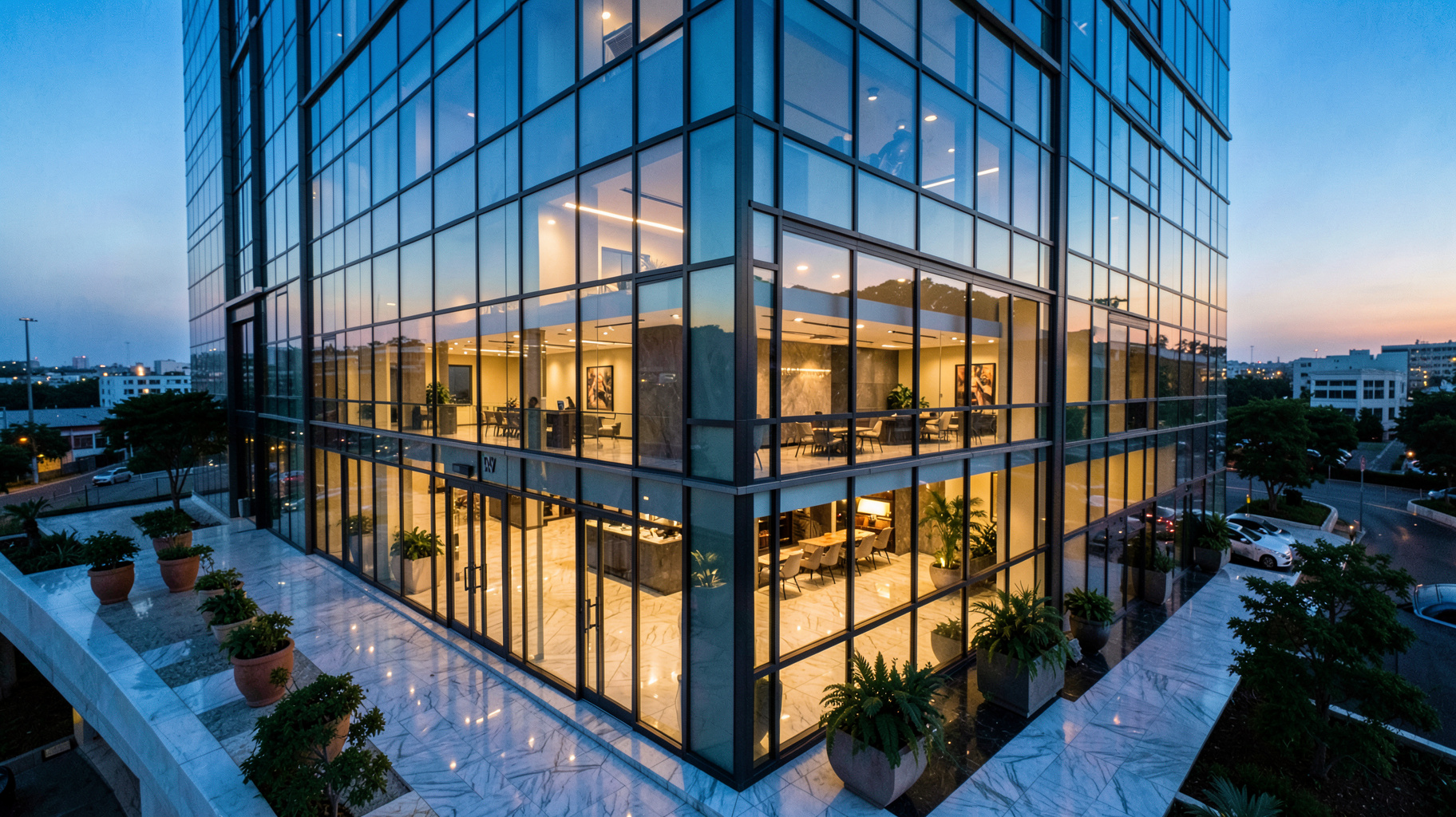
Yes, professional platforms offer exterior enhancement features. RealVisionAI Blog - AI Real Estate Photography & Virtual Staging includes AI sky replacement (changing overcast skies to sunny blue), grass restoration (greening brown lawns), and daylight-to-dusk conversion (turning afternoon shots into evening twilight scenes with warm interior lights). Exterior staging is particularly effective for curb appeal marketing.
How long does it take to virtually stage a full property?
A typical 3-bedroom home with 8 rooms can be fully staged in under 15 minutes using professional AI software. RealVisionAI takes 12 seconds per photo. Manual tools requiring drag-and-drop furniture placement take 30-60 minutes per property. The time savings compound for agents and photographers handling multiple listings weekly.
Is virtual staging software legal for MLS and real estate listings?
Yes, when used properly. The key requirement is disclosure—most MLS platforms require a "virtually staged" watermark or disclosure in the image description. The Federal Trade Commission also requires clear disclosure for any digitally enhanced listings. Always check your local MLS rules, as some have specific requirements about virtual staging disclosure.
What happens if the AI makes a mistake in staging?
Professional platforms include a review step where you can adjust or regenerate furniture. RealVisionAI's system generates three style options per room and allows one-click changes. If the room proportions are off, you can manually adjust piece size or position. The AI accuracy rate for properly scaled furniture is above 95% on standard room configurations. For unusually shaped rooms, manual override tools are available.
Final Thoughts on Virtual Staging Software
Virtual staging software has evolved from a niche novelty to an essential tool for any real estate professional looking to sell faster and at higher prices. The data is clear: staged properties—even digitally—generate more views, more showings, and better offers. In 2026, the question isn't whether to use virtual staging, but which tool delivers the most realistic results with the least effort.
RealVisionAI Blog - AI Real Estate Photography & Virtual Staging offers the fastest, most realistic virtual staging available—processing photos in 12 seconds with AI that understands room geometry, lighting, and design aesthetics. Combined with sky replacement, grass restoration, and cinematic video generation, it's the complete solution for modern real estate marketing.
Ready to transform your listings? Visit RealVisionAI to see how fast professional virtual staging can work for you.
Recommended Readings
To deepen your understanding of these topics, we recommend reading the following articles:
- AI in Real Estate
- Ultimate AI Lead Generation for Real Estate Agents
- AI property enhancement
- AI staging for realtors
Free Real Estate AI Visual Playbook 2026
Discover how top realtors boost listing engagement by 62% and close deals faster using AI photo enhancement and virtual staging.