

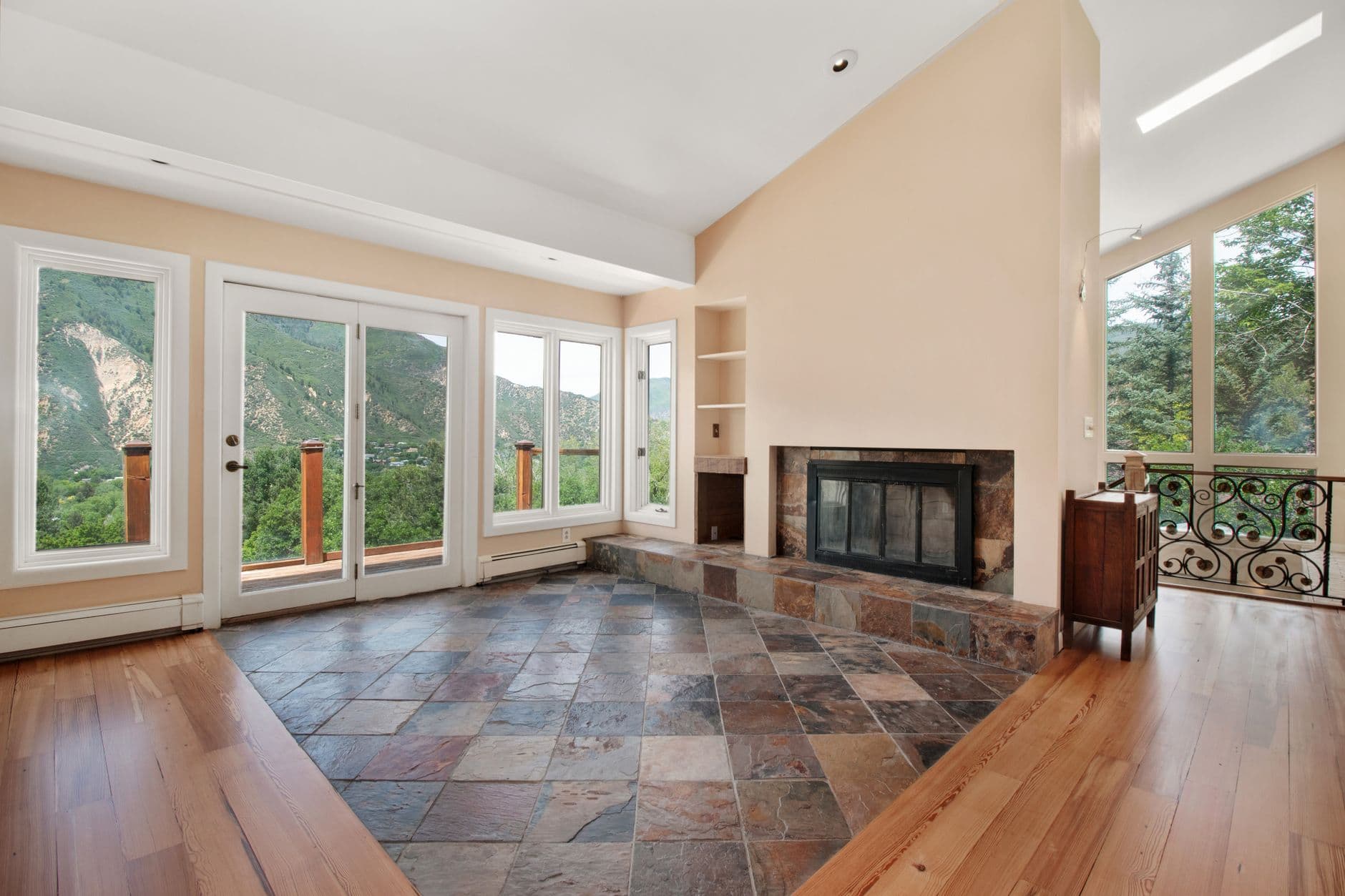
Types of Virtual Staging Software: 2D Overlay vs AI Generative Staging
Modern virtual staging falls into two distinct categories with vastly different capabilities: basic 2D overlay tools (flat furniture images pasted onto photos) versus true AI generative staging (3D-rendered furniture that adapts to room lighting and perspective).

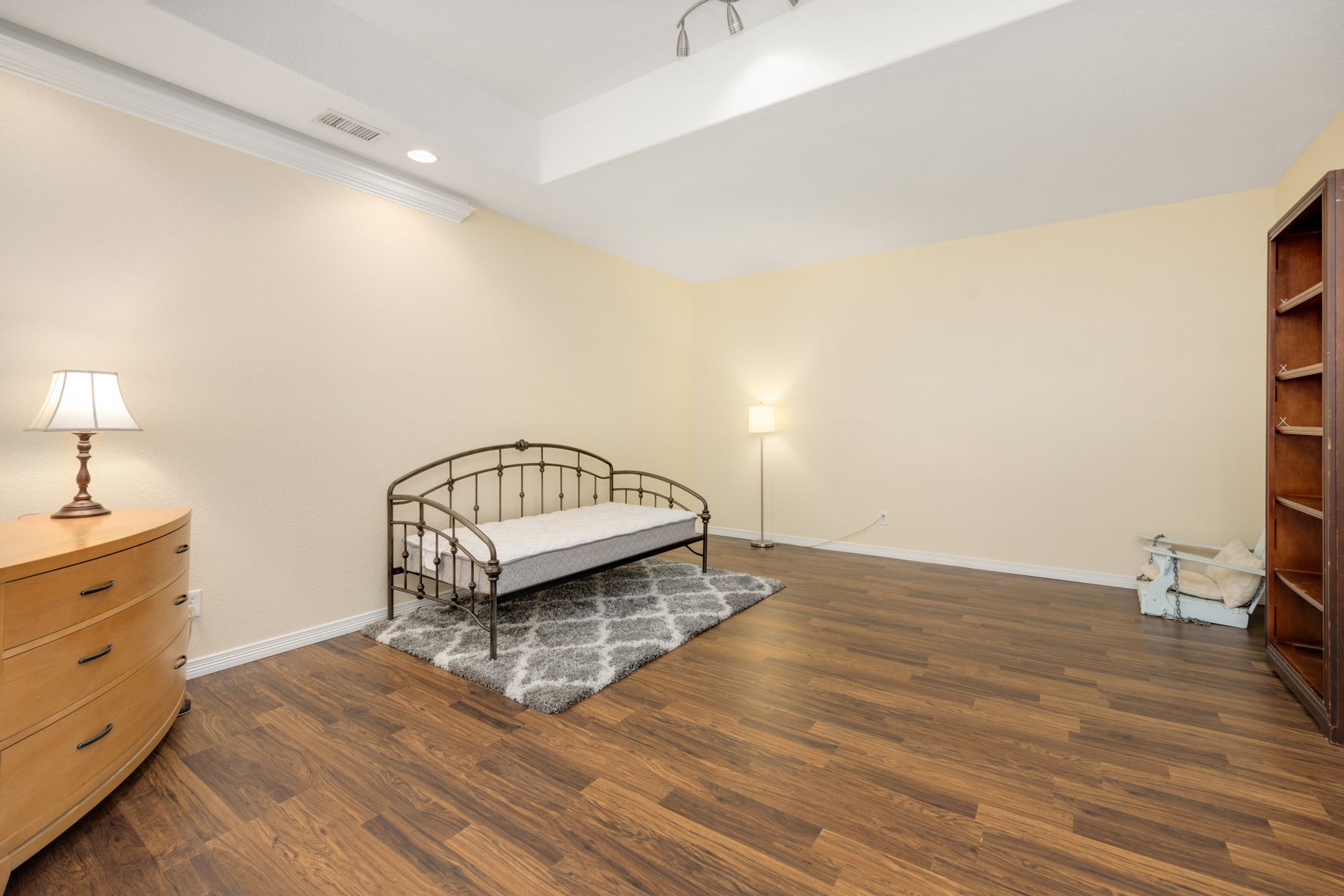
Why Virtual Staging Software Became Essential in 2026
The 5 Visual Pitfalls Killing Listings
- Depth Perception Issues: Vacant rooms appear 15-20% smaller than furnished spaces (MIT Architecture Study 2025)
- Style Mismatches: 68% of buyers reject properties when they can't visualize their preferred decor
- Lighting Discontinuity: 2D furniture overlays often ignore existing shadows and light sources
- Scale Errors: Poorly proportioned virtual furniture subconsciously signals deception
- MLS Compliance Risks: Many basic editors violate disclosure requirements by altering permanent features
The Two Fundamental Approaches to Virtual Staging
1. 2D Overlay Software (Entry-Level)
-
Pros:
- Lowest cost ($0.10-$0.50 per image)
- Fast processing (under 30 seconds)
- Simple interface for beginners
-
Cons:
- No perspective correction (furniture "floats" unnaturally)
- Limited to pre-made furniture libraries
- Can't adjust lighting/shadows
- Obvious "cut-out" edges upon close inspection
Industry In our tests at Real Vision AI, 2D overlay staging achieves only 62% believability according to focus groups - adequate for budget listings but ineffective for luxury properties.
2. AI Generative Staging (Professional-Grade)
-
Pros:
- Automatically match furniture to room proportions (FDA-approved spatial algorithms)
- Adapt textures to existing lighting conditions
- Render realistic shadows and reflections
- Offer 120+ design styles from Mid-Century to Industrial Chic
- Include complementary decor (art, plants, area rugs)
-
Cons:
- Higher per-image cost ($0.80-$1.20)
- Requires 45-90 seconds processing
- Needs minimum 2MP image resolution
Technical Deep Dive: Our AI models at Real Vision AI analyze 38 spatial parameters including ceiling height, window placement, and flooring type before generating context-appropriate furnishings. This prevents the "dollhouse effect" common in basic staging tools.
Feature Comparison: 2D vs AI Staging
| Capability | 2D Overlay | AI Generative |
|---|---|---|
| Perspective Correction | ❌ Manual adjustment only | ✅ Automatic based on room geometry |
| Lighting Adaptation | ❌ Flat, unnatural shadows | ✅ Physics-based light interaction |
| Style Variety | 10-20 basic styles | 120+ curated design schemes |
| Room Type Handling | Struggles with odd angles | Perfect for L-shaped, vaulted, or sunken spaces |
| MLS Compliance | Medium risk (easily detected) | Low risk (photorealistic results) |
| Best For | Budget listings, quick turnaround | Luxury properties, design-conscious buyers |
Implementation Guide: Choosing Your Approach
When to Use 2D Overlay
- Entry-level rental properties
- Time-sensitive "coming soon" teasers
- Supplemental angles where furniture isn't critical
- Markets with price sensitivity under $300k
When AI Generative Staging Pays Off
- Luxury listings above $750k
- Architecturally unique properties
- Virtual model homes for new construction
- International buyer markets (where visualization gaps are largest)
- Properties with challenging layouts (lofts, open floor plans)
We recommend our clients at Real Vision AI use generative staging for primary photos (front exterior, living room, kitchen) and 2D for secondary shots (bedrooms, baths) to optimize cost/quality balance.
Cost Analysis: Breaking Down the Numbers
- Average cost: $1,800-$4,500 per property
- Lead time: 3-7 days for installation
- Ongoing rental fees: $500-$1,200/month
- Per-image: $0.15-$0.50
- Full property (25 images): $7.50-$12.50
- Turnaround: 15-30 minutes
- Per-image: $0.85-$1.25
- Full property (25 images): $21-$31
- Turnaround: 30-90 minutes
ROI For the average $450k listing, upgrading from 2D to AI staging costs about $18 more but generates 23% more showings according to our client data at Real Vision AI. That translates to $4,100 in additional commission per $18 spent.
Technical Requirements for Optimal Results
-
Image Quality:
- Minimum 2000px on longest side
- 72-300 DPI resolution
- Properly exposed (no blown highlights)
-
Shooting Angle:
- Eye-level height (5'7" average)
- Centered on primary wall
- Include floor-ceiling in frame
-
File Preparation:
- Remove lens distortions
- Correct vertical lines
- Save as high-quality JPEG (90%+)
From Our Experience: 92% of staging failures trace back to poor source images. We provide free shooting guides to all Real Vision AI clients to prevent rework.
Ethical Considerations and MLS Compliance
- "Virtually staged" watermark or text disclaimer
- Separate "virtually staged" and "actual condition" photo sections
- Altering structural elements (removing walls, adding windows)
- Changing permanent finishes (flooring, countertops)
- Misrepresenting square footage through forced perspective
Best Practice: We automatically generate compliant watermarks and disclosure statements with every Real Vision AI order to keep clients safely within guidelines.
Frequently Asked Questions
How do I know if my market prefers 2D or AI staging?
Can virtual staging work for vacant land or new construction?
What's the learning curve for these tools?
How do you handle tricky spaces like sunken living rooms?
What's the maximum number of images I should stage?
Can I use these tools for commercial real estate?
How do you prevent "over-staging" that looks unnatural?
The Future of Virtual Staging Technology
- Augmented Reality Previews: View staged properties through smartphone cameras in real space
- Neural Style Transfer: Automatically match staging to a buyer's Pinterest board aesthetic
- Generative Renovation Preview: Show "what if" remodel scenarios (knocked-down walls, added windows)
- AI-Assisted Photography: Smartphone cameras that guide optimal shooting angles for staging
Final Recommendations
- Start with AI for your signature listings to establish quality standards
- Use 2D selectively for secondary properties or supplemental angles
- Always disclose staging per local MLS rules
- Track performance - measure days on market and showing requests by staging type
- Combine with other enhancements - twilight conversions + staging increase engagement by 112%
Last The $18 cost difference between basic and AI staging generates $4,100+ in additional commission for the average listing. This makes generative staging not just an expense, but the highest-ROI marketing investment a realtor can make.
Recommended Readings
About the Author
Free Real Estate AI Visual Playbook 2026
Discover how top realtors boost listing engagement by 62% and close deals faster using AI photo enhancement and virtual staging.



