How to Execute Residential Virtual Staging for Maximum Conversion?
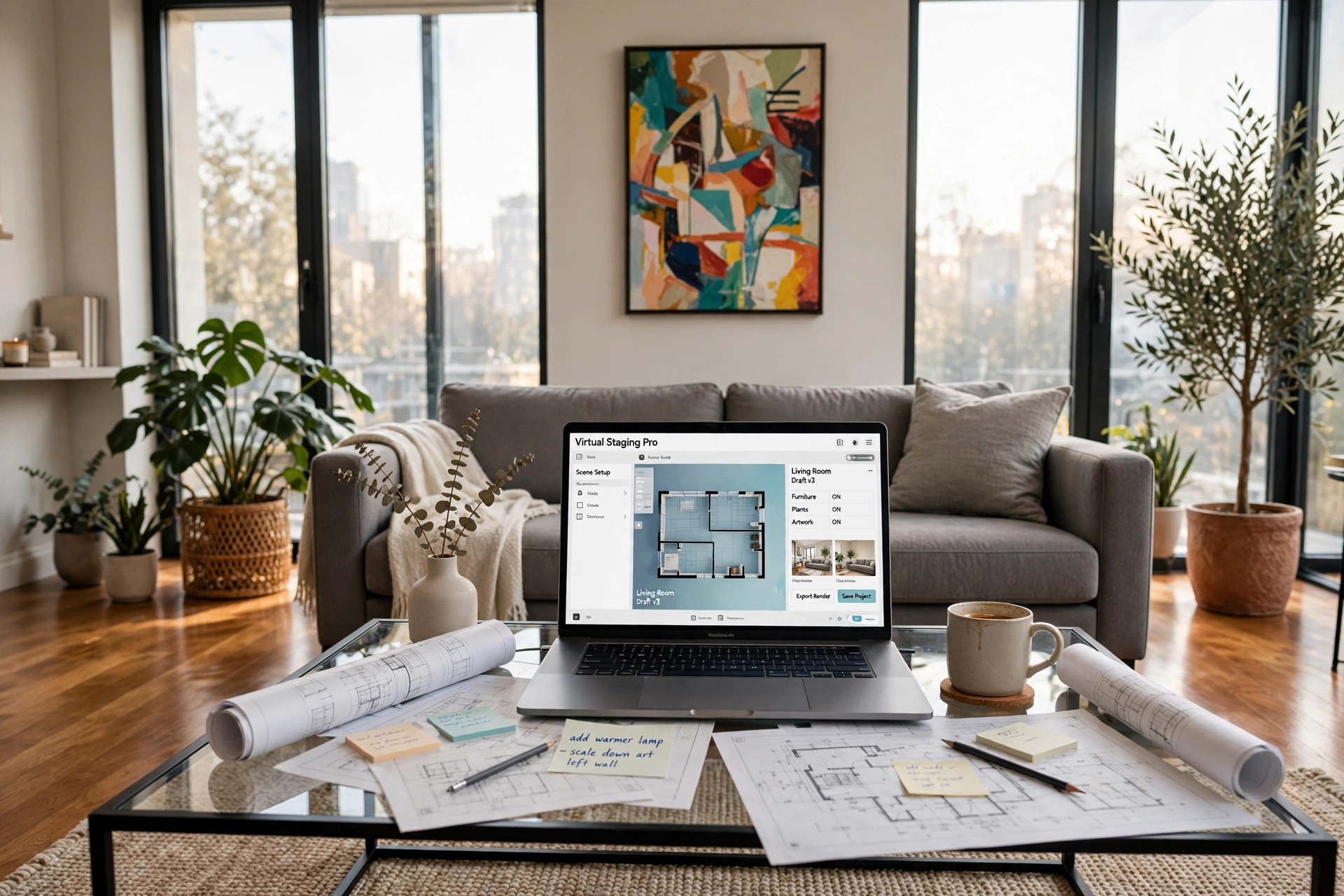
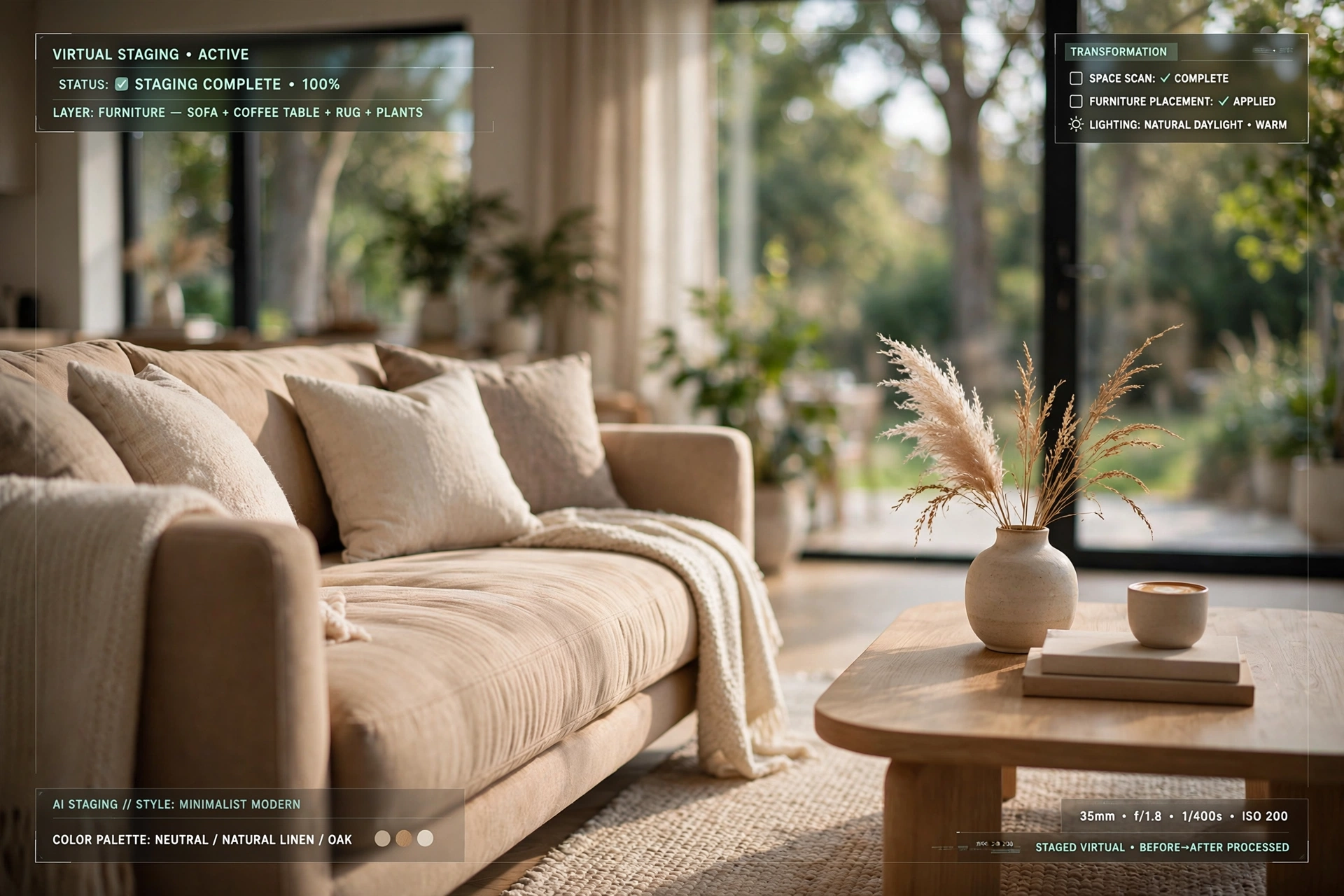
Empty rooms are psychological barriers for potential buyers; they struggle to visualize a lived-in space, which often leads to longer days on market and lower offers. To fix this, residential virtual staging uses computer vision and AI to digitally insert high-quality furniture and decor into photos of vacant properties. The process starts with high-resolution photography, followed by the selection of a design style (modern, traditional, or minimalist), and the precise placement of 3D assets that respect the room's perspective and lighting. By utilizing tools like RealVisionAI Blog - AI Real Estate Photography & Virtual Staging, professionals can transform a cold, empty room into an inviting home in under 12 seconds, removing the need for expensive physical furniture rentals.
For those looking to scale their visual assets quickly, understanding the Key Benefits of AI Property Enhancement for Real Estate is the first step toward increasing click-through rates on listing portals.
What Exactly is Residential Virtual Staging and How Does it Work?
At its core, residential virtual staging is the intersection of architectural photography and advanced digital rendering. It is not merely "photoshopping" a couch into a room; it is a sophisticated process of analyzing the spatial geometry of a photograph to ensure that added elements appear structurally sound and naturally lit.
📚
Definition
Residential virtual staging is the process of using artificial intelligence and computer vision to digitally furnish a vacant interior space, creating a photorealistic representation of the property's potential.
The technical workflow involves three primary stages: scene analysis, asset placement, and light integration. First, the software identifies the "vanishing point" and the floor plane of the image. Without this, furniture would appear to "float" or lean at unnatural angles. Second, 3D models of furniture are scaled to match the real-world dimensions of the room. Finally, the AI analyzes the existing light sources—such as windows or overhead fixtures—and applies matching shadows and highlights to the digital furniture.
In my experience working with high-volume property managers, the biggest failure in virtual staging is "scale drift," where a sofa looks like a dollhouse miniature or an oversized monolith. This happens when a tool lacks proper perspective intelligence. According to research from the National Association of Realtors, buyers are significantly more likely to engage with a listing that helps them visualize the home's purpose, and a precise, scaled virtual stage is the only way to achieve this without the $2,000+ cost of physical staging.
If you are just starting with these tools, checking out the AI Property Enhancement for Beginners guide can help you avoid these common perspective errors.

Why Residential Virtual Staging is Essential for 2026 Market Dynamics
The real estate market has shifted. With the ubiquity of high-speed mobile browsing and AI-driven search, the "first showing" no longer happens at the front door—it happens on a smartphone screen. If a user scrolls past a vacant room because it feels cold or small, you have lost the lead before they even read the description.
The business impact of high-quality imagery is quantifiable. According to a report by McKinsey & Company on AI-driven consumer behavior, visual consistency and "aspirational imagery" can increase conversion rates by up to 25% in high-ticket purchases. In real estate, this manifests as a higher volume of showing requests and a shorter duration between listing and contract.
When a property is left vacant, buyers often perceive the space as smaller than it actually is. This is a cognitive bias where the lack of reference points (like a dining table or a bed) makes the brain struggle to gauge distance. By implementing residential virtual staging, you provide those necessary reference points, effectively "proving" the room's utility.
Furthermore, the cost-benefit analysis is staggering. Physical staging requires transporting heavy furniture, paying for monthly rentals, and risking damage to the property. In contrast, AI-driven staging allows for multiple design "skins"—you can show a living room as a formal lounge for one demographic and a cozy family room for another, all from a single photograph. For those weighing the costs, our AI Property Enhancement: Pricing and Value Guide breaks down the exact ROI of digital versus physical assets.
A Practical Step-by-Step Guide to Implementing Virtual Staging
Executing a professional-grade stage requires more than just uploading a photo; it requires a strategic approach to visual storytelling. Here is the professional workflow for maximizing listing appeal.
Step 1: Capture High-Angle, Wide-Sized Imagery
The foundation of a great stage is the base photo. Avoid extreme wide-angle lenses that "fish-eye" the corners, as this makes the AI's perspective mapping difficult. Shoot from the corner of the room at waist height to provide a clear view of the floor plane. Ensure the room is decluttered; if there are old boxes or trash, use the decluttering tools in RealVisionAI Blog - AI Real Estate Photography & Virtual Staging to clear the canvas before adding furniture.
Step 2: Define the Target Buyer Persona
Before picking furniture, decide who you are selling to. A luxury penthouse in a city center requires "Minimalist Modern" staging—think clean lines, marble accents, and neutral tones. A suburban family home benefits more from "Traditional" or "Transitional" styles—plush sofas, warm woods, and inviting textiles.
Step 3: Strategic Asset Placement
Do not overcrowd the room. The goal is to show the possibility of the space, not to fill it like a warehouse. Place a primary anchor piece (e.g., a sectional sofa) first, then add secondary accents (e.g., a coffee table and a rug). The rug is particularly important as it "grounds" the furniture and defines the zone within an open-concept floor plan.
Step 4: Lighting and Shadow Matching
This is where the "uncanny valley" happens. If the sun is coming from the left window, the shadow of the digital chair must fall to the right. High-end AI tools handle this automatically, but always double-check that the highlights on the furniture match the brightness of the room's natural light.
Step 5: Final Quality Audit and Export
Zoom in on the edges where the furniture meets the floor. There should be no "halos" or blurry edges. Export the images in high resolution for the Multiple Listing Service (MLS) and compressed versions for social media.
💡
Key Takeaway
The most successful virtual stages focus on "zoning"—using furniture to define the purpose of a room rather than just filling empty space.
For a more detailed walkthrough of the technical side, see our Passo a Passo: AI Property Enhancement guide.

Comparing Staging Options: Physical vs. Generic AI vs. Professional AI
Not all staging is created equal. Many agents make the mistake of using free, low-quality AI tools that produce distorted furniture and unrealistic lighting, which can actually make a property look "fake" or deceptive to a savvy buyer.
| Feature | Physical Staging | Generic/Cheap AI | Professional AI (RealVisionAI) |
|---|---|---|---|
| Turnaround Time | 1–2 Weeks | Minutes | 12 Seconds |
| Cost | High ($2k - $5k+) | Low/Free | Affordable per image |
| Flexibility | None (One Style) | Moderate (Limited assets) | High (Multiple Design Styles) |
| Realism | Absolute | Low (Often looks "pasted") | High (Computer Vision based) |
| Risk | Furniture damage/Theft | Buyer distrust (Fake look) | Low (Photorealistic) |
| Best For | Ultra-Luxury Listings | Low-budget experimentation | Scaling high-volume portfolios |
The data shows a clear trend: professional AI tools provide the speed of software with the aesthetic quality of a human designer. While physical staging is still used for "staged open houses," the digital-first approach is dominating the initial lead generation phase. If you are unsure if the investment is right for your specific portfolio, we recommend reading Is AI Property Enhancement Worth It?.
Common Questions and Misconceptions About Virtual Staging
Most guides get this wrong by suggesting that you should "fill every corner" to make the room look full. In reality, this is a mistake. Over-staging creates a cluttered feeling that can make a room seem smaller than it is, defeating the entire purpose of the exercise.
Another common myth is that virtual staging is "dishonest." Some agents fear that buyers will feel cheated when they arrive at a vacant house. However, the industry standard is to clearly label these images as "Virtually Staged." When done correctly, the buyer doesn't see it as a deception, but as a professional suggestion for how to utilize the space. In fact, provided the proportions are accurate, it builds trust by showing the agent's commitment to presenting the property's best version.
Then there is the belief that you need a professional photographer to make virtual staging work. While high-quality photos help, modern AI tools can actually compensate for mediocre lighting and angles. We have seen cases where a simple smartphone photo, processed through the Vantagens de Real Estate Image Processing workflow, outperformed expensive professional shots that lacked a cohesive staging strategy.
Frequently Asked Questions
Does residential virtual staging actually increase the final sale price?
Yes, it frequently does, though the mechanism is indirect. By increasing the number of qualified leads who book a tour, you create more competition among buyers. According to industry data from the Real Estate Innhold Association, properties with high-quality visual staging often see a higher "perceived value," which allows sellers to hold firm on their asking price rather than accepting the first low-ball offer. When a buyer can envision their life in a space, they form an emotional connection, and emotional buyers are generally less inclined to negotiate aggressively on price.
How long does the residential virtual staging process typically take?
The timeline varies wildly depending on the tool. Traditional 3D rendering services can take 48 to 72 hours per room. However, with the advent of generative AI and computer vision, this has been reduced to seconds. RealVisionAI Blog - AI Real Estate Photography & Virtual Staging, for example, can produce market-ready visuals in about 12 seconds. This speed is essential for agents who need to get a listing live on the MLS immediately after a walkthrough, ensuring that the property doesn't sit vacant and unappealing for days while waiting for a designer.
Which design styles are most effective for virtual staging in 2026?
Current trends favor "Organic Modern" and "Scandi-Industrial" styles. These styles utilize neutral palettes, natural textures (like light wood and linen), and plenty of negative space, which makes rooms feel airy and larger. Avoiding overly specific or "trendy" furniture (like neon colors or extreme avant-garde shapes) is a best practice, as it prevents the listing from feeling dated. The goal is to create a broad appeal; a "transitional" style that blends traditional comfort with modern cleanliness typically yields the highest engagement across the widest range of buyer demographics.
Can virtual staging be used for outdoor spaces and yards?
Absolutely. This is often referred to as "virtual landscaping" or "exterior staging." Just as a vacant living room feels cold, a patchy lawn or an empty patio feels neglected. Using AI to add a modern outdoor dining set, a fire pit, or even restoring the grass and replacing a gray sky with a "golden hour" sunset can drastically change the curb appeal. We often see a significant jump in interest when an empty backyard is transformed into a functional outdoor living area, as it sells a lifestyle rather than just a piece of land.
How do I ensure the virtually staged images don't look "fake"?
The secret lies in the "contact shadows" and "ambient occlusion." A fake-looking image usually has furniture that looks like it is hovering just above the floor. Professional tools solve this by creating a dark, soft shadow exactly where the furniture leg meets the ground. Additionally, the "white balance" of the furniture must match the room. If the room has a warm, yellow glow from a lamp, a stark, blue-tinted white sofa will look out of place. Using a specialized system ensures these nuances are handled by the AI automatically.
Final Thoughts on Residential Virtual Staging
Mastering residential virtual staging is no longer an "extra" skill for real estate professionals; it is a fundamental requirement for competing in the 2026 digital marketplace. By removing the psychological friction of an empty room, you accelerate the buyer's journey from "scrolling" to "scheduling a tour." The ability to instantly pivot between design styles allows you to target different buyer personas without spending thousands on physical furniture rentals.
If you are ready to stop losing leads to cold, empty imagery, the most efficient path is to automate your workflow. Whether you are dealing with a single luxury estate or a portfolio of rental properties, the speed and precision of AI are unbeatable. For a complete transformation of your listings, explore the professional tools at RealVisionAI Blog - AI Real Estate Photography & Virtual Staging.
To further optimize your listing's performance, you might also consider our Real Estate Visual Marketing: The 2026 Guide to AI-Driven Sales to learn how to synchronize your images with high-converting ad campaigns.
Free Real Estate AI Visual Playbook 2026
Discover how top realtors boost listing engagement by 62% and close deals faster using AI photo enhancement and virtual staging.