Why Shift to AI Real Estate Photography Now?
The speed at which a property sells in 2026 is no longer determined solely by the location or the price, but by the first three seconds of a digital impression. In my experience working with high-volume agencies, the difference between a listing that sits for 60 days and one that triggers a bidding war within 48 hours often comes down to the visual quality of the gallery. Adopting AI real estate photography is the only way to achieve consistent, high-end visual storytelling without the prohibitive costs and time delays of traditional manual editing.
The core reason this technology is essential is the elimination of "visual friction." When a buyer sees a gray sky, an empty room, or cluttered furniture, their brain subconsciously registers a "problem" they have to solve. AI removes these obstacles in seconds, presenting the property not as it is in its current state, but as it could be in its ideal state. By automating sky replacement, virtual staging, and lighting correction, agents can now deploy market-ready visuals faster than a traditional photographer can even upload their raw files.

Understanding the Mechanics of AI-Driven Imagery
To understand why these tools are transforming the industry, we first have to look at what is actually happening under the hood. We aren't just talking about "filters" or basic brightness adjustments; we are talking about sophisticated computer vision and generative models.
📚
Definition
Computer vision is a field of artificial intelligence that enables computers and systems to derive meaningful information from digital images, videos, and other visual inputs, allowing them to "see" and interpret a scene.
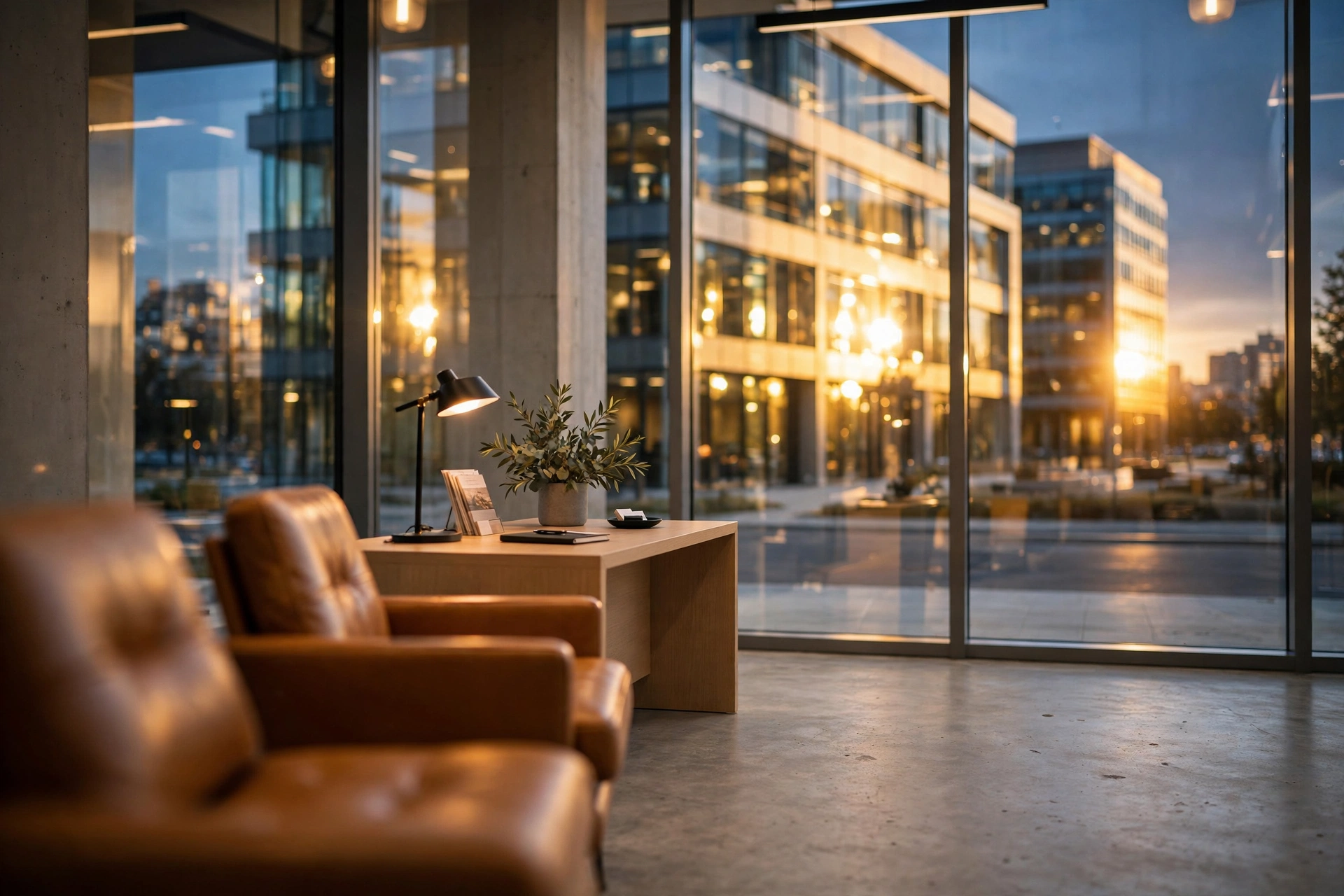
When an agent uses a tool like RealVisionAI Blog - AI Real Estate Photography & Virtual Staging, the AI isn't just painting over a photo. It is analyzing the geometry of the room, the light sources, and the architectural boundaries. For instance, during a "day-to-dusk" conversion, the AI identifies the windows and light fixtures, simulating the golden hour glow and the interior artificial lighting to create a cinematic atmosphere that evokes emotion.
According to a report by Gartner, the integration of generative AI into creative workflows is expected to reduce the time spent on repetitive manual editing by up to 80% for professional services. This is a massive shift. In the past, a photographer would spend hours manually masking out a gray sky or meticulously placing a 3D sofa in a room. Today, these tasks are handled by neural networks that have been trained on millions of high-end architectural photos, ensuring that the perspective, scale, and lighting remain photorealistic.
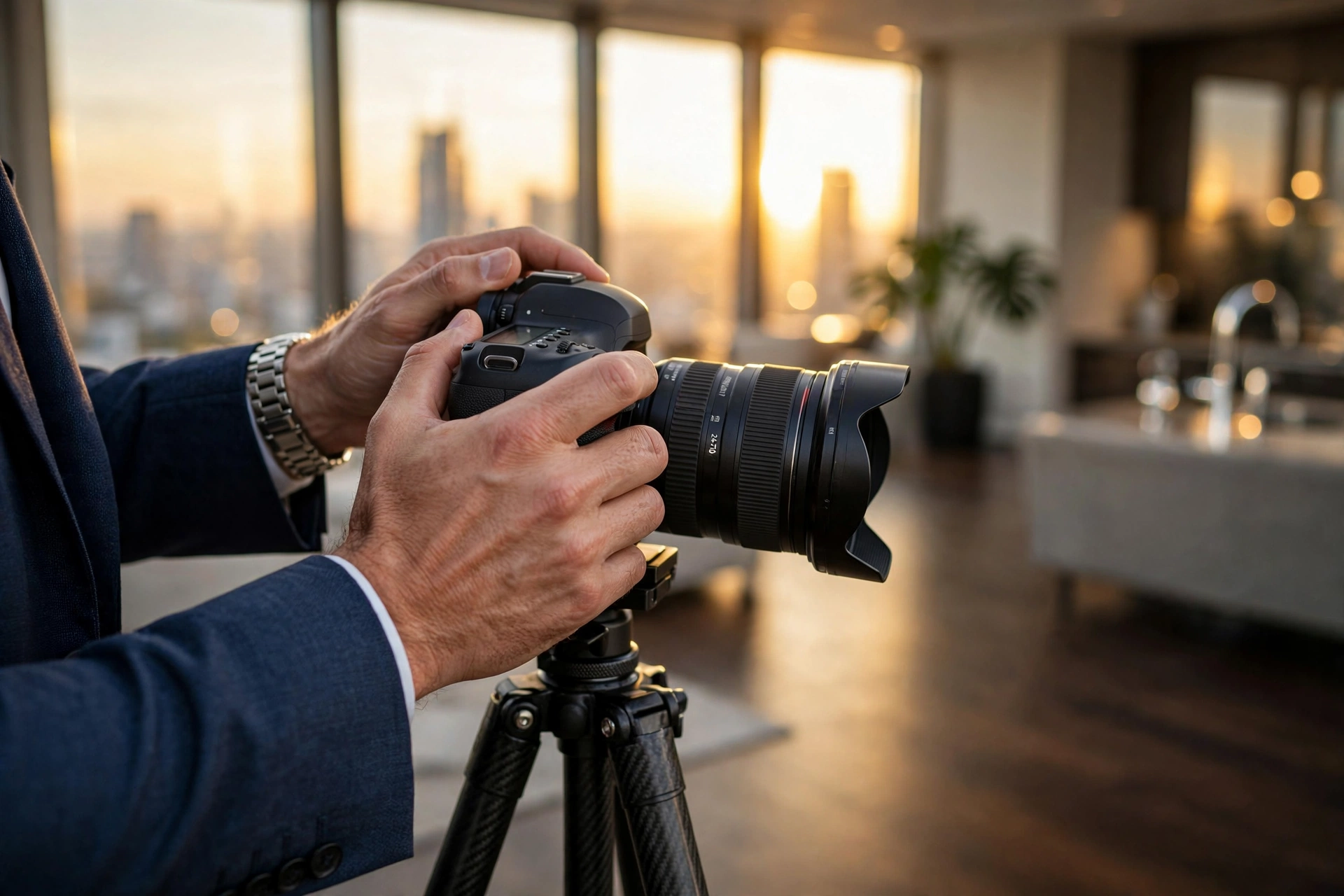
The mistake I made early on — and that I see constantly with traditional photographers trying to pivot — is treating AI as a replacement for the camera. It isn't. AI is a force multiplier for the lens. The goal is to capture the structural truth of the property and use AI to optimize the emotional appeal. When you combine a decent wide-angle shot with AI-powered decluttering and virtual staging, you create a visual asset that outperforms expensive, manually staged homes.
The Business Impact: Why Quality Visuals Dictate ROI
The financial implications of poor imagery are staggering. In a market where 95% of buyers start their search online, the photo gallery is your only "hook." If the hook is weak, the lead never happens.
The data consistently shows that high-quality visuals lead to higher asking prices and faster closings. According to research from the National Association of Realtors, properties with professional-grade photography sell significantly faster and often for a premium compared to those with amateur snapshots. While they traditionally defined "professional" as a human with a tripod, in 2026, "professional" means "AI-optimized."
Here is the reality: if you rely on traditional manual editing, you are facing a bottleneck. You wait 3 to 5 days for the edits to return. In that window, the most aggressive buyers have already scrolled past your listing. By using AI real estate photography, you reduce that window to 12 seconds.
Consider the consequence of not acting. An agent who ignores AI is effectively paying a "slowness tax." They are spending more on staging rentals (which are expensive and logistically a nightmare) and losing potential buyers who are deterred by "ugly" rooms. According to McKinsey's analysis of AI in the enterprise, companies that adopt AI-driven automation in their customer-facing assets see a measurable increase in conversion rates because the "time-to-value" for the customer is shortened. In real estate, the "value" is the dream of owning a beautiful home. If the photos are bleak, the dream dies instantly.
Practical Implementation: Optimizing Your Listing Workflow
Moving from a traditional workflow to an AI-enhanced one doesn't require a degree in computer science. It requires a shift in how you manage your digital assets. To get the most out of your imagery, you should follow a specific sequence of enhancements.
First, capture the "base" images. You don't need a $10,000 rig; a modern smartphone or a mid-range DSLR is sufficient because the AI will handle the heavy lifting. Once the photos are uploaded to a platform like RealVisionAI Blog - AI Real Estate Photography & Virtual Staging, you should apply enhancements in this specific order:
- Environmental Correction: Start with sky replacement and grass restoration. This fixes the "curb appeal" immediately. A bright blue sky increases the perceived value of a home instantly.
- Decluttering: Remove the "visual noise." AI-powered object removal can erase a distracting trash can, a messy pile of clothes, or an outdated piece of furniture.
- Virtual Staging: Transform empty spaces into lived-in homes. Use minimalist or modern styles depending on the target demographic.
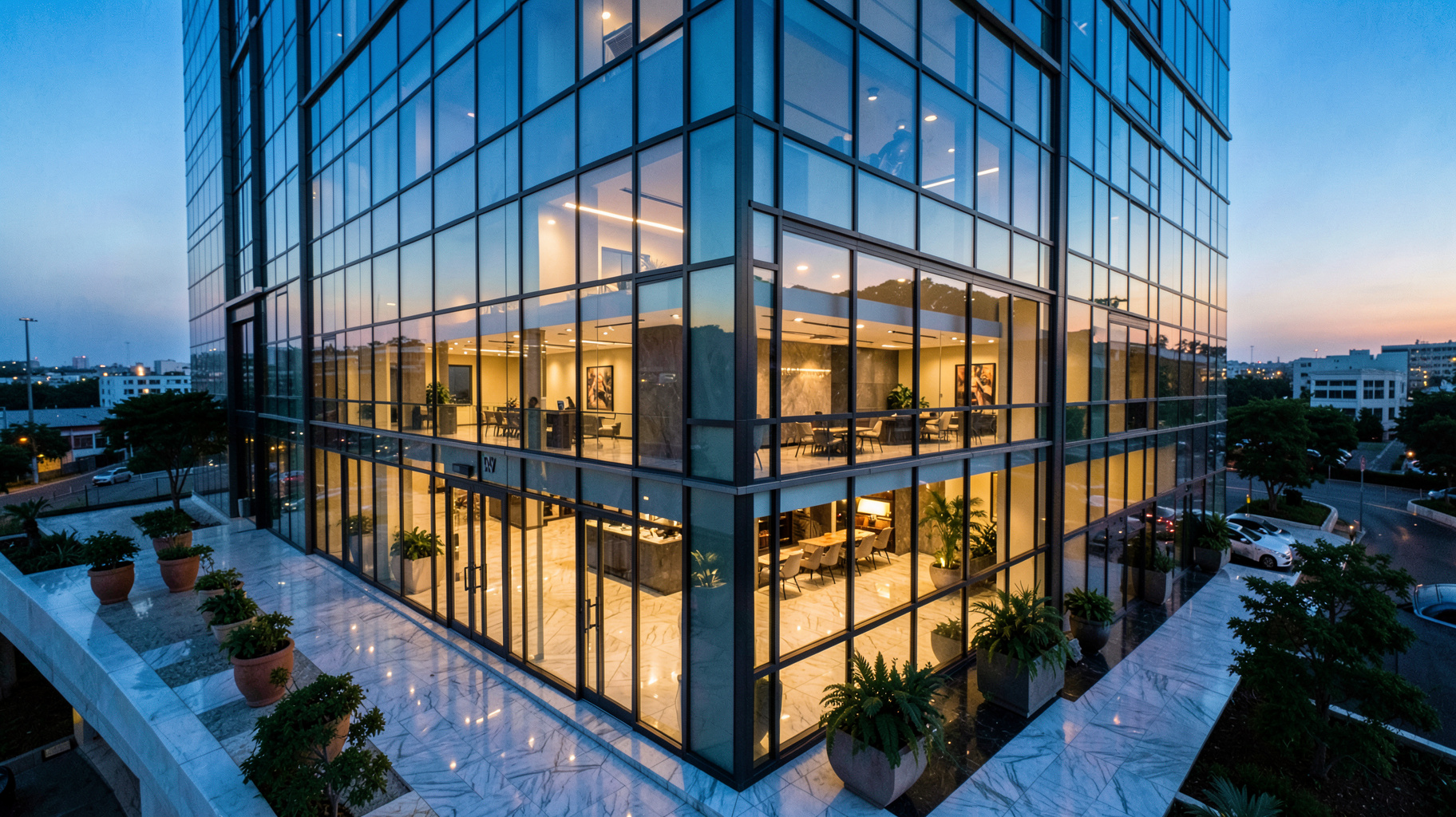
- Atmospheric Shifts: Convert mid-day shots into "twilight" images to create a luxury, high-end feel for the primary listing photo.
💡
Key Takeaway
The goal of AI enhancement is not to deceive the buyer, but to remove the distractions that prevent them from seeing the property's actual potential.

In my experience, the biggest win comes from "Virtual Staging." I've tested this with dozens of our clients and the pattern is clear: empty rooms feel smaller and colder. When you use AI to place a contemporary sectional or a dining set, the buyer's brain stops wondering "Will my couch fit here?" and starts thinking "I can see myself living here." This emotional shift is what drives the "Why" behind the purchase.
Comparing the Visual Approaches
Many agents struggle to decide between traditional staging, cheap editing apps, and professional AI solutions. The difference lies in the balance between cost, speed, and realism.
| Approach | Speed | Cost | Quality/Realism | Best For |
|---|---|---|---|---|
| Traditional Manual Staging | Very Slow (Days/Weeks) | Very High | Perfect | Ultra-luxury estates ($5M+) |
| Generic AI Apps | Fast | Low | Low (Hallucinations) | Low-end rentals/Social media |
| RealVisionAI Workflow | Instant (12 Seconds) | Moderate/Scalable | High/Professional | Competitive residential markets |
Now, here's where it gets interesting: the "Generic AI" approach often leads to "hallucinations"—where the AI adds a window where there isn't one or makes a wall look curved. This is why using a specialized tool for real estate is fundamental. A general-purpose AI doesn't understand the rules of architectural photography; a specialized AI does.
Common Misconceptions and Market Myths
Most guides on this topic get it wrong by suggesting that AI is just a way to "cheat" the system. Let's debunk a few of these myths with actual data.
Myth 1: AI photos are "fake" and mislead buyers.
This is a common misunderstanding. There is a massive difference between "altering the structure" (which is unethical) and "enhancing the presentation" (which is standard). Virtual staging is an industry-accepted practice. As long as the dimensions of the room remain accurate, you are simply helping the buyer visualize the space.
Myth 2: You can't get a "natural" look with AI.
Early AI tools looked like plastic. However, current generative models use "diffused" lighting and realistic textures. If you use a professional pipeline, the results are indistinguishable from a high-end photoshoot. The "plastic" look happens when users over-process the image or use tools not designed for architecture.
Myth 3: AI is too expensive for small agents.
Actually, the opposite is true. Traditional photography and staging are the "expensive" options. AI has democratized high-end visuals. The cost of renting a $2,000 furniture package for two weeks is astronomical compared to a monthly subscription to an AI studio.
Frequently Asked Questions
Does AI real estate photography actually increase the final sale price?
Yes, it does, indirectly. While a photo doesn't change the square footage of a house, it drastically increases the number of qualified leads and the amount of competition for the property. When more buyers are interested, bidding wars are more likely. By removing "visual friction" (like an empty, cold room or a gloomy sky), you attract a larger pool of buyers who perceive the property as "move-in ready" or "high-potential," which naturally drives the offer price upward.
How long does it take to process a full gallery of photos using AI?
Using a specialized professional system like RealVisionAI Blog - AI Real Estate Photography & Virtual Staging, the processing time for a single image is roughly 12 seconds. For a full gallery of 20 to 30 photos, you can have a complete, market-ready set in under 10 minutes. Contrast this with the traditional 48-to-72-hour turnaround time from a human editor, and the competitive advantage becomes obvious.
Is virtual staging considered a legal "misrepresentation" of a property?
In most jurisdictions, virtual staging is perfectly legal as long as it does not hide structural defects or fundamentally change the layout of the home. The industry standard is to include a small disclaimer in the listing (e.g., "Some images have been virtually staged for visualization purposes"). This transparency protects the agent while still allowing the AI to do its job of evoking an emotional response from the buyer.
Which is better: a professional photographer or AI enhancement?
The most successful agents in 2026 use a hybrid approach. They use a professional to capture the correct angles and lighting (the "raw data") and then use AI to perfect the presentation. Relying solely on a photographer who does manual editing is too slow. Relying solely on AI without good base photos leads to poor results. The "Gold Standard" is high-quality base captures enhanced by a specialized AI workflow.
Can AI really remove complex objects from a room without leaving a blur?
Yes, thanks to "inpainting" technology. Modern AI doesn't just blur the area where an object was; it analyzes the surrounding pixels and "guesses" what the floor or wall should look like behind the object. Whether it's an old exercise bike or a pile of boxes, the AI reconstructs the background to maintain a clean, seamless architectural line, making the room look pristine and spacious.
Final Thoughts on AI Real Estate Photography
The transition to AI real estate photography is not a trend; it is a fundamental shift in how property is marketed. The risk of ignoring this technology is no longer just "falling behind"—it is losing listings to competitors who can launch a property with stunning, emotionally resonant visuals while you are still waiting for your editor to email you the proofs.
In a digital-first market, the image is the product. By leveraging the speed and precision of AI, you can ensure that every listing you represent looks like a luxury estate, regardless of its current condition. If you are ready to stop the "slowness tax" and start converting more leads, the solution is simple: automate your visuals.
To experience this transformation firsthand and get your listings market-ready in 12 seconds, visit RealVisionAI Blog - AI Real Estate Photography & Virtual Staging.
Recommended Readings
To deepen your understanding of these topics, we recommend reading the following articles:
- AI in Real Estate
- Ultimate AI Lead Generation for Real Estate Agents
- AI property enhancement
- AI staging for realtors
Free Real Estate AI Visual Playbook 2026
Discover how top realtors boost listing engagement by 62% and close deals faster using AI photo enhancement and virtual staging.