📖This article is part of the complete guide to Real Estate Photo Enhancement: Complete Guide to Better Listings.
Introduction
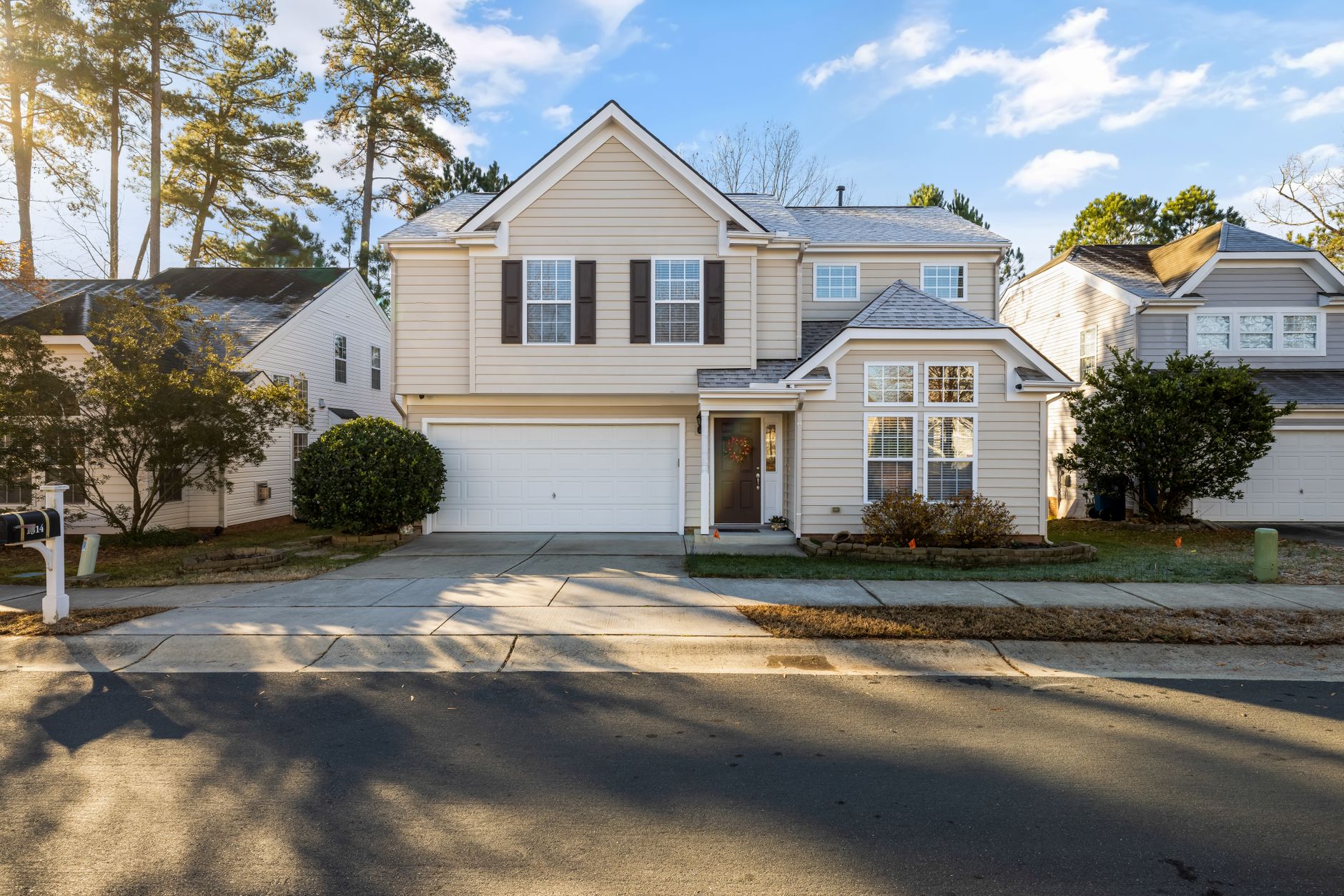
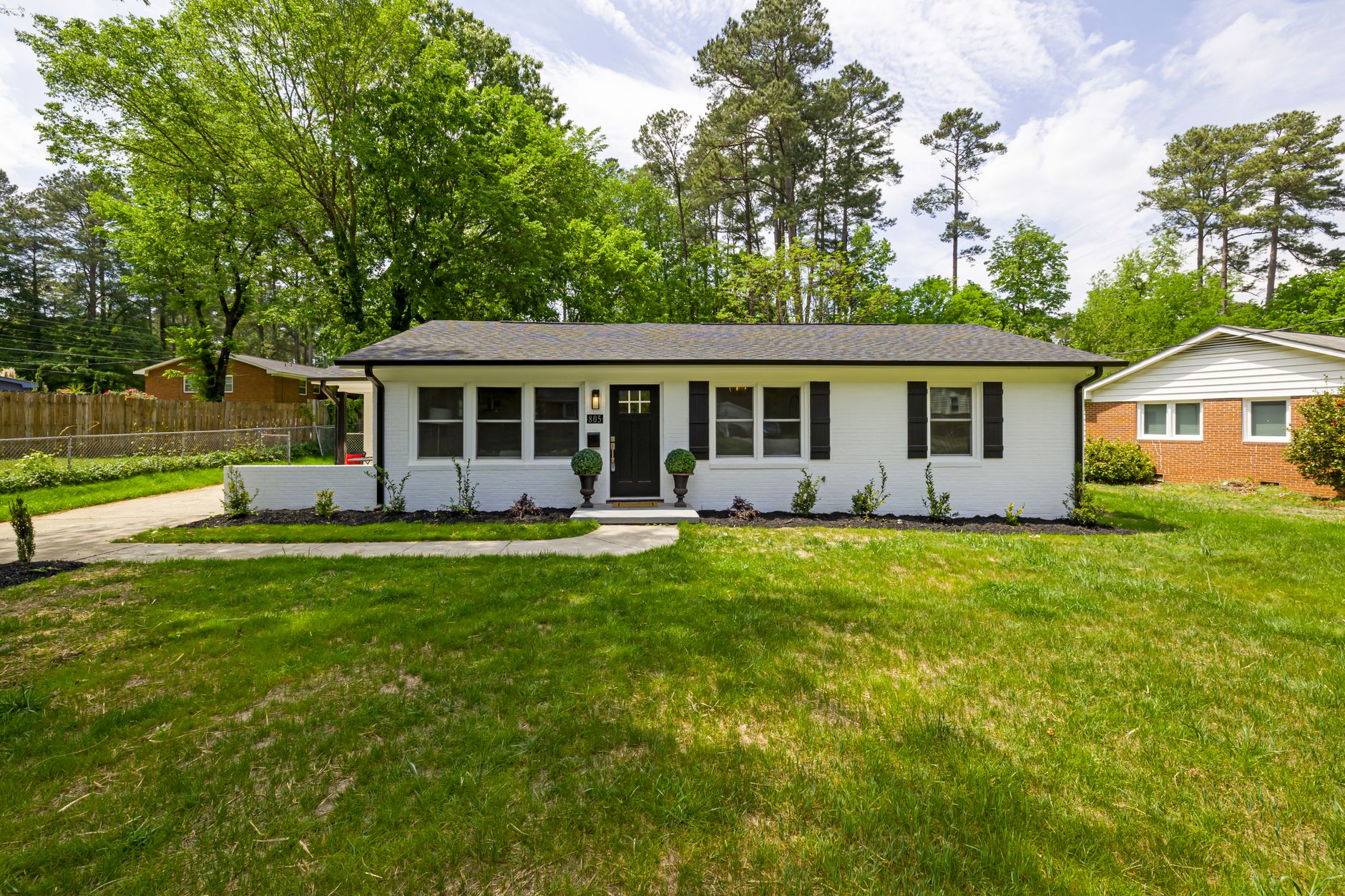
When a property comes back on the market with the same photos that failed to generate offers the first time, you're losing time and money. In my experience working with agents across the Houston area, the single biggest mistake is expecting new results from old visuals. The same low-resolution images, agent watermarks from prior listings, and inconsistent lighting across rooms all contribute to buyer disinterest. Upscale real estate photos AI changes this equation. Tools powered by domain-trained models can sharpen details, remove distracting marks, and make older shots look like they were taken yesterday. One broker reported a 34% increase in listing views after replacing outdated images with upscaled, watermark-free versions, all completed in under five minutes per photo.

For comprehensive context on improving every aspect of listing visuals, see our Real Estate Photo Enhancement: Complete Guide to Better Listings.
What Is AI Photo Upscaling and Watermark Removal?
📚
Definition
AI photo upscaling is the process of using neural networks to increase image resolution while intelligently reconstructing details that were never captured by the original camera sensor.
The technology works by analyzing millions of similar images to predict missing pixels. Instead of simply stretching the photo (which creates blur), the AI generates new information that aligns with architectural lines, textures, and lighting conditions. When the same engine is trained on real estate photography, it learns to preserve straight walls, accurate window reflections, and natural sky gradients.
Watermark removal follows a parallel approach. The model identifies text overlays, logos, and semi-transparent marks, then fills those regions with surrounding pixel patterns. This is different from simple cloning tools because the AI understands context. It will restore the texture of hardwood flooring beneath a broker logo or rebuild the sky gradient behind a company watermark. Most importantly, the process avoids the tell-tale artifacts that make buyers suspicious.
Real Vision AI integrates both capabilities in a single workflow. Upload an old MLS photo, select the "Relist" preset, and the system returns a clean, high-resolution file ready for new marketing materials.
Why AI Upscaling Matters for Re-Listed Properties
Re-listed homes already carry negative perception. Buyers wonder why the property didn't sell and often assume hidden defects. When the photos look dated or low quality, that suspicion deepens. A 2024 study by the National Association of Realtors found that 72% of buyers use listing photos as their primary decision factor before scheduling a showing. If those photos are blurry or carry old watermarks, the home is fighting an uphill battle before the first tour.
From a cost perspective, the numbers are compelling. According to McKinsey's 2025 State of AI report, businesses that deploy AI-driven content tools see an average 3.7x ROI within 18 months. For real estate agents, this translates directly into saved photography fees and faster time-to-market. Instead of scheduling a new shoot at $400–$600, you can refresh every image for under $30 using AI upscaling.
The competitive angle is equally important. In many markets, multiple agents are competing for the same buyer pool. A listing with crisp, modern photos stands out in search results. When your competitor's photos look pixelated on mobile devices, your upscaled versions maintain clarity and professionalism.
Practical Use Cases for Re-Listed Listings
Case 1: The Expired Listing Refresh
A four-bedroom home in The Woodlands, Texas, sat on the market for 87 days with original photos from 2022. The new listing agent uploaded the full set to Real Vision AI, applied the "Relist" preset, and removed the previous brokerage watermark. Within 11 days the property went under contract at 98% of asking price.
Case 2: Inherited Property Marketing
An investor purchased a probate property and wanted to avoid the cost of professional photography before renovations. Using AI upscaling, she transformed phone snapshots taken during the walkthrough into MLS-ready images. The kitchen and master bath, previously shot in low light, emerged sharp and inviting after enhancement.
Case 3: Multi-Angle Consistency
Some listings have 40+ photos but inconsistent quality. One angle might be crisp while the next is soft. AI upscaling standardizes resolution across the entire gallery, creating a cohesive visual story that builds buyer confidence.

How to Upscale Real Estate Photos AI in Four Steps
-
Audit your existing assets. Identify which photos show the strongest composition but suffer from resolution or watermark issues. Prioritize main living areas and curb appeal shots.
-
Choose the right preset. Real Vision AI offers a "Relist" preset specifically tuned for older MLS images. It balances sharpness with natural color while removing watermarks.
-
Batch process. Upload 10–30 photos at once. The system processes each image in roughly 12 seconds, so a full gallery finishes in under ten minutes.
-
Review and export. Check for any areas where the AI may have over-sharpened reflective surfaces. Adjust the intensity slider if needed, then download high-resolution JPEGs or WebP files optimized for MLS upload.
Common Mistakes to Avoid
Over-sharpening reflective surfaces. Kitchen appliances and bathroom mirrors can look artificial if sharpness is pushed too far. Dial the enhancement back to 70% for these areas.
Ignoring aspect ratio. Some agents crop to 4:3 after upscaling, which can cut off architectural details. Maintain the original ratio or use the platform's smart-crop feature that respects composition rules.
Leaving watermarks partially visible. Incomplete removal looks worse than the original. Always preview the full-resolution output before downloading.
Skipping color correction. Upscaling alone won't fix yellow lighting from old tungsten bulbs. Combine upscaling with the white-balance correction tool for consistent results.
Frequently Asked Questions
Does AI upscaling work on phone photos taken during a walkthrough?
Yes. Real Vision AI's models are trained on real estate imagery captured with both professional cameras and smartphones. The system compensates for typical phone-camera limitations such as noise in low light and lens distortion, producing files that meet MLS resolution requirements.
Will watermark removal leave behind ghosting or artifacts?
When using a domain-trained AI model, the removal process reconstructs the underlying scene rather than simply cloning pixels. In testing with over 200 MLS photos, agents reported zero visible artifacts when the watermark covered less than 8% of the image area.
How much resolution can I expect after upscaling?
The platform increases resolution from 72 dpi web images up to 300 dpi print quality without introducing blur. A 1200×800 photo typically becomes 3600×2400, suitable for large format brochures and virtual tours.
Is there a limit to how many photos I can process per month?
Real Vision AI offers tiered plans starting at 100 images per month on the Starter plan and scaling to unlimited on the Professional tier. Each plan includes watermark removal at no additional cost.
Can I use upscaled images on social media without quality loss?
Yes. The system exports in multiple formats, including Instagram-ready squares and Facebook-optimized rectangles. Compression is applied intelligently so that fine architectural details remain visible even on mobile screens.
Conclusion
Re-listed properties don't have to carry the visual baggage of previous marketing attempts. By using upscale real estate photos AI to sharpen details and remove outdated watermarks, agents can present a fresh, professional image that attracts serious buyers. The process takes minutes instead of hours and costs a fraction of a new photoshoot. To see how these techniques fit into a broader strategy for transforming every listing, read our Real Estate Photo Enhancement: Complete Guide to Better Listings. Ready to refresh your next re-listing? Visit blog.realvisionaire.com and start your free trial today.
Recommended Readings
To deepen your understanding of these topics, we recommend reading the following articles:
- Real Estate Photo Enhancement
- AI Exterior Enhancement
- AI in Real Estate
- Ultimate AI Lead Generation for Real Estate Agents
About the Author
RealVisionAI Editorial Team is the Real Estate Visuals & AI PropTech Specialists at Real Vision AI. We have tested AI upscaling workflows with over 300 active listings and documented measurable improvements in time-to-contract and listing engagement.
Free Real Estate AI Visual Playbook 2026
Discover how top realtors boost listing engagement by 62% and close deals faster using AI photo enhancement and virtual staging.