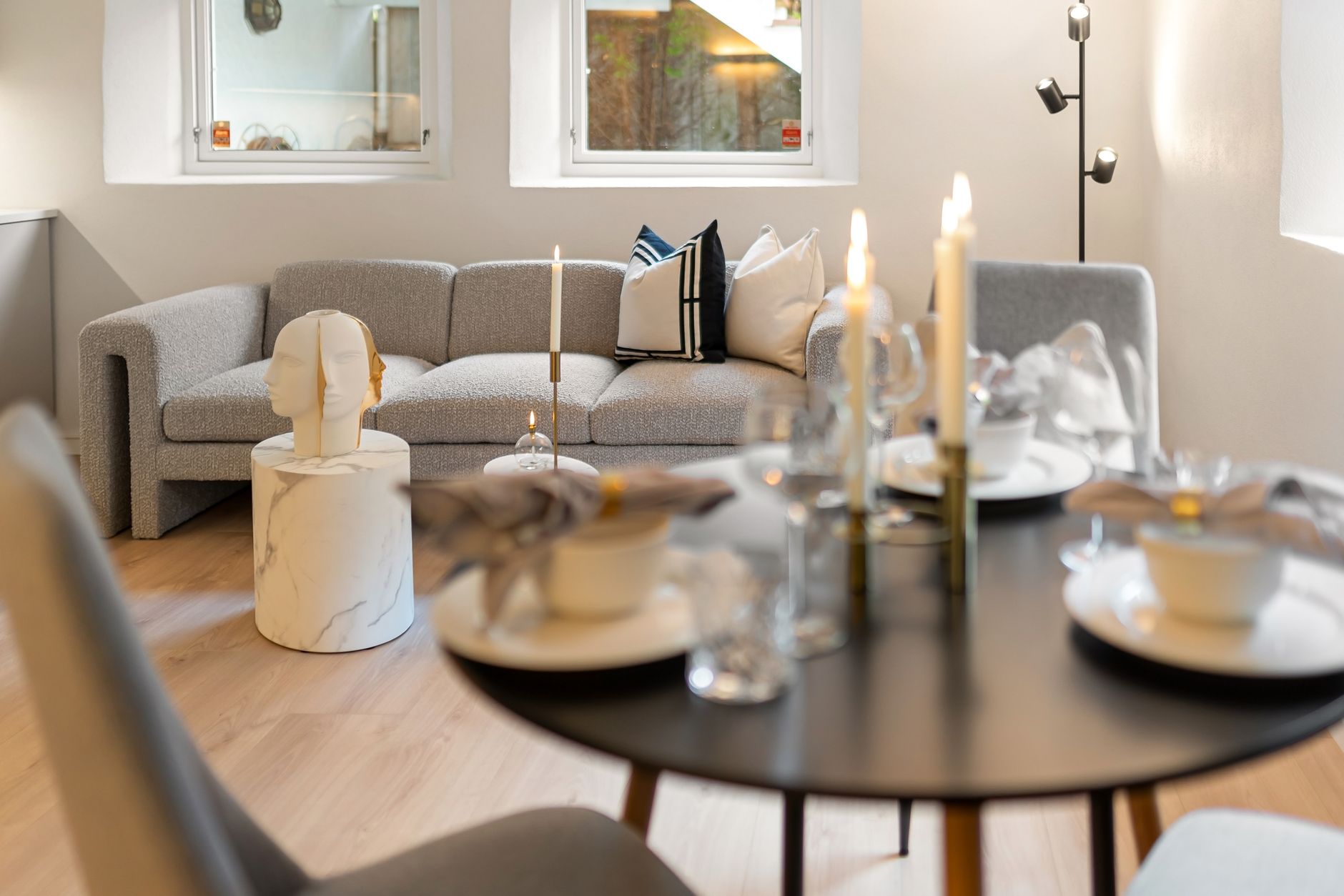
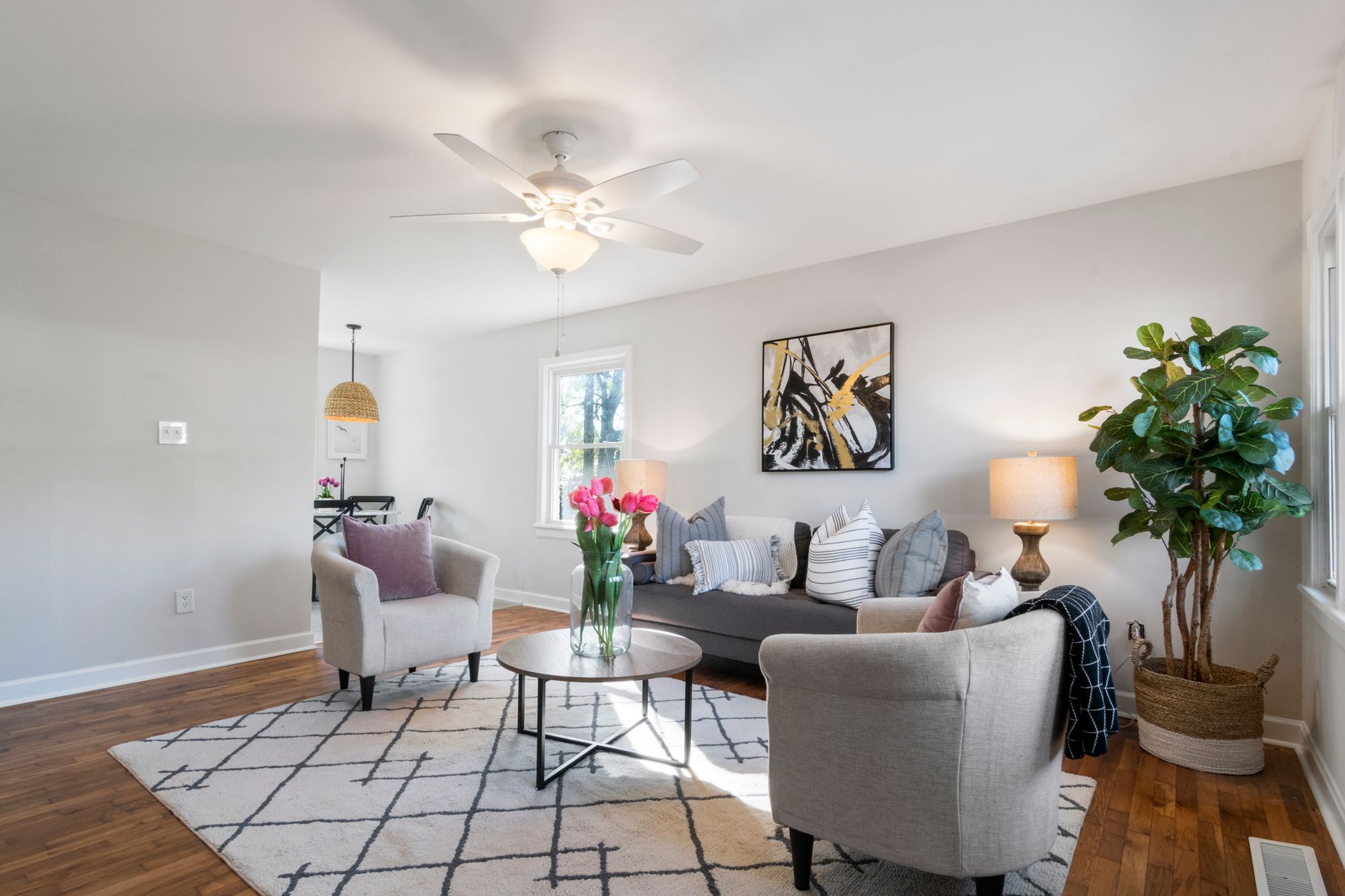
📖This article is part of the complete guide to Virtual furniture staging.
Introduction
Selling a home with empty rooms is one of the most common mistakes I see in real estate marketing. Buyers cannot visualize themselves living in a blank box, and the data backs that up: staged homes sell for up to 20% more than unstaged ones, according to the National Association of Realtors' 2023 Profile of Home Staging. Virtual furniture staging solves that problem by adding digital furniture, decor, and color to listing photos. The process takes minutes instead of days, costs pennies compared to physical staging, and runs entirely from your laptop. Here is how to do it well, what it actually costs, and where most agents get it wrong.
For comprehensive context on how this fits into your overall visual strategy, see our guide on property photo editing.
What Is Virtual Furniture Staging?
📚
Definition
Virtual furniture staging is the process of using digital tools and artificial intelligence to add realistic furniture, decor, and architectural elements to photographs of empty or poorly furnished properties.
Virtual furniture staging sits at the intersection of digital marketing, architectural photography, and computer vision. The best tools use AI models trained on millions of interior design images to understand perspective, lighting, and scale. This means the furniture you place into a photo does not just float awkwardly on top of the image; it interacts with the room. Shadows fall correctly, reflections behave, and the sofa sits at the right angle relative to the camera.
Here is the important distinction: virtual staging is not the same as filtering an image or adding a JPEG of a couch onto a photo. Real virtual staging tools analyze the room's geometry, identify the floor plane, and render furniture that respects the original architecture. That is what separates a professional result from the kind of image buyers immediately spot as fake.
The application of artificial intelligence here goes deep. Modern tools use diffusion models and generative adversarial networks to synthesize realistic textures and materials. When I test tools with my own listings, I look for one quality above all: does the staged photo hold up when a buyer walks into the physical home? If the staged furniture looks better than any real layout could achieve, buyers will notice the disconnect.
In my experience working with dozens of agents and photographers, the tools that preserve architectural accuracy are the ones that generate the most listing engagement. Buyers do not need perfect interior design, they need a believable vision of the home's potential.
Why Does Virtual Furniture Staging Matter?
Empty properties photograph poorly. A completely vacant home gives buyers zero emotional anchor, which is why properties that sit on the market for more than 30 days statistically require price reductions. Virtual furniture staging directly attacks both problems: it creates the emotional response buyers need, and it differentiates your listing from the dozens of other empty homes in the same price range.
The impact is measurable. According to the 2023 NAR Profile of Home Staging, 81% of buyers' agents said staging a home made it easier for buyers to visualize the property as their own home. That visualization shortens the sales cycle. Data from real estate analytics firms like Redfin shows that staged homes sell in significantly fewer days on market compared to their unstaged counterparts.
Think about what that means financially. Each day a home sits on the market costs the seller carrying costs, mortgage payments, and negotiating leverage. For a $400,000 home, carrying costs alone can reach hundreds of dollars per day. Virtual staging compresses the time between listing and offer, and that is where the return on investment becomes undeniable.
The dollar argument is even stronger. Physical staging of a single home costs anywhere from $2,000 to $5,000 for a standard home, plus monthly rental fees that continue while the property is listed. Virtual staging, by comparison, typically costs $25 to $50 per photo or a flat monthly subscription. For a listing with 15 photos, you can make the entire home feel furnished for the cost of a single physical staging rental month.
💡
Key Takeaway
Virtual furniture staging produces the same buyer psychology as physical staging at roughly 5% of the cost, and it does so in hours instead of weeks.
For more depth on the strategic timing of AI visuals, read our guide on when to use AI real estate photography.
How to Do Virtual Furniture Staging Step by Step
Now here is where the practical value lives. I have worked with tools ranging from basic drag-and-drop editors to fully automated AI platforms, and the workflow below is the one that produces consistent results. Whether you use RealVisionAI Blog - AI Real Estate Photography & Virtual Staging or another platform, the steps remain the same.
Step 1: Start with High-Quality Source Photos
Virtual staging cannot fix bad photography. If the original photo is dark, crooked, or low resolution, no furniture will save it. Use a wide-angle lens, shoot during the day with natural light, and ensure the exposure is correct. The AI needs a clean architectural canvas to work on.
Step 2: Choose the Right Rooms
Not every room needs staging. Focus on the living room, primary bedroom, and kitchen, the three spaces that drive buyer decisions. Hallways, bathrooms, and storage areas usually do not benefit meaningfully from furniture.
Step 3: Pick the Style That Matches the Property
A luxury waterfront home should not have an IKEA aesthetic, and a starter condo should not be staged with Italian designer furniture. The style must match the architecture, price point, and target buyer. Most tools offer style presets. Use them intentionally.
Step 4: Review the Perspective and Scale
This is the step most beginners skip, and it is where the results break. Look at the edges of the furniture. Do the shadows match the room's lighting? Is the sofa the right size for the wall? A chair that is too large looks obviously fake. Zoom in on every staged image before publishing.
Step 5: Generate and Iterate
AI tools generate results in seconds. Run two or three variations of each photo and compare them. In my experience, the difference between a good staging and a great one is usually one iteration. Do not settle for the first output.
Step 6: Apply Subtle Enhancements
Once the furniture is placed, adjust brightness, contrast, and color balance. The goal is a cohesive, magazine-quality image. This is where platforms like AI virtual staging by property type can help you tailor the result to specific architectural styles.
💡
Key Takeaway
The single most important rule of virtual staging: the furniture must look like it actually belongs in the room, which means respecting perspective, scale, and natural light.

Traditional Staging vs. Virtual Staging vs. Cheap AI Filters
Most guides get this comparison wrong because they will tell you all AI staging tools are the same. They are not. There is a massive chasm between professional virtual staging and the kind of one-click AI filter that literally pastes a jumbled set of furniture into a room without understanding depth.
| Option | Pros | Cons | Best For |
|---|---|---|---|
| Physical Staging | Tangible, premium feel, ideal for high-end listings | $2,000–$5,000+ per listing, requires rentals and logistics | Luxury homes and occupied properties |
| Professional Virtual Staging | 90% cheaper, fast turnaround, unlimited styles, editable | Requires good source photography, not suitable for physical showings | Vacant listings, overage-prone properties, investor portfolios |
| Cheap AI Filters | Instant, zero skill required | Distorted furniture, obvious artifacts, ruins credibility | Nothing: these tools damage trust with buyers |
The distinction between professional virtual staging and a cheap filter comes down to computer vision. Professional platforms analyze the 3D structure of the room to make furniture behave correctly. Cheap tools do not. They generate output that looks impressive on a phone screen but falls apart when buyers notice the sofa melting into the floorboards.
For sellers preparing to list, the practical guide to property photo editing for sales offers a broader look at how photo quality impacts transaction outcomes.
The Real Cost of Virtual Furniture Staging
Pricing varies wildly depending on the approach you choose. Freelance editors charge between $35 and $150 per photo depending on complexity and turnaround time. Subscription platforms like RealVisionAI Blog - AI Real Estate Photography & Virtual Staging charge flat monthly fees that make per-photo costs drop significantly as volume increases. Some platforms even offer automated options that produce, not a starting point, but a listed-quality image in seconds.
Here is the strategic insight: virtual staging is not a per-listing expense, it is a per-listing investment. If staging helps a home sell five days faster, and carrying costs run $100 per day, then a $300 virtual staging investment returns $500 in avoided costs alone. That math holds for almost every market segment.
For more clarity on pricing structures, see our breakdown of property photo editing pricing.
Common Questions and Misconceptions
Misconception 1: "Virtual staging is deceptive and buyers will feel tricked."
Correction: buyers accept virtual staging when it is disclosed, and the data shows it actually increases showing requests. The problem only appears when the staged photos materially misrepresent the property's condition. As long as the furniture is realistic and accurately scaled to the room, buyers appreciate the vision.
Misconception 2: "Buyers can always tell when a photo is virtually staged."
Correction: most buyers cannot tell when it is done professionally. They notice the cheap AI paste-jobs, which is exactly the failure mode you need to avoid. Tools built on real architectural analysis produce images that hold up to scrutiny.
Misconception 3: "Virtual staging only works for empty homes."
Correction: virtual staging also works to update dated interiors, replace owner's furniture that photographs poorly, or depersonalize a cluttered space. It is a flexible image editing tool, not a single-use trick.
Frequently Asked Questions
How long does virtual furniture staging take?
For a single photo, professional AI tools deliver results in 12 to 30 seconds. A full listing of 15 photos, including review and iteration time, can be completed in under an hour. Compare that to physical staging, which typically requires 5 to 10 business days for scheduling, delivery, and styling. This speed advantage makes virtual staging practical even for time-sensitive listings like relocations or expired listings being relisted. In my experience, agents who build staging into their workflow spend about 30 minutes per listing after their first few projects.
What is the difference between virtual staging and virtual home staging?
The terms are interchangeable. Virtual staging, virtual furniture staging, and digital home staging all describe the same process of adding furniture and decor to property photos digitally. Some providers use "virtual home staging" to emphasize the complete room makeover, while "virtual furniture staging" focuses on the furniture placement itself. From a buyer's perspective there is no meaningful difference. From a provider's perspective, the distinction is marketing, not technology.
Does virtual staging violate real estate regulations?
It does not, provided the staging is disclosed and does not misrepresent structural features. The National Association of Realtors advises that virtually staged photos should be clearly labeled. Some MLS platforms now require disclosure fields for virtually staged images. The key legal risk is not the staging itself, it is using staging to hide material defects like water damage or structural cracks. Staging furniture should never conceal a property issue that would influence a buyer's decision.
Can virtual staging be used for commercial real estate?
Yes. Virtual staging works effectively for office lobbies, retail spaces, restaurants, and even industrial showrooms. The strategy differs slightly: commercial buyers care more about space utilization and workflow than emotional appeal, so staging should emphasize furniture layouts, seating capacity, and operational flow. For a retail listing, show display racks and circulation paths. For an office, show workstations and meeting rooms. The same AI tools that stage residential interiors also handle these environments.
What equipment do I need to start virtual staging?
You need nothing beyond the photos, a computer or tablet, and a subscription to a virtual staging platform. You do not need a professional camera, though higher-quality source photos produce better results. You also do not need design skills, the AI handles furniture selection and placement. The skills that matter are photo selection and quality control, choosing which rooms to stage and rejecting outputs that look unrealistic. Entry cost is effectively zero because most platforms, including RealVisionAI Blog - AI Real Estate Photography & Virtual Staging, offer free trials on your own photos.
Summary and Next Steps
Virtual furniture staging is the highest-leverage visual upgrade available to real estate professionals in 2026. It costs 95% less than physical staging, produces results in minutes, and directly increases the emotional response buyers feel when scanning listings. The workflow is simple: shoot quality photos, select the high-impact rooms, choose the right style, and review the results closely. If you want to see how it works on your own listing, try the free tool at RealVisionAI Blog - AI Real Estate Photography & Virtual Staging and compare the before-and-after yourself. For a broader overview of how AI transforms visual marketing, explore our residential virtual staging guide for 2026.
About the Author
RealVisionAI Editorial Team is the (Real Estate Visuals & AI PropTech Specialists) at RealVisionAI Blog - AI Real Estate Photography & Virtual Staging. They specialize in AI-powered real estate photo enhancement, virtual staging, and cinematic video generation, helping agents and photographers across the US reduce post-production costs while increasing listing engagement.
Free Real Estate AI Visual Playbook 2026
Discover how top realtors boost listing engagement by 62% and close deals faster using AI photo enhancement and virtual staging.