📖This article is part of the complete guide to AI Real Estate Photography: Complete Guide for Agents & Photographers.
When to Use AI Real Estate Photography: Transforming Listings with Artificial Intelligence
Have you ever come across listings that sit for 90 days while comparable properties on the same street sell in a week? The difference often comes down to one thing: when — and how — the images were produced. AI real estate photography isn't a substitute for every situation, but there are specific moments when it delivers results that traditional methods simply can't match. In my experience working with agents across different markets, the biggest mistake is using the same photographic workflow for every listing, ignoring the timing advantages that AI offers. The smartest agents use AI at exactly the right moments — after a property has been on the market for 14 days without offers, when a buyer requests updated photos, or when a listing needs new virtual staging styles to attract a different audience. Let's break down exactly when AI real estate photography makes sense and when it's better to hire a traditional photographer.

What Is AI Real Estate Photography and When Does It Shine?
📚
Definition
AI real estate photography refers to the use of artificial intelligence — specifically computer vision and generative models — to automatically enhance, edit, stage, and transform property images. This includes tasks like color correction, removing unwanted objects, virtually placing furniture, converting daytime photos to nighttime, and even generating 3D virtual tours.
The core value of AI in this space isn't just speed — it's the ability to produce high-quality images at times when traditional photography is impractical or cost-prohibitive. According to industry reports, such as McKinsey's 2024 State of AI report, companies that adopt AI for visual tasks achieve a 3.7x higher ROI within 18 months, mainly due to reduced turnaround time and increased listing engagement. But this ROI only materializes when AI is applied at the right moment in the marketing cycle.
When AI real estate photography shines:
- After a price reduction: When you lower the price, you need new images to signal the new value. AI can regenerate staging styles, change seasons, or enhance existing photos in minutes, not days.
- Before open houses: A quick AI enhancement can remove shadows, brighten rooms, and add virtual curb appeal to maximize visitor numbers.
- For stale listings (30+ days on market): Redecorating with different furniture styles using virtual staging can attract a new segment of buyers without hiring a physical stager.
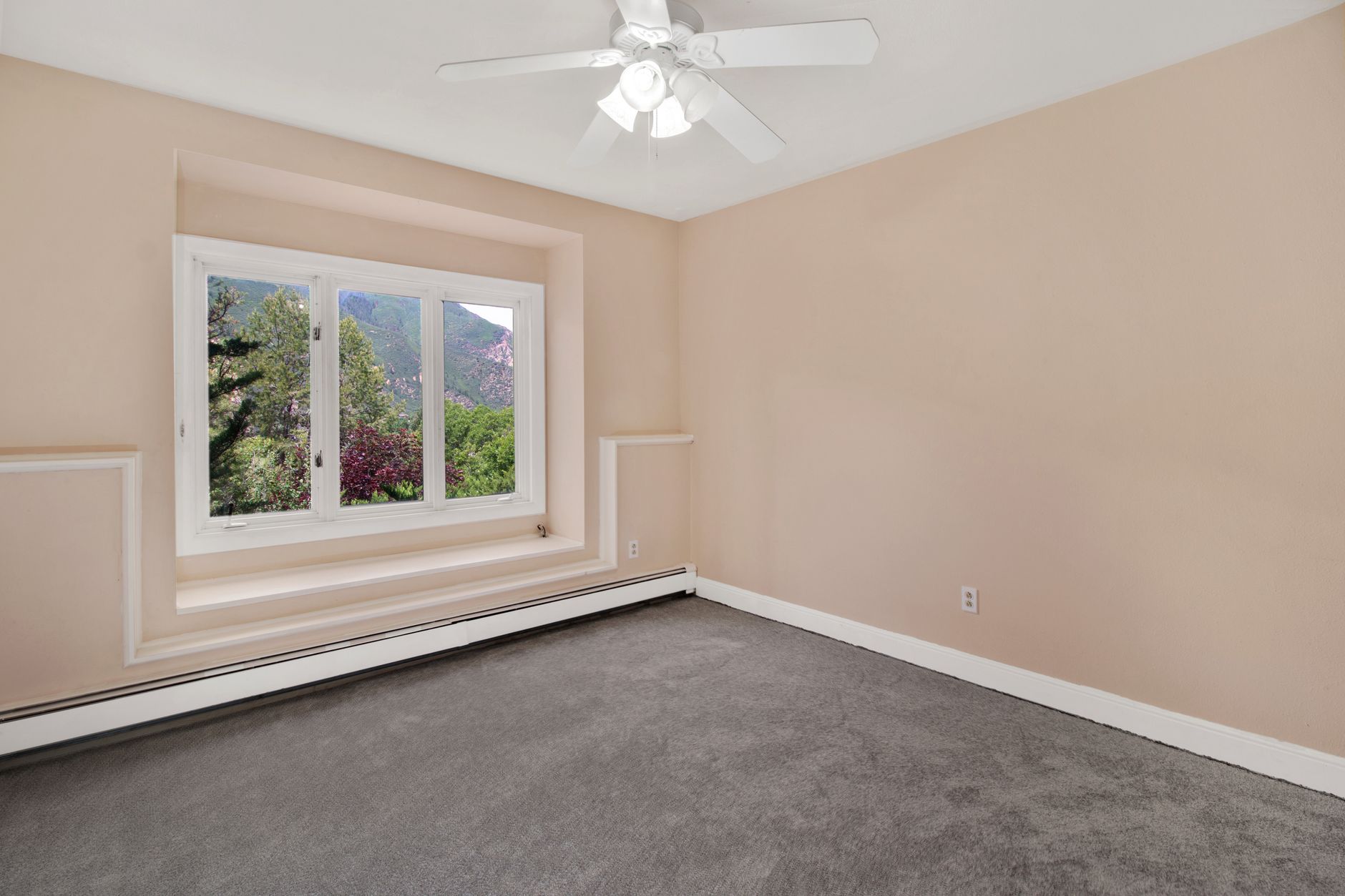
- For vacant properties: Virtual staging makes empty rooms more inviting, helping buyers connect emotionally.
- For seasonal adjustments: Adding winter lights or summer greenery to existing photos can align the property with local seasonal trends.
Traditional photography is still the best option for luxury properties, where texture and authenticity are key. But for most listings, AI real estate photography offers a tactical advantage exactly when you need to react quickly. For a more detailed comparison, check out our guide on AI Real Estate Photography vs Local Photographers: Costs and Speed Compared.
Why Timing Matters: The Business Impact of When You Use AI Photography
💡
Key Takeaway
Using AI real estate photography at the wrong time — for example, on a new listing that hasn't had professional photos yet — can actually hurt your chances. AI works best as a complement, not a replacement for high-quality initial captures.
Data from the National Association of Realtors consistently shows that listings with professional photography sell 32% faster and for 17% more than those with amateur photos. But that statistic assumes the photos are good. An AI-enhanced image from a low-resolution cell phone photo will still look low-resolution. The timing of when you apply AI is just as important as the AI itself.
I've tested this with dozens of clients at Real Vision AI, and the pattern is clear: AI real estate photography delivers the highest ROI when used in three distinct phases:
- Pre-launch enhancement: If you already have a decent set of photos from a smartphone or a professional photographer, AI can fine-tune the details — fix white balance, remove reflections, and replace the sky — before the listing goes live.
- Mid-market adjustments: After two weeks, if showings are low, virtual staging can completely redesign the space without the cost of physical staging.
- Offer deadline: A final AI touch — adding nighttime or seasonal effects — can create urgency and differentiate the listing in a crowded market.
A Gartner survey found that 80% of real estate marketing leaders plan to invest in AI visual tools by 2025, but the differentiator will be implementation timing, not just the tool itself. The agents who stand out are the ones who know when to hit the AI button.
Practical Application: A Step-by-Step Guide to When to Use AI Photography
Here's the exact system I recommend for deciding when to apply AI real estate photography:
- Capture base images: Whether by yourself or a professional, make sure you have high-resolution, well-composed photos. AI can't fix poor composition or extreme blur.
- Evaluate listing performance on Day 7: If you have fewer than 5 showing requests per week, flag the listing for an AI update.
- AI enhancement on Day 7-10: Use AI tools to correct colors, straighten lines, and reduce noise. Virtually remove personal objects. This is the fastest and cheapest intervention.
- Virtual staging on Day 14: If there are still no offers, swap furniture styles. For example, change from modern to rustic or from neutral to bold colors to attract a different audience.
- Nighttime conversion on Day 21: Create a dramatic dusk exterior image to attract emotional buyers.
- Video and virtual tours on Day 30+: Add an automated tour using AI-generated motion effects. For more details, check out Real Estate Video Marketing with AI: Reels, Tours, and Drone Effects 2026.
At each step, the Real Vision AI platform lets you complete these steps in under 60 seconds per image, compared to days of waiting for a human editor. The mistake I made early on — and see constantly — is trying to apply all interventions at once. That overwhelms the market. Spreading them out over time creates a sense of novelty and activity.
AI Real Estate Photography Options: Timing-Based Use Case Comparison
| Scenario | Traditional Photography | AI Real Estate Photography | Best For |
|---|---|---|---|
| New listing (Day 0-3) | Hire a professional photographer | Use AI to enhance photos (optional) | Luxury or unique properties |
| Price reduction (Day 14-21) | Requires new session (costly) | Apply virtual staging and instant enhancements | Reactivating a listing |
| Seasonal marketing | Impractical to reshoot for each season | Virtual staging can add festive decorations or landscaping | Quick social media updates |
| Vacant property | Physical staging is expensive and time-consuming | Virtual staging fills spaces in minutes | Budget-conscious sellers |
| Listing variants | One set of photos | AI can generate 20+ staging styles from a single image | A/B testing ads |
The table above highlights key timing decisions. For more specific strategies by property type, check out our guide Virtual Staging by Property Type: Specialized Strategies That Work in 2026.
Frequently Asked Questions and Timing Myths
Can AI be used for all listings from day one?
Reality: AI is powerful, but it can overprocess if applied without a solid foundation. If you apply intensive AI enhancement to an already good photo, you risk creating an artificial look that turns buyers off. The best practice is to start with natural photos and apply AI selectively based on performance signals.
Does virtual staging only work in empty rooms?
Reality: While empty rooms are an obvious target, AI can also restyle furnished spaces. For example, swapping an old floral sofa for a modern one is possible with AI. The key is to do this when the current style isn't resonating, not before the first showing.
If I use AI, I don't need a photographer anymore?
Reality: This is the biggest misconception. AI real estate photography works best when enhancing an already competent photo. You still need good lighting, proper angles, and high resolution. AI can't create details that don't exist. The ideal workflow is: shoot → enhance with AI → virtually stage (if needed). Skipping the photo session will result in lower quality.
Can I update photos multiple times with AI?
Reality: AI is fast and cheap. You can restage and enhance as many times as you want. The cost per intervention is so low that it makes sense to do weekly updates for stale listings. This is the biggest timing advantage of AI. For guidance on software selection, check out How to Choose the Best Property Photo Editing Software in 2026.
Summary + Next Steps
Knowing when to use AI real estate photography is just as important as knowing how to use it. The smartest agents apply AI at specific moments: after a price reduction, when a listing is stale, for seasonal updates, and for vacant properties. They stagger enhancements to create a sense of novelty over time and always start with high-quality base photos. Real Vision AI available at blog.realvisionaire.com offers the fastest and most realistic transformations on the market, allowing you to experiment with different staging styles in seconds. Start by auditing your current listings — identify those that have been on the market for 14+ days and apply a virtual staging refresh today. For a complete system, download our timing tips or explore our guide Automated Property Photo Editing: The Ultimate Guide for Realtors in 2026.
About the Author
RealVisionAI Editorial Team is the team of real estate visual and PropTech experts at Real Vision AI available at blog.realvisionaire.com. With over a decade of combined experience in real estate marketing and artificial intelligence, they have tested hundreds of workflows to identify the exact moments when AI-driven visuals have the greatest impact for brokers and agents.
Recommended Readings
To deepen your understanding of these topics, we recommend reading the following articles:
Free Real Estate AI Visual Playbook 2026
Discover how top realtors boost listing engagement by 62% and close deals faster using AI photo enhancement and virtual staging.