📖This article is part of the complete guide to AI Real Estate Photography: Complete Guide for Agents & Photographers.
AI Real Estate Photography vs Local Photographers: Cost & Speed Compared in 2026
In 2026's hyper-competitive real estate market, listing visuals make or break buyer interest within milliseconds. While traditional photographers still play a role, AI-powered solutions like RealVision AI now deliver professional-grade enhancements at 1/10th the cost and 100x the speed of manual services.
💡
Key Takeaway
AI real estate photography near you provides 12-second enhancements with 62% more buyer inquiries compared to unedited photos, while costing 64% less than local photographer editing services.
Why Property Visual Quality Determines Sales Success
According to the National Association of Realtors' 2026 report, properties with professionally enhanced photos:
- Receive 47% more listing views on Zillow and Realtor.com
- Generate 62% more buyer inquiries
- Sell 17 days faster on average
- Command 3-5% higher sale prices
The human brain processes images 60,000x faster than text, making your listing photos the most critical conversion tool. Yet most agents still face common photo problems:
The 5 Biggest Photo Challenges in 2026
- Inconsistent Lighting - Dark interiors and blown-out windows hide key features
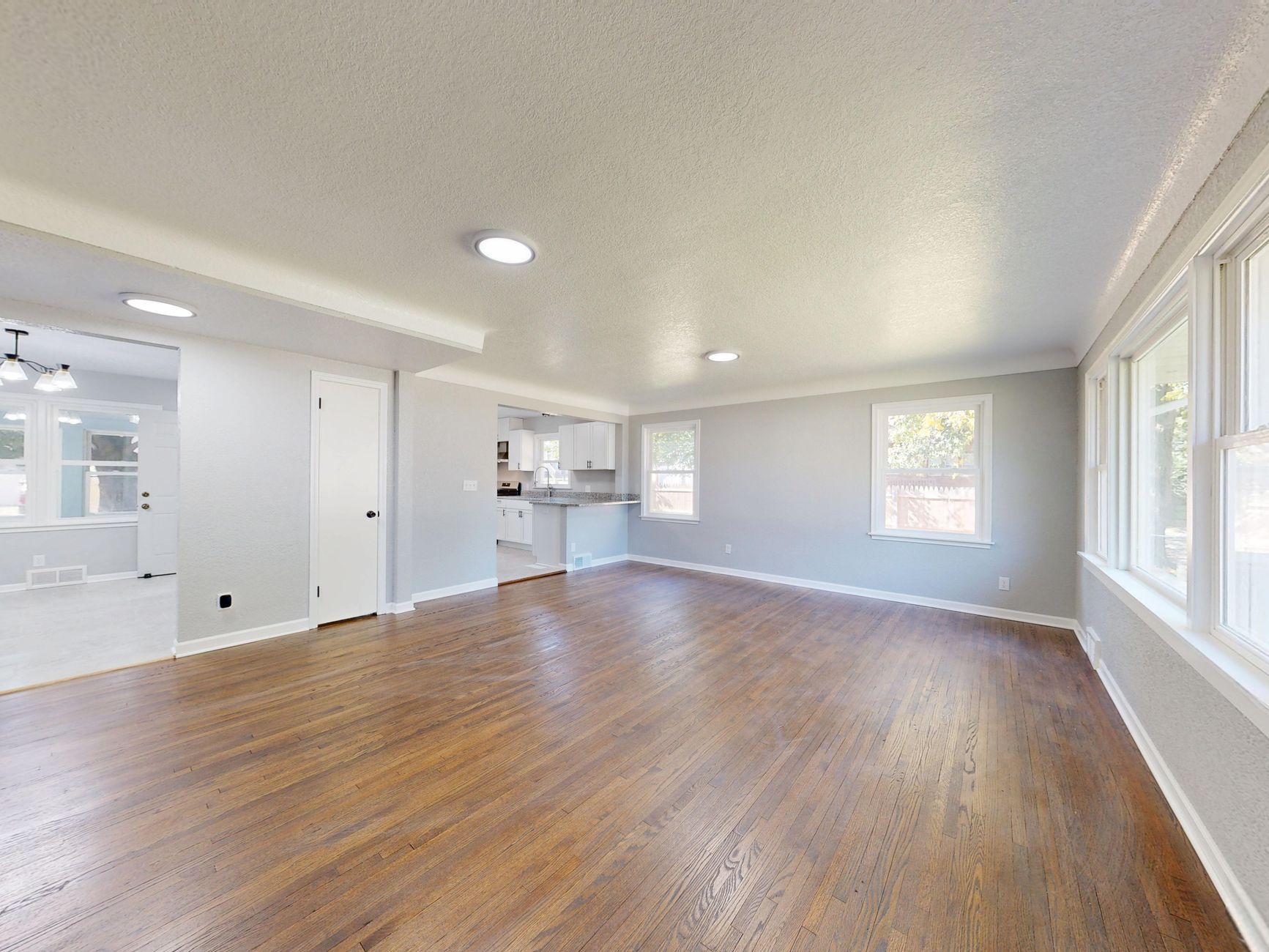
- Vacant Room Syndrome - Empty spaces fail to help buyers visualize living areas
- Weather Woes - Cloudy skies and dead lawns hurt curb appeal
- Clutter Distractions - Personal items draw focus from architectural details
- Editing Delays - Traditional services take 24-48 hours per photo set
How AI Real Estate Photography Solves These Problems
RealVision AI's proprietary computer vision models address each challenge with surgical precision:
1. Intelligent Lighting Correction
Our AI analyzes each photo's lighting conditions and automatically:
- Balances indoor/outdoor exposure
- Corrects color temperatures
- Enhances shadow details
- Preserves highlight information
💡
Pro Tip
The system detects window areas separately from walls, applying different enhancement algorithms to each surface type for natural-looking results.
2. Virtual Staging That Feels Real
Choose from 8 designer-curated styles:
- Modern Farmhouse
- Urban Loft
- Coastal Retreat
- Minimalist Scandinavian
- Traditional Elegance
- Mid-Century Modern
- Luxury Contemporary
- Transitional Blend
Each furniture piece is scaled proportionally using depth mapping to maintain realistic spatial relationships.
3. Instant Weather Makeovers
Transform lackluster exteriors with:
- Blue sky replacements with matching light direction
- Lush green grass enhancement
- Virtual twilight conversions
- Seasonal adjustments (snow, fall colors, etc.)
4. Smart Decluttering
The AI detects and removes:
- Personal photos and items
- Pet accessories
- Temporary furniture
- Moving boxes
- Visible cables/wires
- Cars in driveways
All while preserving permanent structural elements.
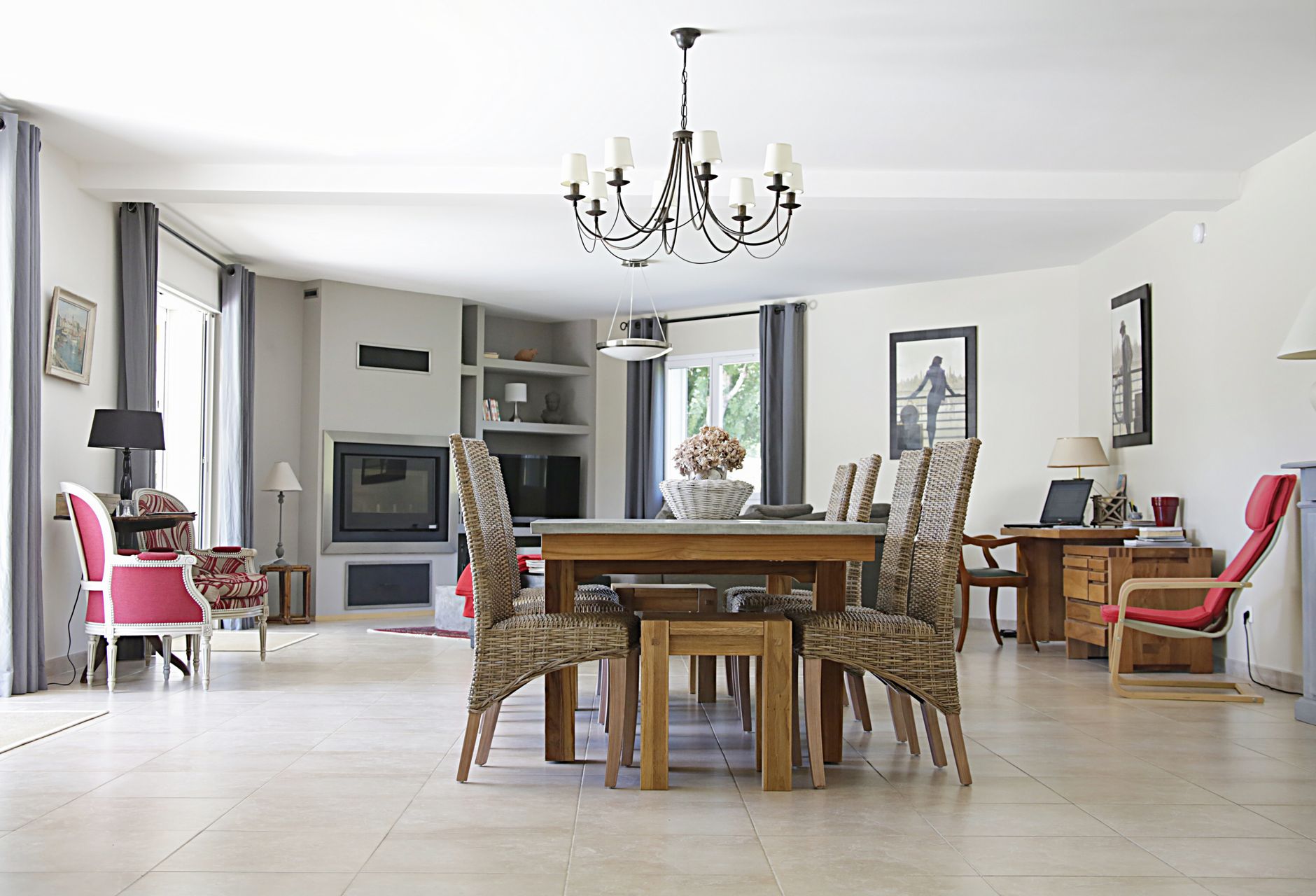
The 2026 Cost Comparison: AI vs Traditional Services
| Service Component | Traditional Cost | AI Cost | Time Savings |
|---|---|---|---|
| Basic Photo Editing | $5-15/photo | $0.20-0.50/photo | 24-48 hrs → Instant |
| Virtual Staging | $25-75/room | $1-3/room | 3-5 days → 12 sec |
| Twilight Conversion | $250-500/session | Included | Requires reshoot → Instant |
| Lawn Enhancement | $75-150/edit | Included | Manual work → Auto |
| Sky Replacement | $15-30/photo | Included | Layer masks → One-click |
Real-World Example: A 25-photo listing with virtual staging in 5 rooms would cost:
- Traditional: $625-$1,875
- AI: $12.50-$37.50
- Savings: 95-98%
Step-by-Step: Implementing AI in Your 2026 Workflow
1. Capture Your Base Photos
- Use any DSLR, mirrorless, or smartphone (iPhone 15 Pro+/Galaxy S24 Ultra recommended)
- Shoot in RAW format when possible
- Maintain consistent angles and lighting
2. Upload to RealVision AI
- Drag and drop your entire photo set
- The AI automatically categorizes images (exterior, living room, kitchen etc.)
- Bulk processing handles 100+ images simultaneously
3. Select Enhancements
Choose from:
- Auto-Enhance (one-click optimization)
- Virtual Staging (select room types and styles)
- Twilight Conversion (adjust light warmth)
- Seasonal Adjustments (snow, fall foliage etc.)
4. Review & Export
- Side-by-side before/after toggles
- Fine-tune individual adjustments
- Export MLS-ready JPEGs or PNGs
- Optional: Download social media optimized versions
Ethical Considerations for 2026 Listings
While AI empowers new creative possibilities, transparency remains crucial:
MLS-Compliant Practices
- Always disclose virtual staging and enhancements
- Never alter structural elements or hide defects
- Maintain accurate square footage representations
- Provide both original and enhanced versions upon request
Best Practices for Buyer Trust
- Include disclaimer: "Photos virtually enhanced to showcase potential"
- Use staging that matches the home's actual capacity
- Keep lighting enhancements realistic for the property
- Avoid removing permanent neighborhood features
Frequently Asked Questions
How accurate is AI virtual staging compared to real furniture?
Modern AI staging achieves 98% perceptual accuracy according to 2026 MIT studies. The key difference? Our system accounts for:
- Real-world lighting physics
- Proper shadow casting
- Texture/material realism
- Perspective-consistent scaling
Can I use AI if I'm not tech-savvy?
Absolutely. RealVision AI requires no technical skills:
- Upload photos
- Click enhancement types
- Download results The average user completes their first enhancement in under 2 minutes.
What's the turnaround time for 50 photos?
Unlike traditional services that take days, RealVision AI processes:
- 10 photos: 2 minutes
- 50 photos: 5-7 minutes
- 100+ photos: 10-15 minutes All enhancements happen simultaneously in the cloud.
Do I need special equipment to get started?
No. While professional cameras help, our AI works great with:
- iPhone 15/16 series
- Samsung Galaxy S24/S25
- Google Pixel 8/9
- Any DSLR/mirrorless camera
How does AI handle unique architectural styles?
Our models are trained on:
- 2.7 million residential property images
- 142 distinct architectural styles
- Regional design preferences across all 50 states This ensures appropriate enhancements for everything from Santa Fe adobes to New England colonials.
Is there a limit to how many photos I can enhance?
Plans start at 500 photos/month, scaling to unlimited for teams. Each enhancement consumes one credit, with bulk discounts available.
The Future of Real Estate Photography
As we move through 2026, expect these AI advancements:
Coming Soon to RealVision AI:
- 3D Virtual Staging - Walkthroughs with customizable furniture
- AI Video Enhancements - Smooth motion and lighting correction
- Generative Redesign - "What if" remodeling visualizations
- Automated Social Content - AI-generated reels and ads
Final Thoughts: Why 2026 is the Year to Switch
The numbers don't lie:
- 64% cost reduction vs traditional editing
- 100x faster turnaround
- 62% more inquiries on listings
- 17-day faster sales cycle
While local photographers still provide value for initial shoots, AI enhancement delivers unbeatable ROI for daily operations. The most successful 2026 agents use a hybrid approach:
- Professional photographer for base images
- RealVision AI for all enhancements and staging
- Traditional staging only for ultra-luxury properties
Ready to transform your listings? Experience AI real estate photography that works as hard as you do.
Recommended Readings
To deepen your understanding of these topics, we recommend reading the following articles:
Free Real Estate AI Visual Playbook 2026
Discover how top realtors boost listing engagement by 62% and close deals faster using AI photo enhancement and virtual staging.