How Do You Actually Implement AI Real Estate Photography?
The biggest bottleneck in property marketing isn't the quality of the home, but the speed at which a listing goes live with high-converting visuals. In my experience working with high-volume agencies, the "photography gap"—the time between shooting and uploading—often lasts 3 to 7 days, during which lead momentum dies. You solve this by integrating AI real estate photography into your workflow, using computer vision to automate sky replacements, virtual staging, and lighting corrections in seconds rather than hours. To do this effectively, you must move from manual editing to a "base-capture and AI-enhance" model, where the camera provides the raw data and the AI handles the aesthetic perfection.

What Exactly is AI Real Estate Photography and How Does it Work?
To understand the "how," we first need to define what is happening under the hood. This isn't just a set of filters; it is the application of deep learning and computer vision to architectural spaces.
📚
Definition
AI Real Estate Photography is the use of neural networks and generative AI to analyze architectural images, identify structural elements (walls, floors, windows), and programmatically alter lighting, color, and contents to maximize the perceived value of a property.
At its core, this technology relies on semantic segmentation. The AI identifies the "mask" of a grey, overcast sky and replaces it with a high-dynamic-range (HDR) blue sky without affecting the roofline or the trees. When it comes to virtual staging, the AI doesn't just "paste" a sofa; it analyzes the vanishing point and perspective of the room to ensure the furniture scale is mathematically correct.
According to research by Gartner, the adoption of generative AI in visual content creation is expected to fundamentally shift the cost structure of marketing by 2026, moving the value from "technical execution" (knowing how to use a brush tool in Photoshop) to "curation and prompt engineering." This means the modern photographer is no longer a technician, but an art director.
In my early years in the industry, I spent hours manually masking out unsightly power lines or trying to balance the exposure between a bright window and a dark living room. The mistake I made—and that I see constantly today—is trying to "fix it in the camera" exclusively. The modern approach is to capture the scene with a wide-angle lens and then let an AI engine handle the complex luminosity balancing and object removal.
Why Does AI Integration Matter for Your Listing ROI?
The psychology of a home buyer begins with a thumbnail. If the first image doesn't trigger an emotional response, the buyer won't even click to see the floor plan. The impact of AI on this process is quantifiable.
According to a report by McKinsey, AI-driven personalization and visual optimization can increase conversion rates by up to 15% to 30% in digital commerce. In real estate, this translates to more clicks on the Multiple Listing Service (MLS) and a higher volume of showing requests. When you use AI to convert a drab, midday photo into a "golden hour" twilight shot, you aren't just changing colors; you are changing the perceived luxury tier of the home.
Moreover, the cost of traditional physical staging is astronomical. Renting furniture for a 3-bedroom home can cost thousands of dollars per month. By using AI virtual staging, you achieve a similar emotional pull for a fraction of the cost.
Now, here's where it gets interesting: the "speed to market" factor. In a competitive 2026 real estate market, a listing that stays "Coming Soon" for a week while waiting for a photographer's edits is losing money. Properties with high-quality, AI-enhanced imagery typically spend fewer days on market because the "mental filter" of the buyer is satisfied before they even step foot on the property.
How to Implement AI Real Estate Photography: A Step-by-Step Guide
Transitioning to an AI-driven workflow requires a shift in how you handle your assets. You cannot simply apply a filter and call it "AI." You need a systematic pipeline.
Step 1: Standardized Capture
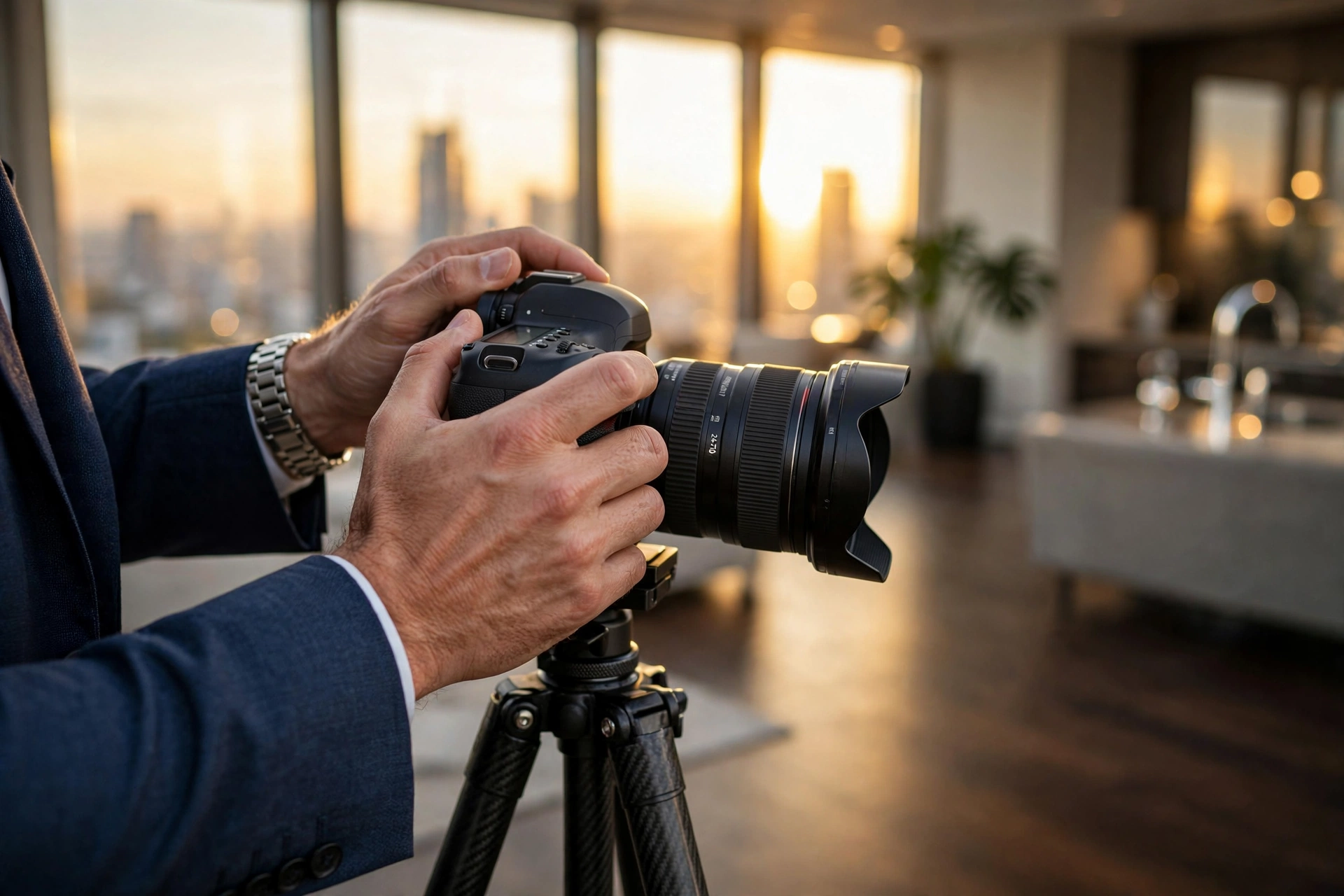
Stop trying to get the "perfect" shot in-camera. Instead, focus on composition and framing. Use a tripod and a wide-angle lens to ensure you have enough "edge data" for the AI to work with. Capture the room in a way that highlights the space, knowing that the AI will handle the lighting and decluttering.
Step 2: Rapid Enhancement and Decluttering
Upload your raw captures to a specialized engine like RealVisionAI Blog - AI Real Estate Photography & Virtual Staging. Instead of spending three hours removing a stray trash can or a messy pile of laundry from a bedroom shot, the AI identifies the object and fills the background using content-aware generative filling in about 12 seconds.
Step 3: Virtual Staging and Atmosphere
This is where the property's "story" is told. Use the AI to add modern, minimalist, or traditional furniture depending on the target demographic of the neighborhood. If the exterior shot was taken on a rainy Tuesday, use the AI sky replacement feature to create a sunny, welcoming atmosphere.
Step 4: Twilight Conversion (Day-to-Dusk)
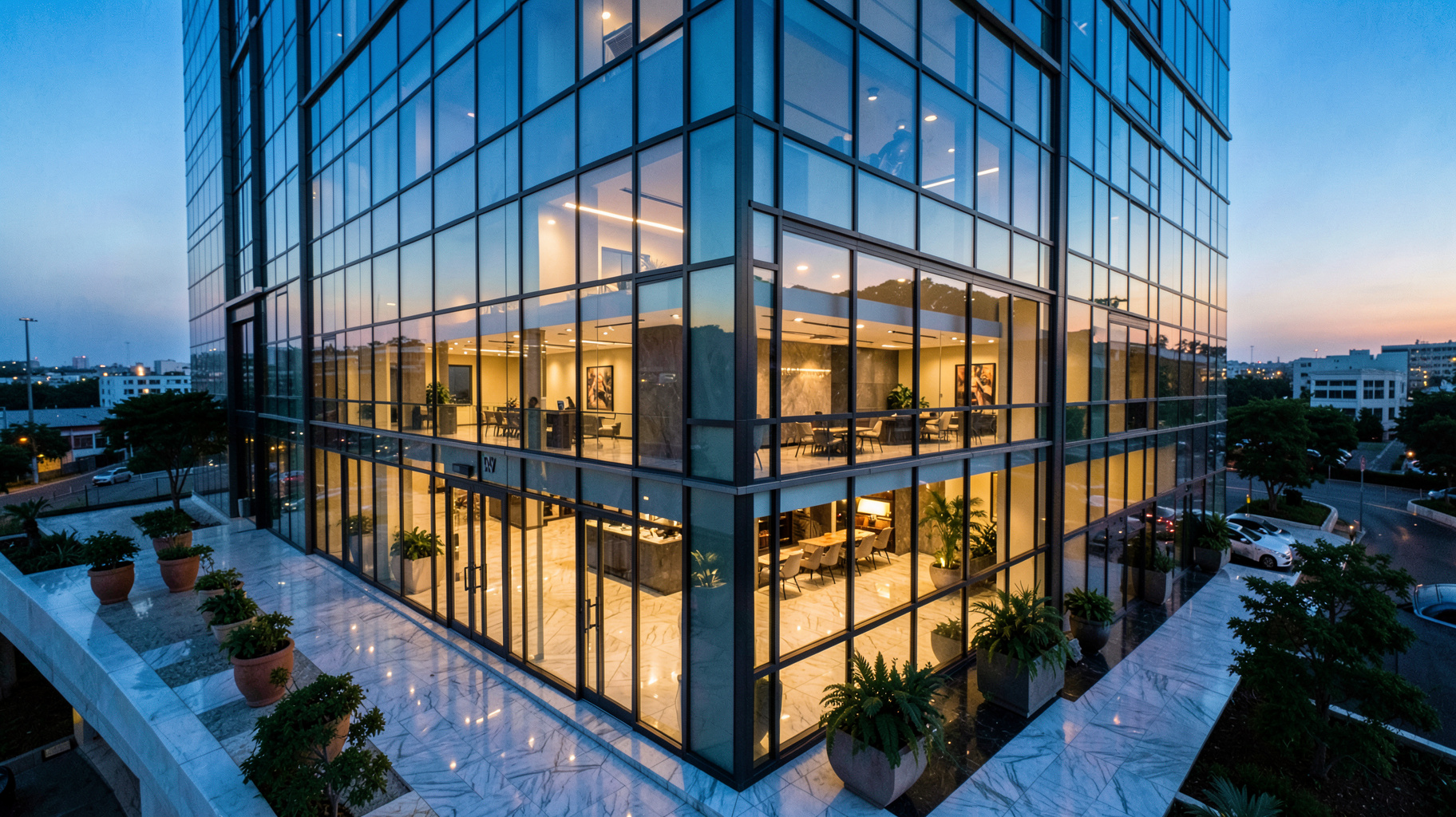
One of the highest-converting image types is the "twilight" shot. Traditionally, this required a photographer to return to the property at 6 PM. Now, you can use AI to simulate the dusk lighting, adding warmth to the interior windows and a deep indigo hue to the sky.
💡
Key Takeaway
The goal of AI integration is to decouple the capture of the image from the perfection of the image, allowing you to scale your listing volume without sacrificing quality.

Comparing Your Visual Strategy: Traditional vs. AI-Enhanced
Many professionals struggle to decide whether to stick with traditional methods or migrate fully to AI. The decision usually comes down to the balance of time, budget, and quality.
| Feature | Traditional Manual Editing | Generic/Cheap AI Tools | RealVisionAI Professional Approach |
|---|---|---|---|
| Turnaround Time | 3–7 Days | Instant (but often low quality) | 12 Seconds (Professional Grade) |
| Consistency | Varies by editor | Inconsistent; "uncanny valley" | High; Architectural consistency |
| Cost | High per-image cost | Low subscription | Scalable, high ROI |
| Virtual Staging | Physical furniture rental | 2D overlays (looks fake) | 3D Generative AI staging |
| Best For | Ultra-luxury custom estates | Low-end rental listings | High-volume, professional agents |
The "Generic AI" approach often fails because it doesn't understand architectural physics. You'll see a sofa that seems to be floating or a window reflection that is physically impossible. A professional AI studio, however, uses constraints based on real-world architectural photography to ensure the result looks authentic.
Common Misconceptions and Myths About AI Imagery
Most guides on this topic get it wrong by claiming that AI will "replace the photographer." That is a fundamental misunderstanding of the value chain.
Myth 1: AI images are "dishonest" or misleading.
Some argue that replacing a grey sky or adding furniture is deceptive. However, the purpose of a listing photo is to show the potential of a space. As long as the structural dimensions are accurate, AI enhancement is no different than a professional stager bringing in a real sofa. It is about presenting the property in its best light.
Myth 2: You can't tell the difference between AI and a real photo.
In the past, this was true. But today, the "uncanny valley" is disappearing. When using advanced computer vision, the AI understands textures—the difference between a velvet couch and a leather one, or the way light bounces off a hardwood floor.
Myth 3: AI is only for empty houses.
On the contrary, some of the most powerful AI tools are for occupied houses. AI decluttering allows you to remove a tenant's personal belongings from a photo while keeping the structure of the room, making the space feel larger and more inviting without requiring the tenant to move every single item before the shoot.
Frequently Asked Questions
How long does it actually take to process an image using AI real estate photography?
When using a professional-grade pipeline like RealVisionAI Blog - AI Real Estate Photography & Virtual Staging, the processing time is typically around 12 seconds per image. This is a massive leap from traditional editing, where a single high-end HDR blend could take a human editor 30 to 60 minutes. The AI handles the mask creation, luminosity balancing, and object removal simultaneously, allowing agents to upload listings in real-time while still on-site.
Does AI virtual staging affect the legality of a real estate listing?
Generally, virtual staging is accepted as a marketing tool, provided it does not misrepresent the structural integrity of the home. For instance, you cannot use AI to "remove" a permanent wall or a giant crack in the foundation. However, adding furniture to an empty room or changing a grey sky to blue is standard industry practice. Always check your local Multiple Listing Service (MLS) guidelines, but most distinguish between "enhancement" and "misrepresentation."
Can AI real estate photography work with low-quality smartphone photos?
While AI can significantly improve a smartphone photo, the "garbage in, garbage out" rule still applies. AI can fix lighting, color, and clutter, but it cannot invent a perspective that wasn't captured. For the best results, use a wide-angle lens and steady framing. The AI will then take that basic structural data and elevate it to a professional architectural standard, but the initial composition remains the responsibility of the photographer.
What is the difference between "virtual staging" and "AI image enhancement"?
Virtual staging is the specific act of adding furniture and decor to an empty space to help buyers visualize the room's utility. AI image enhancement is a broader term that covers the technical "cleanup" of a photo—such as sky replacement, grass greening, lens distortion correction, and daylight-to-dusk conversion. Most professional workflows use both: they enhance the technical quality of the image first, then apply virtual staging to add emotional appeal.
Is it more expensive to use AI services than a traditional editor?
In the long run, AI is significantly more cost-effective. Traditional editors charge per image or per hour, and their turnaround time creates a bottleneck in your business. AI services typically operate on a scalable model that reduces the cost per image by 70-90% while increasing the speed of delivery. This allows you to experiment with different staging styles for different target buyers without incurring the massive costs of physical staging.
Final Thoughts on AI Real Estate Photography
The shift toward AI real estate photography is not a trend; it is a fundamental infrastructure update for the property industry. By removing the friction between the photo shoot and the listing upload, you are effectively increasing the velocity of your business. The ability to generate market-ready visuals in 12 seconds allows you to focus on what actually matters: negotiating deals and managing client relationships, rather than chasing editors for a set of JPEGs.
If you are still relying on manual editing or expensive physical staging, you are operating with a legacy mindset in a generative world. It is time to automate the aesthetic.
To experience the speed and quality of a professional AI studio, visit RealVisionAI Blog - AI Real Estate Photography & Virtual Staging and transform your listings today.
Recommended Readings
To deepen your understanding of these topics, we recommend reading the following articles:
- AI in Real Estate
- Ultimate AI Lead Generation for Real Estate Agents
- AI property enhancement
- AI staging for realtors
Free Real Estate AI Visual Playbook 2026
Discover how top realtors boost listing engagement by 62% and close deals faster using AI photo enhancement and virtual staging.