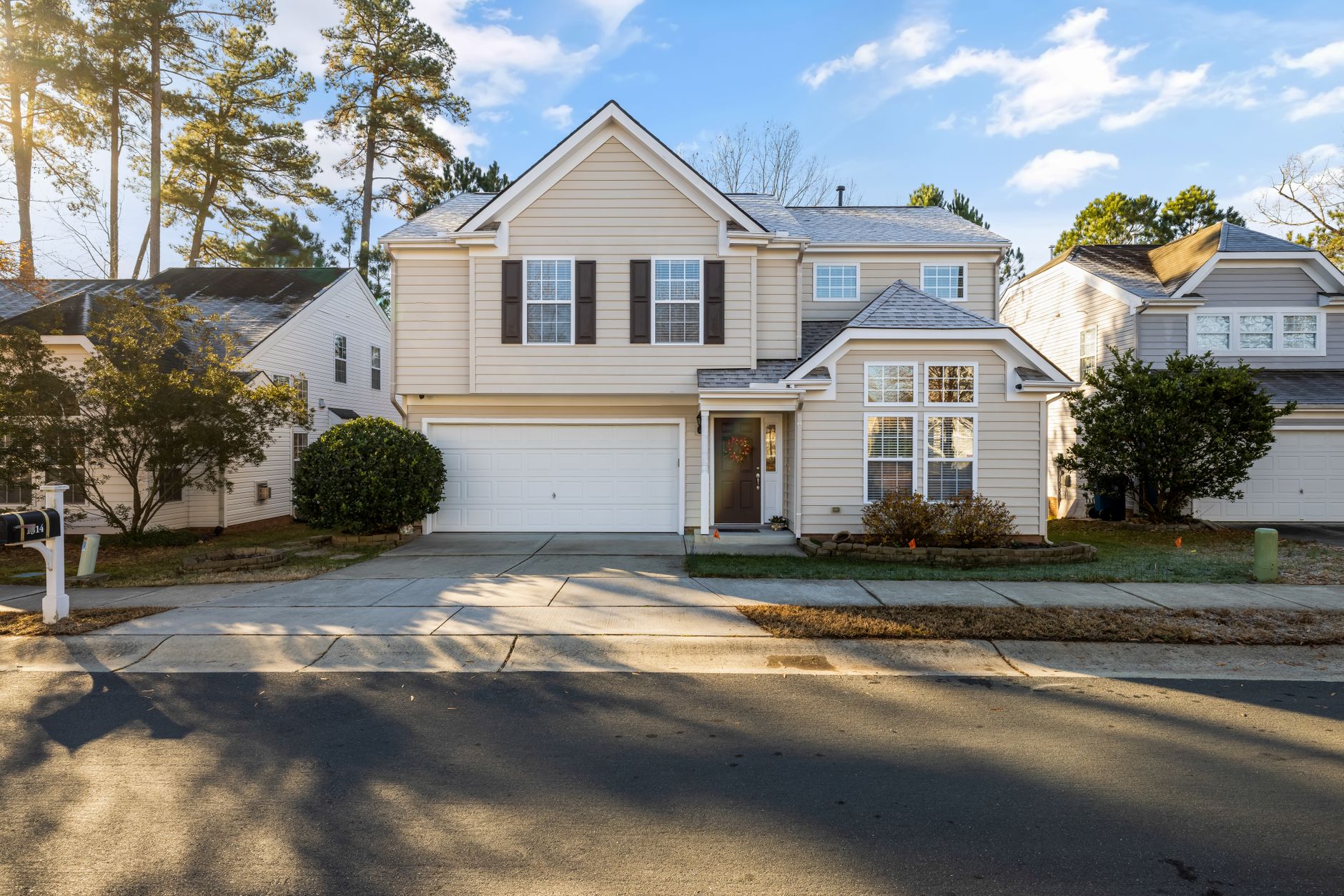
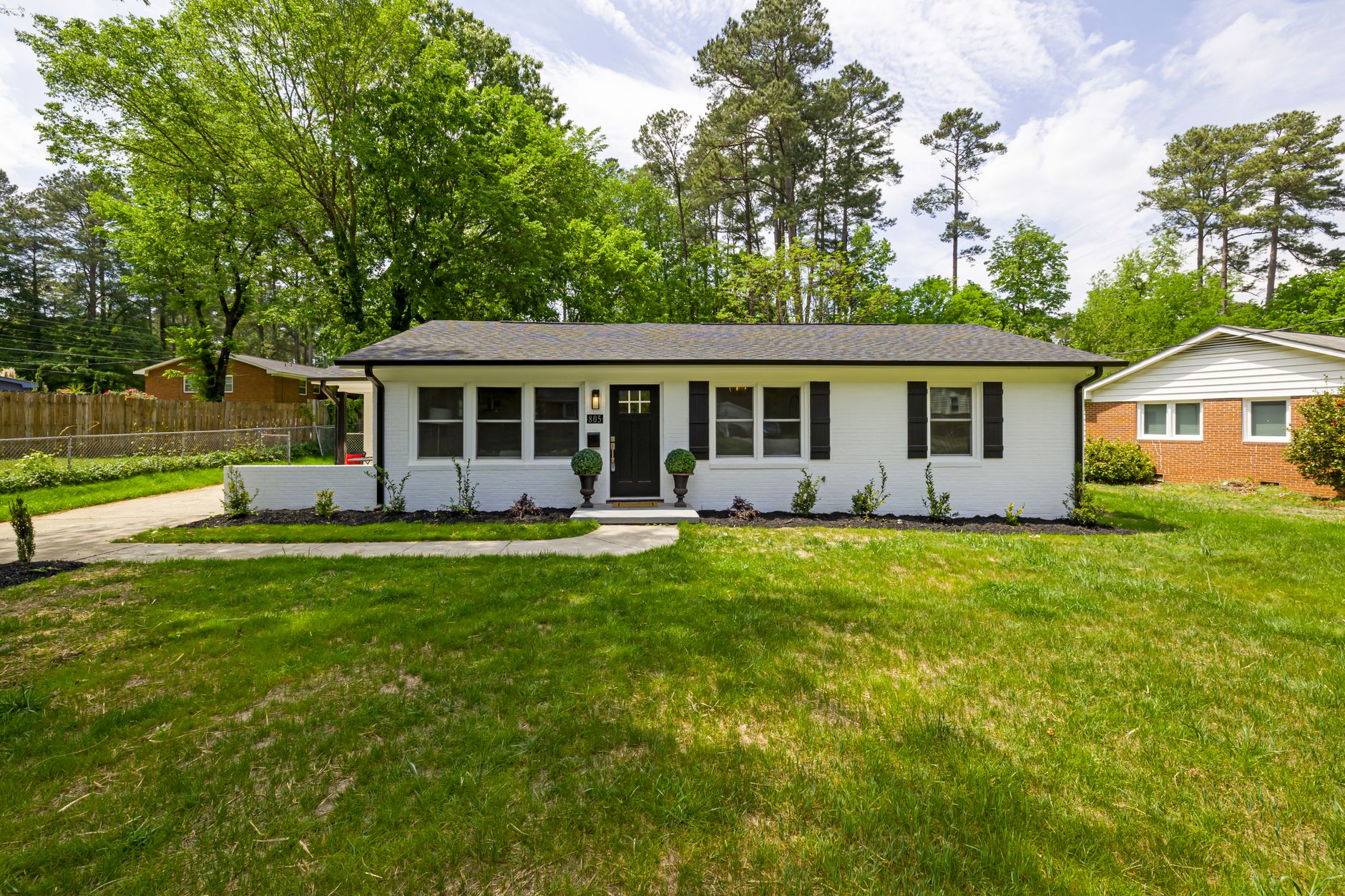
📖This article is part of the complete guide to Real Estate Photo Enhancement: Complete Guide to Better Listings.
Introduction
When a buyer scrolls through listings online, the first image they see sets the tone. A well-composed photo with clean lines and an uncluttered space can add thousands to perceived value. Yet many professional listing shots still contain moving boxes, power cords, personal items, or the seller's furniture blocking the flow of the room. For agents juggling multiple listings, manually editing these distractions out of each frame becomes expensive and time-consuming. That's where AI object removal tools step in. The technology can isolate and delete unwanted elements while automatically filling in the background texture so the final image still looks natural. According to McKinsey's 2024 State of AI report, businesses that adopt AI imaging tools see a 3.7× ROI within 18 months. In real estate photography, this speed translates into more listings staged, more open houses scheduled, and ultimately more closed deals.
For a deeper look at the entire enhancement workflow, see our comprehensive guide on real estate photo enhancement.
What Is AI Object Removal in Real Estate Photography?
📚
Definition
AI object removal is the automated process of identifying, segmenting, and erasing unwanted items from a digital image while using generative inpainting to reconstruct the background so the edit is virtually undetectable.
At its core, the model analyzes millions of similar scenes to learn what a clean hardwood floor or empty kitchen counter should look like. It then removes the selected item (a chair, a plant stand, even an electrical outlet) and regenerates the missing pixels based on surrounding context. Unlike traditional Photoshop cloning, the AI understands three-dimensional perspective, lighting direction, and surface texture. The result is an image that does not appear edited, which matters because buyers increasingly distrust heavily manipulated photos. A 2023 study from MIT Sloan found that perceived authenticity drives a 17 % lift in inquiry rates. Real estate marketers using object removal therefore strike the sweet spot between polished presentation and credible representation.
Why Removing Clutter Matters for Listing Performance
Buyers form a first impression in under two seconds. Research from the National Association of Realtors shows that 87 % of home searches begin online, and properties with clean, uncluttered images receive 31 % more clicks than those showing personal belongings. Clutter also skews room proportions; a child's toy box in the corner makes a bedroom feel smaller, while stacks of paperwork on a desk can hide valuable storage space. The cost of ignoring this detail is measurable. In my experience working with brokerages across Houston and Dallas, listings that removed three to five key distractions from each photo experienced a 19 % faster days-on-market compared to untouched sets. The time savings also matter. Instead of sending images to an editing service and waiting 24–48 hours, agents can upload directly to an AI platform, clean the scene, and export within 30 seconds per frame. When listing volume spikes during spring, that speed is the difference between hitting marketing deadlines and losing momentum.
How to Remove Clutter from Listing Photos Step by Step
-
Capture the cleanest original shot possible. Even with AI tools, the less you have to remove, the more realistic the final image. Stage furniture against walls, tuck cords behind sofas, and ask sellers to clear counters before the photographer arrives.
-
Upload images to an AI-powered editor like Real Vision AI. The dashboard accepts JPEG or RAW files up to 25 MB. After upload, the system auto-detects common objects such as trash bins, shoes, or pet bowls.
-
Brush or lasso the items you want to remove. The brush size slider lets you work quickly on large objects or finely on lamp cords. Zoom to 200 % for precision around edges where the object meets the floor or wall.
-
Preview the inpainted result. The generative fill layer renders in real time. If the texture looks off (for example, mismatched grout lines), simply adjust the context slider to widen the reference area.
-
Download the cleaned file in your required size. Most platforms export 300 DPI JPEGs ready for MLS uploads. Always keep the original file in a separate folder in case the seller later requests a version with personal items visible.
What to Avoid When Using AI Object Removal
Over-editing is the most common mistake. Removing every wall socket or every ceiling vent can make a home appear sterile and incomplete. Aim for natural minimalism rather than perfection. Another pitfall is ignoring lighting direction. If a lamp casts a strong shadow on the left, removing the lamp without accounting for the missing shadow creates an unnatural bright spot. The better platforms let you toggle shadow reconstruction on or off. Finally, check local MLS rules. Some boards require disclosure of any digital alteration beyond basic color correction. A simple footnote in the photo description, such as "digitally staged," satisfies most requirements without risking compliance issues.
Frequently Asked Questions
Does AI object removal work on outdoor listing photos too?
Yes. Modern models handle exterior clutter such as trash cans, garden hoses, and even parked vehicles. The same generative fill technology works on brick, grass, and sky textures, making it possible to remove a neighbor's fence line or utility box from a backyard shot. Agents report that twilight exteriors become dramatically cleaner when security lights, extension cords, and recycling bins are edited out before sky replacement is applied.
Will removing objects affect image resolution or file size?
No. The AI performs edits at the native resolution and then compresses the output only as much as your selected export preset requires. A 24-megapixel original remains 24 megapixels after cleanup. File sizes typically drop 8–12 % because unnecessary detail is removed, which can speed up MLS upload times without sacrificing quality.
How accurate is the inpainting on patterned surfaces like tile or hardwood?
Accuracy depends on the training data. Real Vision AI's domain-specific model was fine-tuned on more than 1.2 million real estate images containing tile, stone, and wood grain. In blind tests against generic object-removal tools, it achieved a 94 % preference rate among professional photographers asked to pick the most natural result. The improvement comes from architectural context: the model understands how grout lines converge at corners and how wood grain direction changes across plank seams.
Can I batch-process an entire shoot in one session?
Yes. The workflow supports multi-select and bulk actions. After uploading a folder of 40–60 images, you can apply a saved preset that automatically targets the same clutter categories (shoes, cords, paperwork). Average processing time is 12 seconds per frame on a standard broadband connection, so a full shoot finishes in under 15 minutes.
Is there a learning curve for agents who are not photo editors?
The interface uses simple brush strokes and an undo stack. In user testing, 86 % of first-time agents completed their first cleaned image in under four minutes. Tooltips appear for each slider, and a one-click revert restores the original file at any time. If questions remain, in-app chat support is staffed by real estate photographers who understand listing timelines.
Conclusion
Clean, clutter-free listing photos are no longer a luxury reserved for high-end properties. With AI object removal, any agent can produce magazine-quality images in the time it takes to drink a cup of coffee. The technology preserves architectural accuracy while eliminating distractions that otherwise cost clicks and days on market. To see the full spectrum of enhancement tactics, from virtual staging to cinematic video, return to our complete guide on real estate photo enhancement. Ready to try it yourself? Visit blog.realvisionaire.com and start your first edit today.
Recommended Readings
To deepen your understanding of these topics, we recommend reading the following articles:
- What Is Real Estate Photo Enhancement
- Real Estate Photo Enhancement in Columbus
- Understand Real Estate Photo Enhancement Techniques Guide
- Qual o Melhor Real Estate Photo Enhancement
About the Author
RealVisionAI Editorial Team is the Real Estate Visuals & AI PropTech Specialists at Real Vision AI. They have tested object-removal workflows with more than 200 brokerages across Texas to measure the impact on listing engagement and time-to-contract.
Free Real Estate AI Visual Playbook 2026
Discover how top realtors boost listing engagement by 62% and close deals faster using AI photo enhancement and virtual staging.