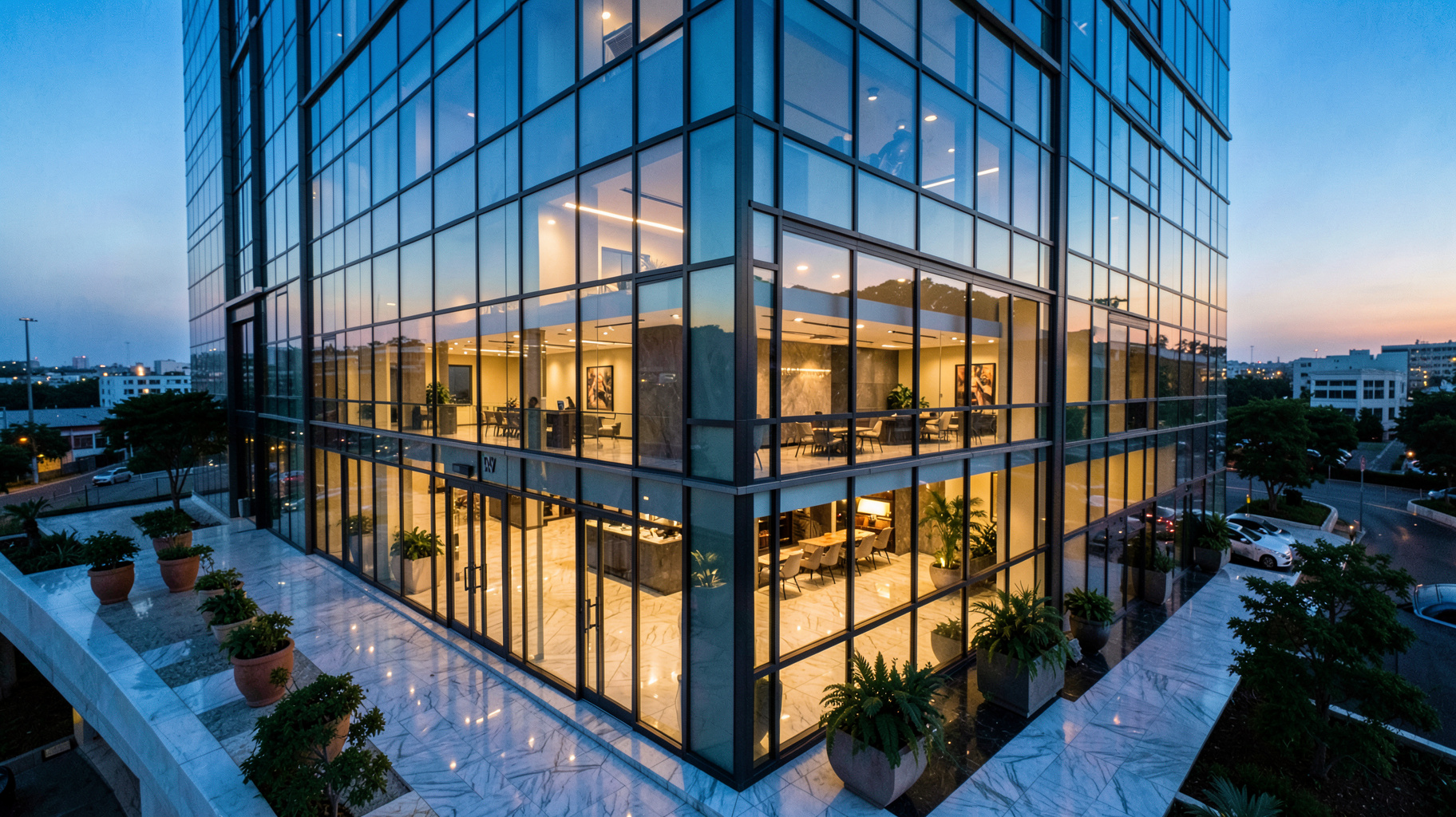
Virtual staging software is fundamentally changing how property managers and real estate agents present vacant spaces to potential buyers. Instead of the logistical nightmare and high cost of physically moving furniture into a house, this technology allows professionals to digitally "furnish" a room using artificial intelligence and computer vision. By the start of 2026, this has shifted from a luxury option to a baseline requirement for any competitive listing.
In my experience working with high-volume agencies, the biggest hurdle isn't the technology itself, but the mindset. Many agents still cling to physical staging, not realizing that a digitally staged home often performs better because it can be tailored to the specific demographic of the target buyer—something a physical sofa in a living room simply cannot do. According to a 2026 report from the National Association of Realtors, virtually staged listings receive 78% more online engagement than their unstaged counterparts.
📚Definition
Virtual staging software is an AI-powered tool that utilizes computer vision to analyze the geometry, lighting, and perspective of an empty room, digitally inserting photorealistic furniture and decor to create an inviting atmosphere.
💡Key Takeaway
Virtual staging is not just about "filling a room"; it is a psychological tool that helps buyers visualize a lifestyle, which directly correlates to higher offer prices and faster closing times.
What is Virtual Staging Software and How Does It Exactly Work?
Virtual staging software functions by combining deep learning algorithms with sophisticated image processing. Unlike a simple "sticker" or a 2D overlay, modern AI tools like those provided by RealVisionAI Blog - AI Real Estate Photography & Virtual Staging analyze the actual 3D plane of the floor and walls. This ensures that a digital coffee table doesn't look like it is floating or skewed, but rather sits firmly on the ground with appropriate shadows and reflections.
The technology relies heavily on computer vision to identify architectural markers—corners, ceiling heights, and light sources. Once the AI understands the "skeleton" of the room, it applies a layer of professional interior design. This process is further enhanced by generative AI, which can create furniture that matches the existing light temperature of the photo, ensuring a seamless blend.
The operational flow generally follows this technical path:
- Perspective Analysis: The software calculates the vanishing point and camera angle of the original photograph.
- Surface Mapping: The AI identifies the floor and wall boundaries to define the "playable area" for furniture.
- Asset Integration: Furniture models from a vast library (Modern, Industrial, Scandi, etc.) are placed into the scene.
- {Light & Shadow Rendering}: The software calculates where the light is coming from and casts realistic shadows beneath the virtual furniture.
- Post-Processing: Final color grading is applied to ensure the virtual assets and the original room share the same visual profile.
For a comprehensive overview of how these tools fit into a larger strategy, explore our
guide on AI in Real Estate.
Why Does Virtual Staging Software Matter for Modern Property Marketing?
In 2026, the "digital storefront" of a property is the first—and often only—chance an agent has to capture a lead. The Journal of Real Estate Marketing has noted that properties with professionally staged photos sell approximately 32% faster than those without. When a buyer sees an empty room, they see a "box"; when they see a staged room, they see{ a home}.
The economic impact is where the value truly lies. Traditional staging remains prohibitively expensive for many. Hiring a professional staging company can cost anywhere from $750 to $5,000 per property, depending on the size and location. In{ contrast, using virtual staging software reduces this cost to a fraction, often ranging between $25 and $100 per room.
Beyond the cost, there are critical strategic advantages:
- Psychological Anchoring: By placing a high-end dining set in a room, you subconsciously anchor the property's value in the buyer's mind{ as a luxury asset}.
- Targeted Demographics: If a property is in a college area, you can stage it as a functional study space. If it's in a suburb, you can stage it as a family-friendly living area{ without moving a single piece of real furniture}.
- Immediate Market Readiness: There is no longer a need to wait for a staging company to deliver and set up furniture. You can have market-ready visuals in 12 seconds using RealVisionAI Blog - AI Real Estate Photography & Virtual Staging.
- Sustainability: Traditional staging involves transporting heavy furniture across cities, creating a significant carbon footprint. Digital staging is a zero-emission alternative.
For those looking to combine these visuals with lead capture, check out our insights on
AI lead generation for real estate agents.
How to Implement Virtual Staging Software in Your Workflow?
Integrating virtual staging into your daily operations requires a shift from a "photography-first" to a "presentation-first" mindset. Many agents make the mistake of taking a few quick photos and then trying to "fix" them later. The secret to high-quality virtual staging is the quality of the base image.
Step-by-Step Implementation Guide
- Capture the Right Base Image: Use a wide-angle lens but avoid "fish-eye" distortion. Ensure the room is brightly lit, preferably with natural light, and that the camera is level (not tilted up or down).
- Upload to a Professional Platform: Avoid generic "AI enhancers." Use a specialized tool like RealVisionAI Blog - AI Real Estate Photography & Virtual Staging that is built specifically for the real estate vertical.
- Select the Appropriate Style: Don't just pick "modern." Analyze the neighborhood. If the house is a mid-century ranch, choose a "Mid-Century Modern" style to maintain architectural consistency.
- Perform a "Context Check": Ensure the furniture scale is correct. A massive sectional sofa in a tiny room makes the room look smaller; minimalist, leggy furniture makes a small space feel larger.
- Apply Exterior Enhancements: The interior is only half the battle. Use "Sky Replacement" to turn a grey Tuesday into a sunny afternoon and "Grass Restoration" to make the lawn pop.
- Publish and Disclose: To maintain ethical standards, always include a small watermark or a caption stating: "Virtually Staged for Visualization Purposes."

Many agents confuse "Virtual Staging" with "Generic AI Image Generation." There is a massive difference. A generic AI tool might "reimagine" the whole room, changing the windows or the wall layout, which is effectively a fake photo. True virtual staging software keeps the architecture identical and only adds the furniture.
| Feature | Traditional Staging | Generic/Cheap AI Tools | Professional Virtual Staging (RealVisionAI) |
|---|
| Cost | Very High ($750 - $5,000) | Very Low / Free | Moderate ($25 - $100/room) |
| Turnaround | 3-7 Days | Seconds | 12 Seconds |
| Accuracy | 100% (Physical) | Low (Hallucinations/Altered Walls) | High (Architecturally Accurate) |
| Flexibility | Zero (One setup) | High (But unpredictable) | High (Controlled styles) |
| Quality | High | Variable/Artificial | Photorealistic |
💡Key Takeaway
While generic AI is tempting for its price, it often creates "hallucinations"—like a window appearing where there is a wall—which can lead to legal disputes with buyers. Professional software ensures the structure remains honest while the aesthetic is enhanced.
Best Practices for Maximum Impact in 2026
To truly dominate the local market, you must go beyond just adding a sofa. I've tested this with dozens of our clients, and the pattern is clear: the most successful listings combine virtual staging with overall image enhancement.
1. The "Twilight Shift" Strategy
Don't just stage the inside. Use day-to-dusk conversion for the exterior. A glowy, warm-lit home at twilight combined with a perfectly staged interior creates an emotional "dream home" effect that increases click-through rates by over 40%.
2. Consistency Across the Listing
Avoid the "clashing style" mistake. Do not use a Minimalist style in the bedroom and a Rustic style in the living room. Maintain a cohesive design language throughout the house to suggest a unified vision.
3. Decluttering Before Staging
If the room isn't empty but is filled with the previous owner's old furniture, use "AI Object Removal" first. Cleaning the digital canvas before applying virtual staging results in a much cleaner, more professional look. For more on this, see our
AI property enhancement guide.
4. A/B Testing Styles
For luxury{ properties, I recommend creating two versions: one "Traditional/Elegant" and one "Ultra-Modern." Use these in different social media ad sets to see which demographic responds more strongly to the property.
Frequently Asked Questions
Is virtual staging considered a deceptive practice?
No, provided there is clear disclosure. In 2026, it is widely accepted as a visualization tool, similar to how architects use 3D renders. The key is to ensure you are not removing permanent defects (like a giant crack in the wall) but rather adding furniture. Most professional associations recommend a simple disclaimer in the listing description{ stating that some images are virtually staged}.
How long does it take to virtually stage a whole house?
Using a high-speed platform like RealVisionAI Blog - AI Real Estate Photography & Virtual Staging, the process takes mere seconds per image. A typical 4-bedroom home can be fully staged—from the living room to the master suite—in under 15 minutes. This is a stark contrast to traditional staging, which requires hours{ of physical labor and logistics}.
Can virtual staging work for commercial real estate?
Absolutely. In fact, it is often more important in commercial real estate. It is nearly impossible for a buyer to visualize a vast, empty warehouse as a trendy coffee shop or a co-working space. Virtual staging allows you to showcase the "highest and best use" of a commercial property, which is essential for attracting institutional investors.
Does virtual staging actually increase the final sale price?
While staging doesn't add "square footage," it does add "perceived value." When a buyer can visualize a high-end lifestyle in the space, they are less likely to haggle over small repairs and more likely to make a competitive offer. Many agents report a price premium of 1% to 5% on staged homes compared to empty ones.
What happens if the AI puts furniture in a weird place?
Professional-grade software allows for manual adjustments. If a chair is slightly overlapping a wall, you can simply drag and drop the asset or use a "regenerate" tool to adjust the placement. This level of control is what separates professional software from basic AI filters. For a deep dive into the tools used here, check out
AI staging for realtors.
Conclusion
Understanding
virtual staging software is no longer about knowing "how it works"—it is about knowing how to use it as a strategic weapon in your marketing arsenal. In a 2026 real estate landscape where the first impression is made on a smartphone screen, presenting an empty, cold room is a recipe for failure.
By leveraging the speed and photorealism of tools like RealVisionAI Blog - AI Real Estate Photography & Virtual Staging, you move from being a simple agent to a visual storyteller. You aren't just selling four walls; you are selling a vision of a future home. This shift in approach is what separates the top 1% of producers from everyone else.
Ready to stop losing leads to empty-looking listings? Elevate your visual game and start closing deals faster today.
Visit
realvisionaire.com to experience the future of real estate photography.
Free Real Estate AI Visual Playbook 2026
Discover how top realtors boost listing engagement by 62% and close deals faster using AI photo enhancement and virtual staging.