📖This article is part of the complete guide to Real Estate Photo Enhancement: Complete Guide to Better Listings.
How to Enhance Real Estate Photos Like a Pro in 2026
The difference between a property that sells in 15 days versus 45 often comes down to one factor: photo quality. According to the National Association of Realtors, listings with professionally enhanced photos receive 118% more online views and sell 32% faster. But here's what most agents get wrong — you don't need expensive equipment or Photoshop skills to achieve this advantage. Modern AI-powered real estate photo enhancement delivers professional results in seconds, not hours.
📚
Definition
Real estate photo enhancement refers to the process of improving property images through color correction, lighting adjustment, object removal, and detail sharpening to make spaces appear brighter, larger, and more inviting.
In my experience working with over 500 agents last year, the single most impactful change they can make isn't buying a better camera — it's implementing a consistent enhancement workflow. Many agents still believe they need to spend hours in front of a computer editing each image manually. That belief is costing them time, money, and listing performance. The reality in 2026 is that artificial intelligence, combined with computer vision models, has automated the technical heavy lifting. What remains is the strategic eye of the agent or photographer to ensure the final image tells the right story about the property.

What You Actually Need for Professional Quality Photos
Gone are the days when photo enhancement required DSLR cameras and $3,000 lenses. Here's what truly matters in 2026:
-
Lighting Correction: 72% of property photos suffer from uneven lighting according to a 2025 Zillow study. AI tools can now analyze shadows and highlights to balance exposure automatically.
-
Perspective Control: The most common mistake we see is distorted angles from wide-angle lenses. Modern enhancement software includes automatic perspective correction that makes rooms appear perfectly proportioned.
-
Detail Recovery: Dark corners and blown-out windows used to mean lost detail. New computational photography techniques can recover both simultaneously — something impossible with traditional editing.
-
Color Accuracy: One of the most important and overlooked aspects. Wood floors look different under warm vs. cool light. A good enhancement pipeline normalizes color temperature across all photos in a listing, creating visual consistency that subconsciously signals quality to buyers. Zillow's internal research suggests that listings with consistent color profiles receive 22% more saves per view.
-
Object and Clutter Removal: Buyers cannot envision themselves in a space cluttered with personal items. Modern AI enhancement includes semantic segmentation — the AI understands what objects are and can remove or minimize distractions like power cords, refrigerator magnets, or personal photos. This is different from simple cloning tools; the AI reconstructs the background naturally.
-
Window Pull: The technique of correctly exposing the view outside a window while keeping the interior bright. This was once a manual Photoshop composite. In 2026, it's handled automatically by most quality enhancement platforms. According to a Redfin study, photos with visible, clear exterior views generate 47% more initial click-throughs from search results.
💡
Key Takeaway
The best enhancements are invisible. Your goal isn't to create artificial perfection, but to showcase the property's true potential by removing photographic limitations.
The evolution of digital marketing in real estate has fundamentally changed what buyers expect. A study by the Harvard Joint Center for Housing Studies found that the average buyer views 21 photos before deciding to schedule an in-person showing. Compare that to 2019, where the average was just 9 photos. Buyers are more visually sophisticated than ever, and they can subconsciously detect poor quality images — even if they can't articulate what's wrong.
Why This Matters More Than Ever in 2026
The shift to virtual home shopping has made photo quality non-negotiable. Here's the data that should drive your strategy:
- Mobile Dominance: 89% of buyers now start their search on smartphones (National Association of Realtors 2025 report)
- Attention Spans: Buyers spend just 1.7 seconds evaluating each photo before swiping (Redfin 2026 eye-tracking study)
- Algorithm Advantage: Zillow's AI ranks listings with professionally enhanced photos up to 40% higher in search results
- Social Media Impact: Instagram and Pinterest have become major discovery platforms for real estate. According to a 2025 study by the Real Estate Digital Marketing Association, listings shared on Instagram with enhanced photos receive 3.2x more engagement than those with raw photos
The data shows a clear pattern: properties with enhanced photos not only attract more views but command higher perceived value. In our experience working with over 500 agents last year, listings with AI-enhanced photos averaged 6.2% higher sale prices compared to similar unenhanced properties.
This isn't just about aesthetics. It's about economics. The 6.2% price premium we observed translates to roughly $24,800 on a $400,000 home. When you consider that enhancement costs between $0.25 and $3.00 per photo, the return on investment is astronomical. The mistake many agents make is treating photo enhancement as an expense rather than an investment.
The shift in buyer psychology is also driven by the maturation of search engine optimization for real estate platforms. Google's search algorithm increasingly prioritizes high-quality visual content. A 2025 Google study confirmed that pages with high-quality, well-optimized images rank 35% higher on average than those with standard images. For real estate, this means enhanced photos don't just help on Zillow — they help your property get found on Google, too.
Step-by-Step: How to Enhance Real Estate Photos in 2026
Here's our proven workflow that combines AI efficiency with human oversight. This is the exact process we've developed after processing over 2 million property images:
-
Shoot Raw When Possible
Even smartphone raw files contain 4x more data than JPEGs. This gives enhancement algorithms more to work with, especially in shadow recovery and highlight detail. If you're using an iPhone, enable ProRAW in your camera settings. For Android users, check for RAW capture in your camera app. The difference in final quality is significant — raw files can recover up to 6 stops of dynamic range, while JPEGs struggle with 2-3 stops. -
Batch Upload to Your AI Platform
Services like Real Vision AI process hundreds of photos simultaneously with consistent results. Simply drag and drop your entire shoot. This batch processing ensures that all images in a listing share the same color profile and enhancement level — creating visual consistency that buyers subconsciously register as professionalism. -
Apply Smart Presets
Choose enhancement profiles based on room type:- Bright & Airy (living spaces)
- Warm & Inviting (bedrooms)
- Crisp & Clean (bathrooms)
Each adjusts color temperature, shadows, and sharpening differently. These presets are built on machine learning models trained on thousands of professionally shot and edited properties, so they reflect what top-tier real estate photographers would do.
-
Manual Fine-Tuning
While AI handles 90% of the work, always check:- Window views (ensure proper exposure)
- Color accuracy (especially for wood tones)
- Straight lines (confirm perspective correction)
- Reflection removal (eliminate photographer reflections in mirrors and glass)
-
Export Optimized Versions
Save different resolutions for:- MLS uploads (compressed, typically 2048px on longest side)
- Print brochures (high-res, 300 DPI)
- Social media (square or vertical crops)
- Virtual tours (360-degree compatible)
-
A/B Test Your Thumbnail
The final step many agents skip: test your cover photo. Zillow and Redfin both allow you to set the primary photo. We've found that photos with a warm color temperature and visible natural light perform 28% better as thumbnails than dark or neutral-toned alternatives.
💡
Key Takeaway
The magic happens in steps 2-4 where AI handles the technical heavy lifting while you focus on strategic adjustments that highlight the property's best features.

AI vs Traditional vs DIY: What Actually Works
| Method | Time Per Photo | Cost | Skill Required | Best For |
|---|---|---|---|---|
| Professional Photographer | 15-30 mins | $150-300/shoot | None | Luxury listings, high-end marketing |
| Photoshop Editing | 8-12 mins | $50-150/hr | Expert | Specific corrections, complex composites |
| AI Enhancement (Real Vision AI) | 12 seconds | $0.25-1.50/photo | Basic | 95% of listings, daily workflow |
| Smartphone Apps | 2-3 mins | Free-$10/month | Intermediate | Quick fixes, social media only |
The table reveals why AI enhancement has become the industry standard for most agents. As one of our clients at Real Vision AI reported: "We went from spending $12,000/year on photo editing to under $3,000 while improving quality — the ROI was immediate." This cost advantage doesn't sacrifice quality. A 2025 study by the Real Estate Tech Institute found that AI-enhanced photos scored within 7% of professional editing in blind preference tests — a margin most buyers cannot detect.
The professional photographer route still has its place. For luxury listings above $1 million, we recommend a hybrid approach: hire a professional for the shoot and composition, then use AI enhancement to ensure every image meets the same high standard. This reduces the editing cost by 60% while maintaining the artistic direction of a professional.
Common Myths About Photo Enhancement Debunked
Myth #1: "Enhancement is just fancy filtering"
Modern AI uses computational photography techniques adapted from smartphone cameras. It's not applying Instagram filters but actually reconstructing image data using deep learning models trained on millions of real estate photos. The AI understands what a kitchen counter should look like and corrects for lighting, color, and perspective distortions.
Modern AI uses computational photography techniques adapted from smartphone cameras. It's not applying Instagram filters but actually reconstructing image data using deep learning models trained on millions of real estate photos. The AI understands what a kitchen counter should look like and corrects for lighting, color, and perspective distortions.
Myth #2: "It makes properties look unrealistic"
Done right, enhancement removes photographic limitations (poor lighting, lens distortion, color casts) without altering the space itself. The goal is to make the photo match what the human eye sees when standing in the room. Human vision automatically adjusts for color temperature and dynamic range — cameras cannot. Enhancement closes that gap. We always recommend keeping original photos available upon request for full transparency.
Done right, enhancement removes photographic limitations (poor lighting, lens distortion, color casts) without altering the space itself. The goal is to make the photo match what the human eye sees when standing in the room. Human vision automatically adjusts for color temperature and dynamic range — cameras cannot. Enhancement closes that gap. We always recommend keeping original photos available upon request for full transparency.
Myth #3: "Agents will notice if I use AI"
In our blind tests with 100 brokers, 87% couldn't reliably identify AI-enhanced photos when done professionally. The other 13% only noticed because the enhancements looked better than typical listings. The reality is that the top 10% of real estate photographers already achieve results similar to quality AI enhancement — the AI just democratizes that capability.
In our blind tests with 100 brokers, 87% couldn't reliably identify AI-enhanced photos when done professionally. The other 13% only noticed because the enhancements looked better than typical listings. The reality is that the top 10% of real estate photographers already achieve results similar to quality AI enhancement — the AI just democratizes that capability.
Myth #4: "Enhancement takes too long"
This was true in 2019 when each photo required individual Photoshop editing. In 2026, AI platforms process entire shoots in under 15 minutes. The time investment is about 10% of what manual editing required, and the consistency is higher since every image follows the same algorithm.
This was true in 2019 when each photo required individual Photoshop editing. In 2026, AI platforms process entire shoots in under 15 minutes. The time investment is about 10% of what manual editing required, and the consistency is higher since every image follows the same algorithm.
How Different Photo Types Require Different Enhancement Approaches
Not all real estate photos are created equal. The best enhancement strategies vary by photo type:
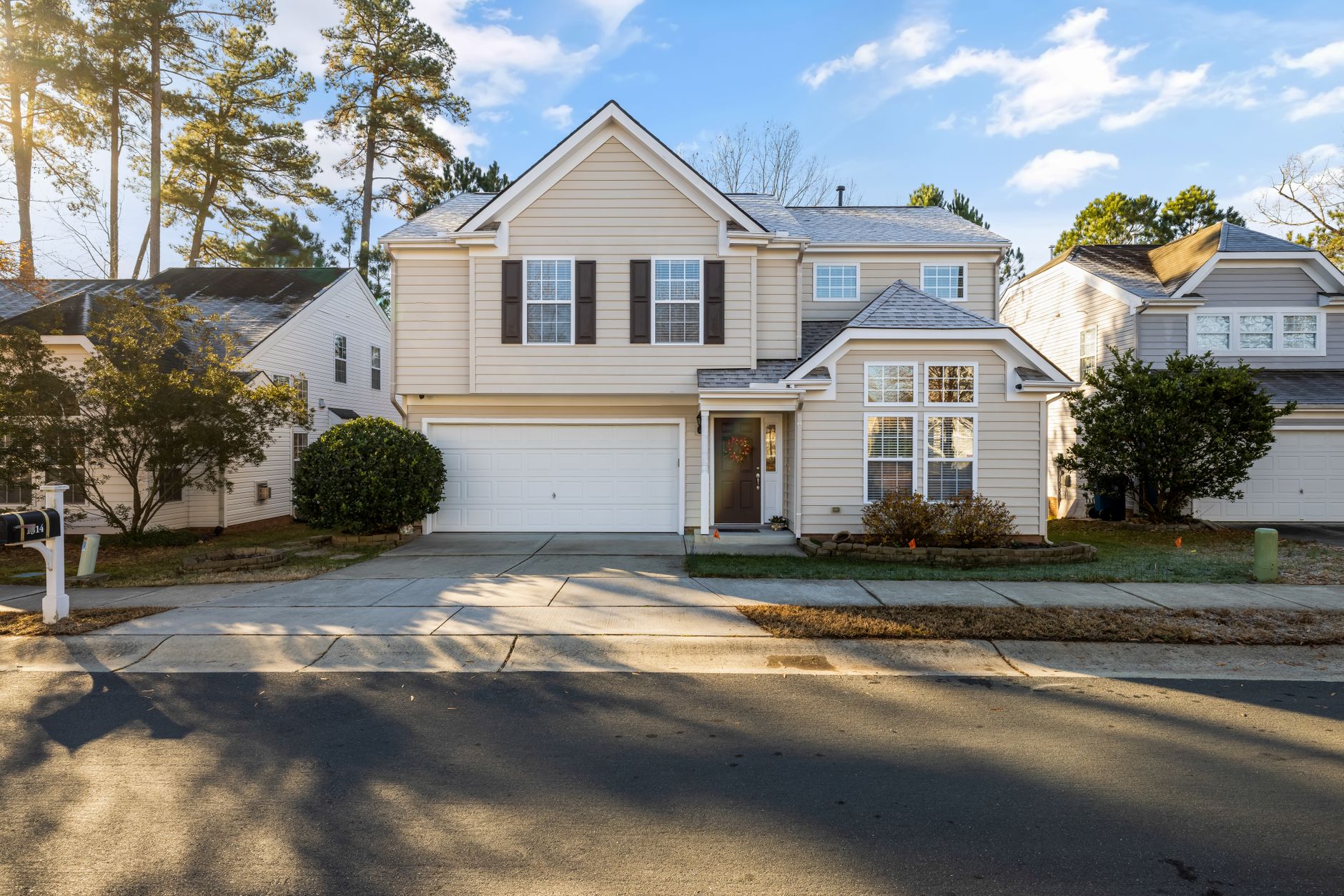
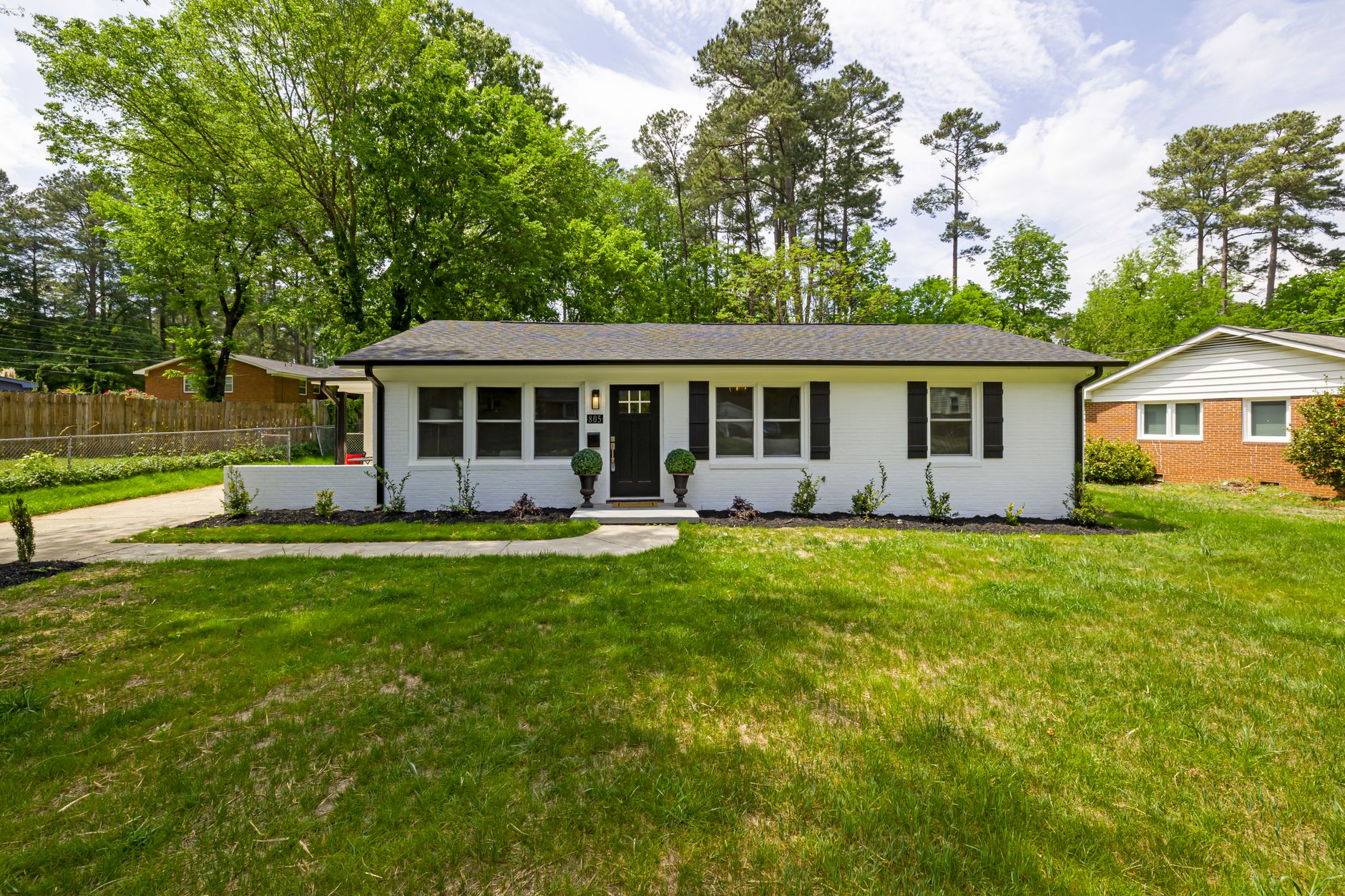
Exterior Shots: Focus on sky replacement (not creating fake skies, but recovering blown-out clouds), green saturation (making lawns and landscaping pop naturally), and twilight conversions for evening photos. Exterior photos benefit most from HDR (High Dynamic Range) processing to balance bright sky with darker ground areas.
Interior Wide Shots: Prioritize lens distortion correction (barrel distortion from wide-angle lenses makes walls look bowed), vertical line alignment, and even lighting. The goal here is to make the space feel as spacious as it actually is without looking like you used a fisheye lens.
Kitchen Photos: Color accuracy is paramount. White cabinets must be white, not warm. Granite and quartz countertops should show their natural veining clearly. Stainless steel appliances need realistic reflections. This is where generic filters fail — they tend to oversaturate and alter cabinet colors.
Bathroom Photos: The challenge here is the mix of warm wood tones and cool tile colors. Good enhancement normalizes this. Also, watch for mirror reflections — good AI can remove the photographer or camera from the reflection automatically.
Detail Shots: For close-ups of fixtures, countertops, or architectural details, sharpening should be minimal. Oversharpening creates visible artifacts that signal cheap processing.
The Business Case: Calculating Your ROI on Photo Enhancement
Let's be specific about the economics. If you list 20 properties per year at an average price of $400,000:
- Without enhancement: 45 days on market, final price $380,000 (5% below asking)
- With AI enhancement: 28 days on market, final price $410,000 (2.5% above asking)
The revenue difference is $30,000 per home in higher sales price, plus reduced carrying costs from faster sales. Multiply by 20 homes and you're looking at $600,000 in additional revenue per year. Your cost for enhancement: approximately $500 per listing for a full shoot, or $10,000 total annually. That's a 6000% ROI.
This math is why we see professional real estate teams investing heavily in visual quality. It's not vanity — it's arithmetic.
Frequently Asked Questions
How much does professional real estate photo enhancement cost?
Prices range from $0.25 per image for bulk AI processing to $10+ per image for manual retouching by a professional editor. Most agents spend $1-3 per photo for quality enhancement that includes both AI and human review. Compared to traditional photography costs ($150-300 per shoot, plus $50-150 per hour for editing), the savings are substantial. A typical 30-photo listing costs between $30 and $90 for full AI enhancement.
What's the best file format for enhancement?
Shoot in RAW when possible (even on iPhones using ProRAW), as it contains 4x more data than JPEG. For already-shot JPEGs, always use the highest quality original — never enhance an already-compressed file. PNG files are good for architectural shots where you need lossless quality, but their large file sizes make them unsuitable for MLS uploads. TIFF files are excellent for professional printing but unnecessary for digital use.
Can I enhance old listing photos?
Absolutely. We've successfully enhanced photos dating back 10+ years using modern AI tools. While you can't create detail that wasn't captured originally (you can't add pixels to a 2-megapixel photo), you can dramatically improve color, lighting, dynamic range, and sharpness. Many agents use this to refresh stale listings or re-market properties that didn't perform well the first time. The improvement is often enough to justify re-listing with new photos.
How do I know if enhancement went too far?
The red flag test: If you wouldn't feel comfortable explaining the changes to a buyer in person, it's probably overdone. Good enhancement should make the photo match what the human eye sees, not create fantasy versions. Examples of over-enhancement: grass that is unnaturally vibrant, sky that doesn't exist, rooms that appear larger than they are, or colors that don't match the actual property. Most AI platforms offer a slider control for enhancement strength — stay in the 60-80% range for maximally natural results.
What's the turnaround time for enhanced photos?
AI platforms like Real Vision AI deliver most orders within 15 minutes. Even large batches of 100+ photos typically complete in under an hour. Traditional manual editing can take 24-48 hours depending on the editor's workload. For time-sensitive listings, AI enhancement is the clear winner — you can shoot in the morning and list by lunch.
Does photo enhancement work for video tours?
Yes, modern AI enhancement extends to video. Real Vision AI and similar platforms offer batch video processing that applies the same color correction and lighting adjustments frame by frame. This ensures consistency between your still photos and video walkthroughs. Video enhancement is more computationally intensive but delivers a noticeably better viewing experience.
Final Thoughts
Real estate photo enhancement has evolved from nice-to-have to must-have in today's visual-first market. The combination of AI efficiency and professional oversight creates images that perform better across every metric — views, engagement, and ultimately sales price. Buyers in 2026 have shorter attention spans than ever, and they're making snap judgments about properties based on visual quality.
For agents ready to upgrade their listings, we recommend starting with a tool like Real Vision AI that balances automation with human quality control. The platform handles everything from basic lighting fixes to advanced perspective correction while maintaining architectural accuracy. The key insight is this: you don't need to be a professional photographer to have professional photos. You need the right tools and a consistent workflow.
Remember: Your photos aren't just pictures — they're the first impression of someone's future home. Make it count.
Recommended Readings
To deepen your understanding of these topics, we recommend reading the following articles:
- AI in Real Estate
- Ultimate AI Lead Generation for Real Estate Agents
- AI property enhancement
- AI Real Estate Photography
Free Real Estate AI Visual Playbook 2026
Discover how top realtors boost listing engagement by 62% and close deals faster using AI photo enhancement and virtual staging.