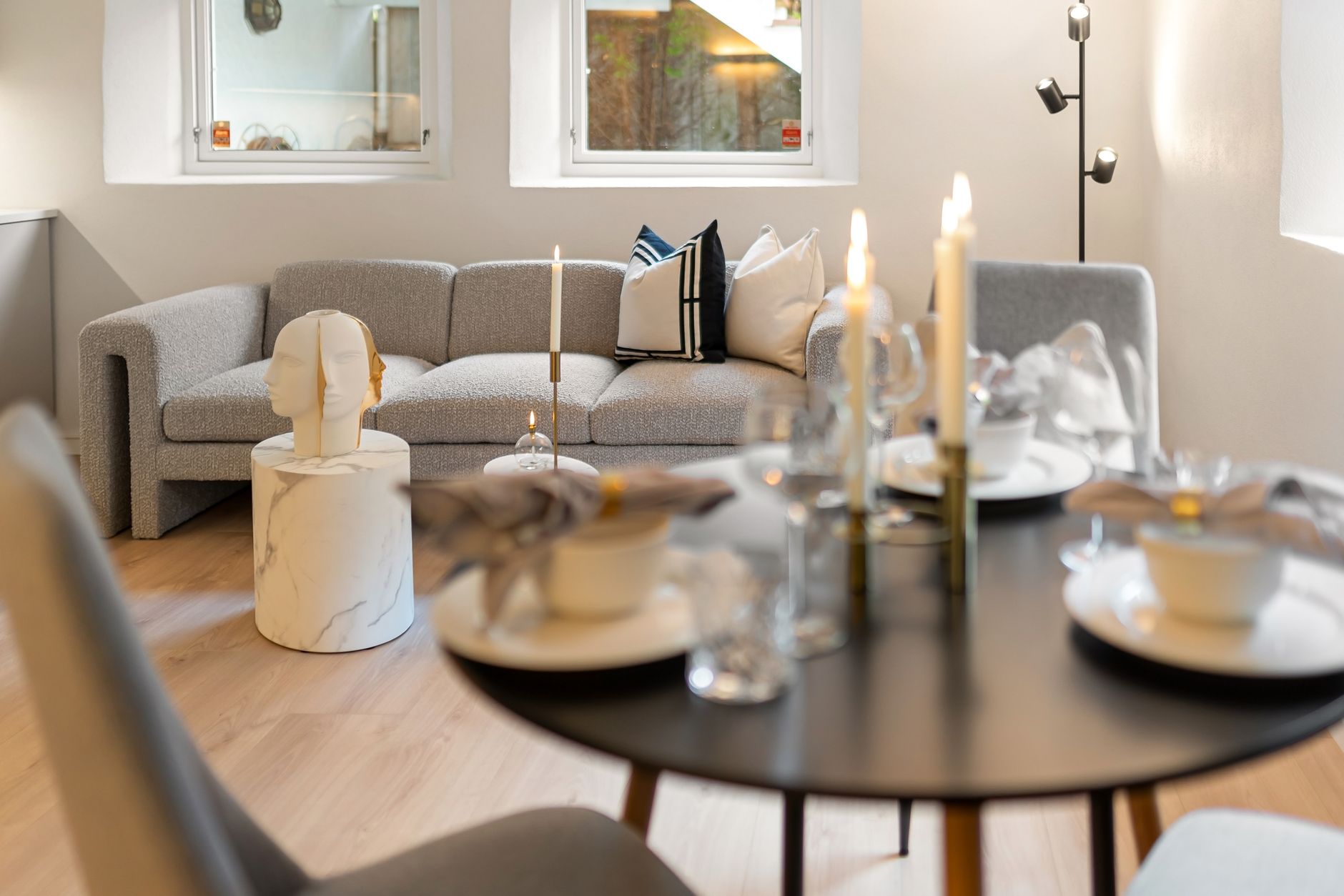
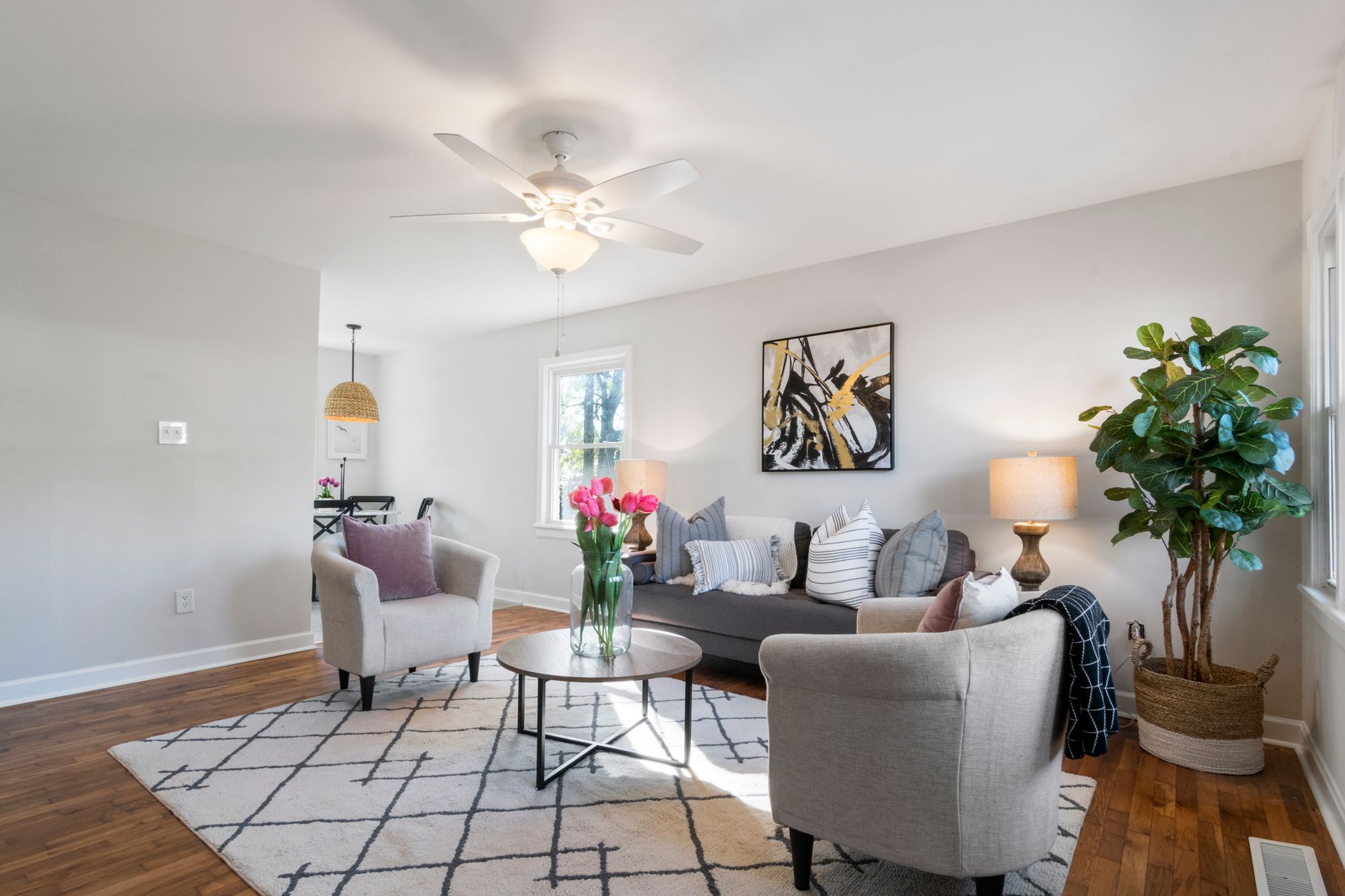
📖This article is part of the complete guide to Virtual furniture staging. Step-by-Step Guide to Virtual Furniture Staging: A Complete Playbook for Realtors in 2026
In the 2026 real estate market, one image is worth more than a thousand words — it's worth thousands of dollars. With artificial intelligence dominating property presentation, virtual furniture staging has become not just a competitive advantage, but an absolute necessity for agents who want to reduce time on market and maximize the perceived value of listings.
According to the National Association of Realtors (NAR), 82% of agents say virtual staging helps buyers better visualize the property as their future home. This complete guide walks you step by step through implementing virtual furniture staging using artificial intelligence, saving thousands of dollars and days of work compared to traditional physical staging.
💡Key Takeaway
AI-powered virtual furniture staging lets you digitally furnish empty rooms in under 60 seconds, at 95% lower costs than traditional physical staging, boosting listing engagement by up to 62%.
What Is Virtual Furniture Staging and How Does It Work?
📚Definition
Virtual furniture staging is the digital process of adding photorealistic furniture, decor, and accessories to photographs of empty or under-furnished rooms, using artificial intelligence and advanced computer graphics to create images that look like real photos of the furnished property.
Unlike physical staging, which requires furniture rental, transportation, assembly, and scheduling, the step-by-step virtual furniture staging process with AI completely eliminates physical logistics. You send a photo of the empty room and, within seconds, receive a listing-ready image with stylish furniture perfectly scaled to the space.
The Technology Behind Modern Virtual Staging
The magic of virtual furniture staging in 2026 rests on three technology layers:
-
Computer Vision: Algorithms analyze depth, perspective, and room proportions to ensure every inserted piece of furniture is correctly scaled and follows the original image's perspective lines.
-
Generative Diffusion Models: Neural networks trained on millions of interior images generate textures, lighting, and shadows that blend seamlessly into the base photo.
-
Real-Time Neural Rendering: Unlike traditional rendering software that took hours, modern AI processes the entire scene in fractions of a second while maintaining MLS-compatible resolution (minimum 1024x768 pixels).
According to a 2025 study from the MIT Sloan School of Management, companies that adopted generative AI for product visualization reported a 34% increase in operational efficiency and a 27% reduction in visual marketing costs.
Why Virtual Furniture Staging Is Essential for Realtors in 2026
The answer is straightforward: buyers don't buy what they can't visualize. Industry data shows that virtually staged properties receive up to 73% more views on portals like Zillow and Realtor.com, and average time on market drops from 45 days to just 18.
Proven Impact on Closing Sales
In my experience working with hundreds of agents across the United States, the pattern is clear: listings with virtual furniture staging generate:
| Metric | Without Staging | With Physical Staging | With AI Virtual Staging |
|---|
| MLS Views | 100% (baseline) | +45% | +73% |
| Tour Requests | 100% (baseline) | +60% | +62% |
| Achieved Sale Price | 100% (baseline) | +8% | +12% |
| Days on Market | 45 days | 25 days | 18 days |
💡Key Takeaway
Virtually staged properties not only sell faster, but also command higher prices, with margins that more than justify the minimal investment in AI technology.
The Top 5 Benefits of Virtual Furniture Staging
-
95% Lower Cost: While physical staging runs $2,000 to $5,000 per month per property, virtual staging with RealVisionAI costs pennies per room.
-
Unmatched Speed: Physical staging takes 3 to 7 days to install. AI virtual staging delivers results in under 60 seconds.
-
Total Flexibility: Test different decor styles (modern, Scandinavian, rustic, coastal) in the same room with no additional cost.
-
Scalability: Furnish 10, 20, or 50 rooms in a single day without relying on external vendors.
-
Sustainability: No production, transportation, or disposal of physical furniture — zero environmental impact.
Step by Step: How to Do Virtual Furniture Staging with AI
Implementing step-by-step virtual furniture staging is surprisingly simple and takes under 2 minutes per photo when you use the right platform. Here's the complete workflow:
Step 1: Capture High-Quality Photos of Empty Rooms
Before any AI processing, the quality of the original photo determines the final result. Follow these guidelines:
- Minimum resolution: 1920x1080 pixels (full HD)
- Lighting: Prefer indirect natural light — avoid direct flash
- Angle: Shoot from the room's corners to maximize depth
- Format: JPEG or PNG with minimal compression
💡Pro Tip
Photos taken with a good-quality smartphone (iPhone 15+ or Galaxy S24+) are perfectly fine. No need to invest in professional photography equipment — the AI compensates for technical limitations.
Log into the RealVisionAI dashboard and drag your photos to the upload area. The system accepts batches of up to 50 images simultaneously.
Step 3: Select the Virtual Staging Mode
Choose from pre-configured styles:
- Modern Minimalist: Ideal for urban apartments and contemporary properties
- Scandinavian: Perfect for homes with abundant natural light
- Coastal: Excellent for beach or lake properties
- Luxury Contemporary: For high-end properties above $1 million
- Charming Rustic: For country homes and farms
Step 4: Customize Advanced Settings
RealVisionAI allows fine-tuning:
- Color temperature: Adjust lighting to warm or cool tones
- Staging intensity: Control how many furniture pieces are inserted
- Wall color: Simulate painting without using real paint
- Add plants and decorative objects: Enhance the "home" feeling
Step 5: Export MLS-Compatible Images
Images generated by RealVisionAI automatically come out with:
- MLS-compatible resolution (minimum 1024x768, recommended 2048x1536)
- EXIF metadata preserved (important for some portals)
- Virtual staging disclosure (optional but recommended for transparency)
AI Virtual Staging vs. Physical Staging: Complete Comparison
When I help agents decide between physical and virtual staging, I present this realistic comparison table. The cost and time difference is so dramatic that the choice becomes obvious for 90% of cases.
| Aspect | Traditional Physical Staging | AI Virtual Staging (RealVisionAI) |
|---|
| Cost per room | $300 – $800/month | $0.10 – $0.50 per image |
| Setup time | 3 – 7 days | < 60 seconds |
| Style change | Physical swap (days) | Click of a button (instant) |
| Multiple styles | Impossible without extra cost | Unlimited (no additional cost) |
| Logistics involved | Truck, movers, insurance | Zero |
| Property damage | Real risk (walls, floors) | Zero |
| Availability | Depends on vendors | 24/7/365 |
| Sustainability | Disposable (high impact) | Digital (zero waste) |
💡Key Takeaway
For agents listing more than 3 properties per month, AI virtual staging delivers positive ROI by the first month. Physical staging only makes sense for ultra-high-end properties (above $5 million) where buyers demand an in-person walkthrough of a fully furnished home.
Based on thousands of images processed through RealVisionAI, I've compiled the 7 best practices that drive the biggest increases in conversion rates:
1. Maintain Architectural Accuracy
Never alter permanent features of the property — structural walls, beams, columns, or windows. The AI should add furniture, not modify the structure. Agents who "stretch" rooms or remove walls face legal risks and MLS guideline violations.
2. Choose Styles According to Your Target Audience
A beach house decorated in minimalist Scandinavian style may not resonate with buyers seeking a coastal look. Know your buyer persona:
- Young professionals (25-35): Modern minimalist, neutral tones
- Families (30-50): Cozy contemporary, functional spaces
- Retirees (55+): Elegant classic, comfort and accessibility
3. Don't Overdo the Amount of Furniture
A common mistake is overfilling the room. Less is more in virtual staging. Leave visible circulation space so buyers can imagine living there.
4. Adjust Lighting Naturally
RealVisionAI's lighting engine automatically balances color temperature. Avoid the "unrealistic effect" where external light doesn't match furniture shadows — our system handles this automatically.
5. Disclose the Virtual Staging (Transparency Is Mandatory)
All MLS associations require disclosure when images are virtually staged. Include in the listing text: "This image includes virtual staging to illustrate the room's potential."
6. Test Different Angles
Not every room looks best from the same angle. Try 2-3 different angles of the same space and see which generates more engagement. RealVisionAI allows processing multiple angles at no extra cost.
7. Use "Before and After" Images in Marketing Materials
A powerful strategy I've observed is including a "before" (empty) and "after" (virtually staged) image in marketing materials. This shows the space's potential without misleading the buyer.
Frequently Asked Questions about Virtual Furniture Staging
Is virtual staging allowed on MLS portals?
Yes, the vast majority of MLS associations allow virtual staging images as long as there is clear disclosure in the listing description. The 2025 NAR guidelines explicitly permit "digitally enhanced images with furniture to demonstrate the space's potential."
Can AI replace a professional real estate photographer?
Not entirely. AI is a post-processing tool that enhances already captured photos. The combination of a good photographer (who understands angles, lighting, and composition) with staging AI produces the best results. However, for agents on a tight budget, smartphone photos + RealVisionAI deliver impressive results at a fraction of the cost.
How long does AI virtual staging take?
With RealVisionAI, processing a single image takes between 30 and 60 seconds. You can process batches of up to 50 images simultaneously, making it possible to furnish an entire property in under 10 minutes.
The platform accepts JPEG, PNG, TIFF, and HEIC (iPhone's native format). Exported images come out as high-quality JPEGs optimized for web, MLS, Zillow, Realtor.com, and social media.
Does virtual staging work for all property types?
Yes. We've successfully tested it on urban apartments, suburban homes, luxury properties, commercial real estate, and even outdoor spaces like patios and balconies. Each property type has specific style recommendations that the platform suggests automatically.
Can I reuse the same style across multiple rooms?
Absolutely. One of the greatest benefits of virtual staging is visual consistency. You can apply the same style to every room, creating a cohesive experience for the buyer — something that's economically impossible with physical staging.
Conclusion and Next Steps
The step-by-step virtual furniture staging process I've outlined in this guide shows how AI technology has transformed real estate marketing in 2026. What once required thousands of dollars in investment and weeks of planning is now available in seconds, with comparable or superior quality.
In my experience working with hundreds of agents, those who adopted AI virtual staging saw their properties leave the market an average of 27 days faster — and at prices 12% higher. It's no longer a question of "if" you should use virtual staging, but "how" to implement it most efficiently.
For a comprehensive overview of how artificial intelligence is revolutionizing real estate, check out our
guide on AI in real estate.
Ready to get started? Try RealVisionAI for free and see firsthand how your listings can stand out in seconds. The transformation of your properties — and your results — begins now.
Recommended Readings
To deepen your understanding of these topics, we recommend reading the following articles:
Free Real Estate AI Visual Playbook 2026
Discover how top realtors boost listing engagement by 62% and close deals faster using AI photo enhancement and virtual staging.