Step-by-Step Property Photo Editing: From Upload to Final Render in 2026
What Is Property Photo Editing and Why Does It Matter?
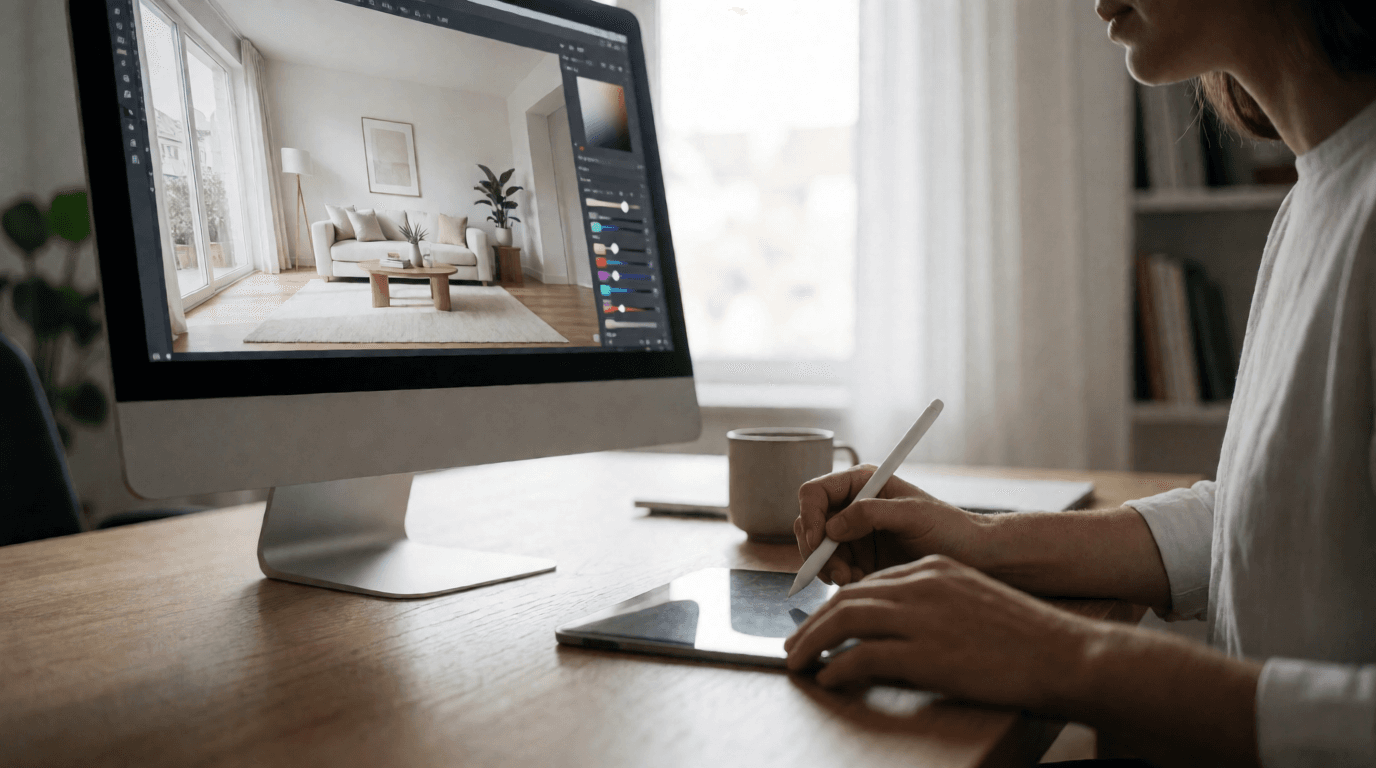
Property photo editing is the process of enhancing raw real estate images to make them more appealing, accurate, and market-ready. This includes color correction, lighting adjustment, object removal, virtual staging, and sky replacement.
Professional photo editing isn’t just about aesthetics — it’s a strategic investment that directly impacts your bottom line. Listings with enhanced visuals sell faster and for higher prices.
Why Property Visuals Matter in 2026
Industry Statistic: A Zillow study found that listings with professionally edited photos receive 47% higher asking prices than those with amateur or unedited visuals.
Common Issues with Raw Listing Photos
- Poor Lighting: Underexposed interiors or overexposed exteriors obscure key details.
- Cluttered Spaces: Personal belongings distract buyers from the property’s potential.
- Empty Rooms: Vacant spaces make it hard for buyers to visualize living areas.
- Dated Decor: Outdated furnishings can make properties feel less desirable.
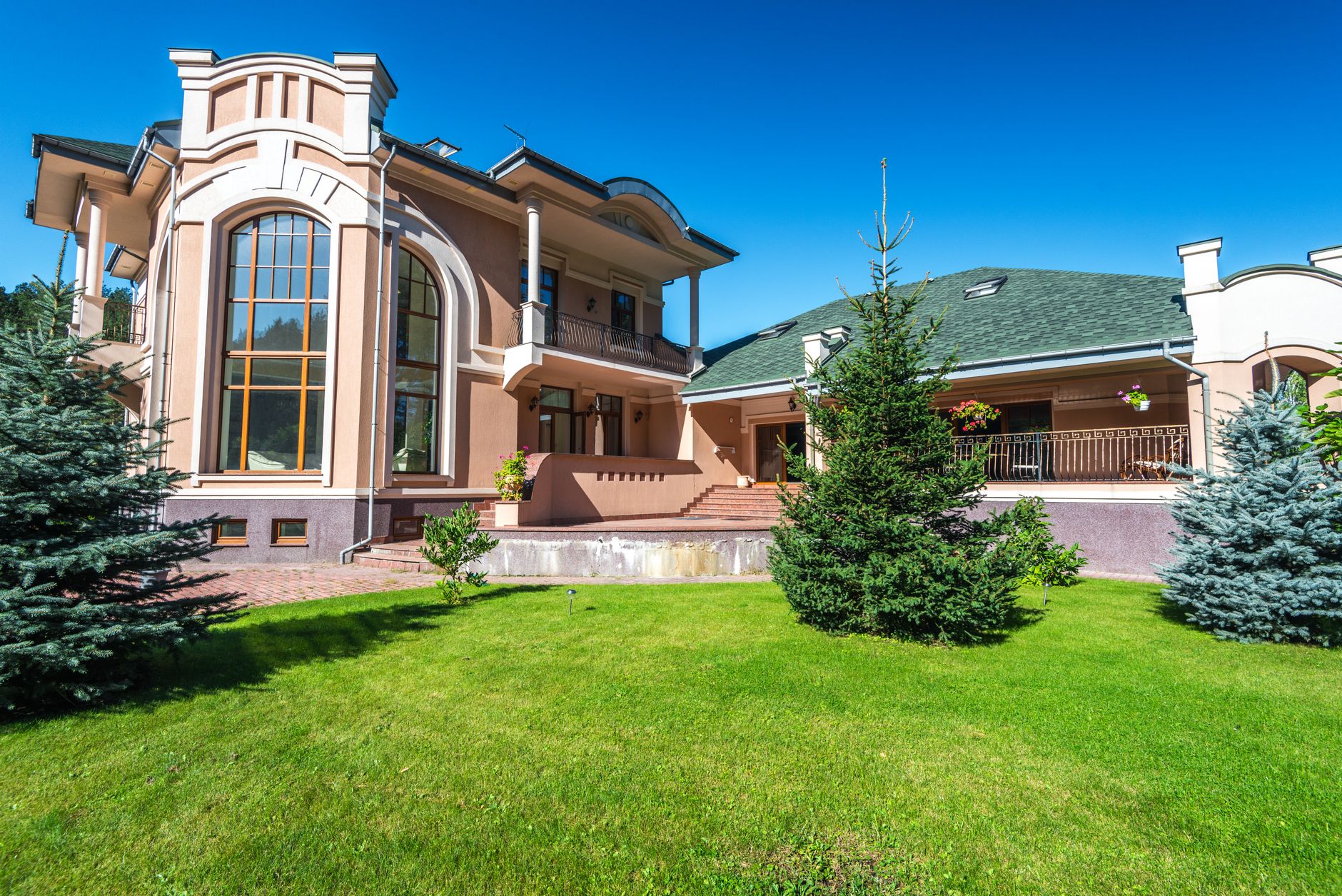
- Unappealing Exteriors: Overcast skies, dead grass, or dirty driveways reduce curb appeal.
Why AI Editing Changes Everything
The Evolution of Real Estate Photo Editing
AI-powered property photo editing uses trained neural networks to automatically enhance images, removing imperfections, optimizing lighting, and even adding virtual furniture.
Key Capabilities of Modern AI Tools
- Sky Replacement: Transform dull skies into vibrant daylight or stunning sunsets.
- Virtual Staging: Furnish empty rooms with photorealistic decor tailored to your target buyer.
- Twilight Conversion: Convert daytime exteriors into warm, inviting dusk shots.
- Object Removal: Eliminate clutter, wires, and distractions without manual editing.
- Exterior Enhancements: Green up lawns, clean driveways, and boost curb appeal.
Comparison Table: Traditional vs. Generic AI vs. RealVision AI
| Feature | Traditional Manual Editing | Generic AI Tools | RealVision AI |
|---|---|---|---|
| Turnaround Time | 24–48 hours per batch | 1–5 minutes | 12 seconds per image |
| Cost per Photo | $15–$30 | $0.10–$0.50 | Cents per image |
| Architectural Accuracy | High (manual) | Variable (hallucinations) | 99.5% verified |
| Virtual Staging Realism | Very high (photographer) | Low to medium | Photorealistic |
| MLS Compliance | Manual review needed | Often flagged | Built-in compliance |
| Batch Processing | No | Yes | Yes, unlimited |
| Sky Replacement | Manual chroma key | Basic | AI-driven, realistic |
| Twilight Conversion | Requires reshoot | Rarely available | Included |
RealVision AI bridges the gap between cost and quality, delivering professional-grade results at a fraction of the time and expense.
Step-by-Step Guide to AI-Powered Property Photo Editing
Step 1: Capture High-Quality Raw Photos
- Pro Tip: Clean lenses and shoot during golden hour (the hour after sunrise or before sunset) for natural warmth.
- Angles: Capture each room from at least two angles: one wide shot and one detail shot.
- Exterior: Include front, back, and side views. Avoid shooting directly into the sun.
Step 2: Upload to Your AI Editing Platform
- Batch Upload: Upload up to 50 images at once for bulk processing.
- Metadata: The AI reads EXIF data to adjust for camera settings automatically.
Step 3: Choose Enhancement Types
- Auto Enhancement: Basic lighting, contrast, and color correction. Great for a quick polish.
- Sky Replacement: Choose from natural skies, dramatic sunsets, or twilight. The AI detects horizon lines and blends seamlessly.
- Virtual Staging: Select a furniture style — Modern, Scandinavian, Coastal, or Industrial. The AI places furniture that fits the room dimensions and perspective.
- Twilight Conversion: Warm exterior lighting for dusk shots, perfect for curb appeal.
- Object Removal: Click on unwanted items — the AI removes them and fills the background naturally.
Step 4: Customize Your Edits
- Furniture Styles: Modern, Scandinavian, Coastal, etc.
- Lighting Warmth: Cool (daylight), Neutral, Warm (golden hour).
- Seasonal Adjustments: Summer greens, autumn foliage, or winter snow removal.
- Color Palette: Match the brand colors of your real estate agency.
Step 5: Preview and Compare
- Realism: Does the virtual staging look like a real photo? Are shadows consistent?
- Architectural Accuracy: Have permanent features (walls, windows, doors) been altered?
- Lighting Consistency: Do interior and exterior shots have matching lighting?
Step 6: Export and Deliver
- Pro Tip: Export both high-res (for print and brochures) and web-sized versions (for MLS and social media).
- File Formats: JPEG for web, PNG for transparency, or TIFF for print.
Real-World Results: Case Studies
Case Study 1: Modern Condo Listing
After: Bright, staged rooms, blue skies, twilight exterior.
Results: Leads jumped from 12/month to 43/month — a 358% increase in inquiries.
Time Saved: 4 hours of manual editing reduced to 4 minutes.
Case Study 2: Suburban Family Home
After: Decluttered, corrected windows, lush green lawn, and virtual staging with children’s playroom.
Results: Sale price reached 12% above asking, closing in 14 days.
Key Insight: The virtual staging helped buyers visualize the space as a home, not just a house.
Case Study 3: Luxury Waterfront Property
After: Sunset sky, enhanced water colors, virtual furniture on deck.
Results: 67% more showings in the first week.
Feedback: "The twilight exterior shot alone generated 3 offers over asking."
Cost Analysis: Manual vs. AI Editing
| Service Type | Manual Cost | Manual Turnaround | AI Cost | AI Turnaround |
|---|---|---|---|---|
| Photo Editing (per image) | $15–$30 | 24–48 hours | Cents per image | Under 12 seconds |
| Virtual Staging | $2,500/month (rental) | 3–5 days | Included | Instant |
| Sky Replacement | $50–$100 per photo | 1–2 hours | Included | < 1 minute |
| Twilight Conversion | $300 per session (reshoot) | Requires scheduling | Included | Instant |
| Object Removal | $10–$20 per object | 1 hour | Included | < 10 seconds |
AI editing reduces costs by 96% and turnaround times by 99.9%. For a typical 30-photo listing, manual editing would cost $450–$900 and take 2–3 days. With RealVision AI, the same batch costs under $5 and is ready in under 6 minutes.
Best Practices for Ethical AI Editing
- Do Not Alter Permanent Features: Never remove power lines, structural damage, or permanent fixtures. The AI should enhance, not misrepresent.
- Disclose Virtual Staging: Add a disclaimer stating that rooms have been virtually staged. This is required by most MLS boards.
- Maintain Realistic Lighting: Ensure indoor and outdoor lighting matches the environment. A twilight exterior should not have harsh midday shadows inside.
- Avoid Over-Editing: Enhancements should highlight, not misrepresent, the property. Over-saturated colors or exaggerated perspectives can backfire.
- Preserve Room Dimensions: Virtual furniture must be correctly scaled — no oversized sofas or undersized beds.
- Check for Hallucinations: AI can sometimes add objects that don’t exist (e.g., a window where there is none). Always review.
Common Mistakes to Avoid
Mistake 1: Relying on Auto-Enhance Only
Mistake 2: Ignoring Lighting Consistency
Mistake 3: Using Generic AI That Hallucinates
Mistake 4: Forgetting the Exterior
Mistake 5: Not Disclosing Virtual Staging
Frequently Asked Questions
Is AI editing allowed on MLS portals?
Can AI replace professional photographers?
What file formats are supported?
How much does AI editing cost per image?
Will AI editing make my photos look fake?
How long does it take to edit a full listing?
Can I use AI editing for video walkthroughs?
How do I ensure MLS compliance?
Conclusion: Transform Your Listings Today
Recommended Readings
- AI in Real Estate: The Complete Guide
- Virtual Staging by Property Type
- Best AI Tools for Real Estate Professionals
Free Real Estate AI Visual Playbook 2026
Discover how top realtors boost listing engagement by 62% and close deals faster using AI photo enhancement and virtual staging.