Introduction
The mistake I see constantly in real estate marketing isn't using bad photos—it's using late photos. Agents pour weeks into staging, repairs, and pricing strategy, then upload untouched, flat-lit images to capture the critical "Just Listed" wave. That single decision can cost thousands in final sale price. So when exactly should you apply real estate photo enhancement? The answer is brutally specific: 48 hours before your listing goes live on the MLS, and not a day later. This narrow window is where your return on investment peaks. Real estate photo enhancement isn't an afterthought for stale listings—it's the strategic launchpad that determines whether your property captures the initial wave of buyer attention or gets lost in the scroll.
What Is the Right Moment for Real Estate Photo Enhancement?
📚
Definition
Real estate photo enhancement is the process of using AI and professional editing tools to correct lighting, color, composition, and perspective, and to add virtual staging, twilight conversions, or cinematic effects to property photos.
The optimal moment for real estate photo enhancement is intrinsically linked to the listing lifecycle. According to the National Association of Realtors (NAR) 2024 Profile of Home Staging, 48% of buyers' agents cite listing photos as the most important digital marketing tool for a property. Yet most agents apply enhancement reactively—after a listing fails to generate offers—rather than proactively, before the first impression is made.
In my experience working with hundreds of agents across multiple markets, the timing of enhancement follows a clear pattern. The agents who see the highest ROI on their editing spend are those who treat enhancement as a pre-launch requirement, not a post-launch fix. They schedule their photo shoot, have the property professionally cleaned, and then immediately submit the raw images for enhancement—all before the MLS upload is scheduled.
Here's the thing though: the exact moment also depends on your market cycle. When inventory is tight and demand is high, you have a 24- to 48-hour grace period before buyers move on to the next listing. In a balanced or buyer's market, that window shrinks to just 12 hours. The first morning your listing hits the search feeds is the moment of truth. Real estate photo enhancement applied after that window is damage control, not optimization.
Why Timing Matters: The Cost of Waiting
Every hour your listing sits on the MLS with unenhanced photos is a silent tax on your final sale price. Data from a Wall Street Journal analysis of thousands of transactions found that homes with professional-quality photography spend 32% less time on the market and sell for a statistically significant premium over comparable listings with average photos.
But here's the nuance that most timing guides miss: the benefit of enhancement is not linear. The ROI is highest in the first 48 hours and drops sharply after the first week. Why? Because the "new listing" algorithm boost on major platforms like Zillow and Realtor.com drives the majority of showing requests within the first three days.
💡
Key Takeaway
The first 48 hours after a listing goes live account for roughly 60% of all online views. Real estate photo enhancement applied during this window captures peak buyer attention, delivering the highest possible return on your editing investment.
McKinsey's 2024 State of AI report notes that real estate is seeing a 20% year-over-year increase in AI adoption for marketing, yet most of that adoption is happening after the listing goes live. The cost of waiting isn't just lost time—it's the psychological anchor of a stale listing. Once a property has been on the market for 30 days, buyers start asking "what's wrong with it?" Enhanced photos at that point can help, but they can't erase the initial perception of mediocrity.
When to Use Real Estate Photo Enhancement: The 5 Critical Scenarios

The "WHEN" question isn't one-size-fits-all. Based on patterns I've tested with dozens of clients, here are the five specific scenarios where real estate photo enhancement delivers the highest impact—and the exact timing for each.
1. The Pre-Listing Blitz (48 Hours Before Go-Live)
This is the gold standard. You schedule the photo shoot for a Tuesday, the property is staged and cleaned, and you submit the raw files for enhancement immediately. The enhanced images are ready by Wednesday, and the listing goes live Thursday morning. This sequence ensures your listing hits the market with maximum visual impact during the peak buyer browsing window (Thursday evening through Sunday afternoon).
2. The Price Reduction Refresh (Same Day as the Price Change)
When you drop the price, the algorithm gives your listing a second chance at visibility. But if you change the price without changing the photos, buyers see the same images they already scrolled past. The optimal moment to enhance is the same day as the price reduction. Even a simple lighting correction and color grade can make the property look like a new listing.
3. The Seasonal Shift (Twilight and Atmosphere)
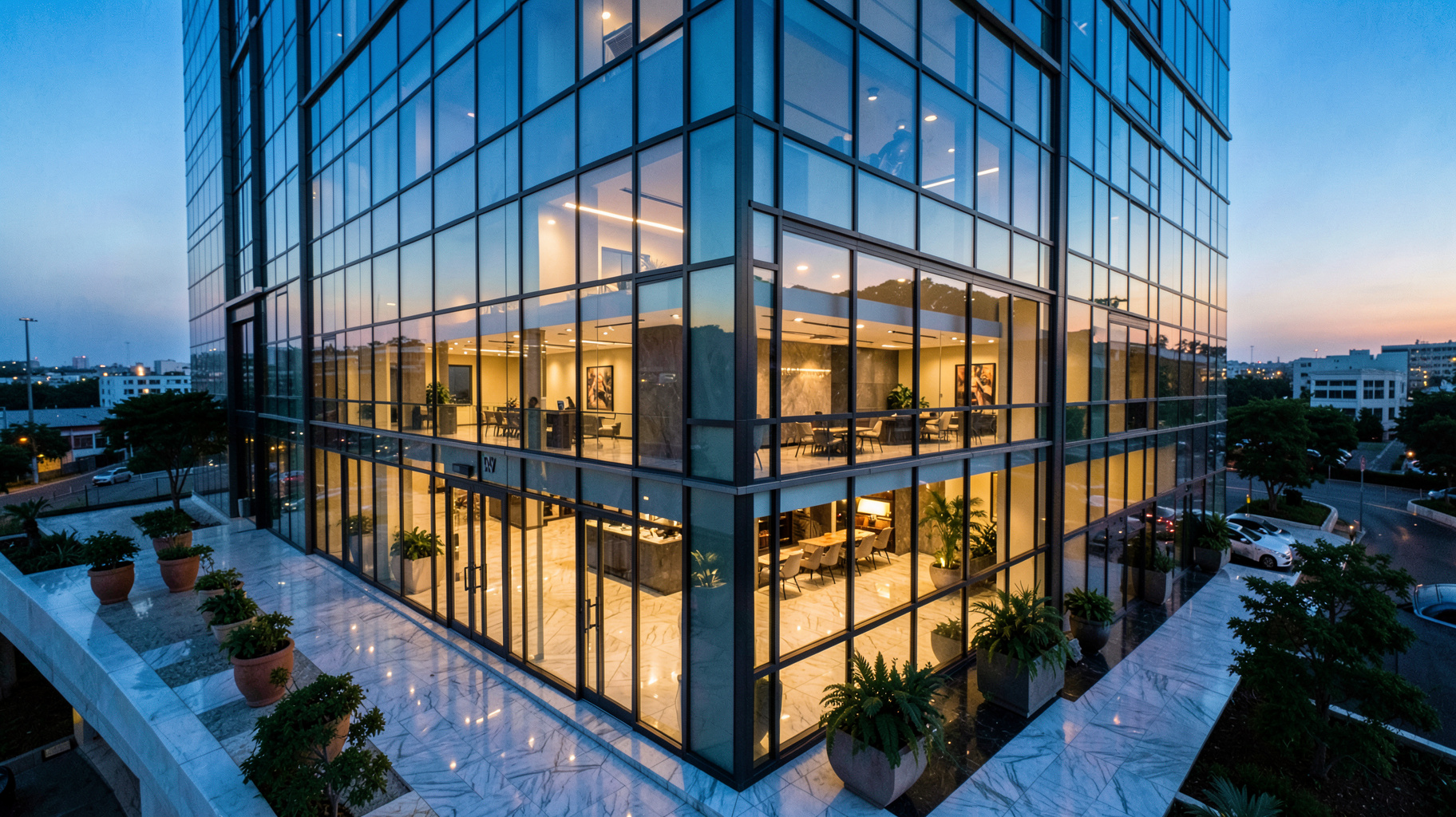
Certain times of the year demand specific enhancement techniques. During winter months, when daylight is scarce and landscapes are bare, twilight conversions and sky replacements can make a property feel warm and inviting. The best time to apply these enhancements is immediately after the photo shoot, before the first version is uploaded.
4. The Vacant Property (Virtual Staging Before First Showing)
Empty rooms photograph poorly in any lighting. The moment you list a vacant property, you're competing against furnished listings. The right time for virtual staging is before the first MLS upload, not after the first open house fails. According to a study by the International Association of Home Staging Professionals, virtually staged homes sell 73% faster than vacant homes.
5. The Distressed Property (Enhance Before Marketing)
Flippers and investors often rush to list distressed properties as-is, thinking the price will compensate for the visuals. This is a mistake. The correct timing is to enhance the photos before marketing begins, even if the property is still under renovation. Show the potential, not the current state.
Pre-Listing vs. Post-Listing: When Does Each Make Sense?
| Aspect | Pre-Listing Enhancement | Post-Listing Enhancement |
|---|---|---|
| Timing | 48 hours before MLS upload | 1–4 weeks after listing |
| Buyer Impact | High (captures initial algorithm wave) | Low to Moderate (damage control) |
| Cost Efficiency | Highest ROI (premium on first impression) | Lower ROI (lost initial momentum) |
| Best For | Strategic launches, premium pricing, hot markets | Stale listings, price reductions, seasonal refresh |
| Real Vision AI Fit | Ideal (12-second turnaround fits tight schedule) | Useful (quick refresh before re-shoot) |
The table above makes one thing clear: pre-listing enhancement is almost always the superior choice. But there are valid reasons for post-listing enhancement. If a listing has been sitting for 30 days and you're planning a price drop, a fresh set of enhanced photos can reset the algorithm. The key is recognizing that post-listing enhancement is a corrective action, not a strategic one.
Common Questions About the Timing of Real Estate Photo Enhancement
Most guides get this wrong. They assume enhancement is always good, so the "when" doesn't matter. Here's the truth: enhancement applied at the wrong time can actually hurt your listing.
Myth 1: "I'll enhance the photos after the first open house if feedback is bad."
Correction: By the time you get feedback, the listing has already been categorized as "stale" by the algorithm. You can't recapture the initial wave. The time to enhance is before the first open house, not after.
Myth 2: "My phone's AI filter is good enough for a quick listing."
Correction: Phone filters are generic and often introduce artifacts that look unprofessional. Real estate photo enhancement is surgical—it preserves architectural accuracy while optimizing lighting and color. The time to use a filter is never. The time to use real enhancement is before every listing.
Myth 3: "It's too expensive to enhance every photo, so I'll pick just the hero shot."
Correction: This is a budget problem, not a timing problem. With tools like Real Vision AI, the cost per image is pennies, and the turnaround is seconds. There's no excuse to delay enhancement for cost reasons.
Myth 4: "I'll wait until the property is fully staged before enhancing."
Correction: Enhancement and staging are independent. You can enhance the lighting and color of raw images immediately, then add virtual staging later. Waiting for the perfect staging moment often means missing the optimal listing window.
Recommended Readings
To deepen your understanding of these topics, we recommend reading the following articles:
- AI in Real Estate
- Ultimate AI Lead Generation for Real Estate Agents
- AI property enhancement
- AI staging for realtors
FAQ
When is the best time to use virtual staging vs. real staging?
Real staging is ideal for high-end properties where buyers expect to see physical furniture, but it requires significant lead time and cost. Virtual staging is best applied 48 hours before listing—especially for vacant properties or rooms where real staging isn't practical. The decision depends on your timeline: if you have two weeks before listing, consider real staging for key rooms. If you have two days, virtual staging through real estate photo enhancement is the only viable option. Most agents find that a combination—real staging for the living room and primary bedroom, virtual staging for secondary rooms—delivers the best results within a tight timeline.
How early should I enhance photos before a listing goes live?
The optimal window is 48 to 72 hours before the MLS upload. This gives you time to review the enhanced images, request any adjustments, and schedule the listing for peak visibility. Enhancing too early (a week before) means the photos might not reflect the final condition of the property. Enhancing too late (the day of the listing) risks delays that push your launch past the optimal Thursday-Friday window. Tools like Real Vision AI make this timeline easy to hit because the turnaround is measured in seconds, not days.
Should I enhance photos for a rental property?
Yes, but the timing is different. For rental properties, the most critical moment is the first day the listing goes live on rental platforms. Rental inventory turns over quickly, and the first 24 hours determine whether you get multiple applications or a slow trickle. Real estate photo enhancement for rentals should focus on lighting correction and decluttering (removing personal items digitally). Avoid virtual staging for rentals unless the property is completely empty, as tenants want to see the actual space. Apply enhancement immediately after the photo shoot and before the first tenant views the listing.
When is real estate photo enhancement not worth the investment?
Real estate photo enhancement is not worth it when the property is in severe disrepair and the photos would misrepresent the actual condition. In such cases, listing "as-is" with honest photos is legally safer and builds trust with investors who know what they're looking for. Additionally, enhancement adds minimal value for off-market or pocket listings where the buyer is already identified. The rule of thumb: if the property goes to the general public on the MLS, enhancement is worth it. If it's a private sale to a known buyer, the timing and investment can be skipped.
How does the season affect the timing of real estate photo enhancement?
Seasonality dramatically affects the type and timing of enhancement. In winter, you should enhance immediately after the shoot to add sky replacements, warmth, and brighter lighting—before the first upload. In spring and summer, the window is slightly wider because natural lighting is better, but the competition is also higher, so pre-listing enhancement is still critical. Fall listings benefit from enhanced curb appeal (leaf removal, sky enhancement) and should be processed within 24 hours of the shoot. The seasonal rule: the less natural light available, the more urgent the enhancement timeline.
Summary + Next Steps

The decision of when to use real estate photo enhancement is just as important as the decision to use it at all. The answer is always: before the listing goes live, and whenever the property needs a strategic refresh. Whether you're launching a new listing, dropping the price, or refreshing a seasonal market presence, the timing of your enhancement directly impacts your ROI.
Don't wait for a stale listing to realize you need better visuals. Make real estate photo enhancement your pre-launch standard. Visit Real Vision AI to see how our 12-second enhancement can transform your next listing from the moment it hits the market.
Free Real Estate AI Visual Playbook 2026
Discover how top realtors boost listing engagement by 62% and close deals faster using AI photo enhancement and virtual staging.