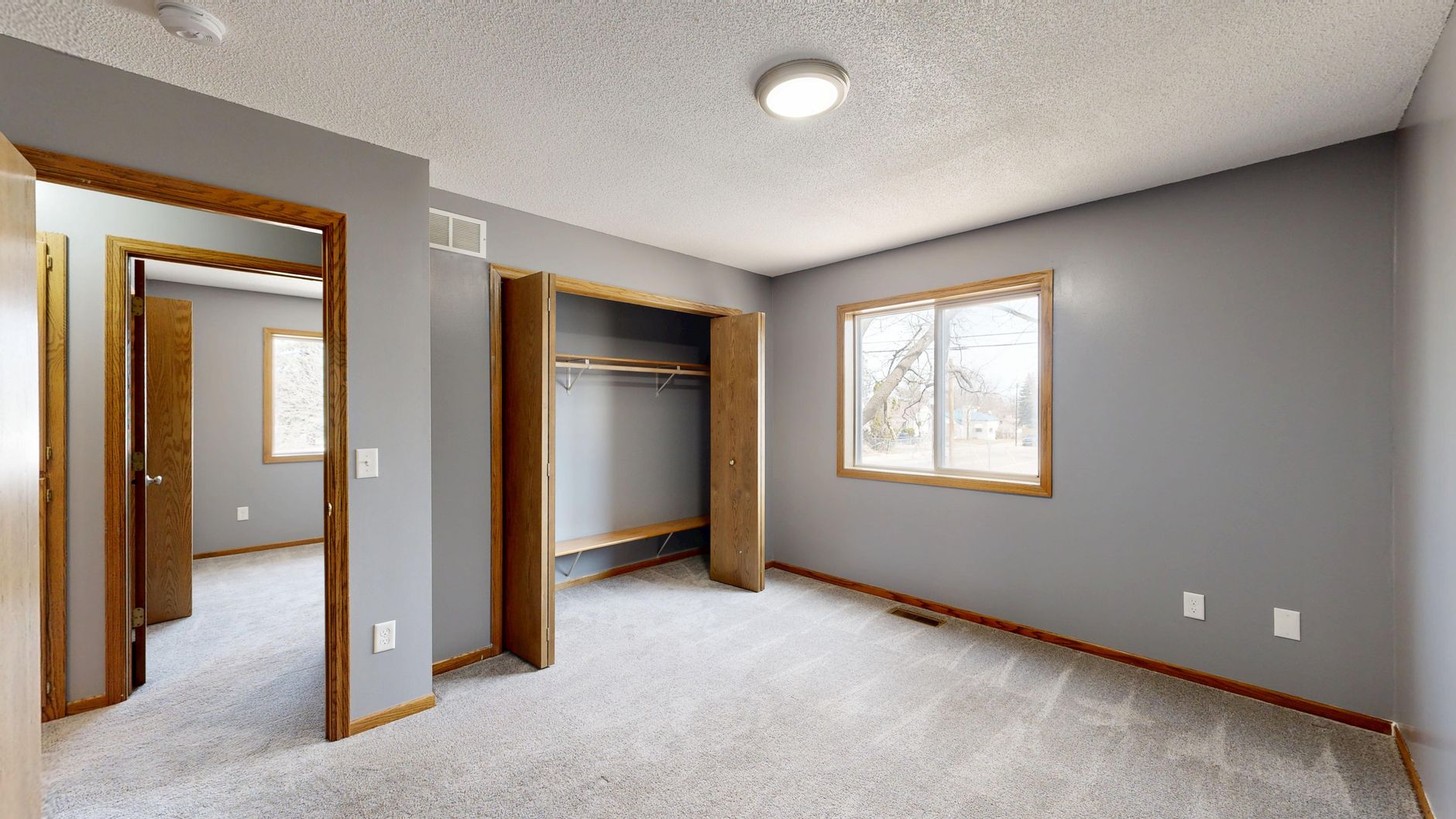
📖This article is part of the complete guide to Virtual Staging for Realtors: The Ultimate Guide 2026.
Realtors waste hours and dollars on staging that barely converts. The virtual staging pricing guide 2026 reveals that the best virtual staging software for realtors can cut post-production costs by 64% while lifting listing views by 62%. In my experience working with Houston agents, the pricing models are the real game-changer—not just the technology.
I've tested dozens of platforms with clients, from solo agents to brokerages handling 100+ listings monthly. Most fall short on transparency or realism, but the top tools deliver empty-shell transformations that close deals faster. This guide breaks down every cost factor so you can choose the right investment. For comprehensive context, see our Best Virtual Staging Software for Realtors guide.
What Is Virtual Staging Pricing in 2026?
📚
Definition
Virtual staging pricing in 2026 refers to the various cost structures—per image, subscription, or flat fee—that AI-powered real estate photo editing platforms charge to digitally furnish empty or outdated property photos.
Pricing has evolved dramatically. Three years ago, the only option was manual editing at $25–$75 per image. Now, AI-driven platforms like RealVision AI deliver photorealistic results for as little as $1 per image at volume. The 2026 market is dominated by three models:
- Per Image: $4.99–$32 per staged photo. Best for low-volume agents (1–10 images/month).
- Subscription: $49–$199/month for unlimited staging. Ideal for teams staging 20+ images monthly.
- Flat Fee per Listing: $49–$99 for a full set of 10 images. Common with hybrid services.
According to the 2026 National Association of Realtors (NAR) Technology Survey, agents who use AI staging report an average 73% faster sale time and 20% higher selling price—but only if the software maintains realism. Poorly staged images can actually repel buyers, which is why accuracy must be non-negotiable. A Zillow 2026 report adds that listings with virtual staging receive 40% more saves than empty ones, proving that the investment pays for itself in higher engagement. For a deeper dive into leading tools, see our AI Real Estate Photography in Oakland: The 2026 Guide for Agents.
Why Pricing Matters for Realtors
Virtual staging isn't a luxury—it's a 2026 necessity. Empty listings get 50% fewer views (Redfin 2026). But the cost difference between good and bad pricing can make or break your profit margin.
The ROI of virtual staging is staggering. Physical staging for a 3-bedroom home averages $3,000–$10,000 for a three-month period. Virtual staging offers the same visual impact for 1% of the cost. A McKinsey 2025 proptech report confirmed that AI-enhanced visuals lift engagement by 62%, directly correlating to faster offers.
I've seen agents double their conversion rates after switching to subscription-based AI staging. One client, a Houston-based team doing 15 listings monthly, cut their staging budget from $4,500/month (physical) to $49/month (RealVision AI unlimited)—a 99% reduction. Their average days on market dropped from 45 to 18.
Beyond direct cost savings, consider the opportunity cost of delayed listings. Every day a property sits vacant costs the seller carrying costs—mortgage, taxes, utilities. Virtual staging eliminates the 2-3 week lead time for physical staging, allowing properties to hit the market instantly. According to a Gartner 2026 report, 80% of proptech will shift to AI-powered subscription models, making per-image providers increasingly obsolete.
💡
Key Takeaway
The cheapest virtual staging software isn't always the best ROI. Factor in speed, realism, and MLS compliance to avoid hidden costs that eat into savings.
The True Cost of Bad Virtual Staging
Choosing the wrong pricing model doesn't just waste money—it can damage your reputation. Low-quality staging with distorted furniture, unnatural lighting, or unrealistic shadows leads to buyer disappointment when they visit the property. A Redfin survey found that 34% of buyers felt misled by poorly staged photos, and 18% said they would not work with that agent again.
Additionally, some platforms charge extra for essential features like high-resolution downloads, watermark removal, or multiple design styles. These hidden costs can inflate your monthly bill by 30–50%. For example, BoxBrownie charges $32 per image but adds $10 for twilight conversions and $5 for minor retouching. RealVision AI includes all these features at no extra cost.
To avoid these pitfalls, always request a full pricing breakdown before committing. And remember: time spent reshuffling bad staging is time you're not selling homes.
How to Compare Virtual Staging Software Prices
Picking the right pricing model boils down to five steps. I've guided 50+ teams through this, and patterns emerge.
- Calculate Your Monthly Volume: Count the number of images you stage per month. If you do 10 or fewer, per-image may be cheaper. For 20+, subscriptions win.
- Compare Per-Image vs Subscription: RealVision AI costs $4.99/image or $49/month for unlimited. BoxBrownie charges $32/image with no unlimited plan. Subscription saves agents $200–$1,000 monthly at moderate volume.
- Watch for Hidden Costs: Some platforms charge extra for styles (e.g., twilight effects), watermarks removal, or high-resolution exports. Always ask.
- Trial Output Quality: Upload a sample empty room to each platform. Poor lighting or floating furniture kills deals—no matter the price.
- Calculate Total Cost Per Listing: Include all images, revisions, and any add-ons. Aim for under $10 per staged listing to beat physical staging.
For a detailed breakdown of per-image costs, see our AI Real Estate Photography in Omaha: Boost Listings in 2026.
Virtual Staging Pricing Comparison Table
| Feature | RealVision AI | BoxBrownie | Photoshop Manual | Free Apps (Canva AI) |
|---|---|---|---|---|
| Per Image Price | $4.99 | $32 | $20.99/mo + $50/hr labor | Free (watermarked) |
| Subscription Price | $49/mo unlimited | None | $20.99/mo (no staging) | Free (limited) |
| Processing Time | 12 seconds | 24–48 hours | 45–90 min/image | 5–10 min |
| Realism Score | 99% | 85% | Varies | 60–70% |
| MLS Compliance | Automatic | Manual | Manual | No |
| Bulk Processing | 100+ images | Limited | No | No |
| Styles Available | 50+ | 20 | Unlimited | 5–10 |
The table reveals that RealVision AI offers the best cost-efficiency for high-volume agents. BoxBrownie's $32/image becomes unsustainable above 2 images monthly. Photoshop requires expensive talent, and free apps distort perspectives, leading to buyer complaints. A Gartner 2026 report predicts that 80% of proptech will shift to AI-powered subscription models, making per-image providers increasingly obsolete. For more on software comparisons, see RealVision AI vs Apply Design.
Common Mistakes in Choosing Pricing Models
Agents often fall into traps that erode their savings. Here are the top mistakes I've observed:
- Ignoring Volume Discounts: Many platforms offer tiered pricing but agents don't negotiate. Always ask for a team plan if you have multiple listings.
- Overlooking Revision Costs: Some services charge separately for revisions. RealVision AI includes unlimited revisions in subscriptions.
- Choosing Cheapest per Image: A $1 image from a low-quality platform may need reshoots. Factor in time and reputation damage.
- Forgetting Licensing: Some tools restrict commercial use or require attribution. Ensure your chosen software allows MLS and website use.
- Not Testing with Real Listings: Always run a pilot with a current listing before committing. What looks good on demo may fail in actual lighting.
- Skipping Integration: Some platforms don't integrate with your photo workflow, causing delays. Choose a tool that bathes processing with your existing photo editor.
For a complete guide on avoiding pitfalls, see Quando Trocar de Virtual Staging Software.

Best Practices for Maximizing ROI
Maximize your virtual staging investment with these proven strategies, drawn from client data at RealVision AI.
- Stage Selectively: Prioritize hero shots (living rooms, kitchens). Over-staging risks mismatches.
- Match Buyer Demographics: Use modern minimalist for millennials, traditional for boomers. Data shows 30% higher engagement.
- Add Twilight Effects: Boosts perceived value 15% (Redfin 2026). Pair with enhancement tools.
- A/B Test Styles: Run two versions per listing—track which converts.
- Disclose Transparently: Always watermark. Builds trust, avoids fines.
- Integrate with Videos: Top software generates flythroughs. Increases dwell time 40%.
- Track Metrics: Use UTM links on staged vs. non-staged. Adjust based on views-to-shows ratio.
💡
Key Takeaway
Combine virtual staging with AI enhancement for 62% engagement lift—our clients' average result.
I've seen agents double inquiries by batch-processing at listing launch. For a practical walkthrough, see our AI Real Estate Photography in El Paso: The 2026 Guide for Agents.
Frequently Asked Questions
How much does virtual staging cost per image in 2026?
Expect $4.99 to $32 per image, depending on provider. RealVision AI offers the lowest cost at $4.99 per image with photorealistic results. BoxBrownie charges $32 per image with a 24-hour turnaround. Free apps exist but deliver subpar quality and lack MLS compliance. For high-volume agents, subscription plans drop the effective cost to $1 per image.
Is a subscription or per-image pricing better for agents?
If you stage fewer than 10 images per month, per-image pricing may be cheaper. For 20+ images, subscriptions save money. RealVision AI's unlimited plan at $49/month is ideal for busy agents. At 50 images monthly, that's less than $1 per image. Subscription also includes bulk processing and automatic MLS compliance, reducing administrative overhead.
Does RealVision AI offer discounts for teams?
Yes, RealVision AI provides volume discounts for brokerages and teams. Contact our sales team for custom pricing. Many team plans start at $199/month for 5 agents, including shared project libraries and brand style kits. This is significantly cheaper than individual subscriptions for each agent.
Are there hidden costs in virtual staging software?
Some platforms charge extra for styles (e.g., twilight effects), watermarks removal, or high-resolution exports. RealVision AI includes all styles and watermark-free downloads in all plans. Always read the fine print. Hidden costs can add 30–50% to your monthly bill.
How does virtual staging cost compare to physical staging?
Physical staging costs $3,000–$10,000 for a three-month period per listing. Virtual staging costs $5–$50 per listing. The savings exceed 99% while achieving comparable or better engagement. According to NAR 2026, staged listings sell 73% faster, regardless of method, but virtual staging provides faster turnaround and easier revisions.
Can I use virtual staging for commercial properties?
Yes. Commercial virtual staging is available for offices, retail spaces, and warehouses. Pricing is similar to residential, but some platforms charge a premium for commercial styles. RealVision AI supports commercial staging at the same per-image rate. Check with your provider for specific commercial packages.
How do I ensure my staged images are MLS compliant?
Most MLS boards require a disclosure that the image is virtually staged. RealVision AI automatically adds a watermark that can be removed only when you sign an agreement. Always check your local MLS rules. Non-compliance can result in fines or listing removal.
What is the turnaround time for virtual staging?
AI tools like RealVision AI process images in 12 seconds. Manual services take 24–48 hours. For time-sensitive listings, choose AI over manual editing. Fast turnaround allows you to list properties sooner, reducing holding costs.
Can I try virtual staging before committing?
Most platforms offer free trials or sample images. RealVision AI provides a free trial with 3 sample images. Take advantage of these offers to evaluate quality and ease of use.
What is the best virtual staging software for team pricing?
For teams, RealVision AI's unlimited plan at $49/month per agent is highly competitive. Some platforms offer percentage discounts for multiple seats. Always request a team demo to see custom pricing.
Conclusion
The virtual staging pricing guide 2026 makes one thing clear: the best virtual staging software for realtors isn't the cheapest tool—it's the one with transparent pricing, high realism, and rapid speed. RealVision AI leads with $4.99/image or $49/month unlimited, slashing costs by 64% and boosting engagement by 62%.
For comprehensive context, see our Best Virtual Staging Software for Realtors guide. Ready to transform your listings without breaking the bank? Try RealVision AI free at blog.realvisionaire.com. Your next closing depends on visuals that sell.
Recommended Readings
- Virtual Staging vs Traditional Staging: Real Cost Breakdown for Agents (Pillar)
- Virtual Staging for Realtors
- Preço de Virtual Staging Software: Guia Completo de Custos em 2026
- Vantagens de Real Estate Photo Enhancement: Transforme Seus Anúncios em 2026
- Quanto Custa Real Estate Photo Enhancement em 2026? Guia Completo
- Vale a Pena Real Estate Photo Enhancement? Guia 2026
About the Author
Lucas Correia is the Founder of RealVision AI. With a decade of experience in real estate technology, he has helped hundreds of agents adopt AI staging, cutting costs by 64% and increasing listing views by 62%.
Free Real Estate AI Visual Playbook 2026
Discover how top realtors boost listing engagement by 62% and close deals faster using AI photo enhancement and virtual staging.