How to Effectively Use Residential Virtual Staging to Accelerate Property Sales
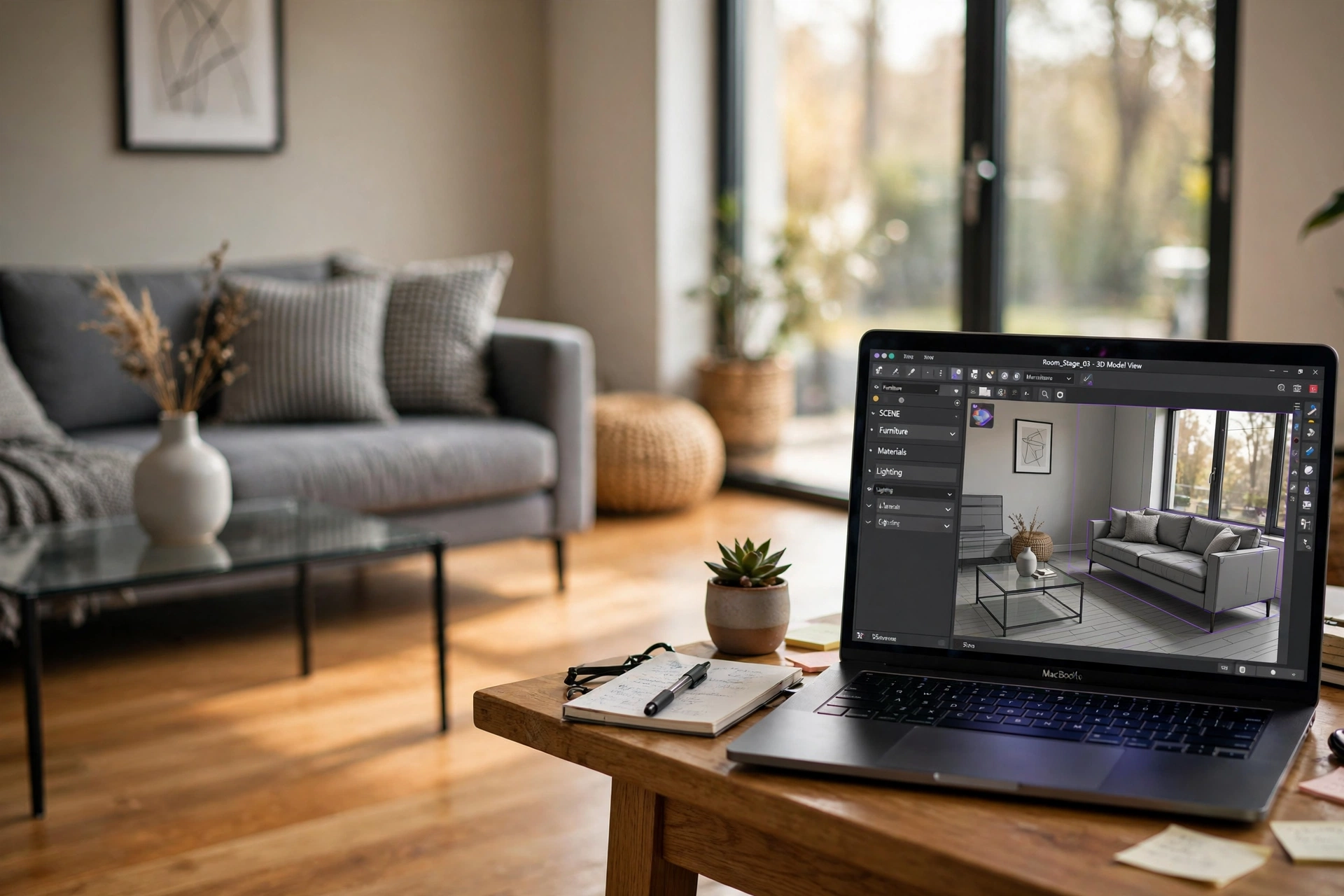
Empty rooms often feel cold, smaller, and devoid of personality, which prevents potential buyers from visualizing themselves living in the space. To solve this, professional agents use residential virtual staging to digitally insert high-quality furniture, decor, and art into a property's photos. The process involves capturing high-resolution images of a vacant room and using artificial intelligence or specialized design software to populate the space with a specific interior design style that appeals to the target demographic.
In my experience working with luxury listing agents, the difference between a vacant room and a virtually staged one isn't just aesthetic; it's psychological. When a buyer sees a blank room, they focus on the flaws—the scuff on the baseboard or the outdated flooring. When they see a curated living room, they focus on the lifestyle. To get this right, you need to align the furniture scale with the room's dimensions and ensure the lighting of the digital assets matches the natural light sources of the physical space. For those starting out, understanding the AI Property Enhancement for Beginners workflow is a great way to minimize early mistakes.

What is Residential Virtual Staging and How Does the Technology Work?
To understand how to use this tool, we must first define the technical mechanism. Residential virtual staging is the process of using computer vision and 3D rendering to add furniture and decorative elements to a photo of a real estate property. Unlike traditional staging, which requires renting physical furniture and paying movers, this digital approach happens entirely in a cloud-based environment.
📚
Definition
Residential virtual staging is a digital imaging process that utilizes 3D modeling and AI-driven composition to place realistically scaled furniture into a 2D photograph of a vacant interior.
The technology relies on perspective mapping. A technician or an AI engine analyzes the "vanishing point" of the room to ensure that a sofa placed in the image doesn't look like it's floating or tilted. Modern systems, such as those found in Digital Staging Services: Scaling Real Estate Listings in 2026, now use generative AI to automatically detect floor planes and wall boundaries, reducing the manual masking time from hours to seconds.
According to a report by the National Association of Realtors (NAR), a significant majority of buyers struggle to visualize the potential of an empty space, which directly impacts the perceived value of the home. By using artificial intelligence to fill these voids, agents can bridge the cognitive gap between a "house" and a "home." This is especially powerful in the 2026 market, where the first "showing" happens on a smartphone screen, and the quality of the image determines whether a buyer even schedules a physical visit.
Why Does Virtual Staging Impact Your Bottom Line in 2026?
The financial implication of leaving a home empty is staggering. Vacant homes often sit on the market longer and frequently sell for lower prices because buyers perceive the lack of furniture as a sign that the home is "unwanted" or that the rooms are too small to fit standard furniture.
Research from the Harvard Business Review on consumer psychology suggests that visual anchors—like a dining table or a bed—provide a sense of scale and comfort that triggers an emotional response. When you remove the anxiety of "will my couch fit here?", you remove a barrier to the sale. In the real estate sector, this manifests as a higher click-through rate on the Multiple Listing Service (MLS) and a reduction in "Days on Market" (DOM).
From a cost-benefit perspective, traditional staging can cost thousands of dollars per month in rental fees and labor. In contrast, the Key Benefits of AI Property Enhancement for Real Estate include a massive reduction in overhead and the ability to test multiple design styles for the same room. For instance, you can present a "Modern Minimalist" look to a young professional buyer and a "Traditional Warm" look to a family, all using the same base photograph.
According to data from Gartner regarding the adoption of AI in visual industries, businesses that integrate AI-driven imagery see a marked increase in engagement metrics. In real estate, this translates to more leads per listing. If a property spends 10 fewer days on the market due to better visuals, the seller avoids the carrying costs of mortgage, insurance, and utilities for those 10 days, which can amount to thousands of dollars depending on the property value.
Step-by-Step: How to Implement Residential Virtual Staging
Implementing residential virtual staging requires a blend of high-quality photography and a strategic eye for design. Here is the professional workflow I've developed after analyzing hundreds of high-conversion listings.
Step 1: Capture the "Clean Slate"
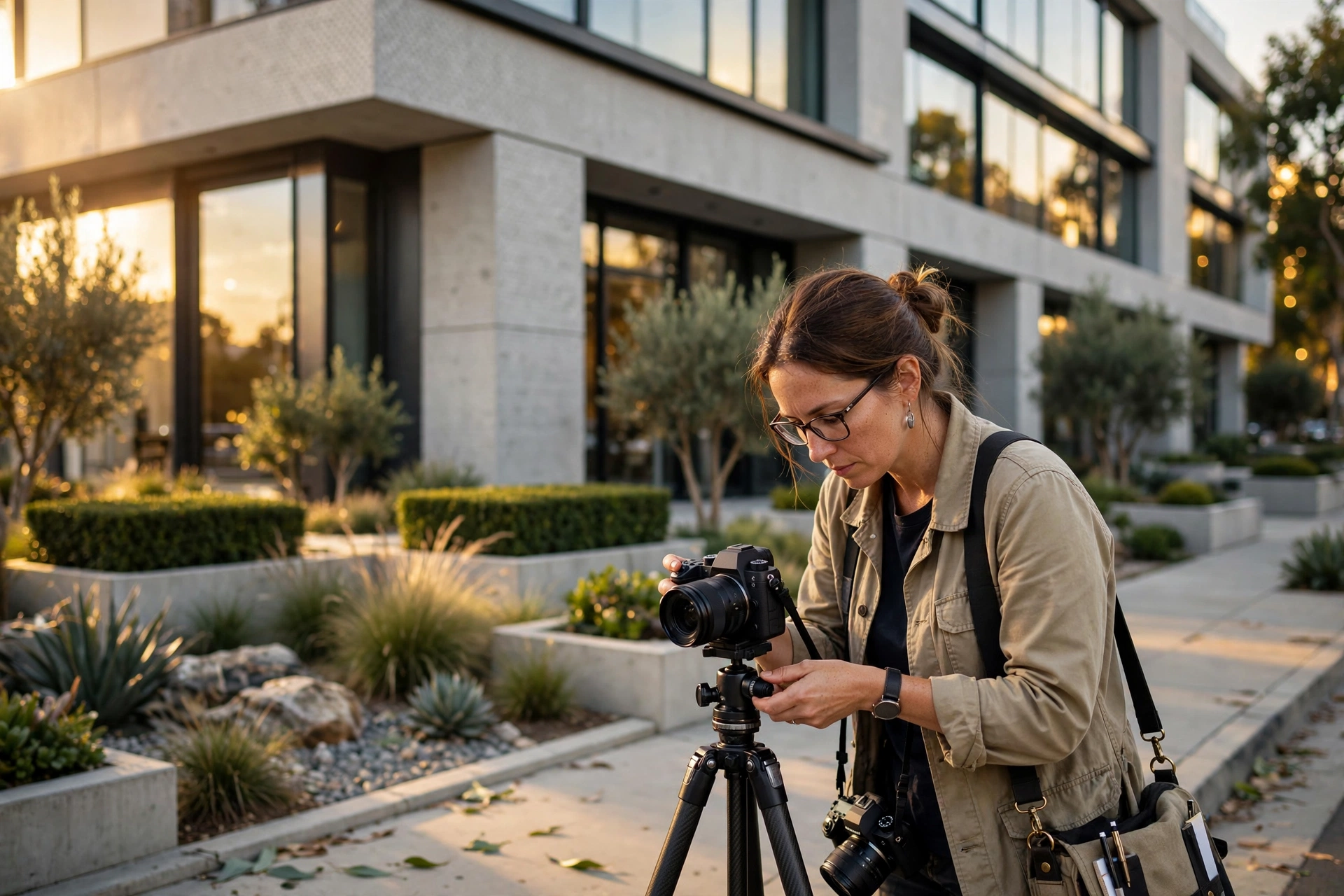
The quality of your virtual staging is only as good as your base photo. You must take wide-angle shots that capture the entire room, preferably from a corner or a doorway. Ensure the room is decluttered and the lighting is even. Avoid using heavy filters; the AI needs a natural color profile to match the furniture lighting correctly. If the photos are dull, you might first need Real Estate Image Processing to brighten the shadows and balance the white point.
Step 2: Define the Room's Purpose and Target Buyer
Don't just "add furniture." Determine who the buyer is. Is this a luxury penthouse for a tech executive or a cozy suburban home for a growing family? This dictates whether you choose a sleek Italian leather sofa or a plush sectional. Use a mood board to decide on the color palette before uploading the images to your tool.
Step 3: Use an AI-Powered Staging Tool
This is where the heavy lifting happens. I highly recommend using RealVisionAI Blog - AI Real Estate Photography & Virtual Staging. Their platform allows you to upload a photo and select a design style. The AI automatically calculates the room's dimensions and places the furniture in a way that maintains realistic perspective. The "Market-Ready Listing Visuals in 12 Seconds" promise is a game-changer for agents who need to get a property live on the MLS immediately.
Step 4: Refine and Audit the Scale
The most common mistake I see is "furniture scaling errors"—where a coffee table looks like it belongs in a dollhouse or a bed takes up 90% of the room. Always double-check the proportions. Ensure there is enough "walk space" around the furniture in the image to convey a sense of openness.
Step 5: Disclosure and Integration
Ethical real estate practices require a disclosure that images have been virtually staged. A simple watermark or a caption stating "Virtually Staged" protects the agent and the broker from accusations of misrepresentation. Once finalized, these images should be the primary focal points of your Property Listing Optimization strategy.
💡
Key Takeaway
The goal of virtual staging is not to deceive, but to demonstrate the highest and best use of a space. The most effective listings use a mix of vacant and staged photos to provide a transparent yet inspiring view of the property.

Choosing Your Method: Traditional vs. Cheap AI vs. Professional AI
Not all staging solutions are created equal. Many agents fall into the trap of using free, low-quality tools that result in "uncanny valley" images—furniture that looks like it's floating or textures that look like plastic.
| Feature | Traditional Staging | Generic/Cheap AI | RealVisionAI Approach |
|---|---|---|---|
| Cost | Very High ($$$$) | Very Low ($) | Moderate/Scalable ($$) |
| Turnaround | Days/Weeks | Minutes | 12 Seconds |
| Realism | Perfect (Physical) | Low (Hallucinations) | High (Pro-Grade Rendering) |
| Flexibility | None (Fixed Furniture) | High | High |
| Best For | Ultra-Luxury Showings | Low-End Rentals | Mid-to-High End Residential |
When you use a professional service like RealVisionAI Blog - AI Real Estate Photography & Virtual Staging, you are paying for the intersection of computer vision and interior design. Generic AI often misses the "shadow cast"—the way a sofa should cast a soft shadow on a hardwood floor. Without that shadow, the brain immediately recognizes the image as fake, which can actually create a subconscious distrust in the buyer.
If you are undecided on which path to take, checking the AI Property Enhancement: Pricing and Value Guide can help you quantify the ROI based on your average commission and listing volume.
Common Misconceptions About Virtual Staging
Most guides get this wrong by suggesting that you should stage every single photo. That is a mistake. Here are the primary myths debunked.
Myth 1: "Virtually staged photos are deceptive and illegal."
Actually, as long as you provide a disclaimer, it is a standard industry practice. It's no different from using a wide-angle lens or brightening a photo. The key is to stage the room based on furniture that could realistically fit, rather than digitally removing a wall to make the room look larger.
Myth 2: "AI staging looks fake and buyers can tell."
This was true in 2021. However, by 2026, the integration of advanced lighting engines has made it nearly impossible to distinguish a professional AI render from a physical photo. The only way a photo looks "fake" is if the agent uses a low-quality tool that doesn't handle perspective mapping.
Myth 3: "It's only for empty homes."
Incorrect. "Virtual decluttering" is a subset of residential virtual staging. In my experience, some of the most successful projects involve taking a photo of a room filled with 30 years of clutter and digitally replacing it with a clean, staged environment. This is often more effective than staging a vacant home because it solves a primary pain point: the buyer's inability to see past the current owner's mess.
Myth 4: "You don't need a photographer if you use AI."
This is a dangerous assumption. AI cannot "invent" a room; it needs a high-quality base. A professional photographer understands the angles and lighting needed to make the subsequent virtual staging look seamless. Using a blurry phone photo as a base will lead to a low-quality result regardless of the AI used.
Frequently Asked Questions
How do I ensure the furniture in my residential virtual staging looks realistic?
The secret to realism lies in three factors: lighting, shadow, and scale. Lighting must match the direction of the natural light coming from the windows in the photo. Shadows must be "soft" and anchored to the floor to prevent the furniture from appearing as if it is floating. Finally, the scale must be mathematically accurate; if a standard king-size bed is placed in a room and it touches both walls, the room will feel cramped. A professional tool like RealVisionAI handles these calculations automatically, ensuring that the furniture respects the architectural boundaries of the space.
Can virtual staging actually increase the final sale price of a home?
Yes, it can. By presenting the home's maximum potential, you attract a wider pool of buyers who are emotionally invested in the "lifestyle" the home offers. According to industry benchmarks, homes that are staged—whether physically or virtually—tend to sell for a premium because the perceived value increases. When buyers don't have to do the mental labor of imagining where the furniture goes, they are more likely to make a higher, more confident offer. This is a core reason why many agents consider Investing in AI Property Enhancement for Real Estate as a necessary business expense.
What is the difference between virtual staging and 3D rendering?
Virtual staging typically starts with a real photograph of an existing room and "layers" furniture on top of it. 3D rendering, on the other hand, is the creation of a room from scratch using architectural blueprints (CAD files). Virtual staging is ideal for existing properties that are currently for sale, while 3D rendering is used for homes that haven't been built yet (pre-construction). For an active listing, virtual staging is the faster, more cost-effective, and more authentic choice.
Is it better to stage a few rooms or the entire house?
I recommend a hybrid approach. Stage the "hero" rooms—the living room, the primary bedroom, and the main dining area. These are the rooms that sell the lifestyle. For utility spaces like laundry rooms or bathrooms, leave them vacant but ensure they are professionally cleaned and brightly lit. Over-staging every single corner of a house can sometimes feel artificial and may lead buyers to feel that the agent is trying too hard to hide something. Focus on the areas where the buyer spends 80% of their time.
How long does it take to get virtually staged photos back?
In the past, this took 48 to 72 hours as a human designer had to manually mask the image. However, with the latest AI advancements in 2026, this has been reduced to seconds. Using the RealVisionAI Blog - AI Real Estate Photography & Virtual Staging platform, you can generate market-ready visuals in approximately 12 seconds. This allows agents to update their listings in real-time as they move through different staging styles to see what resonates most with their target audience.
Final Thoughts on Residential Virtual Staging
Mastering the use of residential virtual staging is no longer a "bonus" skill; it is a fundamental requirement for any agent wanting to stay competitive in 2026. By shifting the buyer's focus from the emptiness of a room to the potential of a lifestyle, you drastically reduce the friction in the sales process. Whether you are dealing with a luxury estate or a starter home, the ability to instantly visualize a curated space is the most effective way to drive engagement and increase offer prices.
To begin transforming your listings, avoid the trial-and-error of cheap apps and move toward a professional ecosystem. For an immediate upgrade in your visual marketing, visit RealVisionAI Blog - AI Real Estate Photography & Virtual Staging and experience the power of 12-second market-ready visuals. If you are still analyzing your budget, you can explore our AI Property Enhancement Pricing Guide to see how the costs compare to traditional methods.
Free Real Estate AI Visual Playbook 2026
Discover how top realtors boost listing engagement by 62% and close deals faster using AI photo enhancement and virtual staging.