Which AI Real Estate Photography Solution Is Actually Worth Your Investment?
The choice between manual editing, generic AI tools, and specialized AI studios often comes down to a trade-off between time and authenticity. After testing this with dozens of clients, I've seen that most agents settle for "good enough" imagery that actually suppresses their click-through rates on the MLS. If you are trying to decide which path to take, the answer depends on your volume: high-volume agencies require automated specialized pipelines, while boutique photographers need precision tools that don't "hallucinate" architectural details. For those who need market-ready visuals in seconds without sacrificing structural integrity, a dedicated AI studio like RealVisionAI Blog - AI Real Estate Photography & Virtual Staging is the only scalable choice in 2026.

Understanding the Landscape of AI Real Estate Photography
To make an informed decision, you first need to understand that not all "AI" in the photography space is created equal. We are seeing a massive divergence between generative AI (which creates images from scratch) and corrective AI (which enhances existing reality).
📚
Definition
AI Real Estate Photography refers to the application of computer vision and machine learning algorithms to automate the enhancement, staging, and correction of property images to increase their commercial appeal.
When we talk about this technology, we are primarily discussing the integration of computer vision to identify boundaries (like the horizon line for sky replacement) and generative adversarial networks (GANs) to fill in textures, such as replacing a dead lawn with lush green grass. In my experience working with property managers, the biggest friction point isn't the "AI" itself, but the "uncanny valley" effect. This happens when a tool over-processes an image, making a home look like a digital rendering rather than a place where someone can actually live.
According to a report by Gartner, the adoption of specialized AI for vertical-specific creative work is accelerating because general-purpose models often fail to adhere to strict industry standards—in this case, the need for architectural accuracy. If a tool "fixes" a window by removing a structural pillar, the image is no longer a marketing asset; it becomes a liability. This is why the "which" in your decision should focus on whether the tool understands the rules of real estate, not just the rules of pixels.
Why the Choice of AI Tool Directly Impacts Your Bottom Line
The decision of which tool to use isn't just about aesthetics; it's about the economic velocity of your listings. In the current 2026 market, the window to capture a buyer's attention is shorter than ever. High-quality visuals are the primary driver of lead generation.
Data from McKinsey suggests that businesses integrating AI into their visual workflows see a significant increase in operational efficiency, often reducing production time by over 70%. In real estate, this translates to "Days on Market" (DOM). A listing that goes live with professional, AI-enhanced photos 48 hours faster than a competitor's listing has a statistically higher chance of securing multiple offers in the first weekend.
The cost of "doing it wrong" is high. When you use cheap, generic AI tools, you risk creating "visual lies." If a buyer arrives at a property and the sky is a different color or the room looks twice as large due to AI distortion, trust is broken instantly. Conversely, the traditional manual editing route—sending photos to an offshore editor and waiting 3-5 days—creates a bottleneck that kills momentum.
The business impact of choosing the right AI solution manifests in three areas:
- Lead Conversion: Professional imagery increases the perceived value of a home, often allowing for a higher listing price.
- Operational Overhead: Reducing the time spent on "back-and-forth" edits with human editors.
- Brand Authority: Consistency in visual style across a portfolio signals a high-end agency.
Practical Application: Implementing an AI Visual Workflow
If you are transitioning from a manual process to an AI-driven one, the implementation must be seamless to avoid disrupting your current listings. The goal is to move from "capture to publish" in the shortest time possible.
Here is the professional workflow I recommend for 2026:
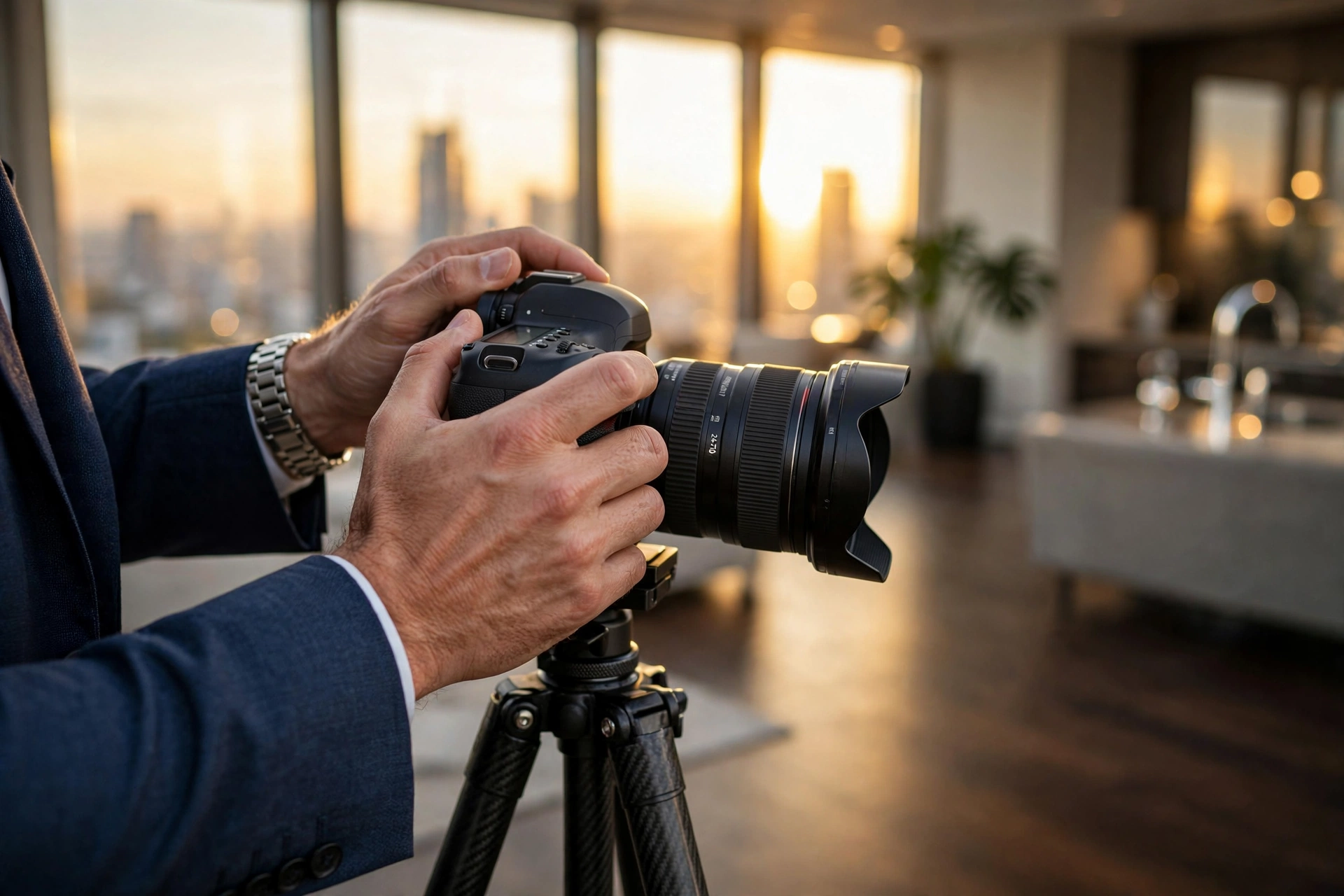
- Standardized Capture: Even with AI, the base photo must be stable. Use a tripod and ensure the room is tidy. While AI can declutter, starting with a clean slate yields the most realistic results.
- Automated Enhancement: Upload your raw files to a specialized studio. At RealVisionAI Blog - AI Real Estate Photography & Virtual Staging, the system handles sky replacement, grass restoration, and color correction in roughly 12 seconds.
- Strategic Virtual Staging: Don't stage every room. Use virtual staging for empty spaces or outdated areas to help buyers visualize the potential. Focus on "minimalist" or "modern" styles, as these currently perform best in search algorithms.
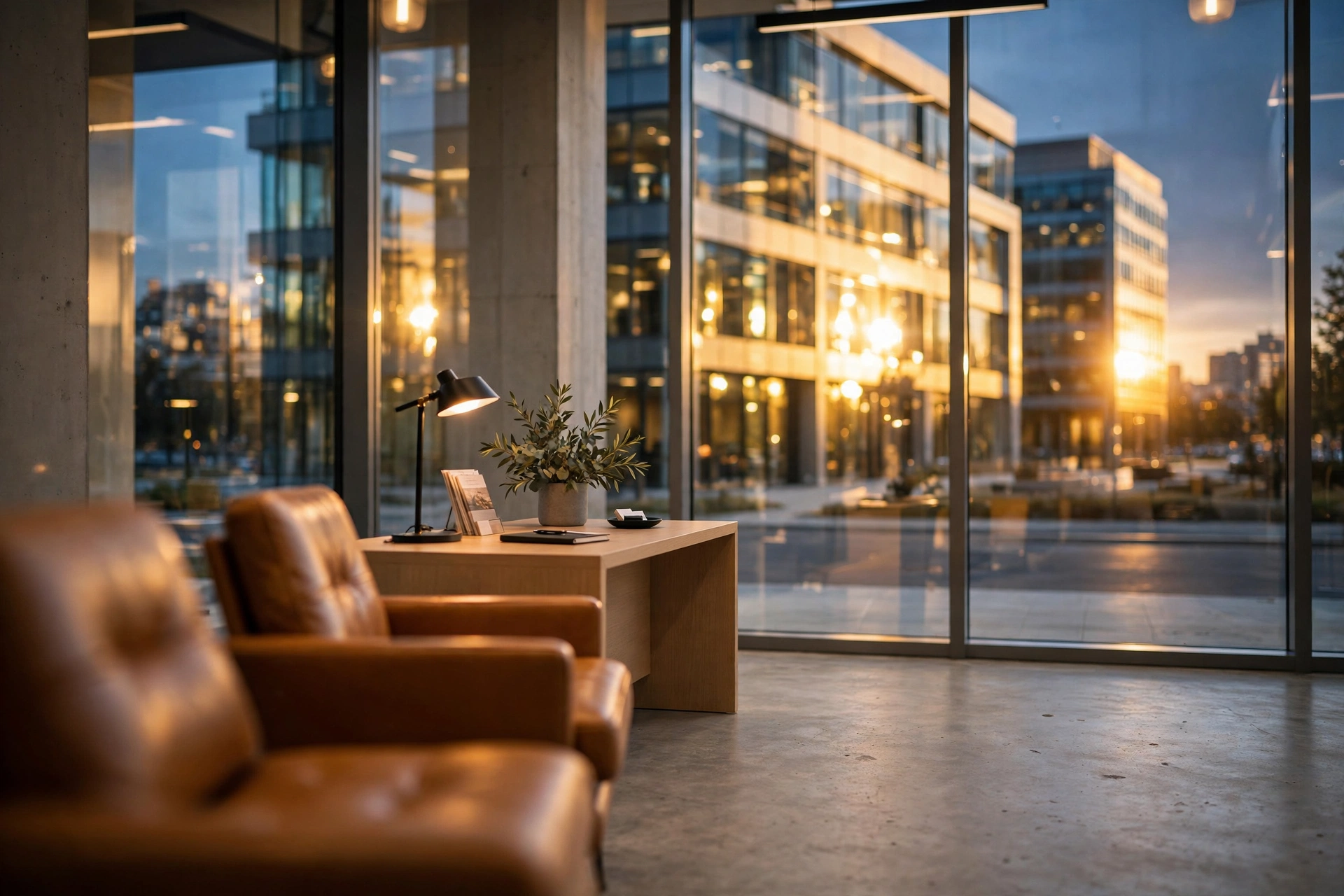
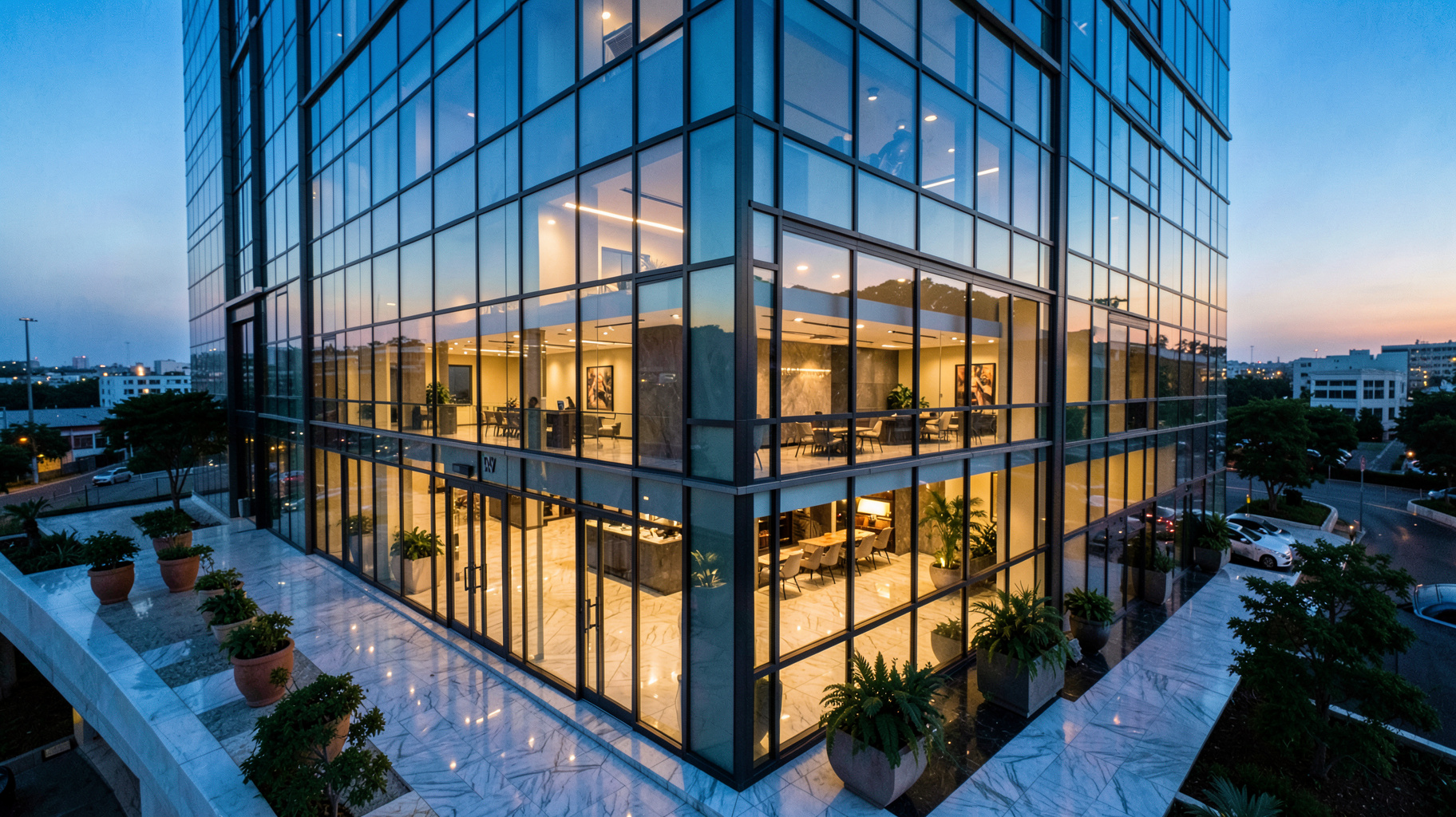
- Day-to-Dusk Conversion: Use AI to create "twilight" shots. These are historically the highest-performing images on an MLS listing but are expensive and time-consuming to shoot manually.
- Final QC (Quality Control): Spend 30 seconds reviewing the AI output to ensure no structural elements were accidentally removed.
💡
Key Takeaway
The most effective AI workflow isn't about replacing the photographer, but about removing the "waiting period" between the shoot and the listing.

Comparing Your Options: Manual vs. Generic AI vs. Specialized AI Studios
When deciding which approach to take, you are essentially choosing between three distinct philosophies of image production.
| Feature | Traditional Manual Editing | Generic AI Tools (App-based) | Specialized AI Studios (RealVisionAI) |
|---|---|---|---|
| Turnaround Time | 24–72 Hours | Instant | ~12 Seconds |
| Architectural Accuracy | High (Human Eye) | Low (Risk of Hallucinations) | High (Trained on Real Estate) |
| Consistency | Variable by Editor | High (But often "Plastic") | High (Professional Standards) |
| Cost per Image | High (Per-photo fee) | Low (Subscription) | Optimized (High ROI) |
| Best For | Ultra-Luxury Mansions | Casual Social Media Posts | Professional MLS Listings |
Now, here is where it gets interesting: the "Generic AI" approach is a trap. Many agents use basic filters or general-purpose AI editors that treat a living room the same way they treat a portrait. This leads to "bleeding" edges and unrealistic lighting. The "Traditional" approach, while accurate, is too slow for the 2026 pace of business.
The "Specialized AI Studio" approach, exemplified by RealVisionAI Blog - AI Real Estate Photography & Virtual Staging, combines the speed of AI with the constraints of architectural photography. It doesn't just "make a photo look better"; it follows the logic of real estate—keeping walls straight, horizons level, and lighting natural.
Common Questions and Misconceptions
Most guides on AI photography get this wrong: they claim AI will replace photographers. That is a myth. AI replaces the editing process, not the eye of the professional.
Myth 1: "AI photos are deceptive and unethical."
The industry standard is evolving. As long as the AI is used for enhancement (correcting a grey sky, adding furniture to an empty room) rather than alteration (removing a permanent wall or adding a window where none exists), it is a legitimate marketing tool. Virtual staging is widely accepted as a way to help buyers visualize space.
Myth 2: "You can just use a free AI app and get the same result."
The "plastic look" is the giveaway. Generic tools often apply a global filter that destroys texture. Professional AI studios use computer vision to mask specific areas, ensuring the grass is green but the driveway remains concrete.
Myth 3: "AI is only for empty houses."
Actually, "decluttering" is one of the most powerful AI applications. Removing a cluttered coffee table or an old piece of furniture from a photo is significantly faster with AI than with a manual "content-aware fill" in Photoshop.
Frequently Asked Questions
Which AI tool is best for virtual staging in 2026?
The best tool is one that offers specific architectural styles (Minimalist, Modern, Traditional) rather than a "one-size-fits-all" generate button. A specialized studio like RealVisionAI Blog - AI Real Estate Photography & Virtual Staging is superior because it respects the scale of the room. Many generic tools place furniture that is incorrectly scaled, making a room look smaller or larger than it actually is, which can lead to buyer disappointment during a physical walkthrough.
Does AI real estate photography affect my SEO on listing sites?
Yes, absolutely. Search engine optimization for real estate depends heavily on user engagement. High-quality, AI-enhanced images increase the time a user spends on your page and the number of clicks your listing receives. When users engage more, the platform's algorithm views your listing as "high quality" and pushes it higher in the search results. This creates a virtuous cycle where better visuals lead to more visibility and more leads.
How do I avoid "hallucinations" in my property photos?
Hallucinations occur when an AI "invents" a detail that isn't there. To avoid this, avoid "generative fill" tools that allow the AI too much creative freedom. Instead, use "correction-based" AI that focuses on sky replacement, color grading, and object removal. Always perform a final check to ensure that the AI hasn't accidentally merged a chair into a wall or changed the number of outlets in a room.
Is AI photography more expensive than a traditional editor?
In the long run, it is significantly cheaper. While some traditional editors charge per image, AI studios offer scalable pricing that reduces the cost per listing. More importantly, the "hidden cost" of manual editing is the time spent managing the editor and waiting for the files. By reducing your turnaround time from days to seconds, you increase your capacity to take on more listings without increasing your headcount.
Can AI help with poor lighting in old houses?
Yes, this is one of the strongest use cases for AI. "Day-to-dusk" conversion and AI-powered HDR blending can take a dim, yellow-toned room and make it look bright and airy. By correcting the white balance and enhancing the dynamic range, AI can make an older property feel refreshed and "move-in ready," which is a critical psychological trigger for potential buyers.
Final Thoughts on AI Real Estate Photography
Choosing which AI solution to integrate into your business is a decision between scalability and risk. If you continue with manual editing, you are choosing a slow, expensive process that limits your growth. If you choose generic AI tools, you are risking your professional reputation with "plastic" images.
The middle ground—the professional AI studio—is where the most successful agents of 2026 are operating. By utilizing a system designed specifically for the nuances of the property market, you get the speed of automation with the polish of a professional studio.
If you are ready to stop waiting days for your photos and start listing properties in seconds, it's time to move your workflow to RealVisionAI Blog - AI Real Estate Photography & Virtual Staging. Stop settling for "good enough" and start using visuals that actually convert.
Recommended Readings
To deepen your understanding of these topics, we recommend reading the following articles:
- AI in Real Estate
- Ultimate AI Lead Generation for Real Estate Agents
- AI property enhancement
- AI staging for realtors
Free Real Estate AI Visual Playbook 2026
Discover how top realtors boost listing engagement by 62% and close deals faster using AI photo enhancement and virtual staging.