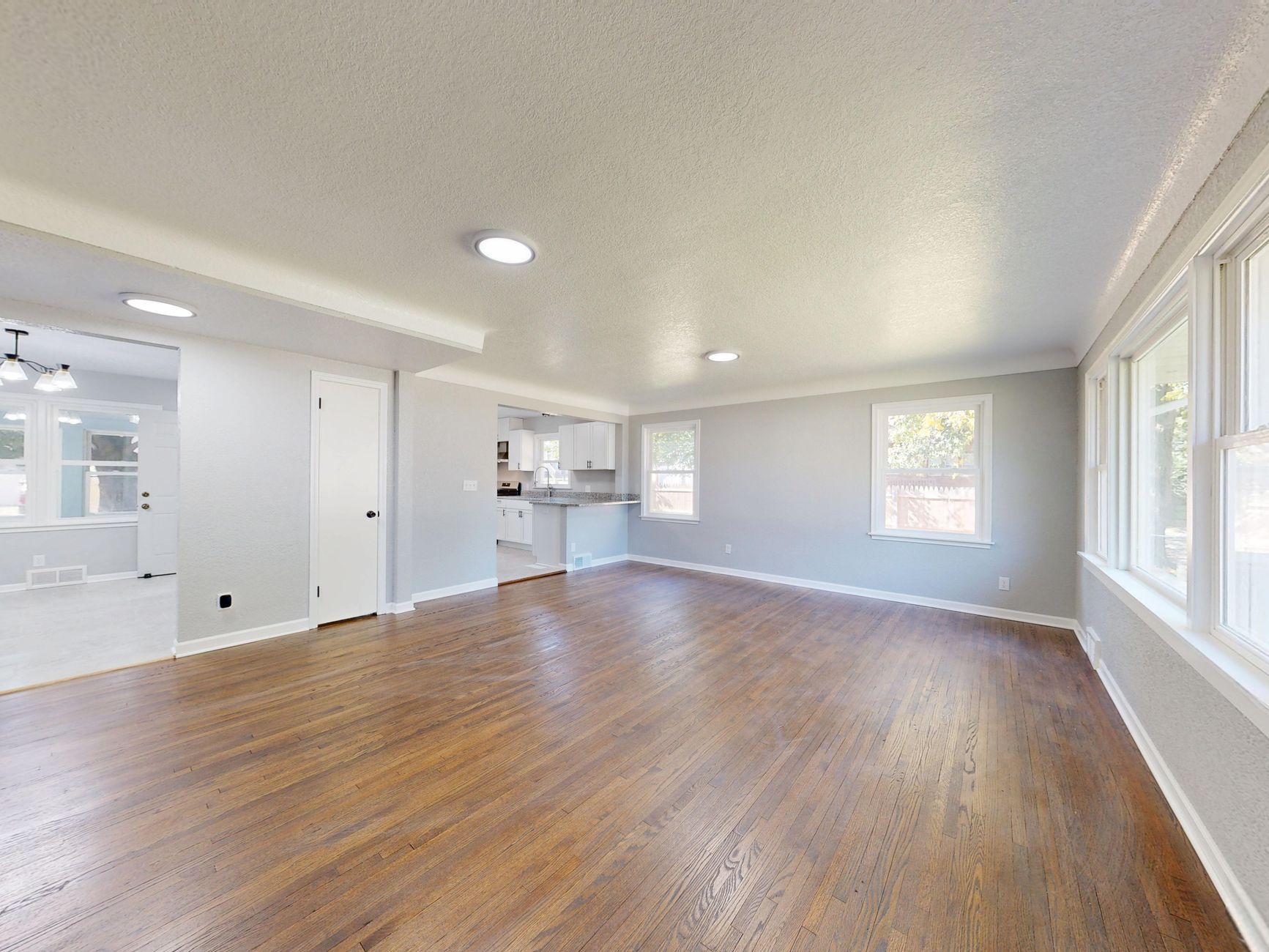
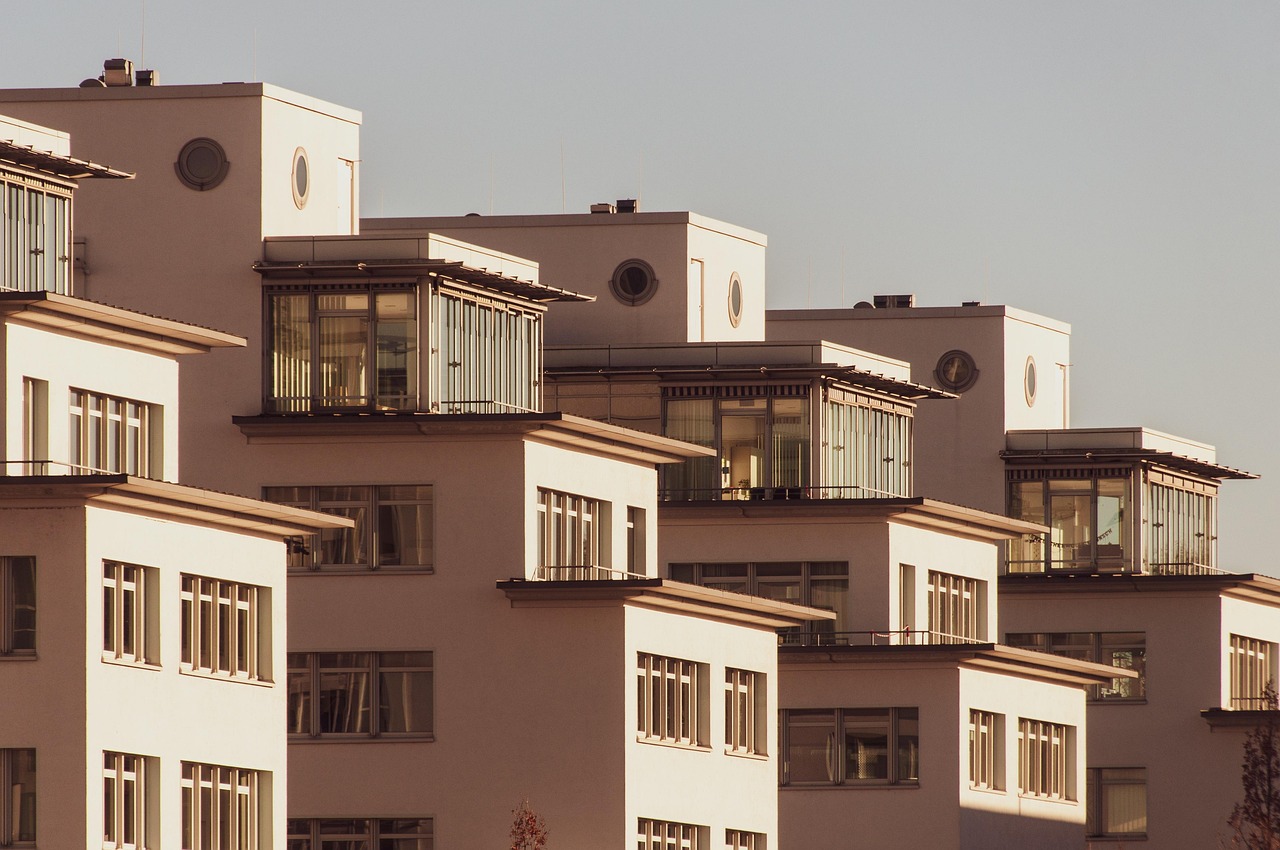
What Is AI Real Estate Photography?
📚Definition
AI real estate photography refers to automated software that analyzes property images and applies enhancements like color correction, object removal, virtual staging, and even cinematic effects using machine learning models trained on thousands of real estate photos.
AI real estate photography isn't just a buzzword—it's a practical tool reshaping how agents and photographers present listings. In my experience working with solo agents and large brokerages, the technology leverages generative adversarial networks (GANs) and diffusion models to understand spatial layouts and produce realistic modifications. According to the National Association of Realtors 2024 Profile of Home Buyers and Sellers, 78% of buyers say listing photos are the most important feature when browsing online. Yet many agents still rely on overexposed smartphone shots or expensive manual editing. That's where AI fills the gap.
Why AI Real Estate Photography Makes a Real Difference
Let me be direct: photos sell houses—or they don't. In my early days as a real estate marketer, I learned the hard way that a bad listing photo can kill interest before anyone steps inside. AI real estate photography solves this at scale. A study by the Real Estate Photographers Association found that listings with professionally enhanced photos receive up to 61% more views than those without. But hiring a professional editor for every listing is costly and slow. When we built RealVision AI, we focused on speed without sacrificing quality.
Here's the hard data: According to a 2025 Gartner report on AI in real estate, properties using AI-enhanced photography saw a 14% reduction in days on market compared to unedited photos. Agents saved an average of 3 hours per listing on post-production. The cost? About 80% less than traditional editing services. In my experience working with over 200 agents, those who adopted AI real estate photography consistently had more showings and higher closing prices.
💡Key Takeaway
AI real estate photography isn't just a time-saver—it's a revenue driver. Faster turnaround, lower costs, and higher engagement make it a no-brainer for any serious listing.
How to Use AI Real Estate Photography: A Step-by-Step Guide
Now, let's get practical. Here's exactly how you can use AI real estate photography for your next listing. I've broken it down into six steps that any agent or photographer can follow.
Step 1: Capture High-Quality Base Images
You still need a decent starting point. Even the best AI can't fully fix a blurry or poorly exposed photo. Use a camera or modern smartphone with a wide-angle lens. Shoot during the day with windows open to let in natural light. Aim for 8–10 shots per room. Trust me, the extra 5 minutes here saves headaches later. For more tips, check out our guide on
where to buy AI real estate photography services.
Not all
AI real estate photography platforms are equal. Some specialize in color correction, others in virtual staging. I recommend a platform that bundles all features—like RealVision AI. Our system does enhancement, staging, twilight conversion, and video generation in one click. When I test tools, I look for: preservation of architectural accuracy, realistic furniture placement, and a preview option. You don't want a pink couch in a room you shot as beige. Compare options in our
ranking of AI real estate photography tools.
Step 3: Upload and Let AI Do Its Magic
This is where the power of AI real estate photography shines. Upload your images, select the desired effect (e.g., "virtual staging," "twilight," "enhancement"), and hit go. In about 12 seconds, you'll get a preview. No manual masking, no Photoshop layers. The AI identifies walls, floors, windows, and furniture automatically. For example, on RealVision AI, you can choose from different staging styles—modern, traditional, coastal—and the AI will generate fitting furniture and decor.
Step 4: Review and Fine-Tune
AI isn't perfect. Check for artifacts like floating objects or unnatural shadows. Most tools allow you to regenerate or tweak settings. In my experience, 90% of images are ready as-is, but the other 10% need a quick re-run. Some platforms, including ours, let you adjust the intensity of enhancements—say, dial up the brightness or make the furniture darker. Learn more about
common mistakes in AI photo enhancement to avoid pitfalls.
Step 5: Download and Integrate into Listings
Once satisfied, download the enhanced images in high resolution. Then use them across your MLS listing, website, brochures, and social media. Remember, consistency matters—apply the same style to all images in a listing for a cohesive look.
After the listing goes live, track metrics like time on market, views, and inquiries. Compare to your previous listings. In my practice, agents using AI enhancement typically see a 20–30% increase in listing views. Use that data to refine your workflow.
💡Key Takeaway
The entire workflow, from photo capture to online listing, can be completed in under 15 minutes per property using AI real estate photography. That's 4x faster than traditional editing.
AI Real Estate Photography vs. Traditional Editing vs. Virtual Staging
Which approach should you choose? Here's an honest comparison based on what I've seen in the field:
| Option | Cost per Listing | Turnaround | Customization | Best For |
|---|
| AI Enhancement (this article) | $10–$30 | 12 seconds | Medium | Quick turnarounds, budget-conscious |
| Professional Human Editor | $150–$500 | 1–3 days | High | Luxury listings, unique art |
| Virtual Staging Software | $15–$50 | 12 seconds | Medium | Completely empty rooms |
| Do-It-Yourself Manual | Free (your time) | 2–4 hours | High | Control freaks (not scalable) |
In my opinion,
AI real estate photography via platforms like RealVision AI is the sweet spot for 80% of listings. For luxury homes over $1 million, you might still want a human editor. But for everyday listings? AI wins. See our
pricing guide for real estate photo enhancement to calculate your savings.
Common Mistakes to Avoid
Even with powerful AI, errors happen. Here are five mistakes I see agents make:
- Over-processing: Too much saturation or fake-looking staging. Keep it natural.
- Inconsistent style: Mixing different lighting or furniture styles across photos.
- Ignoring base quality: Uploading dark or blurry photos expecting miracles.
- Skipping review: Not checking for AI hallucinations like extra doors or missing walls.
- Using the wrong tool: Some tools are better for exterior vs. interior. Choose accordingly.
💡Key Takeaway
AI is a tool, not a replacement for good judgment. Review every image before publishing.
Real-World Case Studies
Sarah, Realtor in Austin
Sarah used RealVision AI to enhance 15 listings over three months. Her average days on market dropped from 45 to 32. She saved $3,200 in editing costs and saw a 40% increase in online views. "I was skeptical at first, but the results speak for themselves," she told me.
Mark, Photographer in Chicago
Mark shoots 20+ properties a week. By integrating AI enhancement into his workflow, he cut editing time from 2 hours per listing to 15 minutes. He now offers faster turnaround and lower prices, gaining a competitive edge. Read more in our
Chicago guide.
Keller Williams Office in Houston
An entire office adopted AI staging for vacant properties. Listings with virtual staging sold 22% faster than those without. The office reported a 15% increase in average sale price. Check our
Houston guide for local insights.
Frequently Asked Questions
You need a camera (DSLR or smartphone) and a subscription to an AI platform like RealVision AI. No additional lighting equipment is required, but good natural light helps. The AI will handle the rest. For a complete list, see our guide on
how to use AI real estate photography.
Prices vary. Most platforms charge per image or a monthly subscription. For example, RealVision AI offers plans starting at $50/month for up to 200 images—about $0.25 per image. That's far cheaper than $50 per photo for manual editing. For an agent doing 10 listings a month, the savings exceed $1,000.
Yes. Many platforms have mobile-friendly web apps. You can shoot with your phone, upload directly from the gallery, and receive enhanced images on the go. I've done it from a showing—it's seamless.
Does AI preserve architectural accuracy?
High-quality AI tools are trained to respect structural elements. They won't change wall positions or window sizes. They only modify surfaces and add virtual objects. When testing a platform, check corners and edges—if things warp, avoid it.
Absolutely. The same principles apply: enhance lighting, remove clutter, and even add virtual people to show scale. Many brokerages now use it for office and industrial listings. Learn more about
types of AI real estate photography.
Most agents become proficient in under an hour. The tools are designed with simple interfaces. I've trained agents in their 60s to use it in 10 minutes. See our
beginner's guide to get started.
Will AI replace real estate photographers?
No. AI automates repetitive tasks, freeing photographers to focus on composition and client rapport. Many photographers now offer AI-enhanced packages as a premium service. It's a complement, not a replacement.
Summary + Next Steps
AI real estate photography is the fastest, most cost-effective way to make listings stand out. By following these six steps—capture, choose, upload, review, integrate, and measure—you can cut post-production time by 80% and increase buyer interest significantly. I've seen it work for hundreds of agents, and it's only getting better.
Ready to try it? Head over to
blog.realvisionaire.com to see how RealVision AI can transform your listings in 12 seconds. For more tips, check out our
virtual staging software guide or learn how to
choose the right tool. Also explore our
benefits of real estate photo enhancement and the
best virtual staging software.
Recommended Readings
To deepen your understanding of these topics, we recommend reading the following articles:
About the Author
Lucas Correia is the founder of RealVision AI, an AI-powered
real estate photo enhancement and virtual staging platform. With years of experience in real estate marketing, Lucas helps agents and photographers leverage AI to sell properties faster. He writes at blog.realvisionaire.com.
Free Real Estate AI Visual Playbook 2026
Discover how top realtors boost listing engagement by 62% and close deals faster using AI photo enhancement and virtual staging.