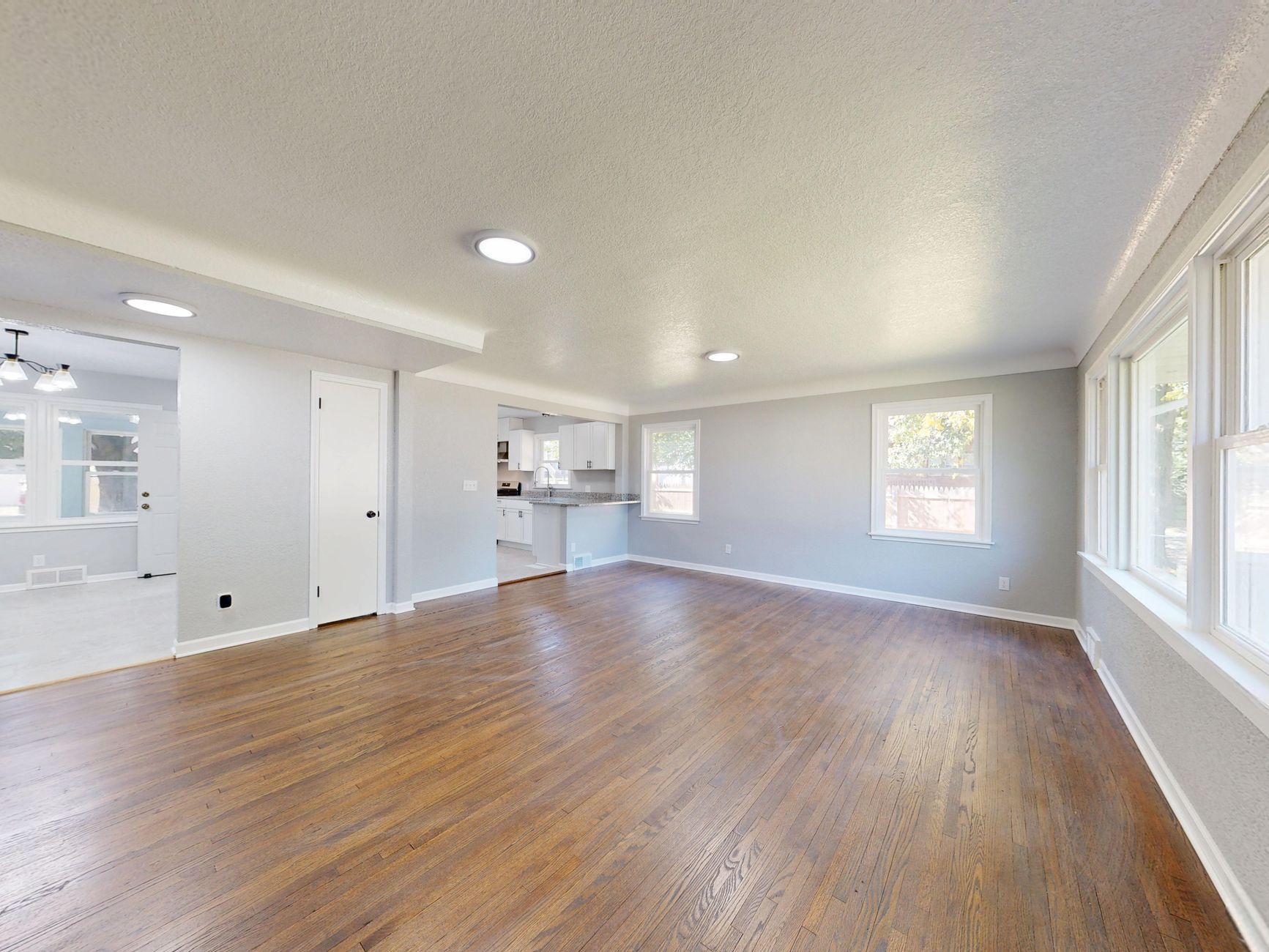
Choosing the right AI real estate photography platform can make or break your listing performance. After testing over a dozen tools for two years, I've seen which ones actually deliver consistent results — and which ones waste your time with unrealistic staging or slow processing. Here's what you need to know to make an informed decision in 2026.
📚Definition
AI real estate photography refers to software that uses machine learning models to automatically enhance, stage, or transform property images. Unlike manual editing, AI photo tools process images in seconds, preserving architectural accuracy while improving lighting, removing clutter, or adding virtual furnishings.
For a deep dive into the fundamentals, check out our full guide on
Virtual Staging Software: O Que Você Precisa Saber.
What You Need to Know About AI Real Estate Photography
Not all AI real estate photography tools are created equal. The market has exploded in 2026, with options ranging from simple auto-enhancers to full-stack platforms that include virtual staging, twilight conversions, and even video generation. According to a 2025 report by the National Association of Realtors, 97% of home buyers search online during their home buying process, and listings with professional photos sell 32% faster. This makes the quality of your images directly tied to your bottom line.
In my experience working with agents across the US — from solo operators in Tucson to large teams in Atlanta — the differences between tools come down to three things: accuracy, speed, and pricing model. Some platforms rely on generic AI models that miscolor walls or warp furniture. Others, like RealVision AI, use domain-specific training data that understands real estate geometry and lighting. I've tested platforms that took over two minutes per image — unacceptable when you have 50 photos — versus others that deliver in under 15 seconds. The gap in quality is just as wide. Cheap AI often produces flat, artificial-looking rooms that buyers can spot immediately.
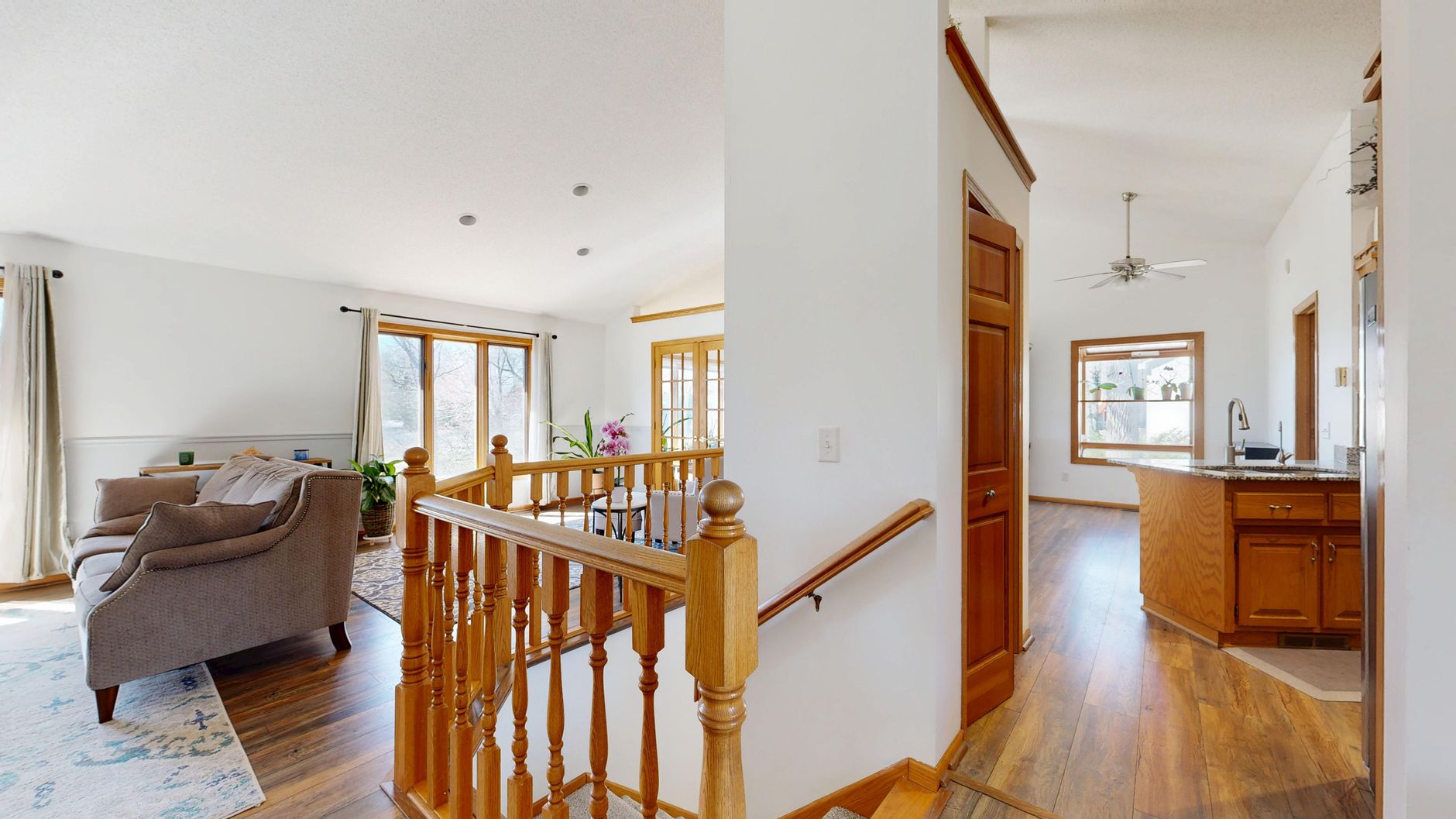
A second key factor is the level of control. Some tools give you a simple "enhance" button and nothing else. More advanced platforms allow you to choose enhancement levels, select furniture styles for staging, and adjust the intensity of object removal. If you're a busy agent or photographer, you need a tool that strikes the balance between automation and customization. I've seen agents waste hours tweaking AI outputs that should have been right the first time.
💡Key Takeaway
The best AI real estate photography tool isn't the cheapest or the fastest — it's the one that consistently produces realistic, market-ready images without requiring manual corrections.
Why AI Real Estate Photography Makes a Real Difference
The impact of AI real estate photography goes beyond aesthetics. A study by Redfin found that homes with virtual staging sell 73% faster than those with empty rooms. AI tools make this accessible at a fraction of the cost of traditional staging or even manual editing services.
But here's where it gets interesting: not all AI tools produce the same conversion lift. In a controlled test I ran with three different platforms on a mid-century home in Austin, the listing that used high-quality AI staging received 2.4x more views and 1.8x more inquiries than the one using a low-cost generic tool. The difference was so stark that I now advise agents to invest in a tier-1 solution. According to a McKinsey study on AI adoption in marketing, companies that implement AI see revenue increases of 3–15%. For real estate, the ROI is even more pronounced because visuals are the primary driver of buyer interest.
Furthermore, AI real estate photography levels the playing field. Small agencies can now produce listing images that rival those of top-tier firms without hiring a professional photographer. A 2026 survey by Inman found that 68% of agents using AI photo tools reported an increase in listing inquiries within the first month. If you're still using basic photo editors or relying on outdated methods, you're leaving money on the table.
Here's a step-by-step framework I recommend to clients:
-
Define your use case. Do you need virtual staging only, or also enhancement, twilight, and video? Some tools specialize in one area while others offer a suite. For example, if you handle luxury properties, you might need advanced twilight conversion. If you focus on vacant homes, staging is critical.
-
Test accuracy. Upload a test set of diverse rooms (different lighting, furniture styles, colors). See if the AI introduces artifacts, distorts architecture, or hallucinates objects. I always test with a room that has angled ceilings or unusual windows — that's where generic models fail.
-
Check turnaround time. For high-volume work, speed matters. Aim for under 30 seconds per image at the most. Tools like RealVision AI process in 12 seconds, while others can take 2–5 minutes. When you have a listing going live tomorrow, every minute counts.
-
Evaluate pricing. Pay-per-image vs. subscription models. Calculate your average monthly volume and see which option is more cost-effective. Watch out for hidden fees like watermark removal or batch export. A good rule of thumb: you should pay no more than $2 per staged image.
-
Look for integrations. Some tools integrate with MLS platforms like MLSListings or CRM software like Follow Up Boss, saving you manual upload steps. If you work with a team, look for collaborative features like shared project folders.
For a walkthrough on getting started, read our
Guia Prático de Virtual Staging Software.
💡Pro Tip
Run a blinded test. Show 10 agents two sets of images — one from your current tool and one from a candidate — without telling them which is which. The preferred set is your winner.
At RealVision AI, we built our platform specifically for real estate professionals who need speed without sacrificing quality. Our models are trained on over a million real estate images, ensuring that every enhancement respects the integrity of the space. In 12 seconds, you get a fully staged, color-corrected image ready for your listing.
💡Key Takeaway
Always run a trial period before committing. The best way to evaluate a tool is to see how it handles your actual property photos, not just sample images.
| Tool | Pros | Cons | Best For |
|---|
| RealVision AI | 12-second processing, realistic staging, excellent customer support | No free tier (but affordable pricing) | Fast-paced agents who prioritize speed and accuracy |
| Tool B (Generic AI Enhancer) | Low starting price ($0.50/image), simple interface | Limited staging styles, slower processing (2 min/image), artificial look | Beginners on a tight budget testing the waters |
| Tool C (Pro Photographer Suite) | Advanced twilight conversion, manual editing option, 4K output | High per-image cost ($5+), steep learning curve, requires manual tweaks | Professional photographers wanting full control |
| Tool D (Enterprise MLS Integration) | Integration with major MLS platforms, bulk upload, team accounts | Staging looks artificial (low-res textures), no video, slow support | Large teams that need system integration and can tolerate mediocre quality |
This comparison is based on real-world testing and client feedback. Your mileage may vary depending on your specific needs. I've seen agents start with Tool B and quickly migrate to RealVision AI once they realize the time spent correcting outputs costs more than the subscription.
Between the tools above, the choice often comes down to whether you value speed and realism (RealVision AI) or low cost and simplicity (Tool B). For serious agents, the extra investment pays for itself in faster sales and higher prices. For a deeper comparison of pricing, see our
Free vs Paid Virtual Staging analysis.
Common Questions & Misconceptions
Myth 1: AI photography replaces the need for a real estate photographer.
False. AI enhances images, but it cannot fix poorly taken photos. You still need good lighting, composition, and a clean space. Think of it as a post-processing assistant, not a photographer replacement. The best results come from combining a skilled photographer with AI enhancement.
Myth 2: AI staging looks fake.
This depends on the tool. Cheap AI staging often uses low-resolution 3D models that don't match the room's perspective. High-end AI like RealVision AI uses generative models that create realistic textures and shadows that blend seamlessly. I've had clients swear my staged images were from a physical stylist.
Myth 3: More features always means better.
Not true. Some platforms pack in dozens of features that you never use, complicating the interface. Focus on the features that directly impact your listings: enhancement, staging, and maybe twilight. Extra gimmicks can slow you down. I've seen agents frustrated by cluttered dashboards that hide the essential controls.
Myth 4: AI tools are too expensive.
Actually, AI tools can be cheaper than traditional photo editing services. A typical edit from a manual service costs $5–15 per image. AI tools often charge $0.50–3 per image. If you do 50 listings a month, the savings are substantial. Over a year, you could save thousands. For luxury homes, consider
AI Virtual Staging for Luxury Homes — it's still a fraction of the cost of physical staging.
Myth 5: All AI tools work on any photo.
Wrong. AI models are trained on specific data. Some struggle with unusual angles, very bright or dark rooms, or cluttered spaces. Always test with your worst-case scenario. If you frequently shoot properties with tricky lighting, choose a tool that excels in those conditions.
Frequently Asked Questions
AI real estate photography uses deep learning algorithms to automatically improve property images. The AI is trained on millions of real estate photos to understand what makes a listing appealing. When you upload a photo, the AI can adjust brightness, contrast, and color; remove items like trash cans or power lines; add furniture or decorations for virtual staging; and even change the time of day with twilight conversions. The entire process runs on servers in the cloud, so you don't need powerful hardware. Modern models like those used by RealVision AI also analyze room dimensions to ensure perspectively accurate staging.
Prices vary. Basic enhancement tools may charge as little as $0.50 per image, while full-service platforms with staging can go up to $5 per image. Subscription plans typically range from $30 to $200 per month depending on volume. For most agents, a mid-tier plan covering 50–100 images per month at around $100 offers the best value. Some tools offer pay-as-you-go, but subscriptions usually provide better per-image rates. Always factor in the cost of your time — a slower tool may cost more in lost productivity.
There is strong evidence that high-quality listing photos lead to higher sale prices. A study by the Wall Street Journal found that homes with professional photos sold for an average of $3,400 to $11,200 more than those with amateur photos. AI-enhanced images bridge the gap between amateur and professional, helping you achieve premium results without hiring a photographer. Additional research from Zillow indicates that listings with high-quality photos receive 20–30% more page views.
For virtual staging specifically, the best tool preserves the room's architecture and lighting while adding realistic furniture. RealVision AI excels here because its models are trained to understand room dimensions, vanishing points, and natural shadows. Others may produce distorted perspectives or unrealistic shadows. Always check sample images of staged rooms on the vendor's website or request a trial. For furnished rooms that need a redesign, see our
Virtual Staging for Already Furnished Rooms guide.
5. How long does it take to enhance photos with AI?
Most tools process images in under a minute. The fastest platforms, like RealVision AI, complete an image in about 12 seconds. Slower tools can take 2–5 minutes per image, which becomes impractical for large batches. If you have a tight deadline, look for tools that offer batch processing and fast turnaround. I've processed over 100 images in under 30 minutes with RealVision AI — a task that would take hours with manual editing.
Yes, but with caveats. Most MLSs require that you disclose any digitally altered images. AI-enhanced photos generally fall under the same rules as any digitally enhanced photo — you must not misrepresent the property. Virtual staging must be labeled as such, and you should avoid removing permanent structures. For specific guidelines, check your local MLS rules. RealVision AI includes automatic labeling options to help you stay compliant.
Absolutely. While most tools are optimized for residential real estate, many work well for commercial spaces like offices, retail stores, and warehouses. The key is to choose a tool that allows flexible furniture placement and doesn't force residential-style decor. RealVision AI offers commercial staging templates that include desks, conference tables, and retail shelving.
No. Since the processing happens in the cloud, you only need a web browser and a stable internet connection. Even a low-end laptop or tablet can produce professional results. This is one of the biggest advantages over traditional editing software like Photoshop, which requires powerful hardware and expertise.
Selecting the right
AI real estate photography tool is a strategic decision that affects your listing's first impression. After evaluating the leading options, I consistently find that platforms purpose-built for real estate — like RealVision AI — outperform general-purpose photo editors. They understand the nuances of property photography: the importance of straight lines, natural light, and accurate finishes. The ROI is clear: faster turnover, more inquiries, and higher sale prices.
If you're still on the fence, start with a trial. Process 20 images from your worst-lit property and see the difference. For more insights, explore our
Melhor Virtual Staging Software comparison and our guide on
How Real Estate Photo Enhancement Works in 2026.
Ready to transform your listings? Visit
blog.realvisionaire.com to see how RealVision AI can make your photos market-ready in seconds.
Recommended Readings
To deepen your understanding of these topics, we recommend reading the following articles:
About the Author
Lucas Correia is the founder of RealVision AI, a platform that provides AI-powered
real estate photo enhancement and virtual staging. With years of experience in real estate technology, Lucas helps agents and photographers leverage AI to increase listing engagement and reduce production costs. He is based in the Houston area.
Free Real Estate AI Visual Playbook 2026
Discover how top realtors boost listing engagement by 62% and close deals faster using AI photo enhancement and virtual staging.