
How to Execute AI Real Estate Photo Enhancement for Maximum Listing Conversion
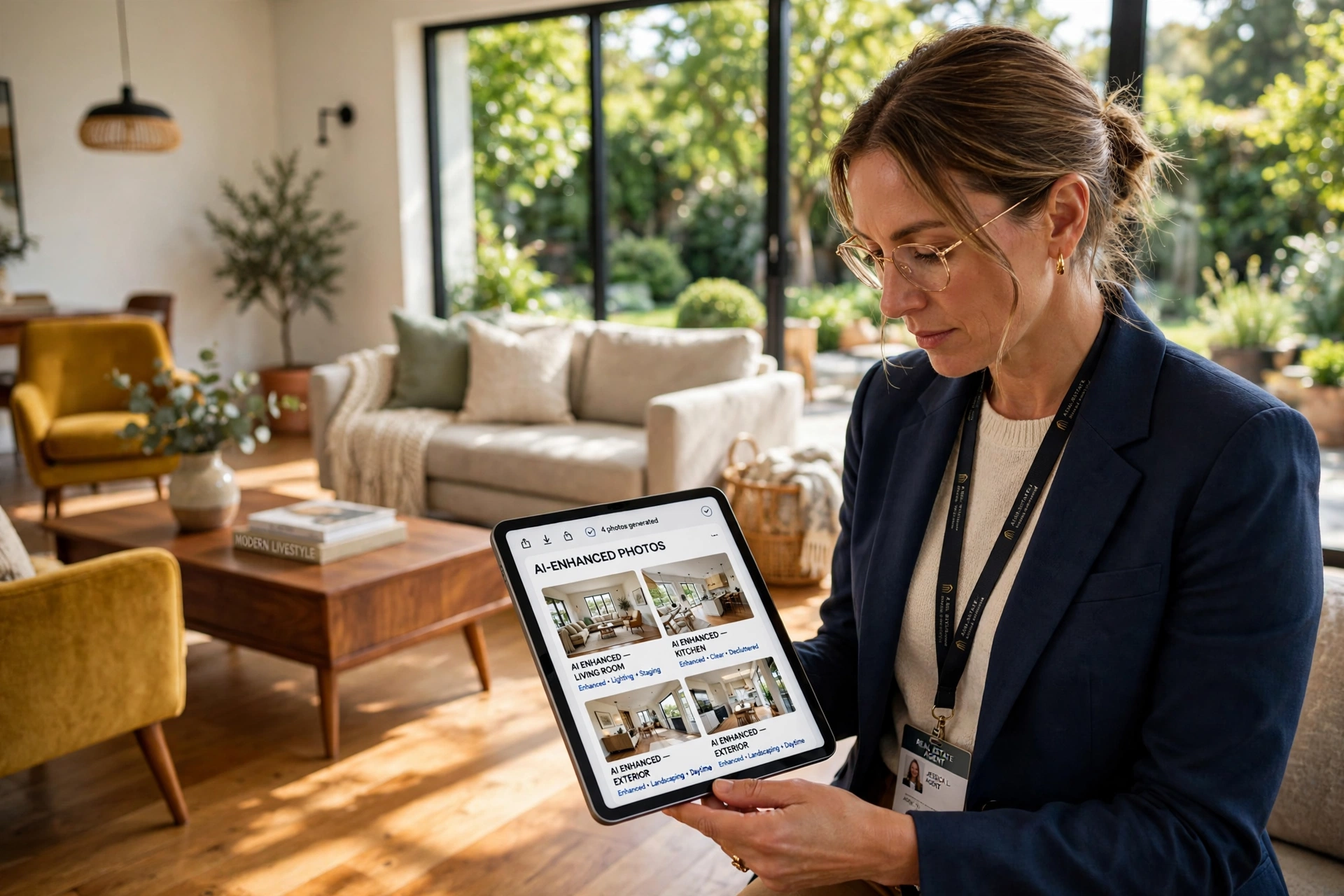
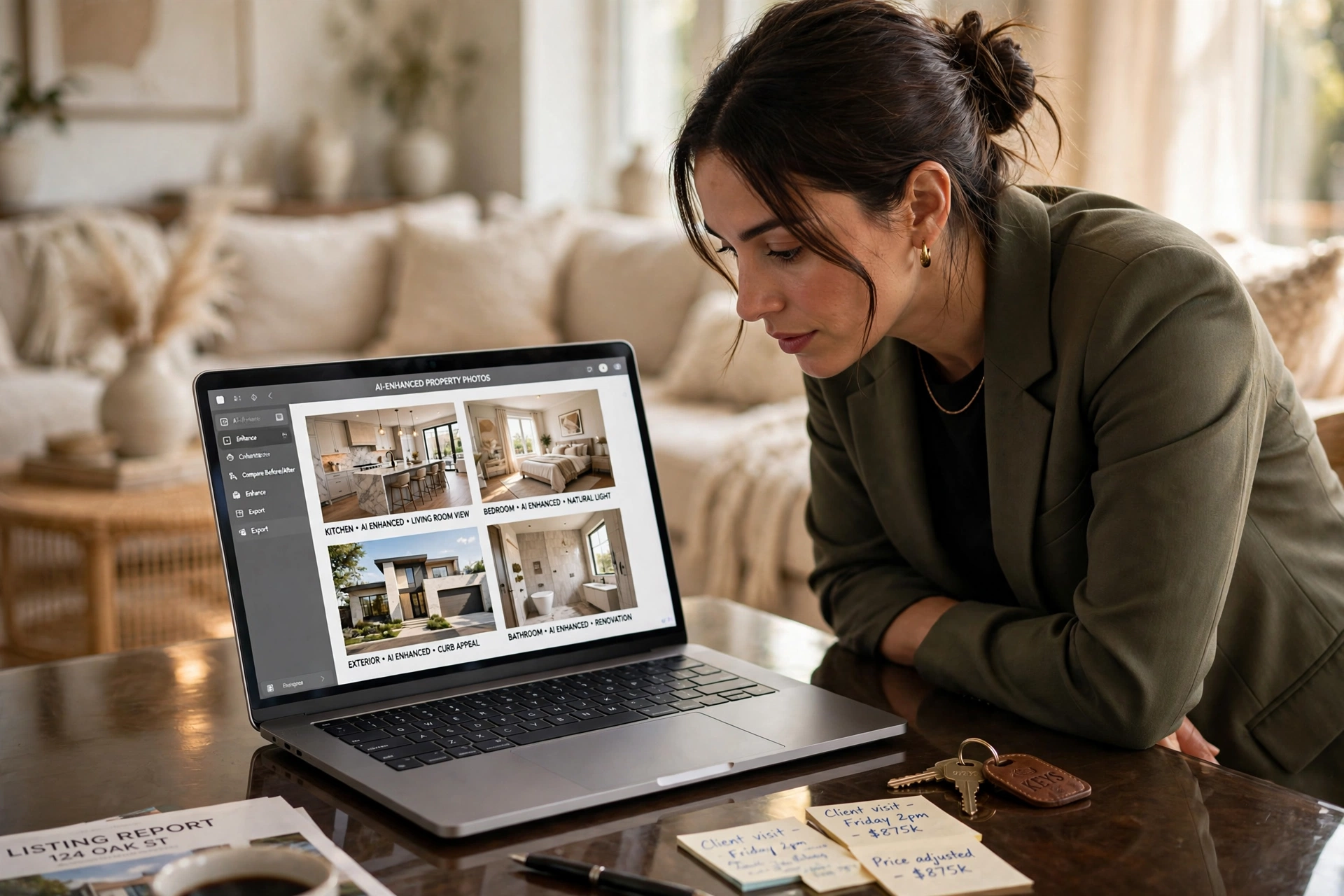
A poorly lit living room or a grey, overcast sky can shave thousands off a perceived property value in seconds. The most effective way to implement ai real estate photo enhancement is to combine raw high-dynamic-range (HDR) capture with specialized computer vision tools that automate sky replacement, color correction, and object removal. By leveraging AI, agents can transform a sterile, vacant space into a warm, inviting home in under 12 seconds, drastically reducing the time between the photoshoot and the listing going live on the MLS.
In my experience working with high-volume real estate photographers, the biggest mistake is attempting to "fix it in post" using generic filters. Professional enhancement requires semantic understanding—knowing the difference between a granite countertop and a hardwood floor so that lighting adjustments don't create unnatural glows. For those starting out, a Practical Guide to AI Real Estate Photography 2026 provides the foundational framework for capturing images that AI can actually improve.
Understanding the Mechanics of AI Image Optimization
To master the "how" of enhancement, you must first understand what is happening under the hood. Traditional editing relies on global adjustments—changing the brightness of the entire image. AI enhancement, however, uses a process called semantic segmentation.
📚
Definition
Semantic segmentation is a computer vision technique that allows AI to identify and isolate specific objects within an image—such as "sky," "grass," "window," or "furniture"—and apply different editing parameters to each segment independently.
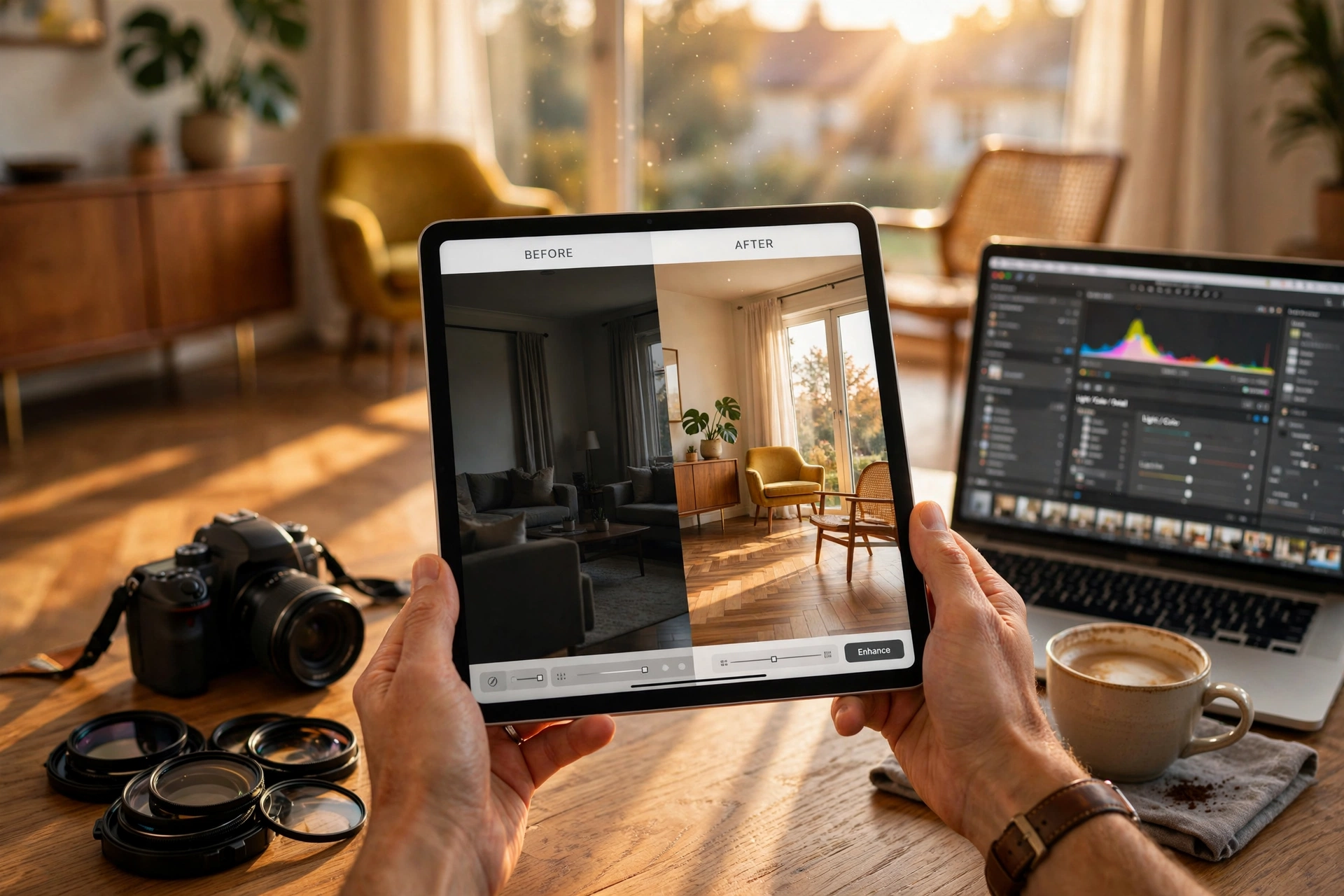
When you upload a photo for ai real estate photo enhancement, the system doesn't just "brighten" the room. It identifies the windows and performs a "window pull," preventing the exterior view from being blown out while simultaneously lifting the shadows in the corners of the room. According to a 2024 report by Gartner on AI-driven visual content, the adoption of generative AI in commercial imaging has increased precision in object boundary detection by over 40%, meaning "halos" around edited objects are virtually eliminated.
Now, here's where it gets interesting: modern AI doesn't just fix what is there; it can synthesize what is missing. If a photo was taken on a rainy Tuesday in November, the AI can replace the grey sky with a "Golden Hour" sunset. This isn't just a filter; it's a generative process that adjusts the lighting on the house's exterior to match the new light source of the sun. If you are unsure when to apply these aggressive changes, referring to a guide on When to Use Real Estate Photo Enhancement | RealVisionAI can help you maintain ethical standards while maximizing appeal.
Why AI Enhancement is a Business Imperative in 2026
The impact of visual quality on a listing is no longer a matter of opinion; it is a matter of data. In a market where 95% of buyers start their search online, the "first click" is the only one that matters. If the thumbnail looks amateur, the buyer scrolls past.
According to research from the National Association of Realtors (NAR), listings with high-quality, professional photography receive significantly more views and higher offer prices compared to those with amateur shots. When we analyze the ROI of AI tools, the numbers are stark: properties utilizing virtual staging software and AI enhancement often see a 30% to 50% increase in lead generation within the first 48 hours of listing.
The financial risk of ignoring these tools is twofold. First, there is the "Days on Market" (DOM) cost. Every day a property sits vacant, the seller loses money. Second, there is the "perceived value" gap. A room that looks dark and cramped feels smaller to a buyer. By using ai real estate photo enhancement to brighten spaces and declutter rooms, you are effectively increasing the perceived square footage of the home.
Furthermore, the efficiency gains are astronomical. A human editor might take 30 minutes to perfectly balance a complex interior shot. An AI studio can do it in 12 seconds. For a property manager handling 50 units, this is the difference between a two-week turnaround and a two-hour turnaround. This speed is why understanding the Top Benefits of Professional Property Photo Editing in 2026 is essential for any agency looking to scale.
A Step-by-Step Guide to Professional AI Enhancement
Executing a professional-grade enhancement requires a specific workflow. You cannot simply upload a blurry photo and expect a miracle. The quality of the output is always dependent on the quality of the input.
Step 1: Optimized Capture
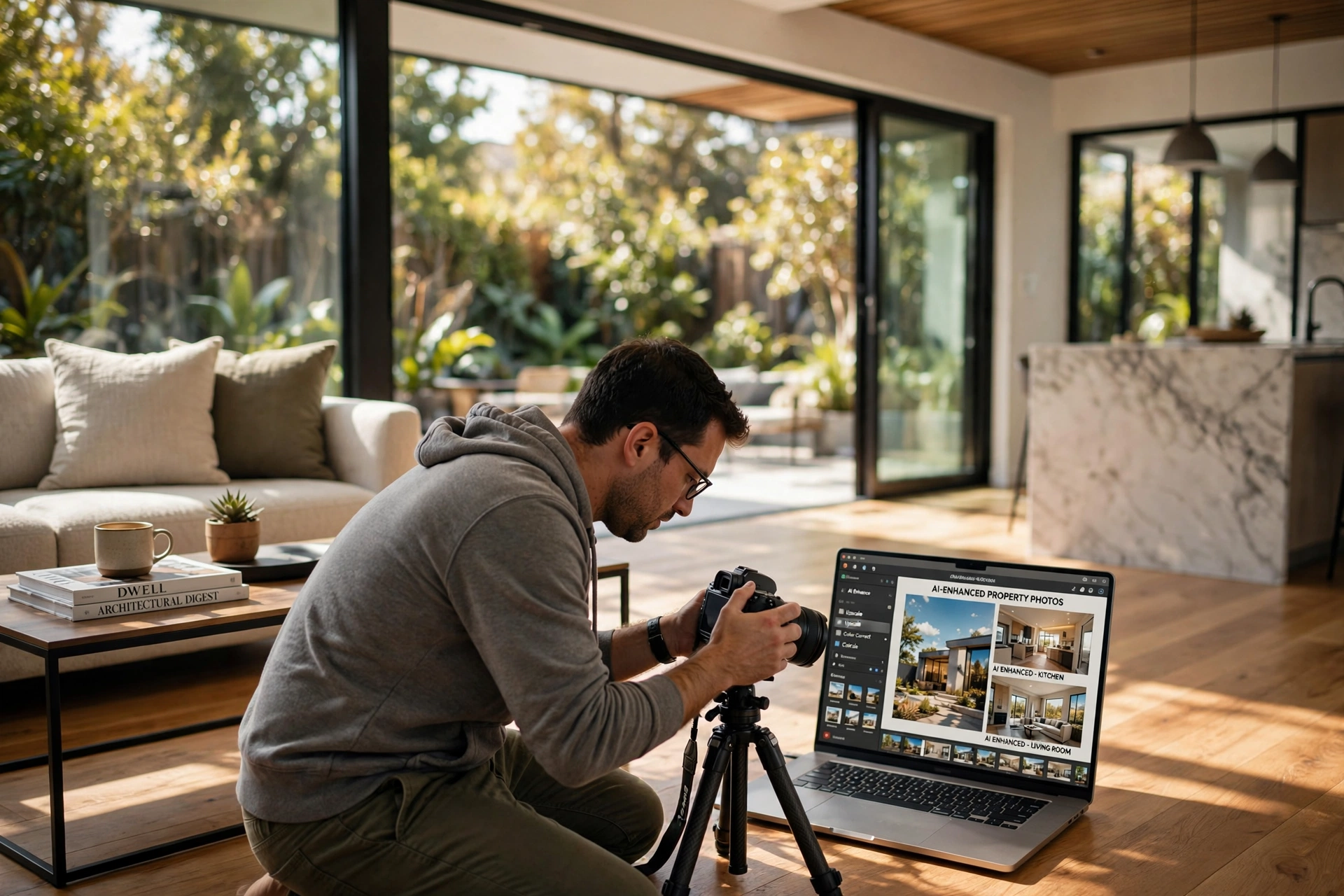
Start with the best possible raw data. Use a tripod and shoot in RAW format if possible. Ensure your vertical lines are straight. While AI can fix a skewed perspective, starting with a level shot prevents the "stretched" look that often occurs during digital correction.
Step 2: Initial AI Processing and Color Correction
Upload your images to a specialized platform like RealVisionAI Blog - AI Real Estate Photography & Virtual Staging. The first pass should focus on "White Balance" and "Exposure." The AI will automatically remove the yellow cast from indoor tungsten lighting, making the space feel clean and modern.
Step 3: Advanced Semantic Adjustments
This is where you apply specific fixes based on the room's needs:
- Sky Replacement: Convert overcast skies to a bright blue or twilight glow.
- Grass Restoration: Turn brown, dormant winter lawns into lush green carpets.
- Window Pulling: Ensure the view outside the window is clear and not a white void.
Step 4: Virtual Staging and Decluttering
If the room is vacant, use virtual staging to add contemporary furniture. If it's too cluttered, use the AI's object removal tool to erase old newspapers or distracting cables. For a deeper dive into this process, check out the Implementation of Virtual Furniture Staging.
Step 5: Final Quality Control and Export
Review the edges. Ensure the AI hasn't "smudged" a wall or accidentally removed a light switch. Export in high-resolution JPGs optimized for the MLS.
💡
Key Takeaway
The most successful AI workflow follows a "Capture $\rightarrow$ Correct $\rightarrow$ Enhance $\rightarrow$ Stage" sequence. Skipping the "Correct" phase leads to artificial-looking images that can alienate sophisticated buyers.
Choosing the Right Path: Traditional vs. AI vs. Hybrid
Not all enhancement methods are created equal. Depending on the property value and the timeline, you may choose different paths.
| Approach | Speed | Cost | Quality/Precision | Best For |
|---|---|---|---|---|
| Traditional Manual Editing | Very Slow (Days) | High ($ per photo) | Extremely High | Ultra-luxury estates ($5M+) |
| Generic AI Apps | Fast (Minutes) | Low/Free | Medium (Risk of artifacts) | Low-budget rentals/Social media |
| RealVisionAI Studio | Instant (12 Seconds) | Moderate (Subscription) | Professional/Consistent | High-volume agents & Pros |
Most guides get this wrong by suggesting that you should "pick one." In reality, the most successful firms use a hybrid approach. They use ai real estate photo enhancement for 90% of their portfolio to maintain speed and consistency, reserving manual high-end retouching for the top 10% of their luxury listings.
If you are trying to balance your budget, you should review the AI Real Estate Photography Pricing Guide 2026: Costs and ROI to see how the cost-per-lead drops when you move away from expensive manual editors.
Common Misconceptions About AI Enhancement
There are several myths circulating in the real estate industry that can lead agents to make poor technical decisions.
Myth 1: AI makes photos look "fake" or deceptive.
The fear of "catfishing" buyers is real, but there is a difference between enhancement and deception. Correcting a grey sky to a blue one is a standard industry practice, much like using a wide-angle lens. As long as the structural integrity of the room is preserved, AI enhancement is viewed as a tool for presenting the property in its "best light," not as a tool for fraud.
Myth 2: You need to be a tech expert to use these tools.
Many agents avoid AI because they think it requires prompt engineering or coding. The reality is that professional studios like RealVisionAI Blog - AI Real Estate Photography & Virtual Staging have built "one-click" interfaces. You upload the photo, select "Twilight Conversion," and the AI handles the complex math.
Myth 3: AI can fix any photo, regardless of quality.
This is a dangerous assumption. As I mentioned earlier, AI cannot "invent" detail that isn't there. If a photo is severely out of focus or shot in total darkness, the AI will create "hallucinations"—blurry, smeared textures that look unnatural. The "garbage in, garbage out" rule still applies. For tips on getting the best shots, see our Dicas AI Real Estate Photography Guide: Enhance Your Listing.
Frequently Asked Questions
How long does AI real estate photo enhancement actually take?
Using a professional-grade AI studio, the processing time is typically between 10 and 15 seconds per image. This is a massive leap compared to traditional outsourcing, where a photographer might wait 24 to 48 hours for an editor in another time zone to return the files. This near-instant turnaround allows agents to list properties the same day the photos are taken, providing a significant competitive advantage in fast-moving markets.
Does AI photo enhancement violate MLS rules regarding "misrepresentation"?
Most Multiple Listing Services (MLS) allow for standard photo enhancement, including brightness adjustments, color correction, and sky replacement. However, they strictly forbid the removal of permanent defects (like a large crack in a wall or a missing window). ai real estate photo enhancement should be used to improve the aesthetic quality of the image, not to hide structural flaws. Always check your local board's specific guidelines to ensure compliance.
What is the difference between a "filter" and AI enhancement?
A filter is a global overlay that changes the color of every pixel in the image regardless of what that pixel represents. AI enhancement uses computer vision to identify objects. For example, an AI tool knows to brighten the dark corners of a room while keeping the bright window view balanced. Filters cannot do this; they would either blow out the window or leave the corners dark. This precision is what makes AI essential for professional real estate.
Can AI help with vacant properties that look "cold"?
Absolutely. This is where virtual staging and AI warmth adjustments are most effective. AI can analyze the "temperature" of a room and add warm tones to the lighting, making a vacant space feel more inhabited. When combined with virtual furniture staging, the AI helps the buyer visualize the space's potential. To understand the full impact, read our Virtual Staging Software: A Complete Beginners Guide.
Do I need a high-end camera to use AI enhancement?
While a professional DSLR or mirrorless camera provides the best raw data, modern smartphone cameras are surprisingly capable. Because AI can now handle noise reduction and dynamic range expansion, photos taken on a high-end iPhone or Android device can be enhanced to a professional standard. However, using a tripod remains the most important factor in ensuring the AI has a sharp, stable image to work with.
Final Thoughts on AI Real Estate Photo Enhancement
The transition from manual editing to ai real estate photo enhancement is not just a trend; it is a fundamental shift in how property marketing operates in 2026. By reducing the time to market and increasing the visual appeal of every listing, agents can secure more showings and higher offers. The key is to maintain a balance between aggressive enhancement and honest representation.
Whether you are a seasoned photographer or a new agent, the goal is the same: to stop the scroll. When your listings look like architectural magazine spreads, you aren't just selling a house; you are selling a lifestyle. To experience this speed and quality firsthand, visit RealVisionAI Blog - AI Real Estate Photography & Virtual Staging and transform your listings in seconds.
For further reading on optimizing your workflow, explore our Everything About Property Photo Editing: Complete Guide and Tips.
Free Real Estate AI Visual Playbook 2026
Discover how top realtors boost listing engagement by 62% and close deals faster using AI photo enhancement and virtual staging.