
How to Execute Professional AI Real Estate Photo Enhancement for Maximum Listing Impact
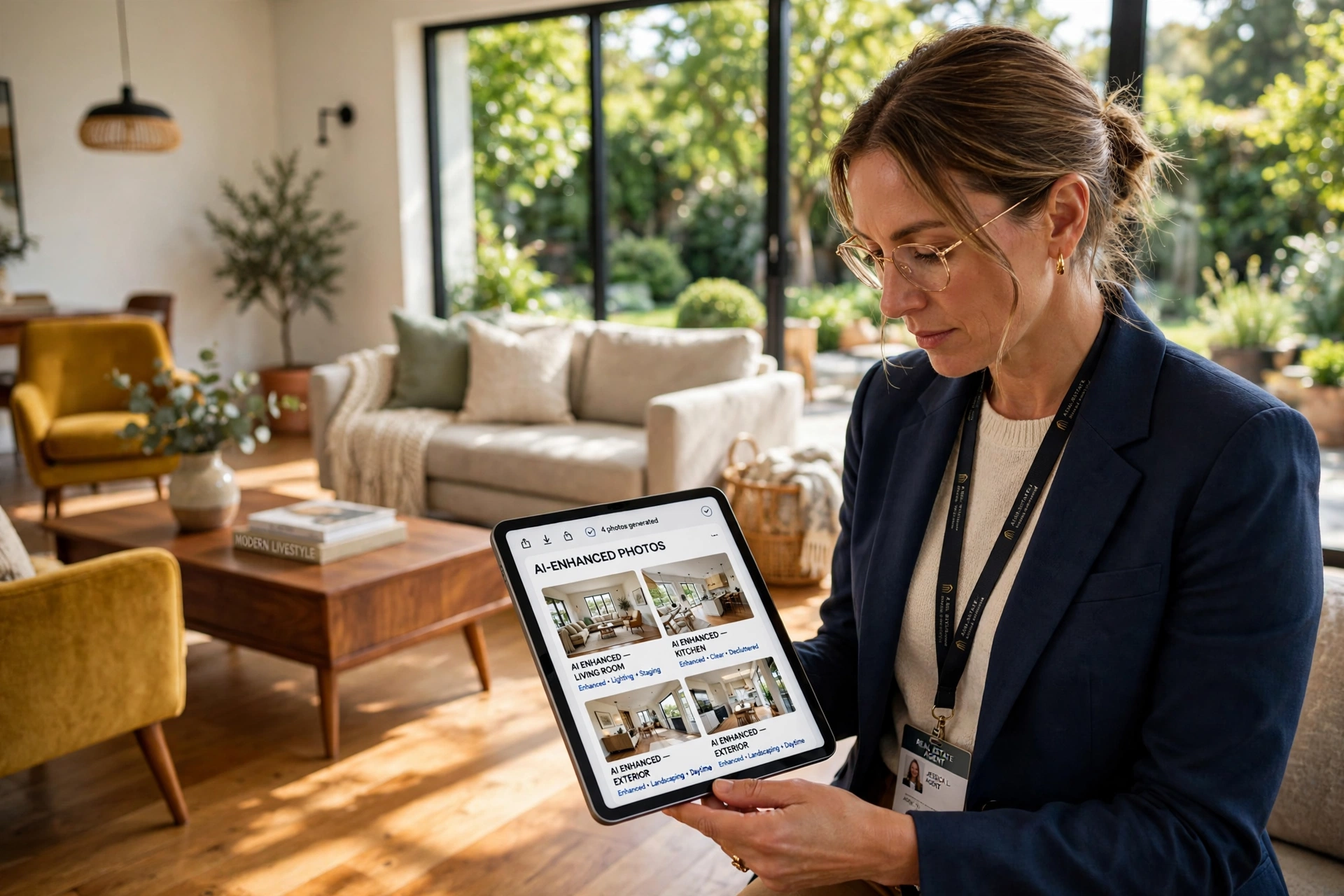
Low-quality imagery is the fastest way to kill a listing's momentum. To achieve professional results, you must combine high-resolution raw captures with a strategic workflow of color correction, AI-driven lighting adjustments, and object removal. By integrating ai real estate photo enhancement, agents and photographers can transform a dim, cluttered room into a bright, inviting space in under 12 seconds, directly increasing the click-through rate on portals like Zillow or Realtor.com.
In my experience working with high-volume property managers, the biggest mistake is treating AI as a "one-click fix" without a proper sequence. To get a market-ready result, you need to follow a specific order of operations: global exposure correction, sky replacement for curb appeal, and then fine-tuning the interior contrast. For those looking to scale this process, understanding the The Ultimate Property Photo Editing Playbook for 2026 provides a structural foundation for consistent quality.
What Is AI Real Estate Photo Enhancement and How Does It Work?
At its core, this technology is not just about adding a filter; it is about utilizing neural networks to understand the geometry of a room and the physics of light.
📚
Definition
AI real estate photo enhancement is the application of computer vision and deep learning algorithms to automatically correct lighting, remove unwanted objects, and optimize colors in architectural photography to make properties more appealing to buyers.
The process works through a series of layers. First, the AI analyzes the histogram of the image to identify overexposed windows (blown-out highlights) and under-exposed corners. It then applies "intelligent filling" or inpainting to replace grey skies with vivid blue ones or restore dead grass to a lush green. According to a report by Gartner, the integration of generative AI into creative workflows has reduced production time for visual assets by over 60% in professional services, allowing real estate teams to iterate on listing visuals in real-time rather than waiting days for a manual editor.
Now, here is where it gets interesting: modern AI doesn't just brighten the image; it performs semantic segmentation. This means the software knows the difference between a hardwood floor and a white wall. It can apply a warm tone to the floor to make it feel cozy while keeping the walls a crisp, clean white. This level of precision is what separates a "cheap" edit from a professional one. When we developed the workflows at RealVisionAI Blog - AI Real Estate Photography & Virtual Staging, we discovered that the most successful enhancements focus on "naturalism"—the goal is to make the photo look like it was taken on a perfect spring day, not like a digital painting.
If you are just starting to implement these tools, you should look into How AI Real Estate Photography Works: A Complete Guide to understand the technical shift from traditional HDR to AI-driven blending.
Why High-Quality Visuals Directly Impact Your Bottom Line?
The psychological impact of a high-quality photo is immediate. Buyers make an emotional decision within the first three seconds of seeing a listing. If the photos are dark, blurry, or dated, the brain subconsciously associates the property with "neglect" or "lack of value."
The business impact is measurable. According to research from the National Association of Realtors (NAR), properties with professional-grade photography sell significantly faster and often for a higher price point than those with amateur photos. When you use ai real estate photo enhancement, you aren't just "cleaning up" a photo; you are optimizing a sales funnel. In an industry where the Multiple Listing Service (MLS) is the primary discovery engine, the image is your only hook.
Furthermore, the cost of failure is high. A listing that sits on the market for 30 days longer than the average for its area begins to suffer from "stigma," where buyers wonder why no one else has bought it. By using tools like Real Estate Photo Enhancement Guide for Agents, you can eliminate this risk.
According to McKinsey's analysis of AI-driven marketing, businesses that personalize and optimize their visual assets see an average increase in conversion rates of 20% to 30%. In real estate, "conversion" means a lead booking a viewing. If a listing has 20 high-quality, enhanced photos versus 5 mediocre ones, the probability of a lead clicking "Schedule a Tour" increases exponentially.
That said, the danger lies in over-processing. If a buyer arrives at a home and it looks nothing like the photos, trust is broken instantly. The goal of enhancement is to represent the property in its "best possible light," not to create a fake environment. This is why professional tools focus on correcting the photography (the medium) rather than altering the property (the subject).
How to Perform AI Real Estate Photo Enhancement: A Step-by-Step Guide
Achieving a professional look requires a methodical approach. You cannot simply upload a photo and hope for the best. Here is the professional workflow we recommend.
Step 1: Image Acquisition and Raw Capture
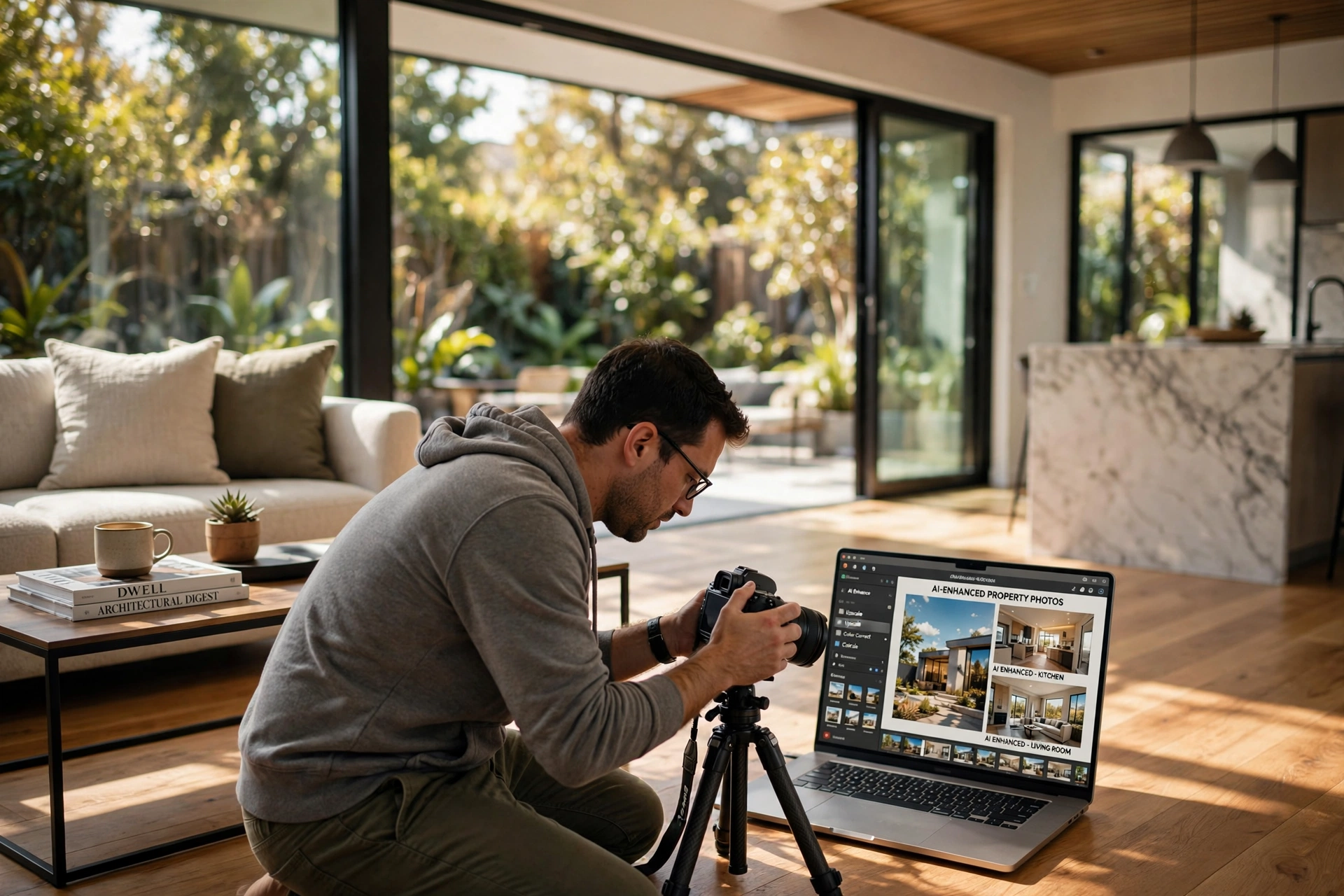
The AI is only as good as the data you give it. Always shoot in RAW format if possible, or at least high-resolution JPEGs. Ensure your vertical lines are straight; while AI can fix perspective, starting with a level camera reduces the amount of "stretching" the AI has to do, which preserves image sharpness.
Step 2: Global Lighting and Color Correction
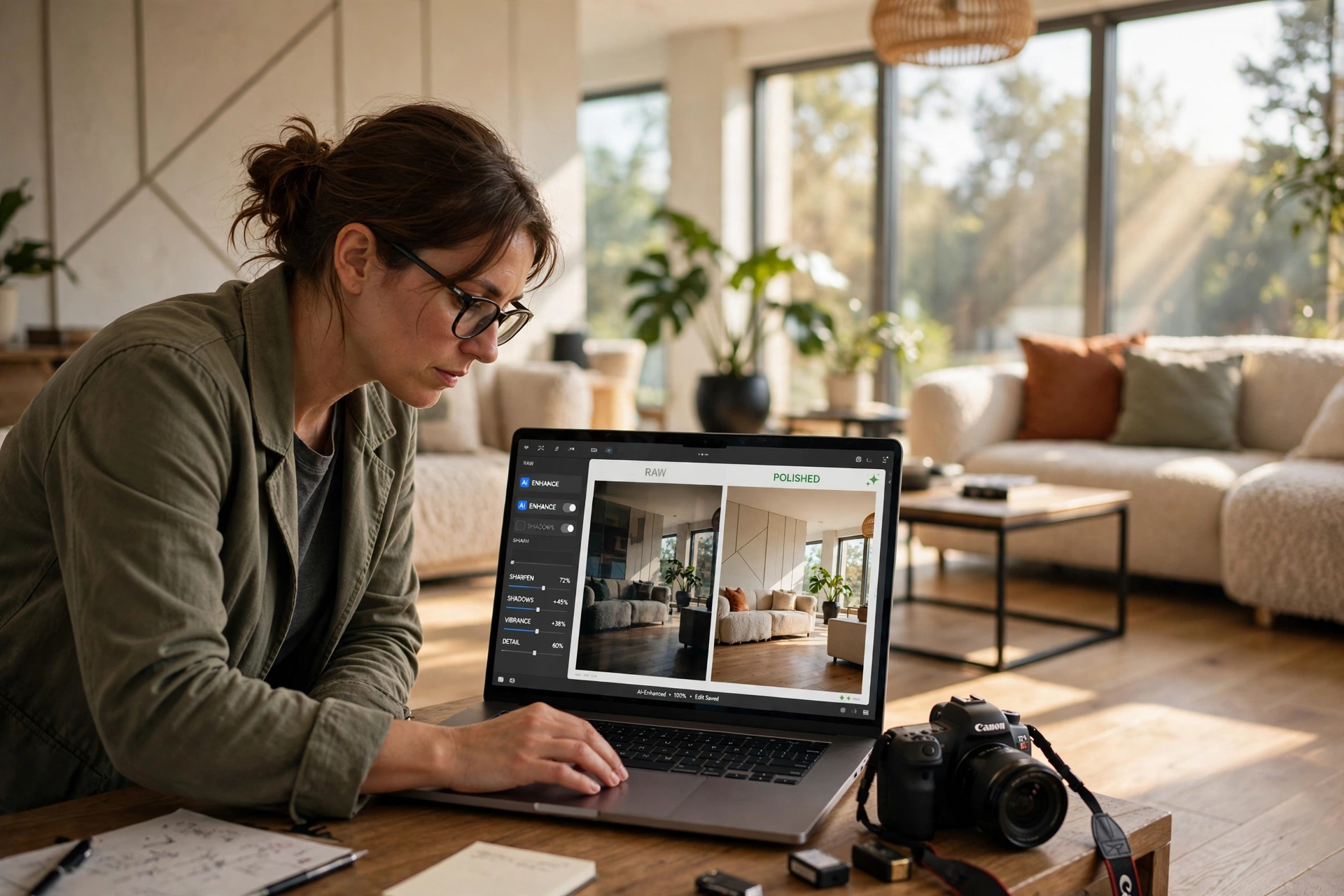
Start by addressing the overall mood. Use AI to balance the exposure. The most common issue in real estate is the "window problem"—where the interior is dark but the window is a white void. Use an AI-powered HDR blend to bring back the detail in the windows while brightening the shadows of the room.
Step 3: Target Enhancements (The "Surgical" Phase)
This is where ai real estate photo enhancement truly shines. Focus on three specific areas:
- Sky Replacement: A grey sky makes a house look gloomy. Replace it with a "Golden Hour" or "Bright Blue" sky to evoke a feeling of warmth and happiness.
- Greenery Restoration: Use AI to remove brown patches from lawns or dead leaves from trees.
- Object Removal: Remove unsightly trash cans, power lines, or cluttered countertops.
Step 4: Final Polish and Consistency
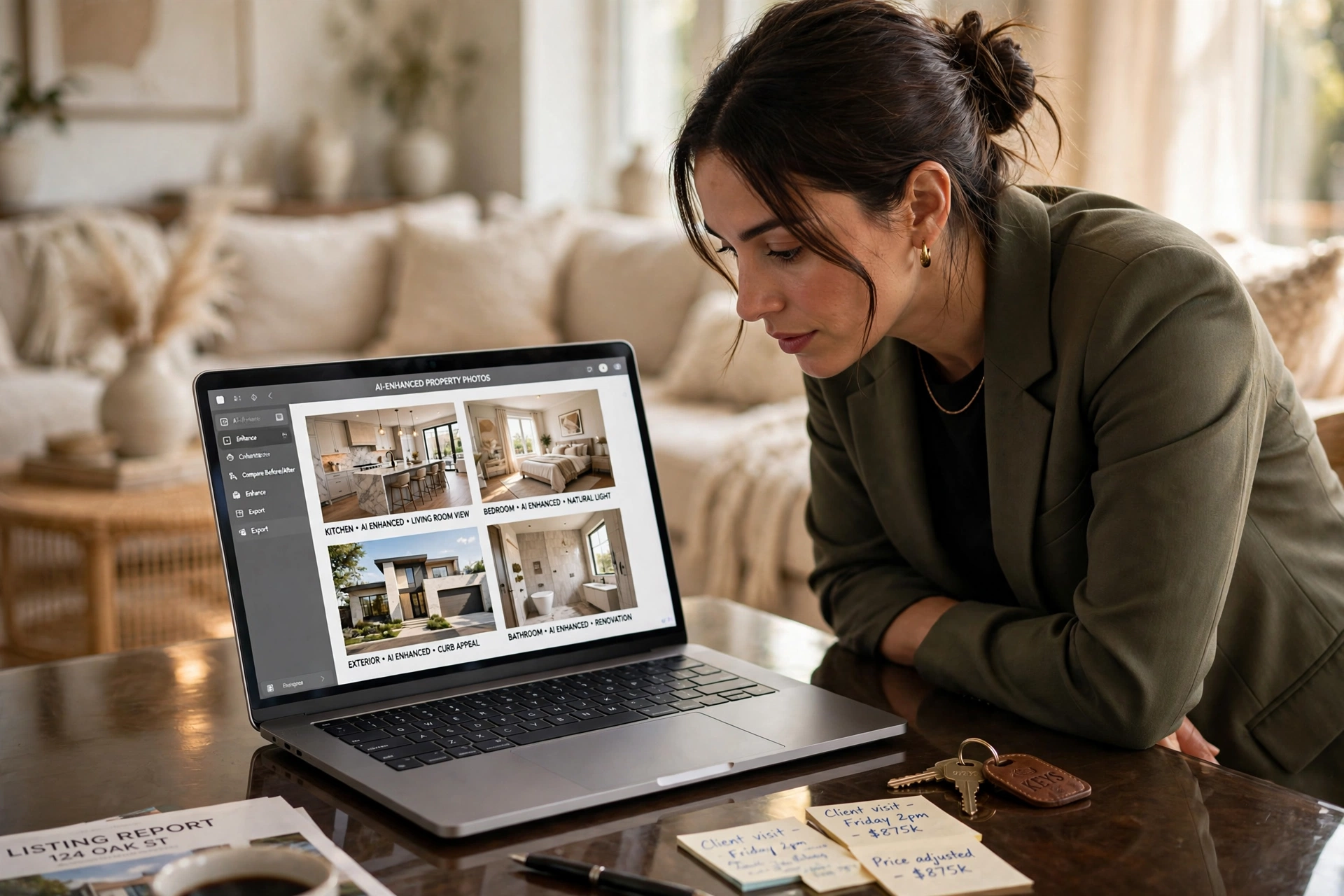
The final step is ensuring the entire gallery feels cohesive. If the living room is warm and bright, the kitchen cannot be cool and dim. Apply a consistent color grade across all photos so the viewer feels they are walking through a single, unified space.
For those struggling with the technical side, the Dicas AI Real Estate Photography Guide: Enhance Your Listing offers a wealth of shortcuts to speed up this process.
💡
Key Takeaway
The professional sequence is always Global Correction $\rightarrow$ Targeted AI Enhancements $\rightarrow$ Gallery Consistency. Skipping any of these steps leads to an "uncanny valley" effect where the photo looks fake.
To execute this at scale, we recommend using RealVisionAI Blog - AI Real Estate Photography & Virtual Staging. Their platform automates this entire sequence, delivering market-ready visuals in 12 seconds, which is essential for agents who need to list a property the moment they get the keys.
Choosing the Right Tool: Traditional vs. Generic AI vs. Professional AI
Not all enhancement tools are created equal. Many agents make the mistake of using free mobile apps that apply a generic "HDR" look, resulting in photos that look like neon cartoons.
| Feature | Traditional Manual Editing | Generic/Cheap AI Tools | RealVisionAI Professional Approach |
|---|---|---|---|
| Turnaround Time | 24–72 Hours | 1–5 Minutes | 12 Seconds |
| Visual Quality | Extremely High | Variable (often "fake") | High-Fidelity / Natural |
| Consistency | High (if using one editor) | Low (differs per photo) | Automated Consistency |
| Cost | High (Per photo fee) | Low (Monthly sub) | Optimized ROI / Scalable |
| Complexity | High (Requires skill) | Low (One-click) | Low (Intuitive AI) |
| Best For | Luxury Estates ($5M+) | Social Media Teasers | High-Volume Professional Listings |
If you are deciding on a budget, referring to the AI Real Estate Photography Pricing Guide for 2026 will help you determine whether a per-image cost or a subscription model fits your business volume.
Most guides get this wrong by suggesting that "more AI is always better." The reality is that too much enhancement creates a liability. If you remove a permanent structural stain or a crack in the wall using AI, you may be accused of misrepresentation. Professional enhancement focuses on atmospheric improvements (lighting, sky, grass) rather than structural changes.
Common Questions and Misconceptions About AI Enhancement
There is a lot of noise surrounding the use of artificial intelligence in property marketing. Let's clear up the most common myths.
Myth 1: AI enhancement is "dishonest" marketing.
Most people confuse enhancement with manipulation. Enhancing a photo to look like it was taken on a sunny day is no different from a photographer waiting for the sun to come out. It is about presenting the property in its best light. As long as you aren't removing a permanent hole in the roof, you are simply providing a professional presentation.
Myth 2: You need a high-end computer to run these tools.
This is a common misconception from the early days of Photoshop. Modern professional tools, such as those provided by RealVisionAI Blog - AI Real Estate Photography & Virtual Staging, are cloud-based. All the heavy lifting—the computer vision and neural network processing—happens on powerful remote servers, meaning you can enhance photos from a smartphone at the listing site.
Myth 3: AI can replace the professional photographer.
AI cannot replace the "eye" for composition. A tool can fix the lighting, but it cannot tell you that the angle of the shot makes the room look smaller than it is. The most successful agents use a hybrid approach: a skilled photographer for the capture and AI for the post-production. For a deeper dive into this synergy, see our Vantagens Real Estate Photo Enhancement Guide.
Frequently Asked Questions
How does AI real estate photo enhancement differ from standard photo editing?
Standard editing involves manual adjustments to sliders like brightness, contrast, and saturation, which apply changes uniformly across an image. AI real estate photo enhancement uses computer vision to identify specific objects—such as a window, a patch of grass, or a sky—and applies targeted changes only to those areas. For example, instead of brightening the whole room and blowing out the windows, AI can brighten the shadows while simultaneously darkening the window view to create a balanced, professional look. This allows for a level of precision and speed that is impossible with manual editing.
Will using AI enhancements make my listing look "fake" to potential buyers?
The "fake" look occurs when there is an over-application of saturation or an unnatural "glow" around the edges of objects. This typically happens with low-end, generic AI tools. Professional-grade AI, such as that found in the RealVisionAI ecosystem, focuses on "naturalism." By prioritizing realistic light physics and color temperature, the goal is to make the photo look as if it were captured by a master photographer during the perfect hour of the day. When done correctly, buyers don't see "AI"; they see a clean, bright, and inviting home.
What is the best way to handle "day-to-dusk" conversions using AI?
Day-to-dusk (or twilight) conversion is one of the most powerful uses of AI. Instead of paying a photographer to return at 6:00 PM, AI analyzes the image to identify light sources. It then replaces the daylight sky with a deep indigo twilight gradient and adds a warm, artificial glow to the interior windows and exterior porch lights. This creates a high-emotional-impact image that often serves as the primary "hero" photo for a listing. For more on timing your visuals, check out the Melhor Momento AI Real Estate Photography Guide.
Can AI photo enhancement help with vacant properties?
While enhancement fixes the quality of the image, it doesn't solve the problem of an empty room. For vacant properties, you should combine photo enhancement with virtual staging. Enhancement first ensures the room is bright and the colors are neutral; then, virtual staging adds modern furniture to help buyers visualize the space. This two-step process is significantly cheaper than renting physical furniture. To learn more about this, see our guide on What Is Virtual Staging Software? Transform Vacant Listings.
How much time can I actually save by switching to AI enhancement?
The time savings are massive. A traditional professional editor might take 30 to 60 minutes per photo to get a perfect HDR blend and sky replacement. A high-volume agent might spend 3 hours per listing attempting to do this themselves. With ai real estate photo enhancement through RealVisionAI, that process is compressed into 12 seconds per image. This allows agents to move from "shooting" to "listing" in a single afternoon, drastically reducing the time-to-market and increasing the efficiency of the property management cycle.
Summary and Next Steps
Mastering ai real estate photo enhancement is no longer an optional skill—it is a competitive necessity in the 2026 market. By following a strict workflow of global correction, targeted AI surgical edits, and gallery consistency, you can significantly increase the perceived value of any property. Remember that the goal is always naturalism; use AI to remove the distractions and amplify the beauty, not to create a fictional version of the home.
If you are tired of spending hours in editing software or waiting days for a freelancer to return your photos, it is time to automate. Experience the power of "Market-Ready Listing Visuals in 12 Seconds" by visiting RealVisionAI Blog - AI Real Estate Photography & Virtual Staging.
To further optimize your visual strategy, we recommend exploring our Property Photo Editing Guide: Values and Prices 2026 to ensure your marketing budget is aligned with current industry standards.
Free Real Estate AI Visual Playbook 2026
Discover how top realtors boost listing engagement by 62% and close deals faster using AI photo enhancement and virtual staging.