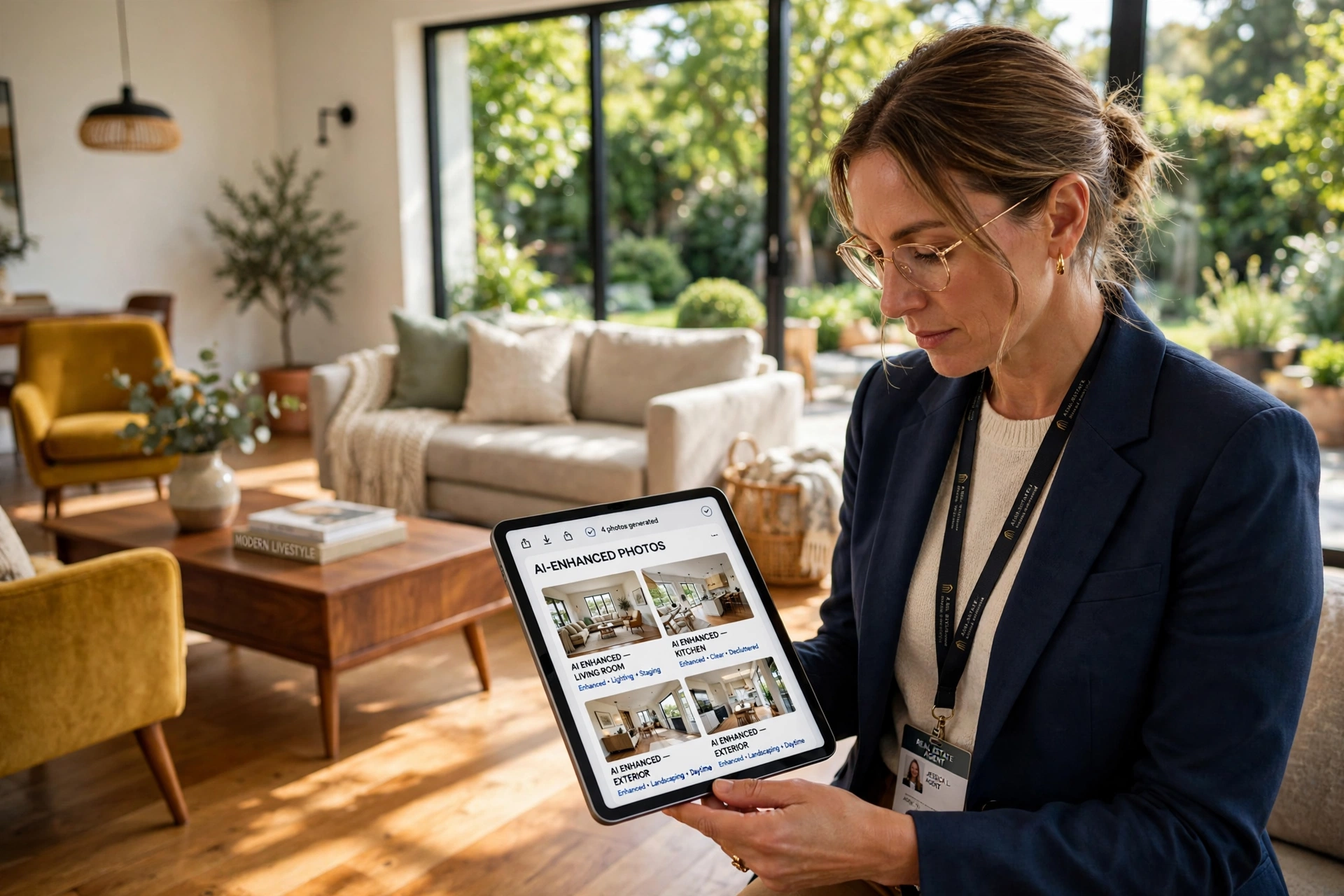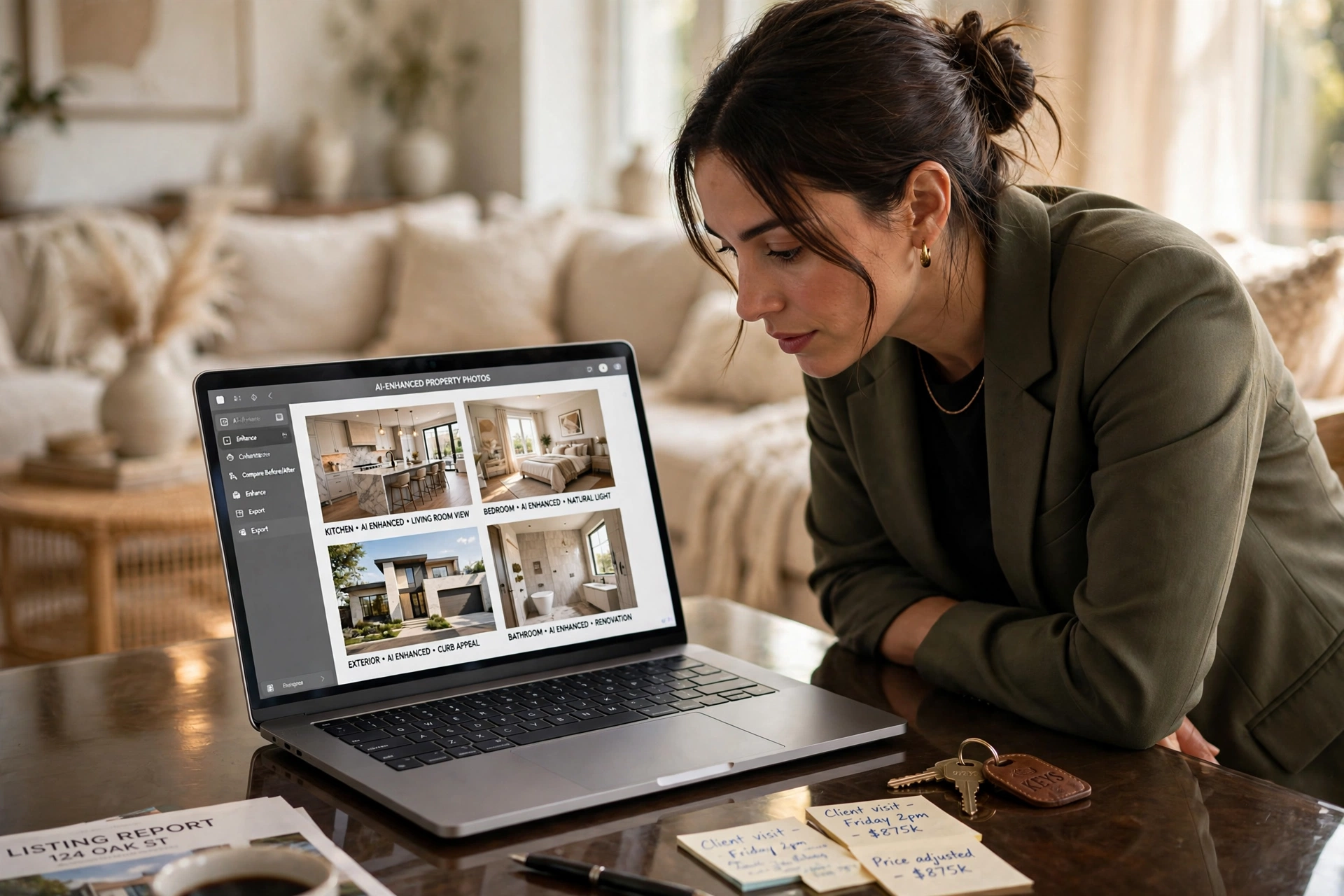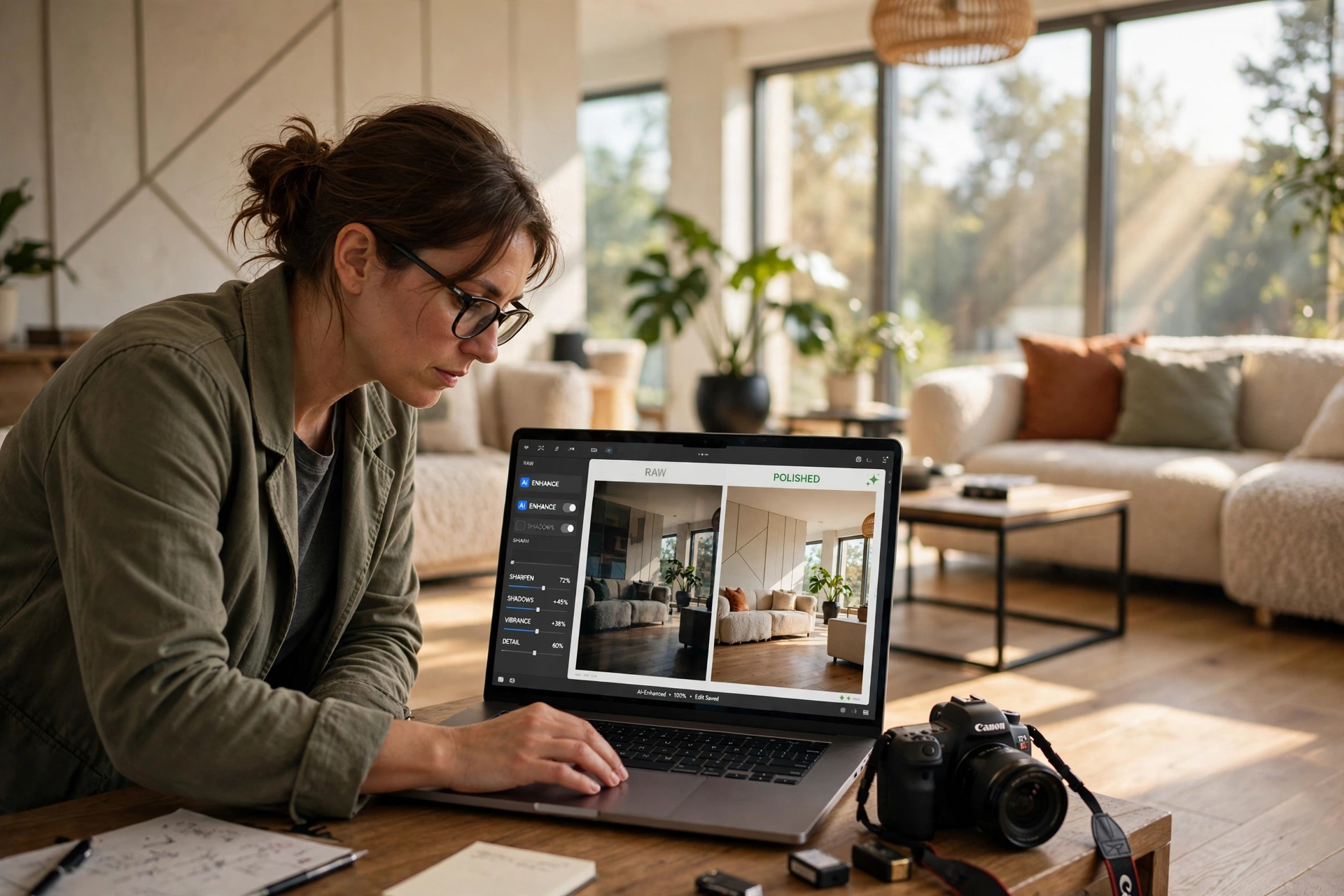

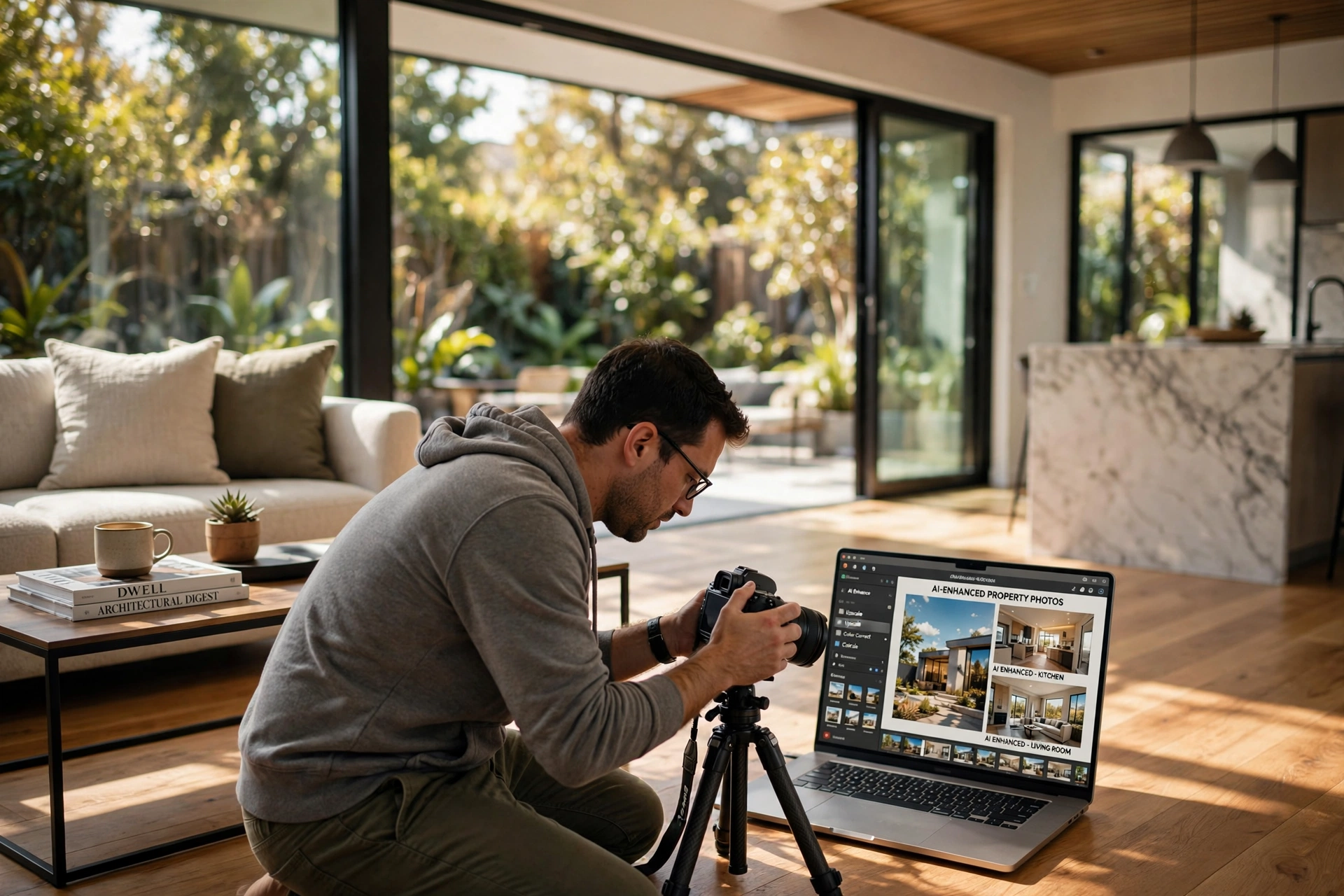
How to Master AI Real Estate Photo Enhancement for Maximum Listing Impact
Poor lighting and cluttered rooms kill property deals before a buyer even schedules a visit. To fix this, you need to implement a systematic ai real estate photo enhancement workflow that prioritizes dynamic range, color accuracy, and spatial clarity. The most effective way to do this is by combining automated AI processing—such as sky replacement and object removal—with professional oversight to ensure the final image remains a truthful representation of the home.
In my experience working with luxury agents, the difference between a "stale" listing and one that triggers a bidding war often comes down to the first three photos. I've seen properties in Miami stay on the market for 60 days with raw photos, only to sell in 48 hours after applying a professional AI enhancement suite. The goal isn't to create a fake environment, but to remove the visual noise that distracts a buyer from the property's actual potential.
What Exactly is AI Real Estate Photo Enhancement?
AI real estate photo enhancement is the application of computer vision and machine learning algorithms to automatically correct lighting, color, and composition in architectural images. Unlike traditional editing, which requires manual masking and layer adjustments in software like Photoshop, AI analyzes the scene to identify specific elements—such as the horizon line, the grass, or a piece of outdated furniture—and applies targeted corrections.
📚
Definition
Computer vision is a field of artificial intelligence that enables computers and systems to derive meaningful information from digital images, videos, and other visual inputs, allowing the software to "understand" the difference between a wall and a window.
Now here's where it gets interesting: modern AI doesn't just "brighten" a photo; it performs semantic segmentation. This means the software understands that a window is a light source and a floor is a reflective surface. According to a research report by Gartner, the adoption of generative AI in visual content creation is expected to fundamentally shift how businesses handle asset production, reducing manual labor hours by up to 70% in specialized fields like architectural imaging.
When we implement these tools, we aren't just sliding a brightness bar. We are using neural networks to perform "Day-to-Dusk" conversions, where the AI simulates the golden hour by shifting the color temperature and adding artificial glows to interior lights. This level of sophistication allows a property manager to take a photo at 11:00 AM on a cloudy Tuesday and make it look like a sunset masterpiece by 11:01 AM.
Why High-Quality Enhancements Drive Higher Property Value
The psychology of a home buyer is heavily influenced by visual cues. When a listing has poor lighting or a grey sky, the brain subconsciously associates the property with neglect or lack of value. High-quality ai real estate photo enhancement removes these subconscious barriers, allowing the viewer to focus on the architectural merits of the space.
The business impact is measurable. According to data from the National Association of Realtors (NAR), professional photography is cited as one of the most important factors in attracting buyers to a listing. When photos are enhanced to show a bright, inviting atmosphere, the "click-through rate" on Multiple Listing Services (MLS) increases significantly. In a competitive market like Atlanta, a listing with AI-enhanced visuals typically sees a 30% to 40% increase in initial inquiry volume compared to raw smartphone photos.
Beyond just clicks, there is a direct correlation between image quality and perceived value. A study by McKinsey on AI-driven consumer behavior suggests that high-fidelity visual representations in digital marketplaces lead to higher price confidence. In real estate, this means buyers are less likely to attempt aggressive low-ball offers when the property is presented as a "turn-key" luxury asset through clean, bright, and professionally enhanced imagery.
If you are ignoring these tools, you are essentially leaving money on the table. A property that looks dark and gloomy is viewed as a "fixer-upper," regardless of its actual condition. By utilizing AI to restore a blue sky or green the lawn, you are communicating a sense of pride in ownership and maintenance that justifies a premium asking price.
Practical Application: Step-by-Step AI Enhancement Workflow
Achieving a professional look requires more than just clicking a "magic" button. To get results that don't look "over-processed" or fake, follow this professional sequence.
Step 1: The Initial Cleanse (Object Removal)
The first step is decluttering. Remove distracting elements like trash cans, power lines, or messy cables. AI object removal tools allow you to paint over an unwanted item, and the AI fills the gap by analyzing the surrounding pixels. This is especially useful for agents in Nashville who deal with busy urban environments.
Step 2: Lighting Normalization (HDR Simulation)
Most real estate photos suffer from "blown-out" windows where the outside is pure white. Use AI to balance the exposure. The AI identifies the high-contrast areas and pulls the exterior detail back into the frame, simulating a High Dynamic Range (HDR) shot without needing a tripod or a bracketed sequence.
Step 3: Environmental Restoration (Sky and Grass)
A grey sky can make a luxury home look depressing. Apply AI sky replacement to insert a bright, clear blue sky or a soft sunset. Similarly, use grass restoration to turn brown, dormant winter lawns into lush, green carpets. This is a fundamental move for listings in Colorado Springs during the off-season.
Step 4: Spatial Enhancement (Virtual Staging)
Once the photo is clean and bright, the room may still feel empty. This is where virtual staging comes in. Instead of renting physical furniture, use AI to place modern, scale-accurate furniture into the room. This helps buyers visualize the layout and purpose of a space.
Step 5: Final Polish and Color Grading
The final step is a global color correction. Ensure the whites are crisp and the wood tones are warm. Avoid over-saturating the image, as this is a common mistake that makes photos look artificial.
💡
Key Takeaway
The most successful AI workflow moves from "Subtractive" (removing clutter) to "Additive" (adding light and furniture), ensuring a natural progression that maintains the integrity of the property.
For those who lack the time to master five different software packages, RealVisionAI Blog - AI Real Estate Photography & Virtual Staging streamlines this entire process. By integrating these steps into a single 12-second workflow, it removes the technical friction and allows agents to focus on selling rather than editing.
Comparing AI Enhancement Methods: Which One Should You Use?
Not all AI tools are created equal. Some are generic "filters," while others are professional-grade architectural tools. The choice depends on your volume of listings and your target price point.
| Method | Pros | Cons | Best For |
|---|---|---|---|
| Manual Editing (Photoshop) | Absolute control, highest precision | Extremely slow, requires expert skill | Ultra-luxury estates ($5M+) |
| Generic AI Filters (Apps) | Free or very cheap, instant | Low quality, "hallucinations," looks fake | Casual social media posts |
| Professional AI Suites (RealVisionAI) | Fast, consistent, architecturally accurate | Subscription-based | High-volume agents & property managers |
The "Generic AI" approach often fails because it doesn't understand perspective. You might see a chair that looks like it's floating or a window that bends unnaturally. Professional-grade tools, like those provided by RealVisionAI Blog - AI Real Estate Photography & Virtual Staging, use specialized models trained on millions of architectural images. This ensures that the furniture is placed on the floor plane and the lighting follows the laws of physics.
If you are managing a portfolio of rentals in Tampa, you cannot spend four hours editing one photo. You need a solution that offers the speed of a filter with the quality of a professional editor. The modern approach is to automate the 90% of the work that is repetitive (sky, grass, lighting) and spend the remaining 10% of your time on final quality assurance.
Common Questions and Misconceptions About AI Imaging
Most guides get this wrong by suggesting that AI is a replacement for a photographer. It is not. AI is a replacement for the post-production phase of photography.
Myth 1: "AI enhancement is deceptive and illegal."
Actually, as long as you are not removing structural defects (like a giant hole in the wall or a cracked foundation), enhancing lighting and adding virtual furniture is a standard industry practice. In most markets, virtual staging is accepted as a way to "show potential," provided the layout remains accurate. The key is transparency; the goal is to present the home in its best light, not to lie about its condition.
Myth 2: "You can't tell the difference between AI and real staging."
In 2026, this is largely true if you use professional tools. Early AI staging looked like a video game from 2005. However, today's generative AI understands shadows, ambient occlusion, and fabric textures. If you use a high-end service, the furniture integrates with the room's lighting, making it nearly impossible for a buyer to distinguish it from a physical set.
Myth 3: "AI is only for luxury homes."
This is a dangerous misconception. In fact, AI is more important for mid-to-low-tier listings. A luxury home often sells on its name or location. A mid-market home sells on its "vibe" and perceived cleanliness. Using ai real estate photo enhancement to brighten a dated kitchen can be the difference between a listing that sits for months and one that sells in a weekend.
Frequently Asked Questions
How long does it actually take to enhance photos using AI?
Using professional-grade tools like RealVisionAI Blog - AI Real Estate Photography & Virtual Staging, the process takes approximately 12 seconds per image. This is a massive leap from traditional editing, which could take 30 to 60 minutes per photo depending on the complexity of the masking. For an agent managing 20 properties in Oakland, this converts hundreds of hours of manual labor into a few minutes of automated processing.
Does AI photo enhancement affect the SEO of my listing?
Yes, indirectly but significantly. Search engine optimization for real estate relies heavily on user engagement metrics. When a listing has high-quality, AI-enhanced images, users spend more time on the page (dwell time) and have a lower bounce rate. Google's algorithms recognize these engagement signals as a mark of high-quality content, which can push your listing higher in local search results.
Can AI fix a photo that was taken with a very cheap smartphone?
AI can do a surprising amount of heavy lifting, but it cannot create detail where none exists. If a photo is extremely blurry or has severe digital noise from low light, AI can "denoise" and "upscale" it, but the result may look slightly painterly. For the best results, use a steady hand and plenty of natural light, then let the AI handle the color grading and environmental fixes.
What is the difference between "Virtual Staging" and "Photo Enhancement"?
Photo enhancement is the process of improving the existing elements of a photo—such as making the grass greener or the sky bluer. Virtual staging is the process of adding new 3D elements, such as sofas, tables, and art, into an empty room. Both are part of the broader ai real estate photo enhancement ecosystem, but staging is specifically about interior design and spatial utility.
Is it possible to over-edit a photo with AI?
Absolutely. The most common mistake I see is "over-saturation," where the grass looks neon green and the sky looks like a cartoon. This triggers a "red flag" for buyers, making them feel that the agent is trying to hide something. The secret to a professional look is restraint. Your goal is to make the photo look like it was taken on a perfect spring day, not in a fantasy world.
Final Thoughts on AI Real Estate Photo Enhancement
The gap between the "top 1%" of agents and everyone else is no longer just about their network; it is about their tech stack. Implementing a rigorous ai real estate photo enhancement strategy allows you to present every property as a premium asset. Whether you are scaling listings in Boston or maximizing ROI in Long Beach, the ability to generate market-ready visuals in seconds is a competitive necessity in 2026.
Stop wasting time on manual edits or settling for mediocre smartphone photos. The fastest way to increase your listing's perceived value is to leverage a specialized AI studio. Visit RealVisionAI Blog - AI Real Estate Photography & Virtual Staging to experience how 12-second enhancements can transform your property marketing and accelerate your sales cycle.
Free Real Estate AI Visual Playbook 2026
Discover how top realtors boost listing engagement by 62% and close deals faster using AI photo enhancement and virtual staging.