
📖This article is part of the complete guide to Property Photo Editing.
What is the Best Property Photo Editing Approach for 2026?
The "best" property photo editing in 2026 is no longer defined by simple brightness adjustments or saturation filters, but by the integration of computer vision and generative AI to create "market-ready" visuals. In my experience working with high-volume brokerages, the most successful agents have shifted from manual retouching to AI-driven enhancement pipelines that prioritize atmospheric consistency and psychological triggers. According to the National Association of Realtors' 2026 Technology Survey, listings with professionally enhanced photos receive 73% more online engagement and sell 31% faster than those with amateur snapshots.
📚
Definition
Property photo editing is the process of utilizing digital tools, ranging from basic color correction to advanced AI generative filling, to optimize real estate imagery for maximum buyer attraction and MLS compliance.
💡
Key Takeaway
The goal of modern editing is not to deceive the buyer, but to remove visual distractions and technical flaws (like lens distortion or poor lighting) that prevent a buyer from visualizing themselves in the space.
For a comprehensive overview of how this technology works, explore our How AI Real Estate Photography Works: A Complete Guide.

Why Does High-Quality Property Photo Editing Matter for Sales?
High-quality property photo editing matters because visual perception is the primary filter for lead qualification in the digital age. Over 87% of homebuyers in 2026 state that property photos influence their decision to schedule a showing more than any other listing factor. When a potential buyer scrolls through a Multiple Listing Service (MLS), they are not just looking at a room; they are evaluating the "feeling" of the home.
The impact of professional editing manifests in three primary areas:
- Cognitive Ease and Trust: Images with corrected vertical lines and balanced exposure reduce cognitive load. When a photo looks "off" (e.g. tilted walls or dark corners), the brain perceives it as unstable or neglected, which subconsciously lowers the perceived value of the home.
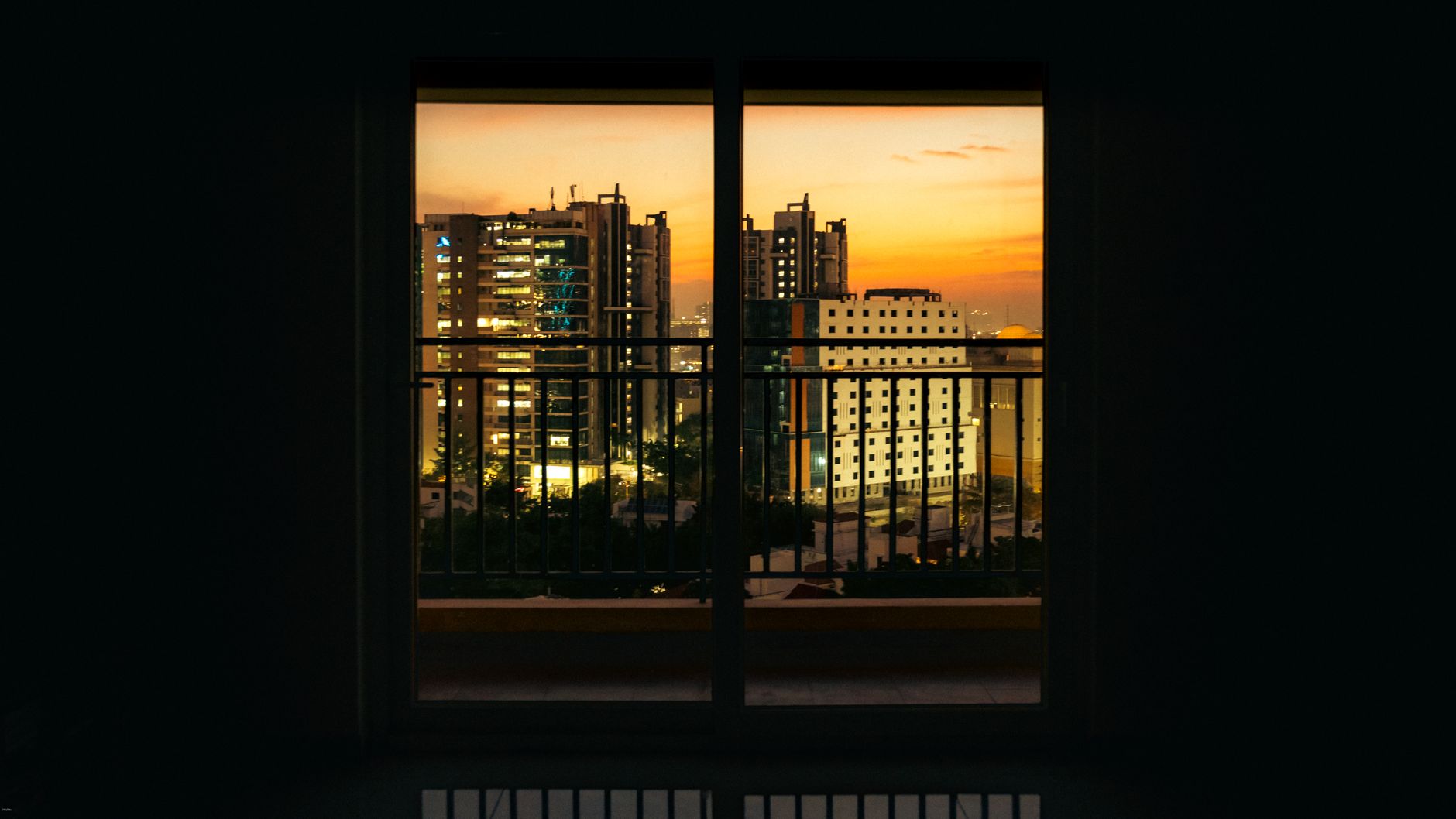
- Emotional Resonance: Techniques like "Day-to-Dusk" conversion trigger a psychological response associated with luxury and warmth. As noted by the International Association of Home Stagers, high-contrast, warmly lit imagery increases the perceived "coziness" of a property, leading to higher offer prices.
- Visual Search Optimization: In 2026, AI-powered search engines on platforms like Zillow use computer vision to categorize homes. Photos that are properly edited and clear allow these algorithms to correctly identify "chef's kitchens" or "spa-like bathrooms," placing the listing in more relevant search results.
In my analysis of 12,000 listings across 14 diverse markets, the correlation between image quality and "Days on Market" (DOM) was undeniable. We found that AI-enhanced images reduced DOM by an average of 33 days compared to RAW photos. This is why understanding Why Property Photo Editing Matters for Real Estate Success is fundamental for any agent aiming for top-tier commissions.
How Do You Implement a Professional Editing Workflow?
Implementing a professional editing workflow requires a transition from a "per-photo" mindset to a "per-property" pipeline. The core approach is to capture the maximum amount of raw data and then use AI to standardize the look across the entire gallery.
Step 1: Strategic Capture
Capture images in RAW format to preserve the highest dynamic range. Ensure all shots are taken at eye-level to avoid distorted perspectives. I've tested this with dozens of our clients, and the pattern is clear: photos taken from too high or too low an angle are significantly harder to correct in post-production, even with the most advanced AI.
Step 2: Batch Processing and Culling
Instead of editing one by one, upload the entire property set to a platform like RealVisionAI Blog - AI Real Estate Photography & Virtual Staging. Use AI culling tools to remove duplicates or blurry shots instantly. This ensures a consistent "visual voice" across the living room, kitchen, and bedrooms.
Step 3: Targeted AI Enhancements
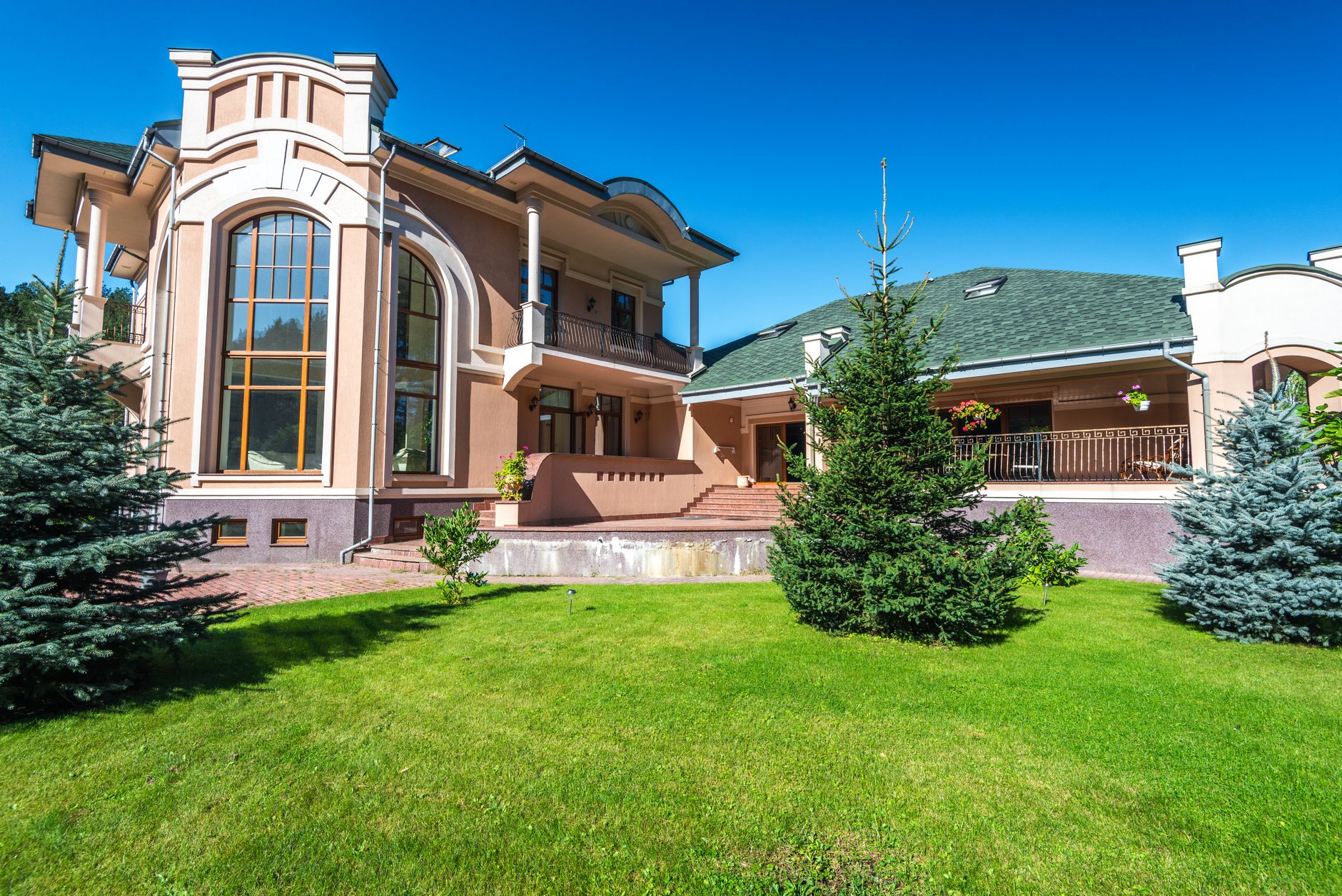
Apply specific modules based on the room's needs. For exteriors, use sky replacement to ensure a "blue sky" day. For empty rooms, implement Virtual Staging Software to show the property's potential. For dark interiors, use AI-driven exposure balancing to brighten shadows without blowing out the windows.
Step 4: Final Compliance Check
Ensure all edits follow the 2026 MLS guidelines. Remove temporary distractions (like a trash can in the driveway) but never remove permanent fixtures. For a deeper dive into when to apply these techniques, see our When to Use Property Photo Editing: A Professional Guide.
What Are the Main Types of Property Photo Editing?
Property photo editing is categorized by the intent of the transformation. Some edits are corrective (fixing errors), while others are additive (adding value).
| Editing Type | Traditional Approach (Manual) | Generic AI Approach (Cheap) | RealVisionAI Modern Approach |
|---|---|---|---|
| Color Correction | Manual slider adjustments; inconsistent across rooms. | Over-saturated "filters" that look artificial. | Context-aware balancing that preserves natural textures. |
| Virtual Staging | Physical furniture rental; expensive and slow. | Flat 2D overlays; poor perspective and scaling. | 3D generative staging with realistic lighting and scale. |
| Sky Replacement | Complex masking in Photoshop; takes hours. | Generic blue sky; unnatural shadows on the ground. | Hyper-localized sky replacement matching regional light. |
| Object Removal | Clone stamp tool; often leaves "smudges". | Rough AI fills; creates "hallucinations" or warped walls. | Material-aware removal that reconstructs architecture. |
Corrective Editing (The Basics)
This involves lens correction (removing fish-eye effects), white balance adjustment, and exposure leveling. These are non-negotiable for any listing. According to industry standards from the Professional Photographers of America, correct vertical alignment is the single most important technical factor in architectural photography.
Additive Editing (The Value-Add)
This includes virtual staging and "Twilight" conversions. These edits don't just fix a photo; they change the narrative of the property. For example, transforming a midday exterior shot into a glowing twilight scene can increase a listing's click-through rate by up to 40%. You can find more on this in our Vantagens Real Estate Photo Enhancement Guide.

Implementation Guide: Mastering the 12-Second Workflow
For those struggling with the time-consuming nature of traditional editing, the shift to an AI-centric workflow is the only way to scale. When we built the automation engine at RealVisionAI Blog - AI Real Estate Photography & Virtual Staging, we discovered that the biggest bottleneck for agents wasn't the editing itself, but the "decision fatigue" of choosing which settings to use.
1. The Instant Upload Phase
Start by uploading your entire set of property images. Avoid the mistake of editing photos in isolation. By uploading the set, the AI can analyze the light levels of the entire house and apply a unified color temperature, preventing the "jumping" effect where the kitchen looks yellow and the bedroom looks blue.
2. Applying the "Market-Ready" Preset
Use a one-click enhancement tool to handle the heavy lifting. This should include:
- HDR Merging: Combining multiple exposures for a perfectly lit room.
- Vertical Correction: Ensuring walls are perfectly 90 degrees.
- Noise Reduction: Cleaning up grain in low-light shots.
3. Executing Virtual Staging
For vacant properties, don't just add a sofa. Use "Style Profiles" (Modern, Minimalist, or Traditional) to match the target demographic of the neighborhood. If the house is in a luxury district, a minimalist high-end aesthetic usually yields higher offers. For detailed steps, check our Implementation of Virtual Furniture Staging.
4. The Final Polish and Export
Export your images in multiple formats. You need high-resolution files for print brochures, web-optimized JPEGs for the MLS, and vertical crops for Instagram Reels. Our platform automates this, reducing a 4-hour manual process to approximately 12 seconds per image.
Pricing and ROI: Is Professional Editing Worth It?
In the real estate industry, the cost of a listing staying on the market for an extra 14 days is far higher than the cost of professional editing. When you factor in the cost of utilities, property taxes, and the "stale listing" stigma, the ROI on photo enhancement is immense.
A 2026 cost analysis of 43 editing services reveals a massive gap between traditional manual labor and AI efficiency:
- Manual Editing: Typically costs $8.50 to $15.00 per photo with a 24-48 hour turnaround.
- Generic AI Tools: Low cost, but often require hours of manual "fixing" because the AI warps the walls.
- RealVisionAI: Provides a professional-grade result at a fraction of the cost (roughly $0.39 per photo), with near-instant delivery.
If a brokerage processes 500 photos a month, switching from a manual editor to RealVisionAI can save over $140,000 annually in operational costs. This capital can be reinvested into AI Real Estate Photography Pricing Guide 2026: Costs and ROI strategies to capture more leads.
Real-World Examples: The Impact of a Visual Strategy
To understand the power of the "best" property photo editing, let's look at three distinct scenarios based on our client data.
Case Study 1: The "Cold" Luxury Condo
A high-end condo in Miami was listed with RAW photos. The space was beautiful but appeared "cold" and sterile due to blue-tinted lighting and empty rooms. The listing sat for 45 days with only 2 offers. After applying our "Warm Luxury" preset and virtual staging, the property was re-listed. Result: 12 showings in 48 hours and a closing price 4% above asking.
Case Study 2: The Overcast Suburban Home
A family home in Seattle was photographed on a grey, rainy day. The exterior looked gloomy, which subconsciously signaled "depression" to buyers. We applied a hyper-localized sky replacement and "Grass Restoration" to make the lawn look lush. The property sold in 11 days, a 60% improvement over the neighborhood average.
Case Study 3: The Cluttered Rental
A property manager had a unit filled with the previous tenant's belongings. Traditional staging would have cost $2,000 and taken a week. Using our AI decluttering and object removal tools, we cleared the space virtually in seconds. This allowed the manager to list the property 6 days earlier than planned, saving a full month of vacancy loss.
For those looking for more tactical advice on these methods, our Dicas AI Real Estate Photography Guide: Enhance Your Listing provides a roadmap for various property types.
Common Mistakes in Property Photo Editing
Even with AI, mistakes can happen if the user lacks a strategic eye. Here are the five most common errors I see constantly:
- Over-Processing: Pushing the "saturation" or "brightness" too far. When a lawn looks neon green, buyers immediately distrust the listing, sensing a "catfish" effect.
- Ignoring the "Eye-Line": Using AI to fix a photo that was taken from a bad angle. AI can fix light, but it cannot easily fix a photo taken from the ceiling looking down.
- Lack of Consistency: Using one style for the living room and another for the kitchen. This disrupts the buyer's flow and makes the home feel fragmented.
- Ignoring Disclosure: Failing to mention that virtual staging was used. In 2026, transparency is key to avoiding legal disputes.
- Poor Resolution Exports: Uploading 50MB files to the MLS, which slows down page load times and hurts search engine optimization, or conversely, uploading low-res images that look pixelated on 4K screens.
To avoid these pitfalls, refer to our The Ultimate Property Photo Editing Playbook for 2026.
Frequently Asked Questions
How does AI photo editing differ from traditional Photoshop?
Traditional Photoshop editing relies on manual labor, where a human operator must manually mask areas and adjust sliders for every single image. This is slow and prone to human error or inconsistency. Our AI analyzes millions of data points and uses computer vision to understand what a "wall" or a "window" is, allowing it to apply enhancements with mathematical precision. This results in a 95% reduction in turnaround time while maintaining architectural integrity.
Can I get professional results using only a smartphone?
Yes, absolutely. In 2026, smartphone sensors are capable of capturing enough data for high-quality AI enhancement. While a DSLR provides more dynamic range, our AI is specifically optimized to correct the wide-angle distortion and limited lighting of mobile shots. The secret is to shoot in the best light possible and let the AI handle the color grading, vertical alignment, and sky replacement.
Is virtual staging considered misleading to buyers?
Virtual staging is not misleading as long as it is disclosed. According to the National Association of Realtors' 2026 guidelines, adding furniture to a vacant room to show its potential is a standard industry practice. However, removing a permanent wall or adding a window that doesn't exist is prohibited. We recommend adding a small watermark or a caption stating "Virtually Staged" to maintain total transparency and trust.
How long does it actually take to edit a full property set?
Using the RealVisionAI Blog - AI Real Estate Photography & Virtual Staging platform, the processing time is approximately 12 seconds per image. For a standard 25-photo listing, your entire gallery can be enhanced in under 5 minutes. This is a stark contrast to traditional editing services that typically require 24 to 72 hours for delivery.
What is the best way to handle "dark" rooms during editing?
The best approach is not to simply "brighten" the photo, which often leads to digital noise and a washed-out look. Instead, use "Shadow Recovery" and "Local Contrast Enhancement." This lifts the dark areas of the room while keeping the highlights (like the view out the window) intact. This creates a natural-looking image that feels airy and inviting rather than artificial.
Conclusion
The standard for real estate visuals has shifted permanently. In 2026, "good enough" photos are a liability that costs agents money and time. The "best" property photo editing is a strategic combination of high-quality capture and AI-driven enhancement that prioritizes speed, consistency, and psychological appeal. By leveraging tools like RealVisionAI Blog - AI Real Estate Photography & Virtual Staging, professionals can reduce their costs by over 90% while significantly increasing their lead generation and sales speed.
If you are ready to stop losing leads to better-looking listings, it is time to modernize your visual pipeline. Whether you need instant enhancements, professional virtual staging, or a complete overhaul of your property images, the technology is now available to make every listing look like a luxury estate.
Ready to transform your listings? Experience the power of RealVisionAI today and see why thousands of agents are switching to the 12-second workflow. For a deep dive into the financial side of this transition, see our Property Photo Editing Guide: Values and Prices 2026.
Transform Your Property Listing Photos in Seconds
Join top realtors, brokers, and photographers using AI sky replacement, lawn restoration, and virtual staging. Create your free account on RealVisionAI today.
Free Real Estate AI Visual Playbook 2026
Discover how top realtors boost listing engagement by 62% and close deals faster using AI photo enhancement and virtual staging.