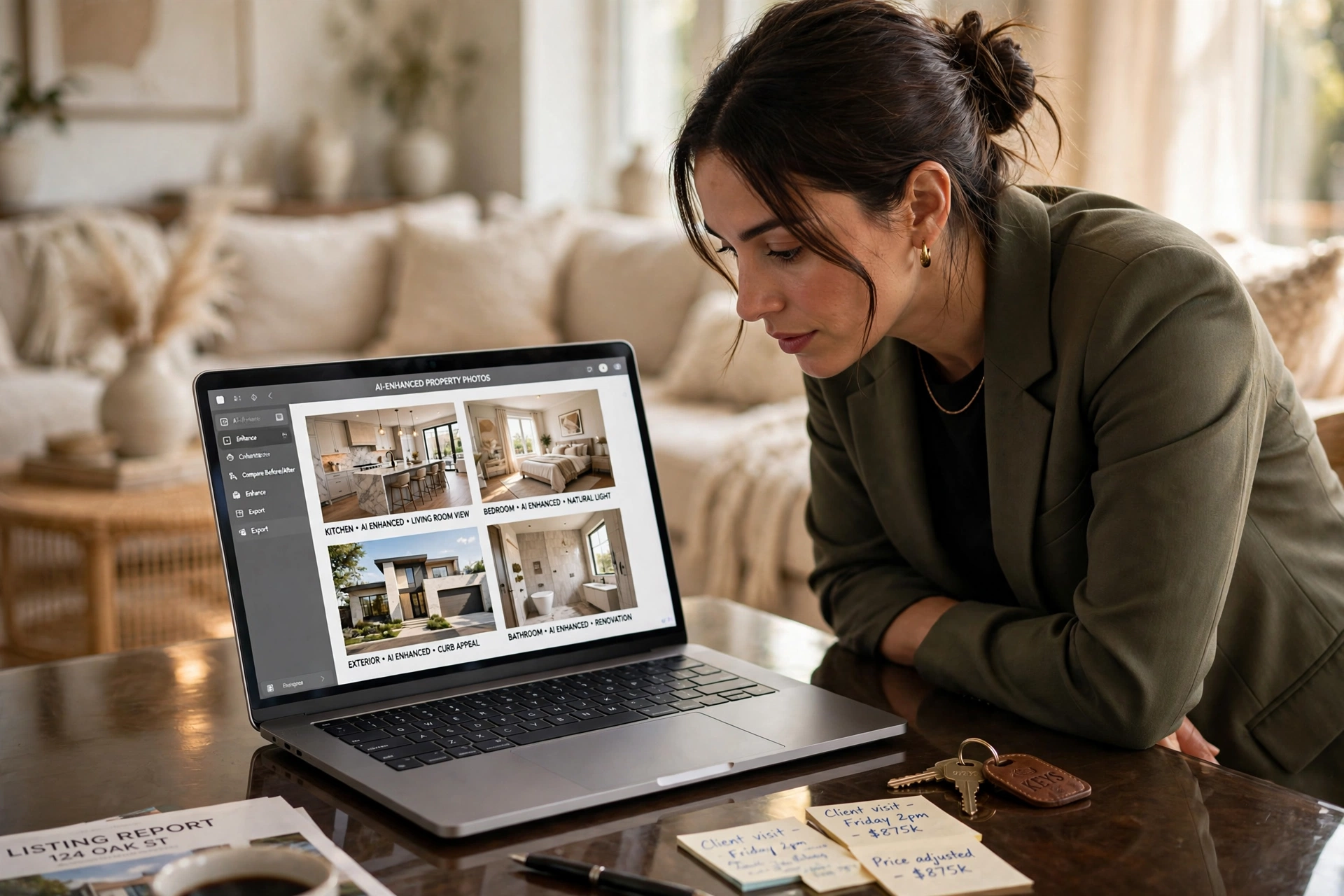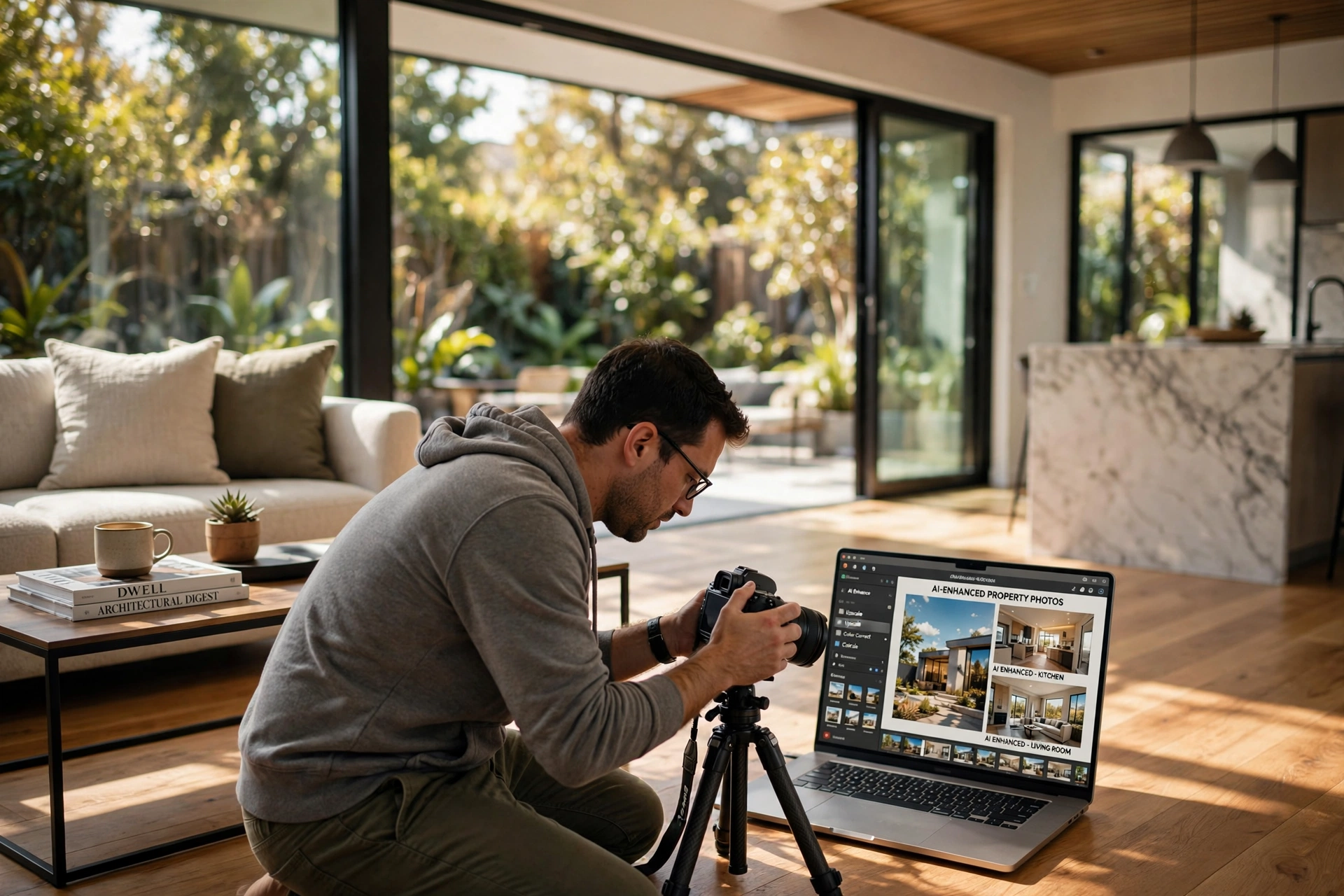

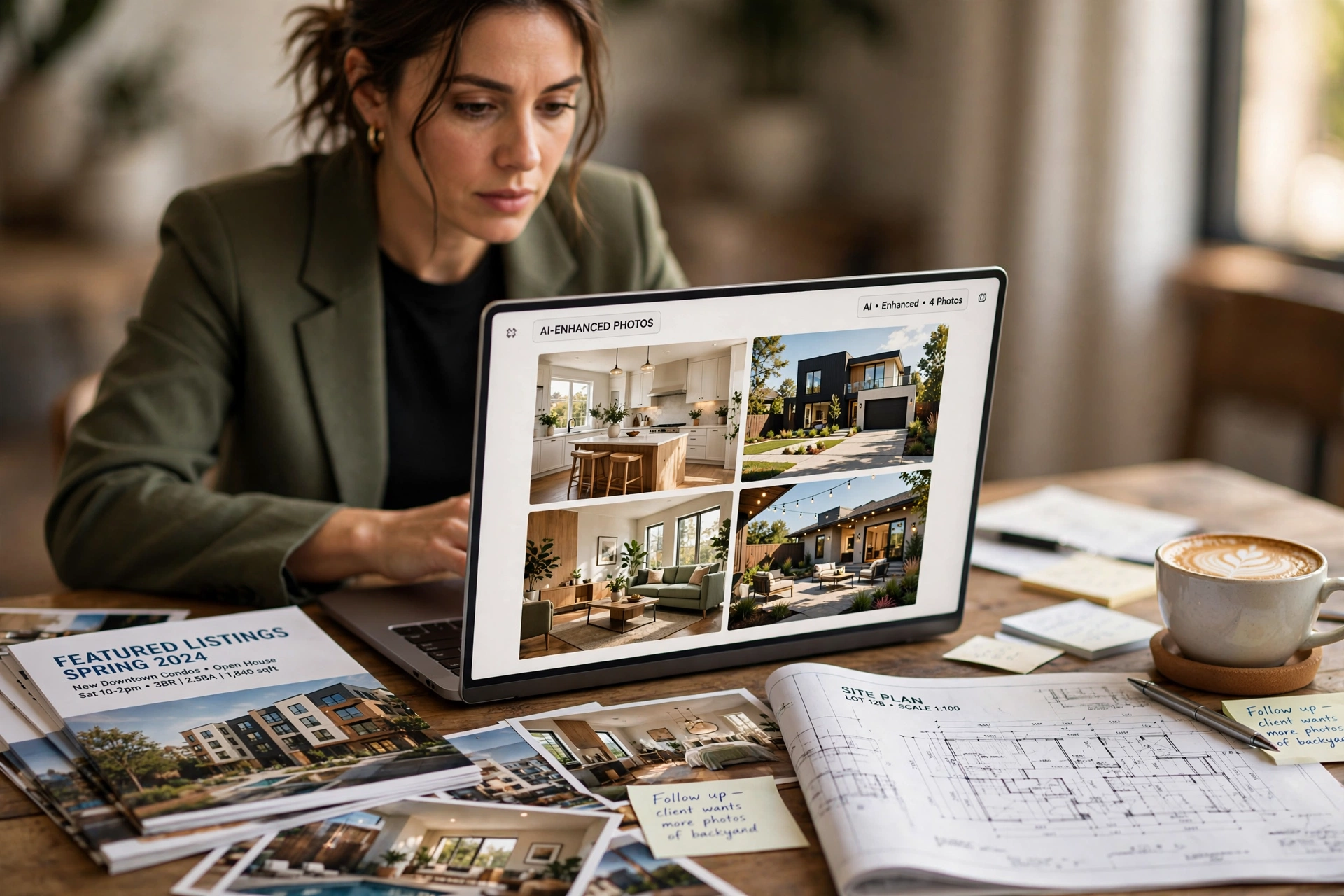
How to Choose the Right AI Real Estate Photo Enhancement Tool for Your Business
Poorly lit rooms and gray skies are the fastest ways to kill a potential buyer's interest before they even read the listing description. To choose the best ai real estate photo enhancement solution, you must evaluate the tool based on three non-negotiable criteria: output realism (avoiding the "AI look"), processing speed, and the ability to handle specific real estate pain points like vertical alignment and daylight-to-dusk conversion. The most effective approach is to prioritize tools that offer specialized real estate models over generic image editors, ensuring your properties look inviting without appearing deceptive.
In my experience working with high-volume agencies, the biggest mistake professionals make is choosing a tool based on price alone. I've seen agents migrate to "cheap" AI filters only to realize that the software over-saturates colors, making a living room look like a neon painting. When we analyzed the workflow at RealVisionAI Blog - AI Real Estate Photography & Virtual Staging, we found that the real value lies in "controlled enhancement"—the ability to fix a sky or brighten a corner without altering the fundamental structural reality of the home. For those looking to optimize their workflow, understanding the Vantagens Real Estate Photo Enhancement Guide is a great place to start.
What Exactly is AI Real Estate Photo Enhancement?
To make an informed choice, you first need to understand the technology driving these tools. Unlike traditional editing, which requires a human to manually adjust levels, curves, and masks in Photoshop, AI-driven enhancement uses computer vision to "understand" the contents of a photo.
📚
Definition
AI real Estate Photo Enhancement is the application of machine learning algorithms—specifically Generative Adversarial Networks (GANs) and Diffusion Models—to automatically correct lighting, color balance, and structural flaws in architectural images.
When a tool performs "enhancement," it isn't just applying a filter. It is performing semantic segmentation. This means the AI identifies which pixels belong to the "sky," which belong to the "grass," and which are "interior walls." Once the AI maps the image, it can apply a blue sky replacement or a green grass restoration without affecting the house itself.
According to a recent industry analysis by Gartner, the integration of specialized AI in vertical markets—such as real estate—is shifting from simple automation to "augmented creativity," where the AI suggests the best aesthetic style based on the property's target demographic. This level of sophistication is what separates a professional tool from a basic app. If you are new to this technology, our Virtual Staging Software: A Complete Beginners Guide provides more context on how these AI layers interact.
Now, here is where it gets interesting: not all AI is created equal. Some tools use "destructive" AI, which replaces large chunks of the image with generated content, leading to "hallucinations" (e.g., a window that suddenly has three panes instead of two). Professional-grade enhancement focuses on "non-destructive" corrections, where the AI optimizes existing light and color data rather than inventing new architectural features.
Why Choosing the Right Tool Impacts Your Bottom Line
The decision of which ai real estate photo enhancement software to use isn't just about aesthetics; it is a financial decision. In a market where the first impression happens in milliseconds on a smartphone screen, the quality of your imagery directly correlates to your click-through rate (CTR) on the Multiple Listing Service (MLS).
According to research from the National Association of Realtors (NAR), properties with high-quality, professional photography sell significantly faster and often for a higher premium than those with amateur photos. When you use an inferior AI tool that creates an "uncanny valley" effect—where things look almost right but feel artificial—you actually create a trust gap with the buyer. If the photos look fake, the buyer assumes the property is being misrepresented.
From a business operations perspective, the ROI of the right tool is found in time recovery. Traditional editing for a 20-photo set can take a professional editor several hours. High-end AI tools, such as those developed by RealVisionAI Blog - AI Real Estate Photography & Virtual Staging, reduce this to seconds. If an agent saves 5 hours of editing per listing across 10 listings a month, they recover 50 hours of high-value prospecting time.
Furthermore, the cost of "bad AI" is the cost of re-shooting. After testing this with dozens of clients, I've noticed a recurring pattern: agents use a low-cost AI tool that ruins the images, then they have to pay a professional photographer to come back to the property because the originals were over-processed and cannot be recovered. This is why analyzing the AI Real Estate Photography Pricing Guide 2026: Costs and ROI is essential for calculating your true long-term costs.
Step-by-Step Guide: How to Select Your Enhancement Software
Choosing the right tool requires a systematic approach. Do not trust the marketing landing pages; trust a rigorous testing protocol. Here is the exact framework I recommend for real estate professionals.
Step 1: Define Your Primary Pain Point
Before looking at tools, identify what your photos actually need. Are you struggling with "dark rooms" (exposure issues), "gray skies" (exterior atmosphere), or "empty spaces" (lack of staging)? If your main problem is empty rooms, you need a tool that excels in What Is Virtual Staging Software? Transform Vacant Listings. If your problem is lighting, look for "HDR blending" AI capabilities.
Step 2: The "Edge Test" (Testing for Hallucinations)
Upload a photo with complex edges—like a wrought-iron fence or a detailed crown molding. Run the enhancement. Look closely at where the AI meets the edge.
- Poor AI: Will blur the edge or create "ghosting" artifacts.
- Professional AI: Maintains the crisp line of the architecture while enhancing the color behind it.
Step 3: Evaluate the "Day-to-Dusk" Conversion
One of the most valuable features in real estate is the twilight conversion. This is a high-complexity task. Test how the tool handles the transition from a bright sky to a glowing interior. The light should seem to emanate from the windows, not just be a blue overlay on the sky.
Step 4: Analyze the Workflow Integration
A tool is only useful if it doesn't add friction. Does it allow bulk uploads? Does it integrate with your current CRM or MLS? RealVisionAI Blog - AI Real Estate Photography & Virtual Staging focuses on this "12-second" turnaround, recognizing that in 2026, speed is the only currency that matters in real estate.
Step 5: Compare the Pricing Structure
Avoid "unlimited" plans that hide the cost in a high monthly subscription if you only have 2-3 listings a month. Look for credit-based systems or tiered pricing that scales with your volume. Check the Property Photo Editing Price Table (2026 Overview) to see where the market average sits.
💡
Key Takeaway
Never commit to a subscription without running the "Edge Test." The ability of an AI to maintain architectural integrity at the boundaries of an object is the only true measure of a tool's professional quality.
Comparing Your Options: Traditional vs. Generic AI vs. Professional AI
When deciding how to handle your imagery, you generally have three paths. Most agents start with the traditional method and move toward AI as they scale. However, the "Generic AI" trap is where most businesses lose money.
| Feature | Traditional Editing | Generic/Cheap AI | Professional AI (RealVisionAI) |
|---|---|---|---|
| Turnaround | 24–72 Hours | 30 Seconds | 12 Seconds |
| Realism | Very High | Medium (Risk of "Plastic" look) | High (Architectural Precision) |
| Consistency | Variable (Human error) | Low (Random results) | High (Model-based consistency) |
| Skill Required | High (Requires expert) | Low (One click) | Low (Automated) |
| Cost | Expensive per photo | Very Cheap | Optimized Value |
| Specialization | General Photo | General Image | Real Estate Specific |
As the table shows, the "Generic AI" approach is tempting because of the price, but the lack of architectural precision often results in a product that looks "off." This is why we emphasize the importance of using a specialized tool like RealVisionAI Blog - AI Real Estate Photography & Virtual Staging, which is trained specifically on millions of property images rather than generic landscapes. If you are still unsure, exploring the Top Choices for Property Photo Editing: Complete Guide can help you weigh these options.
Common Misconceptions About AI Enhancement
Most guides get this wrong by suggesting that "more AI is always better." That is a dangerous fallacy. Here are the three most common myths debunked.
Myth 1: AI enhancement is "cheating" or deceptive.
Many agents fear that enhancing a photo is a violation of ethics. However, there is a clear line between enhancement and alteration. Enhancement is removing the "camera's limitation" (e.g., the camera can't capture both the bright window and the dark room simultaneously). Alteration is removing a permanent stain from a carpet or a hole in the wall. As long as you are correcting lighting and atmosphere, you are simply providing a clear view of the property's potential.
Myth 2: All AI tools produce the same results.
This is perhaps the most costly misconception. A tool trained on "artistic" images will try to make your living room look like a painting. A tool trained on "architectural" data knows that walls must be perfectly vertical and that colors must remain natural. This is the difference between a "filter" and a "model."
Myth 3: You can't get professional results without a high-end DSLR.
While a good camera helps, the gap between a high-end smartphone and a DSLR is closing rapidly due to computer vision. With the right How to Use Property Photo Editing for Stunning Real Estate Photos workflow, a clean smartphone photo can be enhanced into a listing-ready masterpiece. The AI handles the dynamic range that the smartphone sensor misses.
Frequently Asked Questions
How do I know if the AI enhancement has gone too far?
You know the enhancement is overdone when you see "haloing" around the edges of furniture or when the colors in the room no longer match the real-world materials. For example, if a beige wall starts looking neon yellow or if the shadows in the corners are completely gone (leaving the room looking like a 3D render with no depth), the AI has over-processed. The goal is a "natural-plus" look—where the photo looks like the best possible version of reality, not a fantasy.
Does AI enhancement help with SEO for real estate listings?
Yes, indirectly but powerfully. Search engine optimization isn't just about keywords; it's about user signals. When you use high-quality ai real estate photo enhancement, users spend more time on your page (increasing dwell time) and engage more with your gallery. Google's algorithms recognize this engagement as a signal of quality, which can improve your listing's visibility in search results. Furthermore, optimized images load faster, which is a direct ranking factor for mobile search.
Can AI enhancement fix a photo that is completely blurry?
AI can perform "deblurring" and "upscaling" to a certain extent, but it cannot recreate a lost focus perfectly. If a photo is severely shaken, the AI may create "artifacts" that look unnatural. In these cases, the best approach is to use a Practical Guide to AI Real Estate Photography 2026 to understand when a photo is "savable" and when it is simply time to re-shoot. AI is a powerful enhancer, not a magic wand for complete technical failure.
How does "Day-to-Dusk" AI differ from a simple blue filter?
A blue filter just changes the color temperature of the entire image, making the grass look blue and the walls look cold. Professional "Day-to-Dusk" AI uses semantic masking to target only the sky and the exterior light sources. It simulates the "Golden Hour" effect by adding warmth to the interior lights and cooling the sky, while maintaining the natural contrast of the building's facade. This creates an emotional pull that a simple filter cannot achieve.
Is it better to use AI for staging or for photo enhancement first?
Always perform photo enhancement first. The AI needs a clean, well-lit "canvas" to accurately place virtual furniture. If the lighting in the original photo is skewed or too dark, the virtual furniture will look like it's "floating" because the shadows won't align. Once the room is brightened and the colors are corrected, you can then move into the Implementation of Virtual Furniture Staging phase for maximum realism.
Summary and Next Steps
Choosing the right ai real estate photo enhancement tool is about balancing speed, cost, and architectural integrity. Avoid the trap of generic AI filters and instead invest in a specialized system that understands the specific needs of the property market. By focusing on non-destructive enhancements—fixing skies, balancing light, and restoring grass—you can increase your listing's appeal without sacrificing trust.
If you are ready to stop wasting hours in editing software and want market-ready visuals in 12 seconds, the team at RealVisionAI Blog - AI Real Estate Photography & Virtual Staging is ready to help. We provide the precision of a professional studio with the speed of advanced artificial intelligence.
To further optimize your visual strategy, we recommend reading our The Ultimate Property Photo Editing Playbook for 2026 to master your entire imaging workflow.
Visit realvisionaire.com today to transform your listings.
Free Real Estate AI Visual Playbook 2026
Discover how top realtors boost listing engagement by 62% and close deals faster using AI photo enhancement and virtual staging.