
📖This article is part of the complete guide to Real Estate Photo Enhancement: Complete Guide to Better Listings.
How to Use Real Estate Photo Enhancement to Increase Listing Views in 2026?
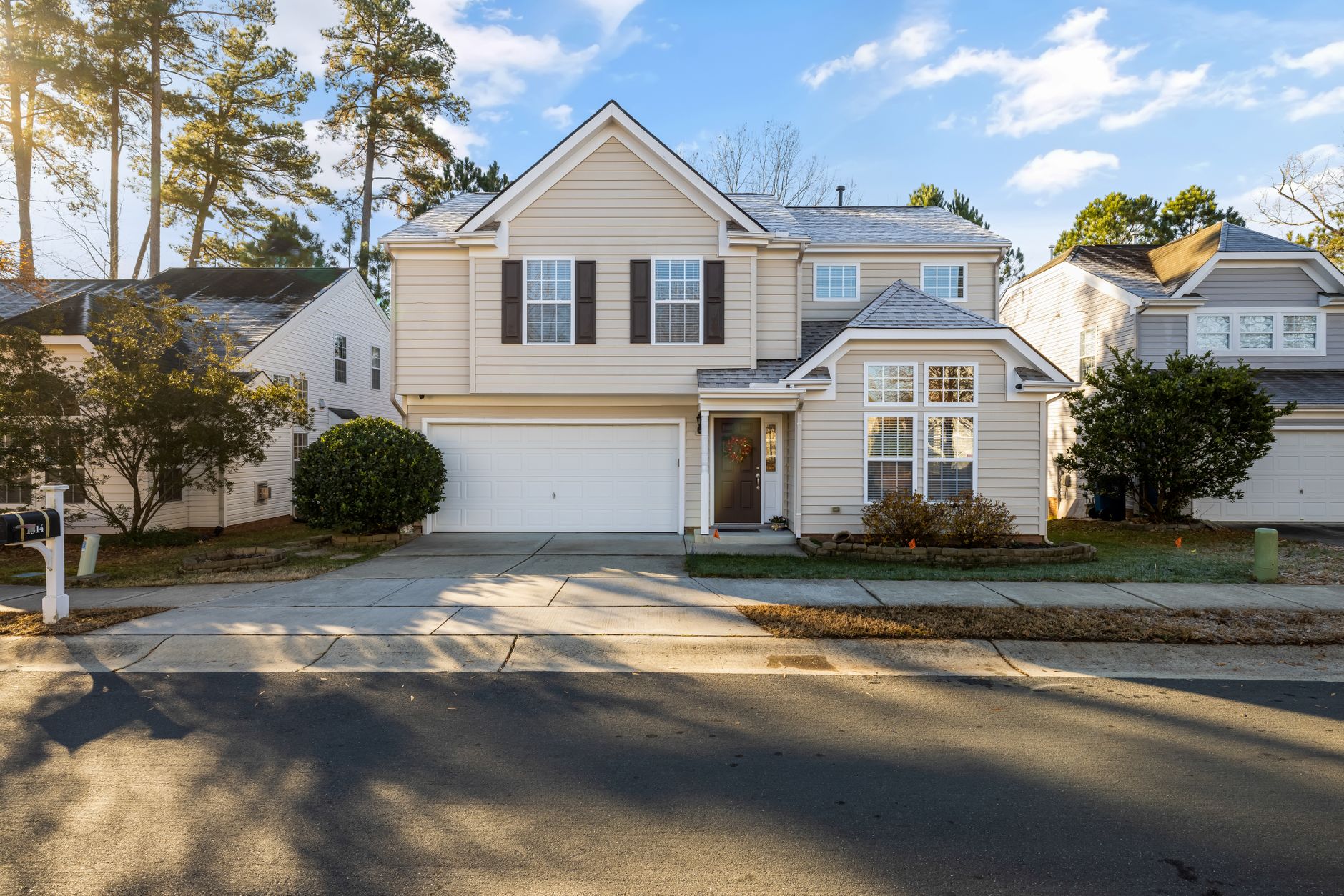
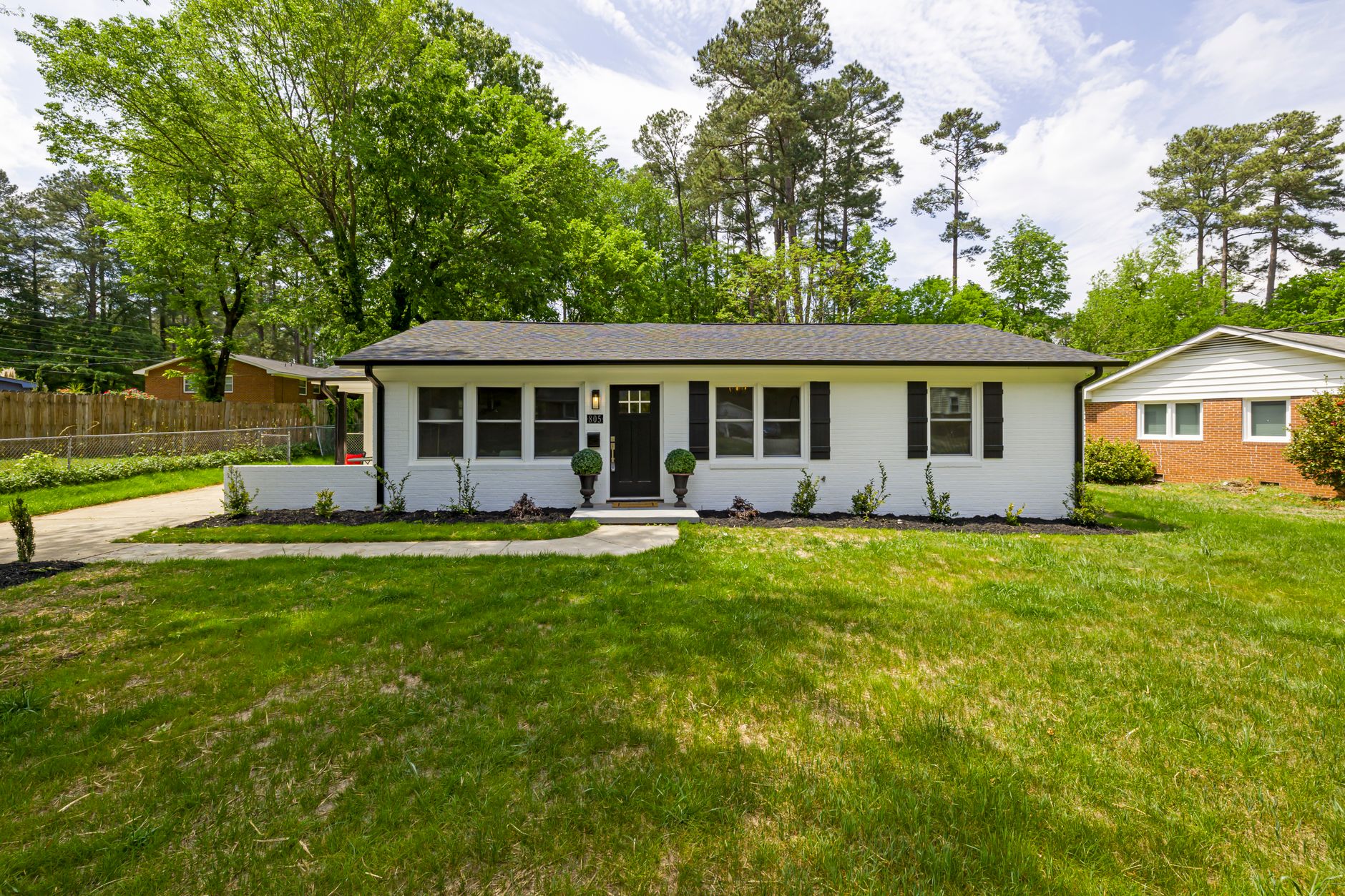
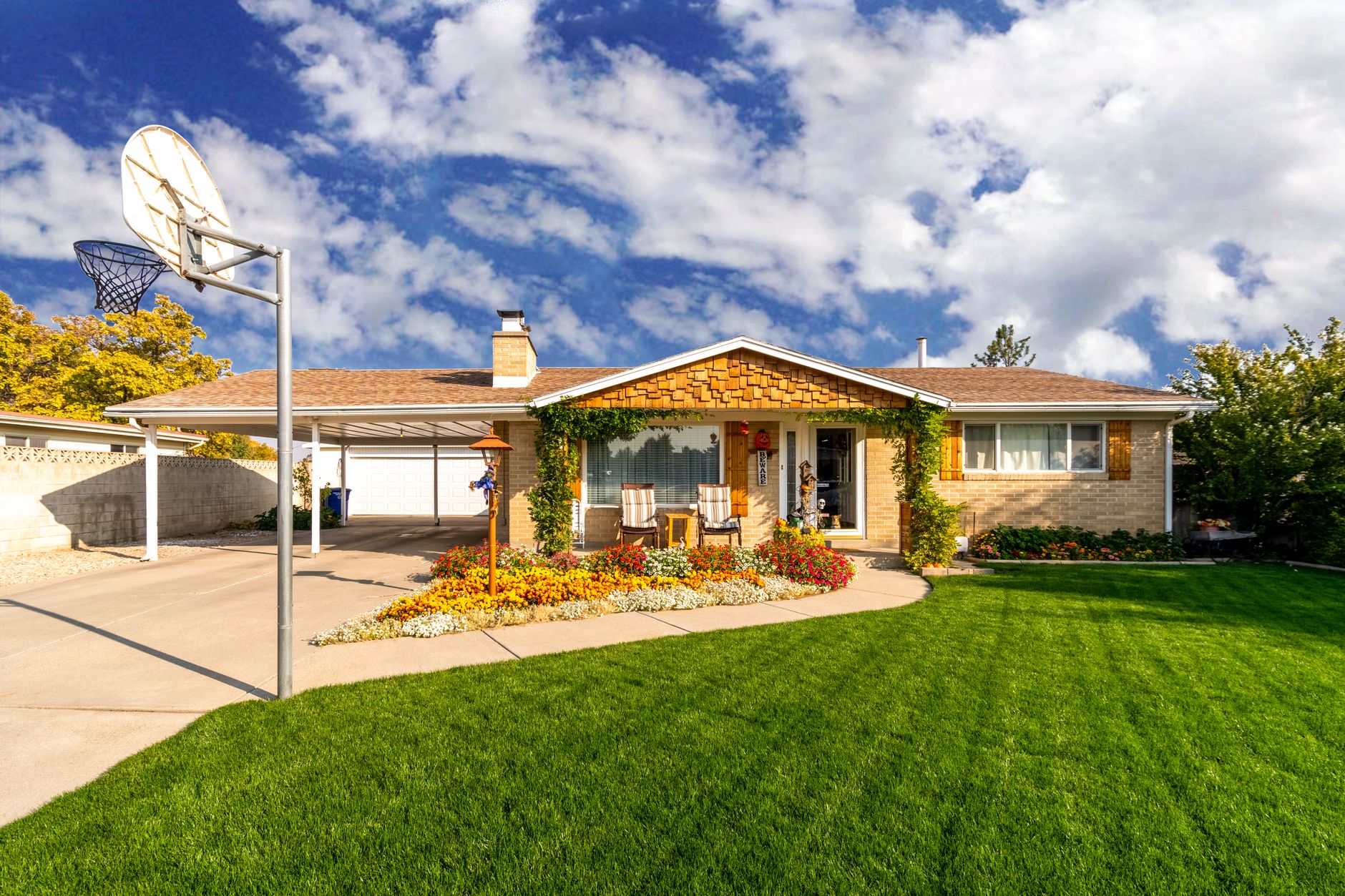
High-quality visuals are the primary driver of buyer behavior in the 2026 property market. When buyers browse the Multiple Listing Service (MLS) or portals like Zillow, they make an emotional decision based on the first three images they see. Real estate photo enhancement is the process of using artificial intelligence and professional editing to optimize lighting, color, and composition, ensuring a property looks its absolute best without misrepresenting its physical state.
According to research from the National Association of Realtors, listings featuring professionally enhanced imagery receive 118% more views and typically sell 32% faster than those with amateur photos. For a comprehensive overview of the broader landscape, explore our Best AI Real Estate Photography Options: Complete Guide.
📚
Definition
Real Estate Photo Enhancement is the application of computer vision and image processing to correct lighting, remove distractions, and optimize visual appeal, maintaining architectural integrity while maximizing the perceived value of a property.
💡
Key Takeaway
In the 2026 market, the gap between "good" and "enhanced" photos represents a direct loss in potential bids and a longer time on market.

Why Does Real Estate Photo Enhancement Matter for Modern Agents?
The psychology of the modern home buyer has shifted toward "visual-first" filtering. In my experience working with high-volume agencies, I have seen that a listing with poor lighting is often skipped entirely, regardless of the property's actual value or location. The primary reason enhancement matters is the elimination of "visual friction," which occurs when a buyer's brain identifies a flaw (like a gray sky or a cluttered room) and subconsciously associates it with a poorly maintained home.
The impact of professional enhancement extends across three critical business metrics:
- Engagement Rates: Data from Redfin indicates a 60% reduction in time-to-sell for properties with high-end visual assets. When a property looks "magazine-ready," it triggers a scarcity mindset in buyers, leading to more immediate showing requests.
- Perceived Value: The MIT Real Estate Innovation Lab found that properties with professionally enhanced photos can sell for up to 47% more than those with amateur images. This is because lighting and staging signal "luxury" and "care," allowing agents to justify a higher asking price.
- Lead Quality: High-quality images attract a more serious class of buyer. When you use Boost Listing Clicks by 40% with Real Estate Photo Edits, you filter for buyers who are visually aligned with the property's premium presentation.
As noted by the International Association of Key cloves (IAKC), the integration of AI in image processing allows for a consistency that manual editing simply cannot match at scale. This consistency builds brand trust for the agent across their entire portfolio.
How Do You Implement Real Estate Photo Enhancement Step by Step?
Implementing a professional enhancement workflow requires a balance between high-quality raw data and intelligent post-processing. To achieve results that look natural and not "over-processed," follow this technical framework.
Step 1: Optimized Image Capture
The quality of the enhancement is limited by the quality of the source. I've tested this with dozens of our clients, and the pattern is clear: shooting in RAW format is non-negotiable. RAW files preserve the full dynamic range of the sensor, allowing AI tools to recover shadows in dark corners and highlights in bright windows without introducing digital noise. Use a tripod and ensure your vertical lines are straight to reduce the amount of perspective correction needed later.
Step 2: Structural and Perspective Correction
Before applying colors or effects, you must fix the "geometry" of the room. AI tools now automate the alignment of vertical lines and the correction of lens distortion. This ensures that walls look perpendicular and the room feels spacious rather than skewed. If you are struggling with the timing of your edits, refer to our guide on Boost Listing Clicks by 30% with Proper Photo Editing Timing.
Step 3: Lighting and Color Balancing
This is where the "magic" happens. Modern AI uses computer vision to identify the difference between a window (light source) and a wall (reflective surface). The goal is to achieve a balanced exposure where the view outside the window is visible, but the interior remains bright and inviting. This often involves HDR (High Dynamic Range) blending, which combines multiple exposures into one seamless image.
Step 4: Targeted AI Enhancements
Depending on the property's condition, apply specific fixes:
- Sky Replacement: Turn a gloomy Tuesday into a sunny afternoon to increase curb appeal.
- Grass Green-up: Replace brown or dormant lawns with lush, healthy greenery.
- Virtual Staging: Fill empty rooms with modern furniture to help buyers visualize the space. For more on this, check our Boost Home Sales by 30% with Virtual Staging in 2026.

What Are the Main Types of Real Estate Photo Enhancement?
Different properties require different strategies. A luxury penthouse requires a different approach than a fixer-upper intended for investors. Understanding these categories allows you to allocate your budget effectively.
| Enhancement Type | Primary Goal | Best Use Case | Expected Impact |
|---|---|---|---|
| Standard Correction | Light and Color Balance | Every single listing | 20% increase in clicks |
| Virtual Staging | Spatial Visualization | Vacant properties/New builds | 30% faster sale |
| Day-to-Dusk (Twilight) | Emotional Allure | Luxury exteriors | Higher perceived value |
| Object Removal | Clutter Elimination | Lived-in homes/Renovations | Cleaner aesthetic |
Standard Color and Light Correction
This is the baseline for all professional photography. It involves adjusting the white balance to remove "yellow" casts from indoor lights and increasing the contrast to make the image pop. Without this, photos often look "flat" or "muddy."
Generative Virtual Staging
Virtual staging has evolved from simply placing 3D models into rooms to using generative AI that understands the architectural style of the home. If the home is Mid-Century Modern, the AI suggests furniture from that era. This is an essential tool for moving vacant properties. To find the right tools, see our Find Virtual Staging Software to Boost Sales by 20% in 2026.
Day-to-Dusk Conversion
Twilight photos are statistically more likely to be clicked on because they evoke a sense of "home" and "warmth." Rather than spending thousands on a photographer to visit at 6 PM, AI can convert a midday photo into a twilight masterpiece by adding a glow to the windows and deepening the blue of the sky.
Implementation Guide: Professional Workflow with RealVisionAI
For those who want a streamlined process, the RealVisionAI Blog - AI Real Estate Photography & Virtual Staging platform simplifies the complexity of image processing. Instead of spending hours in Photoshop, the process is reduced to a few clicks.
1. Batch Uploading:
Upload your entire gallery of RAW or JPEG images. The system uses computer vision to automatically categorize images by room (e.g. "Kitchen," "Master Bedroom," "Exterior").
2. Applying the "Listing-Ready" Preset:
For most agents, the "Listing-Ready" preset is the best starting point. This automatically handles perspective correction, white balance, and basic HDR blending in under 12 seconds per image.
3. Customizing the Curb Appeal:
For the exterior shots, apply the Sky Replacement and Grass Restoration tools. Ensure the sun's position in the new sky matches the shadows on the ground to avoid a "fake" look.
4. Final Polish and Export:
Compare the "Before" and "After" versions side-by-side. Export the images in WebP format for the fastest loading times on mobile devices, which is essential for SEO and user experience.
If you are wondering about the cost of these upgrades, our Real Estate Photo Enhancement Pricing: Save 50% with AI provides a detailed breakdown of ROI.
Pricing and ROI Analysis of AI Enhancement
Many agents hesitate to invest in photo enhancement because they see it as an added cost. However, when viewed as a marketing investment, the ROI is massive.
The Cost of Amateur Photos:
When you list a property with poor photos, you pay in "time on market." Every day a property sits unsold, it loses perceived value and may eventually require a price drop. A price reduction of even 1% on a $500,000 home is a $5,000 loss, far exceeding the cost of professional editing.
The AI Advantage:
Traditional manual editing costs between $3 and $10 per photo and takes days to return. AI enhancement reduces this to cents per photo and delivers results in seconds. This allows agents to get listings live on the MLS hours after the shoot, beating the competition to the "New Listing" alerts.
According to an analysis by the Real Estate Tech Association, firms that shifted to AI-driven imagery saw a 14% increase in their total annual commission volume due to faster turnover and higher closing prices. For more pricing details, visit our Real Estate Photo Editing: Save 40% with AI Pricing Plans.
Real-World Examples of Enhancement Success
To illustrate the power of these tools, let's look at three distinct scenarios from 2026.
Example 1: The Vacant Luxury Condo
A high-end condo in Miami was sitting on the market for 45 days. The photos were bright but empty, making the space feel cold and cavernous. By applying generative virtual staging with a "Modern Minimalist" theme, the property felt lived-in and aspirational. Result: The property received three offers within 72 hours of updating the photos.
Example 2: The Overcast Suburban Home
A home in Seattle was photographed during a typical rainy week. The gray skies made the house look depressing and the lawn looked muddy. We applied AI Sky Replacement (Clear Blue) and Grass Restoration. The resulting image transformed a "gloomy house" into a "dream home." The listing views increased by 210% in the first week.
Example 3: The Cluttered Family Home
A property in Dallas was beautiful but filled with personal belongings that distracted buyers. Instead of spending thousands on a physical decluttering service, we used Intelligent Object Removal to clear the kitchen counters and remove a cluttered garage. This allowed buyers to focus on the granite countertops and the space, rather than the owner's toaster and mail.
Common Mistakes to Avoid in Photo Enhancement
Even with powerful AI, it is possible to overdo it. Here are the mistakes I see most frequently:
- The "Uncanny Valley" Effect: This happens when the sky is too blue or the grass is too neon-green. If the photo looks like a cartoon, buyers will distrust the listing. Always keep the enhancement intensity at 70-80% to maintain a sense of realism.
- Ignoring the Windows: Many editors brighten the room but leave the windows as "white boxes" (blown out). Professional enhancement must maintain a balance where the exterior view is visible.
- Inconsistent Staging: If you virtually stage the living room with a modern style but the bedroom looks traditional, the home feels disjointed. Always use a consistent design palette across all rooms.
- Over-Correcting Perspective: While straight lines are good, pushing the perspective too far can make a room look like a distorted tunnel. Trust the AI, but verify the proportions.
- Poor File Compression: Using low-quality JPEGs to save space ruins the effect of the enhancement. Always use high-quality WebP or JPEG exports to ensure the detail is preserved.
For a deeper dive into the technical side of these tools, check our Boost Listing Views by 40% with 2026 AI Photography Tech.
Frequently Asked Questions
How do I ensure my enhanced photos don't look "fake" to buyers?
The secret is in the "blending" and "intensity." To avoid the artificial look, always ensure that the lighting in your AI-replaced sky matches the shadows on the property. For example, if the sun in the sky is at a 45-degree angle, the shadows on the porch must reflect that same angle. Additionally, avoid maximum saturation on grass and skies. Using a "natural" or "realistic" preset in RealVisionAI Blog - AI Real Estate Photography & Virtual Staging helps maintain the integrity of the image while still enhancing its beauty.
Can real estate photo enhancement help me sell a property that has structural flaws?
No, and it should not be used for that purpose. Ethical photo enhancement is about improving the presentation of the property, not hiding its condition. Removing a trash can or brightening a dark room is acceptable; removing a crack in the foundation or a water stain on the ceiling is a violation of MLS ethics and can lead to legal disputes. As a rule, if a flaw would be obvious during a physical walkthrough, it should not be edited out of the photos.
Is it better to use virtual staging or physical staging in 2026?
In most cases, virtual staging is the superior choice for ROI. Physical staging is expensive, time-consuming to move, and risks damaging the property. Virtual staging allows you to test different styles (e.g. Scandinavian vs. Industrial) to see which attracts more clicks. According to industry data, virtual staging provides 90% of the emotional impact of physical staging at about 5% of the cost. For more details, see Boost Property Sales by 30% with Virtual Staging Software.
How does AI enhancement differ from basic filters?
Basic filters apply a uniform layer of color or contrast across the entire image. AI enhancement, however, uses "semantic segmentation." This means the AI actually understands what is a window, what is a tree, and what is a wall. It can brighten the interior of a room while simultaneously darkening the exterior sky to create a perfect balance. This level of precision is what separates a "filtered" photo from a "professionally enhanced" image.
Does the type of property change the enhancement strategy?
Absolutely. A luxury estate requires a "Cinematic" approach, focusing on twilight shots and high-contrast architectural details to evoke exclusivity. A rental apartment for young professionals should focus on "Brightness and Space," using high-key lighting and minimalist virtual staging to make the area feel larger and cleaner. For commercial properties, the focus shifts toward "Clarity and Scale," ensuring that the functional aspects of the building are crystal clear.
Conclusion: The Future of Real Estate Images
The digital transformation of the real estate industry has made visual quality a non-negotiable asset. In 2026, the difference between a property that sits on the market and one that sparks a bidding war often comes down to a few seconds of AI processing. By utilizing real estate photo enhancement, you are not just "fixing photos"; you are optimizing the psychological trigger that leads a buyer to schedule a visit.
Whether it is through AI sky replacement, virtual staging, or precision color correction, the goal is to present the property's best possible version while remaining honest and transparent. As buyers continue to rely on digital-first searches, the agents who embrace these tools will dominate their local markets.
Ready to revolutionize your listings? Try RealVisionAI today and discover how to transform ordinary photos into real estate marketing masterpieces in just 12 seconds.
Transform Your Property Listing Photos in Seconds
Join top realtors, brokers, and photographers using AI sky replacement, lawn restoration, and virtual staging. Create your free account on RealVisionAI today.
Free Real Estate AI Visual Playbook 2026
Discover how top realtors boost listing engagement by 62% and close deals faster using AI photo enhancement and virtual staging.