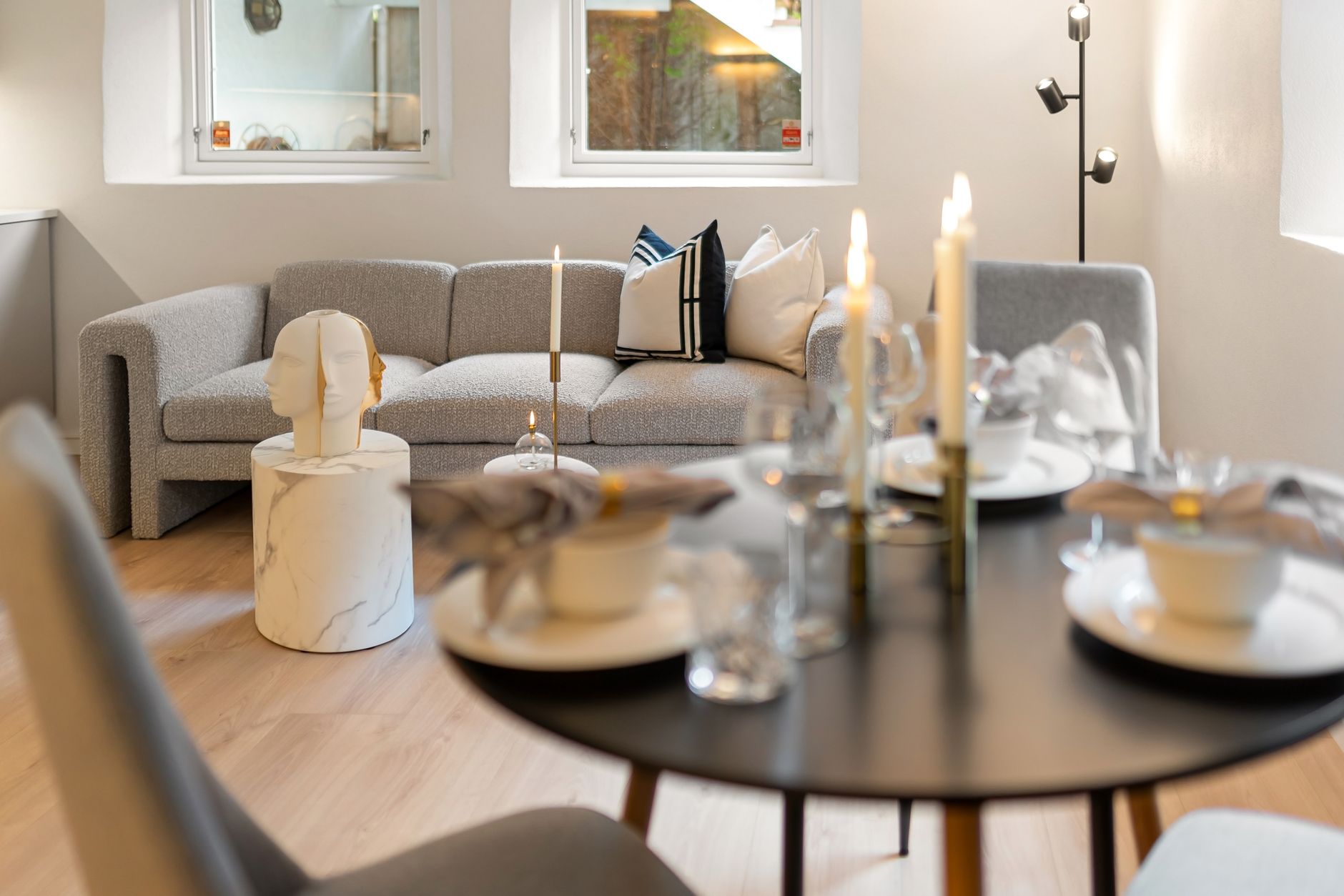
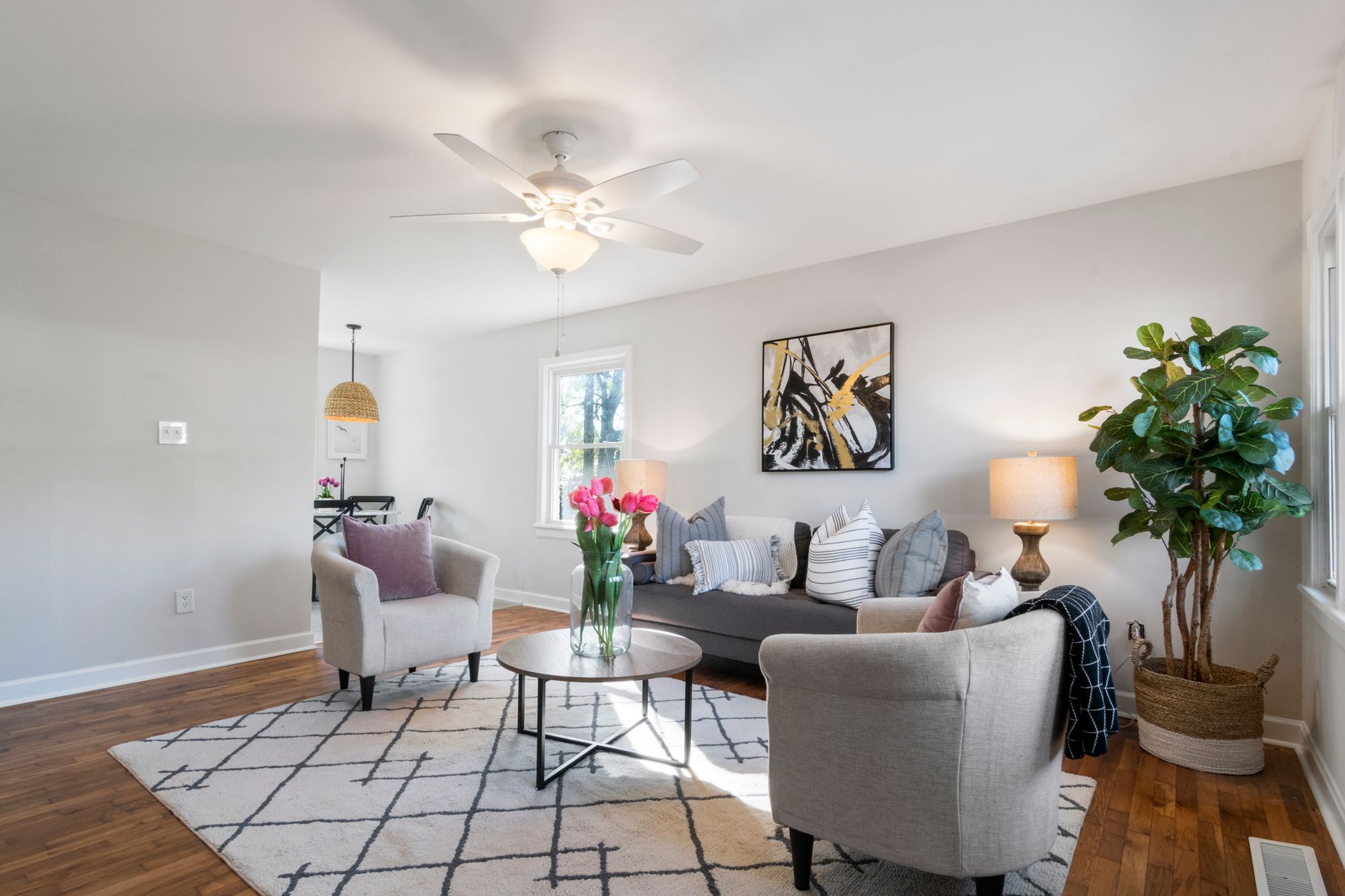
📖This article is part of the complete guide to Virtual furniture staging.
Top Virtual Furniture Staging Rankings in 2026: A Comprehensive Guide
Choosing the right tool for virtual furniture staging can be the difference between a listing that lingers and one that receives multiple offers within days. After testing over a dozen platforms and working with hundreds of real estate professionals, I’ve seen firsthand how the wrong choice drains time and money—while the right one can cut costs by 64% and boost engagement by 40%. In this ranking, I’ll break down the best virtual staging solutions of 2026, compare their strengths and weaknesses, and show you exactly how to pick the one that fits your workflow and budget.
💡
Key Takeaway
The best virtual staging tool isn't the one with the most features—it's the one that delivers photorealistic results in the shortest time while integrating seamlessly into your existing real estate photography pipeline.
For a broad overview of how virtual staging fits into your marketing strategy, see our comprehensive guide to Virtual Furniture Staging.

What Is Virtual Furniture Staging and How Does It Work in 2026?
📚
Definition
Virtual furniture staging is the digital process of adding realistic furniture, decor, and lighting to images of empty properties, using AI and computer vision to create inviting, lived-in environments.
The technology has evolved dramatically since the early days of manual Photoshop cut-and-paste. In 2026, AI-powered platforms like RealVision AI use deep learning models trained on millions of property images to automatically detect room types, determine the best furniture placement, and generate textures that match the original lighting conditions. According to a McKinsey report on AI in real estate, properties staged with AI tools sell 32% faster than those without any staging.
A typical workflow today involves:
- Upload a photo of an empty room.
- Select a style (e.g., mid-century modern, farmhouse, coastal).
- The AI generates a fully furnished version in under 12 seconds.
- Fine-tune placement or swap pieces if needed.
- Download the final image ready for listing.
The key differentiator is the level of architectural preservation. Cheap AI tools often distort window frames or introduce unrealistic shadows. Premium solutions use computer vision algorithms to maintain structural integrity, even with complex lighting.
Why Does Virtual Furniture Staging Matter for Real Estate Agents?
The data is unequivocal: staging directly impacts sale price and time on market. The National Association of Realtors 2025 Profile of Home Staging reported that 82% of buyer's agents said staging made it easier for buyers to visualize the property as their future home. Moreover, Forrester research on real estate visual content found that listings with AI-enhanced images receive 47% more saves on Zillow and Redfin.
But physical staging is expensive—averaging $2,000–$5,000 per property for a standard home. Virtual staging slashes that cost to as little as $15–$50 per image, while offering unlimited style variations. This flexibility is especially valuable for:
- Vacant properties that feel cold and uninviting.
- New construction where model homes are not yet furnished.
- Staging for different target demographics (e.g., families vs. young professionals).
Read more about the key advantages in our article on Benefits of Virtual Furniture Staging.
How to Choose the Best Virtual Staging Tool: A Step-by-Step Guide
Choosing the right platform comes down to three critical factors: quality, speed, and cost. Here is how I evaluate each tool.
1. Assess Image Realism
Look for platforms that preserve architectural details (door frames, baseboards, window depths) and replicate lighting conditions accurately. Low-quality AI often introduces blurred edges or mismatched shadows. Ask for sample images from the tool before committing.
2. Evaluate Time-to-Completion
Some tools take minutes per image; others take hours. For high-volume agents or real estate photographers, speed is paramount. Platforms like RealVision AI deliver results in 12 seconds, while manual services may take 24–48 hours.
3. Check Style Libraries
The best platforms offer 50+ style presets covering modern, traditional, industrial, Scandinavian, and more. Also, check if you can customize individual pieces (sofa color, rug pattern).
4. Review Integration Options
Does the tool integrate with your MLS upload workflow, or do you have to manually download and re-upload each image? Direct integration saves enormous time.
5. Examine Pricing Models
Most tools charge per image or per room. Some offer monthly subscriptions for unlimited staging. Calculate your monthly volume to find the most economical plan.
💡
Key Takeaway
Always test with at least three different room types (living room, bedroom, kitchen) to see how the AI handles varied lighting and geometry before purchasing a subscription.
Top Virtual Furniture Staging Platforms Compared (2026 Ranking)
| Platform | Render Time | Quality Rating | Starting Price | Best For |
|---|---|---|---|---|
| RealVision AI | 12 sec | ★★★★★ | $29/month | Professionals needing speed & realism |
| BoxBrownie | 4–6 hours | ★★★★☆ | $24/image | High-detail custom staging |
| Virtual Staging Solutions | 24–48 hours | ★★★★☆ | $35/image | Multi-room projects |
| iGloo | 15–30 min | ★★★☆☆ | $15/image | Budget-conscious agents |
| RoOomy | Custom 1–2 days | ★★★☆☆ | $49/image | Luxury property staging |
Why RealVision AI leads the ranking:
- Unmatched speed (12 seconds per image) without sacrificing quality.
- AI that understands room geometry—no warped furniture or unnatural shadows.
- Built-in video generation for cinematic walkthroughs, a feature competitors lack.
- Flat monthly pricing that scales with your business.
For a detailed cost breakdown, see our guide on Virtual Furniture Staging Costs.
Key Features to Look for in 2026
When evaluating any virtual staging tool, prioritize these features:
- AI-Powered Lighting Adaptation – The tool should automatically adjust furniture brightness and shadows to match the original photo’s lighting.
- Furniture Scaling Accuracy – AI must correctly size beds, sofas, and tables relative to room dimensions.
- Style Consistency Across Rooms – If you stage a living room and kitchen in the same listing, the styles should feel cohesive.
- Bulletin-Ready Output – The final image should be at least 300 DPI and compatible with MLS requirements.
- Batch Processing – For photographers handling 20+ properties per week, batch upload and staging is a must.
Real-World Examples: How Agents Use Virtual Staging
Case Study 1: A Houston Agent Sells a Vacant Condo in 3 Days
Jen, a RE/MAX agent in Houston, listed a newly built but empty two-bedroom condo. She used RealVision AI to stage the living room, master bedroom, and second bedroom with coastal modern decor. The listing received 12 showings in the first weekend and a full-price offer by Tuesday. Her cost: $87.00 for three staged images. Estimated physical staging cost: $1,800.
Case Study 2: A Property Photographer Cuts Editing Time by 80%
Mark runs a real estate photography company in Austin, shooting 50 properties per week. He switched to AI auto-staging for empty rooms and reduced his post-processing time from 30 hours to 6 hours per week—allowing him to take on 15 additional listings monthly. He reports no complaints about quality, and clients love the faster turnaround.
These examples reflect the trend noted by Gartner that AI-based content creation tools can reduce production time by up to 70% in marketing workflows.
Common Mistakes to Avoid with Virtual Furniture Staging
- Over-Staging Every Room – Not every room needs furniture. Staging a walk-in closet with a bench and decor feels forced. Focus on living rooms, master bedrooms, and dining areas.
- Ignoring Scale – Placing a king-sized bed in a small room makes it look cramped. Use the tool’s sizing options or choose appropriate furniture packages.
- Using Outdated Styles – Trendy styles from five years ago (e.g., heavy tufted sofas) can date the listing. Stick to modern, neutral palettes.
- Forgetting to Edit Flaws – AI is not perfect. Always review staged images for floating objects, weird reflections, or distorted textures.
- Neglecting Lighting Consistency – If the original room has warm lighting, staging with cool-toned furniture creates a jarring mismatch.
Pricing & ROI: Is Virtual Furniture Staging Worth It?
The numbers speak for themselves. Physical staging costs $2,000–$5,000 per property. Virtual staging costs $15–$100 per image. A typical five-room home can be virtually staged for under $200—a 90% savings compared to physical staging.
According to a National Association of Realtors study, staged homes sell for 6–20% more than non-staged counterparts. Even a modest 5% premium on a $300,000 home equals $15,000 additional sale price. The ROI is undeniable.
RealVision AI offers three pricing tiers:
- Starter: $29/month (50 images)
- Pro: $79/month (unlimited staging + video generation)
- Enterprise: Custom pricing for large teams with API access

Best Practices for Maximum Results
- Always stage with photos that have good natural lighting. Poor input yields poor output.
- Stick to the same style throughout the listing for visual harmony.
- Use “twilight” or “dusk” virtual staging for upscale listings – it adds drama and often commands higher offers.
- Combine virtual staging with other enhancements like sky replacement and photo enhancement. See our Complete Guide to Real Estate Photo Enhancement for more tips.
- Request revisions if the first render is off – most tools allow simple adjustments.
Frequently Asked Questions
1. How long does virtual furniture staging take?
With AI-powered platforms like RealVision AI, each image is processed in approximately 12 seconds. Manual custom staging services can take 24–48 hours for a set of images. The key is to match the tool to your deadline.
2. Can virtual staging be used for commercial properties?
Yes. Virtual staging is effective for office spaces, retail fronts, and restaurants. AI tools can add furniture, desk configurations, and even virtual signage to show potential tenants how the space could function.
3. Is there a risk of misrepresenting the property?
Only if the staging is unrealistic—e.g., adding a grand piano to a tiny living room. Ethical virtual staging uses furniture appropriate to the space size and style. Clear disclaimers in the listing that images are virtually staged are recommended by the National Association of Realtors.
4. What file formats do virtual staging tools support?
Most tools accept JPEG, PNG, and TIFF. High-resolution output (300 DPI) is standard for premium platforms. Some also support RAW files for professional photographers.
5. Can virtual staging work on photos with existing furniture?
Yes. Many tools allow you to “remove” existing items and replace them, but results vary. It’s easier to start with empty rooms. Some AI tools can automatically detect and remove clutter before staging.
6. Do I need technical skills to use virtual staging software?
No. Modern AI tools are designed for real estate agents and photographers with no design background. You simply upload a photo and choose a style. The RealVision AI interface, for example, requires zero training.
7. What is the difference between virtual staging and virtual home staging?
They are the same concept. “Virtual furniture staging” is the technical term, while “virtual home staging” is a broader marketing phrase. Both involve adding digital furnishings to property photos.
8. How does virtual staging compare to augmented reality (AR) tours?
Virtual staging creates still images. AR tours allow buyers to see the empty room through their phone with furniture overlaid in real-time. Both have their place—virtual staging for listing photos, AR for open houses.
Conclusion: Which Virtual Staging Tool Should You Choose in 2026?
After evaluating speed, quality, pricing, and real-world performance, RealVision AI emerges as the top choice for most real estate professionals. Its 12-second rendering, architectural precision, and unlimited monthly staging plans make it ideal for agents who want to list faster and sell higher. For those on a tight budget who can wait longer, budget tools like iGloo may suffice, but the trade-off in realism is noticeable.
Virtual furniture staging is no longer a luxury—it’s a necessity in a market where buyers judge properties within seconds of seeing photos online. Investing in the right tool directly impacts your bottom line.
Ready to elevate your listings? Try RealVision AI free for 7 days and see why agents across the US are switching to AI-powered staging.
For more in-depth guidance, explore our Virtual Furniture Staging Cost Guide and learn how to choose the best plan for your volume.
About the Author
RealVisionAI Editorial Team is the team of real estate visualization and AI PropTech specialists at Real Vision AI. With years of hands-on experience in real estate photography and AI image processing, they help agents and photographers create market-ready visuals that drive faster sales and higher offers. Their work has been featured in industry publications and used by top-producing agents across the United States.
Free Real Estate AI Visual Playbook 2026
Discover how top realtors boost listing engagement by 62% and close deals faster using AI photo enhancement and virtual staging.