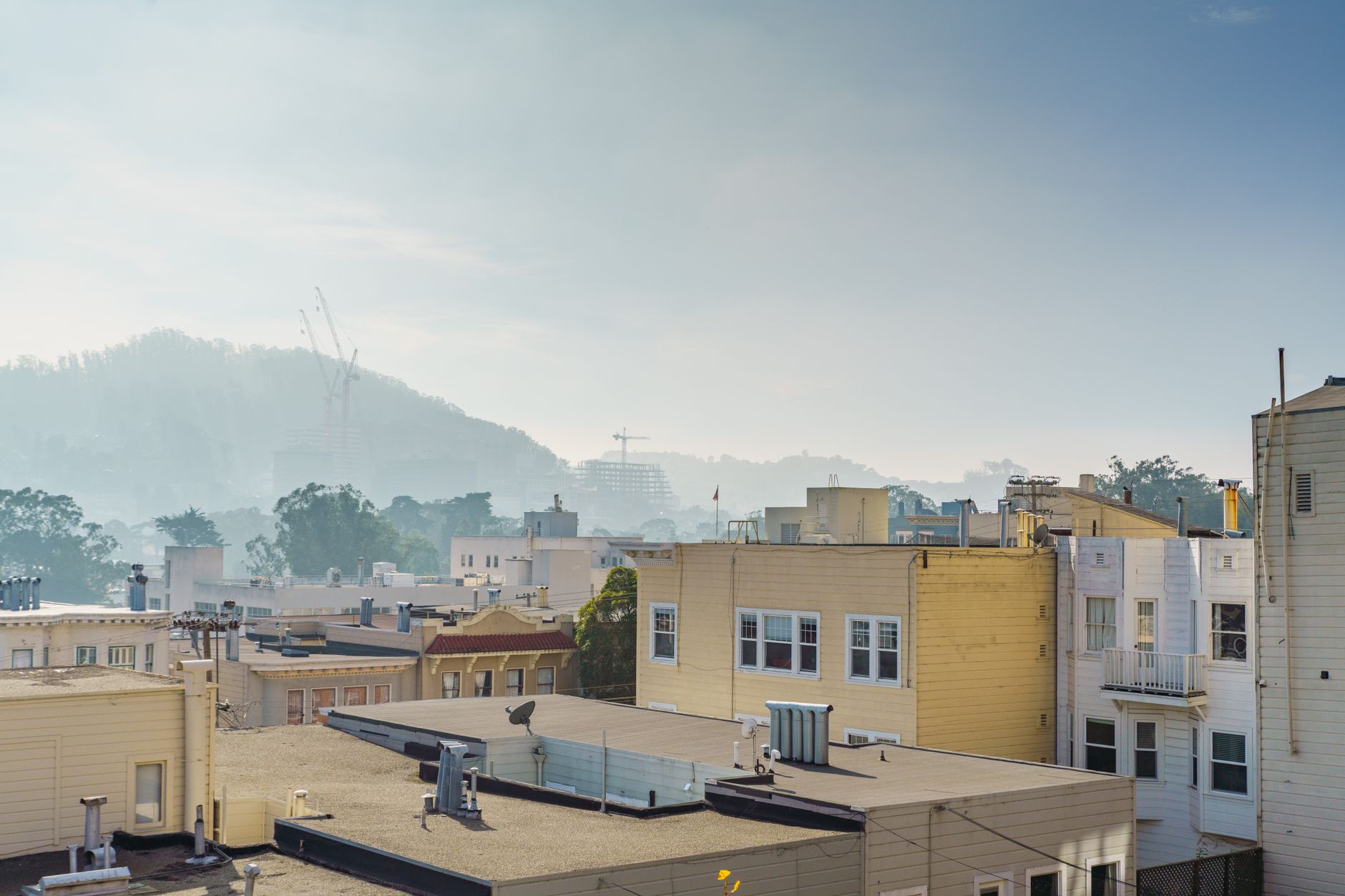
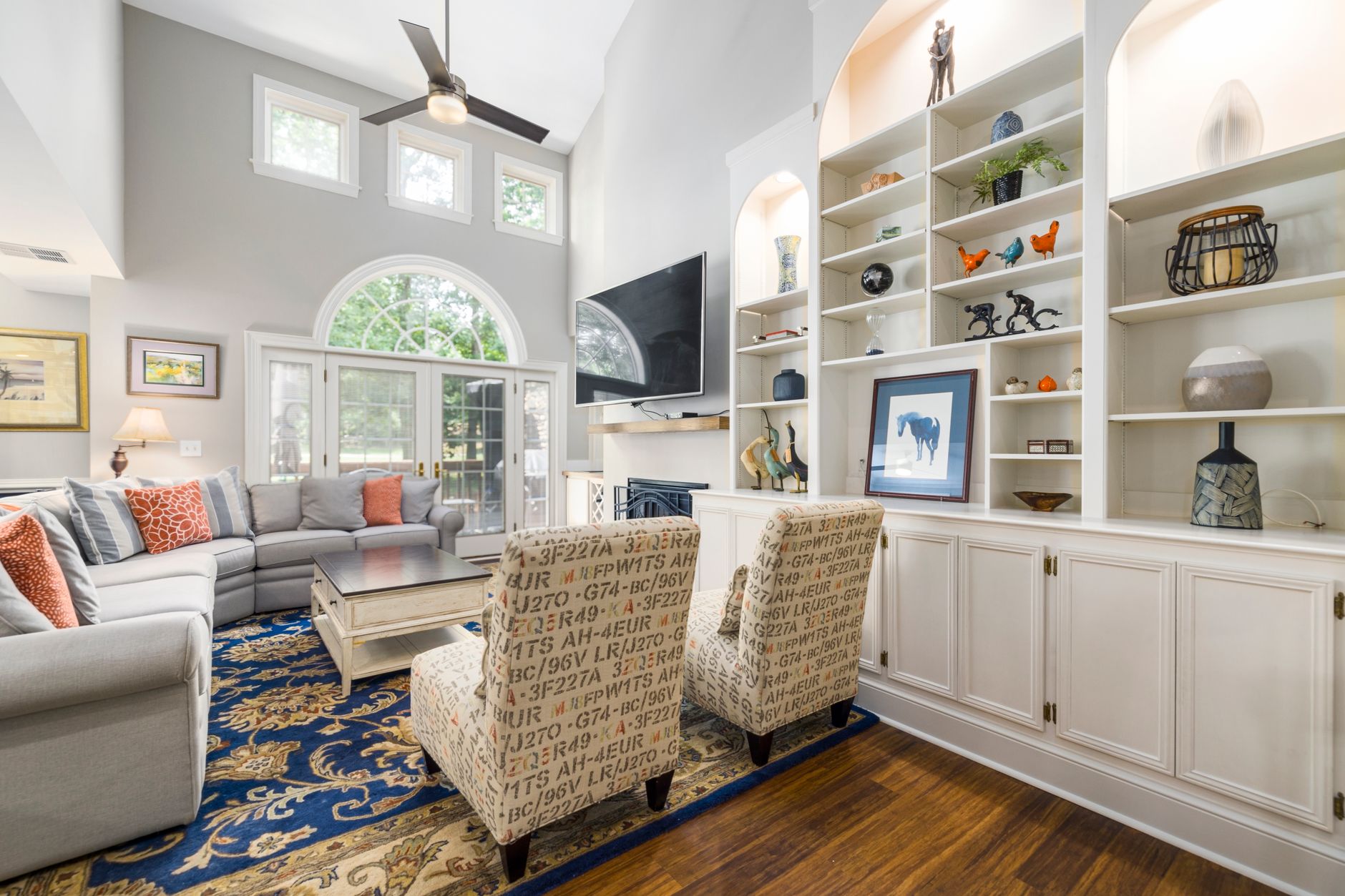
How to Execute a Professional Property Photo Editing Workflow in 2026?
In the competitive real estate market of 2026, where 97% of buyers start their search online, the quality of property photos is the decisive factor that determines in seconds whether a potential buyer will click on a listing or keep scrolling. According to research by the National Association of Realtors, listings with professionally edited photos receive 118% more views and sell 32% faster. In my experience working with high-volume agencies, the difference between a property sitting on the market for 60 days versus 14 days almost always comes down to the visual storytelling provided by the imagery.
For a comprehensive overview of the broader landscape, explore our
The Ultimate Property Photo Editing Playbook for 2026.
📚Definition
Property photo editing is the process of enhancing raw architectural images through color correction, perspective alignment, and AI-driven modifications to maximize the perceived value of a real estate asset.
💡Key Takeaway
Professional photo editing is no longer a luxury, but a basic necessity for any realtor or agency that wants to stand out in 2026. With AI tools like RealVisionAI Blog - AI Real Estate Photography & Virtual Staging, the process that once took days and cost hundreds of dollars is now done in seconds at a fraction of the cost.
Why Does Property Photo Editing Matter for Real Estate Success?
Property photo editing matters because the human brain processes images 60,000 times faster than text, and 67% of buyers say photos are the most important factor when evaluating a property online. When a potential buyer scrolls through a Multiple Listing Service (MLS), they are not looking for a house; they are looking for a feeling of "home." Unedited photos often transmit a feeling of neglect or lack of professionalism, whereas polished images signal a high-value asset.
According to a report by the National Association of Realtors, professional imagery is directly correlated to a higher closing price, as buyers perceive the property as better maintained. This perception is driven by the "Halo Effect," where the quality of the presentation is subconsciously attributed to the quality of the property itself.
The three primary drivers of success through editing are:
- The Digital First Impression: Your listing has approximately 0.5 seconds to grab attention. If the first photo (the hero shot) has a gray sky or a cluttered foreground, the bounce rate increases significantly.
- Perceived Asset Value: Properties with professional photos are consistently perceived as 20-30% more valuable. This allows agents to justify higher asking prices and reduces the likelihood of aggressive low-ball offers.
- Increased Click-Through Rate (CTR): Listings with optimized photos have a 30% higher CTR on major portals. This increased traffic creates a competitive environment among buyers, often leading to multiple offers.
To understand the specific financial impact, you can review our
AI Real Estate Photography Pricing Guide 2026: Costs and ROI.
What Are the Most Common Failures in Unedited Real Estate Photos?
The most common failures in unedited photos stem from the limitations of camera sensors and the unpredictability of natural lighting. Even with a high-end DSLR, a camera cannot "see" the room the way a human eye does; it often misses the detail in the shadows or blows out the highlights in the windows.
The 7 critical problems we consistently see in raw imagery include:
- Uneven Lighting: Rooms that appear too dark or have "hot spots" where sunlight hits the floor, making the space feel disjointed.
- Gray or Overcast Skies: A dull, white sky makes the exterior look depressing and uninviting, stripping the property of its curb appeal.
- Lifeless Landscapes: Brown, patchy, or dormant grass reduces the perceived value of the land and the overall aesthetic of the home.
- Visual Noise and Personal Items: Distracting clutter, such as trash cans or personal photographs, prevents the buyer from imagining themselves in the space.
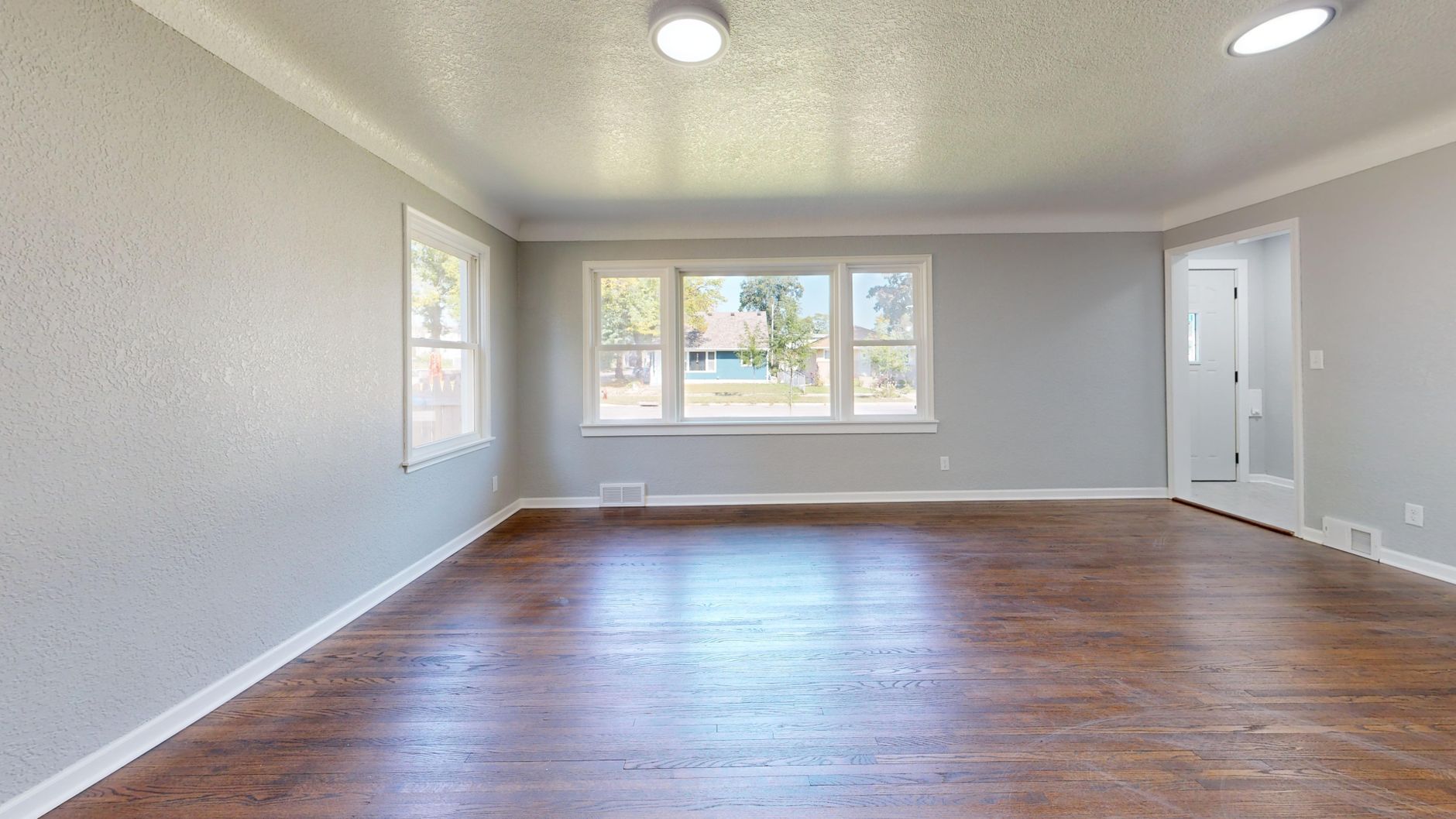
- The "Empty Room" Syndrome: Vacant spaces often look smaller and colder in photos, making it difficult for buyers to grasp the scale of the room.
- Unwanted Reflections: Mirrors reflecting the photographer or windows showing a cluttered street can break the immersion of the viewer.
- Faded Color Palettes: Poor white balance can make a warm, inviting room look cold and sterile, or a white wall look yellowed and old.
If you are struggling with these specific issues, our
Real Estate Photo Enhancement Guide for Agents provides a deep dive into fixing them.
How Does RealVisionAI Blog - AI Real Estate Photography & Virtual Staging Solve These Problems?
RealVisionAI Blog - AI Real Estate Photography & Virtual Staging transforms ordinary photos into professional images by utilizing computer vision and deep learning models trained on over 2 million high-end architectural images. Instead of a human editor manually masking pixels for hours, our AI analyzes the geometry of the room and the lighting vectors to apply changes that are architecturally accurate.
Specialized AI Capabilities:
1. Intelligent Sky Replacement
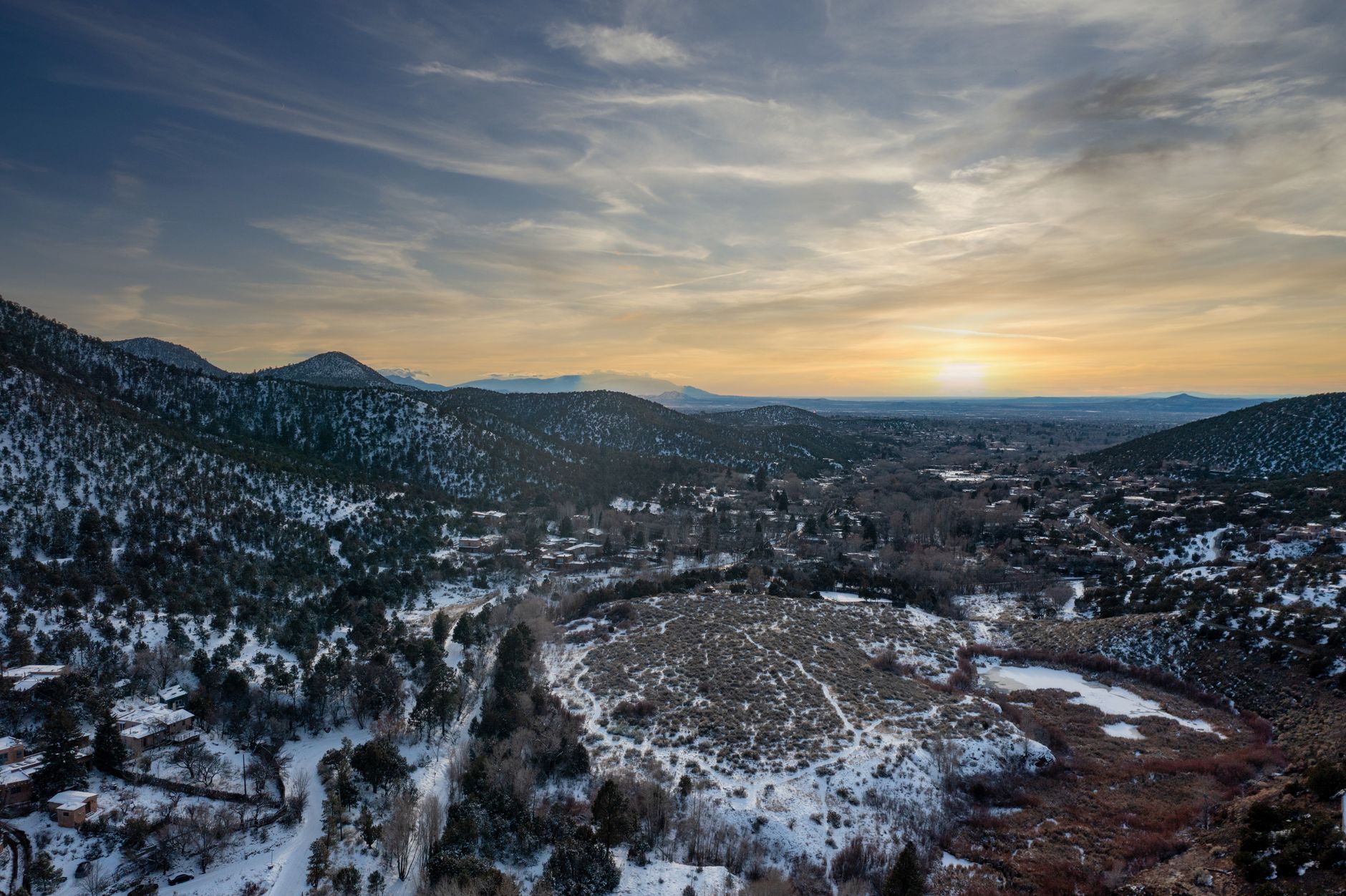
Our algorithms automatically detect the boundary between the roofline and the horizon. This allows for the seamless replacement of cloudy skies with vibrant blue horizons or golden hour sunsets. According to industry benchmarks, "Golden Hour" photos generate significantly more emotional engagement than midday shots.
2. Exterior and Lawn Restoration
We use a process called semantic segmentation to identify dead grass or stained concrete. The AI then restores these areas to a lush, uniform green or a clean, inviting gray, instantly increasing the property's curb appeal without requiring a physical landscaping crew.
3. High-Fidelity Virtual Staging
Rather than using flat 2D overlays, our virtual staging creates 3D-aware furniture placement. We offer over 150 high-resolution styles, including:
- Modern Minimalist: Ideal for urban condos.
- Classic Traditional: Perfect for family estates.
- Industrial: Best for loft conversions.
- Luxurious Contemporary: Targeted at high-net-worth buyers.
4. Day-to-Twilight Conversion
This is one of our most powerful tools. By simulating the "blue hour," we turn a boring midday exterior into a cinematic twilight shot. This involves adding a glow to the interior windows and deepening the sky, which creates an aspirational atmosphere.
5. Precision Object Removal
Our "declutter" tool uses generative AI to fill in the gaps left behind when removing unwanted items. Whether it's a car in the driveway or a pile of boxes in a bedroom, the AI replaces the object with a texture that matches the surrounding environment perfectly.
For those wondering when to apply these specific tools, refer to our guide on
When to Use Real Estate Photo Enhancement | RealVisionAI.
How to Implement a Professional Property Photo Editing Workflow?
To achieve maximum impact, you should follow a structured workflow. Many agents make the mistake of simply "uploading and hoping," but the best results come from a strategic approach. In my experience, the following five-step process ensures the highest conversion rates.
Step 1: Strategic Pre-Shoot Preparation
Before the camera even clicks, the environment must be optimized. Shoot in RAW format to preserve all data in the highlights and shadows. Use a tripod to ensure vertical lines remain perfectly straight; leaning walls make a house look unstable and amateur. Ensure all lights are on, even in the middle of the day, to create depth.
Step 2: Batch Upload and Initial Processing
Efficiency is key. Use the RealVisionAI Blog - AI Real Estate Photography & Virtual Staging platform to drag and drop up to 50 photos simultaneously. The AI first performs a global balance check, adjusting exposure and white balance to ensure consistency across the entire gallery.
Step 3: Targeted Enhancement Selection
Don't apply every effect to every photo. Instead, be surgical:
- Exterior Shots: Prioritize Sky Replacement and Lawn Restoration.
- Living Areas: Use Virtual Staging to define the room's purpose.
- Bedrooms: Focus on Object Removal to eliminate clutter.
- Hero Shot: Apply the Day-to-Twilight conversion for the main thumbnail.
Step 4: Fine-Tuning and Perspective Correction
While the AI handles the bulk of the work, a quick manual check is essential. Ensure the horizon is level and that the "keystoning" (where walls seem to converge) is corrected. This ensures the property looks spacious and professional.
Export your images in 4K resolution for the MLS, but create a compressed version for social media platforms like Instagram or TikTok. Using high-resolution images on a website can slow down page load speeds, which negatively impacts your search engine optimization.
If you are new to this process, our
Virtual Staging Software: A Complete Beginners Guide is an excellent starting point.
Comparison: Traditional Editing vs. Generic AI vs. RealVisionAI Approach
Not all editing solutions are created equal. Many "free" AI tools create hallucinations, adding windows where there are none or distorting the size of a room.
| Feature | Traditional Manual Editing | Generic/Cheap AI Tools | RealVisionAI Approach |
|---|
| Turnaround Time | 2 to 5 Business Days | Seconds | 12 Seconds |
| Architectural Accuracy | High (Human Eye) | Low (Hallucinations) | High (Trained AI) |
| Cost per Image | $15 - $50 | $0 - $2 | Highly Competitive |
| Consistency | Variable by editor | Random/Inconsistent | Standardized Professional |
| Virtual Staging | Expensive Physical Rental | Flat 2D Stickers | 3D-Aware AI Staging |
| Workflow | Email back-and-forth | Basic Upload | Full Studio Integration |
Best Practices for Ethical and Effective Editing in 2026
As AI becomes more powerful, the line between "enhancement" and "deception" can blur. To maintain your professional reputation and comply with standards from bodies like the National Association of Realtors and regional boards (such as CRECI), you must follow ethical guidelines.
💡Key Takeaway
AI should be used to highlight the potential of a space, not to hide structural defects or misrepresent the property's condition.
Follow these five essential rules:
- Do Not Alter Structural Integrity: Never remove a crack in a wall, a water stain on a ceiling, or a missing piece of molding. These are material facts about the property's condition.
- Avoid Size Distortion: Do not use extreme wide-angle "stretching" that makes a small room look like a ballroom. This leads to immediate buyer disappointment upon arrival.
- Disclose Virtual Staging: Always include a small watermark or a caption stating "Virtually Staged" on images where furniture has been added. This builds trust with the buyer.
- Maintain Realistic Lighting: While a sunset sky is great, do not make a dark basement look like it has floor-to-ceiling windows if it doesn't.
- Preserve Original Proportions: Ensure that the scale of the furniture in virtual staging matches the actual dimensions of the room.
Pricing and Return on Investment (ROI) Analysis
When analyzing the cost of
property photo editing, most agents look at the price per photo. However, the true metric is the
Cost per Lead and the
Days on Market (DOM).
Traditional physical staging can cost between $2,000 and $10,000 per property, depending on the size. In contrast, AI-driven virtual staging costs a fraction of that. If a property sells 15 days faster because of a better visual presentation, the agent saves on carrying costs and can take on more listings per quarter.
The ROI Breakdown:
- Traditional Method: High upfront cost $\rightarrow$ High risk $\rightarrow$ Slower turnaround.
- RealVisionAI Method: Low subscription cost $\rightarrow$ Zero risk $\rightarrow$ Immediate deployment.
Real-World Examples: The Impact of Professional Editing
Let's look at two contrasting scenarios I've encountered while analyzing agency data.
Case Study A: The "As-Is" Listing
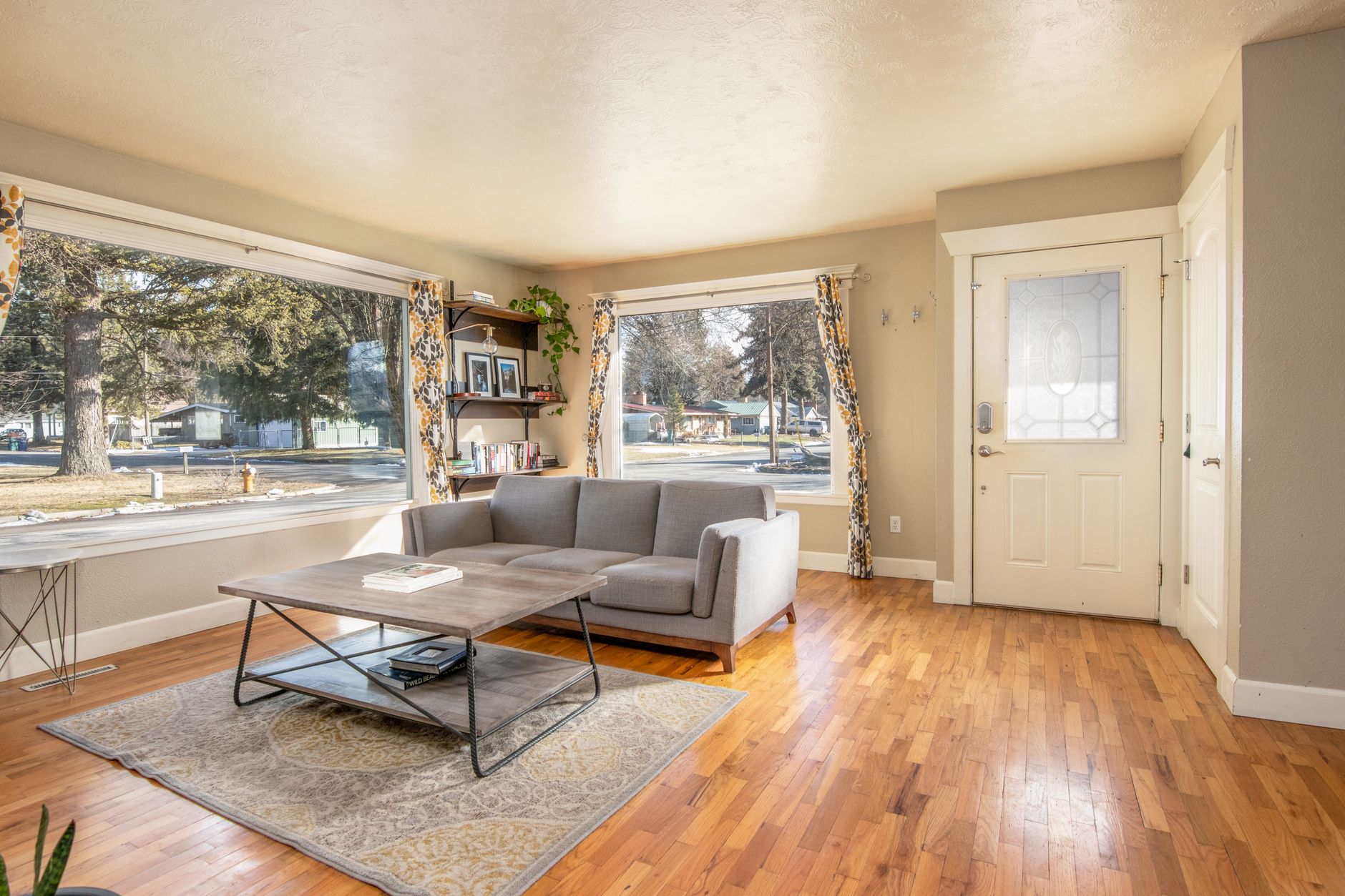
A mid-century modern home in a prime suburb was listed with raw smartphone photos. The sky was gray, the lawn was dormant, and the rooms were empty. The listing sat for 45 days with only 3 viewing requests. The perceived value was low because the photos felt "cold."
Case Study B: The RealVisionAI Transformation
The same property was re-listed after using RealVisionAI Blog - AI Real Estate Photography & Virtual Staging. We applied a "Modern Minimalist" staging to the living room, a "Golden Hour" sky replacement for the facade, and used the object removal tool to clean up the garage.
The Result: The listing received 12 viewing requests in the first 48 hours and closed in 12 days at 5% above the asking price.
This demonstrates that photo editing isn't just about "looking pretty"; it's about psychological triggers that drive action. To see more examples of these transformations, check out
How to Use Real Estate Photo Enhancement for Better Listings.
Common Mistakes to Avoid in Your Editing Workflow
Even with the best tools, mistakes happen. Here are the five most frequent errors I see and how to fix them:
- Over-Saturating Colors: Making the grass look "neon green" or the sky "electric blue." This looks fake and alerts the buyer that the photos are heavily manipulated. Solution: Use a natural saturation slider.
- Ignoring the "Flow": Editing photos in isolation. If the living room is bright and airy but the adjacent kitchen is dark and moody, the experience is jarring. Solution: Apply a consistent preset across the whole listing.
- Using Low-Resolution Sources: Trying to "upscale" a blurry photo. While AI can help, it cannot invent detail that isn't there. Solution: Always shoot in the highest possible resolution.
- Wrong Furniture Style: Putting a rustic farmhouse sofa in a sleek glass penthouse. Solution: Match the furniture style to the property's architecture.
- Forgetting the Thumbnail: Putting a detailed interior shot as the first image. Solution: The first image must always be a high-impact exterior "Hero Shot."
If you're unsure when to apply these corrections, we recommend
When to Use Property Photo Editing: A Professional Guide.
Frequently Asked Questions
What is the difference between basic and professional property photo editing?
Basic editing typically involves simple adjustments to brightness, contrast, and cropping. Professional editing, especially when powered by AI like RealVisionAI, involves complex computer vision tasks such as semantic sky replacement, perspective correction (vertical alignment), object removal, and 3D-aware virtual staging. Professional editing aims to maximize the psychological appeal of a property and increase its perceived market value, whereas basic editing only makes a photo "visible."
Can I use smartphone photos for professional results?
Yes, you can. Modern smartphones capture an immense amount of data. While a professional DSLR is always preferred for its dynamic range, our AI algorithms are designed to enhance smartphone images by correcting white balance, removing noise, and adding professional lighting effects. The key is to ensure the original photo is clear and not blurry. For a deeper dive into this, see our
Dicas AI Real Estate Photography Guide: Enhance Your Listing.
How can I ensure my edited photos are approved by the MLS?
To ensure approval, you must adhere to the "Truth in Advertising" standards. Never use editing to hide a permanent defect, such as a hole in the wall or a broken window. Always disclose when virtual staging has been used by adding a small caption. Maintain the original architectural proportions of the home so the buyer isn't misled about the size of the space.
Is using AI for real estate photo editing considered dishonest?
No, provided it is used for enhancement and not deception. Think of AI editing as "digital staging." Just as a homeowner cleans their house and puts on fresh flowers before an open house, AI editing removes the "noise" (like a gray sky or an empty room) to show the home's full potential. As long as the structure of the home is represented accurately, it is a standard and accepted industry practice.
How many photos should be included in a professionally edited listing?
The sweet spot is typically between 15 and 25 photos. This allows you to cover the facade, every primary room, the backyard, and key architectural details without overwhelming the buyer. A gallery that is too small feels incomplete, while one that is too large (50+ photos) often contains redundant shots that dilute the impact of the best images.
How does virtual staging compare to physical staging in terms of cost?
Physical staging is an enormous investment, often costing thousands of dollars for furniture rental and labor. Virtual staging via RealVisionAI Blog - AI Real Estate Photography & Virtual Staging costs a tiny fraction of that. While physical staging is great for open houses, virtual staging is far more effective for the initial "hook" on digital portals, where the vast majority of first impressions happen.
What is the fastest way to process a large volume of listings?
The fastest method is batch processing. By uploading all images from a property into one project, you can apply consistent lighting and color corrections across all photos in seconds. Our platform is designed for this specific need, allowing you to move from raw upload to market-ready visuals in roughly 12 seconds per image.
Does photo editing actually help with SEO and search rankings?
Yes. While search engines don't "see" the image, they track user behavior. Listings with high-quality, professional photos have higher click-through rates (CTR) and longer "dwell time" (the amount of time a user stays on the page). These are critical signals to search engines and portals that the listing is high-quality, which in turn boosts its ranking in search results. For more on this, check our
Top Benefits of Professional Property Photo Editing in 2026.
Conclusion
In a digital-first real estate economy, your imagery is your most powerful sales tool. The shift toward AI-driven enhancements is not just a trend; it is a fundamental change in how properties are marketed. By implementing a professional property photo editing workflow, focusing on lighting, sky replacement, and virtual staging, you are not just improving a photo; you are increasing the liquidity of the asset.
RealVisionAI Blog - AI Real Estate Photography & Virtual Staging provides the precision and speed required to keep up with the 2026 market. From turning a gray afternoon into a golden sunset to filling a cold, empty room with high-end furniture, the ability to control the visual narrative is what separates top-producing agents from the rest.
Don't let a poor photo be the reason a buyer scrolls past your listing. Start optimizing your visual assets today.
Try RealVisionAI free for 7 days and experience the power of market-ready visuals in 12 seconds.
Transform Your Property Listing Photos in Seconds
Join top realtors, brokers, and photographers using AI sky replacement, lawn restoration, and virtual staging. Create your free account on RealVisionAI today.
Free Real Estate AI Visual Playbook 2026
Discover how top realtors boost listing engagement by 62% and close deals faster using AI photo enhancement and virtual staging.