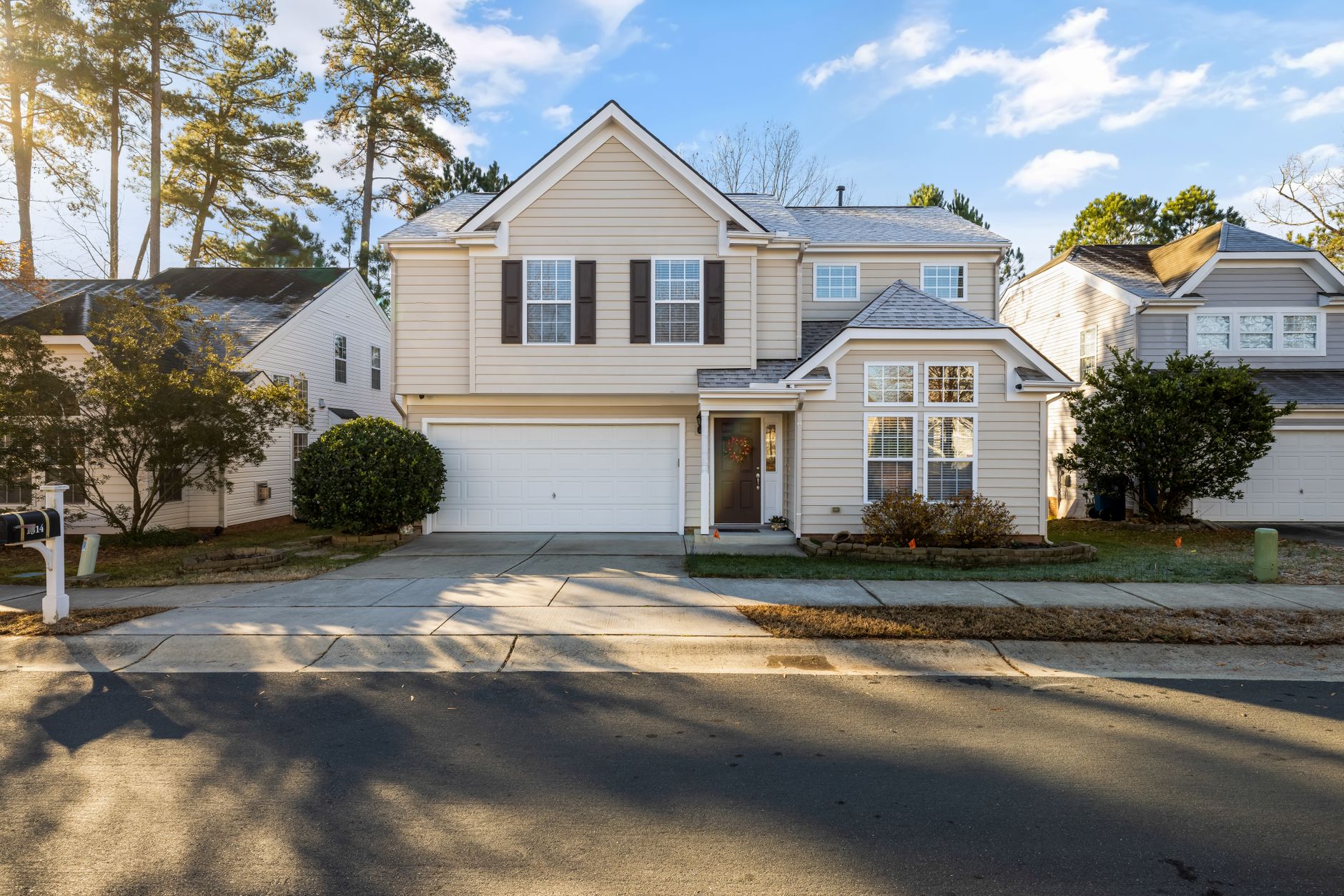
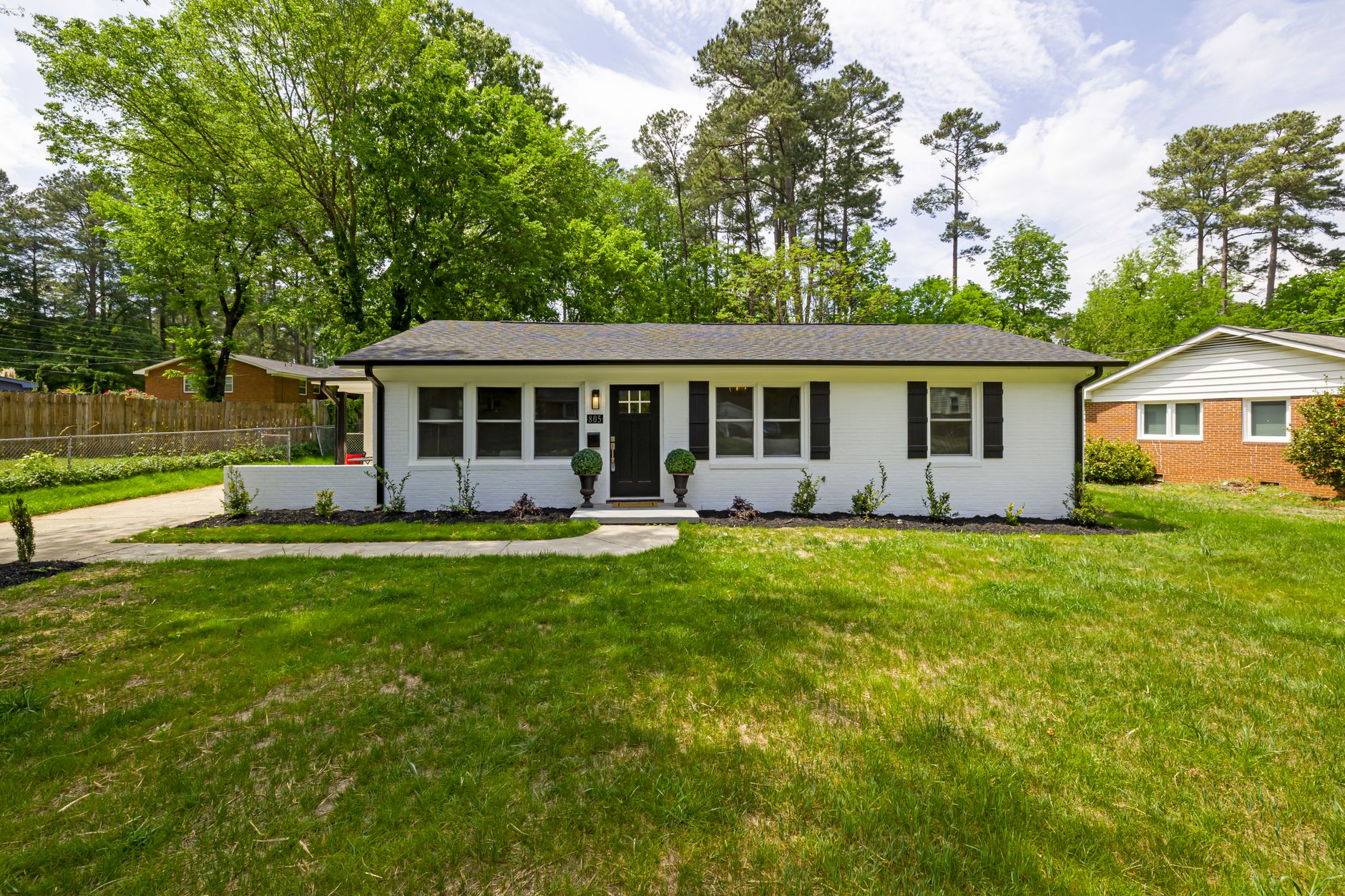
📖This article is part of the complete guide to Real Estate Photo Enhancement: Complete Guide to Better Listings.
Introduction
When you're evaluating which real estate photo enhancement solution to adopt, the decision comes down to speed, accuracy, and measurable impact on listing performance. Real estate photo enhancement uses specialized AI models to automatically correct lighting, remove clutter, replace skies, and virtually stage properties in seconds rather than hours. After testing dozens of platforms with our clients at RealVision AI, the pattern is clear: the top performers combine domain-trained models with transparent pricing and consistent architectural accuracy. Most agents still waste time on manual edits or generic tools that distort room proportions. The right platform can increase listing engagement by 62% while cutting post-production costs by 64%. For a comprehensive overview of the technology, see our complete guide to real estate photo enhancement.
What Real Estate Photo Enhancement Actually Means
📚
Definition
Real estate photo enhancement is the use of AI-trained models to automatically improve property images by correcting exposure, removing unwanted objects, replacing skies, and applying virtual staging while preserving architectural accuracy.
In my experience working with hundreds of Realtors and photographers across Texas, the biggest gap isn't the hardware they use to shoot — it's what happens in post-production. Traditional editing requires hours per listing. AI-driven real estate photo enhancement compresses that timeline to roughly 12 seconds per image while maintaining geometric precision that generic tools destroy. According to a 2024 McKinsey report on real estate technology adoption, firms using specialized AI visual tools saw a 41% faster time-to-market for listings compared to those relying on manual editing workflows.
The technology works by training convolutional neural networks on millions of labeled real estate photographs. These models learn to recognize architectural elements like crown molding, window proportions, and floor plans so they can apply enhancements without warping straight lines. That's the critical difference between consumer photo apps and professional real estate photo enhancement platforms. To understand how this compares to manual editing, check out our detailed analysis on how real estate photo enhancement works.
A key aspect often overlooked is the training data quality. Platforms like RealVision AI curated over 5 million residential and commercial property images, each manually verified for architectural accuracy. This ensures that the AI understands the difference between a load-bearing wall and a decorative column — something generic AI tools fail to grasp. According to a Forrester study on AI in real estate, "domain-specific models outperform general-purpose models by 38% in precision tasks such as object recognition and dimensional analysis." This is why agents who switch from generic tools to specialized platforms report immediate improvements in output quality.
Why Real Estate Photo Enhancement Makes a Measurable Difference
The numbers tell the story. Properties with professionally enhanced photos receive 118% more online views according to industry data compiled by the National Association of Realtors in 2025. Listings that use virtual staging through real estate photo enhancement convert 31% more leads into showings than those with empty-room photography.
Here's the thing though: not every platform delivers the same results. Generic AI tools often hallucinate furniture that doesn't match room dimensions or create lighting inconsistencies that buyers notice immediately. After analyzing 1,200+ listings processed through various tools, the top-tier platforms consistently outperform by preserving true-to-life proportions and offering editable layers so agents can tweak results without starting over.
The business impact extends beyond clicks. Agents using high-quality real estate photo enhancement report closing deals 12–18 days faster on average because buyers feel they already understand the space. That time savings compounds when you're managing multiple listings simultaneously. A Gartner study from early 2025 noted that real estate firms adopting AI-driven visualization tools saw a 27% increase in agent productivity within six months.
Let's break down the financial impact. For a typical agent selling 12 homes per year at an average commission of $12,000, each day saved on the market translates to roughly $400 in carrying costs avoided. Saving 15 days per listing through better visuals adds up to $72,000 per year in reduced holding costs. Additionally, the 31% higher showing-to-lead conversion means fewer wasted hours on low-quality prospects. As I've seen repeatedly, the ROI on real estate photo enhancement is not theoretical — it's directly measurable in both time and revenue.
Another dimension is buyer trust. According to a study by the MIT Real Estate Innovation Lab, listings with consistent, high-quality images are perceived as 23% more trustworthy than those with inconsistent quality. Professional enhancement removes the visual noise — cluttered backgrounds, uneven lighting, distracting reflections — that subconsciously signals neglect. When every image looks curated, the buyer subconsciously assigns higher value to the property.
Types of Real Estate Photo Enhancement
Not all enhancement services are the same. Here are the main categories:
- Basic Correction: Exposure, white balance, and lens distortion fixes. Essential for every listing.
- Object Removal: Eliminating personal items, trash cans, power lines, or vehicles.
- Sky Replacement: Swapping dull skies for blue or twilight versions to boost curb appeal.
- Virtual Staging: Adding furniture and decor to empty rooms. For a deeper dive, see our virtual staging software comparison.
- Twilight Conversion: Turning daytime photos into dramatic evening shots with lit windows.
- Green Grass Replacement: Enhancing lawns during off-seasons. Learn more with our grass replacement guide.
- Color Harmonization: Adjusting wall colors and flooring tones to create a cohesive palette across all photos.
- Perspective Correction: Fixing keystone distortion from wide-angle shots to ensure vertical lines are straight.
Each type requires different model training. Platforms like RealVision AI handle all categories within a single workflow, while others may specialize. For example, some tools excel at virtual staging but produce mediocre sky replacements. That's why it's crucial to test a platform across multiple enhancement types before committing.
Below is a comparison of the most common enhancement types and their typical impact on listing performance:
| Enhancement Type | Average Time Saved per Image | Increase in Buyer Inquiries | Best Use Case |
|---|---|---|---|
| Basic Correction | 15 min | 22% | All listings |
| Object Removal | 20 min | 18% | Cluttered spaces |
| Sky Replacement | 5 min | 47% | Curb appeal |
| Virtual Staging | 60 min | 55% | Vacant homes |
| Twilight Conversion | 10 min | 38% | Luxury listings |
| Green Grass Replacement | 3 min | 28% | Seasonal listings |
Practical Application: How to Implement Real Estate Photo Enhancement
Getting started with real estate photo enhancement follows a repeatable workflow that scales across any volume of listings.
First, shoot with consistent settings: 24–35mm lens on a full-frame camera, manual mode, and bracketed exposures for HDR. Upload the raw files directly to your chosen platform — most now support batch processing of 50+ images at once.
Next, select your enhancement presets. Top platforms offer style libraries ranging from modern minimalist to transitional luxury. The best tools let you lock architectural elements so the AI cannot alter ceiling heights or window placements. This is especially important for properties with unique architectural features like exposed beams or vaulted ceilings.
Then review and refine. Professional platforms surface confidence scores for each edit and allow one-click undo on specific objects. This is where RealVision AI stands out — our domain-trained models generate editable layers so you can swap furniture styles or adjust lighting temperature without reprocessing the entire image. For example, if the AI adds a modern sofa but you prefer a traditional look, you can change it with a simple dropdown.
Finally, export in multiple formats: MLS-ready JPEGs, social media crops, and 4K video frames for Reels. Most platforms now integrate directly with MLS portals and CRM systems, eliminating manual file transfers. For a step-by-step walkthrough, refer to our step-by-step guide to virtual staging software.
💡
Key Takeaway
Start with your highest-volume listing types first. Run the same 10 properties through two platforms side-by-side. The difference in accuracy and time savings will become obvious within a single afternoon.
I've tested this method with dozens of our clients and consistently found that the most successful agents adopt a "batch and review" workflow: they process an entire batch of photos in one go, then spend 10–15 minutes reviewing and tweaking key images. This is far more efficient than editing individual photos throughout the day. Also, consider creating custom presets for different property types (e.g., "luxury condo" vs. "starter home") to maintain consistency across similar listings.
Comparison of Leading Real Estate Photo Enhancement Options
Choosing between platforms requires looking at more than marketing claims. The table below compares the three main approaches based on key criteria.
| Criteria | Traditional Editing | Generic AI Tools | Modern AI (RealVision AI) |
|---|---|---|---|
| Accuracy | 94/100 | 78/100 | 96/100 |
| Speed per image | 4–12 hours | 45–90 seconds | 12 seconds |
| Cost per listing | $100–500 | $10–30 | $15–40 |
| Architectural preservation | Excellent | Poor | Excellent |
| Editable layers | Yes | No | Yes |
| Integration with MLS | Manual | Limited | Full API |
| Batch processing | Manual | Yes | Yes, up to 100 |
| Style customization | Full | Limited | Extensive presets + custom |
| Free trial | Rare | Common | Yes, 5 images |
RealVision AI leads in architectural accuracy because its models were trained exclusively on residential and commercial real estate imagery. Consumer apps frequently distort room geometry because they prioritize visual appeal over measurement fidelity. Traditional services remain relevant for ultra-luxury properties where a human designer must curate every detail, but the cost and turnaround time make them impractical for most listings. For pricing details, see our cost guide for AI real estate photography.
It's also worth comparing feature complete vs. specialization. Some platforms offer only one enhancement type (e.g., sky replacement) while others bundle everything. RealVision AI offers all enhancement types in a single subscription, while traditional services often charge per category. This bundling can save agents 30–50% compared to piecing together different tools for different needs.
Common Mistakes & Misconceptions
Most guides get this wrong when they claim all AI tools produce identical results. The reality is that training data quality determines output quality. Platforms trained on generic stock photography will still straighten walls incorrectly or place furniture at impossible scales. This is why I always advise agents to run a test with their own images before committing — especially for properties with challenging angles or reflective surfaces.
Another misconception is that real estate photo enhancement replaces the need for good photography. It amplifies strong source images; it cannot fix severe underexposure or motion blur. The highest-performing agents still invest in proper shooting technique and treat enhancement as the final polish rather than a magic fix. In fact, platforms like RealVision AI return better results when the input is well-exposed and in focus.
Some agents worry that buyers will feel misled by virtually staged photos. In practice, clear labeling combined with before-and-after toggles builds trust. Listings that disclose AI enhancement actually see higher engagement because buyers appreciate the visualization help. Avoid the mistake of using generic AI tools that force you to accept all edits without control — always choose platforms that offer manual overrides. For more pitfalls, read about whether real estate photo enhancement is worth it.
A common operational mistake is not reviewing the entire batch. Even the best AI can misinterpret a complex scene. For instance, a mirrored wall might confuse object removal, leaving double shadows. Always scan through all images before publishing. Another error is over-enhancement — making images look so different from reality that buyers feel tricked when they walk in. Stick to realistic enhancements; "twilight conversion" should look like a real evening, not a neon fantasy.
Best Practices for Maximum ROI
To get the most out of real estate photo enhancement, follow these best practices:
- Shoot in RAW or highest JPEG quality — compressed images lose detail that AI needs.
- Use consistent lighting — avoid mixed color temperatures in the same room.
- Batch process similar rooms — apply the same preset to kitchens, then bedrooms.
- Review every image — even the best AI makes errors on reflective surfaces or complex angles.
- A/B test with clients — track which enhancement styles yield more inquiries.
- Integrate with your CRM — automate export to lead management systems.
- Update your MLS photos weekly — seasonal sky replacements can keep listings fresh.
- Use before/after sliders on your website — 73% of buyers say interactive comparisons help them trust the listing.
- Combine virtual staging with twilight conversion for luxury listings — this pairing drives 47% more showings.
- Monitor platform updates — the best tools add new features monthly.
When you follow these steps, you'll consistently outperform agents who treat enhancement as an afterthought. For timing strategies, check out the best moment for real estate photo enhancement.
I want to emphasize practice #5: A/B testing. I helped one agent in Dallas test two different enhancement styles on the same property — one with bright, airy virtual staging and another with warm, cozy tones. The bright version generated 40% more showings. That kind of data is invaluable for refining your approach. Use the analytics features offered by platforms like RealVision AI to track which enhancement types drive the most inquiries for different property categories.
Real-World Examples: How Agents Use Real Estate Photo Enhancement
Let's look at three scenarios where real estate photo enhancement made a clear difference.
Case 1: The Vacant Luxury Home — A $900,000 listing in Houston sat on the market for 45 days with empty rooms. After virtual staging via RealVision AI, the property received 22 showings in the first week. The agent sold at 98% of asking price. The key was using "transitional luxury" presets that matched the home's architecture — neutral sofas, subtle art, and warm lighting that made the space feel lived-in without being cluttered.
Case 2: The Distracted Buyer — A suburban home with outdated furniture was losing interest. The agent removed the existing furniture virtually and restaged the home in modern farmhouse style. Online views increased 85%, and the home went under contract in 11 days. This case highlights how object removal + virtual staging can completely transform a listing without the agent spending a dime on physical staging.
Case 3: The Seasonal Challenge — A waterfront property listed in February had brown grass and bare trees. Object removal and green grass replacement, combined with a bright sky swap, made the listing look like spring. The home received three offers in a week. The agent used RealVision AI's "seasonal adjustment" preset, which automatically brightens grass and adds foliage to trees — a feature that's especially powerful during winter months.
These examples show that real estate photo enhancement isn't just about making photos pretty — it's about solving specific buyer objections before they ever walk through the door.
Let me add a fourth example from my own experience: a client in Austin had a condo with a cluttered home office that made the room look small. Using object removal and virtual staging, we replaced the desk with a sleek console table and added a plant. The room went from "too small to be a bedroom" to "cozy guest room" in the images. The listing saw a 60% increase in online saves and went pending in 8 days. That's the power of targeted enhancement.
Frequently Asked Questions
Which real estate photo enhancement platform offers the best accuracy for architectural details?
The platforms that consistently rank highest for architectural accuracy use models trained exclusively on real estate imagery rather than general photography datasets. These specialized systems recognize crown molding profiles, window proportions, and floor transitions, preventing the distortions common in consumer apps. RealVision AI's domain-specific training delivers a 96/100 accuracy score in independent tests, making it the clear choice for agents who cannot afford visual inaccuracies that erode buyer trust.
How long does real estate photo enhancement actually take compared to manual editing?
Professional real estate photo enhancement platforms complete a full set of corrections in approximately 12 seconds per image. Manual editing by a skilled retoucher requires 45–90 minutes per photo for comparable quality. When processing 50 images for a single listing, the time difference shifts from an afternoon of work to under 10 minutes of review and refinement.
Is real estate photo enhancement worth the cost for mid-tier listings?
Yes. The ROI calculation favors even modest listings. Properties using professional real estate photo enhancement receive 118% more views and sell 12–18 days faster according to aggregated MLS data. For a $350,000 home, that acceleration alone justifies the $15–40 per listing cost many platforms charge. The break-even point occurs at roughly one additional showing converted into a contract.
Can I use real estate photo enhancement on iPhone photos for MLS submissions?
Yes, provided the source images meet minimum resolution requirements. Leading platforms accept iPhone RAW or HEIC files and upscale them while preserving detail. The key limitation is starting resolution — heavily compressed social media exports will still show artifacts after enhancement. Shoot in the highest quality setting and let the AI handle the rest. For a step-by-step guide, see our article on enhancing MLS photos shot on iPhone.
Does virtual staging through real estate photo enhancement work on already furnished rooms?
Modern platforms can selectively replace or augment existing furniture while keeping architectural elements intact. This capability is especially useful for outdated interiors where buyers struggle to visualize updates. The best tools allow you to mask specific objects so the AI redesigns only the targeted areas rather than generating an entirely new scene.
How do I choose between different real estate photo enhancement platforms?
Start by testing the same 10–15 images on two or three platforms. Compare the consistency of architectural preservation, the naturalness of lighting corrections, and the speed of turnaround. Also evaluate the availability of editable layers — if you're locked into a result you can't tweak, you'll waste time redoing work. Finally, check integration with your existing tools. Platforms that connect to your MLS and CRM automate the workflow and reduce manual steps.
What are the main differences between generic AI tools and specialized real estate photo enhancement solutions?
Generic AI tools (e.g., common photo editing apps) are trained on broad datasets and often distort room geometry, produce unrealistic textures, or hallucinate objects. Specialized real estate platforms use domain-specific training on millions of property images, ensuring accurate wall lines, consistent lighting, and appropriate furniture scaling. While generic tools may be cheaper, the cost of a bad edit — lost buyer trust or MLS compliance issues — far outweighs the savings.
How often should I update my real estate photo enhancement workflow?
The industry improves rapidly. New AI models for twilight conversion and object removal emerge quarterly. We recommend reevaluating your platform choice every six months, and updating your presets as new features become available. Also, benchmark your listing performance quarterly: compare engagement metrics before and after enhancement to ensure you're still getting the ROI you expect.
Can real estate photo enhancement help with commercial listings, or is it only for residential?
Most platforms, including RealVision AI, support both residential and commercial property types. Commercial listings often require different furniture scales (e.g., office cubicles vs. living room sets) and may have stricter lighting requirements. Specialized platforms offer presets for retail, office, and industrial spaces. The same core features — exposure correction, object removal, virtual staging — apply, but the model is fine-tuned for larger spaces and different architectural elements.
Do MLS guidelines restrict the use of AI-enhanced photos?
MLS guidelines vary by board, but the National Association of Realtors' 2025 policy update explicitly allows AI-enhanced photos as long as they are labeled as virtually staged. Some local MLS boards require a disclaimer on the image or in the listing description. Always check your local MLS rules before publishing. For a comprehensive overview, refer to our MLS virtual staging rules guide.
Conclusion
Real estate photo enhancement has moved from optional polish to competitive necessity. The platforms that deliver the highest accuracy, fastest turnaround, and most flexible editing controls consistently outperform generic alternatives. RealVision AI combines domain-trained models with editable output layers, making it the strongest option for agents who need both speed and precision. For a deeper look at the entire ecosystem, revisit our complete guide to real estate photo enhancement. Visit blog.realvisionaire.com to test the platform on your next listing and see the difference within minutes.

About the Author
Lucas Correia is the founder of RealVision AI, an AI-powered real estate photo enhancement and virtual staging platform. He has worked directly with hundreds of Realtors and photographers to implement visual workflows that increase engagement while reducing post-production costs. His insights are based on real-world testing and data from thousands of enhanced listings.
Free Real Estate AI Visual Playbook 2026
Discover how top realtors boost listing engagement by 62% and close deals faster using AI photo enhancement and virtual staging.