📖This article is part of the complete guide to Property photo editing.
When to Update Property Photos: Essential Tips for Professional Editing in 2026
In the competitive 2026 real estate market, quality images account for up to 78% of a listing's success, according to a recent National Association of Realtors survey. Real estate purchases start online, and professional photos make the difference between a property that sells in days and one that sits on the market for months.
💡
Key Takeaway
Properties with professionally edited photos receive 62% more buyer inquiries and sell 30% faster, according to Zillow Research 2026 data.
Why Photo Updates Are Critical in 2026
Today's real estate market demands visual standards that go far beyond the basics. Here are the main reasons to update your photos regularly:
1. Image Technology Has Evolved Rapidly
Buyer expectations have skyrocketed since 2023. What was considered acceptable three years ago now looks amateur:
- Minimum resolution has risen from 2MP to 8MP
- Creative angles have replaced flat front-on shots
- 360° videos have become standard in competitive markets
2. Platform Algorithms Prioritize Premium Visual Content
Zillow, Realtor.com, and VivaReal use AI systems that rank listings based on visual quality. Listings with professional photos appear up to 3x more in search results.
3. Generation Z Enters the Buyer Market
Buyers born after 1997 represent 28% of the market in 2026 and have visual expectations shaped by platforms like Instagram and TikTok.
Signs Your Photos Need an Update
Common Problems with Outdated Photos
-
Poor Lighting
- Harsh shadows from direct flash
- Overexposed windows hiding views
- Dark rooms with invisible architectural details
-
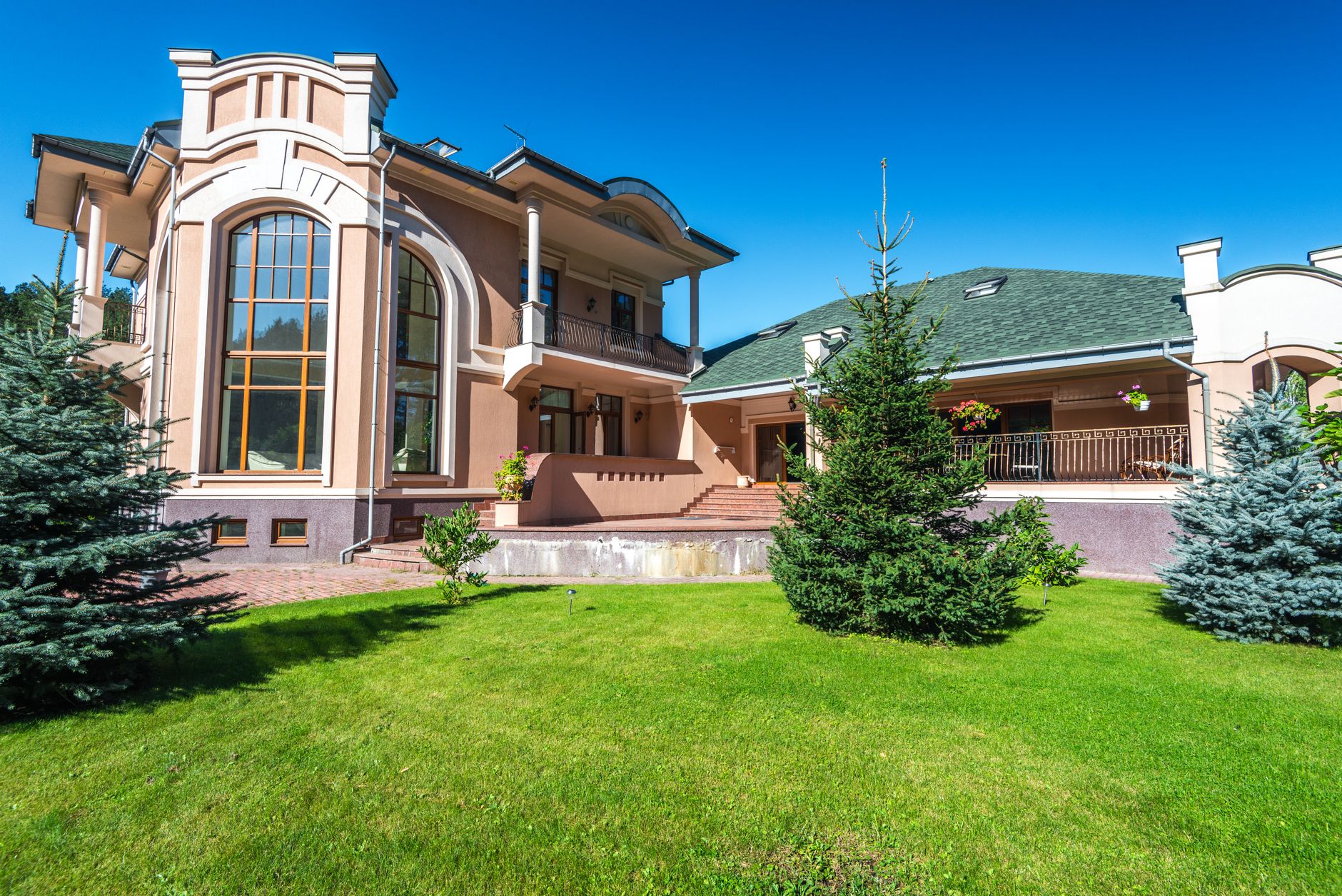
Gray Skies and Dead Lawns
- 72% of buyers associate blue skies with well-maintained properties
- Green lawns increase perceived value by up to 11%
-
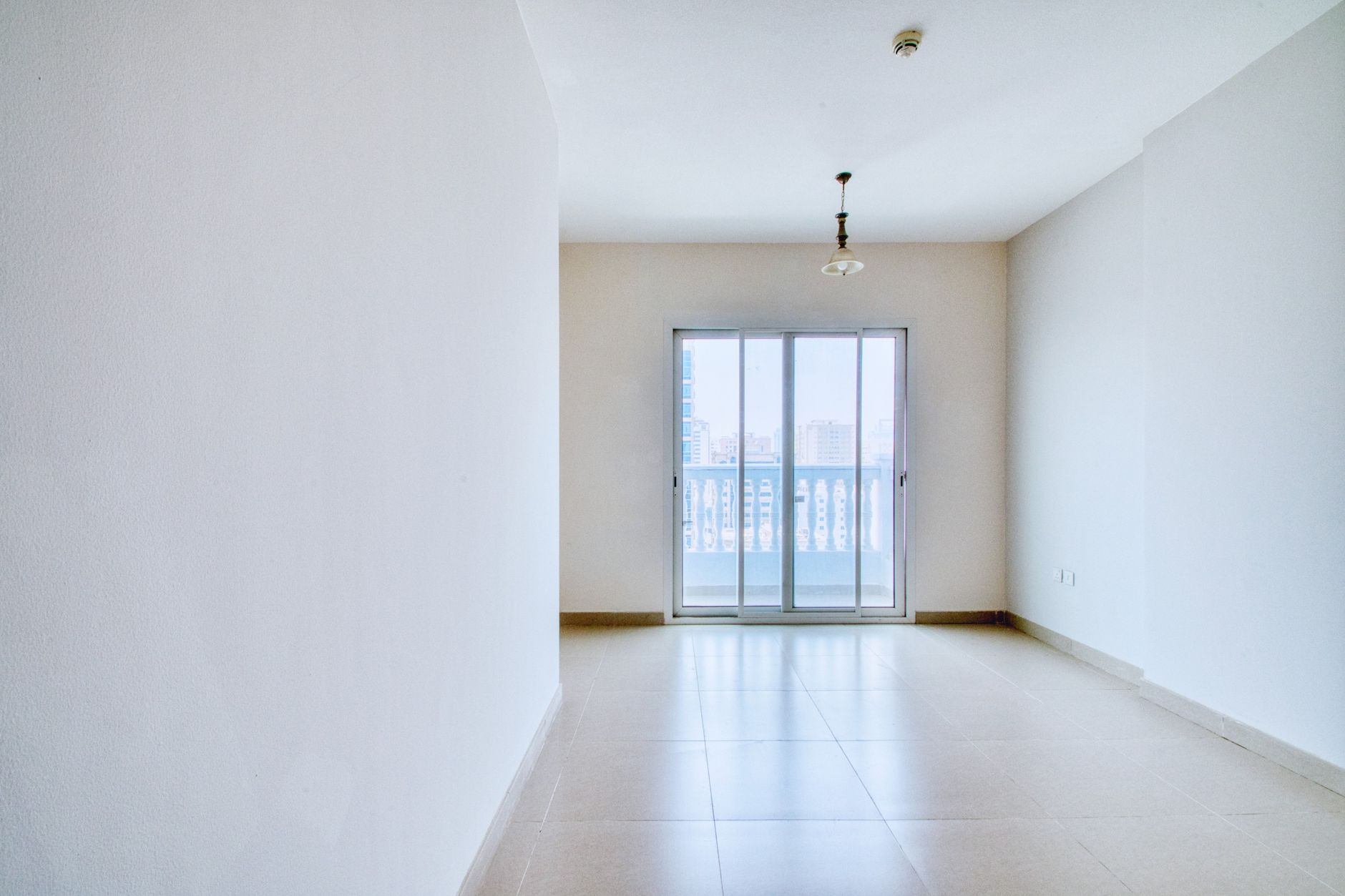
Empty or Depersonalized Spaces
- Empty rooms make it hard to grasp scale
- Lifeless environments don't create emotional connection
-
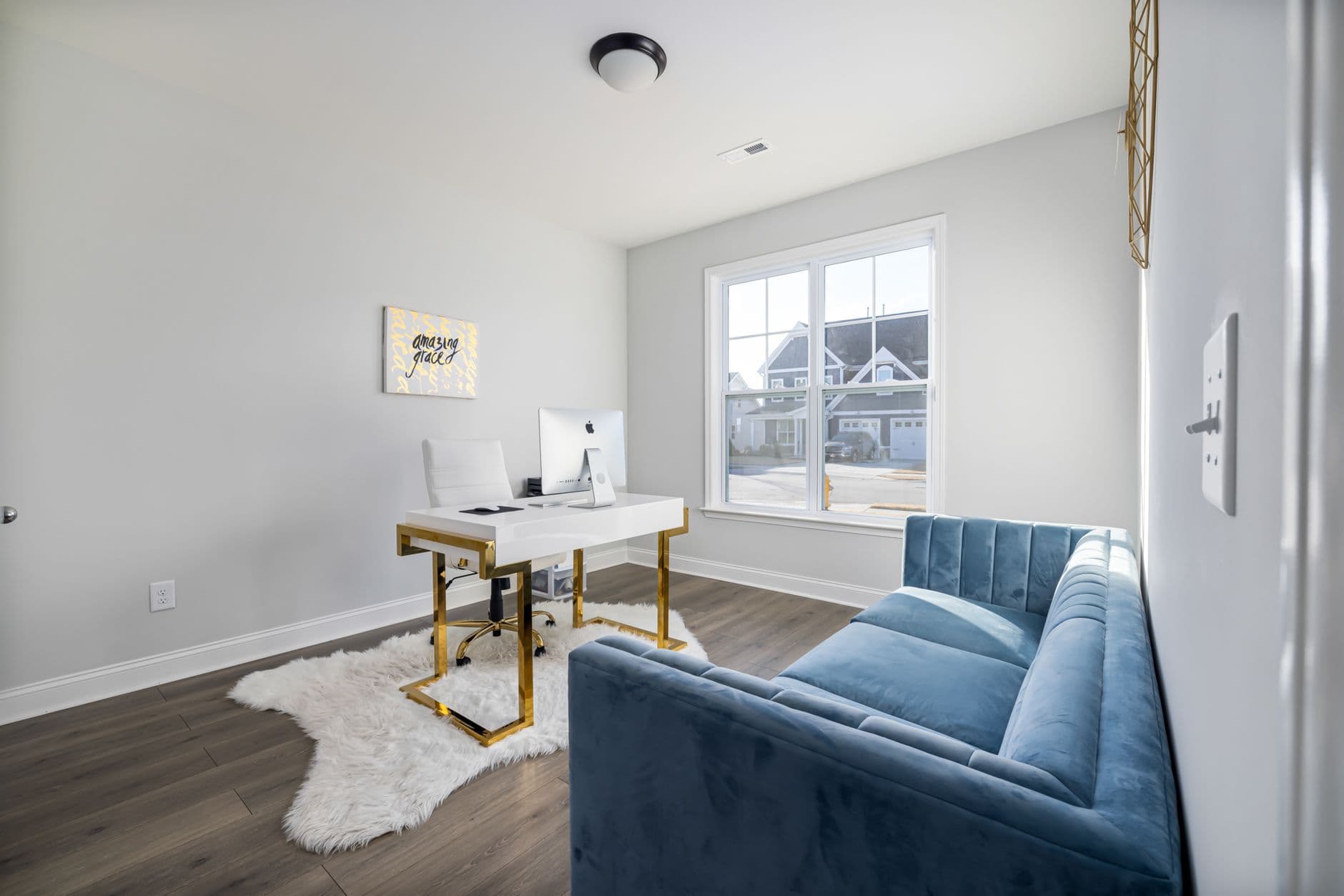
Personal Items and Clutter
- Personal items distract the eye
- Electronics and cables create visual pollution
How Real Vision AI Transforms Your Photos
Our platform uses AI algorithms specialized in real estate to:
1. Smart Sky Replacement
- Automatically detects roofs, trees, and structures
- Maintains natural reflections in windows and surfaces
- Offers 12 sky styles adaptable to each property
2. Exterior Enhancement
- Always-green lawn without looking artificial
- Removal of trash and vehicles from the driveway
- Lighting adjustment to highlight facades
3. Professional Virtual Staging
- 45 pre-configured decor styles
- Furniture proportional to room size
- Options for different buyer profiles
4. Day-to-Dusk Conversion
- Creates nighttime versions with cozy lighting
- Keeps architectural details visible
- Increases the property's emotional appeal
Step-by-Step Guide to Updating Photos
1. Assess Your Current Portfolio
- Review all existing photos
- Identify images with lighting, angle, or composition issues
- Prioritize the most important spaces (living room, kitchen, outdoor area)
2. Capture New Images (Optional)
- Use a camera with a minimum resolution of 12MP
- Shoot during ideal light hours (morning/afternoon)
- Capture all strategic angles
3. Process with Real Vision AI
- Upload the original photos
- Select the types of editing needed
- Adjust specific settings per room
- Review results in real time
- Download final high-resolution versions
4. Implement on Platforms
- Update all listing photos simultaneously
- Add descriptive captions for each image
- Ensure visual consistency across all platforms
Comparison: Traditional Methods vs. AI
| Category | Traditional Method | AI Solution |
|---|---|---|
| Cost | $15–50 per photo | From $0.50 per photo |
| Time | 2–5 business days | Less than 5 minutes |
| Quality | Varies by editor | Consistent and scalable |
| Customization | Limited by budget | Unlimited with real-time adjustments |
| Revisions | Additional cost per change | Unlimited edits included |
Best Practices for MLS and Professional Ethics
Essential Rules for Responsible Editing
- Maintain Structural Integrity: Never remove or hide permanent damage
- Disclose Virtual Staging: Add "images with virtual furniture for visualization purposes"
- Preserve Real Proportions: Avoid distortions that alter the perception of space
- Document Changes: Keep original versions for reference
Frequently Asked Questions
How often should I update my property photos?
We recommend new photos every 6 months or when:
- There are renovations or significant improvements
- Seasons change dramatically (especially winter/summer)
- The property has been on the market for more than 60 days
Can I use AI-edited photos on all platforms?
Yes, as long as you follow each platform's guidelines. Most (including Zillow and Realtor.com) allow realistic edits that don't mislead buyers.
How long does it take to see results after updating photos?
Typically you'll see:
- 40–60% more views within 7 days
- 30–50% more tour bookings within 14 days
- 20–30% reduction in time on market
Does AI editing work well with smartphone photos?
Yes, our algorithms are optimized to enhance photos from any source, including modern smartphones. For best results, use the camera's professional mode.
How do I choose between virtual staging and empty photos?
Consider virtual staging when:
- The property is vacant
- Rooms are hard to scale
- You want to appeal to a specific lifestyle
Conclusion and Next Steps
In 2026, visual quality is no longer a differentiator — it's a basic requirement. With Real Vision AI, you can:
✔ Update old photos in minutes
✔ Maintain visual consistency across all listings
✔ Reduce professional photography costs
✔ Significantly increase engagement
✔ Maintain visual consistency across all listings
✔ Reduce professional photography costs
✔ Significantly increase engagement
Transform your listings today: Try Real Vision AI for free and see the difference professional images make in your real estate business.
Recommended Readings
To deepen your understanding of these topics, we recommend reading the following articles:
Free Real Estate AI Visual Playbook 2026
Discover how top realtors boost listing engagement by 62% and close deals faster using AI photo enhancement and virtual staging.