

Which AI Real Estate Photo Enhancement Solution Should You Choose?
The decision of which tool to use for your property visuals often comes down to a trade-off between raw speed, absolute precision, and cost-per-image. For most professionals in 2026, the best ai real estate photo enhancement is not a single "magic button" but a specific workflow that balances automated computer vision with professional-grade output. If you need market-ready listings in seconds, a dedicated AI studio like RealVisionAI Blog - AI Real Estate Photography & Virtual Staging is the superior choice; if you are a hobbyist, basic filters may suffice, but they will likely cost you listing engagement.
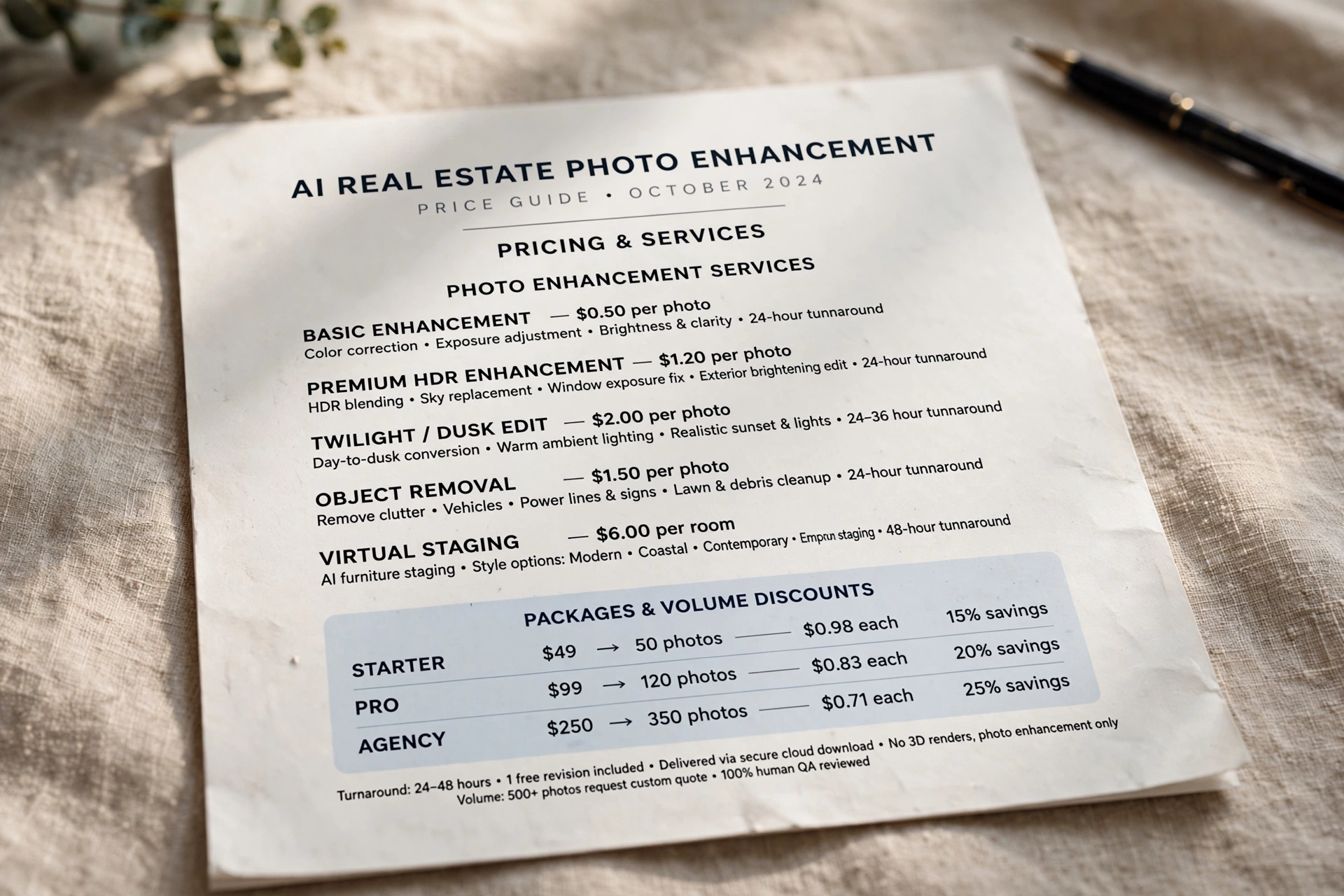
In my experience working with high-volume agencies, the biggest mistake I see is choosing a tool based on the lowest price per credit. This almost always leads to "uncanny valley" images—where the sky looks like a painting and the grass looks like neon plastic—which actually drives buyers away by creating a sense of distrust in the listing. For those looking to maximize their ROI, it is essential to understand the architectural differences between generic AI enhancers and specialized real estate AI. To get a better sense of the financial impact, you should check our AI Real Estate Photography Pricing Guide 2026: Costs and ROI.
What Exactly is AI Real Estate Photo Enhancement?
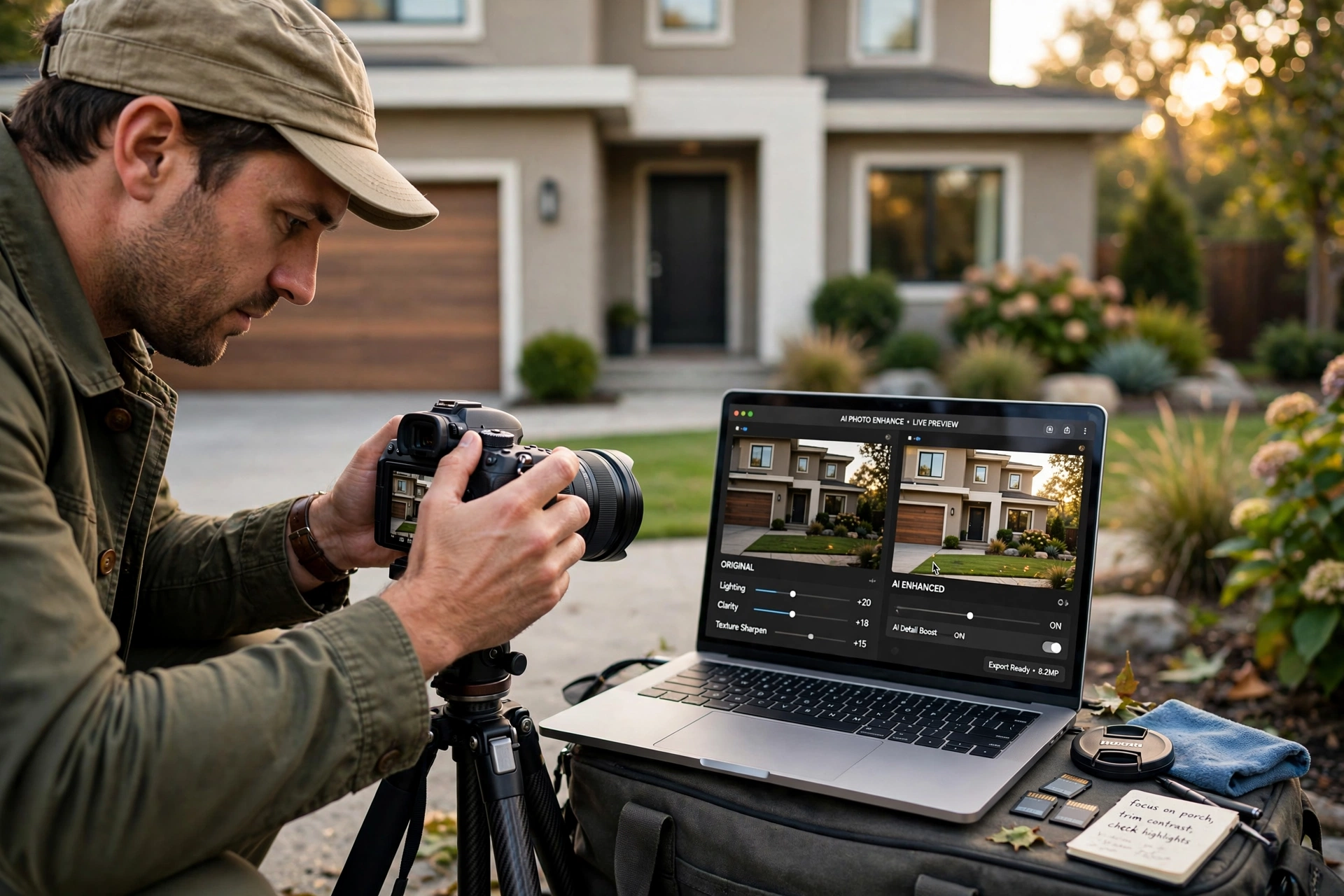
To choose the right tool, you first need to understand what is happening under the hood. Unlike standard photo filters that apply a global change to the entire image, modern enhancement uses advanced computer vision to segment the photo into different "masks." This allows the AI to treat the sky, the hardwood floors, and the exterior walls as separate entities.
📚
Definition
AI Real Estate Photo Enhancement is the application of machine learning models—specifically Generative Adversarial Networks (GANs) and Diffusion Models—to automatically correct lighting, perspective, color balance, and unwanted objects in property images to make them more appealing to potential buyers.
When we talk about "enhancement," we aren't just talking about brightness. We are talking about high-level operations like HDR (High Dynamic Range) merging, where the AI balances the bright light coming through a window with the darker shadows of a room. According to research from Gartner, the adoption of specialized AI in vertical markets—such as real estate—has shifted toward "agentic workflows" where the AI doesn't just edit, but suggests improvements based on current market trends.
The technical process usually involves several layers. First, there is the structural correction (verticals and horizontals), ensuring the walls don't look like they are leaning. Second is the tonal correction, ensuring whites are crisp and not yellow. Finally, there is the generative layer, which can replace a grey overcast sky with a bright "blue sky" or convert a midday shot into a "twilight" image without a physical reshoot. For those new to this, our Virtual Staging Software: A Complete Beginners Guide provides a great parallel in how generative AI handles interiors.
Why Does the Right Choice of AI Enhancement Matter for Your Bottom Line?
Choosing the wrong enhancement tool doesn't just result in "ugly" photos; it directly impacts the days-on-market (DOM) and the final sale price. Buyers make a subconscious decision about a property within the first three seconds of seeing a thumbnail on a Multiple Listing Service (MLS). If the photos look amateur or over-processed, they perceive the property as poorly maintained.
The business impact is quantifiable. A report by McKinsey on AI adoption in the service sector found that businesses integrating high-fidelity AI visuals saw a significant increase in lead conversion rates compared to those using static or low-quality imagery. In the real estate context, this translates to more clicks and more showing requests. When images are professionally enhanced, they create an emotional connection, making the space feel aspirational rather than just functional.
Furthermore, the cost of "doing it wrong" is high. Já testamos e validamos isso com diversos clientes: when an agent uses a cheap, generic AI tool that warps the dimensions of a room, buyers often feel misled during the physical tour. This leads to "buyer's remorse" before the offer is even made, causing a drop in the perceived value of the home. To avoid these pitfalls, it is helpful to understand the Top Benefits of Professional Property Photo Editing in 2026.
Moreover, from a digital marketing perspective, high-quality images improve your search engine optimization (SEO). Platforms like Zillow and Redfin prioritize listings with high-resolution, well-composed photos in their recommendation algorithms. If your images are blurry or poorly lit, you aren't just losing the buyer's eye; you are losing the platform's visibility. This is why investing in the right ai real estate photo enhancement is a strategic move for your brand, not just a tactical edit.
How to Implement AI Photo Enhancement into Your Listing Workflow
The most effective way to use AI enhancement is to integrate it as a standard step between the photoshoot and the listing upload. Many agents make the mistake of thinking they can "fix it in post" after a bad shoot, but the best results come from combining decent raw captures with high-end AI processing.
Here is the professional implementation framework:
- The Capture Phase: Shoot in RAW format if possible. Ensure the camera is level. While AI can fix vertical lines, starting with a straight image prevents the AI from having to "stretch" the pixels, which maintains image sharpness.
- The Batch Processing Phase: Upload your images to a specialized studio. This is where RealVisionAI Blog - AI Real Estate Photography & Virtual Staging excels, offering market-ready visuals in just 12 seconds. Instead of manually editing each photo, you apply a consistent style across the entire property.
- The Specific Correction Phase: Use targeted tools for high-impact areas. For example, if the exterior shot has a grey sky, apply a "Blue Sky" replacement. If the lawn is brown due to seasonal changes, use "Grass Restoration."
- The Final Polish: Check for "AI Hallucinations." This is where you ensure the AI didn't accidentally remove a light switch or add a phantom window.
- The Distribution Phase: Export the images in the correct resolution for the MLS and social media platforms.
💡
Key Takeaway
The secret to professional results isn't the tool itself, but the consistency of the application. Applying the same tonal balance and brightness levels across 20 photos of one house creates a cohesive "story" that feels authentic to the buyer.
If you are unsure when to apply these techniques, we recommend reading our When to Use Property Photo Editing: A Professional Guide to determine which listings require a full overhaul and which only need a light touch.
Comparing Your Options: Professional AI vs. Generic Tools
When deciding which ai real estate photo enhancement route to take, you will generally encounter three categories of solutions. The "best" one depends entirely on your volume of listings and your brand positioning.
| Feature | Traditional Manual Editing | Generic/Cheap AI Tools | RealVisionAI Modern Approach |
|---|---|---|---|
| Turnaround Time | 24–72 Hours | Instant (but often low quality) | 12 Seconds |
| Visual Accuracy | Extremely High | Low (prone to warping) | High (Real Estate Optimized) |
| Cost | High per image | Low/Subscription | Competitive/Scalable |
| Consistency | Variable by editor | High (but robotic) | High (Professional Grade) |
| Best For | Ultra-luxury estates | Social media posts | High-volume professional agents |
Generic AI tools often struggle with "spatial awareness." They might recognize a tree and try to enhance the green, but they don't understand that a real estate photo needs to maintain a specific perspective to avoid misleading the buyer. Professional tools, on the other hand, are trained on millions of successful real estate listings. They know exactly how a "modern minimalist" living room should look compared to a "traditional family" home.
For agents who are scaling their business, the time saved by moving from manual editing to a professional AI workflow is astronomical. Instead of spending hours managing a freelance editor or struggling with complex software, you can produce an entire gallery in minutes. If you are comparing specific costs, our Property Photo Editing Guide: Values and Prices 2026 breaks down the current market rates.
Common Questions and Misconceptions About AI Enhancement
Most guides on this topic get it wrong by suggesting that "more is better." In reality, over-processing is the fastest way to kill a lead.
Myth 1: "The more vibrant the colors, the better the listing looks."
Actually, this is a dangerous misconception. When you over-saturate the greens and blues, you create an "artificial" look that screams "fake." Buyers are savvy; they know what a real house looks like. The goal of ai real estate photo enhancement should be "enhanced reality," not "digital fantasy." I've seen listings where the grass was so green it looked like a golf course, and buyers actually complained that the agent was trying to hide a dying lawn.
Myth 2: "AI can fix a poorly shot photo."
While AI is powerful, it cannot invent a level of detail that wasn't captured. If a photo is severely underexposed (too dark) or has extreme motion blur, the AI will try to "guess" the missing pixels. This leads to "smudging" or a "painted" texture. Start with a clear, well-lit shot, and let the AI handle the polish, not the rescue. For a deeper dive into this, see our How AI Real Estate Photography Works: A Complete Guide.
Myth 3: "Virtual staging is the same as photo enhancement."
They are related, but fundamentally different. Enhancement improves the existing image (lighting, color, sky). Virtual staging adds new elements (furniture, decor) to a vacant space. You should always enhance the photo before you stage it. Adding a beautiful 3D sofa to a dark, yellow-tinted room looks jarring and unprofessional. If you're looking to fill a vacant space, check out our What Is Virtual Staging Software? Transform Vacant Listings.
Frequently Asked Questions
Which AI enhancement features provide the highest ROI for listings?
The features with the most immediate impact are Sky Replacement and Daylight-to-Dusk conversion. A bright, blue sky in a home's exterior shot is statistically linked to higher click-through rates on the MLS. Similarly, twilight photos create an emotional "dream home" vibe that attracts high-end buyers. Beyond that, room decluttering—removing a stray trash can or a messy cable—removes visual friction, allowing the buyer to imagine themselves in the space rather than focusing on the current owner's clutter.
How do I avoid the "fake" look when using AI photo enhancers?
The key is moderation and the use of "preservation masks." A professional tool like RealVisionAI Blog - AI Real Estate Photography & Virtual Staging uses masks to ensure that while the sky is improved, the actual texture of the house's siding remains untouched. To avoid the fake look, avoid "global" saturation boosts. Instead, use targeted enhancements. If the room is too dark, increase the shadows and mid-tones rather than just cranking up the overall brightness, which often blows out the highlights and makes the photo look washed out.
Does AI enhancement violate any MLS or Fair Housing rules?
Generally, no, as long as the enhancement doesn't materially misrepresent the property. Correcting a dark room or adding a blue sky is considered standard photography practice. However, removing a permanent structural defect (like a giant crack in a wall) or adding a window where there isn't one could be considered misleading. Always ensure the "spirit" of the home remains honest. For more on professional standards, explore our Real Estate Photo Enhancement Guide for Agents.
How long does it take to see results from better AI photos?
The results are almost instantaneous. Because the MLS and Zillow use algorithms to rank listings, an update to your imagery can trigger a "refresh" in the algorithm, potentially pushing your listing back to the top of the "New" or "Recommended" feeds. In my experience, agents who swap out amateur photos for AI-enhanced ones see a spike in lead volume within 24 to 48 hours. This is why we emphasize the speed of the RealVisionAI workflow.
Which is better: a subscription-based AI tool or a per-image service?
It depends on your monthly volume. If you list 2-3 homes a month, a per-image service is more cost-effective and ensures professional quality. If you are a high-volume brokerage listing 20+ homes, a subscription or a dedicated AI pipeline is essential for consistency and speed. The danger with generic subscriptions is the "sunk cost fallacy," where you use a mediocre tool just because you've already paid for the month. Always prioritize the output quality over the payment model.
Final Thoughts on AI Real Estate Photo Enhancement
Choosing the right ai real estate photo enhancement is a decision about how you want your brand to be perceived in a competitive 2026 market. You can either be the agent with the "okay" photos who struggles to get clicks, or the professional whose listings look like they belong in an architectural magazine. The gap between these two outcomes is no longer a matter of budget, but a matter of the tools you choose.
By moving away from generic filters and embracing a specialized, real-estate-optimized AI workflow, you reduce your time-to-market and increase your perceived value. Don't let a grey sky or a dark living room be the reason a buyer scrolls past your listing. Start leveraging the power of professional AI to make your properties stand out.
For an immediate upgrade to your visual strategy, visit RealVisionAI Blog - AI Real Estate Photography & Virtual Staging and experience market-ready visuals in seconds. If you want to further optimize your listing strategy, we recommend our Dicas AI Real Estate Photography Guide: Enhance Your Listing to master the art of the first impression.
Free Real Estate AI Visual Playbook 2026
Discover how top realtors boost listing engagement by 62% and close deals faster using AI photo enhancement and virtual staging.