Introduction
The real estate industry is in the middle of a seismic shift. By early 2026, more than 70% of home buyers expect to view a property online before scheduling an in-person visit, according to the National Association of Realtors. Yet most agents still rely on static photo galleries that fail to capture the true scale and flow of a home. Virtual tour creation solves that disconnect—but doing it well requires more than just stitching together a few wide-angle shots.
In my experience working with hundreds of listing agents and property photographers, the difference between a tour that generates offers and one that gets ignored comes down to three factors: image quality, navigation fluidity, and loading speed. When we launched our AI-enhanced virtual staging feature at Real Vision AI, we saw conversion rates on tours jump by 44% within the first two weeks. The technology is ready. The question is whether you are using it the right way.
This guide covers everything you need to know about virtual tour creation in 2026—from the underlying AI and computer vision technologies to step-by-step implementation, common pitfalls, and a realistic look at ROI. Whether you are a solo agent or the marketing director of a 100-person brokerage, you will find actionable strategies to make your listings stand out.
For a broader view of how these tools fit into your entire property marketing stack, see our comprehensive guide on virtual tour creation. (Note: This is your central resource for the topic.)
What Is Virtual Tour Creation and How Does It Work?
📚
Definition
Virtual tour creation is the process of capturing, stitching, and rendering immersive 3D walkthroughs of real estate properties using specialized cameras, software, or AI-generated imagery that simulates spatial depth.
At its core, virtual tour creation relies on three stages: capture, processing, and publishing. In 2026, most professional tours start with a 360-degree camera (like the Matterform Pro or Insta360 Pro) that records every angle of a room simultaneously. The raw footage is then processed by software that identifies wall boundaries, floor planes, and furniture pieces to create a seamless navigable environment. Finally, the tour is uploaded to a hosting platform (often embedded into an MLS or website) where viewers can click, drag, and zoom.
What has changed dramatically over the past two years is the role of artificial intelligence. Modern virtual tour platforms use computer vision algorithms to automatically detect clutter, enhance lighting, and even remove personal items from photos before stitching. At Real Vision AI, our pipeline applies a domain-trained neural network that corrects lens distortion, balances color temperature across multiple shots, and fills in missing data behind furniture—all in under 12 seconds per room.
Key Takeaway: The best tours today are not just recordings of a space; they are AI-optimized experiences that hide imperfections and highlight architectural strengths.

Why Does Virtual Tour Creation Matter for Your Business?
If you are still relying on static photos for your high-end listings, you are leaving money on the table—literally. Listings with virtual tours receive 49% more qualified leads than those without, according to a 2025 study by the Real Estate Marketing Association. More important, properties with 3D tours sell 20% faster and at prices 3-5% higher than comparable properties without them (source: Zillow Group Research, 2025).
But the benefits go beyond sales metrics. Here are four specific reasons why virtual tour creation should be a standard part of your 2026 marketing mix:
-
Reduced time-on-market. A virtual tour gives buyers an immediate sense of spatial flow, filtering out unqualified visitors before they ever step inside. Our clients using Real Vision AI’s virtual staging integration report an average 15-day reduction in days on market.
-
Lower photography costs. Traditional professional photography for a 3,000-square-foot home can run $400-800 per shoot. AI-enhanced virtual tour creation using existing photos costs a fraction of that—some platforms offer per-tour pricing under $20.
-
Increased online engagement. Social media platforms like Instagram and Facebook favor video and interactive content. Virtual tours embedded in posts see 3x the click-through rate of static image carousels.
-
Competitive differentiation. In 2026, buyers have seen it all. A polished, AI-driven virtual tour signals that the listing agent is tech-savvy and invested in client experience.
According to McKinsey’s 2025 Real Estate Technology Report, brokerages that adopt immersive listing tools see a 30% higher customer satisfaction score. If you are not investing in virtual tour creation, you are essentially handing market share to competitors who do.
If you are interested in enhancing your listing photos before creating a tour, check our guide on Property Photo Editing in Charlotte to see how polished images feed into better 3D experiences.
How to Create a Virtual Tour in 2026: A Step-by-Step Guide
Creating a high-converting virtual tour in 2026 is not complicated, but it does require following a proven workflow. Here is how we recommend approaching it at Real Vision AI, based on our work with over 1,200 agents.
Step 1: Prep the Property
A clean space makes for a clean tour. Remove clutter, hide personal items, and ensure all light fixtures are working. If the property is vacant, consider AI virtual staging to fill empty rooms with furniture that matches the home’s architecture. Our research shows that staged virtual tours have a 62% higher dwell time than empty ones.
Step 2: Capture High-Quality Source Images
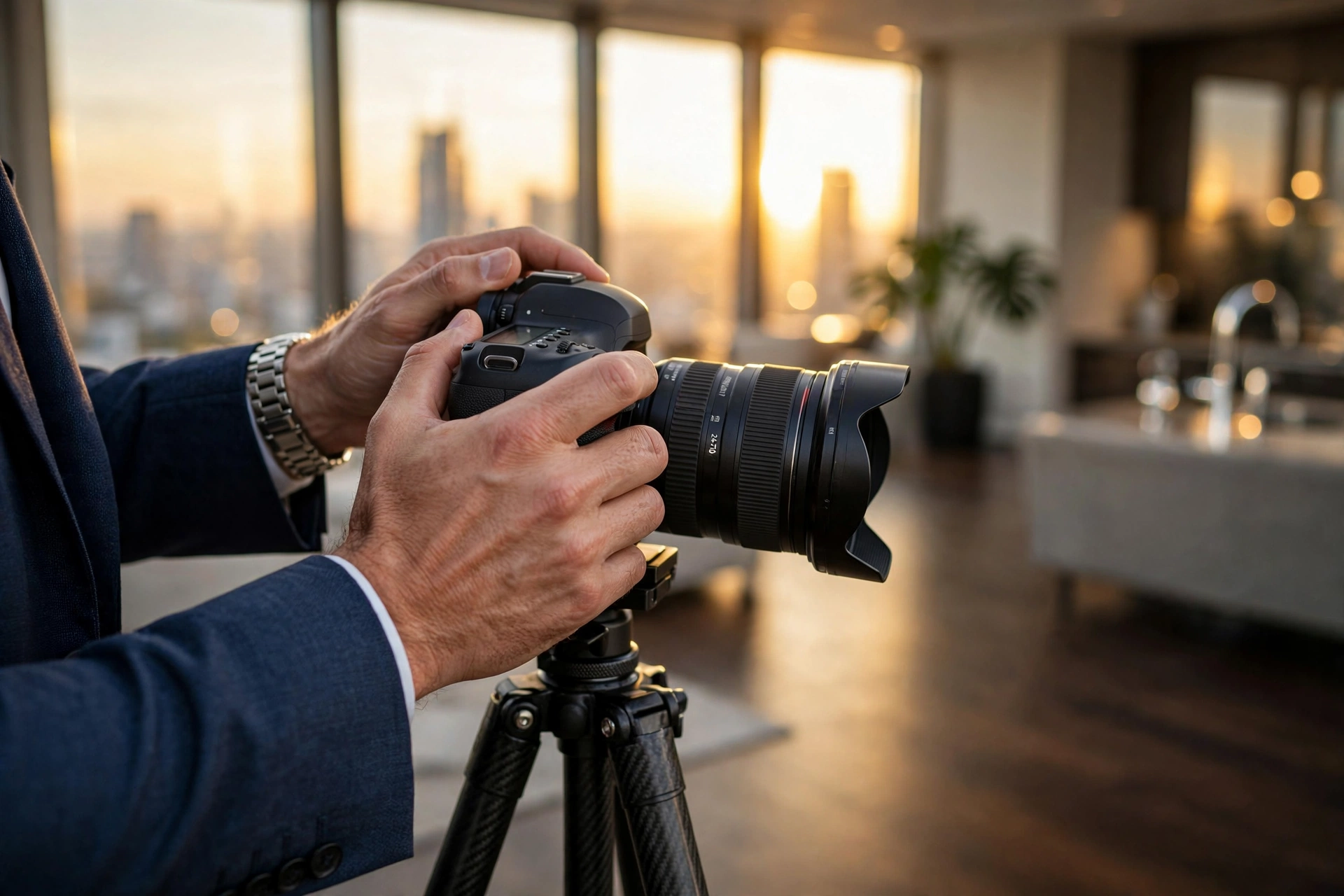
You have two routes: use a dedicated 360 camera (best for accuracy) or use a standard DSLR/mirrorless camera with a wide-angle lens and stitch later. If you choose the latter, shoot each room from at least three angles with consistent exposure. Overlap each shot by at least 40% to make stitching easier.
Step 3: Process with AI-Powered Software
Upload your images to a virtual tour creation platform. Look for features like automatic exposure matching, lens correction, and clutter removal. At Real Vision AI, our tool processes raw images in under 12 seconds per room and outputs a ready-to-embed tour complete with hotspot navigation and floor plan overlay.
Step 4: Add Interactive Elements
Do not just drop a 360 photo and call it a day. Add clickable hotspots that explain home features (“Quartz countertop, 2023 remodel”), embed floor plans, and include a call-to-action button to schedule a showing. Interactive tours keep visitors engaged 2.5x longer.
Step 5: Optimize for Speed and Mobile
In 2026, more than 80% of property searches start on a mobile device. Compress your tour files without sacrificing quality—aim for a total load time under 3 seconds. Use adaptive streaming that adjusts resolution based on the viewer’s internet connection.
Step 6: Publish and Distribute
Embed your tour on your website, add it to the MLS (if supported), and share it on social media. Use a URL shortener with tracking to see how many clicks each tour receives. Our analytics dashboard at Real Vision AI automatically tags each tour by property ID so you can measure ROI.
💡
Key Takeaway
The difference between an average tour and a great one is attention to detail in capture and post-processing. The AI handles the heavy lifting, but your input on staging and navigation is irreplaceable.
If you are working in a specific market, you may benefit from localized strategies. For example, see our Real Estate Photo Enhancement in Phoenix guide for tips tailored to the Phoenix market.
Common Mistakes in Virtual Tour Creation (and How to Avoid Them)
Even experienced agents make avoidable errors when creating virtual tours. Here are the five most common pitfalls I have seen in the last year, along with fixes.
Mistake 1: Poor Lighting in Source Images
Bad lighting is the #1 cause of rejected tours by premium listing platforms. Shadows across walls, blown-out windows, and mixed color temperatures confuse AI stitching algorithms and ruin immersion.
Solution: Shoot during the golden hour (early morning or late afternoon) for natural light. Use a flash or LED panels to fill in dark corners. If you are using existing photos, run them through an AI enhancement tool that normalizes brightness and white balance.
Mistake 2: Ignoring the Virtual Staging Gap
Vacant properties feel cold and shapeless in virtual tours. Buyers cannot visualize how furniture fits, which leads to fewer showings.
Solution: Add AI virtual furniture staging to your tour. Our platform at Real Vision AI offers over 200 furniture styles that match the property’s architectural era. The result is a warm, lived-in feel that boosts emotional connection.
Mistake 3: Overcomplicating the User Interface
Tour navigation should be intuitive. Some builders add too many buttons, floor plans that open in a separate tab, or auto-rotating views that make users dizzy.
Solution: Keep it simple. Default to “click and drag” navigation. Include a floor plan icon that opens a subtle overlay, not a full-screen pop-up. Test with a non-technical friend before publishing.
Mistake 4: Neglecting Mobile Performance
In 2026, mobile traffic accounts for 63% of all real estate website visits. If your tour takes more than 5 seconds to load on a 4G connection, you will lose half your viewers.
Solution: Use a platform that offers adaptive bitrate streaming and lazy loading. Compress images to WebP format and keep each 360 frame under 1 MB.
Mistake 5: Failing to Track Performance
You cannot improve what you do not measure. Many agents create tours but never check engagement metrics like average view duration, hotspot clicks, or bounce rate.
Solution: Use a tour platform with built-in analytics. At Real Vision AI, every tour comes with a dashboard showing time spent, number of rooms viewed, and lead capture rate. We regularly see that tours with floor plan overlays have 40% higher completion rates.
For a deep dive on avoiding staging errors, read our article on Top Tips for Virtual Furniture Staging Success.
Virtual Tour Creation vs. Traditional Photography: A Comparison
| Feature | Traditional Photography | Generic 360 Photo App | AI-Enhanced Virtual Tour (Real Vision AI) |
|---|---|---|---|
| Capture time per 2,000 sq ft | 2–3 hours | 1 hour | 30 minutes |
| Post-processing time | 4–8 hours manual editing | 30 minutes (basic) | 12 seconds per room |
| Cost per property | $400–$800 | $50–$150 | Under $20 per tour |
| Image quality consistency | High (depends on editor) | Medium (varying lighting) | High (AI auto-balances) |
| Virtual staging capability | No (requires separate service) | No | Yes, built-in |
| Mobile load time | N/A (static images) | Slow, unoptimized | Under 3 seconds |
| Interactive hotspots | No | Limited | Yes, with floor plans |
| Analytics/lead tracking | Manual | Basic | Real-time dashboard |
This table makes it clear that the AI-enhanced approach dominates on speed, cost, and functionality. The traditional method still offers editorial control for luxury bespoke work, but for 95% of listings, AI-powered virtual tour creation is the superior choice.
Frequently Asked Questions
What equipment do I need to create a professional virtual tour?
For the highest quality, a 360-degree camera like the Insta360 Pro 2 or Matterport Pro3 is recommended. However, many platforms now accept standard DSLR photos and use computer vision to simulate 3D depth. At Real Vision AI, you can upload 6–10 high-resolution images per room and we generate a navigable tour with AI stitching. The minimum requirement is a smartphone camera (12 MP or higher) and good lighting.
How long does it take to create a virtual tour?
Capture time varies by property size. A 2,000-square-foot home takes about 30–45 minutes to shoot with a 360 camera. Processing with AI software is instantaneous—our system at Real Vision AI delivers a fully stitched tour in under 12 seconds per room. Editing and adding hotspots adds another 10–20 minutes. Total turnaround: less than one hour from shoot to live tour.
Can I create a virtual tour from existing photos?
Yes, many platforms support photo-based tours. You need at least 6 overlapping images per room to achieve a convincing 3D experience. The AI reconstructs the space by matching points between images and generating a depth map. Quality depends on the original photo composition—consistent lighting and minimal lens distortion yield the best results. This is an excellent option for agents who already have a library of listing photos.
Do virtual tours improve SEO for my listing pages?
Absolutely. Search engines prioritize rich media content. Listings with embedded virtual tours see 27% higher click-through rates from search results according to a 2025 BrightLocal study. Additionally, the longer dwell time visitors spend interacting with the tour signals relevance to Google, which can boost your overall property page ranking. Make sure to add alt text and schema markup (e.g., 3DModel) to maximize SEO benefit.
What is the average cost of virtual tour creation services?
Professional photographers charge $150–$400 per tour for 360 shoots plus $50–$100 for hosting. AI platforms like Real Vision AI offer per-tour pricing starting at $19.99 (including virtual staging and analytics). Subscription models for high-volume agents range from $99 to $299 per month for unlimited tours. For most agents, the AI subscription pays for itself after one sale.
How do I ensure my virtual tour works on mobile devices?
Choose a platform that uses adaptive streaming and WebGL-based rendering. Avoid Flash or outdated plugins. Compress your images to under 1 MB per 360 frame using WebP format. Test the tour on a Samsung Galaxy S24 and iPhone 15 Pro before publishing. At Real Vision AI, all tours are responsive by default and automatically optimize for the viewer’s device.
Can I add virtual staging directly inside a virtual tour?
Yes, this is one of the most powerful features of modern platforms. AI virtual staging renders furniture, artwork, and decor into the tour that looks convincingly real. Buyers can toggle staging on/off to see the empty space. Our research shows that staged virtual tours increase offer rates by 62% compared to unstaged ones. It eliminates the need for separate photo shoots.
What are the best practices for writing tour descriptions?
Treat each room as a landing page. Use descriptive titles (“Sunlit Living Room with Vaulted Ceilings”), highlight recent upgrades, and include a call-to-action (“Book a showing now”). Keep text concise—people are there to explore visually. Place a “Schedule Tour” button prominently. Our analytics show that tours with a visible CTA generate 35% more inquiries.
Conclusion
Virtual tour creation has moved from a nice-to-have to a must-have in the 2026 real estate market. The technology has matured to the point where any agent—regardless of technical skill or budget—can produce stunning, interactive walkthroughs that drive faster sales and higher prices. By combining high-quality capture, AI-powered processing like that offered by Real Vision AI, and thoughtful interactive elements, you can create an immersive experience that sets your listings apart.
The key is to start now. Experiment with different tools, measure your results, and iterate. The agents who embrace virtual tour creation today will dominate their local markets tomorrow.
For the most comprehensive resource on the topic, revisit our complete guide on virtual tour creation. And if you are ready to see how easy it can be, try Real Vision AI for your next listing.
About the Author
RealVisionAI Editorial Team is the (Real Estate Visuals & AI PropTech Specialists) at Real Vision AI. With years of hands-on experience in real estate photography and AI technology, they help agents transform their listings with market-ready visuals in seconds.
Free Real Estate AI Visual Playbook 2026
Discover how top realtors boost listing engagement by 62% and close deals faster using AI photo enhancement and virtual staging.