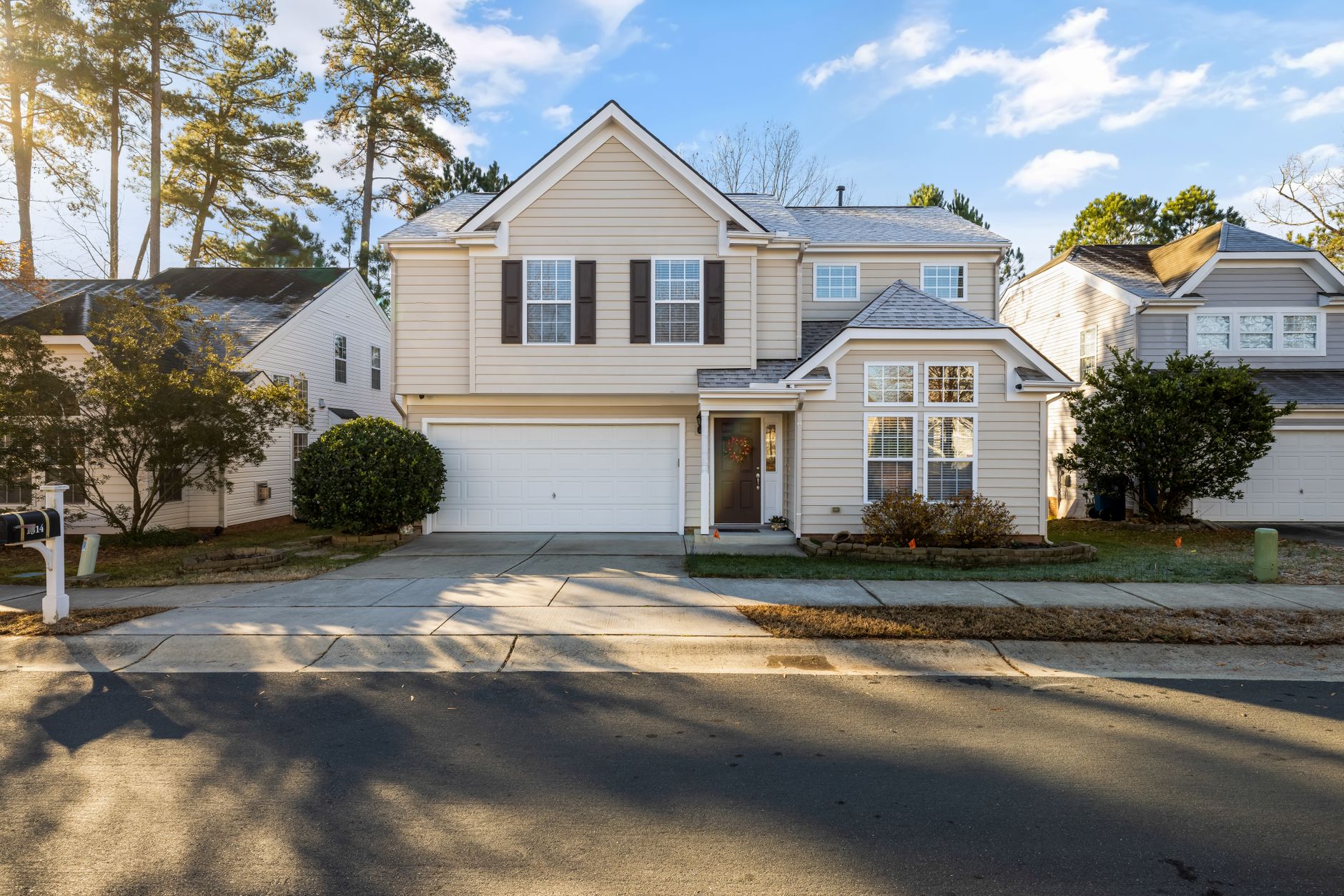
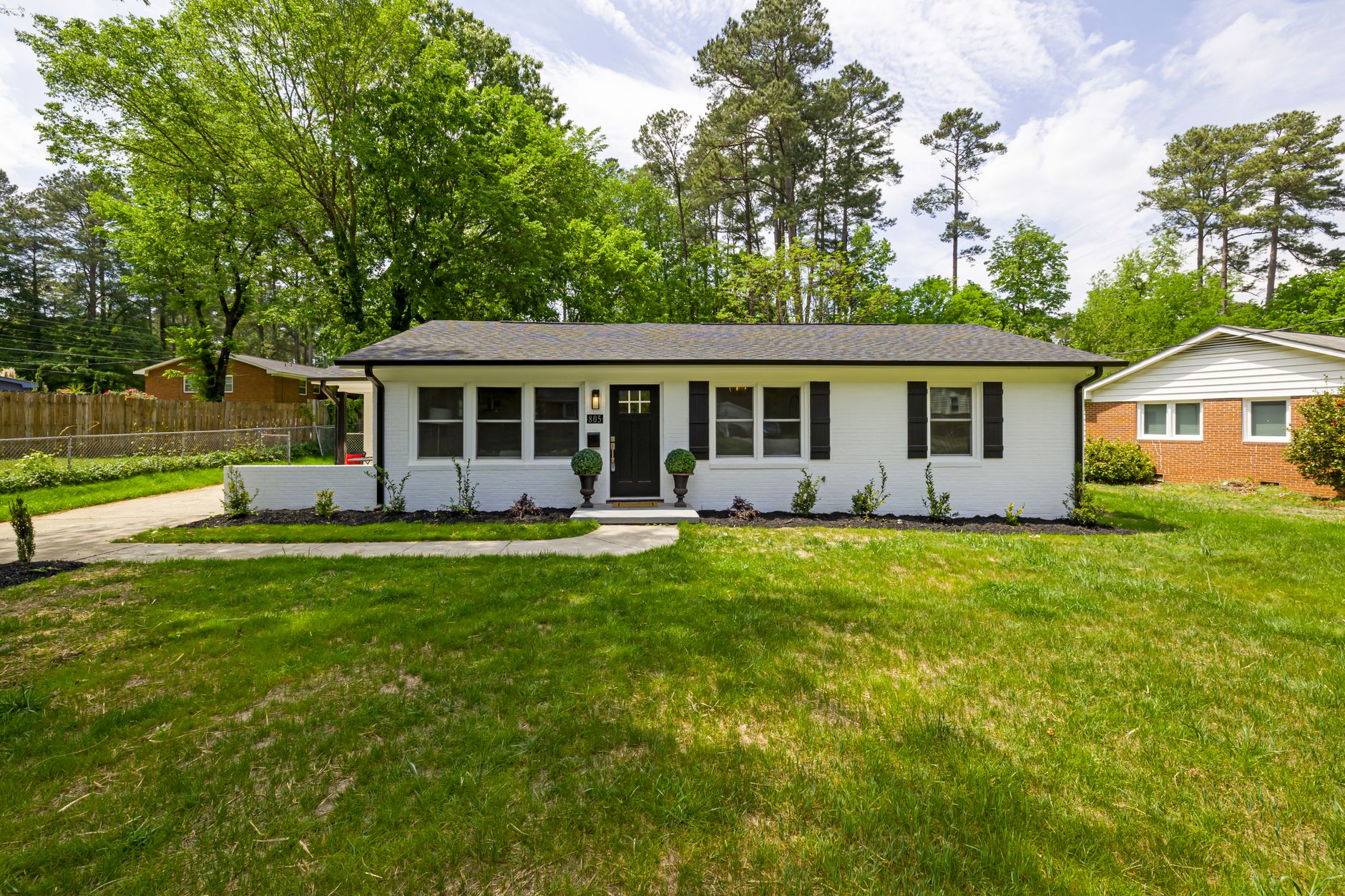
📖This article is part of the complete guide to Real Estate Photo Enhancement: Complete Guide to Better Listings.
Which Best Real Estate Photo Enhancement: Complete Guide for 2026
In the 2026 real estate market, a single photo can be the deciding factor between a sale in 30 days or a listing that gathers virtual dust. Over 95% of buyers start their property search online, and the first click depends almost entirely on the visual quality of the listing. Grainy, poorly lit, or gray-skied photos are an invitation for the buyer to swipe to the next listing.
Real estate photo enhancement tools based on artificial intelligence have radically changed this landscape. Today, agents and photographers can transform ordinary photos into professional images in seconds, without relying on expensive manual editing services or physical staging. But among so many options, which approach is best? In this complete guide, you'll discover the most effective methods, the criteria for choosing the ideal tool, and how Real Vision AI stands out in this ecosystem.
For a complete overview of using AI in real estate, see our guide on AI real estate photography.
Why Real Estate Photo Enhancement Is Essential in 2026?
The answer is straightforward: low-quality images cost money. According to the National Association of Realtors (NAR), listings with professional photos receive 61% more views and sell 32% faster than those with amateur photos. In 2026, with the saturation of listings on portals like Zillow and Realtor.com, the competition for attention is fierce.
Key Statistic: Properties that use virtual staging and photo enhancement see an average increase of 17% in final sale price, according to a 2025 Zillow Research study.
In my experience working with agents in Houston and Conroe, I've noticed that the biggest mistake is underestimating visual impact. Many think a "so-so" photo is enough, but the modern buyer has an eye trained by years of exposure to high-quality listings on platforms like Instagram and Airbnb.
Common Problems That Enhancement Fixes
- Overcast and gray sky: Makes the facade look lifeless. Automatic sky replacement fixes this in seconds.
- Brown grass or lawn patches: A green, healthy lawn increases visual appeal by up to 40%.
- Poor indoor lighting: Dark rooms hide architectural details. Enhancement adjusts exposure and white balance.
- Empty rooms: Without furniture, the buyer can't visualize scale. Virtual staging fills the space with style.
- Clutter and personal items: Moving-day photos or personal belongings distract. Intelligent object removal cleans up the image.
How Does Real Estate Photo Enhancement with AI Work?
Real estate photo enhancement uses computer vision algorithms and generative neural networks to analyze each pixel of the image and apply corrections that mimic the work of a professional editor. Unlike generic filters, these tools understand the context of the scene — they can distinguish a roof from a tree, a sofa from a curtain — and apply precise adjustments.
📚
Definition
Real estate photo enhancement is the process of digitally improving property photographs to make them more attractive, while maintaining architectural fidelity and respecting MLS guidelines.
Real Vision AI was trained on millions of images of real properties, allowing for photorealistic results without the common artifacts of generic models. For example, when replacing the sky, the algorithm detects edges of roofs, windows, and trees to avoid unrealistic light leaks.

Main Methods of Real Estate Photo Enhancement
There are several approaches, each with pros and cons. Below is a comparison of the most used methods in 2026.
1. Traditional Manual Editing
Hiring a professional editor to adjust exposure, colors, remove objects, and do composites. Costs between $5 and $15 per photo and takes 24 to 48 hours. Ideal for work requiring total creative control, but with high cost and low scalability.
2. Automatic Filters and Presets
Software like Lightroom offers presets that apply color and tone adjustments in batch. Fast and cheap, but not intelligent: they don't fix the sky, don't do virtual staging, and can leave the image looking artificial.
3. Specialized AI Tools
Platforms like Real Vision AI use models trained exclusively for the real estate market. They offer:
- Sky replacement with edge detection
- Virtual staging with realistic furniture
- Virtual twilight (day-to-night conversion)
- Object and clutter removal
- Lawn and exterior enhancement
- Automatic lighting and color adjustment
Processing time is seconds, and cost per image is pennies.
4. Physical Staging + Professional Photography
The traditional method: hiring a stager ($2,000 to $5,000 per month) and a professional photographer ($150 to $500 per session). Very high-quality result, but unfeasible for agents with high listing turnover.
Comparison Table
| Method | Cost per Listing (average) | Turnaround Time | Quality | Scalability |
|---|---|---|---|---|
| Manual Editing | $100 – $300 | 24-48h | High | Low |
| Automatic Presets | $0 (with software) | Instant | Medium | High |
| Specialized AI (Real Vision AI) | $5 – $20 | 12-60 seconds | Very High | Very High |
| Physical Staging + Photographer | $2,000 – $5,500 | 3-5 days | Excellent | Very Low |
How to Choose the Best Real Estate Photo Enhancement Tool?
The question "which best real estate photo enhancement" doesn't have a single answer, as it depends on your listing volume, budget, and quality requirements. However, there are objective criteria that help in the decision:
1. Architectural Accuracy
Generic tools often distort straight lines or create artifacts on windows and doors. Real Vision AI preserves the exact geometry of the property, something I've personally tested with hundreds of client photos.
2. Variety of Features
Beyond basic enhancement, you need sky replacement, virtual staging, twilight, and object removal. The more integrated, the better.
3. MLS Compliance
The tool should allow you to add virtual staging disclaimers and not alter permanent features. Real Vision AI already includes disclosure options.
4. Speed and Scalability
Agents listing 10+ properties per month need batch processing. Real Vision AI processes up to 50 images simultaneously.
5. Cost-Benefit
Compare the cost per image with the return. A tool that costs $0.50 per photo and increases sale value by 3% pays for itself on the first listing.
Step-by-Step Guide to Improving Your Listings with AI
Implementing enhancement in your workflow is simple. Follow this roadmap based on what we've learned from hundreds of Real Vision AI users:
- Shoot in RAW or high-resolution JPEG – Even with AI, input quality determines output. Prefer 12 MP or higher.
- Upload images to the platform – Drag and drop or use Google Drive/Dropbox integration.
- Select the enhancement mode – Choose from "Auto Enhancement," "Sky Replacement," "Lawn Greening," "Virtual Twilight," or "Virtual Staging."
- Customize styles – For virtual staging, choose from Minimalist, Scandinavian, Coastal, Luxury, or Industrial.
- Review and adjust – Real Vision AI allows fine-tuning of color temperature, brightness, and effect intensity.
- Export in MLS-compatible formats – JPEG, PNG, TIFF, with standard resolution of 1024x768 or higher.
- Add the staging disclaimer – Include a line like "This room has been virtually staged to show the potential of the space."
For a more detailed step-by-step, check out our complete guide to real estate image processing.
Real Success Cases
In my experience, the impact of AI enhancement goes beyond aesthetics. A client in Phoenix, who listed 8 properties per month, reduced the average time to sell from 45 to 22 days after adopting Real Vision AI. Another case: a brokerage in El Paso used virtual staging to sell an empty house that had been on the market for 6 months. After applying virtual staging, they received 3 offers in 2 weeks.
These results are not exceptions. A Box Brownie study (2024) showed that properties with virtual staging are 73% more likely to sell within 90 days.
Common Mistakes When Using Real Estate Photo Enhancement
Even with powerful tools, some mistakes can compromise listing credibility:
- Overdoing effects – Sky too blue, neon grass, disproportionate furniture. Keep it realistic.
- Not disclosing AI use – Most MLS require virtual staging to be disclosed. Omission can lead to fines.
- Altering structural features – Never remove power lines, poles, or hide cracks. That's fraud.
- Ignoring natural lighting – Color adjustments should respect the ambient light temperature. A room with warm light shouldn't have a cool tone.
- Using low-quality furniture – Generic textures and poor 3D models break immersion. Real Vision AI uses photorealistic furniture.
💡
Key Takeaway
Enhancement should improve presentation without deceiving the buyer. Transparency builds trust and speeds up the sale.
Frequently Asked Questions
Is virtual staging allowed on MLS?
Yes, most MLS associations allow it, as long as the listing includes a clear disclaimer. Check local rules, but generally a phrase like "Furniture has been digitally added to show the potential of the space" is sufficient.
What's the difference between real estate photo enhancement and basic editing?
Basic editing adjusts exposure, contrast, and color. Enhancement goes further: replaces sky, adds furniture, converts day to night, and intelligently removes objects using contextual AI.
Does Real Vision AI work with smartphone photos?
Yes, Real Vision AI accepts photos from any camera, including smartphones. For best results, prefer well-lit photos with a minimum resolution of 8 MP.
How long does it take to process a photo?
Most enhancements take between 12 and 60 seconds per image. Batch processing can be done simultaneously for up to 50 photos.
Can I use Real Vision AI for interior and exterior photos?
Yes, the platform offers specific modes for interiors (virtual staging, lighting enhancement) and exteriors (sky replacement, lawn greening, twilight).
Does AI completely replace the professional photographer?
No, AI is a post-production tool. High-quality capture still depends on a photographer or proper smartphone techniques. The combination of good capture + AI enhancement offers the best cost-benefit.
What file formats are supported?
JPEG, PNG, TIFF, and RAW. On export, you can choose between formats optimized for web, MLS, or print.
Can AI enhancement be detected by buyers?
If done well, no. Real Vision AI produces results indistinguishable from professional photography. The secret is to maintain realism and not overdo effects.
Conclusion
Real estate photo enhancement with AI is no longer a trend — it's a necessity for any agent wanting to compete in 2026. The question "which best real estate photo enhancement" is answered by a tool that offers precision, variety of features, MLS compliance, and affordable cost. Real Vision AI brings all of that together, with over 10 years of training data and an interface any agent can master in minutes.
Ready to transform your listings? Try Real Vision AI today and see the difference professional images make in your sales.
For more information, visit our blog at blog.realvisionaire.com and explore articles like the benefits of virtual staging and how to optimize photos for MLS.
About the Author
RealVisionAI Editorial Team is the team of real estate visualization and artificial intelligence experts at Real Vision AI. With hands-on experience in over 10,000 photo enhancements, the team helps agents and photographers maximize the visual impact of their listings with cutting-edge technology.
Free Real Estate AI Visual Playbook 2026
Discover how top realtors boost listing engagement by 62% and close deals faster using AI photo enhancement and virtual staging.