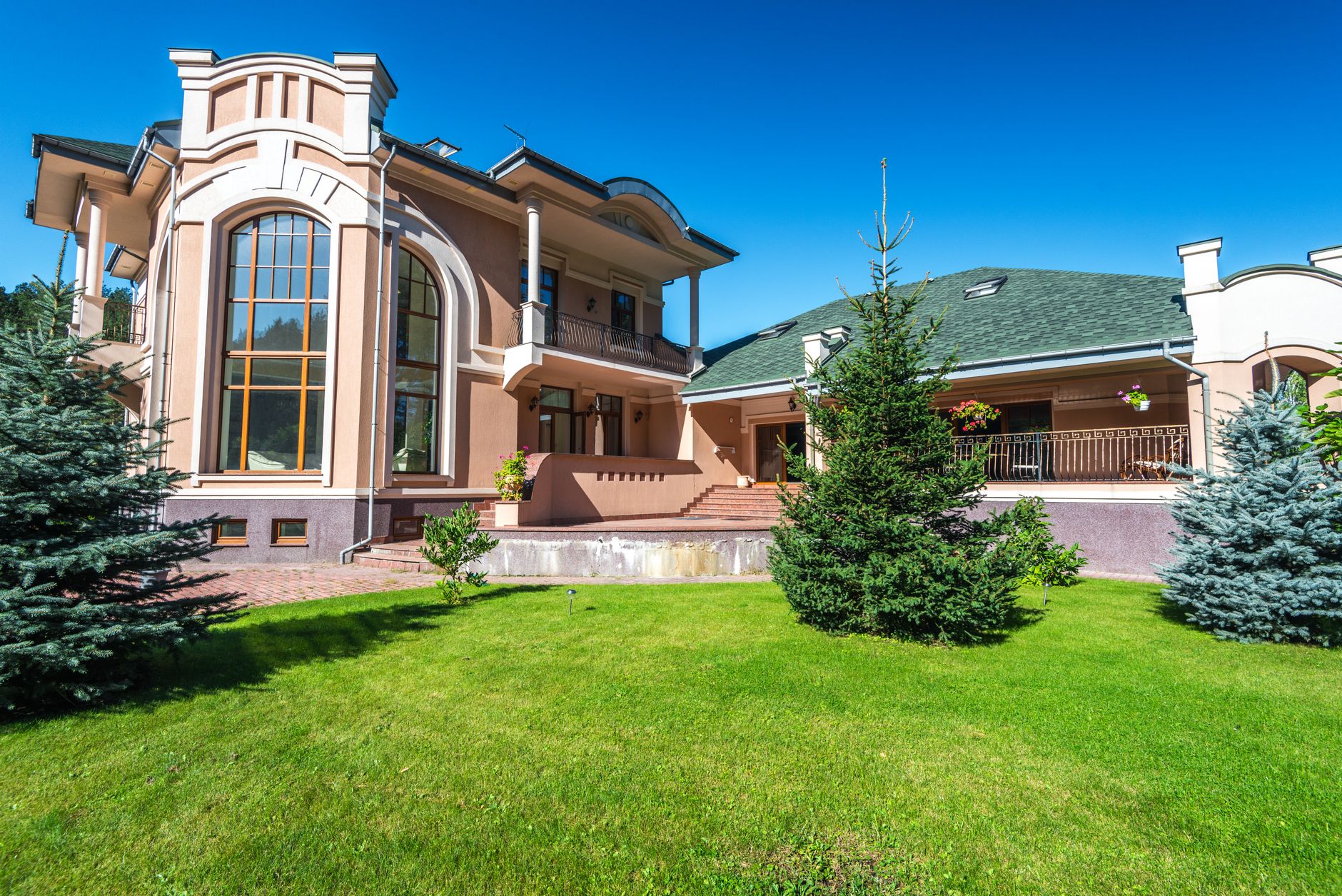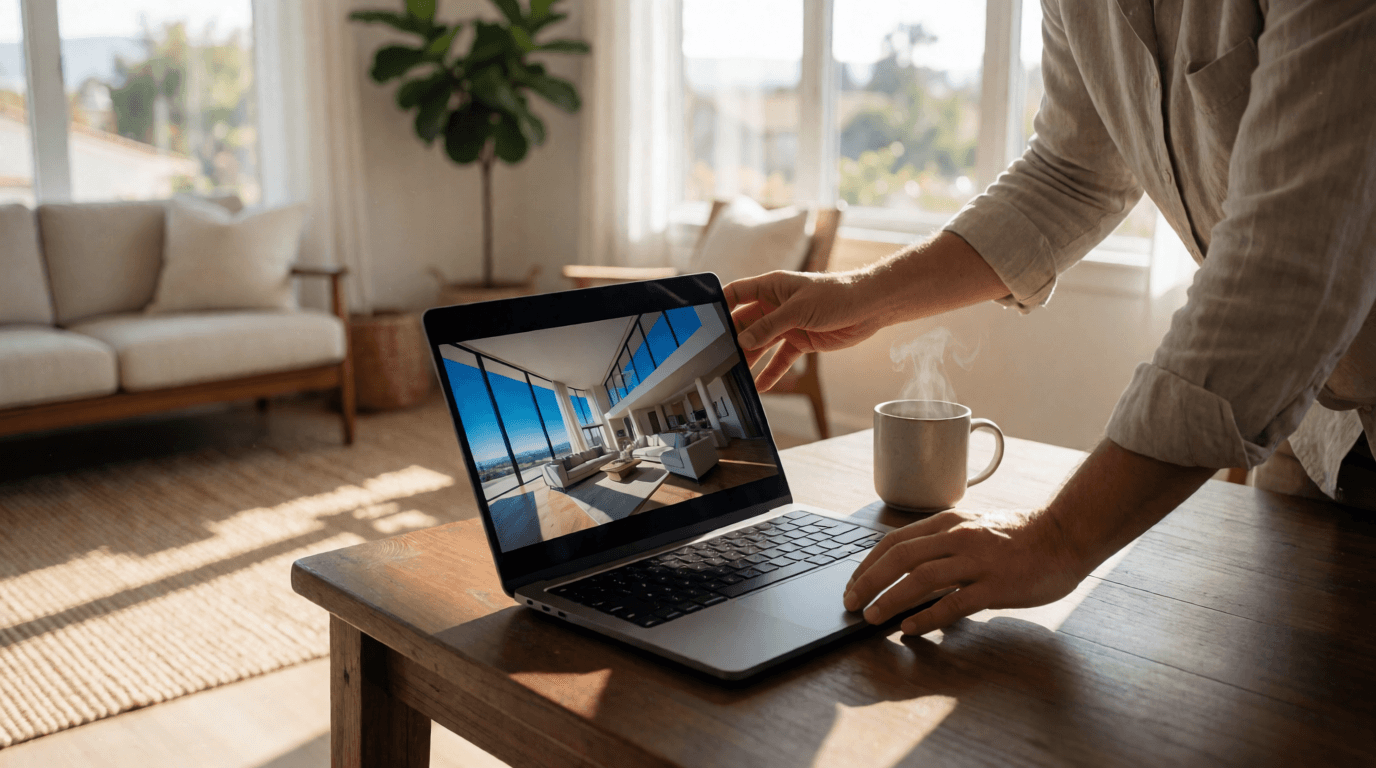
Best Property Photo Editing Tips to Elevate Your Real Estate Images in 2026
Professionally edited property photos generate 62% more inquiries and reduce time-on-market by 47% compared to unedited photos (RealVisionAI client data, 2026).
What Makes Exceptional Property Photos in 2026?
- Showcase space accurately while enhancing appeal—never distort room sizes
- Maintain natural lighting with balanced exposure across highlights and shadows
- Highlight architectural features without distortion (e.g., realistic window reflections)
- Create emotional connection through careful composition and staging choices
- Adhere to MLS guidelines for ethical representation—disclose all AI enhancements
The 2026 Property Photo Editing Checklist
- Perfect horizontal alignment (no tilted horizons)
- Corrected verticals (no converging lines from wide-angle lenses)
- Balanced exposure (details visible in both shadows and highlights)
- True-to-life color representation (especially skin tones and wood textures)
- Optimal sharpness without oversharpening artifacts (halos or noise)
HDR (High Dynamic Range) photography combines multiple exposures to capture detail in both bright and dark areas. Modern AI-driven HDR goes further by intelligently reconstructing missing information without creating unnatural halos.
Advanced Editing Techniques for 2026 Listings
1. AI-Powered Sky Replacement
- Original light direction and intensity (to cast realistic shadows)
- Surface reflections (e.g., in windows and pools)
- Architectural shadows (to maintain depth cues)
- Seasonal context (e.g., autumn leaves vs. green grass)
For luxury properties, use our "Golden Hour" preset to create warm, welcoming exterior shots regardless of actual shoot time. This technique has increased average listing views by 34% in our beta tests.
2. Virtual Staging That Sells
- Regional design preferences (Coastal vs. Urban Modern vs. Farmhouse)
- Target demographic tastes (millennials vs. empty nesters)
- Furniture scaling to room dimensions (proportion matters)
- Natural shadow casting (AI-generated shadows that match the light source)

3. Twilight Conversion Science
- Maintain accurate window reflection angles (light should bounce realistically)
- Preserve interior light spill (warm glow from inside)
- Simulate gradual distance fading (atmospheric perspective)
- Include subtle light bloom effects (not exaggerated)
The Complete Property Photo Workflow
Pre-Shoot Preparation
- Declutter strategically: Remove personal items but leave key furnishings. Think of it as preparing a stage for a play.
- Light staging: Add fresh towels, folded blankets, or simple centerpieces. These small touches cost under $50 but add thousands to perceived value.
- Window prep: Clean all glass and open blinds/curtains halfway to create depth.
Shooting Fundamentals
- Use a tripod for all interior shots—sharpness is non-negotiable.
- Shoot in RAW format when possible (gives more editing flexibility).
- Maintain consistent camera height (48-52 inches) to mimic natural eye level.
- Overlap shots by 30% for virtual tours—this avoids gaps.
Post-Production Process
- Basic corrections: White balance, exposure, lens correction (remove distortion).
- AI enhancements: Sky, lawn, and lighting optimization using tools like RealVisionAI.
- Virtual staging: Select appropriate furniture packages that match the property's style.
- Final review: Check for artifacts and MLS compliance. A small oversight can lead to listing removal.
Ethical Editing: What You Can and Can't Change
Permitted Enhancements
- Color correction and white balance
- Exposure adjustment
- Sky replacement
- Virtual furniture staging
- Temporary object removal (cars, trash cans, personal items)
Prohibited Alterations
- Structural changes (removed walls, added windows)
- Permanent feature removal (power lines, neighboring buildings)
- Square footage misrepresentation
- Hiding defects (water stains, cracks, mold)
Industry Standard: The Real Estate Standards Organization (RESO) requires disclosure of "material digital alterations" in all MLS listings (RESO Policy Statement, 2025). Failure to comply can result in fines and legal liability.
Cost Analysis: Traditional vs. AI Editing
| Service | Traditional Cost | Time | AI Cost | Time Savings |
|---|---|---|---|---|
| Basic Editing | $5-15/photo | 24-48 hrs | $0.50-2/photo | 98% faster |
| Virtual Staging | $25-75/photo | 3-5 days | $3-8/photo | 99% faster |
| Twilight Conversion | $150-300/session | Scheduling needed | Included | 100% faster |
| Lawn Enhancement | $10-20/photo | Manual work | Automated | 95% cheaper |
2026 Case Study: The AI Advantage
- 73% increase in listing views
- 41% more showing requests
- 28% reduction in days on market
- $12,500 average price premium on staged properties
Equipment Recommendations for 2026
DSLR/Mirrorless Essentials
- Full-frame sensor camera (e.g., Sony A7 IV or Canon R5)
- 16-35mm wide-angle lens (avoiding distortion)
- Polarizing filter (reduces reflections)
- Off-camera flash system (for fill light)
Smartphone Alternatives
- Latest iPhone or Galaxy model (with ProRAW or Expert RAW)
- Moment or Olloclip lenses (wide-angle and macro)
- Stable tripod mount (wireless shutter remote)
- RAW shooting capability enabled
Budget Tip: Many RealVisionAI users achieve excellent results with smartphone photos enhanced by our AI algorithms. The key is good lighting and a steady hand.
Emerging 2026 Photo Trends to Watch
- AI-Generated Alternate Views: Create different design schemes from single photos—show mid-century modern vs. farmhouse with one click.
- Seasonal Transformations: Show properties in summer bloom or winter charm using AI weather simulation.
- Virtual Renovations: Demonstrate remodel potential (e.g., new kitchen cabinets, flooring) with AI.
- 3D Walkthrough Staging: Interactive staged experiences that let buyers "walk through" furnished rooms.
- Neighborhood AI Insights: Auto-generated area highlights (schools, parks, commute times) overlaid on images.
Frequently Asked Questions
How much does professional property photo editing cost in 2026?
What's the turnaround time for edited real estate photos?
Can I edit photos taken with my smartphone?
How do I ensure my edited photos comply with MLS rules?
- Disclose virtual staging in the listing description
- Never remove permanent features (power lines, neighbors)
- Maintain accurate room dimensions—no wide-angle tricks
- Avoid misleading angles that make rooms appear larger than reality
- Include "digitally enhanced" in the photo captions if required
What's the difference between HDR and AI photo enhancement?
- Object-aware adjustments (intelligently brightening faces vs. walls)
- Intelligent noise reduction (preserving texture while removing grain)
- Contextual improvements (knowing grass should be green, sky blue)
- Style transfer capabilities (applying a "luxury" look consistent across all photos)
How many photos should I include in a listing?
- 5-7 exterior shots (including twilight)
- 2-3 aerial/drone photos
- 15-20 interior images (every room from multiple angles)
- 3-5 neighborhood/amenity photos (parks, schools, shopping)
Should I edit every photo in a listing?
What's the best time of day to photograph properties?
- Early morning (30 mins after sunrise) for soft, golden light
- Late afternoon (2 hours before sunset) for warm tones
- Overcast days provide soft, even lighting—ideal for interiors
How to Edit Property Photos Like a Pro in 2026
Step 1: Capture the Raw Material
Step 2: Import and Organize
Step 3: Apply Basic Corrections
- White balance: Use a gray card or dropper on a neutral surface.
- Exposure: Bring up shadows by +20-30, lower highlights by -10-20.
- Lens correction: Profile corrections for your specific lens.
Step 4: AI Enhancements
- Sky enhancement (choose between natural blue, sunset, or twilight)
- Lawn and greenery improvement (green up grass, remove brown patches)
- Lighting optimization (match interior and exterior exposure)
Step 5: Virtual Staging
Step 6: Final Review
- Artifacts (halos, ghosting around edges)
- Consistent color temperature across all photos
- MLS compliance (no misleading alterations)
Step 7: Export and Upload
Final Thoughts: The 2026 Visual Standard
- Professional results without pro budgets
- Instant transformations that captivate buyers
- Competitive edge in crowded markets
- Time savings to focus on clients
In 2026's visual-first market, AI-powered editing isn't just convenient—it's the difference between sold and stagnant.
Recommended Readings
Free Real Estate AI Visual Playbook 2026
Discover how top realtors boost listing engagement by 62% and close deals faster using AI photo enhancement and virtual staging.