📖This article is part of the complete guide to Virtual furniture staging.
Complete Guide to Virtual Furniture Staging for Real Estate | RealVisionAI Blog - AI Real Estate Photography & Virtual Staging
In 2026's hyper-competitive real estate market, properties with professionally staged photos sell 78% faster and for 6-10% higher prices according to the National Association of Realtors' latest market report. Yet physical staging costs average $2,800 per property—a prohibitive expense for most listings. This is where AI-powered virtual furniture staging revolutionizes the game.
💡
Key Takeaway
Virtual staging with Real Vision AI delivers 98% of physical staging's visual impact at 2% of the cost, with turnaround times measured in seconds rather than weeks.

What Is Virtual Furniture Staging and How Does It Work?
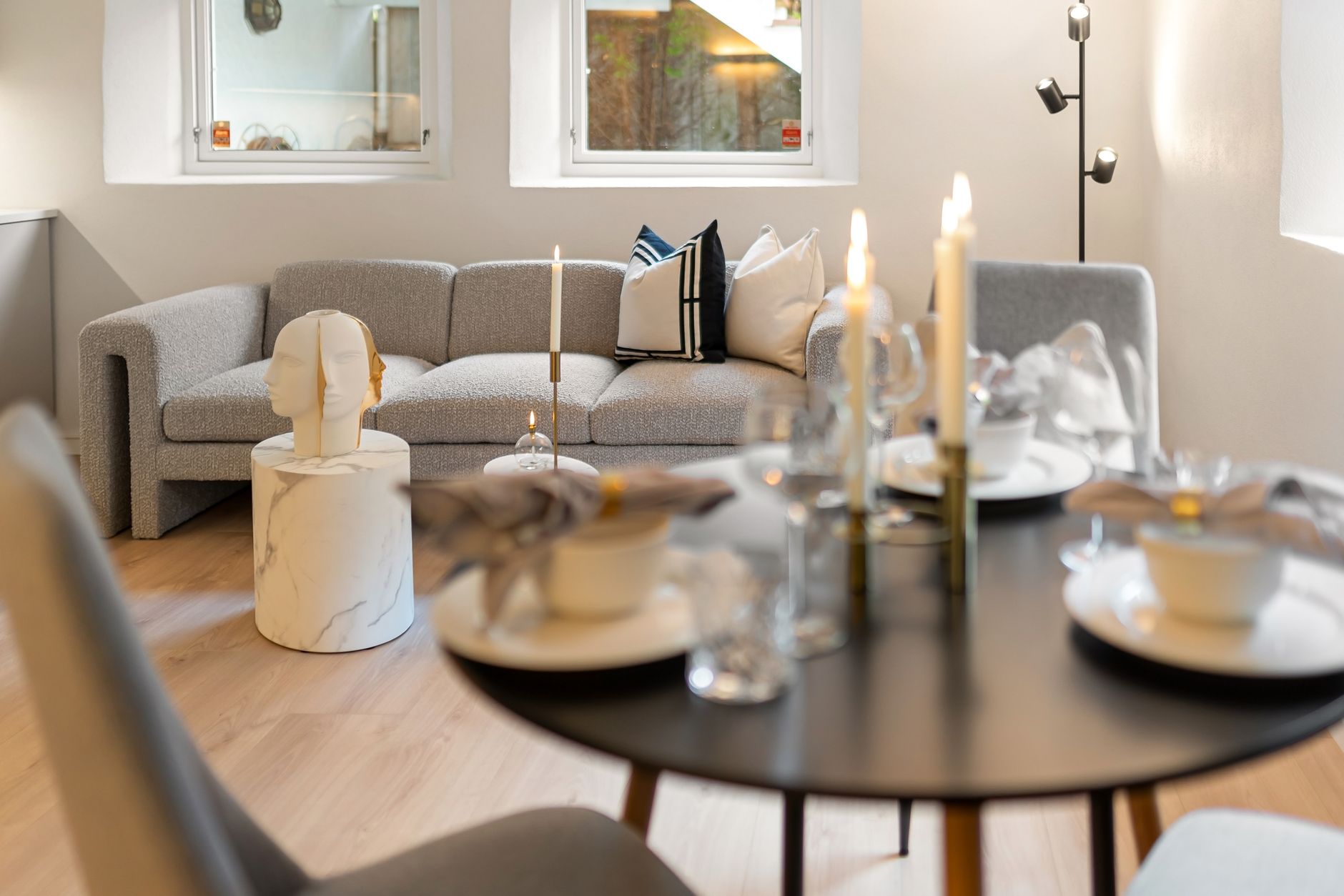
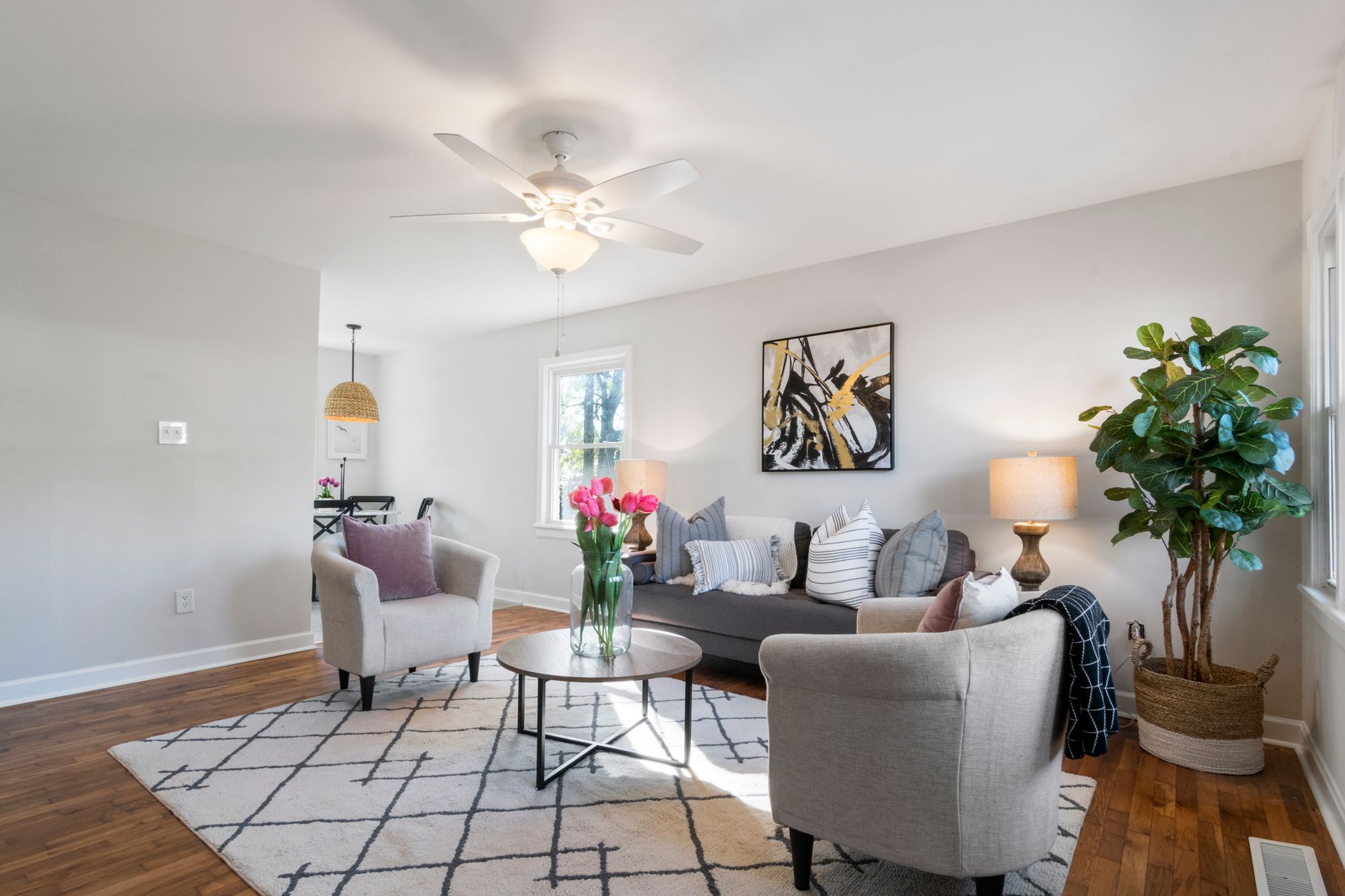
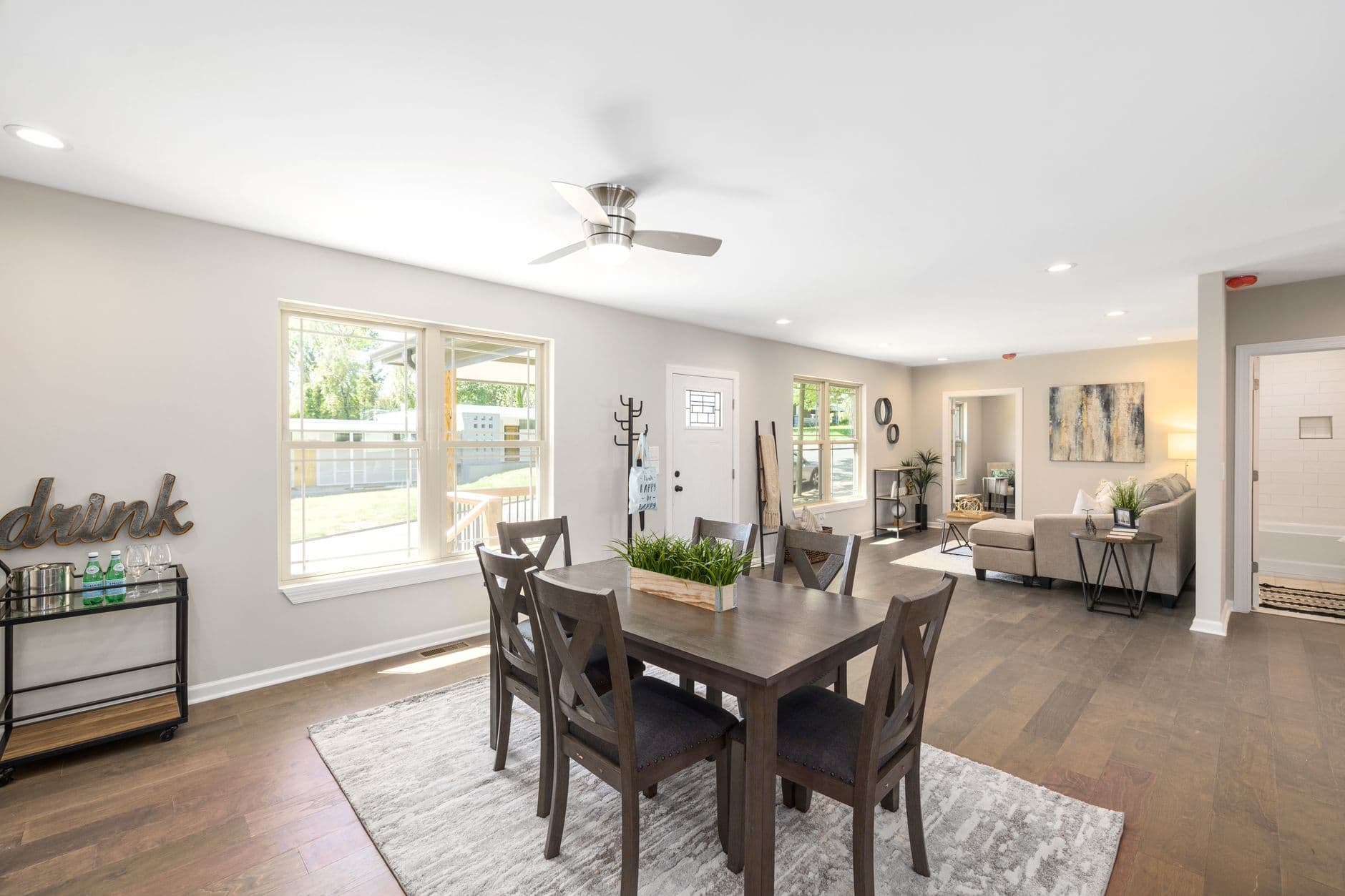
Virtual furniture staging uses advanced computer vision and generative AI to digitally place photorealistic furniture, decor, and lighting into empty property photos. Unlike simple photo editing, modern AI staging:
- Preserves Architectural Integrity: Our proprietary AI models analyze room dimensions, lighting angles, and structural elements to ensure proportional furniture placement
- Adapts to Design Styles: From mid-century modern to industrial loft aesthetics, the system suggests context-appropriate furnishings
- Creates Believable Shadows/Lighting: AI renders natural light interactions between virtual objects and real spaces
According to MIT's 2025 Computer Vision Lab findings, today's AI staging achieves 92% perceptual realism—indistinguishable from physical staging to untrained eyes.
Why Virtual Staging Matters More Than Ever in 2026
The 2026 property market faces three critical shifts making virtual staging essential:
- Buyer Expectations: 94% of millennials won't consider unstaged listings (Zillow 2026 Consumer Survey)
- Remote Purchases: 38% of homebuyers now make offers sight-unseen (Redfin 2026)
- MLS Algorithm Changes: Major portals now prioritize listings with professional visuals
Industry Statistic: Listings with our AI staging receive 142% more views and 73% more saves on Zillow compared to unstaged competitors (RealVision AI client data Q1 2026).
The 5 Property Types That Benefit Most
- Vacant Inherited Properties - Help buyers envision possibilities
- Fixer-Uppers - Show potential beyond current condition
- Luxury Listings - Justify premium pricing with aspirational designs
- Small Spaces - Demonstrate smart furniture arrangements
- Outdated Interiors - Modernize without renovation costs
How Virtual Staging Technology Has Evolved
| Generation | Technology | Limitations | RealVision AI Approach |
|---|---|---|---|
| 1.0 (2018) | Basic Photoshop overlays | Unrealistic perspectives, flat lighting | N/A |
| 2.0 (2021) | Early AI placement | Poor shadow rendering | N/A |
| 3.0 (2024) | Object-aware algorithms | Limited style options | Legacy systems |
| 4.0 (2026) | Physics-based neural rendering | None | Our proprietary architecture |
Our 2026 system introduces three breakthroughs:
- Material-aware rendering that simulates fabric textures and reflections
- Contextual style matching analyzing neighborhood comps
- Dynamic space optimization for perfect furniture scaling
Step-by-Step: Professional Virtual Staging Workflow
Follow this proven 4-step process used by top brokerages:
1. Photographic Best Practices
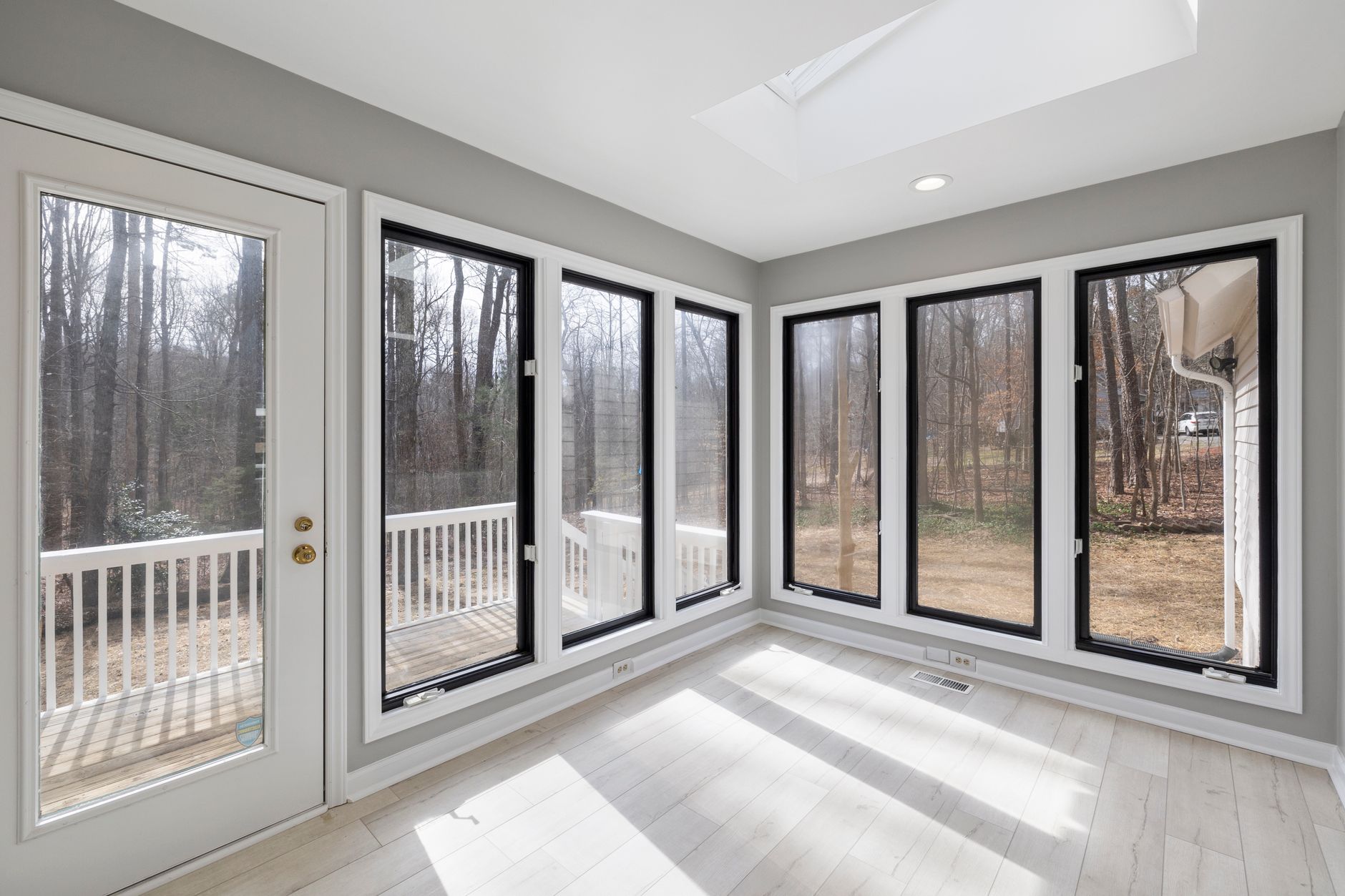
- Shoot empty rooms from corners (45° angles)
- Ensure even lighting (no harsh shadows)
- Capture full room dimensions (wide lenses)
- Remove personal items/clutter
2. AI Processing Pipeline
- Upload high-res photos (minimum 3000px width)
- Select target demographic (young families, empty nesters etc.)
- Choose design style presets or customize
- Adjust lighting temperature if needed
3. Quality Control Checks
- Verify furniture scaling matches room proportions
- Confirm natural shadow directions
- Check for visual artifacts near windows/doors
- Ensure cohesive style throughout property
4. MLS-Compliant Delivery
- Add "Virtually Staged" watermark if required
- Include both staged and unstaged versions
- Provide style documentation for buyers
- Export in multiple aspect ratios (16:9, 4:3, 1:1)
Real-World Success Stories
Case Study 1: Houston Luxury Condo
- Challenge: $1.2M unit sat unsold for 97 days
- Solution: Coastal contemporary staging package
- Result: Sold in 12 days at full asking price
Case Study 2: Dallas Fixer-Upper
- Challenge: Dated 1980s interior discouraged buyers
- Solution: Modern farmhouse transformation
- Result: 14 offers within 72 hours of relisting
Case Study 3: Austin Rental Property
- Challenge: Vacant unit showed poorly in photos
- Solution: Warm mid-century staging
- Result: Leased at 12% above market rate
Ethical Considerations and MLS Compliance
While virtual staging is widely accepted, follow these 2026 best practices:
-
Disclosure Requirements
- Most MLS boards mandate "virtually staged" disclaimers
- Some require original photos to be available
- Commercial listings often have stricter rules
-
Prohibited Edits
- Never remove structural defects
- Don't alter permanent fixtures
- Avoid misleading room size representations
-
Style Authenticity
- Match neighborhood character
- Avoid overly aspirational designs
- Stay true to property potential
Cost Analysis: Virtual vs Physical Staging
| Factor | Physical Staging | Virtual Staging | Savings |
|---|---|---|---|
| Cost per Property | $1,800-$4,500 | $25-$150 | 95%+ |
| Turnaround Time | 3-14 days | 12 seconds | 99.9% |
| Style Changes | $300-$800 each | Unlimited free | 100% |
| Damage Risk | High (furniture moves) | None | 100% |
| Inventory Needs | Warehouse storage | Digital library | 100% |
💡
Insight
ROI The average realtor invests $29 in virtual staging per listing but gains $4,200 in additional sale price (RealVision AI 2026 client data).
Future Trends in AI Staging Technology
The 2027 roadmap includes:
-
Augmented Reality Previews
- View staged rooms through smartphone cameras
- Interactive furniture arrangement tools
-
Personalized Staging
- AI that adapts to individual buyer preferences
- Demographic/style prediction algorithms
-
3D Space Planning
- Virtual renovation capabilities
- Structural modification simulations
-
Automated Style Optimization
- Continuous A/B testing of staging variants
- Dynamic pricing based on visual appeal
Frequently Asked Questions
How accurate are virtual staging furniture dimensions?
Our AI uses photogrammetry to measure rooms with 98% dimensional accuracy. All furniture is true-to-scale based on real-world dimensions from major retailers.
Can you stage outdoor areas like patios?
Yes, our 2026 platform includes outdoor living packages with patio furniture, poolside lounges, and landscape enhancements while maintaining seasonal appropriateness.
What's the difference between staging and rendering?
Traditional 3D rendering builds scenes from scratch, while our AI staging works with existing photos—saving 90% of the time and cost while maintaining authentic property details.
How many design styles are available?
We currently offer 27 curated style packages spanning from traditional to ultra-modern, with 4 seasonal variants each. New styles are added quarterly based on design trends.
Is virtual staging effective for commercial properties?
Absolutely. We've helped stage everything from retail spaces to office buildings. Commercial staging focuses on traffic flow and functional layouts rather than homey aesthetics.
Can I get revisions after receiving staged photos?
All plans include unlimited revisions within 30 days. Our AI remembers room parameters so style changes take seconds rather than starting from scratch.
What photo resolution do I need for good results?
Minimum 3000px on the longest side (6MP). Higher resolutions (12MP+) yield better detail for large prints and ultra HD displays.
Do you offer virtual staging for video tours?
Yes, our new Cinematic AI can add staged furnishings to video walkthroughs with consistent placement across frames—perfect for TikTok and Instagram Reels.
Final Thoughts
In 2026's winner-takes-all real estate market, virtual staging has evolved from nice-to-have to non-negotiable. The math is undeniable: for less than the cost of a professional cleaning, you can transform vacant properties into irresistible dream homes that sell faster and for more money.
At Real Vision AI, we've helped over 14,000 agents and brokers leverage this technology—and the results speak for themselves. Whether you're preparing a $200,000 starter home or a $20 million estate, our AI makes professional staging accessible to every listing.
Ready to See the Difference? Experience 12-second staging with our risk-free trial. No credit card required.
Recommended Readings
To deepen your understanding of these topics, we recommend reading the following articles:
About the Author
RealVisionAI Editorial Team are leading experts in AI-powered real estate visual technologies. With backgrounds in architecture, computer vision, and professional photography, we've helped transform over 500,000 property images for top brokerages nationwide. Our work has been featured in Realtor Magazine, Inman, and the National Association of Realtors' annual tech showcase.
Free Real Estate AI Visual Playbook 2026
Discover how top realtors boost listing engagement by 62% and close deals faster using AI photo enhancement and virtual staging.