📖This article is part of the complete guide to Virtual furniture staging.
Practical Guide to Virtual Furniture Staging: Transform Spaces in 2026
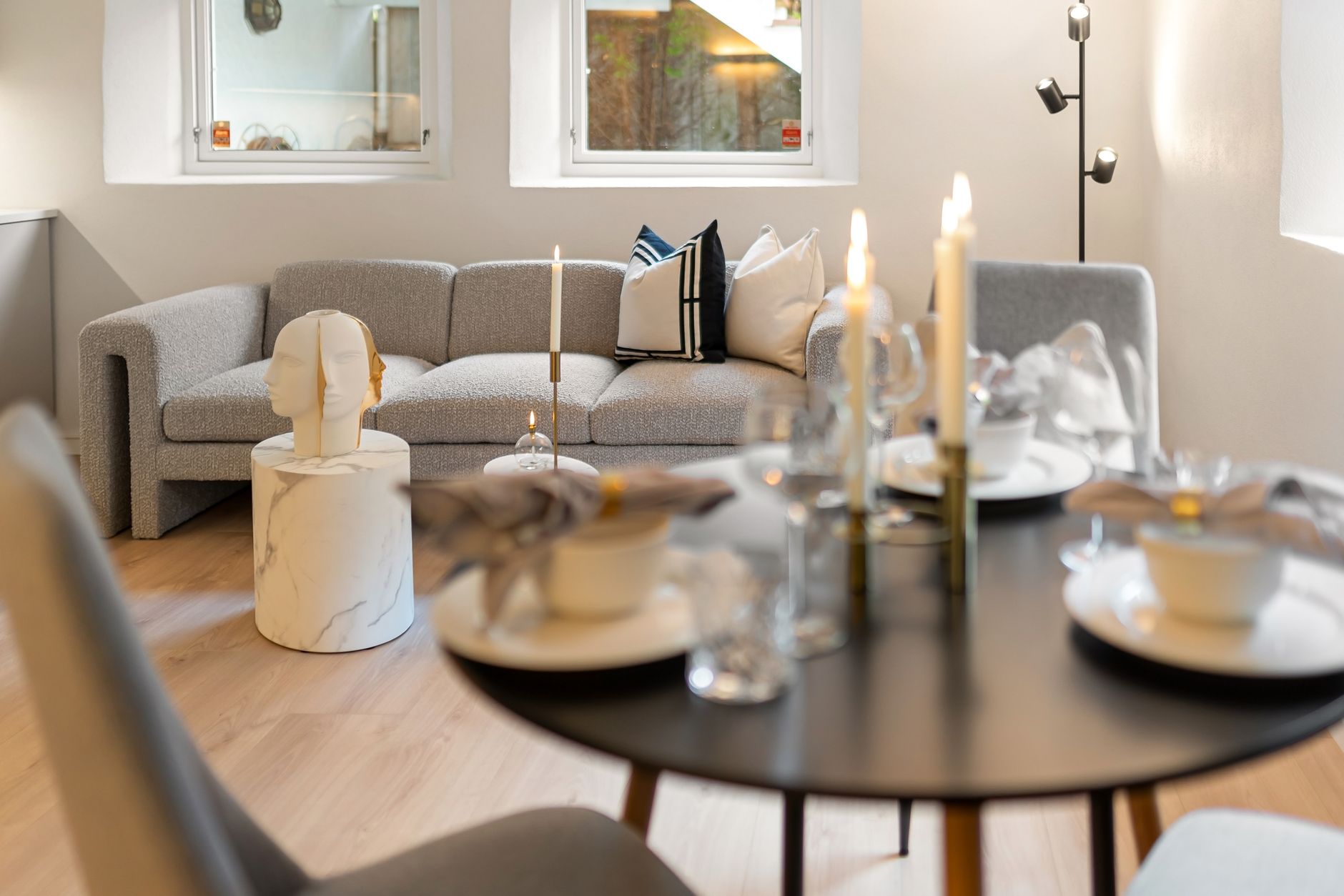
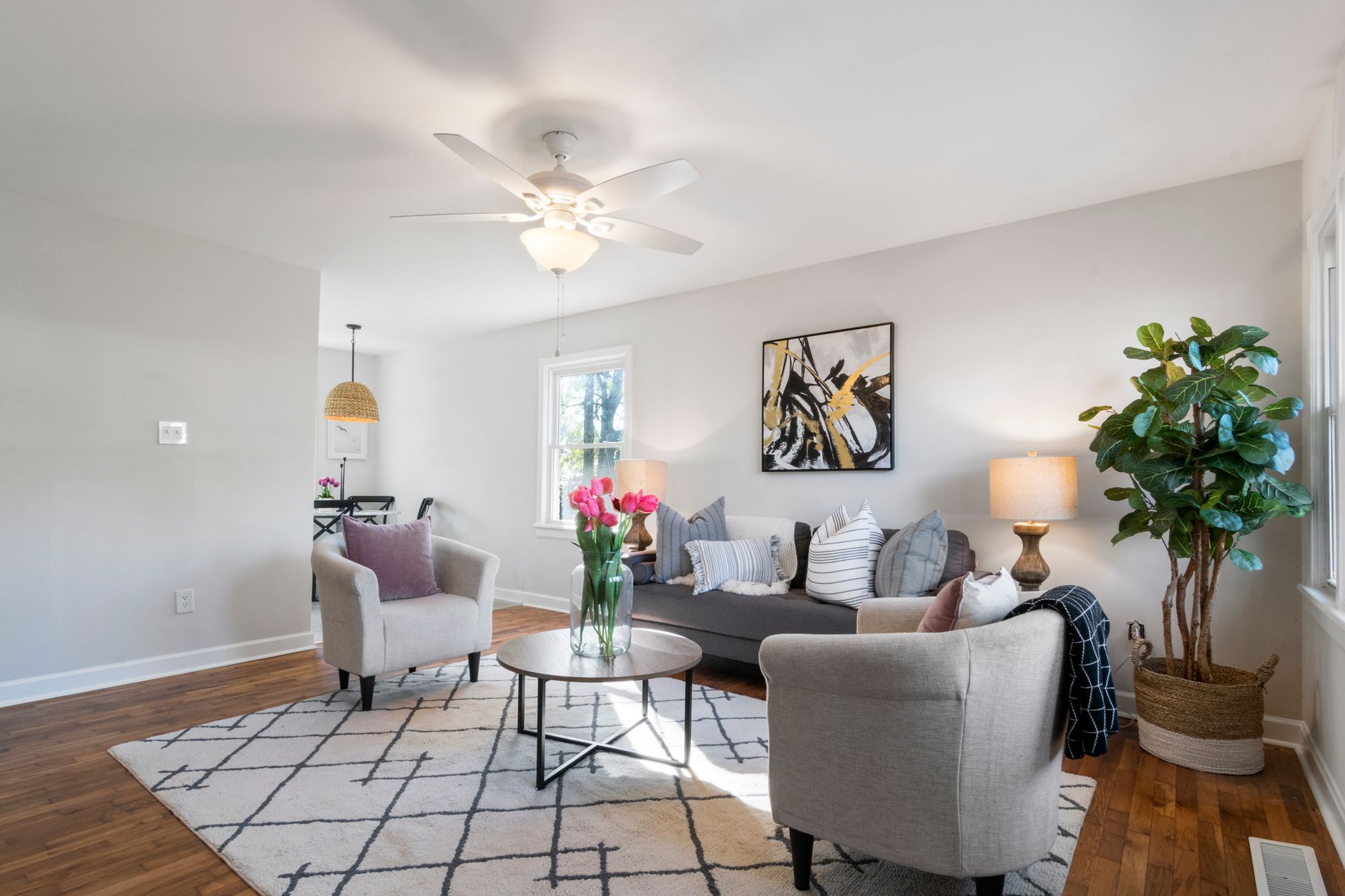
In the competitive 2026 real estate market, where 97% of buyers start their search online, the first visual impression of a property can mean the difference between multiple offers and months of a stagnant listing. Virtual furniture staging technology has evolved dramatically in recent years, allowing agents to transform photos of empty rooms into welcoming, stylish spaces in a matter of seconds.
💡
Key Takeaway
Properties with professional virtual staging receive 78% more views and sell 31% faster than properties with photos of empty rooms, according to a study by the National Association of Realtors.


What Is Virtual Furniture Staging and How Does It Work?
📚
Definition
Virtual furniture staging is the process of digitally adding furniture, decor, and design elements to photos of empty rooms using artificial intelligence, creating a realistic representation of how the space can be used.
Unlike traditional physical staging, which requires furniture rental, transportation, and setup, virtual staging is done through specialized platforms like Real Vision AI, where advanced computer vision algorithms:
- Analyze the room's architecture
- Calculate proportions and perspectives
- Insert photorealistic 3D furniture
- Adjust lighting and shadows to match the real space
- Optimize colors and textures to create a cohesive scene
Key advantages over physical staging:
- Up to 95% lower cost
- Implementation in minutes instead of days
- Ability to test multiple decor styles
- No damage to walls or floors during installation
- Easy adaptation for different target audiences
Why Is Virtual Staging Essential for Real Estate Sales in 2026?
The human brain processes images 60,000 times faster than text, and buyers form their first impression of a property in just 50 milliseconds. When faced with empty spaces:
- 81% of buyers have difficulty gauging room sizes
- 67% underestimate the actual size of rooms
- 54% imagine incorrect uses for the spaces
With virtual staging, you solve these problems while:
- Increasing the perceived value of the property by up to 12%
- Reducing time on market by 1/3
- Attracting 3x more showing appointments
- Improving listing SEO with more engaging images
Relevant Data: According to a 2025 Zillow survey, listings with virtual staging receive 139% more clicks than those with photos of empty rooms.
How to Implement Virtual Staging Step by Step
1. Preparing Original Photos
- Shoot in high resolution (minimum 1920x1080 pixels)
- Ensure even lighting in all rooms
- Capture angles that clearly show floors, walls, and ceilings
- Avoid personal or temporary objects that could be distracting
2. Choosing the Platform
Real Vision AI offers three virtual staging options:
| Type | Best For | Time | Cost |
|---|---|---|---|
| Automatic | Agents with many properties | 12 seconds | $0.99/photo |
| Semi-Custom | Premium properties | 2 minutes | $2.49/photo |
| Fully Customized | Luxury properties | 24 hours | $14.99/photo |
3. Selecting the Decor Style
Consider the target audience:
- Modern Minimalist: Young urban professionals
- Scandinavian: Couples with young children
- Industrial: Creative singles
- Traditional: Conservative families
- Contemporary Luxury: High-end investors
4. Final Adjustments
- Check furniture proportions
- Adjust lighting to look natural
- Add small decorative elements (plants, artwork)
- Ensure all doors and windows remain functional
5. Export and Use
- Download images in MLS resolution (minimum 1280x720)
- Versions for social media (1080x1080 or 1920x1080)
- Include the caption "Virtual staging for visualization purposes" when required
Types of Virtual Staging and When to Use Each
| Type | Advantages | Best Application |
|---|---|---|
| Basic | Fast and economical | Entry-level properties |
| Premium | Realistic details | Mid-range properties |
| Ultra Realistic | HD materials and textures | Luxury properties |
| 360° | Immersive experience | Virtual tours |
| Customized | Completely unique | Special projects |
Practical Example: For a 2-bedroom apartment valued at $250k, basic or premium staging is sufficient. For a $2.5M mansion, the investment in the ultra-realistic package is justified by the return.
Comparison: Virtual Staging vs. Alternatives
| Method | Average Cost | Time | Flexibility | Visual Impact |
|---|---|---|---|---|
| Physical Staging | $2,000-$5,000 | 3-5 days | Low | High |
| AI Virtual Staging | $1-$15/photo | Minutes | High | High |
| 3D Rendering | $150-$500/scene | Days | Medium | Very High |
| Empty Photos | $0 | 0 | None | Low |
💡
Key Takeaway
For most agents, AI-powered virtual staging offers the best balance of cost, speed, and visual quality.
Best Practices for Ethical and Effective Virtual Staging
-
Maintain Structural Integrity
- Never remove or hide permanent defects
- Do not alter the property's actual architecture
- Preserve the original proportions of the rooms
-
Be Transparent
- Include the phrase "Virtual staging" in descriptions
- Offer before/after photos if requested
- Inform buyers about the process
-
Prioritize Realism
- Choose furniture with plausible dimensions
- Keep lighting consistent
- Avoid an excess of decorative elements
-
Adapt to the Target Audience
- Families: functional and cozy spaces
- Young professionals: modern and clean design
- Investors: neutrality and potential
-
Optimize for Different Platforms
- MLS: focus on clarity and accuracy
- Social Media: more stylized images
- Website: high resolution and quality
Common Virtual Staging Mistakes (and How to Avoid Them)
-
Wrongly Scaled Furniture
- Problem: Tiny sofas or giant tables
- Solution: Use tools with automatic proportion detection
-
Inconsistent Lighting
- Problem: Shadows in multiple directions
- Solution: Platforms like Real Vision AI adjust automatically
-
Over-Decorating
- Problem: Spaces look like furniture stores
- Solution: 60-30-10 rule (60% furniture, 30% space, 10% decor)
-
Style Disconnected from the Property
- Problem: Modern design in a traditional home
- Solution: Analyze the architecture before choosing a style
-
Lack of Exterior Context
- Problem: Windows show generic sky
- Solution: Use tools with real landscape integration
Frequently Asked Questions About Virtual Furniture Staging
Is virtual staging allowed on all real estate platforms?
Most platforms (including Zillow, Realtor.com, and regional MLS) allow virtual staging as long as it is clearly identified as such. Some also require the inclusion of original photos.
Can I use virtual staging in property videos?
Yes, advanced technologies like those from Real Vision AI already allow applying staging to virtual tours and videos, maintaining consistency across all formats.
How long does it take to virtually stage an entire house?
With AI solutions like ours, an average 3-bedroom house can be fully prepared in under 15 minutes. The traditional manual process would take hours or days.
Does virtual staging work for commercial spaces?
Absolutely. Offices, stores, and commercial spaces especially benefit from virtual staging, which can show multiple potential layouts without renovation costs.
How do I choose the best decor style for my audience?
Analyze regional demographic data and consider:
- Predominant age group
- Lifestyle (urban, suburban, rural)
- Socioeconomic level
- Local architectural trends
Can virtual staging replace in-person showings?
Not completely, but it significantly reduces "wasted" showings from buyers who imagined the space differently. On average, properties with virtual staging have 40% fewer unqualified showings.
How do I ensure staging doesn't mislead buyers?
Always:
- Maintain the actual proportions of the rooms
- Do not hide defects or structural issues
- Provide original photos when requested
- Be transparent about the use of technology
What are the virtual staging trends for 2026?
- Integration with augmented reality
- AI-based personalization (automatically suggested styles)
- Real-time rendering during video calls
- Themed packages (Christmas, fall, etc.)
- Visualization of different times of day
Real Case Studies
Case 1: Apartment in São Paulo - 2 Bedrooms
- Before: 42 days on market, 3 showings
- After staging: Sold in 12 days, 9 showings
- Increase in perceived value: 8%
Case 2: House in Miami - 4 Bedrooms
- Before: 78 days, no offers
- After: 3 offers in 2 weeks, sold above asking price
- Return on staging investment: 1,200%
Case 3: Commercial Office in New York
- Before: 6 months available for rent
- After: Leased in 3 weeks for 12% above the regional average
- Tenant feedback: "They could visualize our business in the space"
Conclusion: The Future of Virtual Staging in 2026
Virtual furniture staging has evolved from an optional feature to an essential component of modern real estate marketing. With technologies like those offered by Real Vision AI, agents can:
✔ Transform empty spaces into attractive environments in seconds
✔ Reduce marketing costs by up to 90%
✔ Significantly increase listing engagement
✔ Accelerate the sales process while maximizing the final value
✔ Reduce marketing costs by up to 90%
✔ Significantly increase listing engagement
✔ Accelerate the sales process while maximizing the final value
As AI continues to advance, we expect to see even deeper integrations with augmented reality, automatic personalization based on buyer data, and even the ability to virtually rearrange furniture during in-person showings.
Next Steps:
Try Real Vision AI's Virtual Staging today and discover how to transform your listings in minutes. To dive deeper into the topic, check out our complete guide to AI real estate photography.
Try Real Vision AI's Virtual Staging today and discover how to transform your listings in minutes. To dive deeper into the topic, check out our complete guide to AI real estate photography.
Recommended Readings
To deepen your understanding of these topics, we recommend reading the following articles:
- How to Turn Listing Photos into Viral Reels in Seconds with AI
- AI in Real Estate
- Ultimate AI Lead Generation for Real Estate Agents
- AI property enhancement
Free Real Estate AI Visual Playbook 2026
Discover how top realtors boost listing engagement by 62% and close deals faster using AI photo enhancement and virtual staging.