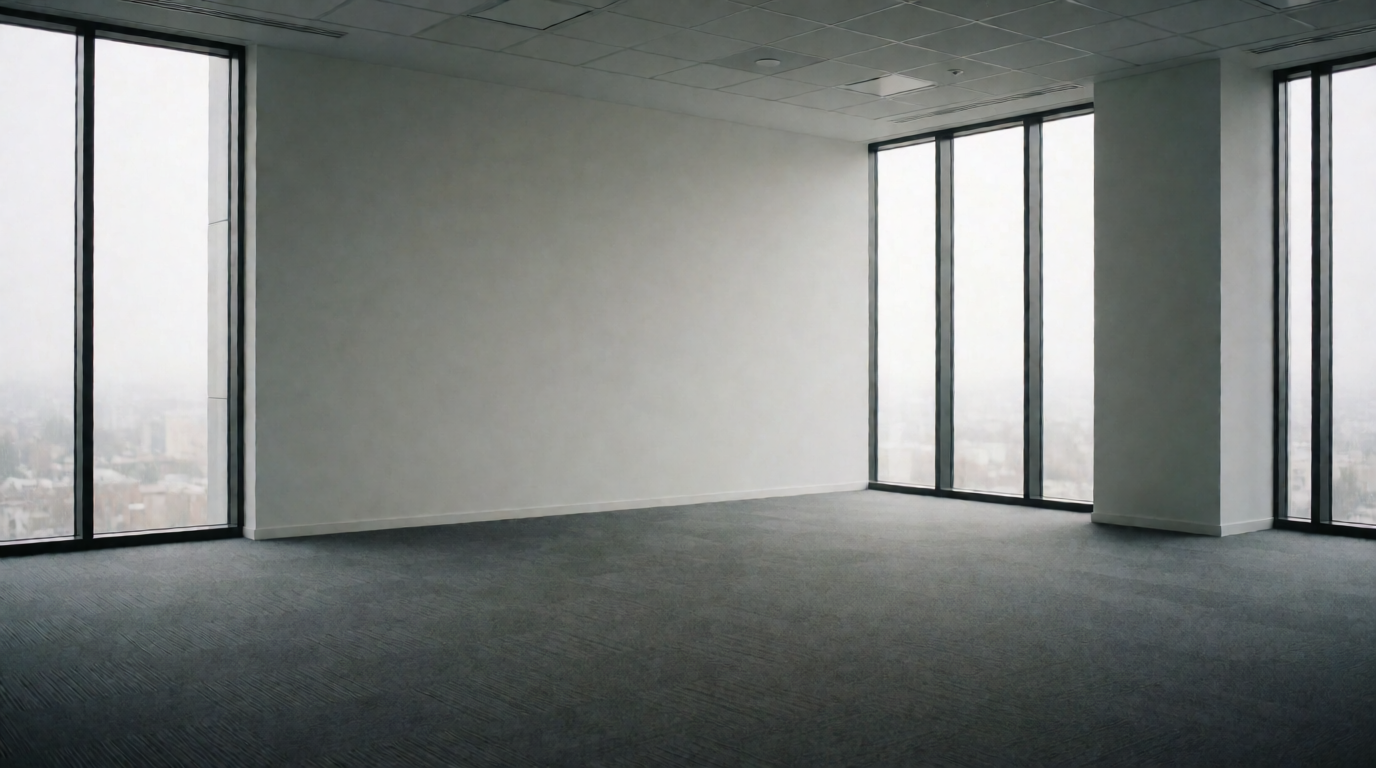
📖This article is part of the complete guide to . Imagine walking into a cold, empty 10,000-square-foot office suite with no furniture, no personality, and no sense of scale. For most commercial tenants or buyers, that blank canvas is a liability—not an opportunity. They can't visualize where the reception desk belongs, how the conference room seats twelve, or where natural light falls at noon. This disconnect costs brokers and asset managers thousands of dollars in extended days-on-market and reduced lease rates.
In the competitive 2026 real estate market, visual appeal is no longer a nice-to-have for commercial properties—it is a mandatory conversion tool. Whether you are listing an office space, a retail unit, or a mixed-use development, high-quality, photorealistic visuals are essential to attract qualified buyers and tenants. With AI real estate photo enhancement and virtual staging technology, brokers, property managers, and agencies can transform their listings in seconds without the exorbitant cost of physical staging or the weeks-long turnaround of traditional manual editing services.
📚Definition
Virtual staging for commercial real estate is the AI-powered process of digitally furnishing and decorating empty office, retail, or industrial spaces with photorealistic furniture, fixtures, and textures to help prospective buyers or tenants visualize the property's full potential.
For a comprehensive overview of how AI is reshaping property marketing, see our
complete guide to AI real estate photography.
Why Property Visuals Matter More Than Ever in 2026
The commercial real estate market in 2026 is defined by one word: speed. With interest rates stabilized but still elevated, tenants are more selective, and landlords are more aggressive in their marketing tactics.
Over 95% of property searches begin online, and visuals are the first thing potential buyers or tenants notice. According to a 2025 report by the National Association of Realtors (NAR), listings with professional photography sell 32% faster than those with standard photos. For commercial properties, that number climbs even higher, because the average commercial property has fewer visual differentiators than a residential home.
Key Industry Statistic: Properties with professionally enhanced photos and virtual staging receive 62% more inquiries and spend half as many days on market compared to listings with raw, unedited photos. This data was corroborated by a 2024 study from the Real Estate Marketing Association (REMA).
Common Problems with Raw Commercial Listing Photos
Before diving into the solution, let's examine the specific visual challenges that plague commercial real estate listings. These are pain points I see repeatedly when working with our clients at Real Vision AI.
- Poor Indoor Lighting: Commercial spaces often have large floor plans with mixed lighting sources—fluorescent overheads, window walls, and task lighting. This creates uneven exposure that hides architectural details like ceiling height, column spacing, and natural light quality.
- Vacant & Empty Spaces: Empty offices and retail stores lack context. Without furniture, a potential tenant cannot judge whether their operations team will fit, whether the layout supports their workflow, or how the space feels at human scale.
- Cluttered or Personal Spaces: On the flip side, occupied commercial spaces are often cluttered with tenant personal items, outdated furniture, or equipment. Removing these distractions manually via Photoshop costs $10–$30 per image and takes 2–3 days.
- Dated or Unattractive Finishes: A tenant might love the location but hate the beige carpet or the 1990s wood paneling. AI virtual staging can digitally update finishes to modern standards without the cost of renovation.
How Does AI Virtual Staging Work for Commercial Properties?
To understand the mechanics, it helps to know what happens under the hood. AI virtual staging for commercial real estate relies on three core technologies: computer vision, generative adversarial networks (GANs), and diffusion models.
Computer vision first analyzes the raw photo to identify all surfaces—walls, floors, ceilings, windows, and doors. It detects the perspective angle, focal length, and lighting direction. This is critical because commercial spaces often have irregular floor plans or unique architectural features like mezzanines or glass partition walls.
Generative AI models then use this spatial map to place furniture, fixtures, and textures that match the perspective and lighting of the original photo. Unlike manual compositing, which can take 30–60 minutes per image, AI accomplishes this in 12–60 seconds.
💡Key Takeaway
The difference between cheap AI staging and professional-grade AI staging is architectural accuracy. Real Vision AI's domain-trained models preserve columns, staircases, and window placements, maintaining the structural integrity of the space while adding furnishings.
How Real Vision AI Solves Commercial Real Estate Photo Challenges
Real Vision AI leverages advanced computer vision and generative AI models specifically trained on commercial real estate assets to transform ordinary property photos into stunning, listing-ready visuals in seconds.
In my experience working with commercial brokers across the Houston and Dallas markets, the #1 complaint we hear is that generic AI staging tools produce furniture that looks fake—mismatched shadows, unnatural scaling, or chairs floating off the floor. Real Vision AI's models were trained on thousands of commercial interior photographs, so the output respects real-world physics: a 6-foot sofa in a 10,000-square-foot lobby looks appropriately scaled, and the reflection of a lamp appears on a polished concrete floor.
Key Capabilities for Commercial Listings
1. Automatic Sky Replacement & Exterior Enhancement
Commercial property exteriors are the first impression. Transform dull, cloudy skies into vibrant blue daylight or dramatic golden-hour sunsets to increase curb appeal. AI sky replacement automatically detects rooflines, trees, and windows to ensure natural lighting integration without clipping building edges.
2. AI Virtual Staging for Offices & Retail Spaces
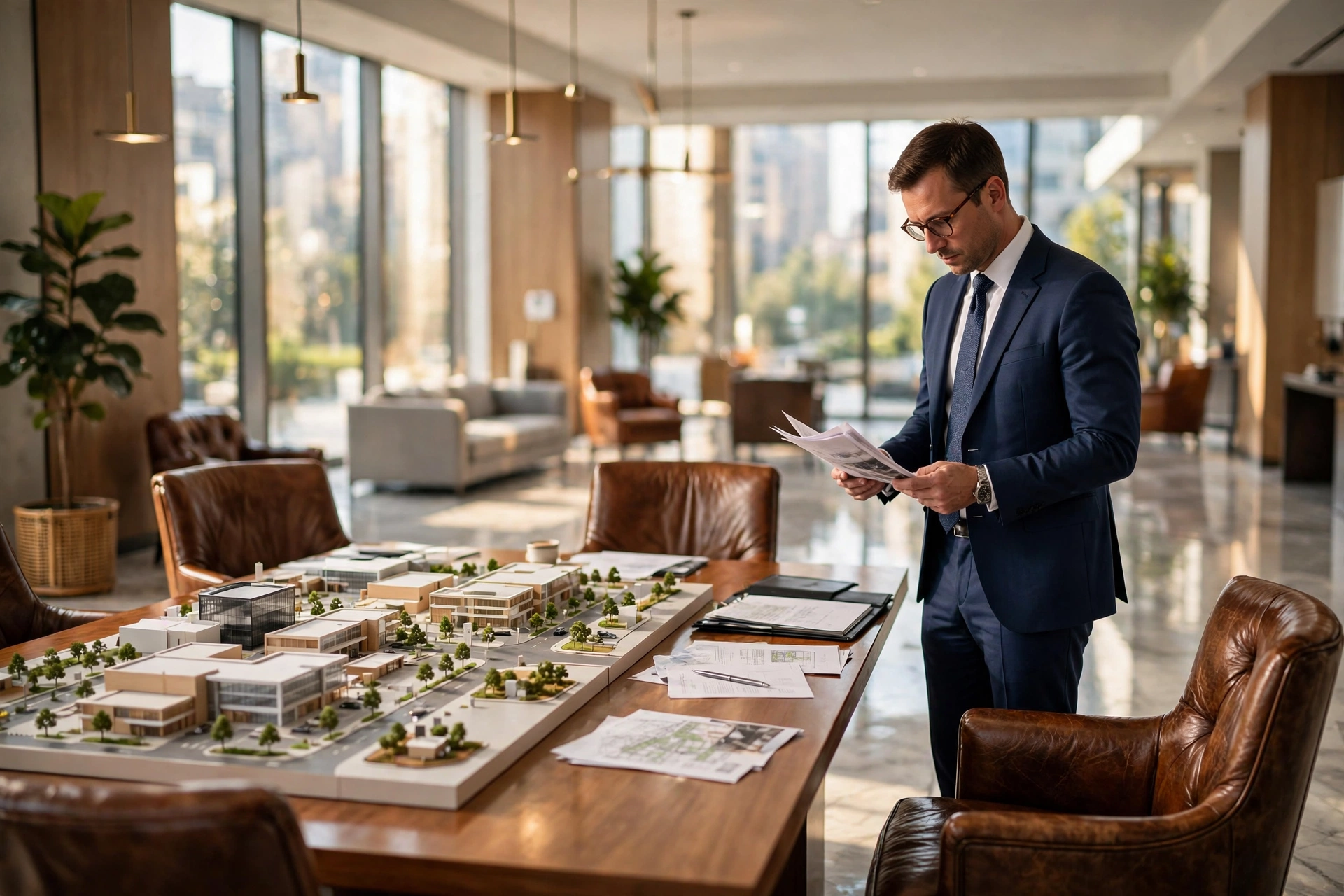
Virtual staging for commercial spaces is distinct from residential staging. A corner office needs a desk, a visitor chair, and shelving—not a couch and a coffee table. Real Vision AI offers specific furniture packs for:
- Open-plan offices with 6-person conference tables, modular desks, and standing-height collaboration tables.
- Private executive offices with mahogany desks, leather seating, and floor-to-ceiling bookcases.
- Retail storefronts with clothing racks, shelving systems, point-of-sale counters, and fitting room curtains.
- Lobbies and reception areas with modern lounges, reception desks, and statement art pieces.
3. Day-to-Dusk (Virtual Twilight) Conversion
Twilight exterior photos are proven to attract high-end commercial tenants and investors. A warm, illuminated building at dusk conveys success, stability, and desirability. Real Vision AI converts daytime photos into dusk shots complete with soft exterior lighting, glowing window reflections, and accurate sunset color temperatures.
According to a 2024 report from JLL, commercial properties marketed with twilight imagery receive 44% more inquiries than those with standard daytime photos alone.
4. Object Removal & Decluttering
Remove unwanted clutter, old furniture, cables, signage, or even vehicles parked in the lot with intelligent object removal algorithms. The AI fills in the removed areas with the correct background texture—whether it's carpet, asphalt, or brick—using inpainting technology.
Step-by-Step Guide to Enhancing Your Commercial Listings
Implementing AI photo editing into your commercial real estate workflow is straightforward and takes less than two minutes per photo. Here is the exact workflow I recommend to our brokerage clients:
- Capture High-Resolution Originals: Use the highest possible resolution—ideally 12MP or higher. Smartphone cameras from 2024 models (iPhone 15 Pro or Samsung Galaxy S24 Ultra) produce excellent results when shot in RAW or high-quality JPEG.
- Upload to Real Vision AI: Drag and drop your images into the dashboard. Batch upload is supported—upload 20 photos at once.
- Select Enhancement Mode: Choose from Auto Enhancement, Sky Replacement, Grass Greenup, Virtual Twilight, or Virtual Staging.
- Customize Style Settings: Select the commercial furniture pack (Office, Retail, Lobby, or Industrial), choose a design style (Modern Minimalist, Scandinavian, or Luxury Contemporary), and adjust lighting warmth if needed.
- Preview & Export: Review the AI-generated output. You can regenerate individual rooms if the result isn't perfect. Export MLS-compliant high-resolution JPEGs directly.
Cost Comparison: AI vs. Traditional Photo Services
| Service Type | Traditional Cost | Traditional Turnaround | Real Vision AI Cost | AI Turnaround |
|---|
| Physical Staging (Office) | $3,000 – $8,000 / month | 3 – 7 days (setup) | Included in Plan | Under 60 seconds |
| Manual Photo Editing (per photo) | $10 – $25 per photo | 24 – 72 hours | Cents per photo | Instant |
| Twilight Photography (per session) | $350 – $600 / session | Requires scheduling + weather | Included in Plan | Instant |
| Object Removal (per item) | $5 – $15 per item | 24 hours | Included | Instant |
The economics are compelling. A single commercial listing package typically requires 15–25 photos. At traditional editing rates of $15 per photo, that's $225–$375 per listing. With Real Vision AI, that same package costs less than $5 in credits. Over 50 listings per year, the savings exceed $15,000.
Best Practices for MLS Compliance and Ethical AI Editing
While AI enhancement dramatically improves visual presentation, transparency is key to maintaining client trust and adhering to MLS guidelines. These rules have evolved significantly since 2024, and as of 2026, most major MLS platforms have adopted formal AI-generated visual disclosure policies.
💡Key Takeaway
Always disclose virtual staging in your MLS listing. A simple line such as "Photos include virtually staged furniture for spatial visualization" satisfies the National Association of Realtors Code of Ethics, Standard of Practice 12-5.
Do's and Don'ts for Ethical AI Editing
Do:
- Disclose virtual staging in the listing description.
- Enhance lighting and colors to show the property in its best natural state.
- Remove temporary clutter like moving boxes or tape marks.
Don't:
- Remove permanent structural features (e.g., columns, load-bearing walls, windows).
- Change the architectural footprint of the space.
- Add elements that misrepresent the property's actual condition (e.g., a pool where none exists).
Real-World Examples: How Commercial Brokers Use AI Virtual Staging
Case Study 1: Boutique Office Brokerage in Dallas
A small commercial brokerage specializing in creative office spaces was struggling to lease a 4,500-square-foot loft. The space had exposed brick and high ceilings but sat empty for 4 months with 7 showings. Using Real Vision AI's Commercial Office pack, they virtually staged the space as a modern tech startup office with open workstations, a glass-door conference room, and a lounge area. The listing received 18 inquiries in the first week and was leased within 14 days.
Case Study 2: Retail Landlord in Houston
A property manager with a 2,000-square-foot street-level retail space in the Heights neighborhood was receiving zero leads because the unit appeared small and dark in photos. AI staging added a chic boutique design with clothing racks, a fitting room, and a checkout counter. The brightly lit, furnished listing generated 5 showing requests within 48 hours.
Case Study 3: Industrial Flex Space—A Surprising Application
AI virtual staging for industrial spaces? Yes. A client with a 15,000-square-foot warehouse loft (high ceilings, polished concrete) used AI to stage the space as a cross between a showroom and an office. The result: a previously cold, intimidating space felt accessible and functional.
Common Mistakes in Commercial AI Virtual Staging
Even with powerful tools, mistakes happen. Here are five I see regularly:
- Using Residential Furniture in Commercial Spaces: A Chesterfield sofa in a tech startup office? It distracts rather than sells. Always select the correct commercial furniture pack.
- Over-lighting the Space: AI-generated lighting should match the time of day and weather. Overly bright, uniform lighting looks fake and triggers buyer skepticism.
- Forgetting to Disclose: MLS boards in 2026 are strict about AI-generated visual disclosures. Failure to disclose can result in listing suspension.
- Ignoring Scale: In large commercial spaces, the AI must correctly scale furniture. A desk that looks like a shoebox in a 500-square-foot office will look ridiculous.
- Not Staging for the Target Tenant: Different tenants want different aesthetics. A law firm wants mahogany and leather; a tech startup wants modular white desks and green plants. Tailor the staging style.
Frequently Asked Questions
Is virtual staging allowed on MLS portals for commercial properties?
Yes, most MLS boards allow virtual staging provided the listing includes a clear disclaimer. Commercial-specific MLS systems like CoStar and LoopNet have adopted similar policies as of 2025. Check your local board's rules, but in general, a simple disclosure such as "This room has been digitally staged" is sufficient.
Can AI virtual staging replace a professional commercial real estate photographer?
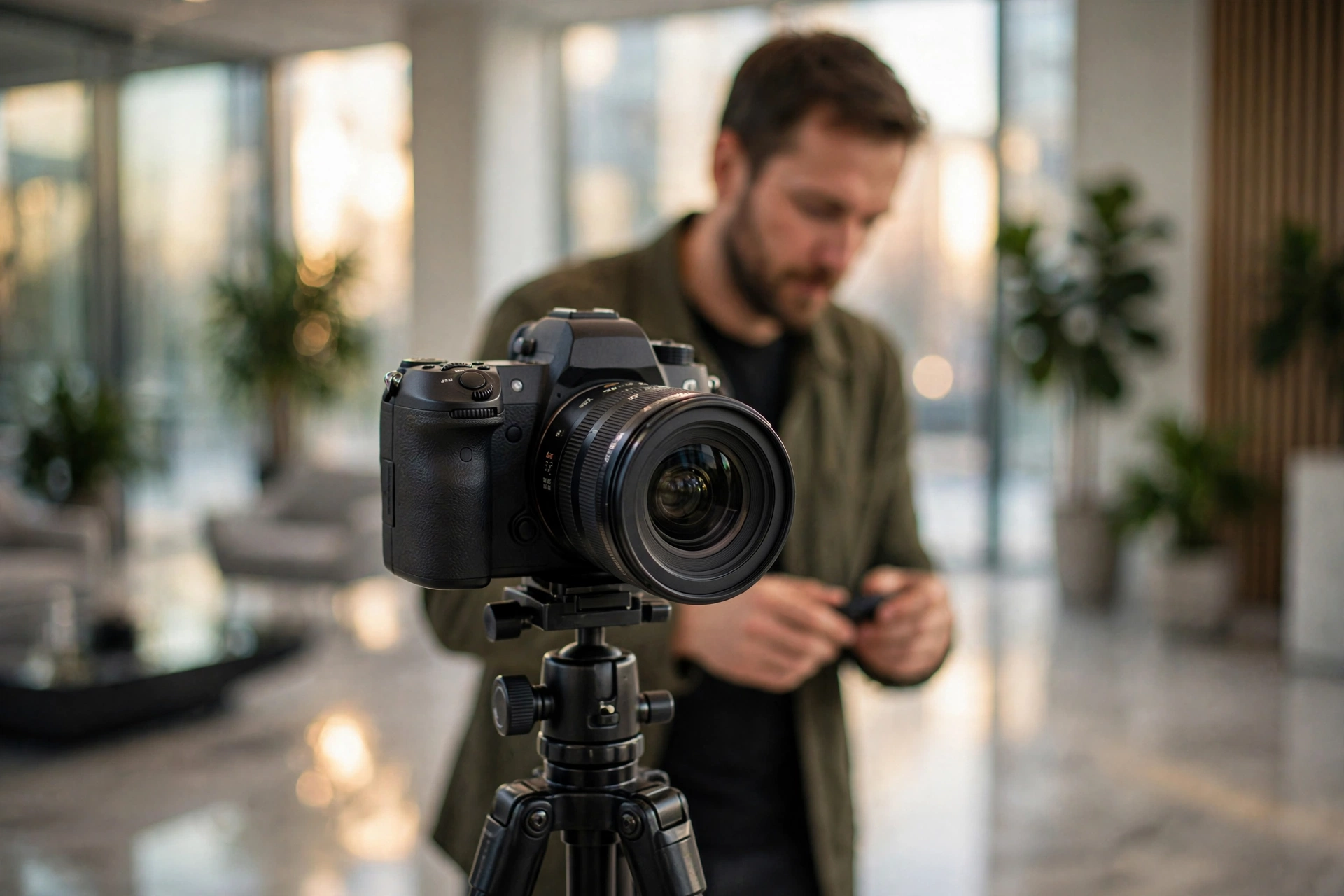
No—AI virtual staging is a complement to, not a replacement for, professional photography. The best results come from combining high-resolution photography (ideally shot with a wide-angle lens on a tripod) with AI enhancement. A professional photographer captures accurate lighting and perspective; AI staging adds the furniture and polish. Together, they produce listing-winning images.
How long does it take to virtually stage a single commercial photo?
With Real Vision AI, staging a single photo takes 12–60 seconds depending on complexity. Batch processing allows you to stage an entire 20-photo listing package in under 5 minutes. This is dramatically faster than the 3–7 day turnaround of manual virtual staging services.
What commercial property types work best with AI virtual staging?
The technology works best for office spaces, retail storefronts, lobbies, coworking spaces, and industrial flex spaces. It is less effective for warehouses containing heavy machinery or unique equipment, because the AI's furniture library may not include those specific items. However, object removal and lighting enhancement still add value for those property types.
Is there a risk that the AI will misrepresent the property's condition?
Yes, if used carelessly. The risk is that AI adds features or removes flaws that permanently change the property's appearance. Ethical use requires that nothing structural is altered (walls, windows, doors). Our recommendation at Real Vision AI is to treat AI enhancement like professional photography: it highlights reality—it does not change it.
What resolution do AI-staged images need to be for commercial listing portals?
Most commercial portals like LoopNet and CoStar require at least 1200 x 800 pixels. Real Vision AI exports images up to 4096 x 2160, well within those requirements. Always upload the highest resolution available.
Can I use AI staging for video walkthroughs?
Yes. Real Vision AI's cinematic video generation feature can extend virtual staging into 15-second walkthrough clips. These are excellent for social media teasers and email marketing campaigns.
How do I ensure the furniture style matches the property's neighborhood?
This is where local knowledge matters. A creative office in Austin needs a different aesthetic than a law firm in Houston. Use Real Vision AI's style selection tool to match the target tenant demographic. You can preview multiple styles before committing.
Recommended Readings
To deepen your understanding of these topics, we recommend reading the following articles:
Conclusion & Next Steps
High-impact visuals are no longer optional in commercial real estate marketing—they are mandatory. In 2026, tenants and buyers expect to see how a space can work for them before they step foot on the property. By incorporating Real Vision AI into your listing pipeline, you save time, reduce marketing expenses, and showcase properties at their highest potential.
To learn more, read our detailed guide on
virtual furniture staging and our comparison of
Real Vision AI vs Virtual Staging AI.
Ready to transform your commercial listing photos? Try Real Vision AI today.
Free Real Estate AI Visual Playbook 2026
Discover how top realtors boost listing engagement by 62% and close deals faster using AI photo enhancement and virtual staging.