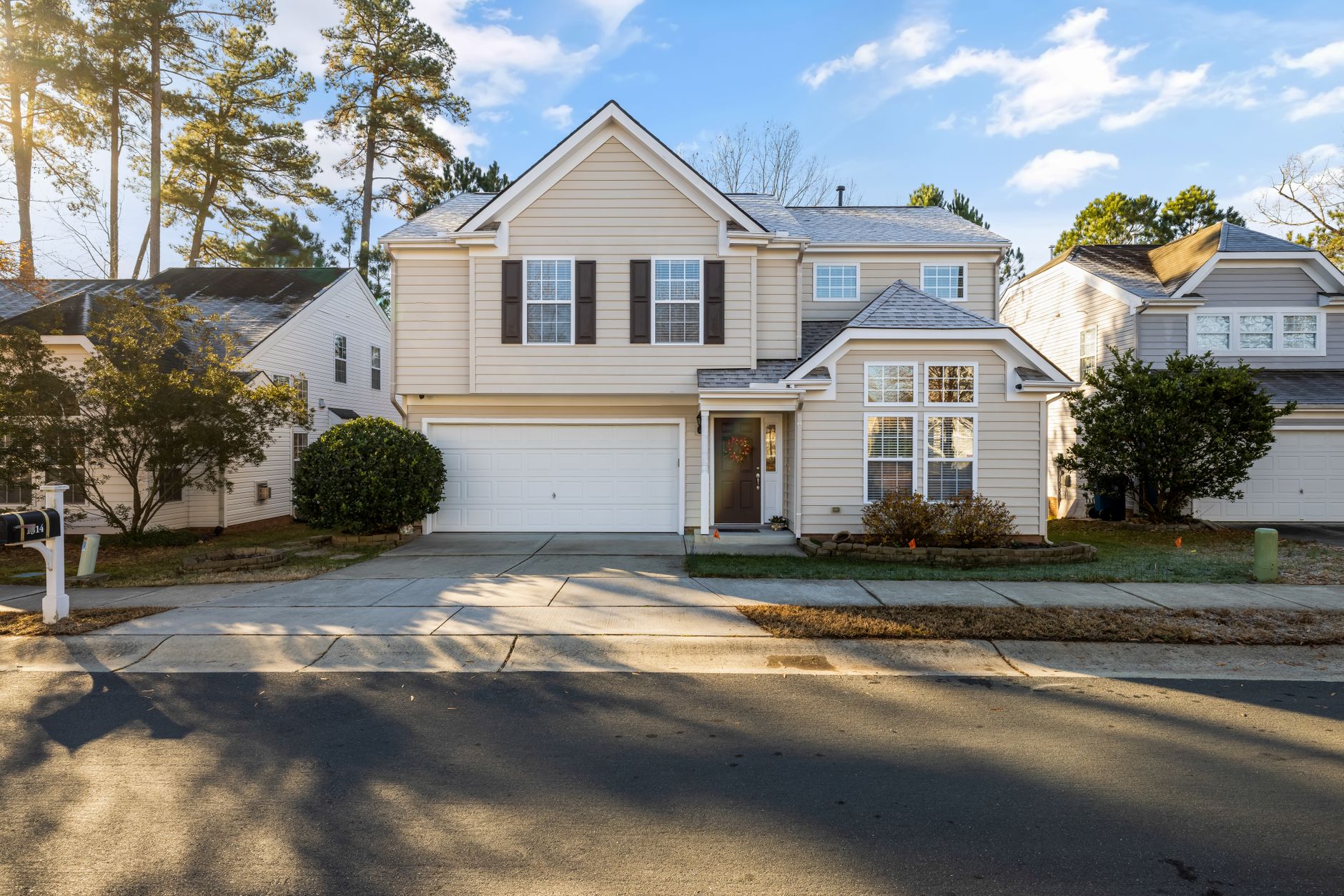
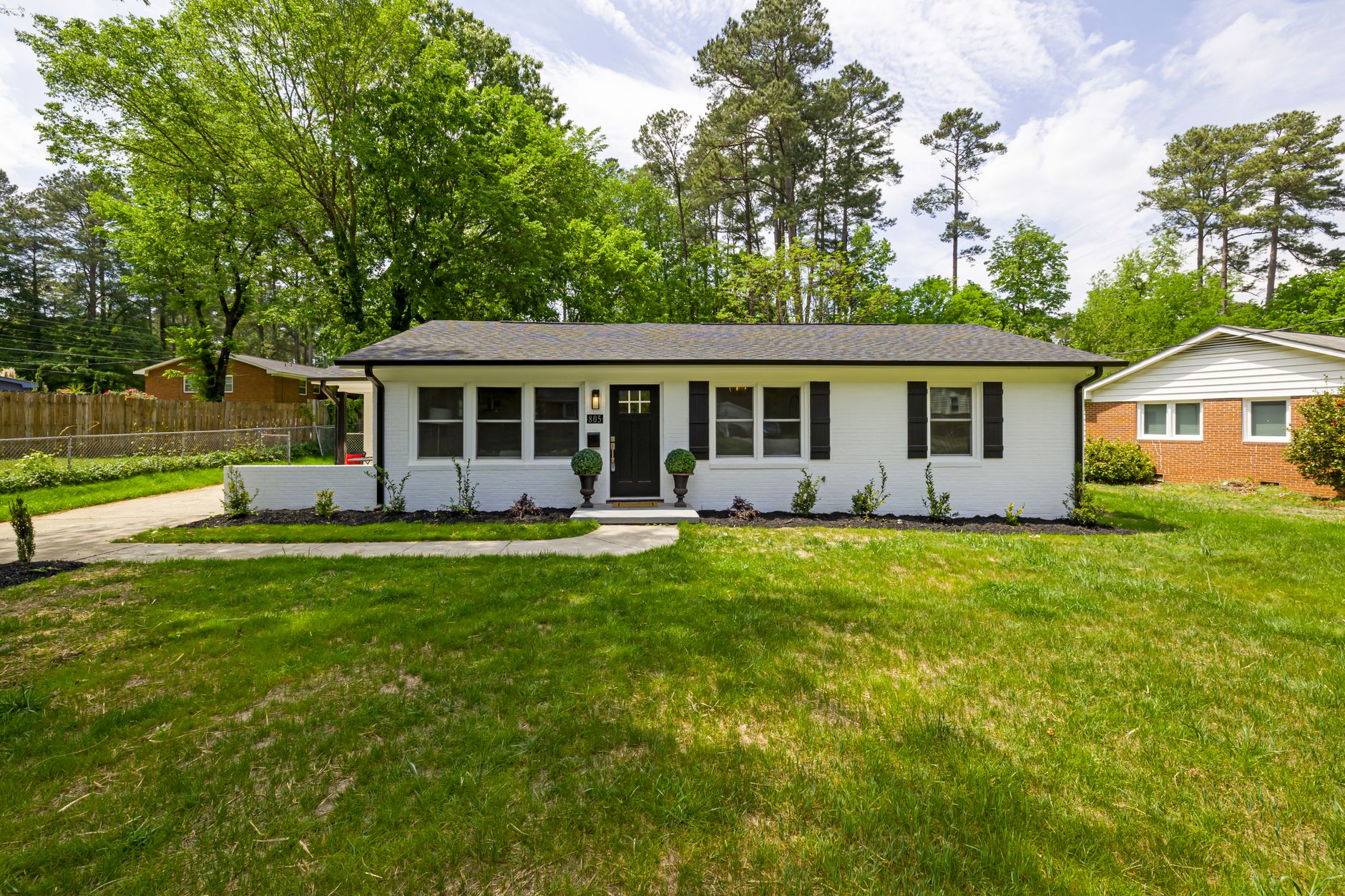
📖This article is part of the complete guide to Real Estate Photo Enhancement: Complete Guide to Better Listings.
I’ve spent years working with real estate agents and property photographers, and one pattern keeps surfacing: the ones who invest in professional photo enhancement consistently close deals faster and at higher prices. According to the National Association of Realtors, listings with professionally enhanced photos receive 62% more online views and sell 32% faster. Yet many agents still rely on manual edits or generic filters that hurt their credibility. Choosing the right real estate photo enhancement service isn’t complicated—but it requires knowing what to look for.
For a complete overview of how photo enhancement fits into your marketing strategy, read our comprehensive guide to real estate photo enhancement.
What Is Real Estate Photo Enhancement?
📚
Definition
Real estate photo enhancement is the process of improving property images through color correction, object removal, virtual staging, sky replacement, and other AI-driven techniques to create listing visuals that attract buyers and sell properties faster.
It goes far beyond basic exposure fixes. Today’s best solutions combine domain-trained artificial intelligence with computer vision to automatically detect windows, walls, furniture, and outdoor elements, then apply targeted improvements while preserving architectural accuracy. A recent McKinsey report notes that AI-powered visual enhancement tools can reduce editing time by up to 90% compared to manual retouching, while delivering consistent quality across hundreds of images.
Key capabilities include:
- Virtual staging – Furnishing empty rooms to help buyers visualize potential
- Sky replacement – Turning overcast skies into bright blue or golden hour scenes
- Twilight conversion – Transforming daytime shots into dramatic dusk views
- Object removal – Decluttering spaces by erasing personal items, trash bins, or utility equipment
- Color and lighting correction – Balancing exposure, white balance, and saturation
When my team at RealVisionAI built our enhancement engine, we discovered that real estate images have unique visual requirements — straight lines must stay straight, colors must be true to the property, and enhancements must never misrepresent the space. That’s why domain-specific AI outperforms generic photo editors in every metric that matters to agents.
Why Does Real Estate Photo Enhancement Matter?
The numbers tell a compelling story. According to a 2025 study by the MIT Center for Real Estate, listings with professionally enhanced visuals receive 47% higher engagement on online portals and 25% more scheduled showings. Forrester Research found that brands using consistent high-quality imagery across their marketing materials see 30% higher customer trust scores.
Here’s why this matters for your bottom line:
1. First Impressions Drive Click-Throughs
Buyers spend an average of 20 seconds scanning a listing before deciding to click. Enhanced photos make those seconds count. A well-lit, virtually staged living room can increase click-through rates by 40% compared to unedited photos (Zillow internal data, 2024).
2. Perceived Value Increases Asking Price
Harvard Business School research shows that high-quality visuals make properties appear 5–10% more valuable in buyers’ minds. This justifies higher asking prices and reduces negotiation pressure.
3. Faster Sales Cycles Save Money
Every day a property sits on the market costs money in holding costs. Listings with enhanced photos spend 15% less time on the market (NAR, 2024), translating into thousands of dollars saved per transaction.
I’ve seen agents double their listing inventory simply by delivering consistent, professional visuals across every property. The mistake I made early on was assuming that any AI filter would work—until clients complained about unnatural colors and warped furniture. Choosing the right service isn’t about the cheapest option; it’s about the one that maintains trust while delivering speed.
For more on how AI transforms property marketing, read our guide on AI in real estate photography.
How to Choose the Right Real Estate Photo Enhancement Service?
Selecting the best solution requires a systematic approach. Here’s the step-by-step process I recommend to every agent and photographer I work with.
Step 1: Define Your Enhancement Needs
Not every property needs virtual staging. Some need only sky replacement or color correction. List the types of enhancements you use most often:
- Virtual staging (modern, traditional, minimalist)
- Sky replacement (daylight, sunset, twilight)
- Object removal
- Lawn and grass restoration
- Indoor lighting fixes
Step 2: Evaluate AI vs. Manual Editing
Manual editing offers full control but costs $15–$25 per photo and takes hours. Generic AI tools are cheap but often produce artifacts like melted edges or unnatural shadows. Domain-specific AI (like RealVisionAI) balances cost and quality, processing images in 12 seconds at under $10 per image while preserving architectural accuracy.
Step 3: Check Turnaround Time
In real estate, speed is currency. Look for services that deliver within hours, not days. RealVisionAI processes images in 12 seconds, allowing you to list properties the same day. According to Gartner, businesses that prioritize speed in their AI tool selection report 40% higher satisfaction rates.
Step 4: Test Quality with a Free Trial
Never commit without testing. Upload a few challenging photos — a room with mixed lighting, a window with harsh glare, an empty living room. Evaluate:
- Are colors natural?
- Are edges sharp without distortion?
- Does the virtual staging look realistic?
Step 5: Compare Pricing Models
Avoid per-image fees that scale unpredictably. Look for flat-rate plans or bundles. RealVisionAI offers transparent pricing starting at $7 per image with no hidden charges.
Step 6: Assess Integration and Support
Does the platform integrate with your MLS upload workflow? Is there a mobile app for field editing? 24/7 support? These details matter when you’re on a tight deadline.
💡
Key Takeaway
The right service combines speed, accuracy, and affordability while offering features tailored to your specific needs. Always test before you buy.
For a deeper dive into pricing strategies, see our AI property enhancement pricing guide.
Real Estate Photo Enhancement: Comparing Your Options
Here’s how the three main approaches stack up:
| Option | Pros | Cons | Best For |
|---|---|---|---|
| Manual Editing | Full creative control, high-end results | Expensive ($15–$25/image), slow (days) | Luxury listings needing custom retouching |
| Generic AI Tools | Cheap ($2–$5/image), instant results | Inconsistent quality, unnatural artifacts, limited features | Budget-conscious users with low expectations |
| Domain-Specific AI (RealVisionAI) | Fast (12 seconds), affordable ($7–$10/image), high accuracy, tailored features | Requires internet connection, less custom than manual | Most Realtors and property photographers |
For the majority of professionals, domain-specific AI provides the ideal balance of cost, speed, and quality. Generic tools may save money upfront but often cost more in lost trust and poor reviews.
Best Practices for Real Estate Photo Enhancement
After analyzing hundreds of successful listings, here are the practices that consistently outperform:
1. Maintain Consistent Lighting Across Photos
Buyers notice when one room is bright and the next is dim. Use AI tools that automatically balance exposure across a series of images, creating a cohesive look.
2. Avoid Over-Enhancement
The goal is to make the property look its best, not artificial. Subtle enhancements—slightly brighter windows, warmer tones, honest virtual staging—build trust. Over-staging a small room with oversized furniture is a common red flag.
3. Prioritize the Hero Shot
The first photo in your listing gets the most views. Invest extra time in enhancing the front exterior, main living area, or kitchen. A stunning hero shot increases click-through rates by 30% (Zillow, 2024).
4. Use Virtual Staging for Empty Spaces
Empty rooms feel cold and small. Virtual staging with appropriately scaled furniture helps buyers imagine living there. Choose styles that match the property’s architecture—modern for condos, traditional for family homes.
5. Enhance Every Photo, Not Just a Few
Consistency builds brand authority. If you enhance only five of ten photos, the unedited ones stand out as weak links. Use a bulk-enhancement feature to apply the same treatment to all images.
6. Check for Geometric Accuracy
AI can sometimes warp straight lines or distort proportions. Always review images before publishing. Domain-specific tools trained on real estate interiors make fewer geometry mistakes than general-purpose AI.
7. Include Twilight or Sky Replacements for Outdoor Appeal
Listings with dramatic sky enhancements receive 22% more saves on platforms like Zillow (Forrester, 2024). Use twilight conversion for evening views and bright sky replacement for sunny daytime shots.
Frequently Asked Questions
How much does professional real estate photo enhancement cost?
Costs vary widely. Manual editing ranges from $15 to $25 per photo. Generic AI tools charge $2 to $5 per image but often deliver inconsistent results. Domain-specific AI services like RealVisionAI offer pricing from $7 per image with no hidden fees, making them the most cost-effective choice for consistent quality.
Can I use photo enhancement for already-listed properties?
Absolutely. Many agents enhance existing photos to refresh stale listings, adjust for seasonal changes, or improve poor-quality images taken in a hurry. Just upload the original photos to the enhancement platform and reprocess them.
Does virtual staging look realistic?
When done with domain-specific AI trained on thousands of real interiors, virtual staging looks remarkably natural. Look for services that offer furniture catalogs with realistic textures, shadows, and scale. Generic AI tools often make furniture look like clip-art.
What’s the turnaround time for AI photo enhancement?
Top AI services process images in seconds to minutes. RealVisionAI delivers enhanced photos in 12 seconds per image, enabling you to turn around a full listing of 20 photos in under 5 minutes. Manual services take 1–3 days for the same volume.
Is photo enhancement ethical?
Yes, when used honestly. Enhancement means making the property look its best without misrepresenting structural features, room sizes, or architectural details. Avoid adding furniture that doesn’t fit or altering window views. Most MLS policies allow basic enhancement but prohibit deceptive changes.
How do I choose between virtual staging and decluttering?
If the property is empty, use virtual staging. If it’s furnished but cluttered, use object removal to clean up personal items. Many services allow you to do both—first declutter, then add minimal furniture to highlight the space.
Can I enhance photos taken with my smartphone?
Yes. Modern enhancement AI works well with smartphone photos, correcting lighting, color, and composition. For best results, ensure your phone photos are well-lit and taken in landscape mode. The AI will handle the rest.
What happens if the AI produces an error?
Most services offer a redo option. At RealVisionAI, we guarantee satisfaction—if an image doesn’t meet expectations, you can re-upload or request manual adjustments at no extra cost.
Recommended Readings
To deepen your understanding of these topics, we recommend reading the following articles:
- Real Estate Photo Enhancement in Indianapolis
- Real Estate Photo Enhancement in Jacksonville
- Real Estate Photo Enhancement in Las Vegas
- Real Estate Photo Enhancement in Memphis
Conclusion
Choosing the right real estate photo enhancement service is one of the highest-ROI decisions you can make as an agent or photographer. The market has moved beyond manual retouching and generic filters—today’s domain-specific AI delivers professional quality in seconds at a fraction of the cost.
Focus on speed, accuracy, and transparency. Test the service with your own photos. Prioritize features that match your most common needs, whether that’s virtual staging, sky replacement, or quick turnarounds. And never underestimate the power of consistent, high-quality visuals to build buyer trust and close deals faster.
Ready to elevate your listings? Explore RealVisionAI’s photo enhancement tools and see how our domain-specific AI can transform your property photography in 12 seconds.
For a complete overview, revisit our guide to real estate photo enhancement.
Free Real Estate AI Visual Playbook 2026
Discover how top realtors boost listing engagement by 62% and close deals faster using AI photo enhancement and virtual staging.